Tinder Second Account: A Simple Beginner Setup Guide That Works
Tinder Second Account: A Beginner Setup Guide
Creating a Tinder second account can sound simple until you reach the verification stage.
Maybe you want a separate dating profile, want to start fresh with a different profile approach, or simply need to understand how another account would be set up. Whatever your reason, the process involves more than downloading the app and choosing a new name.
Phone verification can be an important part of Tinder account creation, and that means having reliable access to a verification code matters. Tinder's current help guidance says phone verification can be requested during sign-up, although the exact flow may vary by device and sign-in method.
This is where an OTP service such as OTPGET can become useful when a compatible verification workflow requires an SMS code. The key is to approach the process carefully, use information you're allowed to use, and follow Tinder's current terms and requirements.
Can You Create a Second Tinder Account?
The answer depends on your specific situation and Tinder's current account rules.
People search for a second Tinder account for several legitimate reasons. You might want to:
- Experiment with a different profile presentation.
- Separate different social or dating experiences.
- Start a new profile after deciding your existing one no longer represents you.
- Understand the account creation process before committing to a new profile.
- Keep different profile information organized for different purposes.
However, having the ability to start an account does not automatically mean every account setup or account-management method is permitted.
Before creating another profile, check Tinder's current terms, account requirements, and any restrictions that apply to your situation. This is especially important if an existing account has been restricted or banned. Tinder states that users whose accounts are banned cannot continue using Tinder or create new accounts.
Phone verification is another important consideration. Tinder's support documentation currently explains that a phone number can be verified on only one Tinder account at a time, so you should not assume that the same number will work for multiple profiles.
What You Need Before Setting Up a Second Tinder Account
A little preparation can make Tinder second account setup much less frustrating.
Beginner checklist
Before starting, make sure you have:
- A compatible device with the Tinder app or access to Tinder's web experience.
- A stable internet connection so the signup and verification process can complete properly.
- The required account information, such as an email address or other sign-in details requested during registration.
- Access to an eligible phone number if Tinder asks you to complete phone verification.
- Access to the verification OTP sent by SMS when applicable.
- Profile information you intend to use.
- Current photos that accurately represent your profile.
- An understanding of Tinder's applicable rules before proceeding.
If you're considering a temporary phone number for Tinder, don't treat it as a way to bypass account restrictions. A number should only be used where the service, account requirements, and applicable rules allow it.
For readers building a broader verification workflow, an [OTP verification guide] can also be useful before getting started.
How to Create a Second Tinder Account
The exact screens can vary, so think of the following as a general beginner workflow rather than a promise that every user will see identical buttons.
1. Review Tinder's account rules
Start by checking Tinder's current help resources and terms. Make sure creating another profile is appropriate for your situation.
This step is particularly important if you're trying to replace, recover, or separate an existing account.
2. Prepare the information you need
Have your profile details, photos, sign-in information, and any required verification details ready.
If phone verification is requested, make sure you have legitimate access to the number you're using.
3. Start the account creation process
Open Tinder and select the appropriate account creation option.
Tinder's current signup guidance includes creating an account, entering a phone number when requested, completing verification, and setting up the profile. The available sign-in methods can vary.
4. Complete phone verification if requested
If Tinder asks for phone verification, enter the eligible phone number carefully.
A verification message may then be sent to that number.
5. Enter the OTP
An OTP, or one-time password, is the short verification code sent to confirm that you can access the phone number associated with the signup.
Enter the code exactly as received. Avoid repeatedly requesting new codes if the first one is simply delayed.
6. Finish your profile
Once verification is complete, continue setting up your profile.
Add your photos, bio, interests, and other requested information. Keep the profile accurate and consistent with Tinder's requirements.
7. Review everything before using the account
Take a moment to check your profile details and account access.
If everything looks correct, you're ready to use the account according to Tinder's applicable rules.
Why OTP Verification Matters
An OTP is a one-time verification code used to confirm access to a phone number, email address, or another verification channel.
For SMS verification, the basic process is straightforward:
- You enter a phone number.
- The service sends an SMS containing a verification code.
- You receive the message.
- You enter the code.
- The service checks the code and completes the verification step if it is valid.
This process helps connect an account with access to the contact method being verified.
The frustrating part is that SMS delivery isn't always instant. Messages can be delayed, codes can expire, and a code can be entered incorrectly. Tinder's own troubleshooting guidance recommends checking your connection and allowing time for delayed SMS messages before repeatedly trying again.
For a deeper explanation, consider adding an internal resource such as [How OTP verification works].
How OTPGET Can Help With OTP Verification
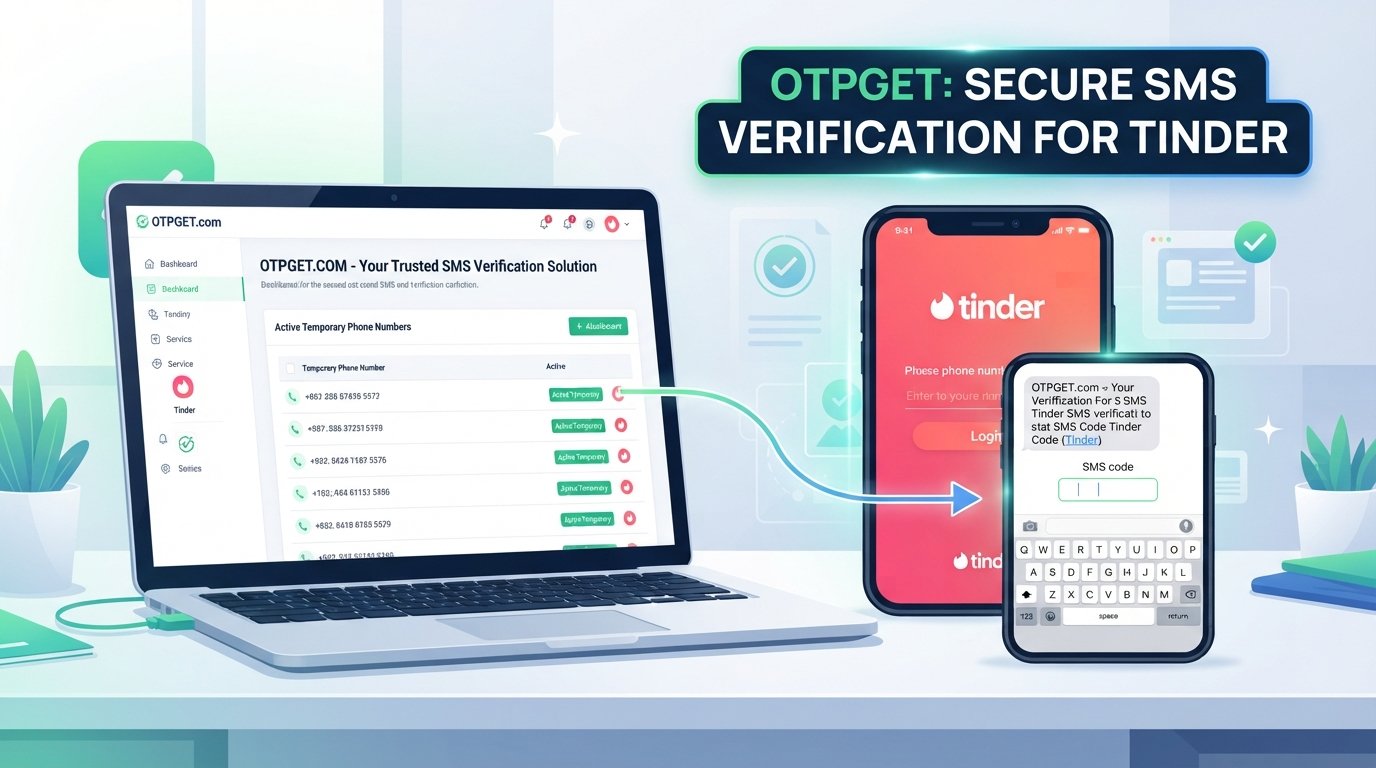
For users looking for an OTP verification service, OTPGET provides temporary phone numbers, rental numbers, and temporary email services for online verification and account registration. Its documentation also describes SMS OTP functionality for requesting numbers and checking activation status.
The important point is that OTPGET is a verification-service option, not a way to bypass Tinder's rules or security systems.
A typical compatible workflow can look like this:
- Choose the relevant verification service within OTPGET.
- Check whether the required country or service is available.
- Obtain an eligible number through the supported OTPGET workflow.
- Use that number only where the receiving platform permits it.
- Wait for the verification SMS.
- Retrieve the received code through the available OTPGET workflow.
- Enter the OTP into the service requesting verification.
OTPGET's documentation describes both temporary SMS numbers and longer-term rental numbers, along with methods for checking received SMS messages. Availability and compatibility can vary, so users should verify that the particular service they need is supported before proceeding.
That makes OTPGET potentially useful for people who need a practical way to handle an OTP-based verification step without making the verification process unnecessarily complicated.
It is also worth keeping the distinction clear: OTPGET is not presented as being affiliated with, endorsed by, or officially connected to Tinder.
For your site's internal SEO structure, this section is a natural place to link to [OTPGET services].
Common Tinder OTP Verification Problems
Even when the setup is straightforward, verification can sometimes become the slowest part.
OTP not arriving
An SMS may be delayed because of network conditions or carrier-related issues. Give the message some time before requesting another code.
Delayed SMS
If you have a weak connection or cellular service problem, check your network and try again later. Tinder specifically recommends checking connectivity when SMS verification is not working.
Incorrect verification code
Double-check the digits before submitting. If you're copying a code from an SMS, make sure you're using the newest valid message.
Expired OTP
One-time codes generally have a limited validity period. If a code is no longer accepted, request a new one rather than repeatedly submitting the expired code.
Too many verification attempts
Repeatedly requesting codes can make troubleshooting more confusing. Slow down, confirm that your phone or verification service is receiving messages, and follow the instructions shown by Tinder.
If you are using an OTP verification service, this is also a good point to check whether the selected number is still active and whether a message has actually been received.
Tips for Managing a Second Tinder Profile
Once the account is created, good account management matters just as much as the initial setup.
Keep your information organized
Know which phone number, email address, and sign-in method belong to each account. This can make future login or recovery much easier.
Use genuine information where required
Don't use misleading information simply to get around account controls. A smoother setup starts with information that complies with the platform's requirements.
Avoid suspicious activity
If something about the account setup doesn't work, troubleshoot it instead of repeatedly attempting the same action.
Protect your verification details
Never casually share OTPs with another person. Verification codes can be used to authenticate account access, so treat them as sensitive.
Keep your profile consistent
Photos, bio information, and other profile details should accurately represent the account you're using.
Check Tinder's rules regularly
Platform requirements can change. If you're unsure whether a particular second-account setup is allowed, consult Tinder's latest support documentation before proceeding.
Frequently Asked Questions
Can I create a second Tinder account?
It depends on Tinder's current rules and your account situation. Before creating another profile, review Tinder's current terms and requirements. If an account has been banned, Tinder says users cannot create new accounts.
How do I create another Tinder account?
Start with Tinder's normal account-creation process, provide the requested information, complete any phone or email verification, and finish your profile. The exact signup flow can vary by device and available sign-in method.
Does Tinder require phone verification?
Phone verification can be part of Tinder's signup and login processes. Tinder's current support documentation explains that users may be asked to verify their phone number during account creation.
What is a Tinder OTP?
A Tinder OTP is a one-time verification code sent through an available verification channel, such as SMS, when Tinder asks you to confirm access to a phone number.
Why am I not receiving my Tinder verification code?
Possible causes include SMS delays, connectivity problems, carrier issues, or an incorrect number. Check your connection, confirm the number, and allow some time for delayed messages before requesting another code.
Can OTPGET help with OTP verification?
OTPGET provides temporary and rental phone-number services and documents SMS OTP functionality. It can be a practical option when the relevant verification workflow is compatible with the service you are using. It should not be used to bypass platform restrictions or rules.
What should I do if my OTP expires?
Request a fresh verification code and use the newest valid code. Avoid repeatedly entering an expired OTP, and check that your phone or verification service is receiving messages correctly.
Final Thoughts
Setting up a Tinder second account is easier when you separate the process into two parts: creating the profile and completing verification.
The profile itself is usually straightforward. The verification stage can be more frustrating, particularly when an SMS is delayed, a code expires, or you don't have convenient access to the required verification number.
That's where a service such as OTPGET can provide a practical option for handling compatible OTP-based verification workflows. Its temporary and rental number services are designed around online verification and SMS reception, while users remain responsible for following the rules of the platform they're verifying with.
If you're considering another Tinder profile, prepare your information first, check Tinder's current requirements, and treat phone verification as an important part of the setup rather than an afterthought.
For readers who need an OTP verification solution, exploring OTPGET is a sensible next step.