Twitter (X) Verification Problems: Causes, Fixes & OTP Tips Guide
Twitter (X) Verification Problems: Causes and Quick Fixes
Few things are more frustrating than being ready to log in to Twitter (X) only to get stuck waiting for a verification code that never arrives. Sometimes the SMS is delayed. Sometimes the code arrives too late, gets rejected, or the phone number itself is not accepted.
These Twitter (X) verification problems can happen for several legitimate reasons, including SMS delivery issues, carrier restrictions, incorrect numbers, network problems, too many verification attempts, expired codes, or temporary service issues.
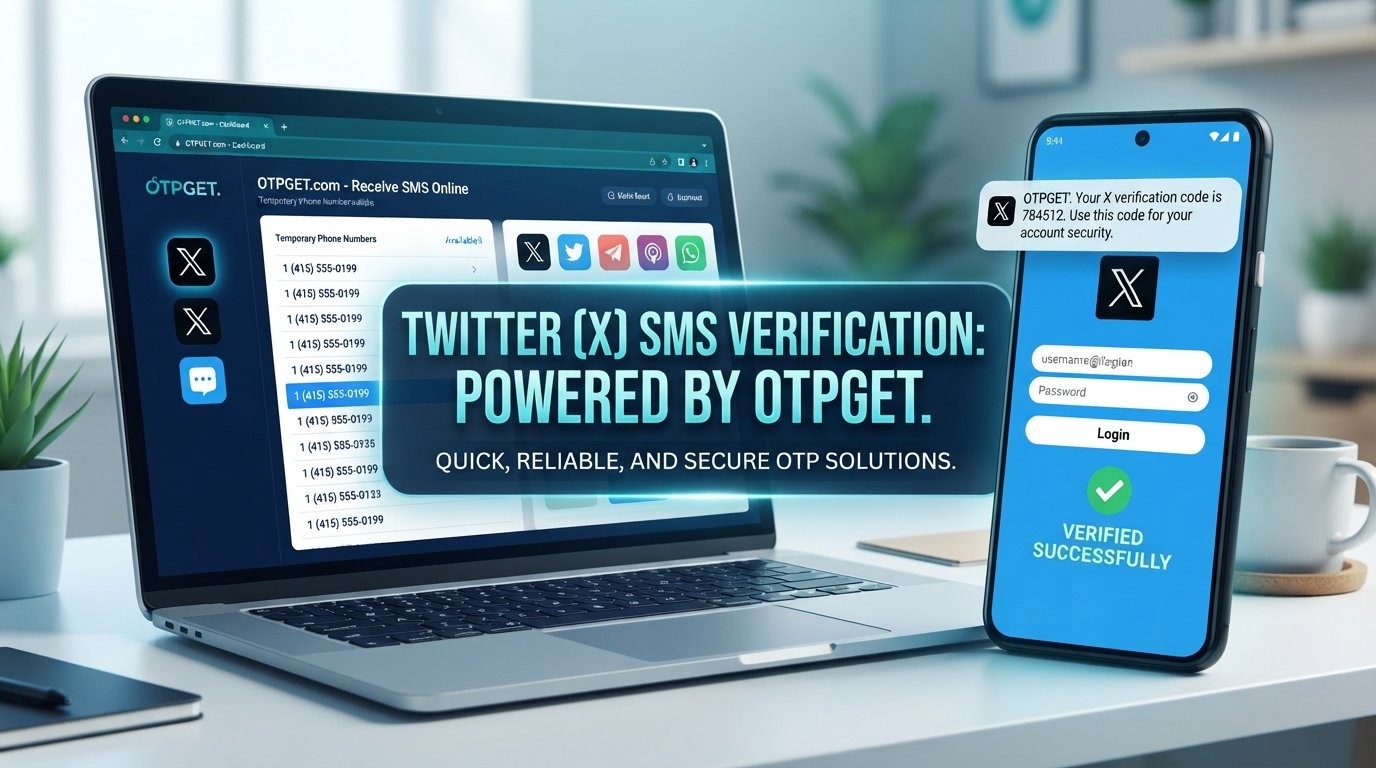
The good news is that many verification problems can be resolved with a few straightforward checks. And if your regular phone number is unavailable or unsuitable for receiving a verification message, OTPGET can be a practical option for accessing an alternative number for OTP delivery.
Let's look at the most common problems and the quickest ways to troubleshoot them.
Why Are Twitter (X) Verification Codes Not Working?
A verification code can fail even when you have entered everything correctly. The problem may occur before the code reaches your phone, while the code is being entered, or because the phone number does not meet the platform's requirements.
Common causes include:
-
Incorrect phone number: A missing digit, wrong country code, or outdated number can prevent delivery.
-
Weak or delayed SMS delivery: Poor network coverage or carrier congestion can delay text messages.
-
Carrier restrictions: Some mobile operators may limit certain automated or short-code messages.
-
Network problems: Your phone may have limited connectivity even though other services appear to work.
-
Too many verification attempts: Repeated requests can make the process temporarily unavailable.
-
Temporary service issues: A technical problem can affect SMS or account verification.
-
Expired codes: Verification codes are generally time-sensitive. An older code may no longer work.
-
App or browser issues: A stale session, outdated app, or browser problem can interfere with login verification.
-
Country or number compatibility: Not every phone number or number type will necessarily be accepted for every verification flow.
-
Other security restrictions: X may require additional verification depending on the account or login situation.
The important point is that a failed code does not automatically mean your account is permanently blocked.
Common Twitter (X) Verification Problems
Different users see different symptoms, but several problems appear repeatedly.
OTP Not Received
This is perhaps the most common complaint. You request a code, wait, and nothing appears in your SMS inbox.
The issue could be your carrier, mobile signal, number format, or a temporary delivery delay. Before requesting another code, give the first request some time to arrive.
Verification Code Delayed
Sometimes the message arrives several minutes after you request it. If you immediately request multiple codes, you can end up with several messages and uncertainty about which one is current.
Code Expired or Invalid
A verification code may stop working after a limited period. Using an older code after requesting a newer one can also lead to an invalid-code message.
Phone Number Rejected
X may reject a number because of its format, type, previous use, compatibility, or other platform-side restrictions. A number that works for ordinary SMS does not necessarily mean it will be accepted for every verification process.
SMS Verification Failure
Your phone may be able to receive normal messages while automated verification SMS messages fail. This can point to carrier filtering, service-specific delivery issues, or temporary restrictions.
Verification Loop
Some users repeatedly return to the same verification screen even after entering a code. This can sometimes be related to an expired session, app problem, browser issue, or incomplete verification process.
Login Verification Issues
A login from a new device, browser, or unfamiliar environment may trigger an additional verification step. If the associated phone number cannot receive the message, account access can become frustratingly difficult.
Quick Fixes for Twitter (X) Verification Problems
Before trying an alternative number, work through these basic troubleshooting steps.
-
Check your phone number carefully.
Confirm every digit and make sure the country code is correct. -
Wait before requesting another code.
Repeated requests can create confusion and may temporarily limit further attempts. -
Check your mobile signal.
Move to an area with better reception or reconnect to your mobile network. -
Restart your phone or network connection.
A quick restart can resolve temporary connectivity or SMS delivery problems. -
Check blocked messages and SMS filters.
Your phone or carrier may automatically filter certain automated messages. -
Try the official X app or a supported browser again.
If one environment behaves unexpectedly, retrying through another legitimate access method may help. -
Avoid repeatedly requesting codes.
Give each request enough time before deciding that it failed. -
Confirm that your number can receive SMS.
Test ordinary SMS delivery if necessary. -
Consider another legitimate verification method when available.
Depending on the account and verification flow, another method may be offered. -
Consider a reputable OTP solution if an alternative number is appropriate.
If your personal number is unavailable or unsuitable, a service such as OTPGET may provide a practical alternative for receiving verification messages.
What to Do If Twitter (X) OTP Is Not Received
If you are specifically searching for “Twitter OTP not received” or “Twitter verification code not received,” start by checking the basics rather than immediately requesting another code.
First, verify that the phone number is correct and that your phone has a working mobile connection. Check whether other SMS messages are arriving normally. Then look for blocked messages, SMS filtering, or carrier restrictions.
If you requested multiple codes, avoid entering an older message by mistake. Use the most recent valid code available.
Still nothing?
At that point, an alternative verification method may be worth considering. If you legitimately need a separate number to receive a verification SMS, OTPGET can be a practical option. It gives users an alternative route for receiving OTP messages when their regular number is unavailable or unsuitable.
The key is to use any alternative number responsibly and only for legitimate account verification.
How OTPGET Can Help With Verification Problems
When ordinary phone verification becomes the obstacle, the issue is not always the X account itself. Sometimes the real problem is simply that your regular phone number cannot receive the required SMS.
This is where OTPGET can be useful.
OTPGET provides an option for users who need access to temporary phone numbers for receiving verification codes. Instead of depending entirely on a personal number that may be unavailable, blocked from certain automated messages, or inconvenient to use, users can consider an alternative number through an OTP service.
Potentially useful situations include:
-
Your regular phone cannot receive the verification SMS.
-
You need a separate number for a legitimate verification purpose.
-
You prefer not to use your personal number for a particular verification workflow.
-
Your current number is experiencing SMS delivery problems.
-
You need an online OTP service for receiving a verification message.
The important distinction is that OTPGET is a tool for receiving verification messages, not a way to bypass X security or account restrictions. A temporary or alternative number may not be accepted in every verification flow, and acceptance can depend on the platform's own requirements.
Need an alternative number for receiving a verification code? OTPGET can be a practical option when your regular number is unavailable or unsuitable.
Always follow X's applicable rules and use verification services only for accounts and activities you are authorized to access.
Twitter Verification Code Not Working? Try These Steps
If the verification code still does not work, use this quick checklist:
-
Confirm the phone number and country code.
-
Request a new code only after giving the previous request enough time.
-
Use the newest code rather than an older message.
-
Make sure your phone has mobile service.
-
Check SMS filters and blocked messages.
-
Restart the app, browser, or device if necessary.
-
Avoid making repeated verification attempts.
-
If the number is rejected, consider whether another legitimate verification option is available.
-
If your personal number is unsuitable, consider OTPGET for an alternative OTP-receiving option.
If none of these steps resolves the issue, the problem may be on the platform or carrier side rather than something you can fix locally.
Temporary Phone Number for Twitter (X) Verification
A temporary phone number is a number that can be used for a limited verification purpose rather than relying on your everyday personal number.
There are several legitimate reasons someone might consider one. Your regular SIM could be unavailable, SMS delivery could be unreliable, or you may simply need a separate number for a particular verification workflow.
However, temporary numbers are not universally accepted. A platform can reject a number based on its type, history, carrier, region, or other security checks. For that reason, never assume that every temporary number will work with every X verification request.
If you decide that an alternative number is appropriate, OTPGET is worth considering as an OTP verification service. It can provide a practical way to receive an OTP online without depending solely on your personal phone number.
Use the service responsibly, keep your account information secure, and remember that successful receipt of an OTP does not override any other account requirements.
Twitter (X) Verification Problems: What to Avoid
Some verification problems become worse because of repeated or unsafe attempts.
Avoid these common mistakes:
-
Requesting multiple codes in rapid succession.
-
Entering an expired verification code.
-
Using an incorrectly formatted phone number.
-
Switching between verification methods repeatedly without waiting.
-
Relying on suspicious or unreliable SMS services.
-
Sharing your OTP with another person.
-
Assuming an alternative number automatically guarantees acceptance.
-
Ignoring X's account and security requirements.
Most importantly, never share a verification code with another person or service representative unless the platform's legitimate process explicitly requires it. A verification code is sensitive account-security information.
If someone asks you to send them an OTP so they can “verify” your account for you, treat that as a serious warning sign.
Frequently Asked Questions
Why is my Twitter verification code not arriving?
The message may be delayed because of carrier problems, weak signal, SMS filtering, an incorrect number, repeated requests, or a temporary service issue. Check your number and connection before requesting another code.
Why is Twitter not sending an OTP?
If an OTP does not arrive, confirm that the phone number is correct and capable of receiving SMS. Also check blocked messages and avoid repeatedly requesting new codes.
Why does my Twitter verification code say it is invalid?
The code may have expired, or you may be entering an older code after requesting a newer one. Request a fresh code when appropriate and enter the current code carefully.
How can I fix Twitter phone verification problems?
Start by checking the number, country code, mobile connection, SMS filters, and app or browser session. If your regular number remains unsuitable, consider a legitimate alternative verification method.
Can I use a temporary phone number for Twitter verification?
A temporary number may be an option for some legitimate verification flows, but acceptance is determined by X. Not every temporary or virtual number will necessarily be accepted.
What is OTPGET?
OTPGET is an OTP-focused service that can provide access to alternative phone numbers for receiving verification messages. It can be useful when a personal number is unavailable or unsuitable for a particular verification process.
Can OTPGET help me receive a verification code?
OTPGET can be a practical option when you need an alternative number for receiving an OTP. However, it cannot guarantee that a particular number will be accepted by X or that account verification will succeed.
Final Thoughts
Twitter (X) verification problems can be caused by something as simple as an incorrect number or delayed SMS, but they can also involve carrier restrictions, expired codes, repeated requests, app issues, or platform-side verification requirements.
Start with the basics: check your number, confirm SMS availability, wait between attempts, use the latest code, and avoid repeatedly requesting verification messages.
If your regular phone number is the main obstacle, an alternative OTP solution can make the process more practical. OTPGET can be worth considering when you need an alternative number for receiving a verification code, while still keeping the process within legitimate account-verification requirements.
If you're still stuck with Twitter OTP issues, explore OTPGET as a practical option for receiving verification messages through an alternative number.