Twitter Second Account: Beginner Setup & OTP Verification Guide

Twitter (X) Second Account: A Beginner Setup Guide
Running more than one social media identity can be useful when your personal conversations, professional work, hobbies, or community activity need their own space. A Twitter second account can help you keep those different purposes organized without mixing everything into one profile.
For example, you might want one account for personal posts and another for a business, project, niche interest, or community. The setup is generally straightforward, although some users may encounter additional phone or OTP verification during registration.
This guide explains how to create a second Twitter account, what you may need before signing up, how phone verification works, and what to do when a verification code does not arrive. It also explains where a service such as OTPGET may fit into the process when you need a phone-number-based OTP verification option.
Can You Have a Second Twitter/X Account?
Yes, users can manage multiple Twitter/X accounts for legitimate purposes, although the exact signup experience, account-management features, and verification requirements can change.
A second account can be useful when you want to keep two identities or content themes separate. Instead of combining professional updates, personal conversations, and niche content under one profile, separate accounts can make each profile easier to manage.
The important point is to use each account responsibly and follow Twitter/X's applicable rules. Having multiple accounts should not be treated as a way to evade restrictions, impersonate others, spam users, or manipulate engagement.
Why Create a Second Twitter/X Account?
There are plenty of practical reasons to maintain separate Twitter/X profiles.
Common examples include:
-
Personal and professional separation: Keep personal conversations separate from work-related posts.
-
Business or brand management: Give a company, product, or project its own social presence.
-
Niche content: Create an account dedicated to technology, sports, entertainment, gaming, or another specific interest.
-
Community management: Manage a separate profile for a club, community, event, or online group.
-
Content experiments: Test different content styles or topics without changing the focus of your primary profile.
-
Different audiences: Keep communications organized when two groups of followers have very different interests.
The goal is organization rather than simply accumulating accounts. Each profile should have a clear purpose and be managed consistently.
What You Need Before Creating a Second Account
Before starting your Twitter second account setup, prepare the basic information you are likely to need.
Depending on the signup flow presented to you, this may include:
-
A working email address
-
A preferred username or handle
-
A strong password
-
Basic profile information
-
A phone number if Twitter/X requests one
-
Access to the relevant verification code or OTP
-
Recovery and security information
It is also worth deciding what the new account is for before registration. Choosing a clear purpose makes it easier to select a suitable username, profile description, and content strategy.
If phone verification is requested, make sure you understand where the verification code will be delivered and that you have legitimate access to the number being used.
How to Create a Second Twitter/X Account
The exact screens can vary by device, location, and Twitter/X's current registration process, but the general Twitter account setup process looks like this:
-
Open Twitter/X.
Start from the official Twitter/X website or app and begin the account creation process. -
Choose the signup option.
Follow the prompts to create another account rather than logging into your existing profile. -
Enter the requested information.
Provide the information requested during registration, such as an email address and other account details. -
Choose a username.
Select an available handle that fits the purpose of the new profile. Avoid usernames that could confuse people about your identity or affiliation. -
Complete any requested verification.
Twitter/X may ask for additional verification during registration. This can include phone-number verification. -
Enter the OTP or verification code.
If an SMS verification code is sent to your phone, enter the code in the appropriate field before it expires. -
Complete your profile.
Add a profile photo, biography, and other relevant information. Make the account's purpose clear. -
Review security settings.
Use a unique password and review available account-security options, including appropriate two-factor authentication features. -
Log in and manage the account.
Once setup is complete, use Twitter/X's available account-management features to move between profiles when supported.
Not every user will see the same registration sequence. Twitter/X can change its interface and verification requirements, and additional checks may appear depending on circumstances.
Twitter Phone Number Verification Explained
Phone verification is one of the parts of Twitter/X second account setup that can confuse beginners.
An OTP, or one-time password, is a temporary verification code. When a service sends an SMS verification code to a phone number, the code helps confirm that the person completing the registration has access to that number.
A typical process looks like this:
Enter phone number → Request code → Receive SMS → Enter OTP → Continue setup
Verification codes are generally time-sensitive. If a code expires, you may need to request another one.
There are also situations where an OTP can take longer to arrive. Network congestion, carrier delivery issues, incorrect numbers, country-specific limitations, repeated requests, or temporary service problems can all contribute.
Never give a verification code to another person simply because they request it. OTPs are intended for the verification process they were issued for.
Common Twitter/X OTP Verification Problems
Having trouble receiving a Twitter verification code does not necessarily mean something is wrong with your account. Try these practical checks first:
OTP not arriving
Wait briefly before requesting another code. Repeatedly requesting new codes can sometimes make troubleshooting more confusing and may result in older codes becoming invalid.
Incorrect phone number
Check the number and country information carefully. A small mistake can send the SMS somewhere else or prevent delivery altogether.
Expired verification code
If the code is no longer accepted, request a new one and use the latest code rather than an older message.
Too many verification attempts
If you have requested several codes in a short period, pause and try again later rather than continuously submitting new requests.
SMS delivery problems
Your mobile carrier, network conditions, or the receiving number itself may affect SMS delivery. Checking your phone's signal and message inbox can help identify simple problems.
Unsupported number type
Some platforms may not accept every type of number for verification. Acceptance can depend on the platform, country, carrier, and whether the number is mobile, virtual, or otherwise categorized.
Temporary service issues
Sometimes the issue is outside your control. If everything appears correct, waiting and trying again later may be more effective than repeatedly changing account information.
Using OTPGET for Twitter/X OTP Verification
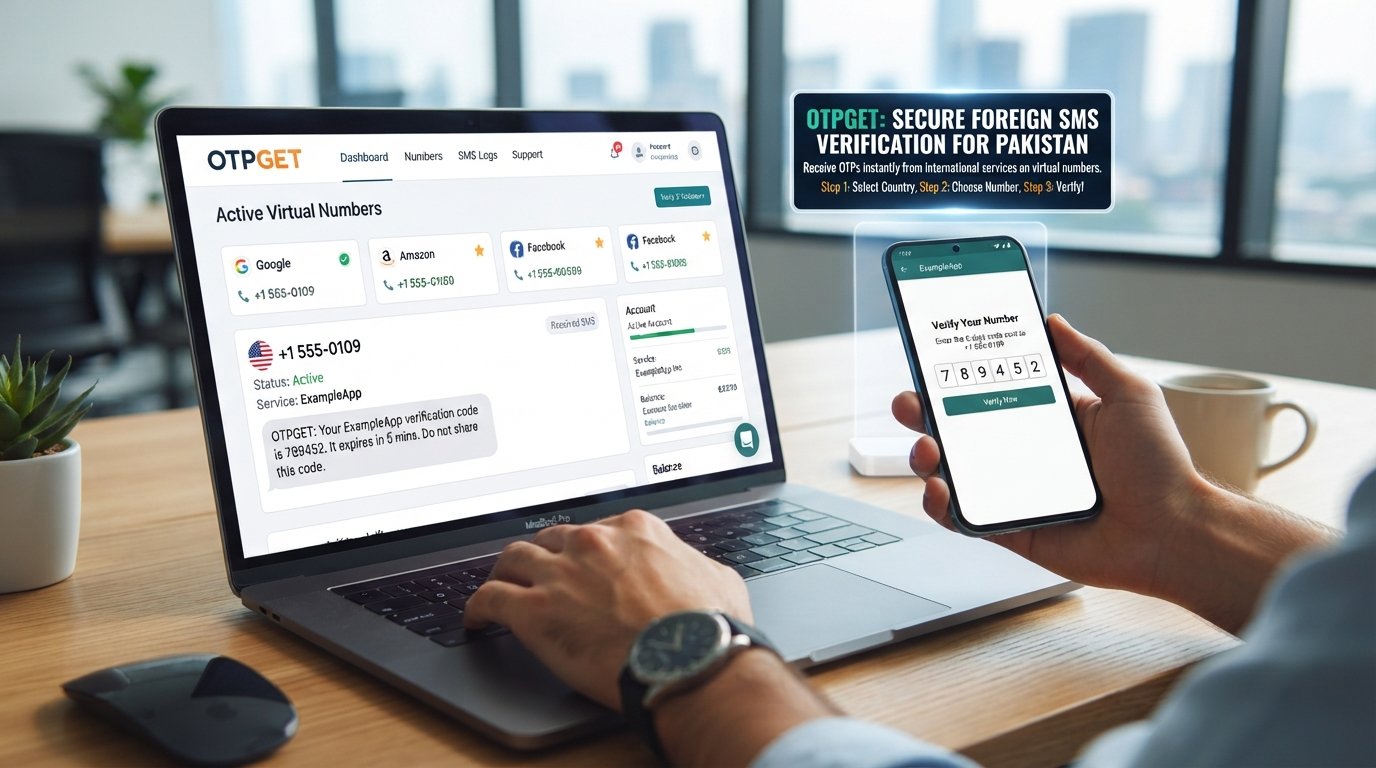
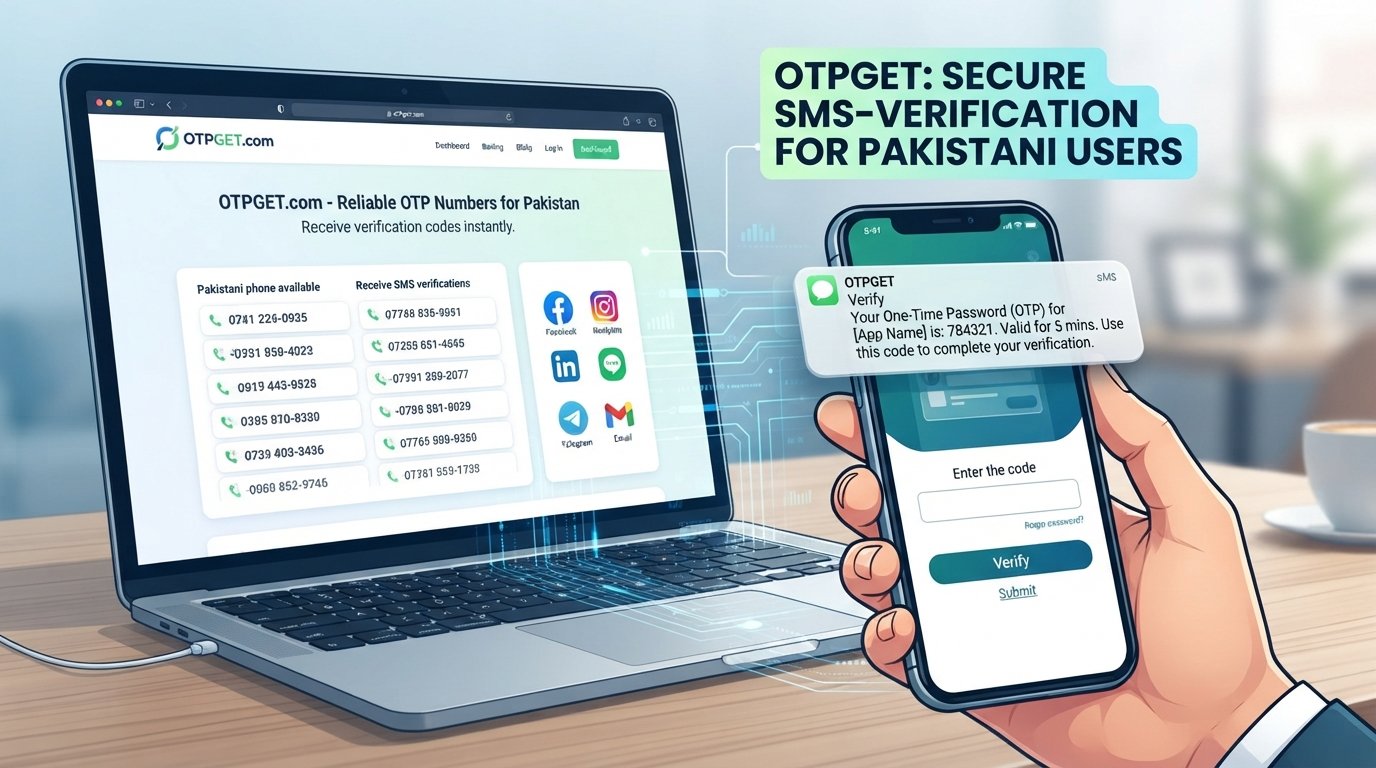
For users who need a phone-number-based verification option, OTPGET can be worth considering as part of the account setup process.
OTPGET is relevant when you are looking for access to phone-number-based OTP verification services. The exact numbers or services available can vary, and whether a particular number is accepted depends on the platform's current requirements.
A general process may look like this:
-
Visit OTPGET.
-
Review the available phone-number or OTP options.
-
Select an appropriate option if one is available for your intended use.
-
Use the provided number only where its use is permitted.
-
Enter the number on the relevant Twitter/X verification screen if requested.
-
Request the verification code.
-
Retrieve the OTP through the applicable OTPGET service.
-
Enter the code on the verification screen and continue the account setup if Twitter/X accepts it.
The important distinction is that an OTP service does not guarantee that a particular platform will accept every number. Platform requirements can change, and number acceptance may vary by country, number type, carrier, and current verification controls.
Why Consider OTPGET?
OTPGET can be a practical option for users who specifically need access to a phone-number-based OTP verification service rather than relying solely on their personal number.
However, it should be used responsibly. It should not be viewed as a method for bypassing Twitter/X security, restrictions, account bans, or platform policies. Always use a number and verification service in accordance with the applicable terms and requirements.
Tips for Managing Multiple Twitter/X Accounts
Creating another profile is only the beginning. Good account management helps prevent mistakes and security problems.
Consider these habits:
-
Use unique passwords: Do not reuse the same password across accounts.
-
Enable available security features: Review two-factor authentication and other account-security settings.
-
Keep recovery information current: Make sure you can regain access if you are logged out.
-
Give each account a clear purpose: This reduces confusion when switching between profiles.
-
Check which account is active: Before posting, confirm that you are using the intended profile.
-
Separate account information where appropriate: Keep each profile's branding and profile details consistent with its purpose.
-
Review privacy settings: Choose settings that match how publicly you want to use each account.
-
Follow platform rules: Multiple accounts should be managed honestly and responsibly.
The last point is especially important. A second account is useful when it solves an organizational need—not when it is used to circumvent enforcement or abuse other users.
Twitter/X Second Account: Best Practices
A few simple practices can make a second-account setup much easier to maintain.
First, decide what the account represents before publishing content. A clearly defined purpose makes everything from the username to the profile description easier to choose.
Next, maintain separate credentials and security information. If two accounts serve different purposes, treating them as separate security environments can reduce the impact of a compromised password.
It is also smart to create a simple posting routine. When managing multiple Twitter accounts, check the profile name, avatar, and active account before publishing anything. This small habit can prevent an embarrassing post from appearing on the wrong profile.
Finally, review your account settings periodically. Twitter/X can change features and requirements, so do not assume that a setting or verification process will remain identical indefinitely.
Frequently Asked Questions
Can you have two Twitter/X accounts?
Yes, users can manage multiple Twitter/X accounts for legitimate purposes. The available account-management and signup features can vary, so follow the current options presented by Twitter/X.
How do I create a second Twitter account?
Start a new Twitter/X signup process, provide the requested information, choose an available username, complete any required verification, and finish your profile and security settings.
Does a second Twitter/X account need phone verification?
Not necessarily in every case. Verification requirements can vary depending on the signup flow and other circumstances. If Twitter/X requests a phone number, you will need to complete the requested verification step to continue.
Why am I not receiving my Twitter/X OTP?
Check the phone number, wait for possible SMS delays, avoid repeatedly requesting codes, and make sure you are using the newest verification code. Carrier, country, number-type, or temporary service issues can also affect delivery.
What is a Twitter verification code?
A Twitter verification code is a temporary code used during certain account or security verification processes. If delivered by SMS, it confirms access to the associated phone number for that particular verification step.
Can OTPGET help with OTP verification?
OTPGET can be an option for users looking for a phone-number-based OTP verification service. However, acceptance is determined by the platform and can vary by number type, country, and current verification requirements. It does not guarantee Twitter/X verification.
Is a temporary or virtual number always accepted by Twitter/X?
No. A temporary or virtual number is not guaranteed to be accepted. Platform policies, country, carrier, number type, and current verification controls can affect whether a number works.
Final Thoughts
A Twitter second account can be useful when you need to separate personal activity from professional work, manage a brand, focus on a niche, or participate in different communities.
The basic Twitter second account setup is straightforward, but phone verification can sometimes become the most frustrating part of registration. Understanding OTPs, checking common SMS problems, and using legitimate verification options can make the process easier.
For users looking for a phone-number-based OTP service, OTPGET is an option worth exploring. Just remember that verification acceptance depends on Twitter/X's current requirements, and no third-party OTP service should be treated as a guarantee or a way to bypass platform rules.
Set up each account with a clear purpose, protect your login credentials, and use verification services responsibly.