Two-Factor Authentication: A Beginner's Guide to 2FA Security
What Is Two-Factor Authentication? A Beginner's Guide
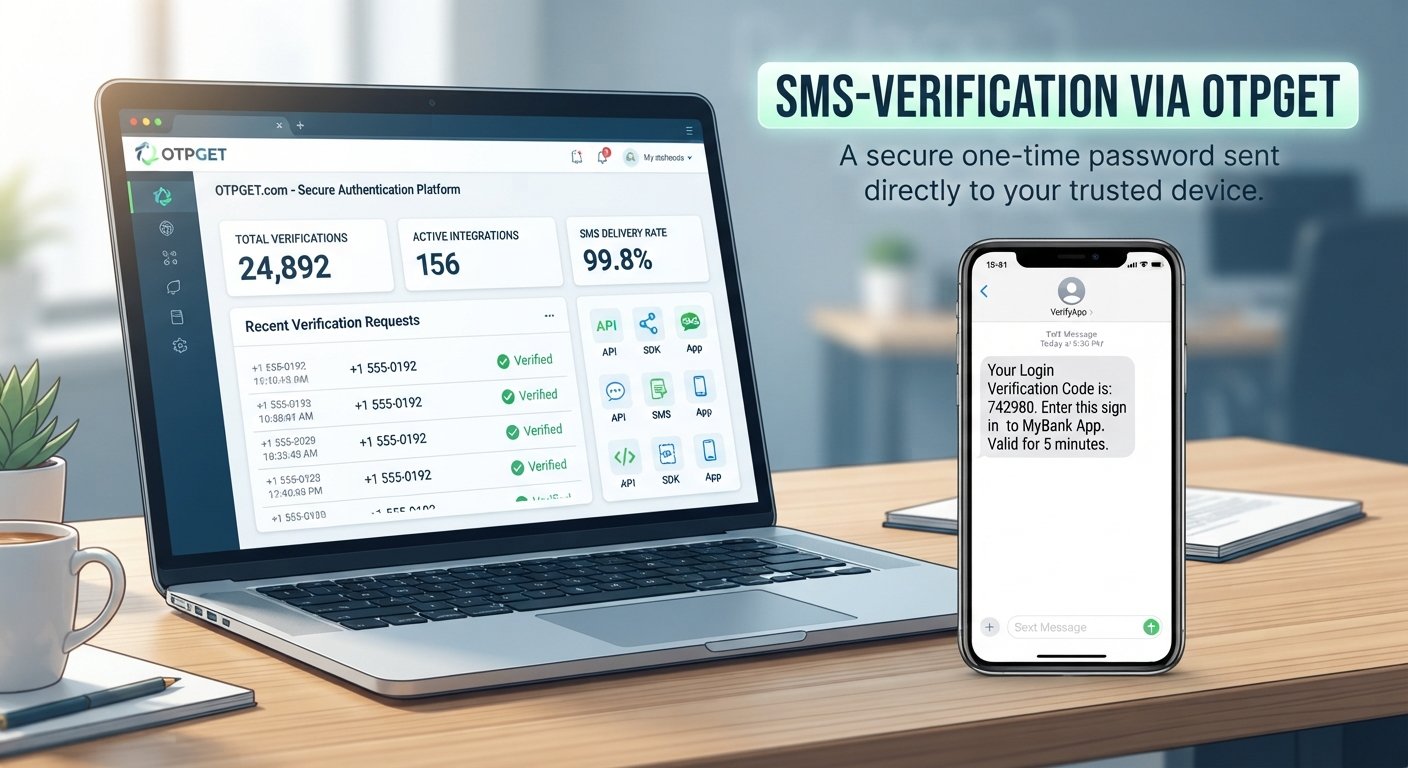
Imagine logging into your email, business dashboard, or banking account with your usual password. You enter it correctly, but the service then asks you for a short verification code sent to your phone. That extra step is an example of two-factor authentication, commonly called 2FA.
Passwords remain an important part of account security, but they can be stolen, guessed, reused, or exposed through phishing and data breaches. Two-factor authentication adds another layer of verification, making a password alone insufficient to complete the login.
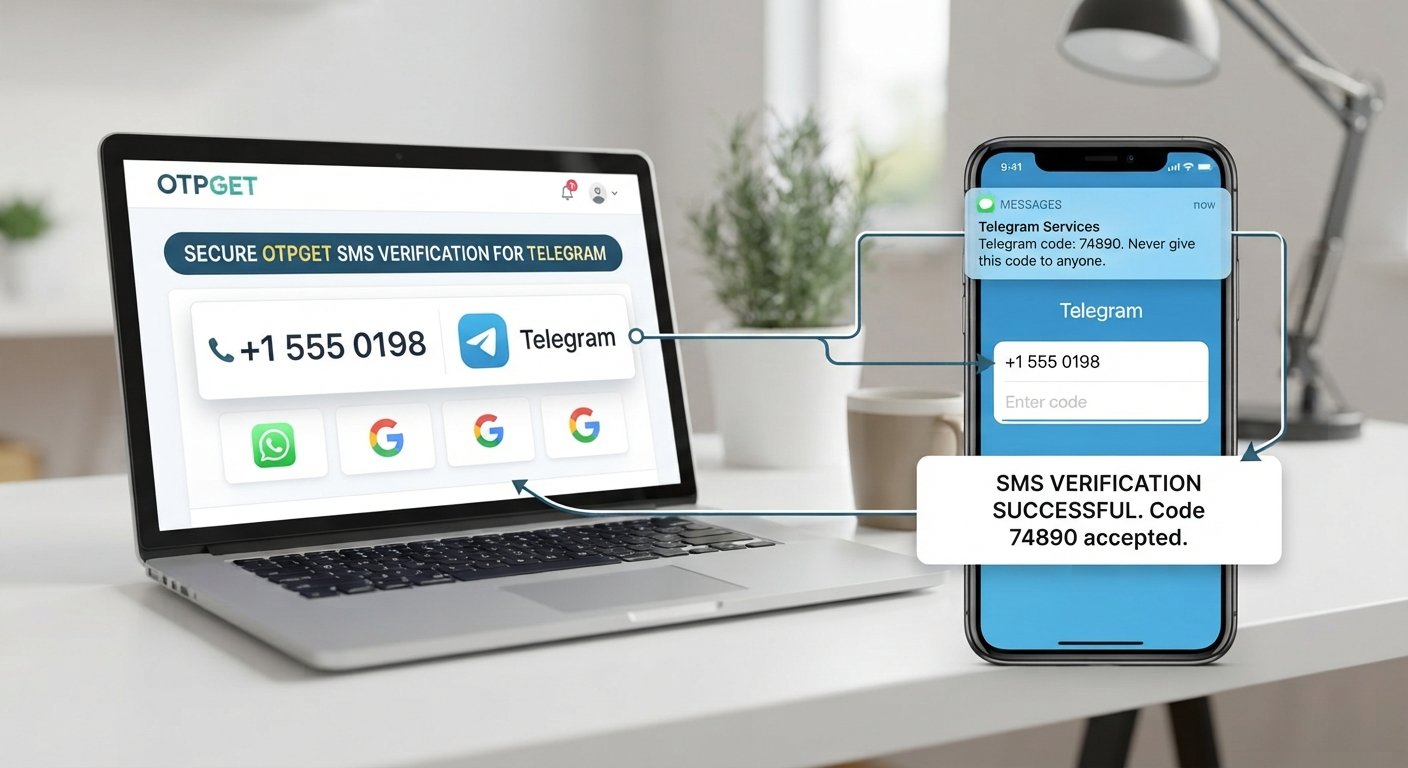
OTP authentication is one of the most familiar ways to add that second layer. A one-time code can help verify that the person attempting to sign in or complete an action has access to a trusted device or communication channel.
Understanding how 2FA works is useful for both everyday users and businesses building websites, applications, and digital services.
What Is Two-Factor Authentication?
So, what is two-factor authentication? In simple terms, two-factor authentication is a security process that requires two different types of evidence to verify a user's identity.
Instead of asking only for a password, a 2FA-enabled service asks for a second factor. The two factors should come from different authentication categories:
- Something you know: A password, PIN, or security answer.
- Something you have: A phone, authentication device, security key, or trusted device.
- Something you are: A biometric characteristic such as a fingerprint or facial recognition.
Two-factor authentication specifically combines two of these categories. For example, a password is something you know, while an OTP delivered to your phone can serve as something you have.
The important idea is that access does not depend on a single credential. If a password is compromised, the second factor can provide an additional verification step.
How Does Two-Factor Authentication Work?
How does two-factor authentication work? The exact experience varies between services, but a typical login process looks like this:
- The user enters their username and password.
- The system requests a second verification factor.
- The user receives or generates a verification code.
- The user submits the code.
- The system verifies the code and grants access if the information is valid.
This is also the basic answer to “how does 2FA work?” The second factor may be an authentication app, security key, biometric check, push approval, or OTP verification.
With OTP-based authentication, the system generates a temporary code and sends or presents it through an appropriate channel. The user enters the code, and the service checks whether it is valid before completing the authentication or verification process.
What Is an OTP?
OTP stands for One-Time Password. It is also commonly called a One-Time Passcode, authentication code, or verification code.
An OTP is generally designed for a specific authentication or verification event and is intended to be used once, often within a limited validity period. For example, a service may send a short numeric code when someone logs into an account or verifies a phone number.
OTPs can support several workflows, including:
- Login verification
- Phone number verification
- Account registration
- Password resets
- Account recovery
- Sensitive-action confirmation
- New-device verification
An OTP is not automatically a complete security solution by itself. Its effectiveness depends on how the overall authentication system is designed and how users protect the devices and channels involved.
Common Two-Factor Authentication Methods
There are several common two-factor authentication methods. Each has different usability and security considerations.
SMS Codes
A service sends a temporary code to the user's registered phone number. SMS authentication is familiar and relatively straightforward for users, making SMS OTP a common verification approach.
However, businesses should consider risks associated with phone-number security, message delivery, and social engineering.
Authentication Apps
An authentication app can generate temporary verification codes directly on a device. This approach does not require a text message for every code, although users still need access to their configured device.
Email Verification Codes
A temporary code can be sent to a user's email address. This can be convenient for account verification, although the security of the email account itself becomes an important consideration.
Hardware Security Keys
Security keys are physical devices that can be used to authenticate a user. They can provide strong protection, but users need access to the physical key and the service must support the relevant authentication technology.
Biometrics
Fingerprint recognition, facial recognition, and similar methods use characteristics associated with the user. Biometrics can be convenient, but they involve different privacy, device, and recovery considerations than passwords or OTPs.
Push Authentication
A service can send an approval request to a trusted device. The user reviews the request and approves or rejects the login attempt.
No single authentication method is ideal for every situation. Organizations should consider their users, risk profile, application requirements, and usability needs.
Why Is Two-Factor Authentication Important?
The main value of 2FA is that it adds another layer of protection beyond a password.
If someone obtains a user's password, they may still face another verification step before gaining access to the account. This can reduce the impact of some password-related attacks and strengthen overall login security.
For individuals, this can mean stronger protection for email, social accounts, financial services, and other online resources. For businesses, it can support safer digital services and help protect customer and employee accounts.
Two-factor authentication can contribute to:
- Stronger account security
- Better password security
- More secure login processes
- Additional protection for sensitive accounts
- Safer access to business applications
- Greater confidence in digital identity and user verification
2FA should still be treated as one component of a broader online security strategy rather than a replacement for secure passwords, access controls, monitoring, and user education.
Two-Factor Authentication Examples
2FA becomes easier to understand when you see it in everyday situations.
Logging into an email account: A user enters a password and then enters a code generated by an authentication app.
Accessing an online banking service: The service may request an additional verification step before allowing access or confirming a sensitive action.
Signing into a business application: An employee enters their credentials and confirms the login using a trusted device.
Verifying a new device: A user signs into an account from a new device and must enter a temporary authentication code.
Confirming a sensitive action: A service requests another verification step before changing important account settings or completing a transaction.
Creating or recovering an account: A phone number or email address may be verified with a one-time code to help confirm the user's access to that channel.
These examples show how authentication can be used at different points in the customer or employee journey.
Two-Factor Authentication vs. Multi-Factor Authentication
Two-factor authentication and multi-factor authentication are related but not exactly identical.
2FA specifically uses two authentication factors. For example, a password plus an OTP can form a two-factor authentication process.
MFA, or multi-factor authentication, is a broader term for authentication involving multiple factors. Depending on the system, MFA can involve two or more distinct factors.
In everyday discussions, people sometimes use 2FA and MFA interchangeably. Technically, however, 2FA describes the specific case where two factors are used.
How Businesses Use OTP Authentication
Businesses often need to verify users at several stages of the customer journey. OTP authentication can support these workflows without requiring users to remember another permanent password.
Common use cases include:
- Account registration
- Login verification
- Phone number verification
- Password reset
- Account recovery
- Transaction confirmation
- Customer identity verification
- Suspicious-login verification
- Application authentication
For example, an online service may ask a new customer to verify their phone number during registration. A business application may use an OTP as an additional login step. A digital platform may also request a verification code before allowing an important account action.
Implementing these workflows usually requires dependable OTP delivery and verification infrastructure. Developers may use an OTP API, OTP verification API, or OTP verification service to connect authentication functionality with their websites and applications.
How OTPGET Can Help With OTP Authentication
For businesses and developers that need OTP-based verification, OTPGET provides a practical way to approach authentication and verification workflows.
Rather than treating OTP functionality as an isolated feature, businesses can use an OTP solution as part of broader user authentication and verification processes. Common applications include phone verification, account access, registration, recovery, and other workflows where confirming user access to a communication channel is useful.
OTPGET can help businesses:
- Implement OTP verification workflows
- Support OTP-based authentication and verification use cases
- Simplify phone verification and user verification processes
- Help developers integrate verification into digital products
- Support secure authentication workflows
For development teams, an OTP API or OTP verification API can be particularly useful when authentication needs to become part of an existing website, application, or digital service.
The right implementation still depends on the business's specific requirements, user journey, security controls, and chosen verification channel. OTPGET can be considered as part of that implementation when a business needs an OTP verification service for its authentication workflows.
Benefits of Using OTPGET for Verification
Using an OTP-based solution can help businesses build clearer and more consistent verification journeys.
Potential practical benefits include:
- Streamlined verification: Make OTP-based verification part of defined user workflows.
- Easier onboarding: Verify users during registration without relying entirely on passwords.
- Stronger authentication workflows: Add another verification step where appropriate.
- Convenient verification: Give users a familiar one-time-code experience.
- Developer-friendly implementation: Use OTP-focused infrastructure when building verification into digital products.
- Improved user experience: Keep verification steps understandable and focused.
- Scalable workflows: Support OTP verification across different business use cases as requirements grow.
The specific implementation should always be designed around the application's security needs and user experience.
Best Practices for Two-Factor Authentication
Whether you are protecting a personal account or designing authentication for customers, a few simple practices can make a meaningful difference.
- Use strong, unique passwords for important accounts.
- Enable 2FA wherever it is available and appropriate.
- Never share verification codes with unknown callers, messages, or websites.
- Treat unexpected OTP requests as potential warning signs.
- Keep recovery information updated.
- Use trusted authentication methods and devices.
- Monitor accounts for suspicious login activity.
- Protect the phones and devices used for authentication.
- Educate employees and customers about phishing and social engineering.
- Build clear recovery procedures for users who lose access to their authentication method.
Businesses should also make sure their authentication experience explains why a verification code is being requested and how users can report suspicious activity.
Is Two-Factor Authentication Worth Using?
For many accounts and digital services, adding a second authentication factor can strengthen protection compared with relying only on a password.
At the same time, different methods have different security, usability, availability, and recovery considerations. SMS, authentication apps, security keys, biometrics, and other approaches should be evaluated according to the needs of the users and the service.
The key principle is simple: authentication does not have to depend on a password alone. A carefully implemented second factor can provide another layer of account protection and make unauthorized access more difficult.
Frequently Asked Questions About Two-Factor Authentication
What is two-factor authentication?
Two-factor authentication is a security method that requires two different authentication factors, such as a password and an OTP, before access is granted.
How does two-factor authentication work?
A user first provides one factor, usually a password, and then completes a second verification step. The second step may involve an OTP, authentication app, security key, biometric check, or another supported method.
What is an OTP?
An OTP, or one-time password, is a temporary authentication or verification code generally intended for one use and a limited validity period.
Is OTP the same as 2FA?
No. An OTP is a type of authentication mechanism that can be used as one factor in a 2FA process. OTP can also be used for standalone verification workflows.
What are common two-factor authentication methods?
Common methods include SMS codes, authentication apps, email codes, hardware security keys, biometrics, and push authentication.
Why is two-factor authentication important?
Two-factor authentication adds another verification layer beyond a password, which can help strengthen account security and reduce the impact of some compromised-password scenarios.
Can businesses use OTP verification for customer authentication?
Yes. Businesses can use OTP verification for workflows such as registration, phone verification, login, account recovery, and confirmation of sensitive actions.
What is an OTP verification API?
An OTP verification API is an interface that allows an application to connect with OTP-based verification functionality, helping developers incorporate authentication and user verification into digital products.
Final Thoughts
Two-factor authentication provides a straightforward concept with an important purpose: verify users with more than a password alone. By combining different authentication factors, businesses and individuals can add another layer to their login and account protection processes.
OTPs are one practical way to support these workflows. From phone verification and registration to login authentication and account recovery, one-time codes can fit naturally into many digital user journeys.
For businesses building websites, apps, and online services, reliable verification infrastructure can make these workflows easier to implement and manage. OTPGET can help businesses and developers incorporate OTP-based authentication and verification into their digital products.
If you are planning an OTP authentication workflow, explore OTPGET to see how it can fit your user verification and authentication requirements.
8. Suggested Internal Links
- OTP verification
- SMS OTP authentication
- Phone number verification
- OTP API
- User authentication
- Account security
- Identity verification
- Secure login
9. SEO Keyword Usage Summary
- Primary keyword used: two-factor authentication
- Secondary keywords used: 2FA, two factor authentication, what is 2FA, OTP authentication, OTP verification, one-time password, one-time passcode, SMS OTP, SMS authentication, phone verification, user authentication, identity verification, account security, online security, secure login, authentication methods, multi-factor authentication, MFA, password security, authentication code, verification code, OTP service, OTP API, OTP verification API, secure authentication, digital identity, user verification, website security, app security, business security
- Search intent covered: Beginner informational intent, including definition, importance, process, methods, examples, business use cases, implementation considerations, and OTP solutions
- FAQ included: Yes
- OTPGET mentioned naturally: Yes
- No calendar year included: Yes
- Meta description is exactly 160 characters: Yes
- SEO title is 60–65 characters: Yes