Uzbekistan WhatsApp Verification Number: OTPGet Complete Guide
Uzbekistan WhatsApp Verification Number: A Practical Guide
Introduction
WhatsApp account verification normally requires access to a phone number that can receive a verification code. For some users, using a personal number is not the most convenient option. They may want to keep personal and online communication separate, use a number associated with Uzbekistan, or obtain a virtual phone number for a specific verification task.
An Uzbekistan WhatsApp verification number can provide a practical alternative when a suitable virtual number is available and capable of receiving the required SMS or OTP. Services such as OTPGet can simplify the process by giving users access to an appropriate online verification number without requiring them to use their everyday phone number.
The key is to choose a service carefully and understand that successful verification depends on WhatsApp, the number itself, carrier availability, and other external factors.
What Is an Uzbekistan WhatsApp Verification Number?
An Uzbekistan WhatsApp verification number is an Uzbekistan phone number used during WhatsApp's account verification process. The number may be a conventional mobile number or, where supported, a virtual phone number provided through an online service.
In simple terms, the process works like this: WhatsApp needs to confirm that you have access to the phone number entered during account setup. It sends a WhatsApp verification code, commonly referred to as an OTP, through a supported verification channel. You then enter that code into WhatsApp to complete the number verification process.
A virtual number works similarly to a regular phone number for this specific purpose. Instead of receiving an SMS on your personal handset or SIM, the verification message may be made available through the virtual-number service.
Three terms are useful to understand:
- Uzbekistan phone number: A number associated with Uzbekistan and its telecommunications numbering system.
- Virtual phone number: An online-accessible number that can be used for supported communication or verification purposes without necessarily being tied to your personal SIM.
- OTP or verification code: A temporary code used to confirm access to a number during an account verification process.
Not every virtual number is suitable for every platform. Availability, number history, SMS support, and WhatsApp's own verification systems can affect whether a number can be used successfully.
Why Use an Uzbekistan Number for WhatsApp Verification?
There are several legitimate reasons someone may prefer an Uzbekistan number rather than a personal number.
Separating personal and online communication is one of the simplest. A separate number can help keep an everyday personal number distinct from accounts used for online services.
A user may also need an Uzbekistan virtual number because they specifically want a number associated with that country. This can be useful when setting up a service or account where having access to an Uzbekistan phone number is appropriate.
Another consideration is privacy. Using a separate number can reduce the need to share a personal phone number with an online service. However, a virtual number should not automatically be considered more private or secure than a personal number. Users should review the service's policies and understand how number access is handled.
Virtual numbers can also be convenient for people who do not currently have access to a local SIM but need an appropriate number for a legitimate verification task.
When using a separate number for WhatsApp, users should always follow WhatsApp's terms and verification requirements. A virtual number is a convenience option, not a method for bypassing security controls or platform restrictions.
How WhatsApp Verification Works
WhatsApp number verification is designed to confirm access to the phone number being registered.
The general process is straightforward:
- Enter the phone number into WhatsApp.
- Confirm the country and number details are correct.
- Request verification through the available channel.
- Wait for WhatsApp to send the verification code.
- Receive the WhatsApp OTP through the supported number or service.
- Enter the code into WhatsApp.
- Complete the account setup if the verification succeeds.
The exact experience can vary. A verification message may be delayed, a number may not be accepted, or WhatsApp may apply additional checks. These outcomes are outside the direct control of a virtual-number provider.
For that reason, receiving SMS online is not simply about having a number. The number must also be suitable for the intended verification process, and the platform must accept it.
How OTPGet Can Help
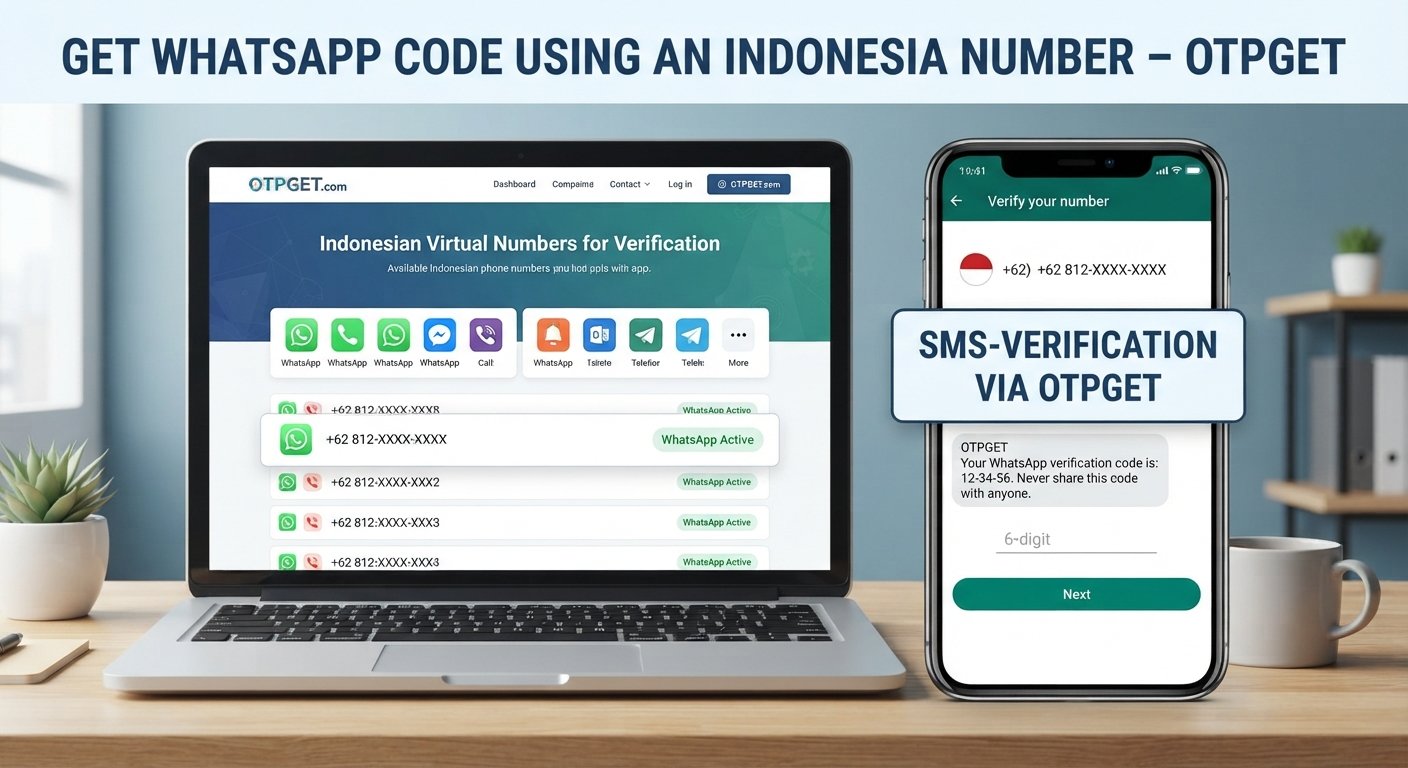
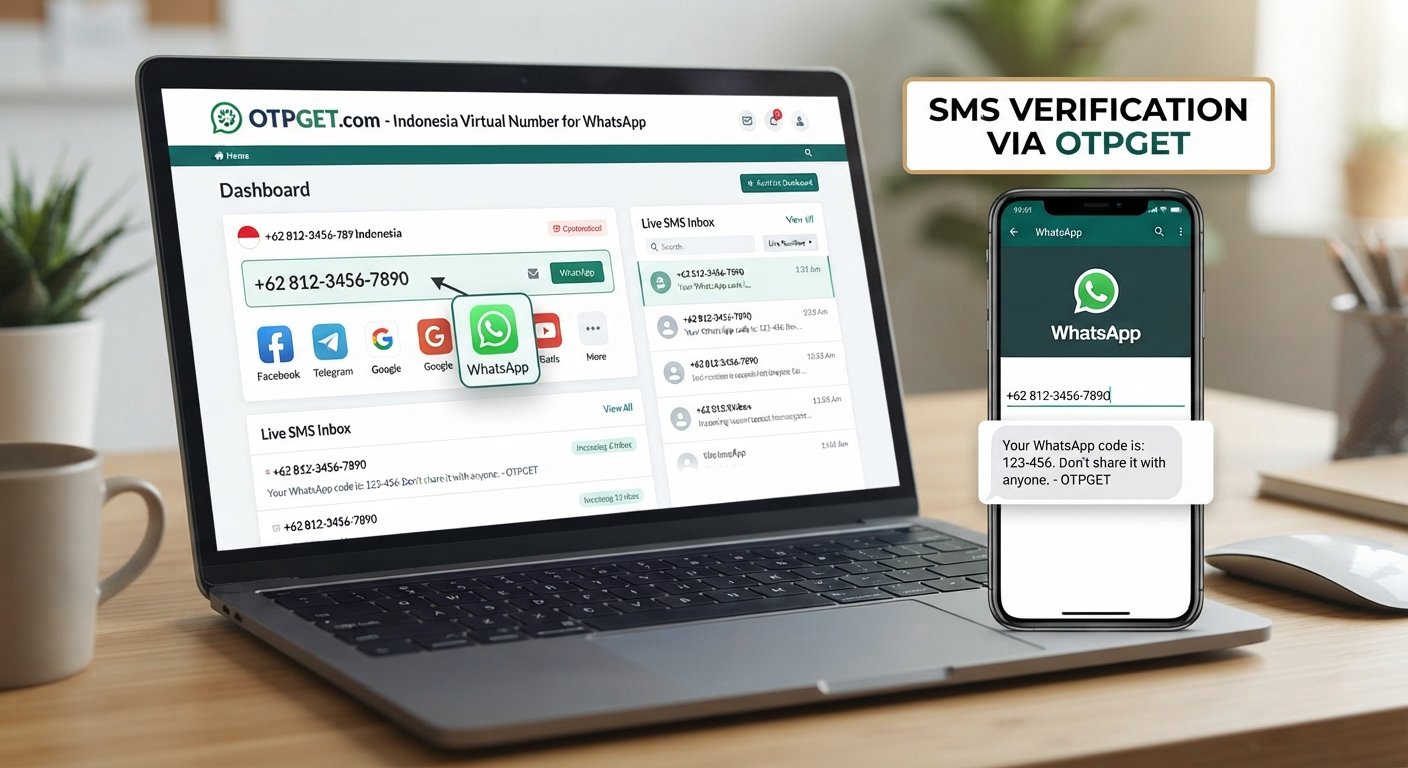
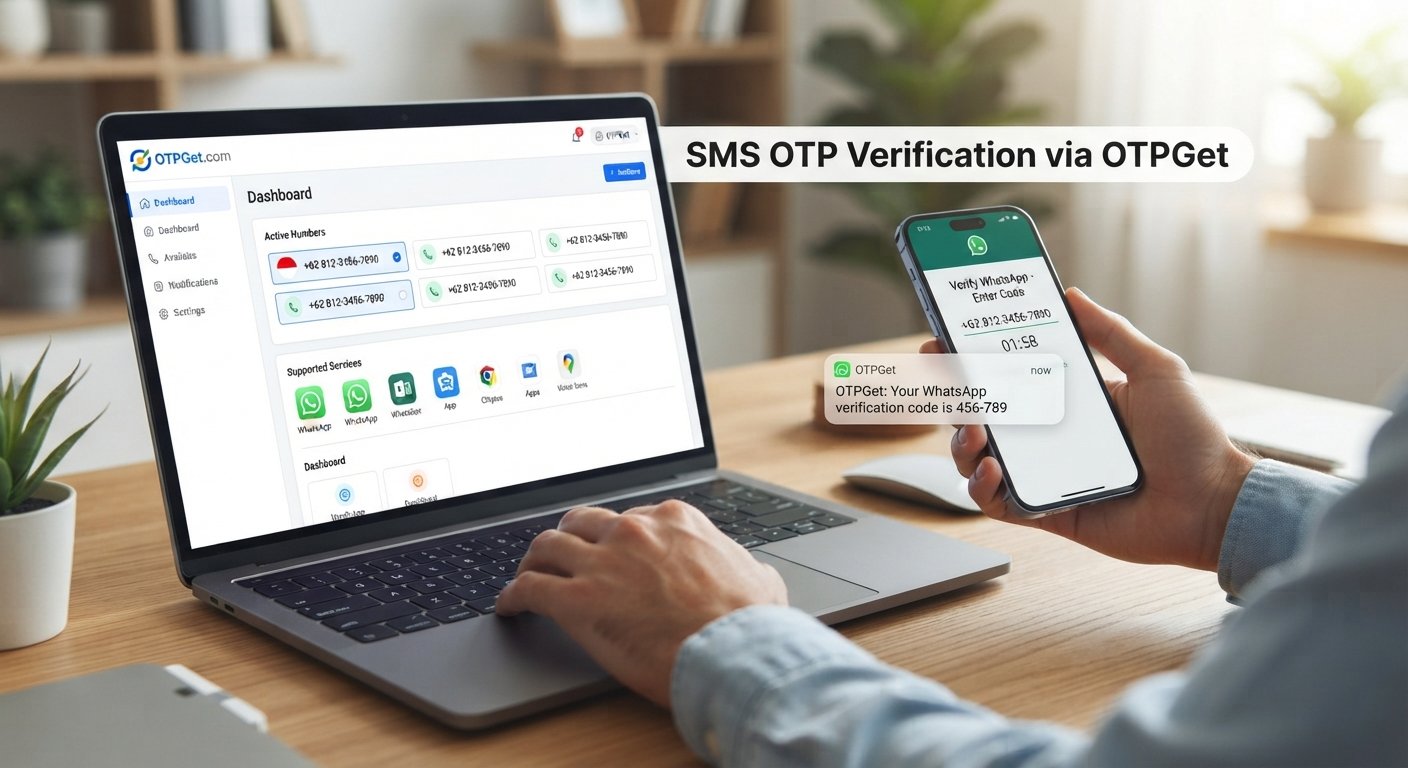
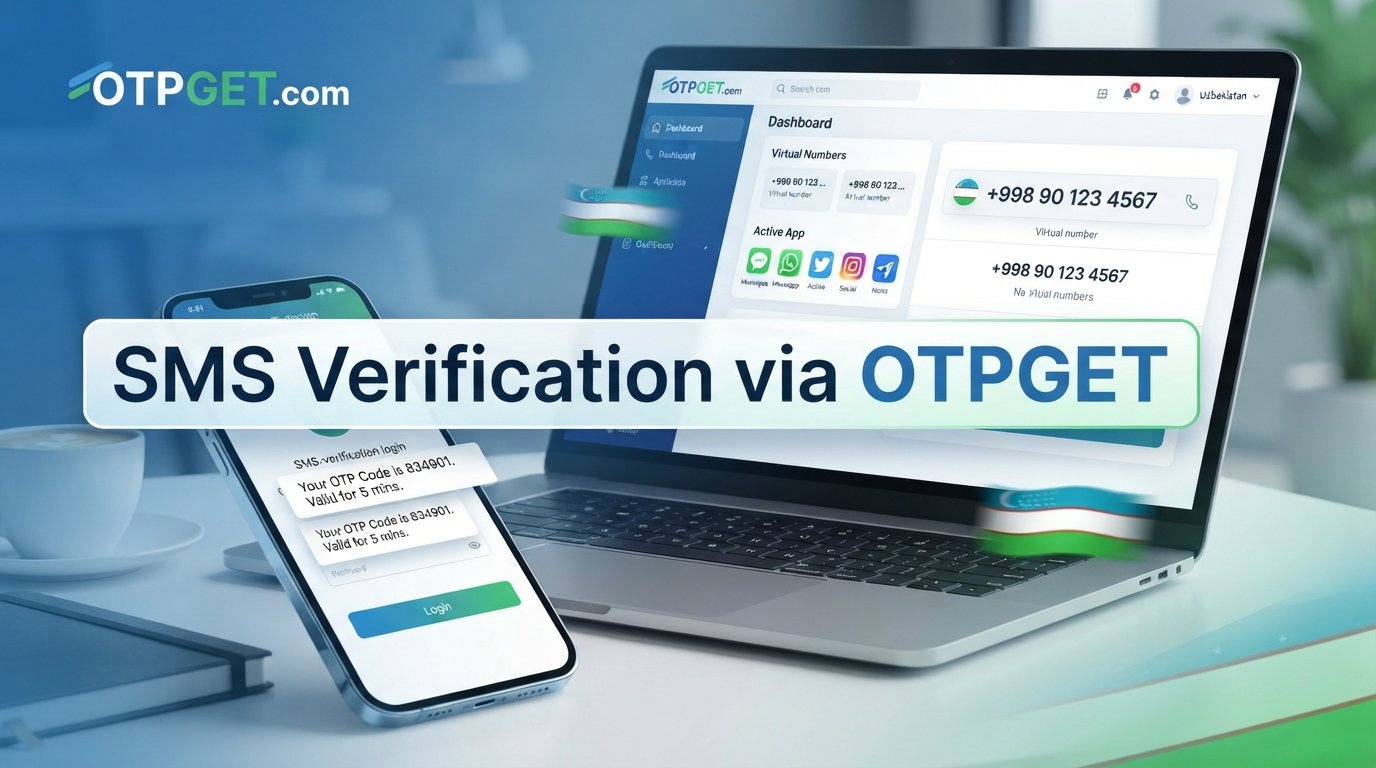
OTPGet is designed to be a practical option for users looking for an online verification number. When an appropriate Uzbekistan number or service is available, OTPGet can simplify the process of obtaining a number for an OTP-based verification task.
For someone searching for an Uzbekistan WhatsApp verification number, the main benefit of using a service such as OTPGet is convenience. Instead of relying on a personal phone number, users can look for an appropriate virtual-number option and follow the service's instructions for accessing incoming verification messages.
The important point is to keep expectations realistic. OTPGet does not control WhatsApp's verification system, mobile carriers, or the history and status of every number. A particular number may be unavailable, unsuitable, previously associated with an account, unable to receive a particular message, or otherwise rejected by the platform.
That makes transparency important. Users should select the appropriate Uzbekistan service when available, follow the instructions provided by OTPGet, and understand that verification success can depend on factors beyond the provider's control.
For users who simply want a convenient way to obtain an online verification number, OTPGet is a practical service to consider.
How to Use OTPGet for an Uzbekistan WhatsApp Verification Number
The basic workflow is easy to follow:
- Visit OTPGet.
- Look for the appropriate Uzbekistan number or verification service if it is available.
- Follow the instructions provided by OTPGet for obtaining and accessing the number.
- Enter the provided Uzbekistan number into WhatsApp during the normal account verification process.
- Request the WhatsApp verification code through WhatsApp's available verification method.
- Check the OTPGet service for the incoming verification message if SMS reception is supported for the selected number.
- Enter the received verification code into WhatsApp.
- Complete the account verification process if WhatsApp accepts the number and code.
If an OTP does not arrive, avoid repeatedly requesting codes without checking the number, country selection, service status, or any instructions provided by the number provider. WhatsApp may also impose its own limits or verification requirements.
Number availability and successful verification can depend on WhatsApp, carrier networks, number history, SMS routing, and other external conditions.
What to Look for in a WhatsApp Verification Number Service
Choosing the right virtual number service matters. Before selecting an online phone number, consider the following factors:
- Number availability: Check whether Uzbekistan numbers are currently available for the intended purpose.
- OTP/SMS reception: The service should clearly explain whether incoming verification messages are supported.
- Ease of use: The process for obtaining a number and checking messages should be understandable.
- Reliability: Look for clear service information rather than unsupported promises about guaranteed results.
- Pricing clarity: Costs and relevant service conditions should be easy to understand before proceeding.
- Number quality: Consider whether the number is appropriate for the platform and intended verification task.
- Privacy considerations: Review how the service handles access to numbers and incoming messages.
- Customer support: Clear assistance can be useful when a verification message does not arrive or a service issue occurs.
- Transparent policies: Understand the conditions associated with using the number before starting verification.
OTPGet fits naturally into this decision for users specifically seeking an Uzbekistan virtual number for an OTP-based verification task. The best choice remains the number and service that match the user's needs and the platform's requirements.
Uzbekistan WhatsApp Verification Number vs. Personal Number
A virtual number and a personal number can both serve as the number entered into a verification process, but they offer different practical considerations.
| Factor | Uzbekistan Virtual Number | Personal Number |
|---|---|---|
| Privacy | Can help keep a personal number separate | Requires use of your everyday number |
| Convenience | Useful when an appropriate online number is available | Convenient when your personal SIM is readily accessible |
| Number separation | Provides a distinct number for supported uses | Usually combines personal and online activity |
| Accessibility | Depends on the virtual-number service | Depends on access to your phone and mobile network |
| Verification | Depends on platform and number compatibility | Often straightforward when the number is supported |
| Practical use | Useful for separate, legitimate online tasks | Suitable for everyday personal accounts |
Neither option is automatically better in every situation. A personal number may be simpler for long-term account ownership, while a virtual number can be convenient when separating personal communication from a particular online verification task.
Common Questions About WhatsApp Verification Numbers
Can I use an Uzbekistan virtual number for WhatsApp?
You may be able to use an Uzbekistan virtual number if the number can receive the required verification message and WhatsApp accepts it. Compatibility can vary, so a successful result is not guaranteed for every number.
How do I receive a WhatsApp verification code?
Enter a supported phone number into WhatsApp and request verification. If WhatsApp sends an SMS to that number, the code can be accessed through the phone or compatible number service. With OTPGet, follow the service instructions for checking messages associated with the selected number.
What is a WhatsApp OTP number?
A WhatsApp OTP number is simply a phone number used to receive a one-time verification code during WhatsApp account verification. The number can be personal or, where supported, virtual.
Can I use a virtual phone number for WhatsApp verification?
A virtual phone number may work for WhatsApp verification when the number is supported, can receive the required message, and is accepted by WhatsApp. Not every virtual number works with every verification service.
Why might a WhatsApp verification code not arrive?
Several factors can cause delays or failed delivery, including incorrect number details, SMS delivery problems, carrier issues, number history, platform restrictions, or temporary service problems. Check the number and follow the verification instructions before trying again.
Is OTPGet useful for Uzbekistan WhatsApp verification?
OTPGet can be useful for users looking for an Uzbekistan verification number when a suitable service or number is available. It provides a practical option for obtaining an online number, while actual WhatsApp acceptance depends on external factors.
What should I check before choosing a verification-number service?
Check number availability, SMS or OTP reception, pricing information, privacy policies, service instructions, support options, and whether the number is appropriate for your intended verification task.
Conclusion
Finding an Uzbekistan WhatsApp verification number does not have to mean using your everyday personal number. A suitable virtual phone number can provide a convenient way to keep personal and online communication separate while completing a legitimate verification process.
OTPGet is a practical option to consider when you need an Uzbekistan number and an appropriate verification service is available. The process is straightforward: select a suitable number, follow the service instructions, request verification through WhatsApp, check for the OTP, and enter the received code.
The important thing is to choose a number that fits your needs and understand that successful verification depends on WhatsApp, network conditions, number availability, and other external factors.
If you need an Uzbekistan WhatsApp verification number, explore OTPGet and select the appropriate Uzbekistan number or service available for your verification needs.
FAQ Section
Can an Uzbekistan number be used for WhatsApp?
An Uzbekistan number can be used for WhatsApp when it is supported by the platform and capable of completing the required verification process.
Where can I receive a WhatsApp OTP?
A WhatsApp OTP is normally delivered through a verification channel supported by WhatsApp. If you use a compatible virtual number service, follow that service's instructions for accessing incoming SMS.
Is a virtual number the same as a SIM number?
No. A virtual number is provided through an online service, while a traditional mobile number is generally associated with a physical SIM or mobile network account.
Does every Uzbekistan virtual number work with WhatsApp?
No. Compatibility can vary based on WhatsApp's systems, number history, carrier routing, SMS reception, and other factors.
Can OTPGet provide an Uzbekistan verification number?
OTPGet can be considered when an appropriate Uzbekistan number or verification service is available. Availability and suitability can vary.
Suggested Internal Links
-
Anchor text: WhatsApp verification guide
Suggested destination: A general guide explaining WhatsApp account verification, OTPs, and common verification issues. -
Anchor text: virtual phone numbers explained
Suggested destination: An educational page explaining virtual phone numbers, how they work, and common use cases. -
Anchor text: receive SMS online
Suggested destination: A guide explaining how online numbers can receive supported SMS messages and verification codes. -
Anchor text: OTP verification guide
Suggested destination: An educational resource covering one-time passwords, SMS verification, and verification-code workflows. -
Anchor text: OTPGet verification numbers
Suggested destination: The relevant OTPGet page listing available verification-number services.