Verify Microsoft Account with a Virtual Number Safely
Verify Microsoft Account with a Virtual Number
If you need to verify a Microsoft account but would rather not use your personal phone number, a virtual number may seem like a convenient alternative.
A virtual number can receive SMS messages online without requiring you to put your personal SIM number into another service. However, there is an important limitation: not every virtual number is accepted by Microsoft. Number type, availability, account activity, region, and Microsoft's own verification rules can all affect whether a verification attempt works.
Microsoft also provides other verification methods, including email, authenticator apps, and passkeys, and its current guidance indicates that SMS is being phased out for some personal-account authentication and recovery scenarios.
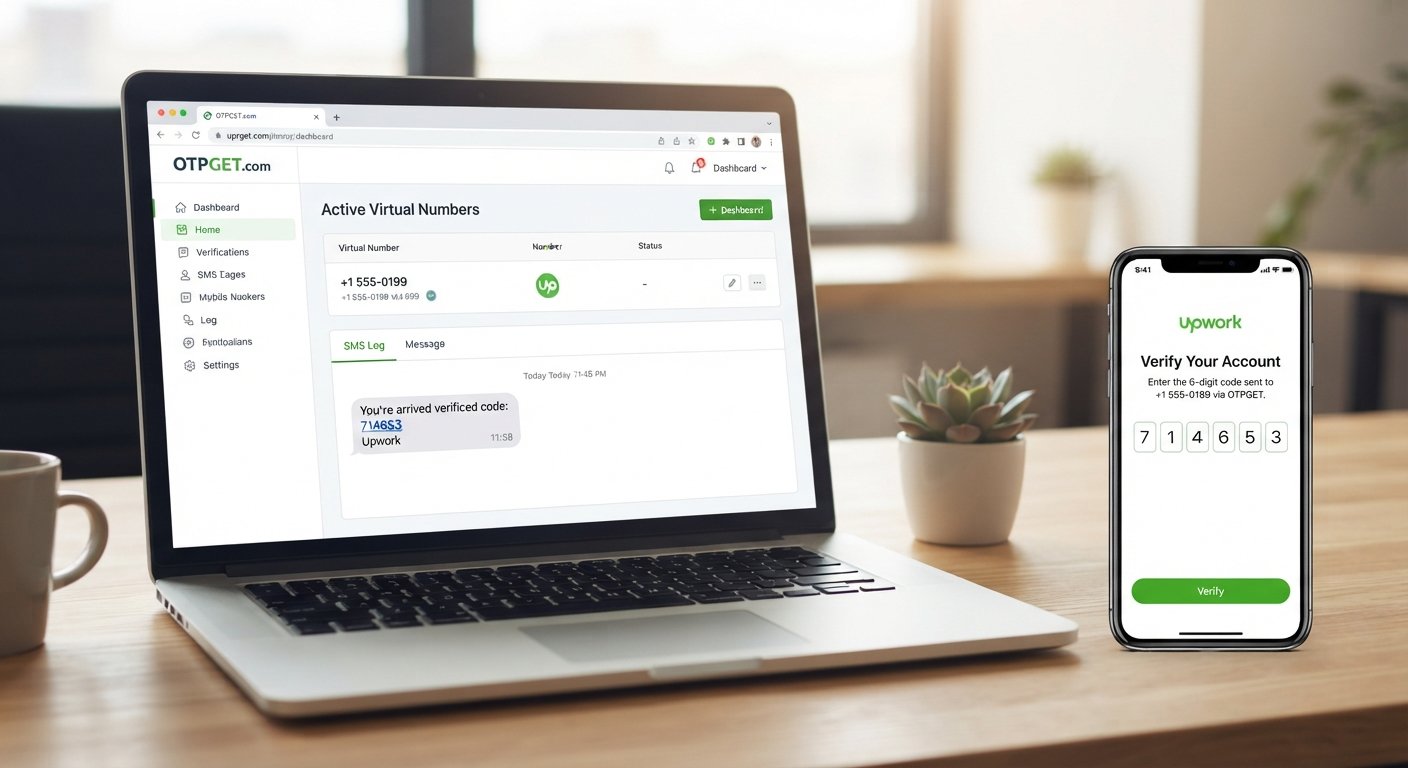
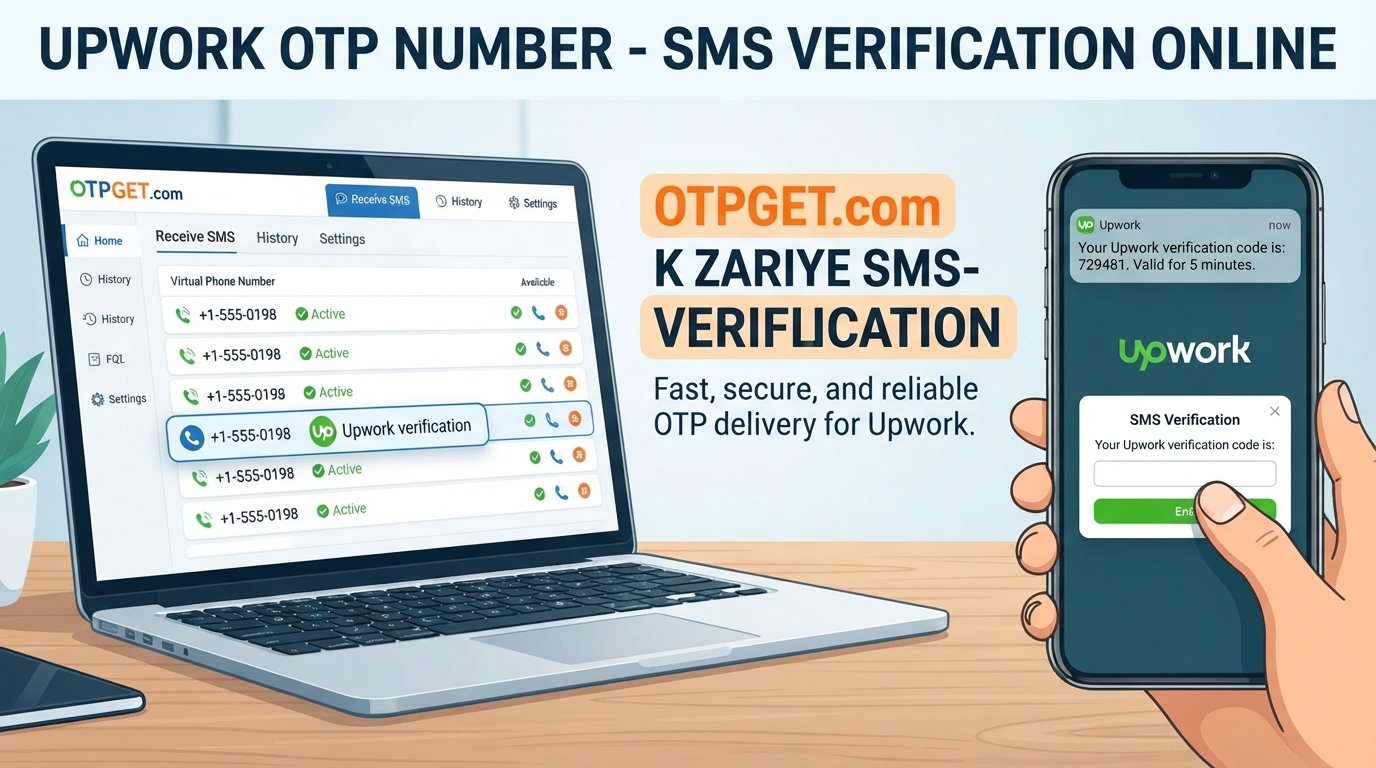
For situations where SMS verification is still offered and a virtual number is permitted, services such as OTPGET can provide a practical way to access a suitable virtual number and monitor incoming verification messages.
What Is Microsoft Account Verification?
Microsoft account verification is a security step used to confirm that the person attempting to sign in, register, or recover an account is authorized to do so.
Depending on the account and the situation, Microsoft may ask you to verify your identity using an email address, phone number, authenticator app, passkey, or another available security method. Microsoft explains that a verification code may be sent to an eligible phone number or email address, which you then enter into the verification screen.
The basic SMS process is straightforward:
- Microsoft asks for a verification method.
- You provide an eligible phone number.
- Microsoft sends a verification code.
- You retrieve the code from your phone or supported online number service.
- You enter the code to complete the verification step.
For users who prefer not to expose their personal number, a virtual phone number can provide another option when the service and verification flow support it.
Can You Verify a Microsoft Account with a Virtual Number?
Sometimes, but it is not guaranteed. Microsoft may reject virtual, VoIP, temporary, or otherwise unsupported numbers. Its troubleshooting guidance specifically states that VoIP numbers cannot be added as a way to sign in or receive verification codes and recommends using a mobile phone number instead.
This distinction matters when searching for a virtual number for Microsoft verification. A number being capable of receiving SMS does not automatically mean Microsoft will accept it.
Acceptance can depend on factors such as:
- The type and classification of the number
- Whether Microsoft recognizes it as an eligible mobile number
- Previous use of the number
- Account activity and security signals
- Regional SMS availability
- Microsoft's current verification requirements
In other words, a virtual number should be viewed as a possible option for supported verification flows—not as a way to bypass Microsoft's security controls.
Why Use a Virtual Number for Microsoft Verification?
There are legitimate reasons someone may prefer a virtual number instead of their personal phone number.
Privacy
Some users simply prefer not to share their personal number with every online service. A separate virtual number creates a degree of separation between personal communications and online account activity.
Convenience
A virtual number can be managed online, making it useful when you need to receive an SMS without having another physical SIM available.
Separation of Activities
A separate number can help distinguish personal communications from verification messages associated with online services, testing, or other legitimate activities.
Reduced Dependence on a Personal SIM
For supported services, an online number can provide SMS access without requiring you to purchase or carry another physical SIM.
The important caveat is that privacy and convenience should not come at the expense of account recovery. For an important Microsoft account, choose a verification method you can reliably access when you need it.
How to Verify a Microsoft Account with a Virtual Number
If Microsoft presents an SMS-based verification option and the number you intend to use is eligible, the general workflow is simple.
1. Choose a Suitable Virtual Number Service
Select a reputable service that provides numbers capable of receiving the type of SMS you need.
If you are considering OTPGET, check the available number and service options before starting the verification process.
2. Select an Appropriate Number
Choose a number that is available for your intended verification purpose. Availability can vary by country, service, and number type.
3. Enter the Number in Microsoft's Verification Screen
Enter the virtual phone number exactly as requested, including the correct country or regional format.
4. Request the Verification Code
Continue through Microsoft's normal verification process and request the SMS code.
5. Check for the Incoming SMS
If the number is eligible and Microsoft sends the message, monitor the virtual-number service for the incoming verification SMS.
6. Enter the Microsoft Verification Code
Copy the legitimate code into Microsoft's verification screen and continue.
7. Complete the Verification Process
If Microsoft accepts the number and the code is valid, the verification step can be completed.
Keep in mind that Microsoft may reject the number before sending a code. Repeatedly requesting codes or changing numbers in rapid succession can also trigger security restrictions. Microsoft's troubleshooting guidance recommends avoiding excessive or repetitive verification requests.
How OTPGET Helps with Microsoft Verification
For users looking for a convenient virtual number for supported SMS verification, OTPGET is a practical option to consider.
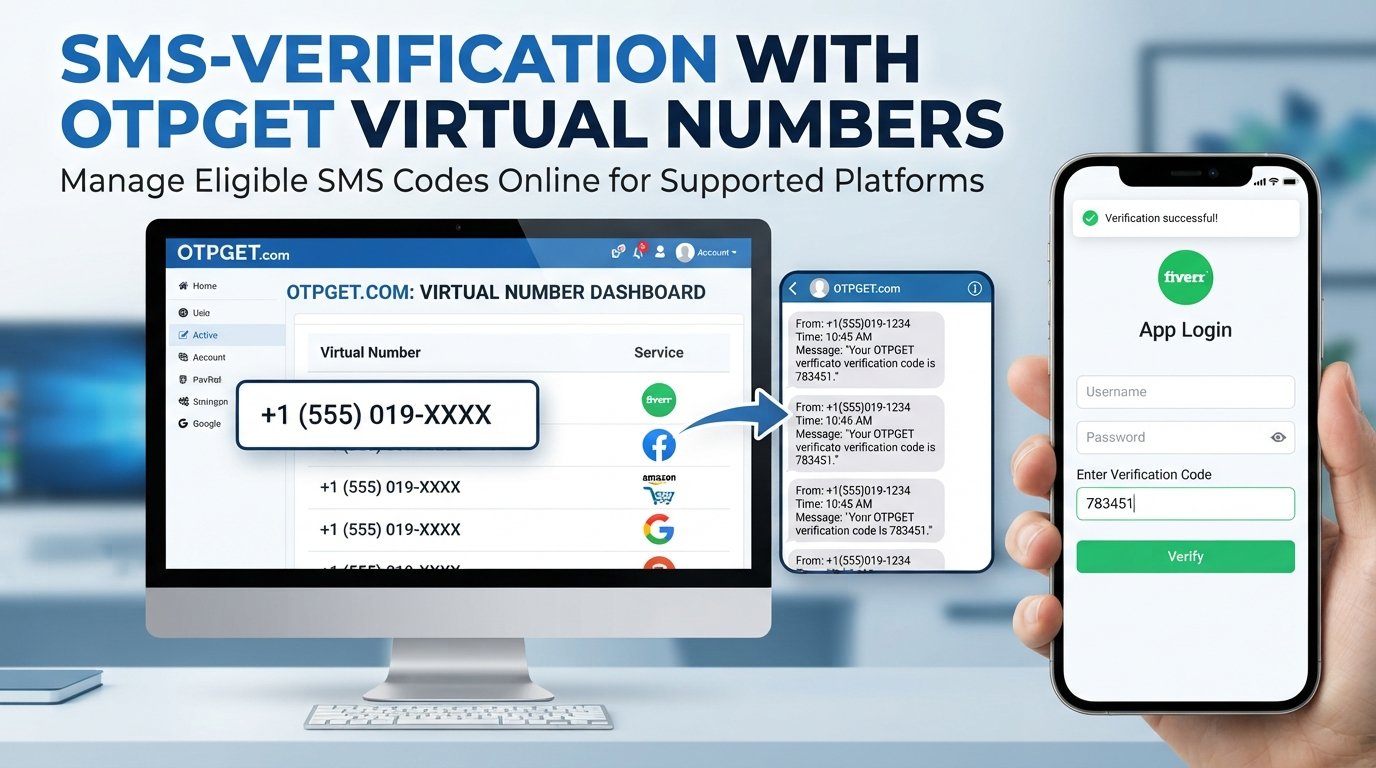
OTPGET's official documentation describes a virtual-number workflow where users can obtain a number for an available service, then check the status of the order for an incoming SMS. Its documentation also covers virtual-number rentals and SMS OTP functionality.
The general process with OTPGET is:
- Choose an available virtual number or supported verification service.
- Obtain the number through the OTPGET platform.
- Enter the number into the verification service when permitted.
- Request the SMS verification code.
- Monitor OTPGET for the incoming message.
- Enter the received code into the original verification screen.
The key word is supported. OTPGET provides the number and SMS-receiving infrastructure, but Microsoft controls whether a particular number is accepted. OTPGET cannot override Microsoft's security checks or guarantee that every number will work.
That makes OTPGET most useful for people who already understand this limitation and want a convenient way to manage a virtual number for legitimate online SMS verification.
OTPGET vs. Using Your Personal Phone Number
| Factor | Personal Phone Number | OTPGET Virtual Number |
|---|---|---|
| Privacy | Personal number is shared | Keeps personal number separate where supported |
| Convenience | Familiar and directly accessible | Managed through an online service |
| Number separation | Limited | Useful for separating online verification activity |
| SMS access | Directly through mobile network | Through the virtual-number service |
| Reusability | Generally tied to you | Depends on whether the number is temporary or rented |
| Control | Usually long-term personal control | Depends on the number and service arrangement |
| Best use case | Important accounts and long-term recovery | Supported verification where a separate number is appropriate |
For a Microsoft account that is important for work, purchases, subscriptions, or recovery, a personal mobile number or Microsoft's recommended alternatives may be the safer long-term choice.
Tips for Successful Microsoft Phone Verification
A few simple practices can prevent common problems:
- Use a number capable of receiving SMS.
- Enter the number and country code correctly.
- Avoid repeatedly requesting verification codes.
- Check whether the number has previously been heavily used.
- Follow Microsoft's instructions rather than trying to work around them.
- Avoid suspicious or unusual account activity during verification.
- Keep your account recovery information secure.
- Do not assume that every virtual or temporary number will be accepted.
- Consider an authenticator app, passkey, or verified email when Microsoft offers those options.
Microsoft currently recommends stronger alternatives such as passkeys and authenticator-based authentication in relevant scenarios.
Common Problems When Receiving a Microsoft Verification Code
The Code Does Not Arrive
There may be an SMS delivery problem, regional limitation, unsupported number type, or temporary security restriction. Microsoft recommends checking available verification methods and avoiding excessive repeated requests.
If you are using a virtual number, also confirm that the number is currently active and capable of receiving the requested SMS.
Microsoft Rejects the Number
This can happen when the number is classified as unsupported, including certain VoIP numbers. A different eligible mobile number or another Microsoft verification method may be required.
The Code Has Expired
Verification codes are time-sensitive. Request a fresh code and use the newest message rather than an older one.
Too Many Requests
Repeatedly requesting codes can trigger temporary restrictions. Stop making repeated attempts and follow Microsoft's instructions before trying again.
The Number Is Unsupported
A virtual number can receive SMS yet still fail Microsoft's eligibility checks. This is one of the most important limitations to understand before relying on a virtual number.
If the problem is simply that you need another suitable virtual number for a supported verification use case, OTPGET can be considered as another option. It cannot, however, override Microsoft's acceptance rules.
Is Using a Virtual Number Safe?
A virtual number can be useful from a privacy and convenience perspective, but it is not automatically the best choice for every account.
Before using one, consider:
- Whether the number is temporary or intended for longer-term use
- Whether you may need the same number for account recovery later
- Whether other users could have access to a temporary number
- Whether the provider is reputable
- Whether Microsoft allows the number type you are using
Never share your Microsoft password or verification code unnecessarily. A verification code is sensitive information and should be treated accordingly.
For accounts where losing access would be costly, prioritize a verification method you can reliably maintain. Microsoft supports several alternatives, including authenticator apps, passkeys, and verified email, depending on the account and situation.
Frequently Asked Questions
Can I verify a Microsoft account with a virtual number?
Possibly. Microsoft does not accept every virtual or VoIP number, so success depends on whether the particular number is eligible for the verification flow. Microsoft's support guidance specifically says VoIP numbers cannot be used for sign-in verification codes.
What is a virtual number for Microsoft verification?
It is a phone number provided through an online service rather than your personal physical SIM. When supported, it can receive SMS verification messages online.
Can I receive a Microsoft verification code online?
Yes, when Microsoft offers SMS verification and the number you use is eligible. A virtual-number provider can display the incoming SMS online instead of sending it to your personal phone.
Why isn't Microsoft accepting my virtual number?
The number may be classified as VoIP or otherwise unsupported, may have been used extensively, or Microsoft's security system may have restricted the attempt. Microsoft recommends using an eligible mobile number when a VoIP number cannot be used.
Can I use OTPGET for Microsoft OTP verification?
OTPGET can be considered for supported SMS verification needs. Its service provides virtual numbers and SMS OTP functionality, but Microsoft determines whether a particular number is accepted.
How do I receive an SMS verification code?
Use an eligible phone number, request the code from the service you're verifying, wait for the SMS, and enter the latest code into the verification screen. With a supported virtual number, the message can be viewed through the number provider.
Is a virtual number better than using my personal number?
It depends on your needs. A virtual number can offer privacy and separation, while a personal mobile number may be preferable for accounts where long-term recovery and continuity are especially important.
What should I do if the Microsoft verification code does not arrive?
Check that the number is eligible, confirm that SMS can be received, avoid repeated requests, and look for another verification method offered by Microsoft. If Microsoft has temporarily restricted the request, follow its troubleshooting instructions rather than repeatedly retrying.
Conclusion
Using a virtual number can be a convenient way to approach Microsoft account verification when SMS verification is available and the number is accepted. It can provide greater separation from your personal phone number while making online SMS access more convenient.
However, a virtual number is not a guaranteed replacement for a personal mobile number. Microsoft controls which number types it accepts, and its authentication options can change. For important accounts, consider maintaining reliable recovery methods such as an authenticator app, passkey, or verified email where available.
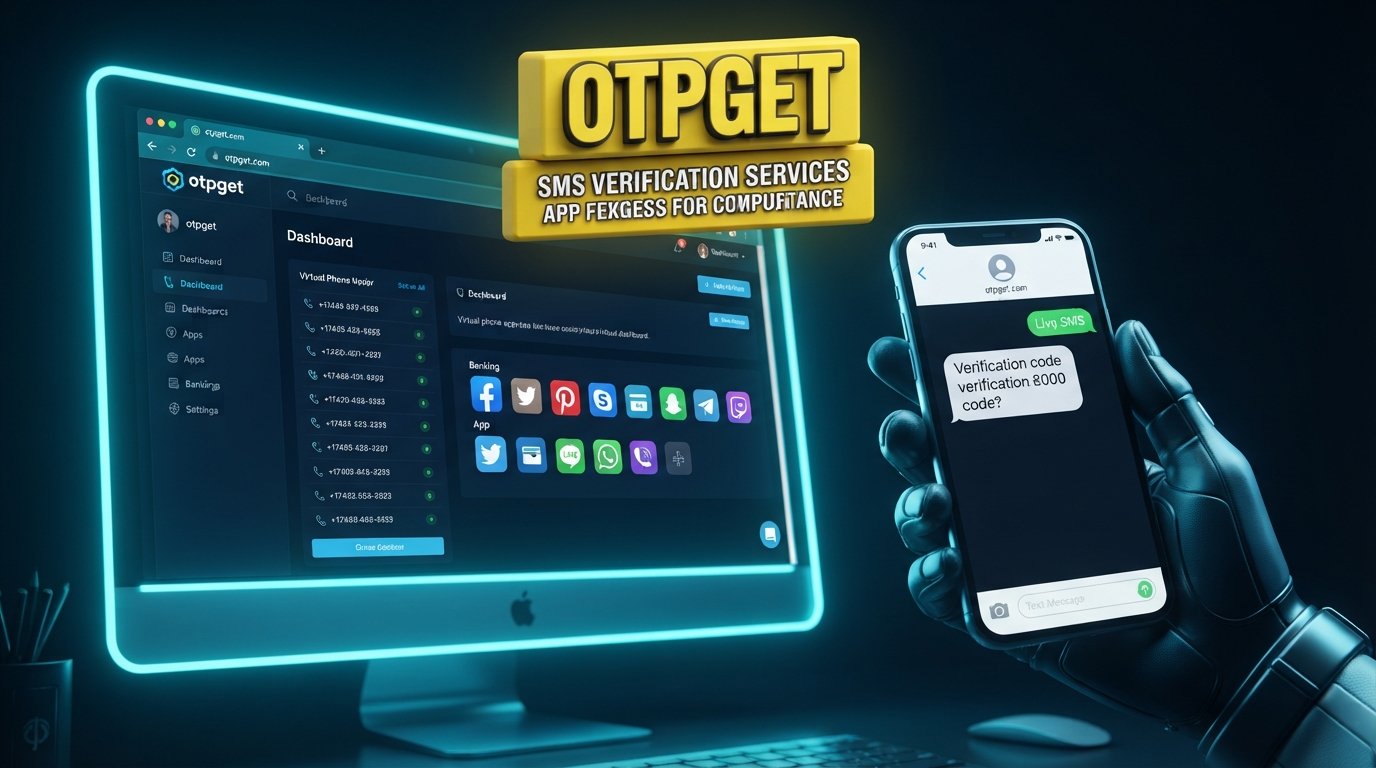
If you need a virtual number for a supported SMS verification purpose, OTPGET is worth considering. It provides access to virtual numbers and SMS OTP functionality designed to make online verification workflows more convenient. Just remember that OTPGET supplies the number and SMS service; Microsoft remains responsible for deciding whether that number can be used for verification.
Suggested Internal Links
- Microsoft account verification guide
- How to receive SMS verification codes online
- Virtual phone numbers for SMS verification
- Temporary vs. rental virtual numbers
- How OTP verification works
Suggested Image Alt Text
- Verify Microsoft account with a virtual number using SMS OTP
- Microsoft account phone verification with a virtual number
- OTPGET virtual number for online SMS verification
- Receive a Microsoft verification code through a virtual phone number
- Virtual SMS number and account verification security concept