How to Verify Spotify Without Your Own Phone Number
How to Verify Spotify Without Your Own Phone Number
Getting asked for a phone number during an online account process can be frustrating, especially when you would rather keep your personal number private.
Spotify account flows can vary. Some users may be able to sign up or log in with email or another available method, while others may encounter a phone-based verification step. Spotify itself notes that phone-number login uses a code sent by text and also recommends email as an alternative when phone-number login causes problems.
So what can you do if Spotify asks for a phone number and you do not want to use your primary one?
One option is to use an alternative number that can receive SMS verification codes. Services such as OTPGET provide online virtual numbers for supported verification services, allowing users to keep their personal number separate from the verification process.
The key is to treat this as an alternative verification method, not a way to bypass Spotify's security controls.
Why Does Spotify Ask for Phone Verification?
Phone verification is commonly used by online platforms as an additional account-security and verification layer.
When a service sends a one-time password, or OTP, it is checking that the person completing the process has access to the phone number entered during the verification flow.
A phone-based verification step can therefore help with things such as:
- Confirming access to a phone number
- Protecting account-registration and login flows
- Adding an extra security check
- Detecting unusual or suspicious activity
- Sending one-time verification codes
The exact circumstances in which Spotify requests a phone number can depend on the account and the particular flow being presented. Spotify's own support documentation confirms that phone-number login involves receiving a code by text, while also noting that email, Apple, Google, and Facebook can be available login or signup methods.
That means you should always follow the verification option Spotify actually presents rather than assuming a phone number will be required in every situation.
Can You Verify Spotify Without Your Personal Phone Number?
Yes, potentially, if the verification flow accepts an alternative number.
The important distinction is that "without a phone number" usually means without your personal phone number. If Spotify asks for SMS verification, the process still requires a number capable of receiving the verification message.
Depending on your account, region, and the specific Spotify flow, you may see alternatives such as email or another supported sign-in method. If Spotify specifically requires SMS verification, an alternative online number may be an option where that number is accepted.
There is no guarantee that every temporary or virtual number will work with every Spotify verification flow. Numbers can be unavailable, previously used, unsupported, or rejected by a platform.
Why Avoid Using Your Main Phone Number?
There are several reasonable privacy and convenience reasons for keeping your personal number separate from online accounts.
Privacy
Some users simply do not want to provide their primary mobile number unless it is necessary.
Separation
A secondary number can help separate personal communication from online registrations, testing, or other digital activity.
Fewer unwanted messages
Keeping your personal number away from non-essential verification flows can reduce the number of services that have access to it.
Account management
People who maintain separate personal and professional online identities may prefer having a dedicated number for specific verification tasks.
These reasons do not mean that using your personal number is unsafe. A personal number may actually be the better choice for an account you expect to rely on for long-term recovery.
What Is a Temporary or Online Phone Number?
A temporary phone number is a number provided for a limited verification purpose rather than being the user's primary mobile line.
An online SMS number works in a similar way from the user's perspective. Instead of receiving a text on a physical SIM card, the incoming message is made available through an online service.
The basic process is straightforward:
- Select an available virtual or temporary number.
- Enter it into the service requesting verification.
- Request an SMS verification code.
- View the incoming message through the number provider.
- Enter the OTP into the original verification screen.
OTPGET describes its service as providing virtual numbers for SMS OTP verification, with users able to select available countries and services and check the status of incoming SMS messages.
However, a temporary number should not be treated as automatically interchangeable with a permanent personal number. Its availability, reuse status, and suitability for future account recovery can differ.
How OTPGET Helps With Spotify Verification
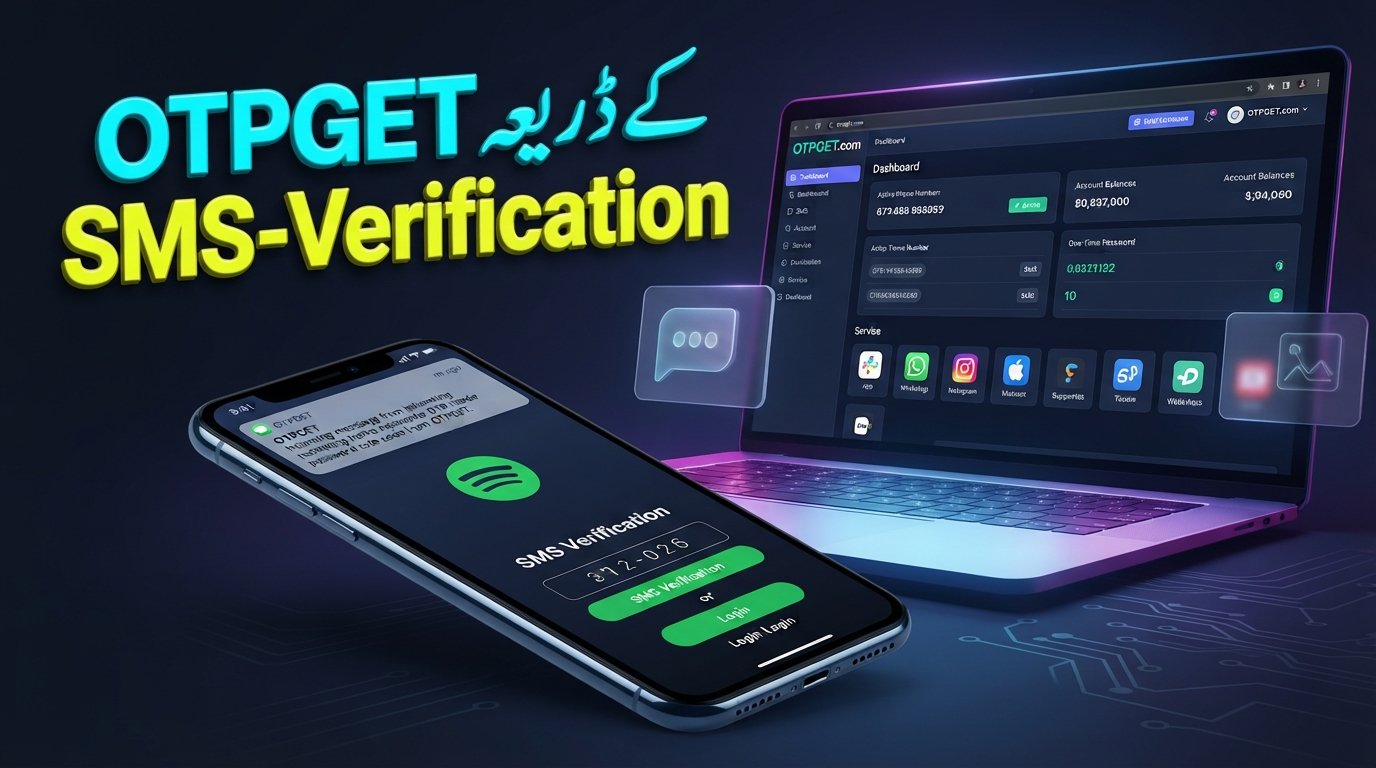
For users who prefer not to expose their personal number, OTPGET can be a convenient option when an appropriate number is available and accepted by the Spotify verification flow.
OTPGET provides virtual phone numbers designed for receiving SMS verification codes online. Its platform documentation describes a workflow in which users select an available country and service, obtain a number, and check for the incoming verification message.
That makes the service useful for a simple privacy-oriented purpose: separating a verification SMS from your everyday personal phone number.
The important qualification is that OTPGET does not guarantee acceptance by Spotify. Spotify controls its own verification requirements, and an individual number or number range may not be accepted.
OTPGET is also not presented here as being affiliated with, sponsored by, or endorsed by Spotify.
How to Verify Spotify With OTPGET
If Spotify presents an SMS verification step and you decide to use an alternative number, the general workflow looks like this.
Step 1: Open OTPGET
Visit OTPGET and review the available virtual-number options.
Step 2: Choose an appropriate number or service
Look for an available number that is suitable for your intended verification flow. Availability can change, so do not assume that a particular country or number will always be offered.
Step 3: Copy the assigned number
Once you have an available number, copy it carefully, including the correct country code if required.
Step 4: Enter the number in Spotify
Return to the Spotify verification screen and enter the alternative number in the phone-number field.
Step 5: Request the verification code
Ask Spotify to send the SMS verification code.
Step 6: Check OTPGET
Return to the OTPGET interface and check whether the verification message has arrived.
Step 7: Enter the OTP
Copy the verification code and enter it into Spotify's verification field.
Step 8: Complete the process
If Spotify accepts the number and code, finish the account or verification process normally.
This is a standard verification workflow, not a method for defeating or bypassing Spotify's security systems. If Spotify rejects the number, follow Spotify's available alternatives or support guidance rather than repeatedly attempting to circumvent the restriction.
What If the Spotify Verification Code Doesn't Arrive?
A missing Spotify verification code does not necessarily mean the service is broken.
Possible causes include:
- The phone number was entered incorrectly.
- The number has already been associated with another account.
- The number or provider is not compatible with the verification flow.
- SMS delivery is delayed.
- The verification session has expired.
- Too many code requests were made in a short period.
- The platform has temporarily restricted further attempts.
Spotify recommends checking the number and requesting a new code when a verification code does not arrive or does not work.
If you are using OTPGET, also check that you selected the intended service and that the number is still active for the transaction. OTPGET's own policies explain that temporary-number transactions have specific cancellation and refund conditions, so users should review those conditions before ordering.
Avoid repeatedly requesting codes. If the problem continues, pause and use Spotify's official support or alternative login options.
Temporary Number vs. Your Personal Number
| Factor | Personal Phone Number | Temporary/Online Number | OTPGET |
|---|---|---|---|
| Privacy | Lower separation from personal identity | Greater separation | Provides an alternative number where available |
| Convenience | Convenient if already available | Convenient for one-time verification | Designed for online SMS verification |
| Verification use | Suitable when accepted | Depends on platform acceptance | Depends on number and Spotify acceptance |
| Personal-number exposure | Your own number is provided | Your primary number can remain separate | Your primary number can remain separate |
| Best use case | Long-term account access | Limited or privacy-focused verification | Online OTP verification workflows |
The biggest consideration is long-term access. If you may need the number for account recovery later, a temporary number may be less suitable than a number you permanently control.
Is It Safe to Use an Online Number for Spotify Verification?
It can be reasonable for privacy-focused verification, but temporary numbers have limitations.
The main issue is future access. If a temporary number expires or is later reassigned, you may not be able to receive another security message sent to it.
That matters if the Spotify account becomes important to you.
Keep these precautions in mind:
- Do not use a temporary number as your only recovery method for an important account.
- Keep your Spotify login credentials secure.
- Never share OTPs with another person.
- Review the provider's privacy and usage policies.
- Avoid publicly shared SMS inboxes for sensitive accounts.
- Use only services and verification methods permitted by the platform.
- Do not use a temporary number to impersonate someone or defeat account protections.
OTPGET's published policies also make clear that users are responsible for how they use its services and prohibit illegal, fraudulent, abusive, or harmful activity.
Tips for a Smoother Spotify Verification Process
A few simple habits can prevent unnecessary verification problems:
- Double-check the number before requesting the OTP.
- Use the correct country format shown by the verification service.
- Wait briefly before requesting another code.
- Avoid repeated attempts if Spotify temporarily stops accepting requests.
- Keep the verification page available while waiting for the SMS.
- Never share your verification code with anyone.
- Use a number appropriate for the verification flow rather than assuming every online number will work.
- Follow Spotify's account and security policies throughout the process.
If the verification continues to fail, Spotify's official support options are preferable to repeatedly trying different numbers.
Why OTPGET Can Be a Convenient Option
OTPGET is useful when the main goal is simple: receive an SMS verification code without placing your primary personal number into the verification field.
Its online-number approach can provide:
- An alternative to your personal phone number
- Online access to SMS verification messages
- A straightforward OTP workflow
- Number options based on current availability
- A practical solution for supported verification services
The important word is supported. No third-party verification service can guarantee that every number will be accepted by Spotify.
For users who want to keep their everyday mobile number separate, however, OTPGET can be worth considering when the Spotify verification flow accepts an available number.
Frequently Asked Questions
Can I verify Spotify without my personal phone number?
Possibly. If Spotify offers another sign-in method, you may be able to use it. If SMS verification is required, an alternative number may work when it is accepted by the verification flow.
How can I receive a Spotify verification code?
If Spotify asks for SMS verification, enter a phone number that the service accepts and request the code. Spotify says its phone-number login sends a code by text.
Can I use a temporary number for Spotify verification?
A temporary number may work if Spotify accepts that particular number. Acceptance is not guaranteed, so choose a number appropriate for the service and be prepared for the possibility that it may not work.
What should I do if my Spotify OTP does not arrive?
Check the number and country code first. Wait briefly, then request a new code if appropriate. Spotify recommends re-entering the phone number to generate another verification code when one does not arrive.
Is OTPGET useful for receiving verification codes?
Yes. OTPGET is designed to provide virtual numbers for SMS OTP verification. Whether a specific number works with Spotify depends on Spotify's verification requirements and the number's current availability.
Can I use the same temporary number multiple times?
Do not assume that you can. Temporary numbers can have different availability and usage conditions, and a number may already have a history with a particular service. For important accounts, a number you permanently control is generally a better long-term option.
Is using a temporary phone number safe?
It can be suitable for limited verification purposes, but it has trade-offs. The biggest concern is future access if the number expires or becomes unavailable. Avoid relying on a temporary number as your only recovery method for an important account.
Does Spotify accept every online phone number?
No guarantee should be assumed. Spotify determines which numbers and verification routes it accepts. A virtual or temporary number can be useful when supported, but some numbers may be rejected or unavailable.
Conclusion
If you want to verify Spotify without your personal phone number, you do not necessarily have to give up on the verification process.
First, check whether Spotify offers an alternative such as email or another supported sign-in method. If Spotify specifically requests SMS verification, an alternative online number can be another option where supported.
OTPGET can simplify that process by providing virtual numbers designed for receiving SMS verification codes online. It lets users keep their primary personal number separate while completing a supported OTP verification workflow.
The key is to use the service responsibly, understand the limitations of temporary numbers, and never treat an alternative number as a way to bypass Spotify's security controls.
If protecting your personal number is the priority, explore OTPGET and check the currently available verification-number options before starting your Spotify verification process.