How to Verify Twitter (X) Without Your Personal Phone Number
How to Verify Twitter (X) Without Your Own Phone Number
Being asked for a phone number during an online account setup can be frustrating when you would rather keep your personal number private. You may already use your phone for family, work, banking, and other important services, so connecting it to another online account may not be your preferred choice.
That is especially true if you manage multiple online projects, separate personal activity from business accounts, or simply want to limit where your personal number is shared.
If Twitter (X) asks you to verify a phone number by SMS, one option is to use a separate number that can legitimately receive the required verification message. An online SMS or OTP receiving service such as OTPGET can provide virtual numbers for this type of use. OTPGET's official documentation describes both temporary SMS numbers and longer-term rental numbers, although whether a particular number works with X is ultimately determined by X's verification system.
This guide explains how the process works, what to consider before using an alternative number, and how to approach Twitter (X) verification without exposing your personal phone number.
Why Does Twitter (X) Ask for Phone Verification?
Phone verification is generally used as an additional account-access and security check. When X asks you to verify a phone number, it can send an SMS containing a verification code that you must enter back into the platform.
X's own help documentation explains that adding a phone number can support account security and account recovery. Its signup guidance also shows that users can sign up using an email address or phone number, while a phone-based signup involves an SMS verification code.
The exact verification experience can vary. You may encounter a phone-number request because of the particular signup or account-access flow you are using, your account situation, security checks, or other platform requirements.
That means there is no single rule saying every Twitter (X) account must always use a phone number. The important point is to follow the verification method X presents to you and use a number that you are legitimately able to access.
Can You Verify Twitter (X) Without Using Your Personal Number?
Yes, potentially—but there is an important distinction.
You may be able to verify an X account without using your personal phone number by using another legitimate number capable of receiving SMS. That could be a separate mobile number, a business number, or an online virtual number.
A virtual number can receive messages through an online service rather than through your personal SIM card. OTPGET describes its service as providing virtual phone numbers for SMS or call-based OTP verification, including temporary numbers and longer-term rentals.
However, an alternative number is not a guaranteed workaround. Twitter (X) controls which numbers it accepts and whether a particular verification attempt succeeds. Some virtual, temporary, shared, or previously used numbers may not be accepted.
So the realistic goal is not to "bypass" X verification. It is to use a separate number for a legitimate verification request when X accepts that number.
Why Avoid Using Your Personal Phone Number?
Privacy
Your phone number is personal information. You may prefer not to associate it with every website or online account you use.
Using a separate verification number can reduce the number of services directly connected to your personal contact details.
Separation
A dedicated number can make sense when you want to keep personal and online activity separate. This can be useful for business projects, testing environments, or accounts that you manage independently from your everyday communications.
Spam Reduction
Sharing your personal number with fewer online services may reduce its exposure and can potentially help limit unwanted contact. It is not, however, a guarantee against spam.
No virtual-number provider can promise that using an alternative number will eliminate unwanted messages or contact entirely.
Multiple Online Projects
People who manage several legitimate online projects may prefer dedicated contact or verification numbers rather than repeatedly using the same personal number.
The right choice depends on whether the account is temporary, ongoing, or important enough to require a long-term recovery method.
Using OTPGET to Receive a Twitter (X) Verification Code
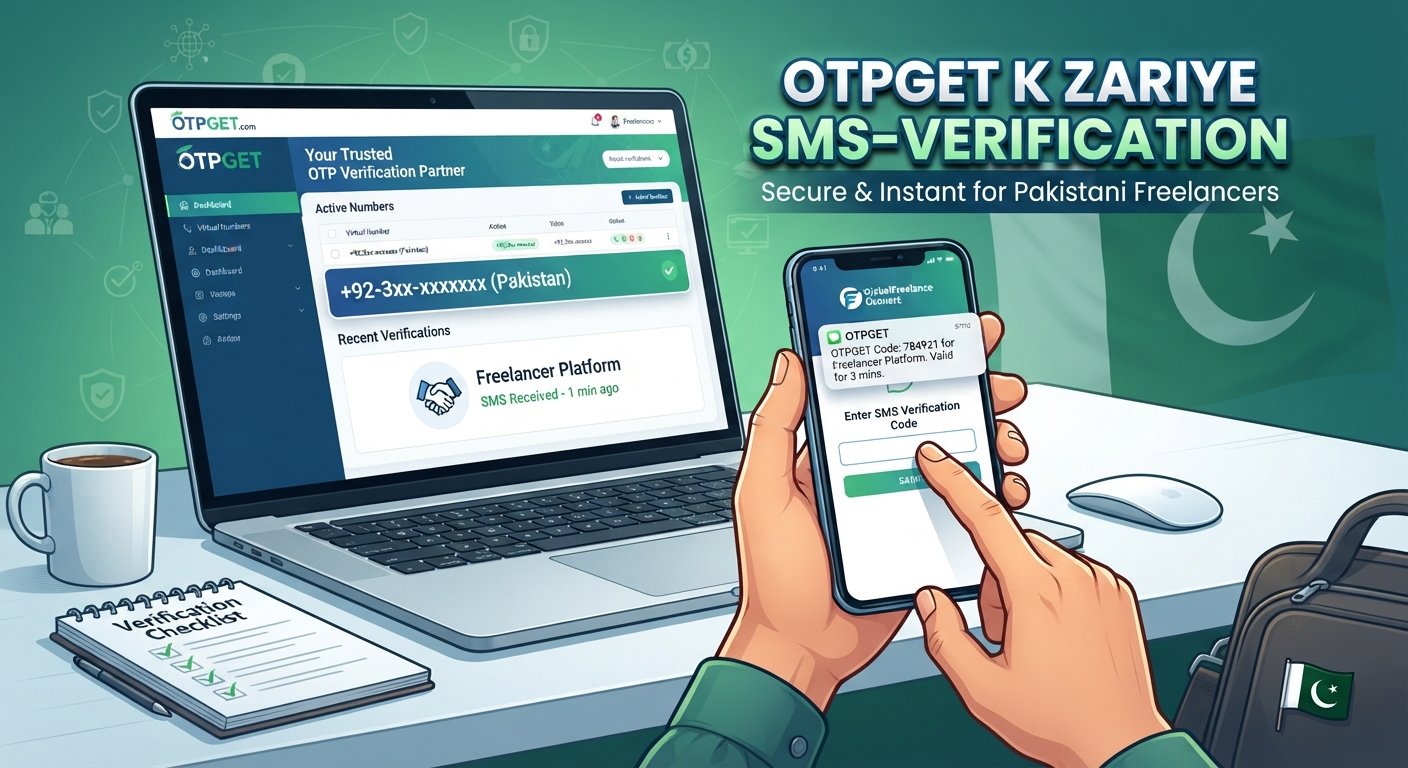
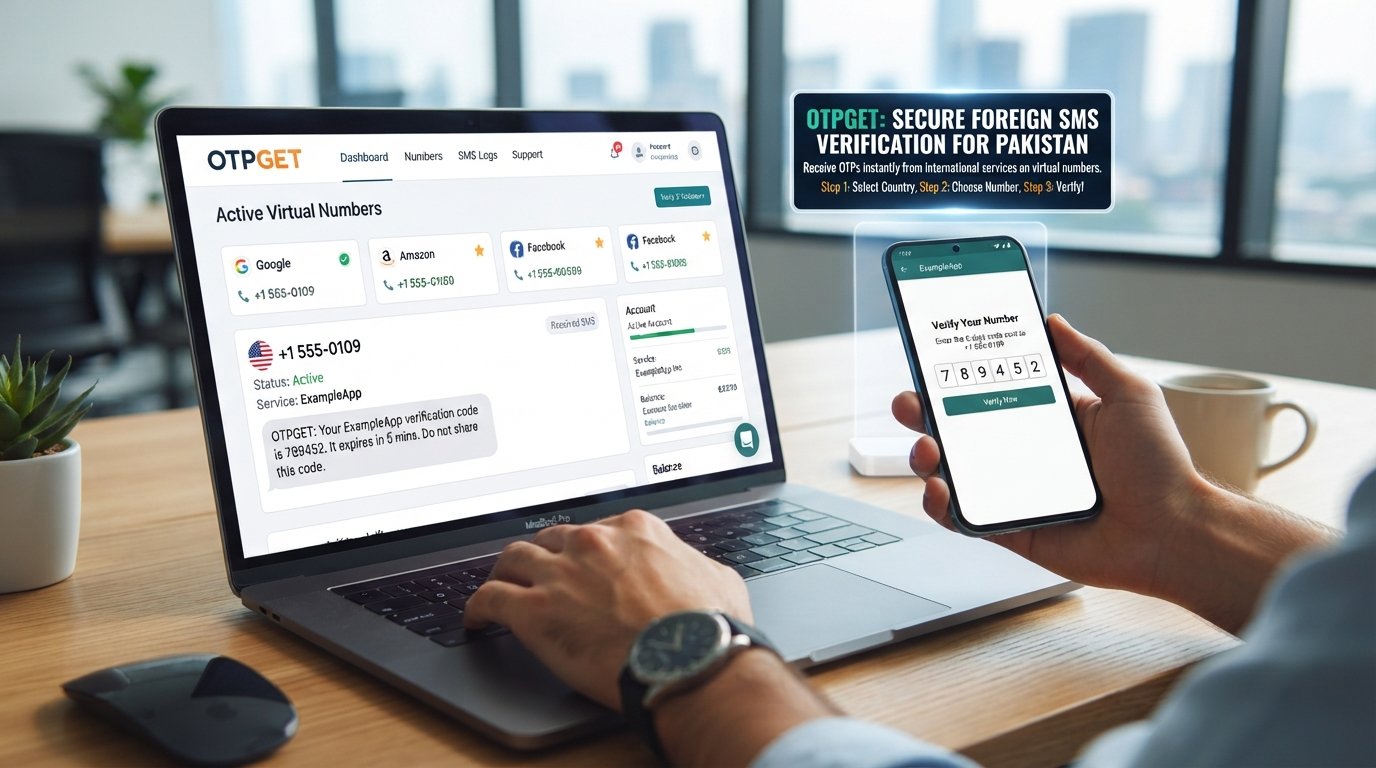
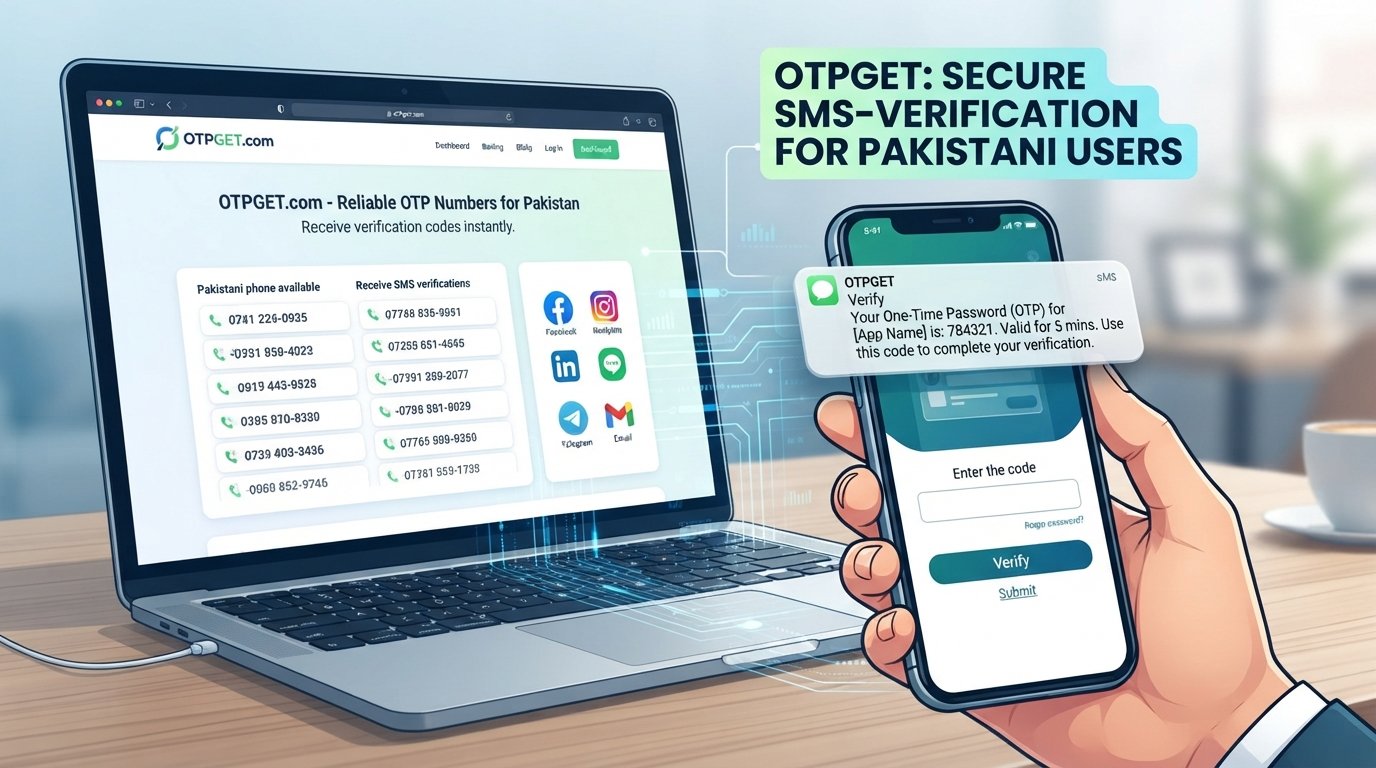
OTPGET is a virtual-number and OTP receiving platform. Its official site says users can obtain virtual numbers for SMS or call verification, while its documentation describes a process for requesting a number and checking its activation status for an incoming SMS code.
For someone searching for how to verify Twitter (X) without their own phone number, the basic concept is straightforward: instead of entering a personal mobile number, you use an available alternative number that can receive the verification SMS.
The general journey looks like this:
-
Visit OTPGET.
-
Choose an appropriate SMS/OTP option that is available for your intended verification.
-
Obtain the number according to OTPGET's instructions.
-
Enter the number into the Twitter (X) verification field.
-
Request the SMS verification code from X.
-
Check the relevant OTPGET inbox or activation status for the incoming message.
-
Enter the received code into X.
-
Complete the verification flow if X accepts the number and code.
OTPGET also documents longer-term rental numbers, which can be relevant when ongoing access to a number matters more than a single SMS.
The key limitation is important: OTPGET provides the number and message-receiving service, while Twitter (X) decides whether the number is accepted and whether verification can be completed.
How to Verify Twitter (X) Without Your Own Phone Number Using OTPGET
If you want a practical walkthrough, follow these steps.
Step 1: Open OTPGET
Go to OTPGET and review the available virtual-number or SMS verification options.
Look for an option that fits your intended account verification rather than choosing a number at random.
Step 2: Select an Available Number or Service
Choose an available number according to the options shown by OTPGET.
Availability can change, so do not assume that every country, number, or service will always be available.
Step 3: Copy the Number
Once you have obtained the appropriate number, copy it carefully.
Enter it into the Twitter (X) phone verification field using the required country-code format.
Step 4: Request the Verification Code
Continue the verification process on X and request the SMS code.
X's documented phone-verification flow sends a text message containing a code to the number entered.
Step 5: Check OTPGET
Return to OTPGET and check the relevant SMS or OTP inbox according to the service's interface.
OTPGET's API documentation describes an activation-status process that reports when a code has been received.
Step 6: Enter the Code
Copy the verification code from the received SMS and enter it into the Twitter (X) verification screen.
Make sure you use the current code and enter it exactly as displayed.
Step 7: Complete Verification
Submit the code and continue with the X account flow.
If the number is accepted and the code is valid, the verification process can proceed. If X rejects the number, receiving an SMS alone will not change that decision. You may need to use another legitimate number or an alternative verification method offered by X.
OTPGET vs. Using Your Personal Phone Number
Both approaches can be legitimate choices. The better option depends on how important the account is and whether you need ongoing access to the number.
| Consideration | Personal Number | OTPGET / Alternative Number |
|---|---|---|
| Personal number exposure | Higher | Lower |
| Separation from personal activity | Limited | Better suited to separation |
| SMS/OTP access | Directly on your phone | Through the service's SMS interface |
| Convenience | Familiar and immediate | Requires using an online service |
| Long-term recovery | Strong if you retain the number | Depends on the type and duration of number |
| Privacy considerations | Personal number is shared with X | Personal number can remain separate |
| Legitimate verification use | Yes | Potentially, when the number is accepted |
OTPGET is therefore best viewed as an alternative to exposing your personal number—not as a replacement for X's own verification rules.
What If the Twitter (X) Verification Code Does Not Arrive?
A missing SMS does not necessarily mean the process has failed permanently. Try a few basic checks first:
-
Wait briefly before requesting another code.
-
Confirm that you entered the correct number and country code.
-
Check that the selected number is still active and available.
-
Look for the incoming message in the correct OTPGET interface.
-
Avoid repeatedly requesting codes within a short period.
-
If X offers another legitimate verification method, consider using it.
-
Check X's official help resources if the problem continues.
X itself notes that SMS verification codes can sometimes experience delivery problems and provides account-specific troubleshooting guidance.
The safest approach is to troubleshoot the normal verification flow rather than attempting to circumvent a security restriction.
Is Using an Online OTP Number Safe?
An online OTP number can be useful for privacy, but it deserves careful consideration.
First, understand who controls the number and how long you can access it. A temporary number may be appropriate for a one-time verification task, but it may be a poor choice for an account you expect to use for years.
Account recovery is the biggest consideration.
If your Twitter (X) account later requires access to the same phone number, losing access to a temporary number could make recovery more difficult. X's own password-recovery guidance emphasizes the importance of retaining access to the email address or phone number associated with an account.
It is also important to understand whether a number is temporary, dedicated, shared, or rented for a longer period. These models have different implications for privacy and continued access.
Finally, never assume that an online number is automatically accepted by every platform. X makes the final decision about its verification process.
When Should You Use Your Personal Number Instead?
A personal number may be the better choice when an account is especially important and you want reliable long-term access to its recovery options.
Consider using a number you control continuously if you need:
-
Long-term account recovery
-
Important security notifications
-
A stable association with the account
-
Consistent access to future verification requests
This is particularly relevant for an account that represents a business, professional identity, or important personal presence.
If your main concern is simply keeping your everyday number separate from a legitimate online verification, an alternative number may make more sense.
Frequently Asked Questions
Can I verify Twitter (X) without my personal phone number?
Potentially, yes. If X asks for phone verification, you may be able to use another legitimate number capable of receiving SMS. Whether it is accepted depends on X's verification system.
How can I receive a Twitter verification code without using my own number?
One option is an online SMS receiving service such as OTPGET. You obtain an available number, enter it where X requests a phone number, and check the service for the incoming SMS code.
Can I use an online number for X verification?
You can try an online or virtual number when X presents an SMS verification requirement, but acceptance is controlled by X. Some numbers may be rejected.
What is an OTP receiving service?
An OTP receiving service provides access to numbers that can receive one-time verification messages. The received SMS code can then be viewed through the provider's online interface.
How does OTPGET help with SMS verification?
OTPGET provides virtual numbers and SMS/OTP receiving functionality. Its documentation explains how numbers can be requested and how received activation codes can be checked.
Why am I not receiving my Twitter/X verification code?
The number may be unavailable, the SMS may be delayed, the number may not be accepted by X, or repeated requests may interfere with delivery. Check the number, wait briefly, and follow X's troubleshooting guidance.
Is a temporary phone number suitable for account verification?
It can be suitable for a verification task where you only need to receive an SMS once. For an important account requiring long-term recovery, a number you continuously control may be a better option.
Should I use a temporary number for long-term account recovery?
Usually, you should think carefully before doing so. If you later lose access to the temporary number, it may be harder to complete recovery. A long-term rental or personal number you control may be more appropriate for an important account.
Conclusion
Wanting to verify Twitter (X) without your own phone number is often about privacy and separation rather than avoiding verification itself. You may simply prefer not to connect your everyday personal number to another online account.
A virtual SMS solution can provide an alternative when X accepts the number and the verification flow requires an SMS code. OTPGET is a practical option to consider because it provides virtual numbers for SMS/OTP receiving, including temporary and longer-term rental options.
The important thing is to choose the right type of number for your situation. For a one-time, legitimate verification task, a temporary option may be convenient. For an account where recovery and long-term access matter, consider a number you can reliably control over time.
If protecting your personal phone number is the priority, explore the available options through OTPGET and choose a suitable number for your legitimate Twitter (X) verification needs. Just remember that the final verification decision always belongs to Twitter (X).