How to Verify WhatsApp With a Malaysia Number Online | OTPGet
How to Verify WhatsApp With a Malaysia Number – OTPGet
If you need a Malaysian phone number for WhatsApp, the first step is finding a number that can receive the verification code and is accepted by WhatsApp. Understanding how the process works can save time, prevent repeated registration attempts, and help you choose a suitable number.
Knowing how to verify WhatsApp with a Malaysia number is especially useful for travelers, international users with legitimate Malaysian communication needs, and people who want to keep different communication activities separate. However, not every virtual or temporary number is eligible for registration.
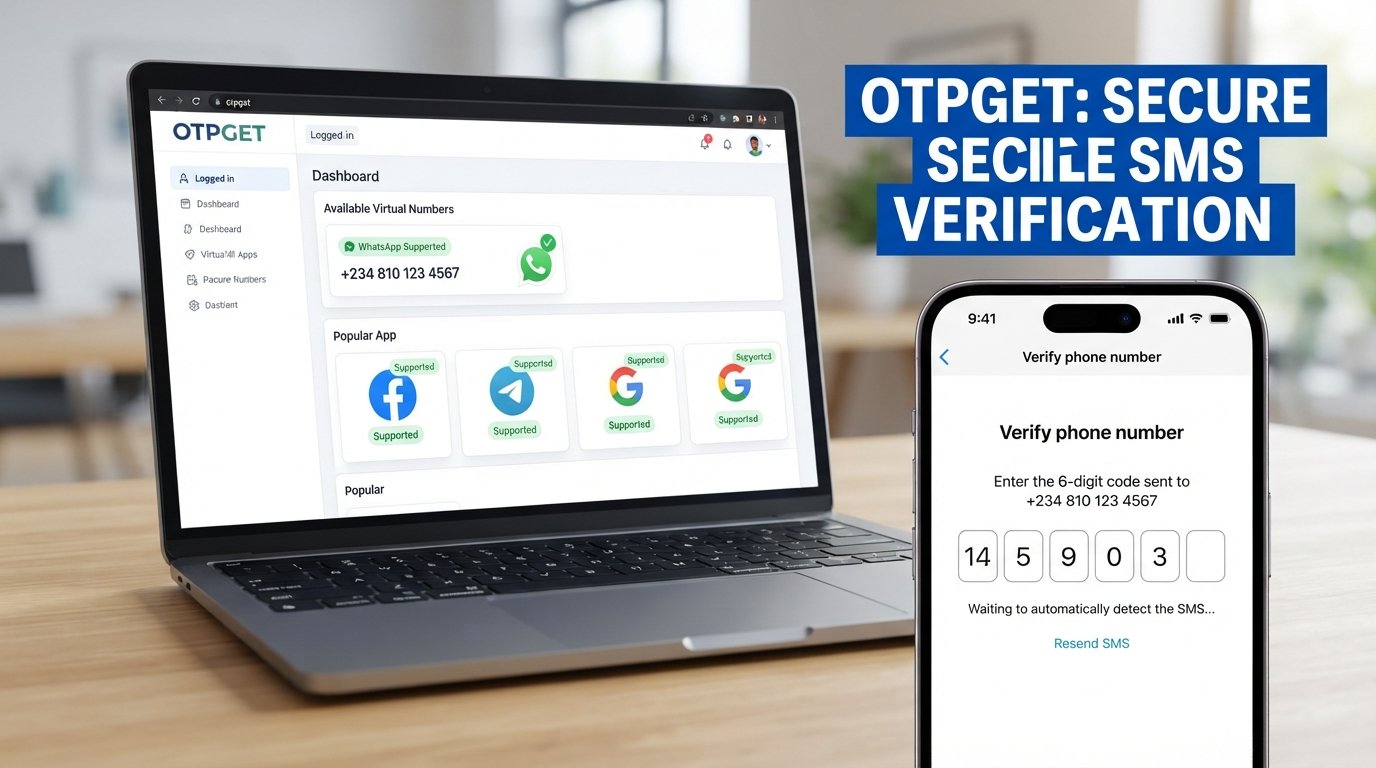
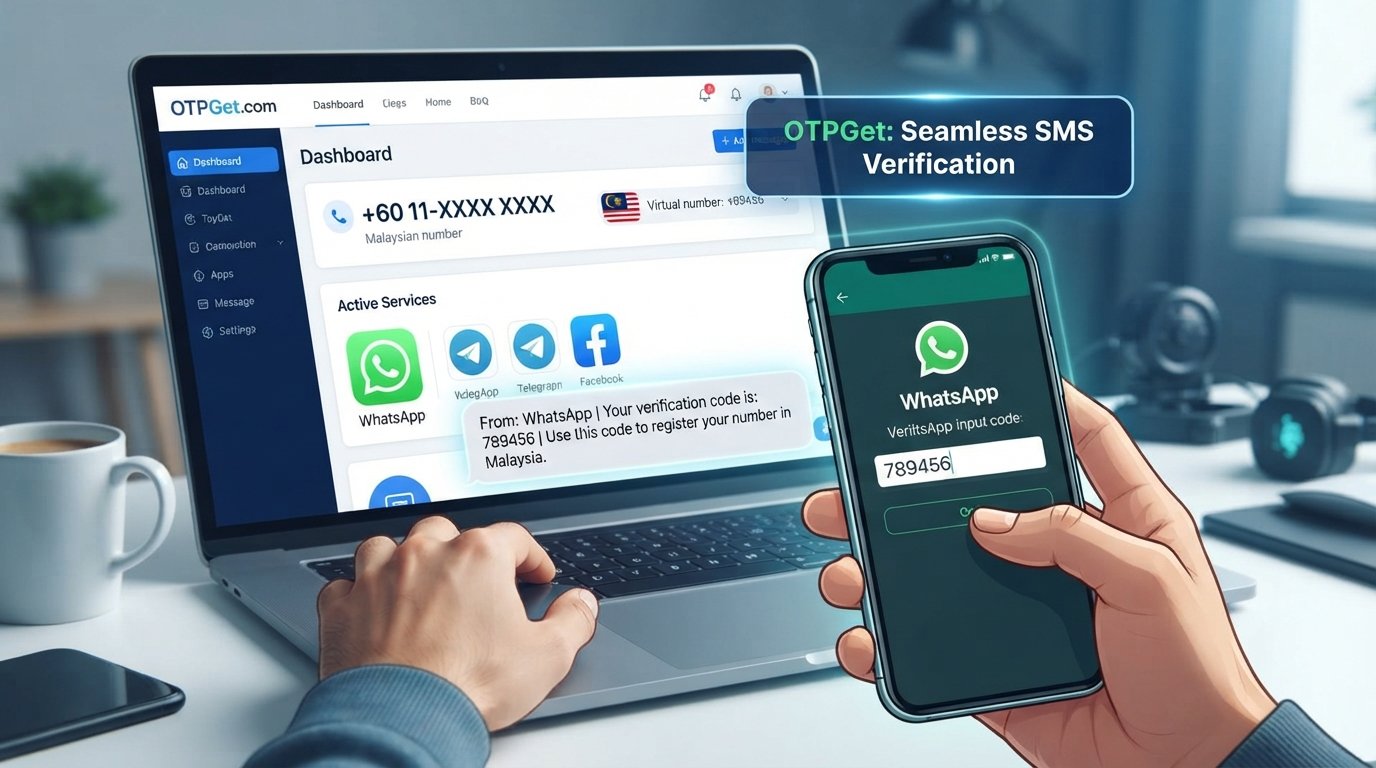
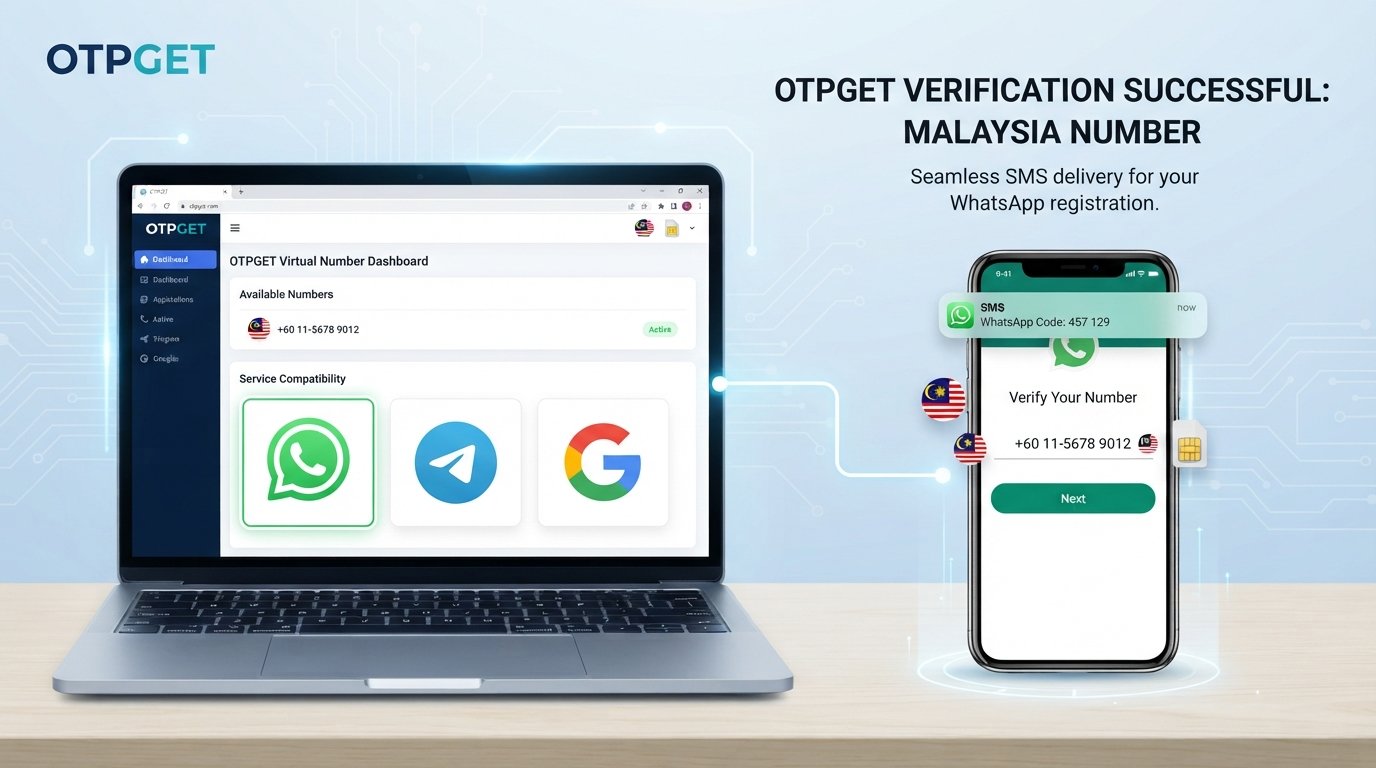
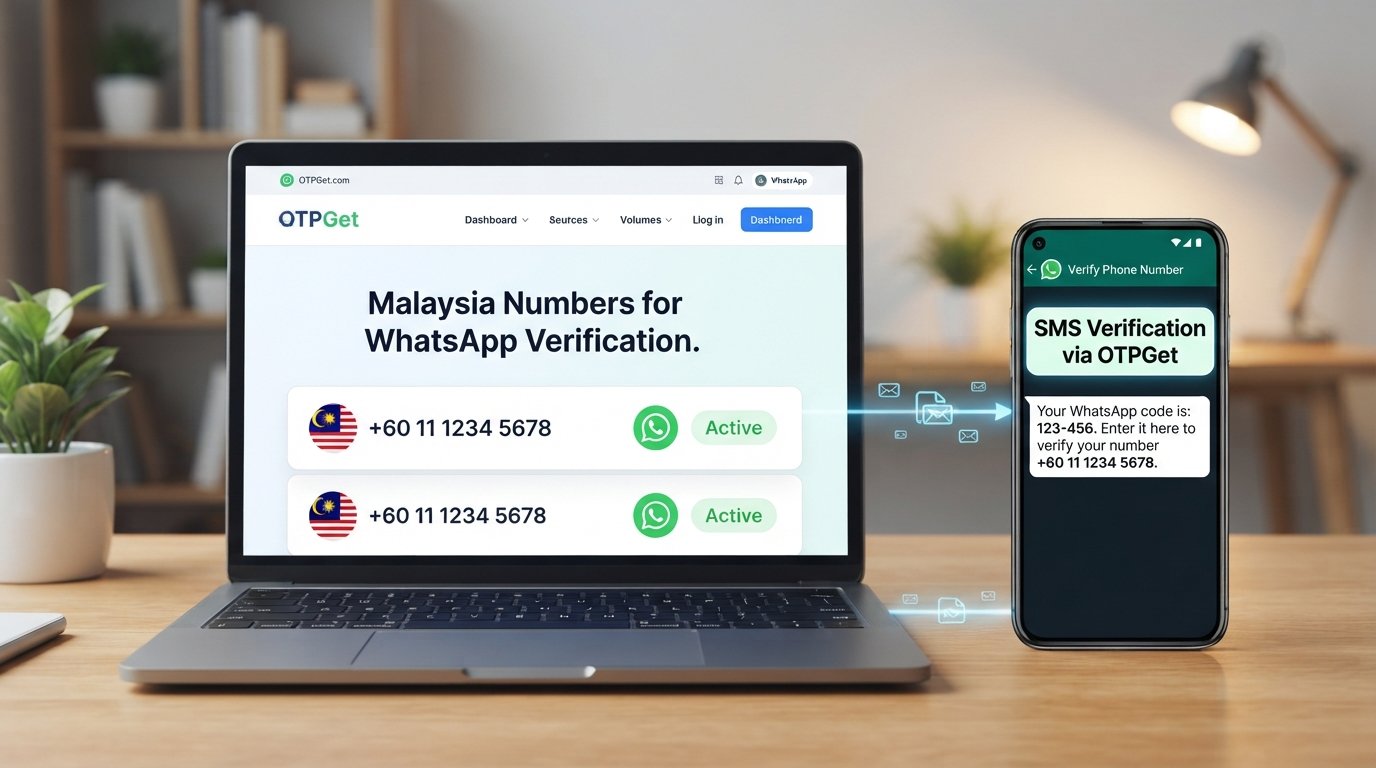
OTPGet is an online OTP verification service that lists virtual numbers and WhatsApp among its supported services. Its website also lists Malaysia among its available country options. Actual number availability and compatibility can vary, so check the current options before proceeding.
This guide explains the standard verification process, how OTPGet may fit into it, and what to consider before using an online number.
Why Use a Malaysia Number for WhatsApp Verification?
A Malaysian number can be useful when you have personal, professional, or travel-related reasons to communicate using a Malaysian phone number.
For example, international travelers may want a local contact number, while businesses operating in Malaysia may need a separate communication channel for legitimate customer interactions. Someone who lives between countries may also prefer a number associated with their Malaysian contacts.
A Malaysia number for WhatsApp verification can help meet these needs, provided the number is eligible for registration and you have legitimate access to it.
Three factors matter:
-
Number compatibility: WhatsApp must accept the number for registration.
-
Code delivery: You must be able to receive the requested verification code through a supported channel.
-
Ongoing access: You should retain reliable control of the number if you intend to keep using the account.
A Malaysian country code alone does not guarantee successful WhatsApp registration. Shared, previously used, or unsupported virtual numbers may be rejected.
What Is OTPGet and How Can It Help?
OTPGet is an online platform offering virtual phone numbers for SMS OTP verification. Its official website lists WhatsApp among its supported services and displays Malaysia as an available country option. Its documentation also describes temporary number services, longer-term rentals, and tools for retrieving SMS verification messages.
These features may be useful if you need an online number for SMS verification and do not want to rely solely on a personal SIM. However, the exact number types and options available for a particular country and service should be confirmed directly on the platform.
For WhatsApp verification Malaysia, the important question is not simply whether a Malaysian number appears in a catalogue. You also need to confirm that the selected number is currently available, suitable for your intended use, and compatible with WhatsApp's registration requirements.
OTPGet is an independent service, not an official WhatsApp product or partner. Its availability listings should not be interpreted as a guarantee that every number will work.
Explore OTPGet: Visit otpget.com to check available Malaysia number options and see whether the service fits your WhatsApp verification needs.
How to Verify WhatsApp With a Malaysia Number Using OTPGet
Follow these steps to understand the normal registration process. The exact OTPGet interface and available options may vary.
Step 1: Visit the official OTPGet website
Open OTPGet and review the service information before creating an account or purchasing a number. Make sure you are using the official website and understand the applicable terms.
Step 2: Check Malaysia number availability
Review the available countries and verification services. Confirm that Malaysia numbers are offered for the intended purpose and that WhatsApp is listed for the specific option you plan to use.
A country appearing on the website does not necessarily mean every number type supports every application.
Step 3: Review the number details
Before proceeding, check the number type, access duration, SMS-receiving capability, price displayed by the service, and relevant terms. Determine whether the number is temporary, shared, or available for longer-term use.
Do not assume that a number advertised for general SMS verification will necessarily receive WhatsApp messages.
Step 4: Select a suitable number
Choose a number only if the provider's current terms permit your intended use and you have legitimate access to the verification messages. If WhatsApp compatibility is unclear, confirm it with OTPGet before purchasing.
Step 5: Enter the number in WhatsApp
Open WhatsApp and begin its standard registration process. Select Malaysia as the country or enter the Malaysian country code, +60, followed by the appropriate national number.
Use the number in the international format requested by WhatsApp. When converting a Malaysian domestic mobile number to international format, the leading domestic zero is generally omitted after the country code. Follow the app's instructions and verify the digits carefully.
Step 6: Request the verification code
Ask WhatsApp to send its registration code using the verification option presented in the app. The service may offer SMS or, when available, a phone call.
Step 7: Retrieve the SMS if supported
If your selected OTPGet service supports receiving that message and WhatsApp accepts the number, check the appropriate OTPGet interface for the incoming SMS. Follow the provider's current instructions rather than relying on assumed menu names or interface labels.
Step 8: Enter the code
Enter the legitimate verification code in WhatsApp. Never share it with another person or enter it into an unrelated website.
Step 9: Complete registration
Follow any additional instructions displayed by WhatsApp. If the number is rejected or the code does not arrive, stop and troubleshoot the issue instead of repeatedly requesting codes.
For official registration guidance, consult the WhatsApp Help Center.
Benefits of Using OTPGet for Malaysia Number Verification
OTPGet may be worth exploring if you need an online OTP verification service and its available number options match your requirements.
Convenience: An online service can provide a way to access supported SMS verification messages through its platform rather than relying exclusively on a physical SIM.
Number options: OTPGet lists multiple country options, including Malaysia. This gives users a starting point for checking availability without assuming that every country or service has identical coverage.
A defined verification workflow: Its published documentation describes obtaining numbers and checking incoming SMS status. That information can help users understand the basic process before committing.
Flexible use cases: Depending on the available number type and terms, virtual numbers may suit certain short-term testing or communication needs.
These are potential advantages, not promises of successful WhatsApp registration. Actual delivery, access duration, eligibility, and number availability depend on the selected service and WhatsApp's own checks.
Common WhatsApp Verification Problems and How to Fix Them
WhatsApp verification code not received
First, check the number and country code. Confirm that the selected number supports the intended service and that the provider is able to receive messages from WhatsApp. Review the OTPGet instructions and check the appropriate message interface.
If you are using a physical SIM, check network reception and SMS settings. Wait until WhatsApp's displayed timer allows another attempt before requesting a new code.
The selected number is rejected
WhatsApp may reject a number because of eligibility restrictions, previous use, or other registration checks. Verify the number format and confirm that the provider permits the intended use. If it remains ineligible, choose a legitimate alternative you control rather than attempting to bypass the restriction.
Too many verification attempts
Repeated requests or incorrect code entries can trigger waiting periods. Stop requesting codes and follow the retry timer shown by WhatsApp. There is no reliable shortcut for removing a platform-imposed restriction.
The SMS service does not support WhatsApp
Some online number services support only particular applications or message types. Check the selected service's compatibility and contact OTPGet if a purchased service does not behave as described.
Number access expires
A temporary number may stop being accessible when its service period ends. Review the access duration before starting and consider whether you will need the same number for future account recovery.
WhatsApp requests a phone call
If WhatsApp offers a call verification option, follow the instructions displayed in the app. Use it only if you can legitimately receive the call on the selected number. Not every virtual number supports voice calls.
For more guidance, see WhatsApp's official instructions on registering a phone number.
Is It Safe to Use an Online Malaysia Number for WhatsApp?
The answer depends on who controls the number, how messages are handled, and whether you can maintain access over time.
A personal SIM or dedicated number that you control offers a clearer path to future verification. A shared or temporary number may be accessible to other users, or it may be reassigned after your access ends. Either situation can create problems if you later need to recover your account.
Keep these precautions in mind:
-
Protect verification codes. Never share your WhatsApp registration code with anyone.
-
Check privacy terms. Understand how the provider handles incoming messages, account information, and personal data.
-
Consider number ownership. Use a number you are authorized to register and can access reliably.
-
Plan for account recovery. If the number becomes unavailable, future verification may be difficult.
-
Enable available security features. Review WhatsApp's account-security settings and consider enabling two-step verification or a passkey where available.
For sensitive communication or long-term personal use, a number under your exclusive, continuing control is generally the more prudent choice. An online service should not be treated as automatically private, anonymous, or risk-free.
OTPGet vs. Other Verification Options
The right option depends on your need for convenience, privacy, and ongoing access.
| Option | Main advantage | Important limitation |
|---|---|---|
| Personal Malaysian SIM | Direct control of the number and its SMS messages | Requires access to a suitable mobile subscription |
| Legitimate mobile or virtual number you control | Can provide a separate communication channel | Eligibility and future access depend on the provider |
| Online OTP service such as OTPGet | May offer convenient access to supported verification messages | Compatibility, exclusivity, and number duration must be checked |
OTPGet is worth considering when its available Malaysian numbers support your intended use. A personal or dedicated number may be preferable when long-term account access is important.
Whichever option you choose, verify the number's eligibility before relying on it for WhatsApp.
Frequently Asked Questions About WhatsApp Malaysia Verification
1. How can I verify WhatsApp with a Malaysia number?
Choose an eligible Malaysian number you can access, enter it in WhatsApp with the +60 country code, request the registration code, and follow the app's instructions. Successful registration is not guaranteed for every number.
2. Can I use OTPGet to receive a WhatsApp verification code?
OTPGet lists WhatsApp among its supported services and Malaysia among its country options. However, availability and compatibility depend on the specific number. Check the current listing and terms before proceeding.
3. What is the Malaysia country code for WhatsApp?
Malaysia's international country calling code is +60. Enter the number in the international format requested by WhatsApp, omitting the domestic leading zero where appropriate.
4. Why am I not receiving my WhatsApp OTP?
Possible reasons include an incorrect number, delayed delivery, an unsupported number type, or a temporary registration restriction. Check the format, review the provider's instructions, and wait for WhatsApp's retry timer.
5. Can I use a virtual Malaysia number for WhatsApp?
Potentially, but not every virtual number is accepted. Confirm compatibility and ensure you are authorized to use the number. WhatsApp's registration requirements still apply.
6. Is an online number suitable for long-term WhatsApp use?
It may not be. If access expires or the number is reassigned, future verification and account recovery can become difficult. Prefer a number you can reliably control for the long term.
7. What should I check before using OTPGet?
Check Malaysian number availability, WhatsApp compatibility, number type, access duration, message-receiving capability, displayed charges, privacy policy, and service terms.
8. Is WhatsApp verification with an online number guaranteed?
No. WhatsApp may reject a number, and an SMS may not arrive. Neither an online OTP service nor a virtual number guarantees successful registration.
Final Thoughts: Verify WhatsApp With a Malaysia Number Using OTPGet
Learning how to verify WhatsApp with a Malaysia number starts with choosing an eligible number, entering it correctly, and receiving the registration code through a supported channel.
OTPGet is a useful service to explore because its website lists Malaysia numbers and WhatsApp-related OTP services. Still, the specific number you select must be available and compatible with WhatsApp's requirements. Number access, privacy, and future account recovery deserve equal attention.
If you need a Malaysia number online, compare the available options carefully and avoid relying on a temporary or shared number for an account you cannot afford to lose.
Ready to explore your options? Visit OTPGet, check the available Malaysia number services, and confirm that your chosen number supports your intended verification before getting started.