How to Use a Virtual Number for Online Verification Safely
How to Use a Virtual Number for Online Verification
Signing up for an online service often comes with one extra step: phone number verification. A website or app sends a one-time password (OTP) by SMS, and you enter that code to confirm that you can receive messages at the number you provided.
For some people, using their primary mobile number for every online service is not ideal. A virtual number for online verification can provide a separate number for supported SMS-based verification workflows, helping keep personal and online communication separate.
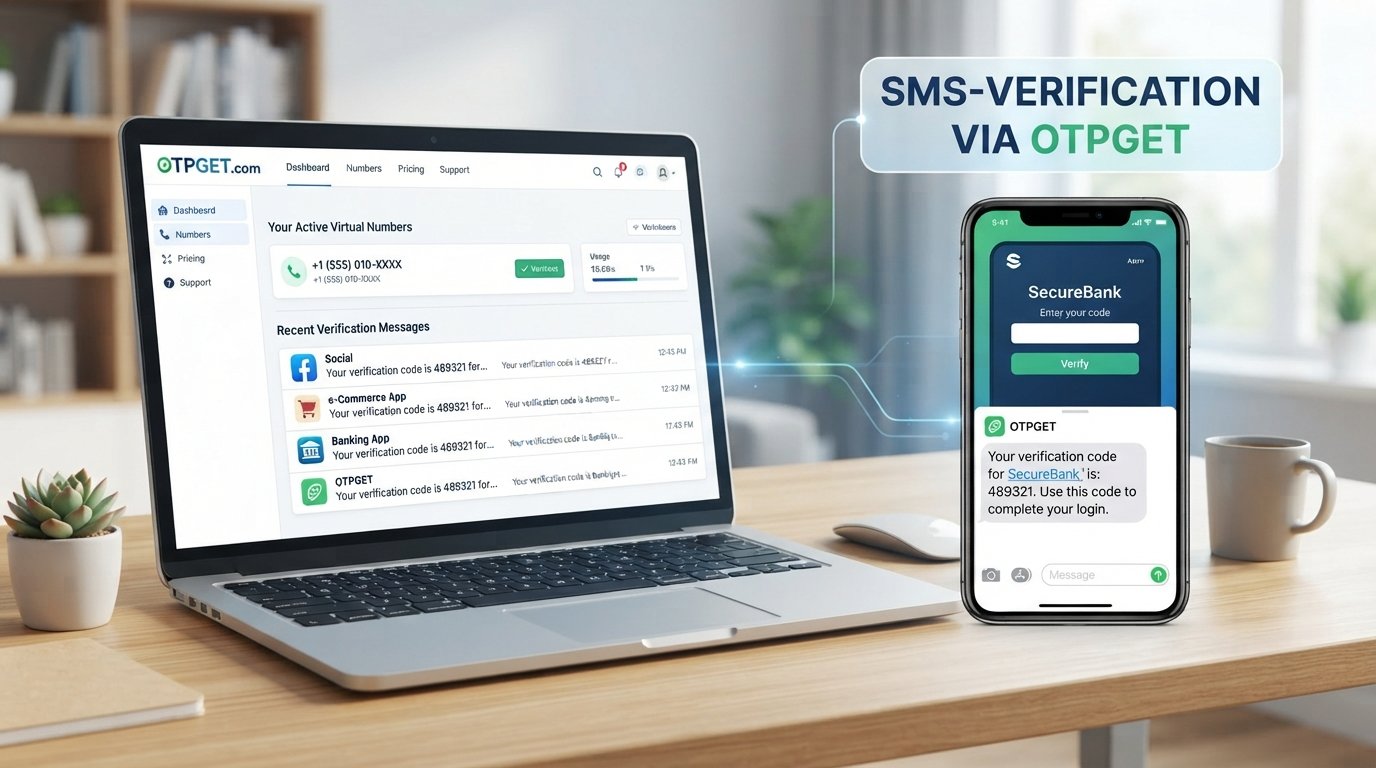
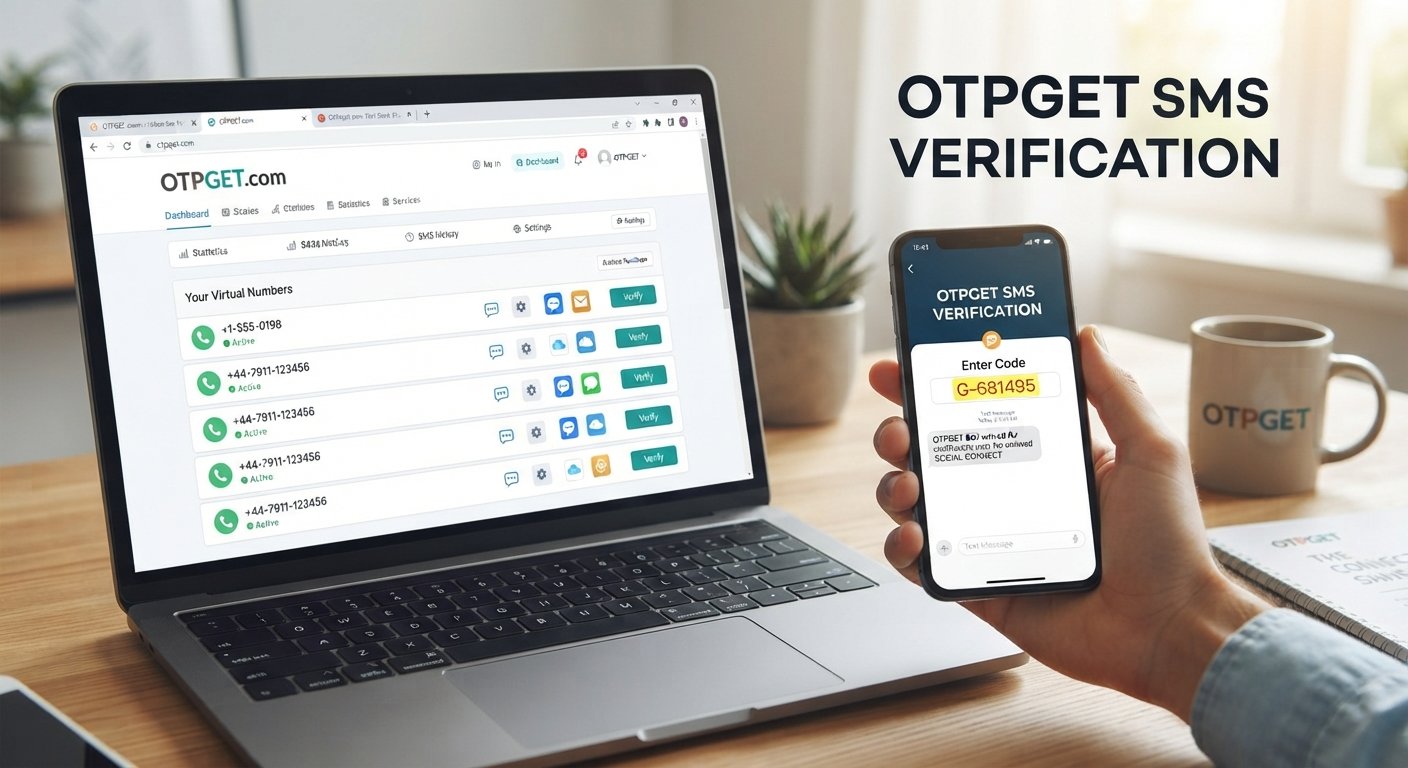
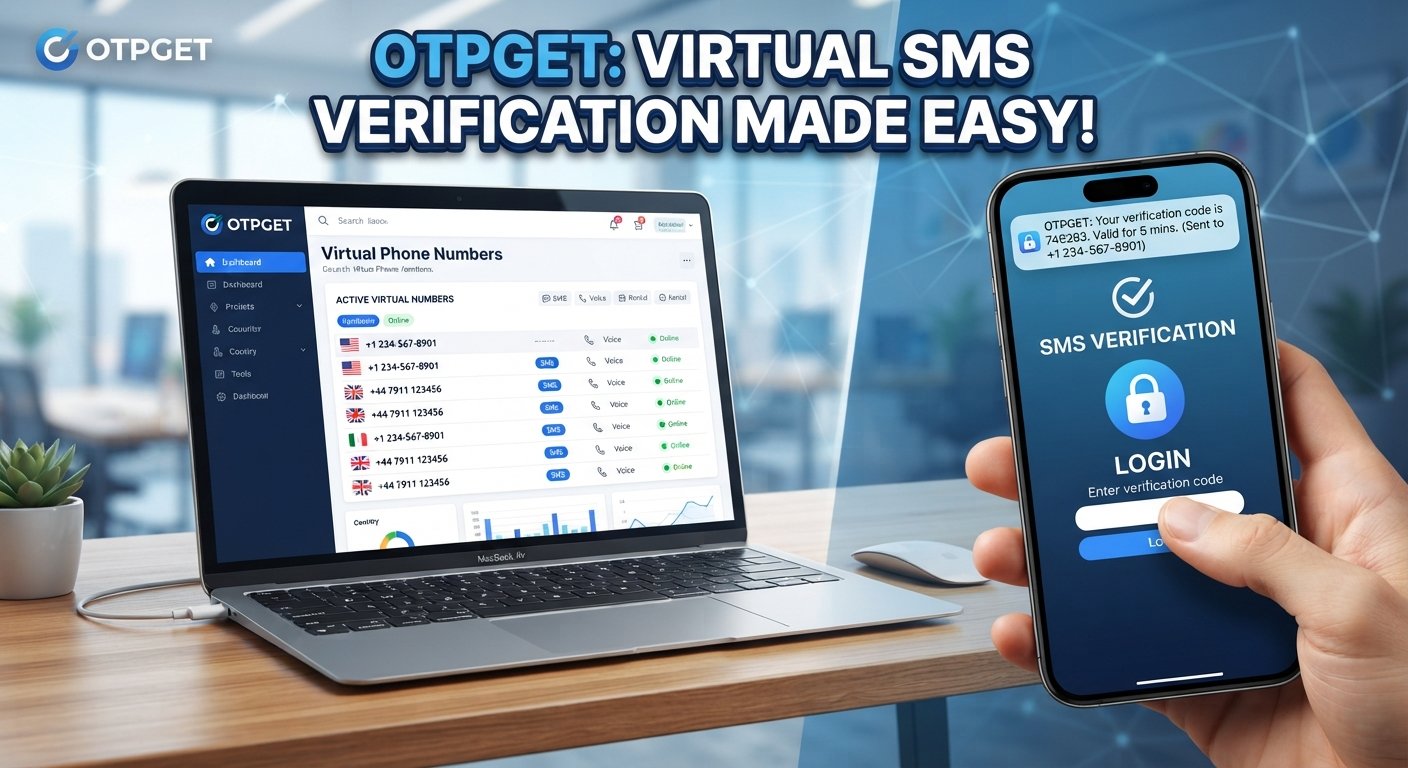
This is where services such as OTPGET can be useful. Depending on the number type and the service being verified, OTPGET can provide an option for receiving verification messages without relying on your primary phone number.
The important part is understanding how virtual numbers work, when they are appropriate, and why compatibility matters before choosing one.
What Is a Virtual Number?
A virtual number is a phone number that is not necessarily tied to a traditional physical SIM card in the same way as a standard mobile number. Depending on the provider, it can be managed through an online platform and may support services such as SMS or calls.
For online verification, the most relevant feature is usually SMS reception. When a website sends a verification code to an eligible virtual number, the message can appear through the provider's platform.
A virtual phone number can be useful for several legitimate purposes, including:
- Separating personal communication from online services
- Managing business-related communications
- Testing applications or workflows where appropriate
- Receiving SMS verification messages on supported services
- Avoiding unnecessary use of a personal number for lower-risk online activities
Not every virtual number works with every website. Some platforms distinguish between different number types or restrict numbers associated with certain providers. That's why checking compatibility is an important part of the process.
Why Use a Virtual Number for Online Verification?
There are several practical reasons someone might choose a virtual number instead of their primary mobile number.
Keep your personal number separate
Using a separate number can help you avoid sharing your primary number with every website or online service that requests phone verification.
This does not automatically make an account private or anonymous. It simply creates a separation between your personal mobile number and a particular online activity.
Manage verification messages more conveniently
If you regularly work with services that require SMS verification, having a dedicated number can make those messages easier to manage.
For example, a developer, tester, or business operator may need to handle verification workflows for legitimate testing or operational purposes.
Support specific business workflows
Businesses may use virtual numbers for communications, customer support, application testing, or other workflows where a separate phone identity is useful.
The exact capabilities depend on the provider and number type.
Reduce unnecessary exposure of a primary number
A virtual number can be useful when a service requires a phone number but you have no reason to give it your everyday personal number.
However, the distinction matters: a virtual number is not automatically a security or privacy guarantee. Users should still review the provider's policies and consider how the number is managed over time.
How Online Verification Works
The basic SMS verification process is straightforward.
- A website or app requests a phone number.
This is often part of account registration or an additional verification step. - You provide an eligible number.
This can be a regular mobile number or, where accepted, a virtual number. - The service sends a verification code.
The code is normally delivered through SMS. - You receive the SMS.
If the virtual number supports the relevant service, the message can appear through the number provider. - You enter the OTP.
The verification code is entered on the original website or application. - The service verifies the code.
If the code is valid and has not expired, the verification step may be completed.
This is commonly called SMS verification, OTP verification, or phone number verification.
How to Use a Virtual Number for Online Verification
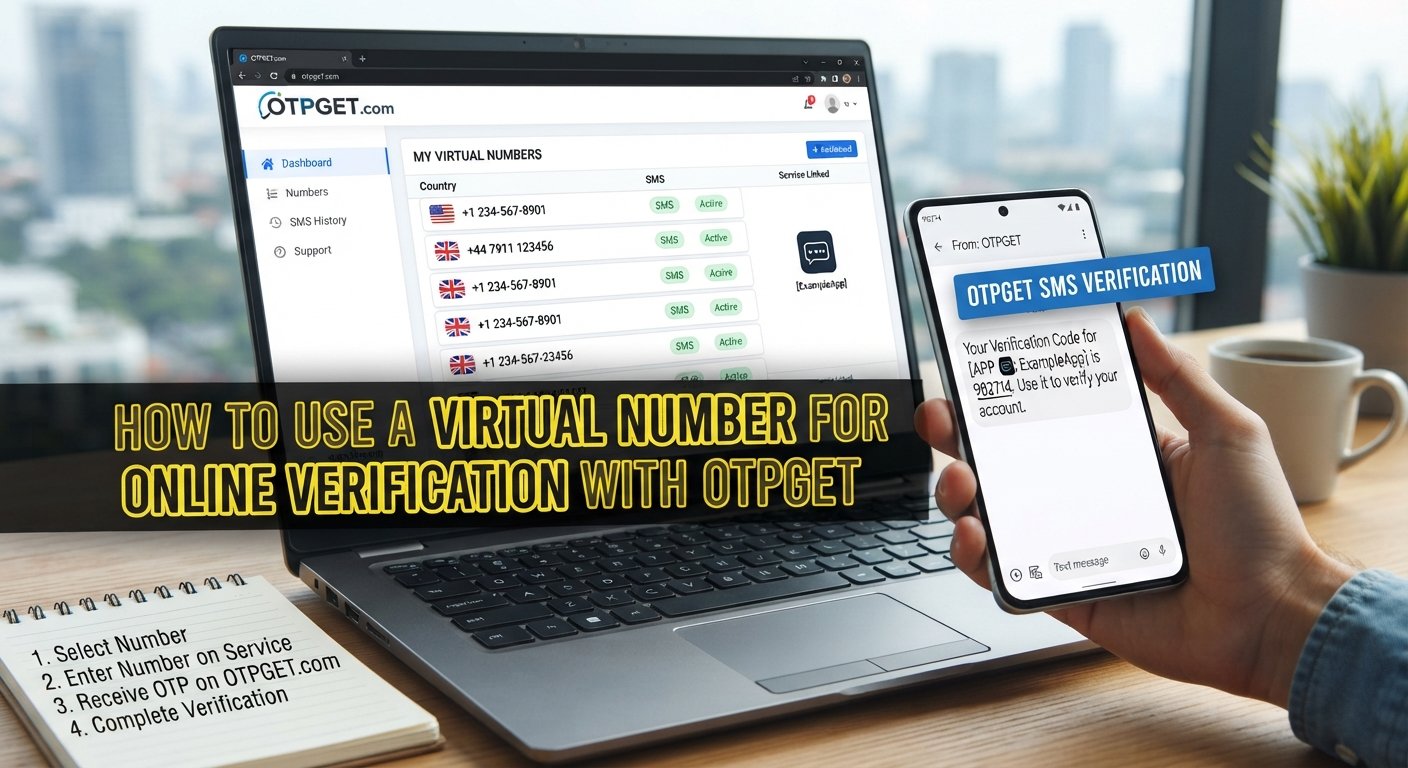
The process can vary between providers and websites, but the general workflow is simple.
1. Choose a suitable virtual number service
Start by selecting a provider that offers the type of virtual number you need.
If you are considering OTPGET, review the available options and the information provided for each number before making a selection.
2. Select the required country or number, when available
Some verification workflows are country-specific. If the service you're using has geographic requirements, make sure the selected number is appropriate.
Do not assume that every number will be accepted simply because it can receive SMS.
3. Check SMS verification compatibility
This is one of the most important steps.
Look for information about whether the number supports the type of SMS verification you need. Some websites may reject virtual, VoIP, temporary, or previously used numbers.
4. Enter the virtual number
On the website or application you're verifying, enter the selected number in the phone number field.
Follow the service's instructions rather than trying to modify the process to avoid its verification requirements.
5. Request the verification code
Submit the number and request the SMS verification code.
The service will attempt to send an OTP to the number you provided.
6. Monitor the incoming SMS
Check the virtual number service for the incoming verification message.
If the number and service are compatible, the SMS should appear through the provider's supported interface.
7. Enter the OTP
Copy the verification code into the original website or app.
Avoid sharing verification codes with other people. An OTP is intended to confirm control of the number during the verification process.
8. Complete the verification
Once the service accepts the code, finish any remaining registration or account setup steps.
If the message does not arrive, check whether the number is supported, whether the code has expired, or whether the service has restrictions on virtual numbers.
How OTPGET Can Help With Online Verification
OTPGET can be considered when you need a virtual number for receiving SMS-based verification messages on supported services.
The basic workflow is:
Choose a suitable number → provide it to the relevant service → request the OTP → receive the SMS through the supported number service → enter the code on the original service.
The key word is supported. A virtual number provider cannot determine whether every external website will accept a particular number. Individual services may have their own verification policies, number restrictions, or fraud-prevention systems.
Before choosing a number through OTPGET, consider:
- Whether the number supports SMS
- Whether it is suitable for the service you want to verify
- Whether the number type is accepted by that service
- Whether you need continued access to the number
- The provider's terms and usage conditions
This makes OTPGET a practical option to consider rather than a universal solution for every verification scenario.
A Practical Example
Imagine a user wants to create an account on an online service but prefers not to use their primary mobile number for that particular registration.
They could select a suitable virtual number through a service such as OTPGET, provided the relevant service accepts that type of number. They enter the virtual number during registration and request SMS verification.
The verification message is then delivered to the virtual number's supported SMS interface. The user retrieves the OTP, enters it on the original website, and completes the verification process.
This example is hypothetical, and actual availability and acceptance depend on the number provider and the website being verified.
Benefits and Limitations of Virtual Numbers
Virtual numbers can be convenient, but they are not suitable for every situation.
Potential benefits
- Separation: Keep certain online activities separate from your primary phone number.
- Convenience: Manage supported SMS verification messages through an online service.
- Workflow management: Useful for some business, development, and testing workflows.
- Reduced personal-number exposure: Avoid providing your everyday number where a separate number is appropriate.
- Centralized handling: A supported virtual SMS service can make verification messages easier to access.
Important limitations
- Some websites reject virtual numbers. A service may accept only certain number types or carriers.
- Number availability varies. The number you want may not always be available.
- SMS delivery can vary. Network, provider, and service-side factors can affect delivery.
- Numbers may be temporary or reassigned. Depending on the service, you may not retain a number permanently.
- Continued access may matter. A temporary number may be unsuitable when you need the same number for future account recovery.
- Not every account should use one. Highly sensitive accounts may benefit from a stronger or more persistent authentication method.
These limitations are why choosing the right number for the specific verification task matters more than simply choosing any virtual number.
Security and Responsible Use
Virtual numbers should be used for legitimate purposes and in accordance with the terms of the website, application, and number provider.
Avoid using a temporary or shared number for an important account if losing access to that number could prevent you from recovering the account later. Account recovery requirements can be different from initial registration requirements.
It is also worth remembering that SMS-based OTP is only one form of authentication. For sensitive accounts, a service may offer stronger options such as authenticator apps, passkeys, hardware security keys, or other multi-factor authentication methods.
A virtual number does not automatically provide anonymity, complete privacy, or stronger security. Treat verification codes as sensitive information and never give them to someone who asks for them outside the legitimate verification process.
Common Mistakes to Avoid
A few simple mistakes can make virtual-number verification unnecessarily difficult.
Choosing a number without checking compatibility: A number that receives ordinary SMS may not necessarily be accepted by a particular website.
Using a temporary number for an important long-term account: If future recovery depends on that number, losing access can create problems.
Assuming every OTP will arrive instantly: SMS delivery depends on multiple systems, so occasional delays or failures can occur.
Ignoring terms of service: Some platforms restrict particular number types or verification methods.
Sharing OTP codes: Verification codes should be treated as sensitive credentials.
Taking these factors into account can make the process more predictable and reduce avoidable problems.
FAQ: Virtual Numbers for Online Verification
What is a virtual number for online verification?
A virtual number is a phone number managed through a virtual communications service rather than necessarily through a traditional physical SIM. When SMS is supported, it can be used for verification on services that accept that number type.
Can a virtual number receive OTP codes?
Yes, some virtual numbers can receive SMS containing OTP codes. Whether a specific code can be received and accepted depends on the number provider and the website or app sending the message.
How does SMS verification with a virtual number work?
You provide an eligible virtual number to the website, request verification, receive the SMS containing the verification code, and enter that code on the original service.
Is a virtual number the same as a temporary phone number?
Not necessarily. A virtual number describes how a number is provided or managed, while a temporary number generally refers to a number intended for short-term use. Some virtual numbers may be temporary, while others may be intended for longer-term use.
Why might a website reject a virtual number?
A website may restrict certain number types, providers, geographic regions, or numbers that have been used previously. Acceptance is determined by the individual service's verification and security policies.
Can I use OTPGET for online verification?
OTPGET can be considered for receiving verification messages where the relevant service and available number type are compatible. Check the available number information and the requirements of the service you want to verify before selecting a number.
Are virtual numbers suitable for important accounts?
They can be unsuitable when long-term access to the number is essential for account recovery. For sensitive accounts, consider using a persistent number or another authentication method supported by the service.
Final CTA
If you need a separate number for an SMS-based verification workflow, explore OTPGET and review the available virtual-number options for your specific use case. Choose a number that fits the service's requirements, and always follow the applicable terms and verification policies.