Virtual Number OTP Verification: A Complete Guide for Users
Virtual Number OTP Verification – Complete Guide
Introduction
Phone verification is a familiar step when signing up for an app, website, SaaS platform, or online service. A service sends a one-time password, or OTP, to a phone number, and you enter that code to confirm access to the number.
For many people, using their primary mobile number for every online service is not ideal. Developers may need numbers for testing, businesses may want to separate work activity from personal communication, and privacy-conscious users may prefer not to expose their everyday number unnecessarily.
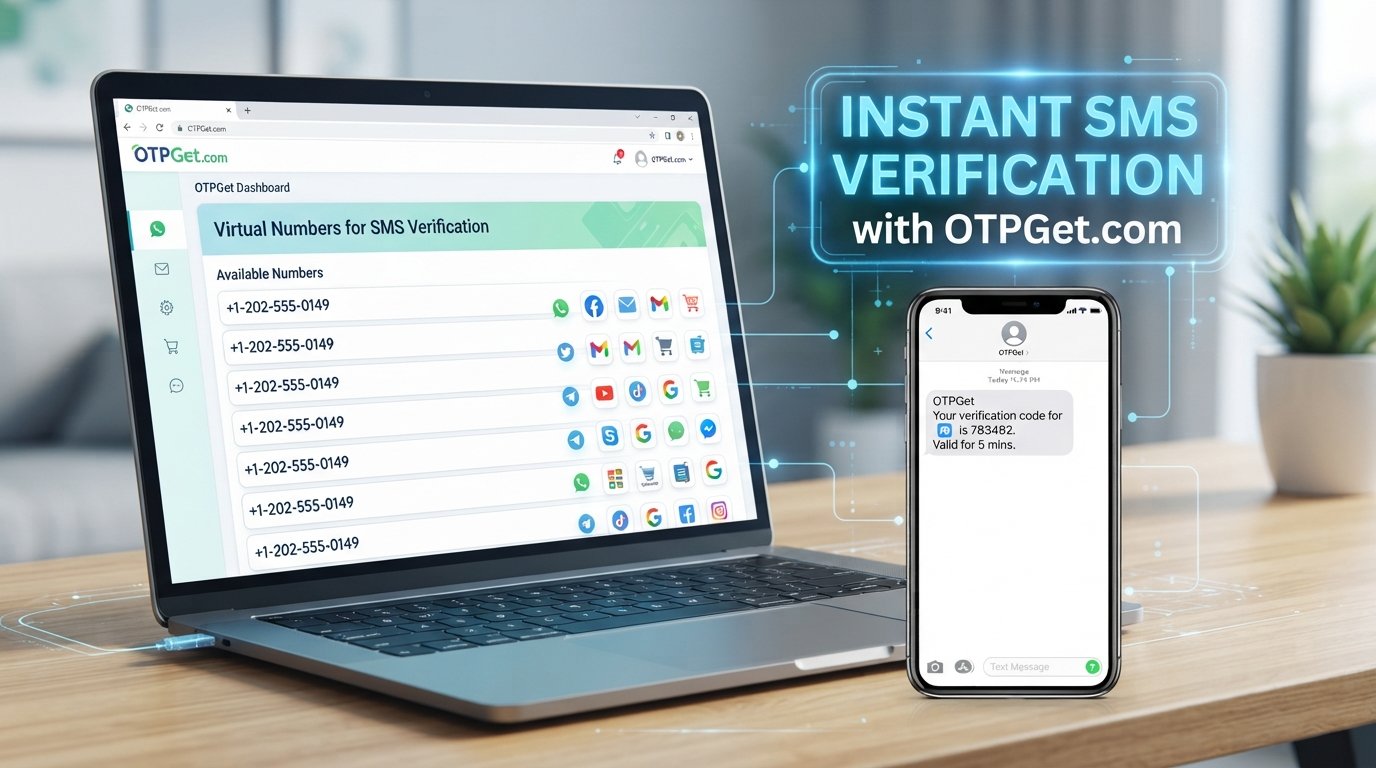
That is where virtual number OTP verification can be useful. A virtual phone number lets you receive supported SMS messages through an online platform rather than relying on a physical SIM in your personal phone.
Services such as OTPGET provide virtual numbers that can be used for supported SMS and OTP verification workflows. The important point is to understand how these numbers work, where they are appropriate, and what limitations to expect.
What Is Virtual Number OTP Verification?
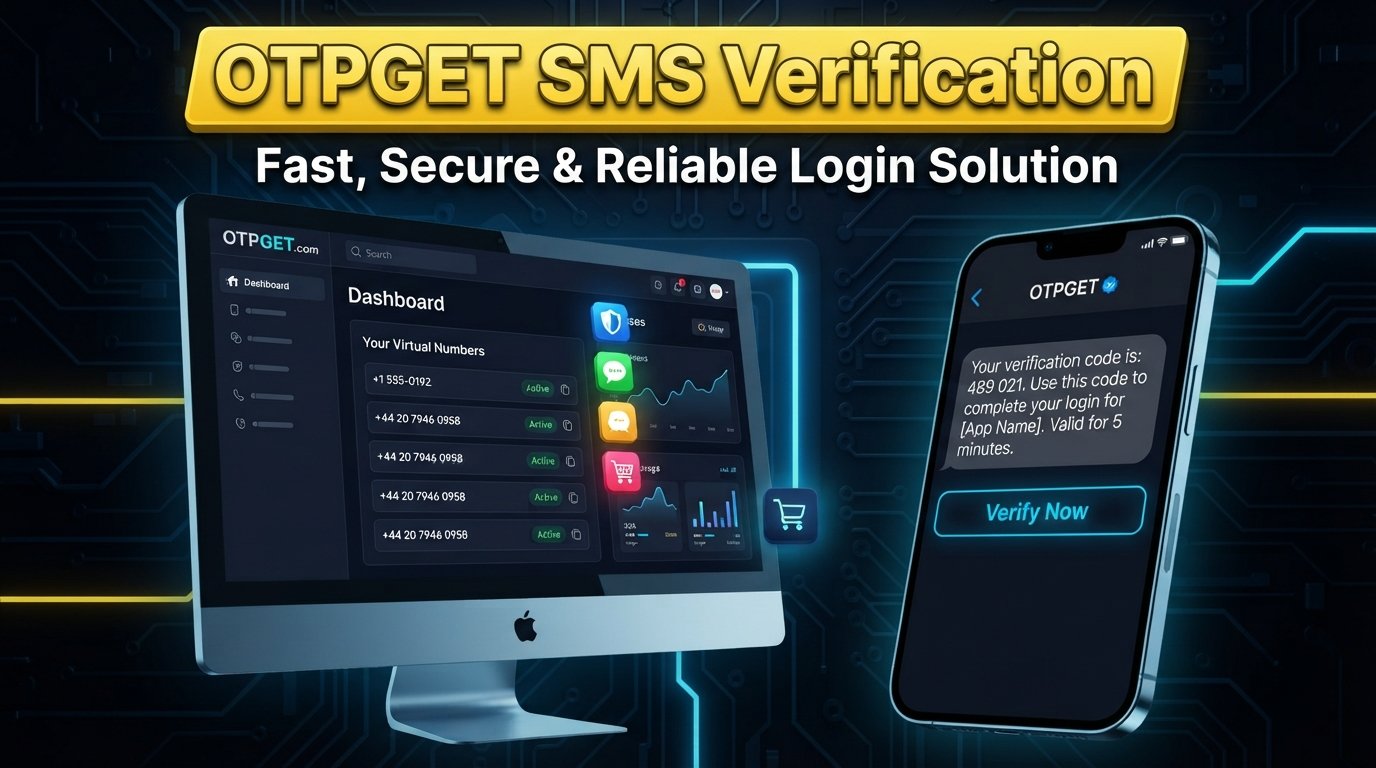
An OTP, or one-time password, is a temporary verification code generated by a website or application. It is commonly sent by SMS when a service wants to confirm that you can access a particular phone number.
Virtual number OTP verification uses a virtual phone number as the destination for that message.
Unlike a traditional mobile number tied to a physical SIM, a virtual number is accessed through an online service. Depending on the provider and number type, incoming messages can appear in a web dashboard or another supported interface.
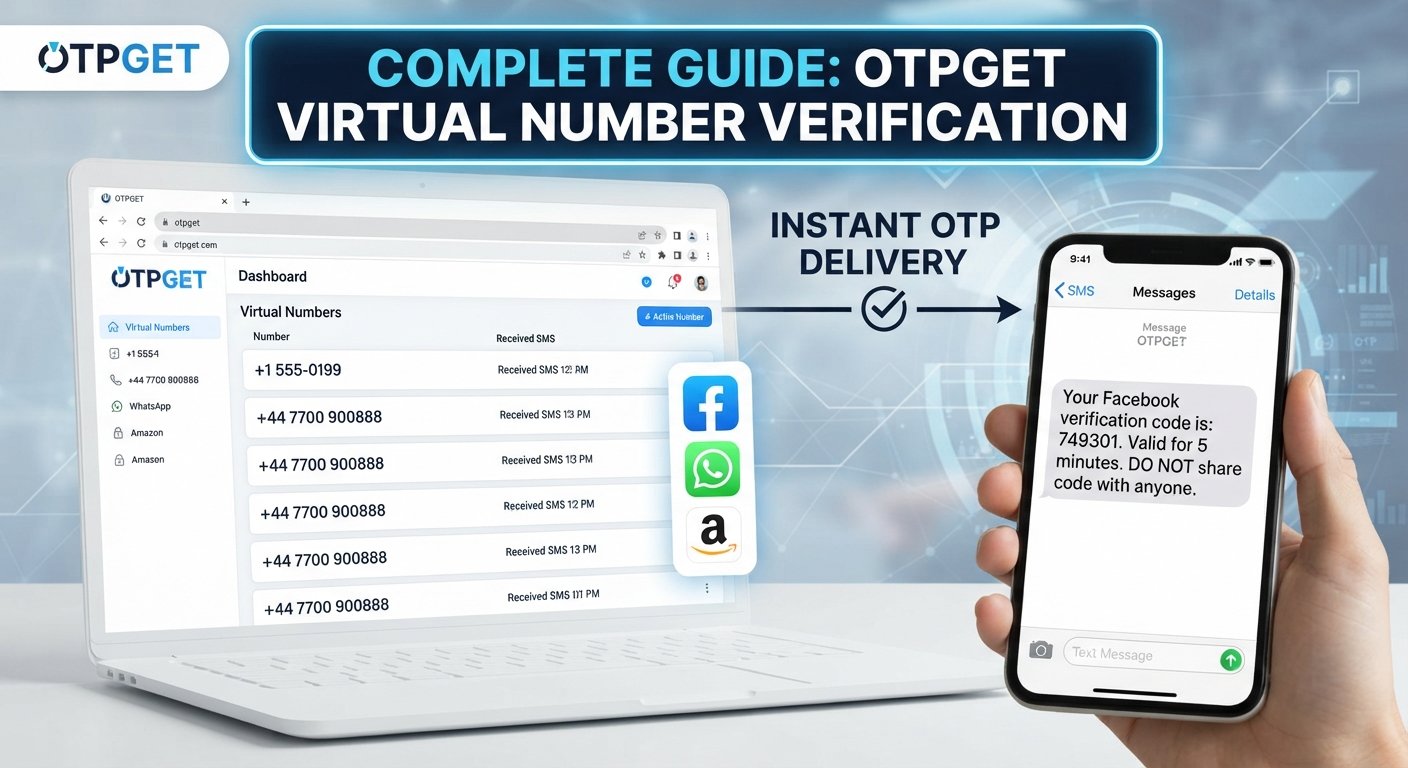
The basic process is straightforward:
-
A website requests your phone number.
-
You provide an eligible virtual number.
-
The website sends an SMS verification code.
-
The virtual number service receives the message.
-
You view the SMS verification code through the applicable interface.
-
You enter the OTP on the original website or application.
This makes a virtual number for OTP useful when a service supports that type of number and you have a legitimate reason to keep your primary number separate.
How Does Virtual Number OTP Verification Work?
Although the technology behind SMS delivery can be complex, the user experience is usually simple.
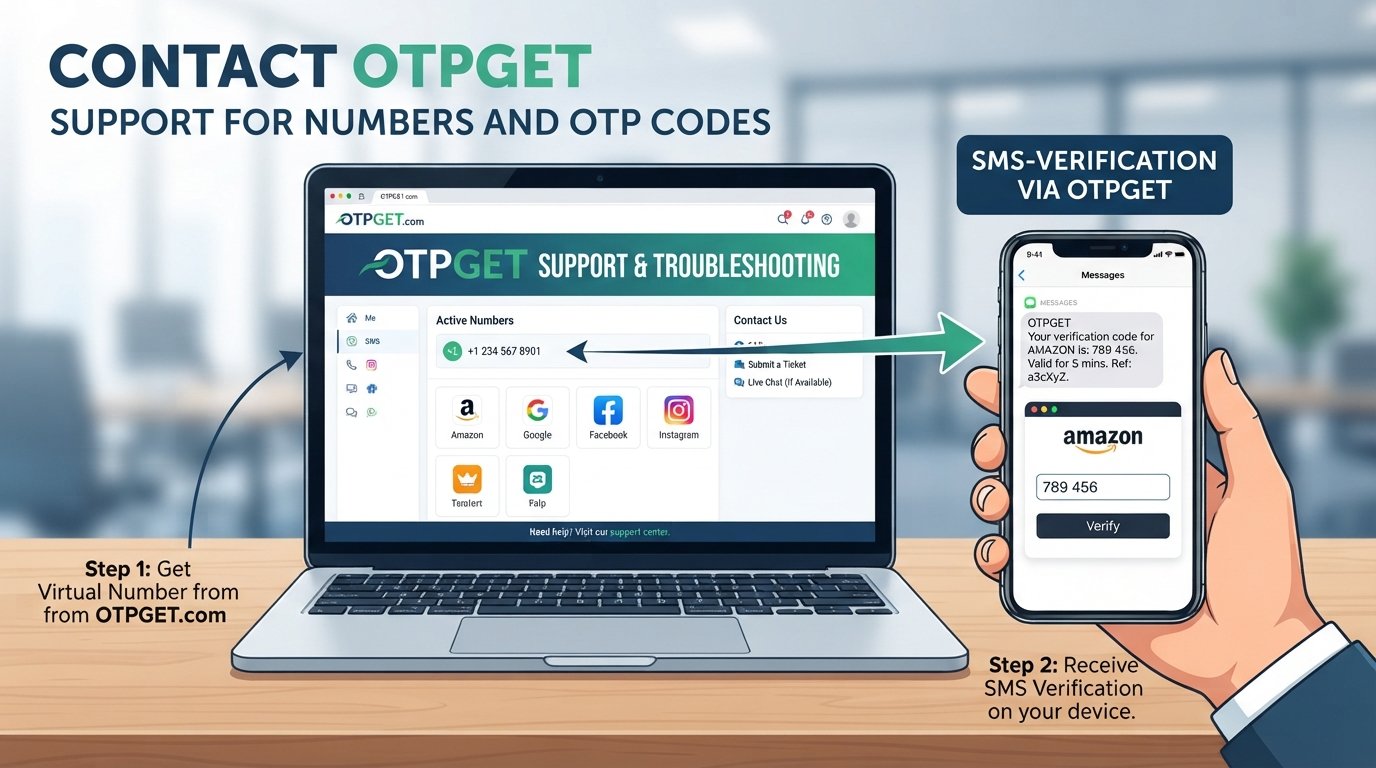
Step 1: Select a service
Start with the website, application, or testing environment that requires phone number verification. Check its requirements before choosing a number.
Step 2: Obtain a virtual number
Choose an available virtual number appropriate for the intended SMS verification workflow.
Step 3: Enter the number
Copy the virtual mobile number into the target service's phone verification field. Make sure the country code and number format are correct.
Step 4: Request the OTP
The service sends a verification SMS to the number you entered.
Step 5: Receive the message online
If the number and service are compatible, the verification SMS appears through the virtual number platform.
Step 6: Complete verification
Enter the received OTP into the original verification screen.
OTPGET describes its platform as providing virtual numbers for SMS OTP workflows, with options intended for different verification and development scenarios.
Why Use a Virtual Number for OTP Verification?
A virtual number is not necessary for every situation, but it can solve several practical problems.
Separating personal and online activity: You may not want your primary phone number attached to every website or online project you use.
Testing applications: Developers and QA teams often need to test phone verification flows without repeatedly using personal SIM cards.
Business workflows: A separate online phone number can help distinguish business or project-related verification from personal communication.
Convenience: A virtual number can be accessed through an online interface, eliminating the need for an additional physical SIM in some workflows.
Temporary projects: A temporary phone number can make sense when you need SMS access for a limited-purpose, legitimate task.
Privacy-conscious registration: Where a service permits virtual numbers, they can reduce unnecessary exposure of your primary number.
However, a virtual number should never be treated as a way to bypass fraud prevention, identity verification, security controls, or the rules of another platform.
Virtual Number vs. Regular Phone Number
The right choice depends on what you need the number for.
| Factor | Virtual Number | Regular Phone Number |
|---|---|---|
| Physical SIM | Usually not required | Usually required |
| Access | Online platform or supported interface | Mobile device/SIM |
| SMS reception | Supported messages can appear online | Messages arrive on the phone |
| Privacy separation | Useful for separating online activity | Often tied to personal use |
| Long-term recovery | Depends on number type and provider | Generally more suitable |
| Convenience | Useful for online workflows | Familiar and broadly supported |
| Compatibility | Some services may restrict it | Usually widely accepted |
A regular number is often preferable for important accounts that depend on long-term access, password recovery, or identity verification.
A virtual number may be more practical for testing, temporary projects, or supported SMS verification tasks where permanent ownership is not essential.
How to Receive an OTP Using a Virtual Number
The exact interface varies between providers, but the general workflow is easy to understand.
First, identify the service you want to verify and confirm that it accepts the type of number you plan to use. Then select an available virtual number that matches the relevant requirements.
Enter the number into the service's phone verification field and request the SMS verification code. If the message is supported and successfully delivered, retrieve it through your virtual number platform and enter the code into the verification screen.
OTPGET can provide a practical option for users looking for virtual numbers to receive verification messages. Its platform supports virtual-number workflows, while its developer documentation also describes programmatic access for users building SMS-related integrations.
The key limitation is compatibility. A virtual number does not guarantee that every website or application will accept it or deliver an OTP to it.
Why Choose OTPGET for Virtual Number OTP Verification?
When choosing an OTP receiving service, the workflow should be easy to understand and appropriate for your intended use.
OTPGET provides access to virtual numbers designed for SMS and OTP verification workflows. For users who want to keep a personal phone number separate from online verification activity, this can offer a practical alternative to obtaining another physical SIM.
Some users may also need more than occasional manual verification. OTPGET's official documentation describes API-based access for developers who want to integrate virtual-number and SMS retrieval workflows into their own applications.
The platform can therefore be relevant to several types of users:
-
Individuals who need a separate number for supported verification tasks
-
Developers testing phone verification flows
-
QA teams working with SMS-based application testing
-
Businesses managing legitimate project-related verification
-
Users who prefer not to expose their primary number unnecessarily
The important distinction is between convenience and guaranteed compatibility. OTPGET can provide the virtual-number infrastructure, but the final verification decision remains with the website or application receiving the number.
Common Uses of Virtual Numbers
Virtual numbers have several legitimate applications beyond one-time account registration.
App and SaaS testing
Developers can use virtual numbers when testing registration, login, password-reset, and SMS verification flows.
Website testing
A separate number can help QA teams test different phone verification scenarios without repeatedly using personal numbers.
Business projects
A virtual number may be useful for a specific business workflow where a separate communication or verification number is appropriate.
Privacy-conscious online activity
Where supported, a virtual number can help keep a personal phone number separate from less important online registrations.
Temporary projects
A temporary virtual number may suit a limited-duration project where maintaining a permanent phone line is unnecessary.
Always check the target platform's terms and verification requirements. A virtual number is a communication option, not a mechanism for avoiding rules.
Is Virtual Number OTP Verification Safe?
Virtual number OTP verification can provide privacy and convenience, but it has limitations.
One concern is number reuse. Temporary or shared numbers may eventually become available to another user. If an account depends on that number for future login or recovery, losing access can become a problem.
For this reason, temporary numbers are generally not ideal for accounts where long-term recovery matters.
Another consideration is shared access. Public or shared SMS receiving numbers can expose incoming messages to other people. They should not be used for sensitive accounts, financial services, government identity processes, or other situations where confidential information could be exposed.
It is also important to remember that SMS OTP is only one security layer. Completing phone verification does not make an account completely secure. Strong passwords, multi-factor authentication, recovery controls, and good account-security practices still matter.
Virtual Number OTP Verification Best Practices
A few simple habits can make the process safer and more predictable.
-
Choose a reputable provider. Review the provider's policies and available number types before using the service.
-
Check compatibility first. Some websites restrict virtual, VoIP, temporary, or previously used numbers.
-
Understand the number type. Know whether the number is temporary, shared, or intended for longer-term use.
-
Avoid temporary numbers for recovery-critical accounts. Losing the number could make future verification difficult.
-
Never share OTPs unnecessarily. A verification code should normally be entered only into the service that requested it.
-
Follow platform policies. Do not use virtual numbers to bypass security controls or account restrictions.
-
Separate testing from production accounts. Developers should keep test workflows distinct from important personal or business accounts.
-
Use additional security controls. Where available, enable stronger authentication and recovery methods.
-
Keep API credentials private. If you use a virtual number service's developer API, protect API keys and avoid exposing them in client-side code.
OTPGET can fit into these workflows when its available number and the target service are compatible. Its own policies also prohibit illegal, fraudulent, abusive, or harmful use.
Common Problems With OTP Verification
Even when the process looks simple, SMS verification can fail for several reasons.
OTP not arriving
The target service may not have sent the message, the number may not support that particular sender, or delivery may be delayed.
Delayed SMS
SMS delivery depends on multiple systems, including the originating service, number provider, and telecommunications infrastructure.
Virtual number rejected
Some platforms specifically restrict virtual or certain categories of phone numbers.
Number already associated with an account
Temporary numbers can sometimes have previous usage history. The target service may reject a number that is already linked to an account.
Expired OTP
Verification codes are usually temporary. If the code expires, request a new one rather than attempting to reuse an old code.
Incorrect format
Check the country code and formatting requirements. A valid number can still fail if entered incorrectly.
Service-specific restrictions
A number that works with one website may not work with another. Compatibility is determined by the receiving platform's verification system.
If an OTP does not arrive, verify the number, check the country code, wait for the service's retry timer, and avoid repeatedly requesting codes. If the problem continues, try an eligible alternative number or contact the relevant service's support team.
Frequently Asked Questions
What is a virtual number for OTP verification?
It is a phone number accessed through an online service that can receive supported SMS verification messages. Instead of using a physical SIM in your primary phone, you view eligible messages through the virtual-number platform.
Can I receive an OTP online?
Yes, when the target service supports the number and the virtual number provider can receive that service's SMS. The code can then appear through the provider's online interface.
How does SMS verification with a virtual number work?
You obtain an eligible virtual number, enter it into the service requesting verification, wait for the SMS verification code, and enter the received OTP into the original service.
Is a virtual number the same as a regular phone number?
Not exactly. Both can function as phone numbers, but a virtual number is generally managed through an online service rather than a physical SIM connected to your personal device.
Can I use OTPGET for OTP verification?
OTPGET provides virtual numbers for supported SMS and OTP verification workflows. Whether a specific verification attempt works depends on the target service, number availability, and its acceptance rules.
Are virtual numbers suitable for account recovery?
It depends on the number type and account. Temporary numbers are generally unsuitable when you need dependable long-term recovery. A number you cannot access later can create problems during password resets or security checks.
What should I do if an OTP does not arrive?
Check the number and country code, confirm that the target service supports that number type, wait for any applicable retry period, and request another code only when appropriate. If the issue persists, try another eligible number or contact support.
Conclusion
Virtual number OTP verification provides a practical way to handle supported SMS verification without automatically exposing your primary phone number. It can be useful for privacy-conscious users, developers, QA teams, businesses, and temporary projects.
At the same time, virtual numbers are not a universal replacement for regular mobile numbers. Compatibility varies between services, temporary numbers can create recovery issues, and shared numbers may not be appropriate for sensitive accounts.
The safest approach is to choose a suitable number type, understand the target platform's requirements, protect your OTPs, and use virtual numbers only for legitimate purposes.
For users looking for a practical way to obtain virtual numbers and receive supported verification messages, OTPGET is an option worth exploring. Review the available numbers and workflow, then determine whether the service fits your particular SMS verification needs.