Contact OTPGET: Support for Phone Numbers, OTP Codes & More Help
Contact OTPGet – Support for Numbers and OTP Codes
Phone-number verification is usually simple—until the verification SMS does not arrive, the code expires, or the number entered does not work as expected. When that happens, users need clear answers rather than guesswork.
OTPGET is relevant for users dealing with virtual and temporary phone numbers, SMS-based verification, and OTP codes. Its published service information describes temporary phone numbers, rental numbers, and tools for receiving SMS verification codes.
If you are searching for how to contact OTPGET, need help with an OTP code, or are troubleshooting a phone-number verification issue, this guide explains what to check, how OTP verification generally works, and what information can make a support request easier to resolve.
What Is OTPGET?
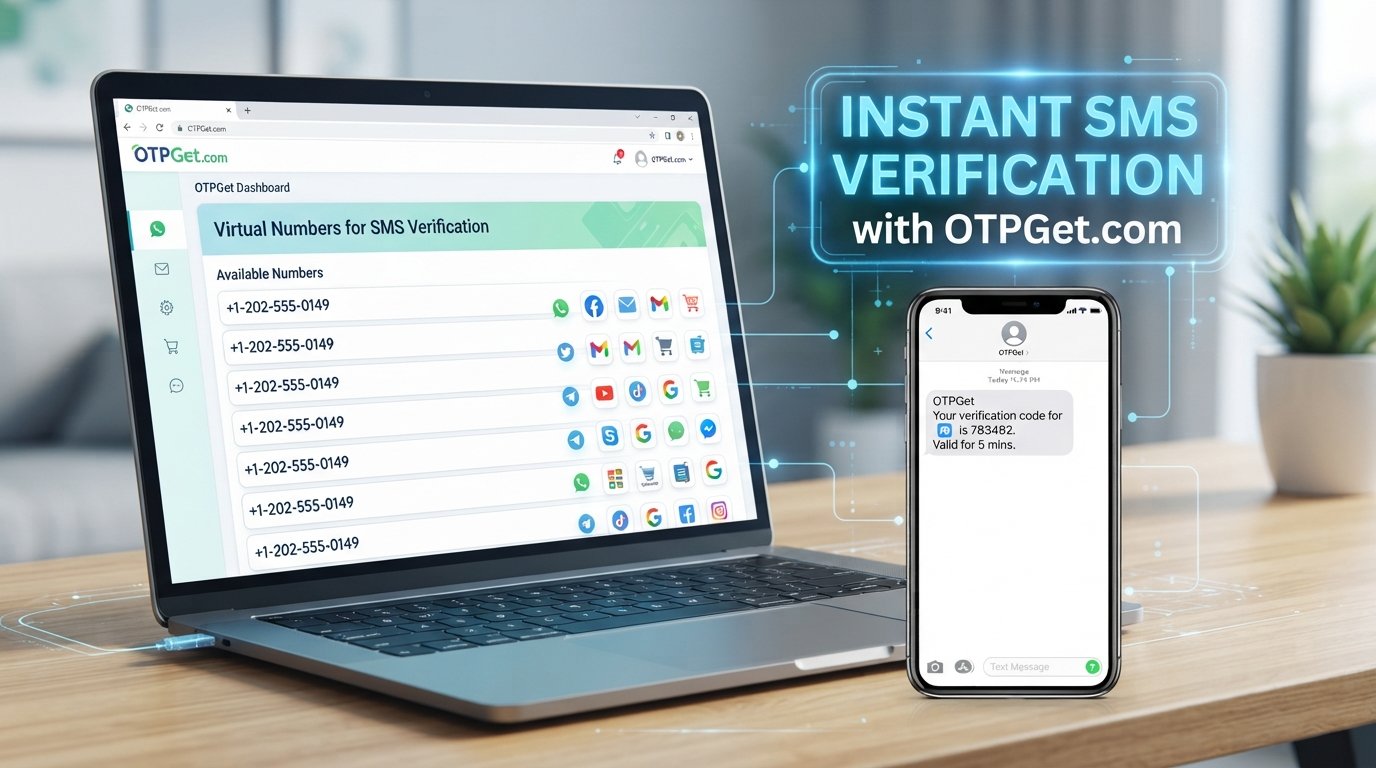
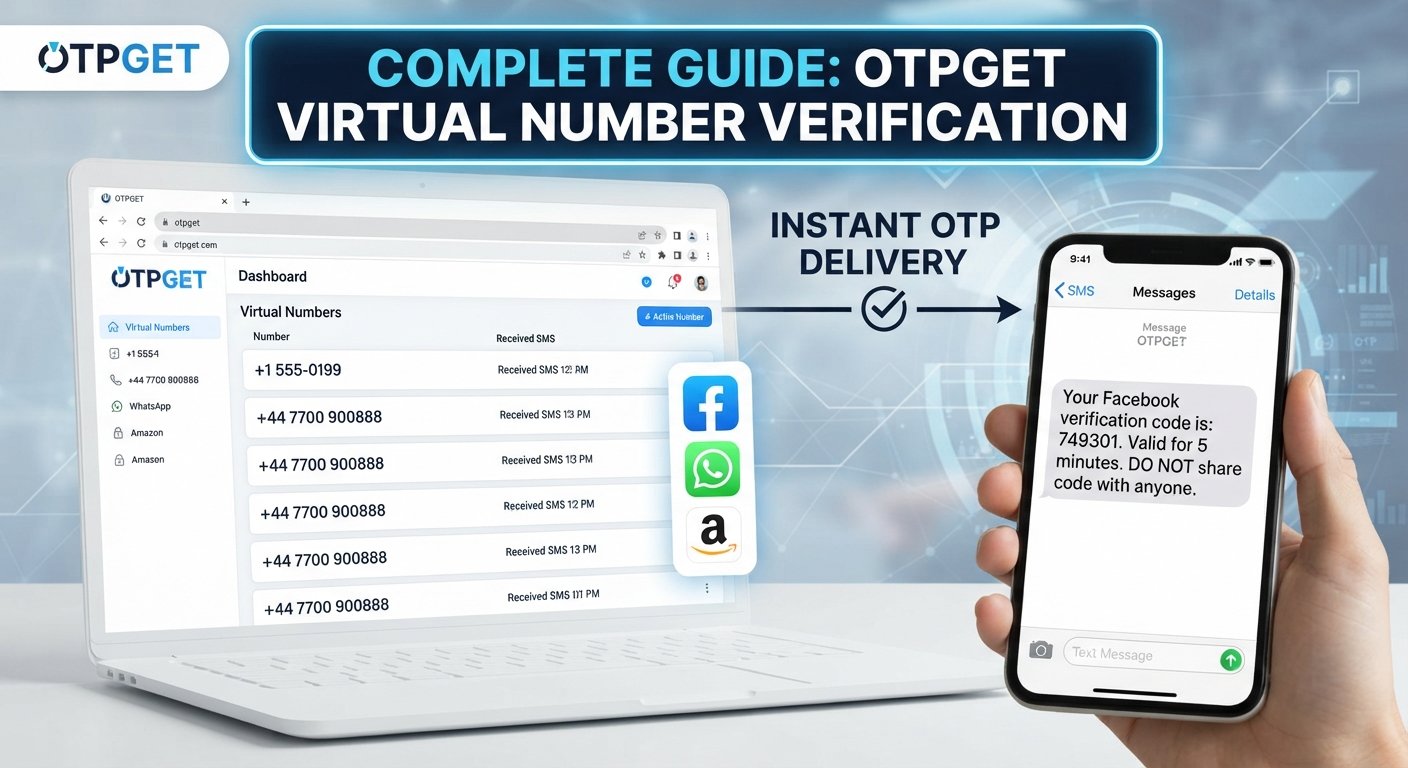
OTPGET is a platform focused on phone numbers and online verification services. Its published information includes virtual or temporary phone numbers for receiving SMS OTP codes, rental numbers for longer-term use, and developer-oriented tools for working with OTP verification.
For users, the basic idea is straightforward: a phone number can be used during a verification process, and an SMS containing a verification code may then be received through the relevant service.
This makes OTPGET relevant to searches involving OTP codes, SMS verification, temporary phone numbers, phone number verification, and online number verification.
The exact verification experience depends on the service being verified, the number involved, and the delivery method. If something goes wrong, understanding where the problem may have occurred is the first step toward resolving it.
Why Users May Need OTPGET Support
Verification problems can happen for several reasons, and not every failed OTP attempt means there is a problem with the number itself.
Common situations include:
-
An OTP was requested but never arrived.
-
A verification SMS is delayed.
-
The wrong phone number was entered.
-
A received OTP has already expired.
-
Several codes were requested in quick succession.
-
A verification service temporarily limits repeated attempts.
-
The user is unsure which verification code should be entered.
-
A number-related service does not behave as expected.
This is where OTPGET support can be useful for questions specifically related to the platform, its numbers, or the OTP receiving process.
Before contacting support, however, it is worth checking the basic verification steps. A simple number-entry mistake or an expired code can sometimes explain the issue immediately.
How OTP Codes and Number Verification Work
An OTP, or one-time password, is a temporary verification code used to confirm that a person has access to a particular phone number or other verification method.
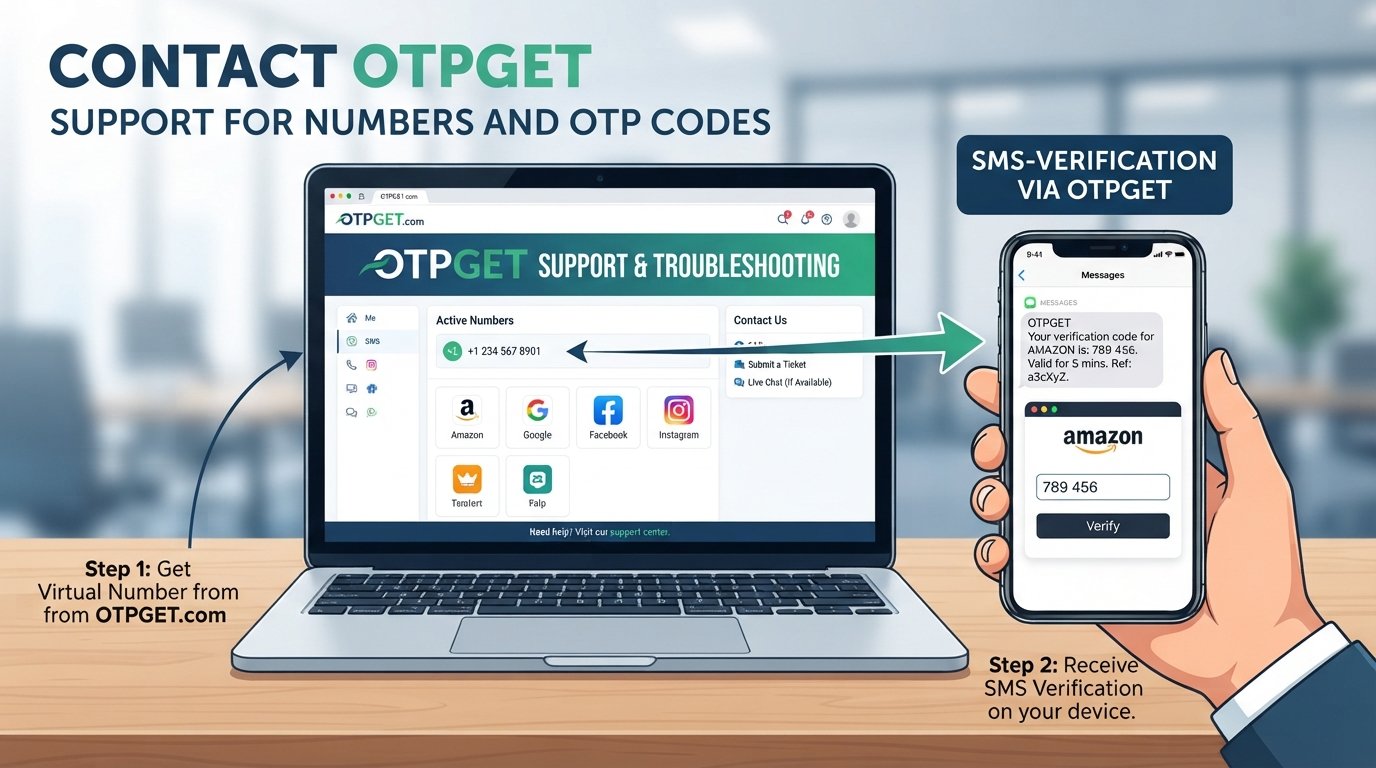
A typical SMS verification process works like this:
-
A service requests phone verification.
The website or app asks for a phone number as part of its verification process. -
A phone number is entered.
The number must be entered in the correct format and, where applicable, with the appropriate country information. -
A verification code is sent.
The service sends an SMS containing a temporary OTP or verification code. -
The code is entered.
The user enters the newest valid code into the verification screen. -
The service checks the code.
If the code is correct and has not expired, the verification process can continue.
When an OTP does not arrive, several factors may be responsible. Network or carrier delays, incorrect number entry, expired codes, repeated requests, SMS filtering, or a problem on the sending service's side can all affect delivery.
Understanding this process helps separate a phone verification support issue from a problem with the service sending the SMS.
How OTPGET Can Help
For users looking for assistance with numbers and OTP codes, OTPGET provides a relevant resource for number-related and verification-related needs.
Its published information covers virtual phone numbers, temporary numbers, rental numbers, SMS OTP functionality, and tools for retrieving verification messages.
Depending on the issue, users may need help understanding:
-
How a number is used for OTP verification
-
Why an expected SMS has not appeared
-
Whether a verification code has been received
-
How to troubleshoot an OTP-related problem
-
Questions concerning a number or verification order
-
How the verification process works
For platform-specific questions, use the official OTPGET contact or support channel available through its website. OTPGET's published terms also direct users to its support team for questions or concerns.
It is important to distinguish general OTP troubleshooting from platform-specific support. A sending website, mobile carrier, or third-party service may be responsible for an SMS delay, while an issue involving an OTPGET number or order may require assistance from OTPGET.
Common OTP Code Problems and What to Check
OTP Not Received
If you do not receive an OTP, first check that the correct phone number was entered and that the verification request was actually submitted.
Also check whether the phone or number can receive SMS messages. Avoid immediately requesting many additional codes, because repeated requests can create further delays or restrictions.
If the message still does not arrive, note when the request was made and which verification step you were attempting. That information can be useful when contacting support.
OTP Expired
OTP codes are designed to be temporary. If a code has expired, entering it again will normally not complete verification.
Request a fresh code when the service allows it, then use the newest valid message rather than an older code.
Wrong Number
An incorrect number can prevent the verification SMS from reaching the intended destination.
Before requesting another OTP, carefully review the number and country information. If the number itself is supplied through a number service, also make sure you are using the number associated with the relevant verification request.
Too Many Requests
Repeatedly requesting OTPs can sometimes lead to temporary restrictions or additional delays.
If you have requested several codes, pause before trying again. When multiple messages eventually arrive, the newest valid code is generally the one to use, provided the service's instructions say otherwise.
SMS Delays
SMS delivery is not always instantaneous. Carrier conditions, network congestion, filtering, or delays on the sending platform can affect when a verification SMS appears.
Give the message a reasonable amount of time before repeatedly requesting another code.
Verification Still Fails
If the code arrives but verification still fails, check:
-
Whether you entered the newest code
-
Whether the code has expired
-
Whether the phone number matches the verification request
-
Whether the service displayed an error message
-
Whether repeated attempts have temporarily limited verification
If the problem continues, collect the relevant non-sensitive details and contact the appropriate support channel.
How to Contact OTPGET for Help
If you need to contact OTPGET, make your support request as clear as possible.
Before contacting support, prepare information such as:
-
A short description of the problem
-
The verification step where the issue occurred
-
Whether an OTP was requested
-
Whether the SMS arrived
-
Whether the number was entered correctly
-
Any relevant order or transaction reference shown in your account
-
The exact error message, if one appeared
Do not include sensitive credentials in a support request. Never publicly share an OTP, password, authentication token, payment credentials, or other confidential security information.
For the current contact method, use the official OTPGET website and its available support/contact channel rather than relying on unverified contact details found elsewhere.
Clear information helps distinguish between an issue involving a number, an OTP delivery problem, and a problem with the external service requesting verification.
Tips for Successful OTP Verification
A few simple habits can make OTP verification easier:
-
Double-check the phone number before requesting a code.
-
Confirm the phone can receive SMS messages.
-
Avoid repeated requests within a short period.
-
Use the newest OTP when several codes arrive.
-
Check whether an earlier code has expired.
-
Follow the verification screen carefully instead of guessing.
-
Keep a record of relevant error messages when troubleshooting.
-
Contact support when the issue continues after basic checks.
If you are choosing a number for OTP verification, also pay attention to the requirements of the service you are trying to verify. Not every service handles phone numbers in exactly the same way.
Frequently Asked Questions
How do I contact OTPGET?
Use the official OTPGET contact or support channel provided through its website. When contacting support, explain the issue clearly and include relevant non-sensitive information about the verification process.
What should I do if I do not receive an OTP code?
First check the phone number, SMS reception, and verification request. Avoid making repeated requests immediately. If the OTP still does not arrive, record the relevant details and seek support.
Why is my OTP code delayed?
An OTP may be delayed because of network or carrier conditions, SMS filtering, repeated requests, or an issue with the service sending the message. Waiting briefly and checking the number can help identify the problem.
Can OTPGET help with phone number issues?
OTPGET's published services include virtual phone numbers, rental numbers, and SMS OTP functionality. For a platform-specific number or verification issue, use its official support channel for guidance.
What should I do if my OTP expires?
Request a new code if the verification service provides that option. Use the newest valid OTP and avoid entering an older expired code.
Why does phone verification fail?
Verification can fail because of an incorrect number, an expired OTP, repeated attempts, SMS delivery problems, or an issue with the service performing the verification. Review each step before requesting further assistance.
How can I troubleshoot an SMS verification problem?
Check the number, confirm that SMS can be received, wait for possible delivery delays, avoid excessive code requests, and review any error message. If the issue persists, contact the appropriate support channel.
What information should I provide when contacting OTPGET support?
Provide a concise description of the issue, the relevant verification step, whether an OTP was requested or received, and any applicable non-sensitive order or error information. Never send passwords or OTP codes.
Conclusion
Problems with phone numbers and OTP codes can interrupt an otherwise simple verification process. The key is to identify whether the issue involves the number, SMS delivery, an expired code, repeated verification attempts, or the service requesting verification.
OTPGET is relevant for users working with virtual and temporary numbers, SMS verification, and OTP-related services. When you need platform-specific assistance, use the official OTPGET support or contact channel available through its website.
For the best troubleshooting experience, provide clear non-sensitive information about what happened, follow the verification instructions carefully, and never share passwords or OTPs with anyone.