How to Receive OTP Online: A Simple Step-by-Step Guide
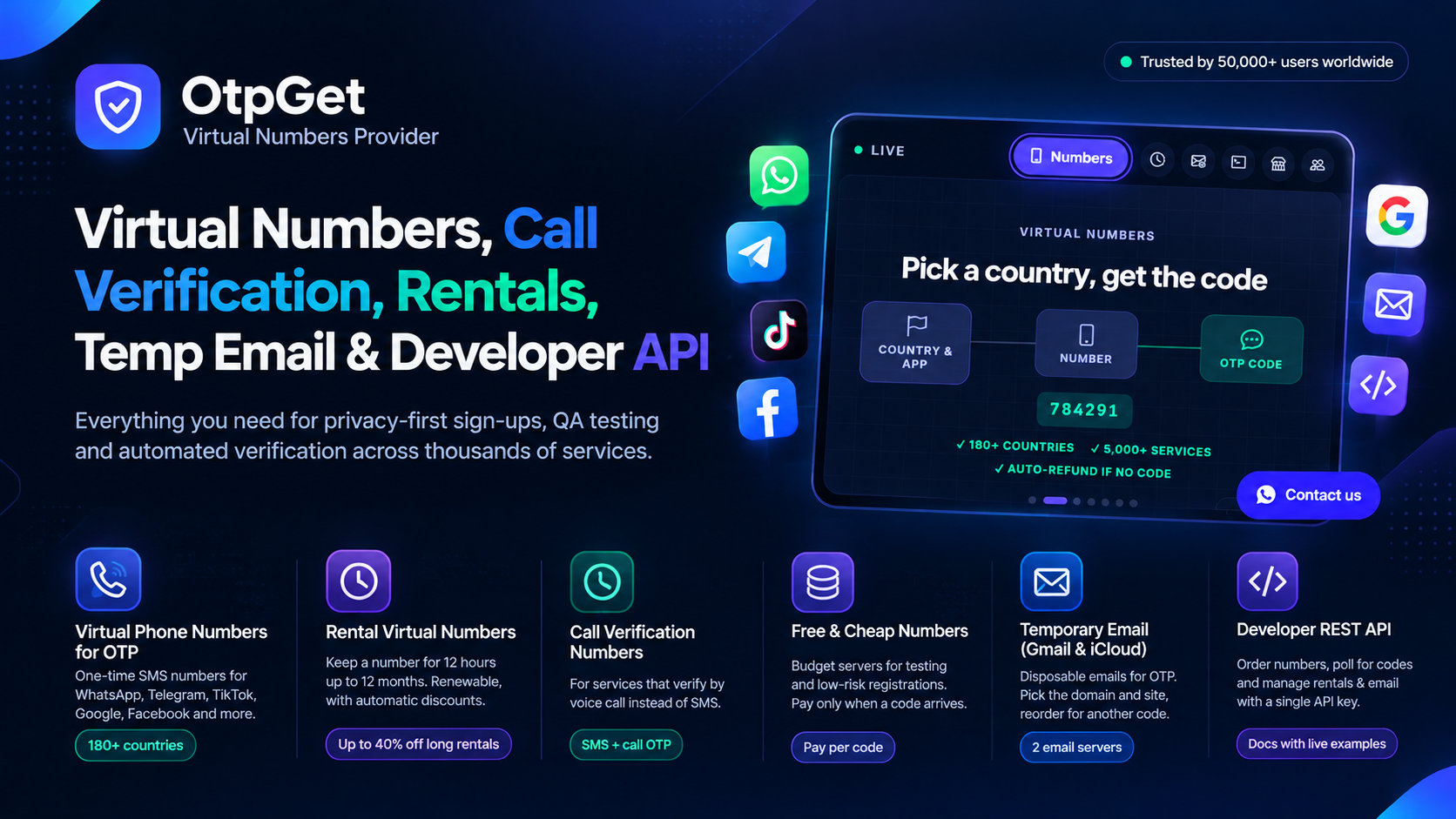
Almost every app asks for a verification code today. You type in a phone number, a six-digit code arrives by SMS, and you are in. But what if you do not want to hand out your personal number — or you need a second account, or you are testing a sign-up flow? That is when people look for a way to receive OTP online: get the code through a virtual number instead of a SIM card in your phone.
This guide explains how it works, how to do it step by step, and what to do when a code does not arrive.
What "Receive OTP Online" Actually Means
A virtual number is a real phone number hosted in the cloud. It can receive SMS, but it is not tied to a physical SIM. When you use one for verification, the service sends its code to that number, and the code appears in your online dashboard within seconds. You copy it, paste it into the app, and the verification is done.
People receive OTPs online for a few common reasons: keeping a personal number private, creating a second account for work or business, testing registrations as a developer or QA tester, and verifying accounts while travelling without roaming charges.
How to Receive an OTP Online in 4 Steps
The whole process takes about a minute once you have done it once.
Step 1: Create a free account
Sign up on OtpGet with just your email address. Registration is free and no credit card is needed to browse numbers and prices.
Step 2: Add balance
Top up your wallet with a local payment method or crypto. You only pay for the codes you receive — if no code arrives, you can cancel and get a refund.
Step 3: Pick a country and a service
On the virtual numbers page, choose the country and the app or website you are verifying — WhatsApp, Telegram, Google, Facebook, TikTok, Discord and more than 5,000 services are supported across 180+ countries. The price is shown before you buy, so there are no surprises.
Step 4: Enter the number and read the code
Copy the number OtpGet assigns you, enter it in the app that needs verification, and watch your dashboard. The code appears the moment the service sends it. Copy it in one click and finish the sign-up.
One-Time Numbers or Rentals?
For a single sign-up, a one-time number is the cheapest option: you use it once and you are done. But if you will log in to the same account again — or the app asks for a code every time you sign in — a rental number is the better choice. Rentals run from 12 hours up to 12 months, stay assigned to your account, and can be renewed, so the same number is there whenever the app asks for another code.
What to Do If the Code Does Not Arrive
Most codes arrive within seconds, but sometimes they take a minute or two. Wait for the full timer first, and request the code only once — pressing resend repeatedly can trigger a cooldown on the app's side. If nothing arrives, cancel the order within 10 minutes and the amount returns to your wallet, then try again with a different country or a premium server, which uses higher-quality routes for strict apps.
Some apps block virtual number ranges entirely — banking and payment apps are the strictest. If an app refuses several numbers, it probably needs a SIM-based number, and no virtual number will pass.
Is It Safe to Receive OTP Online?
Yes, with a trusted provider: your code is shown only in your own dashboard, and your personal number never touches the app you are verifying. Two habits keep it safe: never share a verification code with anyone (support staff will never ask for it), and use a rental number — not a one-time number — for accounts you care about, so you can always receive the next code.
Frequently Asked Questions
Can I receive OTP online without a SIM card?
Yes. A virtual number receives SMS in the cloud, so no SIM card is needed. You read the code in your dashboard on any device.
How fast does the OTP arrive?
Usually within seconds of the app sending it. Some routes are slower at busy times — if the timer still has minutes left, keep waiting before cancelling.
Can I use the same virtual number twice?
A one-time number is meant for a single verification. If you need codes for the same account later, rent the number instead so it stays yours.
What if the app says the number is invalid or already used?
Try another country or a different server. Some apps keep lists of number ranges they refuse, and another country often sidesteps the list.