How Virtual Phone Numbers Work for SMS and OTP Verification Guide
How Virtual Phone Numbers Work for SMS and OTP Verification
Phone verification is now a familiar part of using websites, apps, marketplaces, business platforms, and other online services. A service may ask for a phone number to confirm that a user can receive a message before completing registration or another verification step.
But not everyone wants to use their personal mobile number for every online interaction. This is where virtual phone numbers can be useful.
A virtual number can receive SMS messages through an online service rather than requiring the user to keep another physical SIM in a phone. That makes virtual numbers relevant for SMS verification, OTP codes, application testing, business communication, and other legitimate online workflows.
In this guide, we’ll explain how virtual phone numbers work, how SMS and OTP verification fit together, what to consider when choosing a provider, and how a service such as OTPGET can provide a practical way to access a virtual number for supported verification needs.
What Is a Virtual Phone Number?
A virtual phone number is a telephone number that is managed through telecommunications and online infrastructure rather than being permanently tied to a physical SIM card in the user's device.
In simple terms, it works much like a conventional phone number from the perspective of the sender. A website or application sends an SMS to the number, while the virtual-number provider handles the delivery and makes the message available through its system.
Virtual phone numbers may support SMS, voice calls, or both, depending on the service and number type.
For example, imagine that a website asks you to enter a phone number and sends a six-digit verification code. Instead of using your personal mobile number, you may be able to use an appropriate virtual number. If the number supports incoming SMS from that service, the verification message can be received through the provider's interface.
This makes an online phone number different from simply having a second physical SIM. The underlying telecommunications setup is different, even though the number can perform some of the same functions.
How Do Virtual Phone Numbers Work for SMS?
The basic process behind virtual phone numbers for SMS is straightforward:
-
A user selects a virtual number. The number is provided through a virtual phone number service.
-
The number becomes available for use. Depending on the service, it may be assigned, activated, rented, or made available for a specific purpose.
-
A website or application sends an SMS. The message is addressed to the virtual number.
-
The provider receives and routes the message. Telecommunications infrastructure connects the incoming SMS with the provider's system.
-
The SMS becomes available to the user. The provider displays the message through its online interface or another supported method.
-
The user enters the code. If the message contains an OTP or SMS verification code, the user enters it into the relevant verification field.
So, how does a virtual phone number receive SMS? The important point is that the number remains connected to a telecommunications network even though the user does not necessarily have a physical SIM card for it. The provider acts as the bridge between the mobile network and the online interface where the user can access the incoming message.
How OTP Verification Works
OTP stands for One-Time Password. An OTP is usually a temporary verification code generated for a specific authentication or confirmation event.
The basic process looks like this:
-
A user enters a phone number during a verification step.
-
The service generates an OTP.
-
The OTP is sent to the supplied number, often through SMS.
-
The user receives the SMS.
-
The user enters the OTP verification code.
-
The service checks whether the submitted code is valid.
-
If the verification requirements are satisfied, the process continues.
An SMS OTP is generally designed to be time-sensitive or usable only within a particular verification session. This reduces the usefulness of an old code if someone attempts to enter it later.
Phone-number verification is therefore one part of a broader authentication process. An OTP can help a service confirm access to the phone number supplied during registration or another account-related action.
A virtual number for OTP can participate in this process when the number is compatible with the service sending the message and the provider supports the required type of SMS.
Why Use a Virtual Number for SMS and OTP Verification?
There are several legitimate reasons someone might consider a virtual number for verification.
Keep your personal number separate
Using a separate number can help keep personal communications distinct from registrations, testing, business activities, or other online interactions.
This does not mean a virtual number automatically provides anonymity or complete privacy. Users should still understand the provider's privacy practices and the information they are required to provide.
Test applications and signup flows
Developers and QA teams may need numbers to test registration, login, password recovery, and SMS verification workflows. A virtual number can be useful when testing how an application handles incoming messages.
Separate business and personal communication
A business may prefer to keep certain communications separate from employees' personal numbers. Depending on the business workflow, a virtual mobile number can provide another channel for supported SMS or communication tasks.
Receive SMS through an online interface
For users who need to receive SMS online, a virtual SMS number can be more convenient than maintaining an additional physical device.
Practical access to verification messages
When a supported platform accepts a virtual number, the process can be simpler than obtaining and managing another physical SIM.
However, compatibility matters. Some websites and applications restrict certain number types, including virtual, VoIP, temporary, or previously used numbers. A virtual number should therefore be viewed as a practical option, not a universal solution.
Virtual Phone Numbers vs. Traditional Phone Numbers
Virtual and traditional numbers can both receive SMS, but their underlying setup and typical use cases differ.
| Feature | Virtual Phone Number | Traditional Phone Number |
|---|---|---|
| Physical SIM requirement | Usually no physical SIM in the user's phone | Typically uses a physical SIM or device-based mobile service |
| SMS reception | Through a supported provider or online interface | Directly through a mobile device or carrier service |
| Accessibility | Can often be accessed online | Usually accessed through the associated phone |
| Personal use | Useful for separating online activity from a personal number | Common choice for everyday personal communication |
| Business use | Can support certain business workflows | Widely used for personal and business communication |
| Verification use | Can work where virtual numbers are accepted | Generally recognized as a standard mobile number |
| Flexibility | Depends on provider and number availability | Depends on mobile carrier and plan |
Neither option is automatically better for every situation. The right choice depends on why the number is needed, how long it must remain available, and whether the target platform accepts that type of number.
What to Look for in a Virtual Phone Number Service
Choosing a virtual phone number service requires more than simply finding a number that can receive messages.
Consider the following factors before making a choice:
-
Number availability: Check whether suitable numbers are available for your intended use and region where applicable.
-
SMS reception: Confirm that incoming SMS is supported rather than assuming every number can receive messages.
-
OTP compatibility: A provider may support SMS generally while individual platforms still restrict virtual numbers.
-
Ease of use: The process for selecting a number and viewing incoming messages should be straightforward.
-
Reliability: Consider how consistently the service makes incoming messages available.
-
Privacy practices: Review what information the provider collects, stores, and shares.
-
Pricing clarity: Understand how charges, number rental periods, or individual verification requests are handled.
-
Number validity: Check how long a number remains available and whether it can be reused.
-
Supported services: Compatibility can vary considerably between websites and applications.
-
Customer support: Accessible support can be useful if an expected SMS does not arrive.
-
Terms of use: Always make sure the intended use is permitted by both the number provider and the platform being verified.
These checks can prevent a common mistake: assuming that any virtual number will work with any verification system.
Why OTPGET Can Be a Practical Solution
Once you understand how virtual numbers and SMS verification work, the next question is practical: where can you obtain a suitable number?
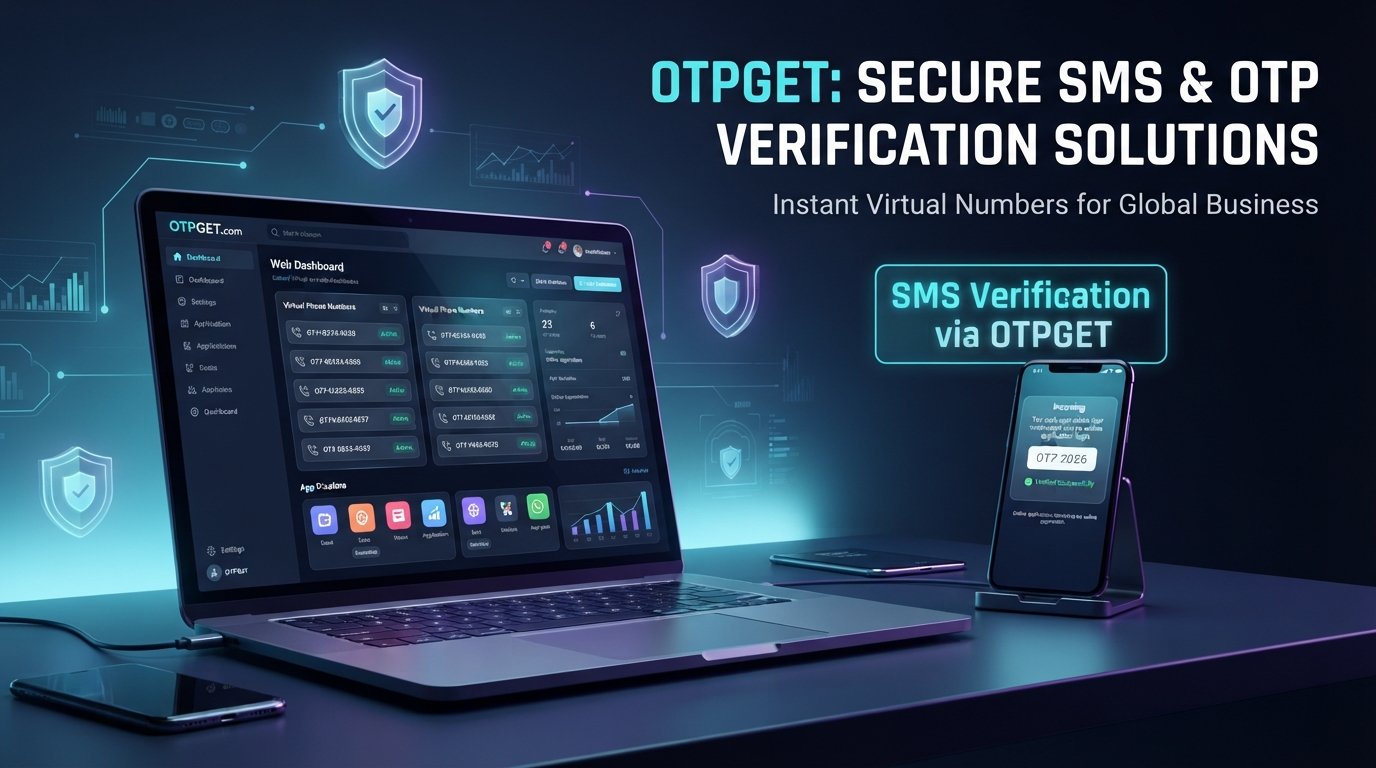
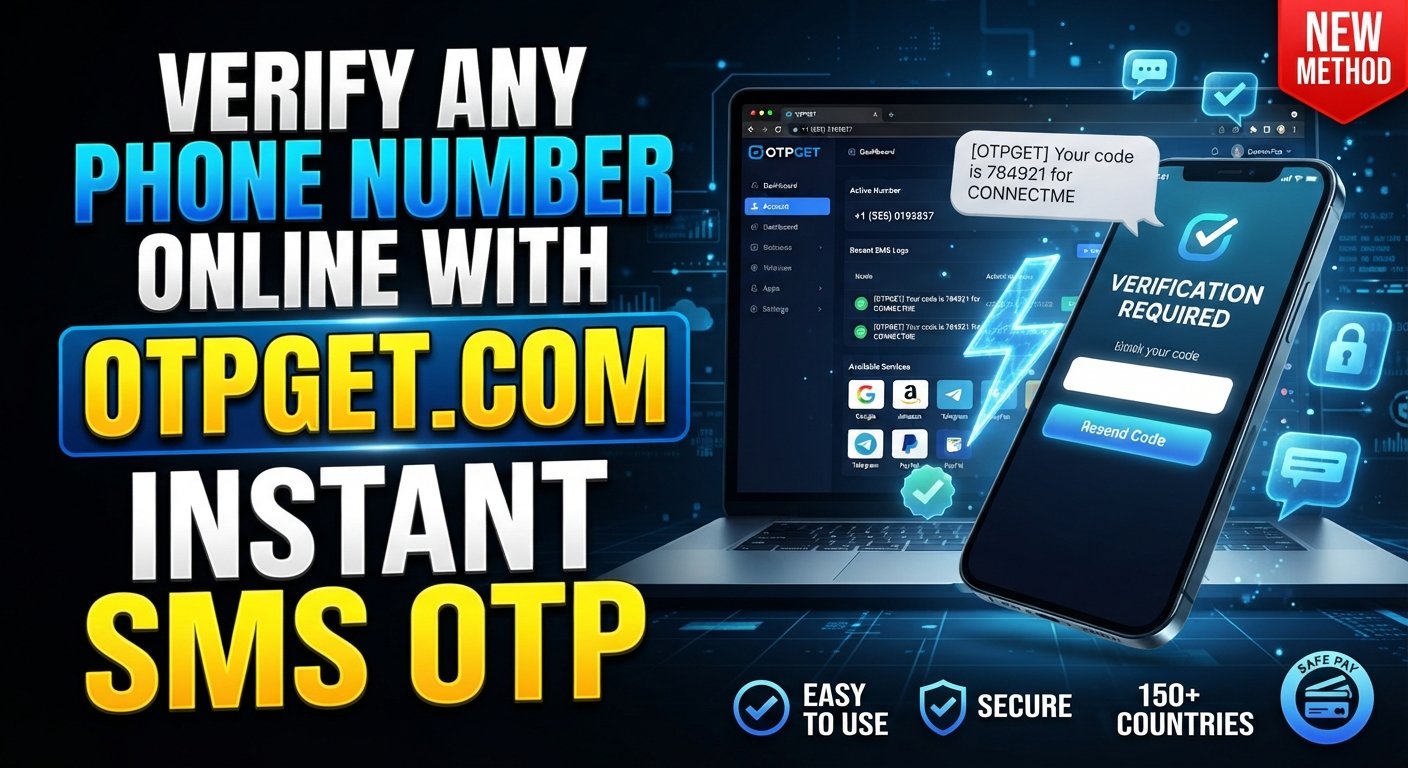
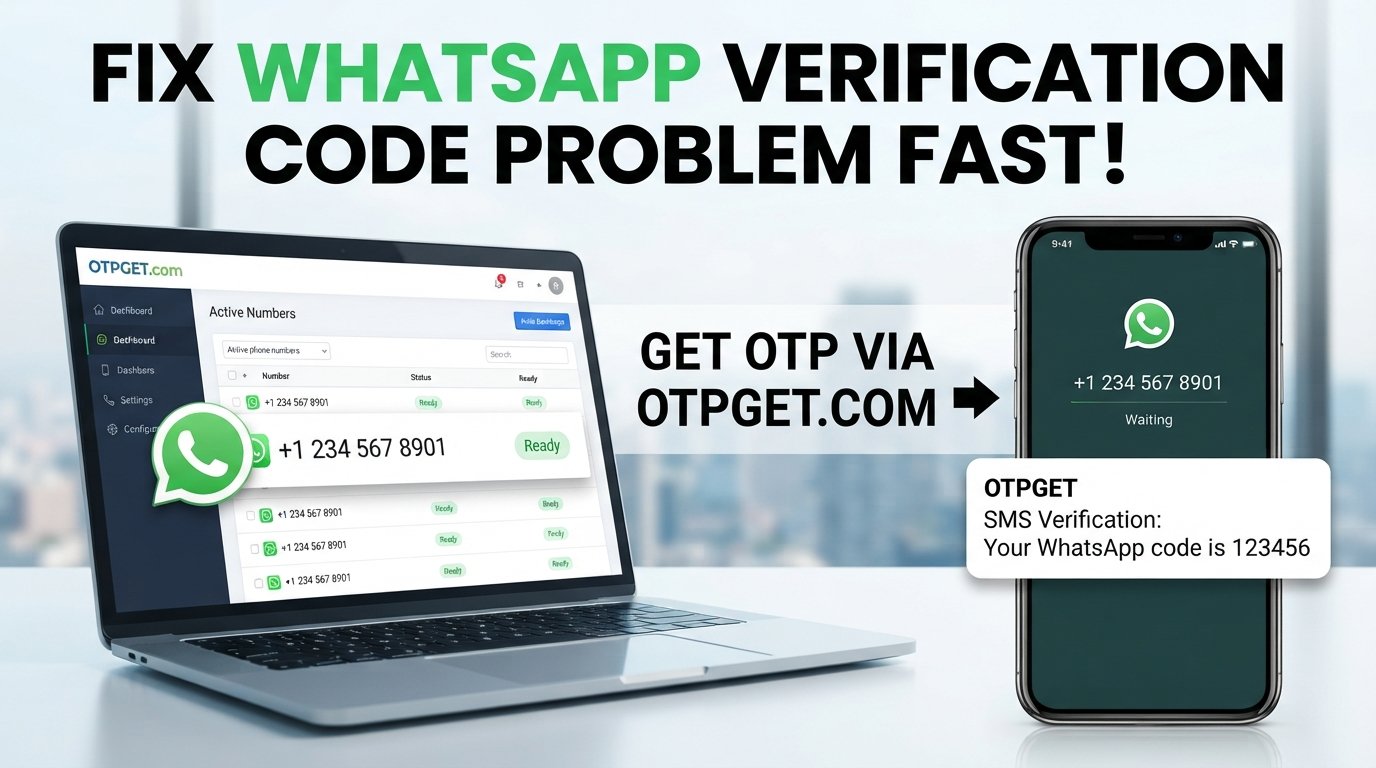
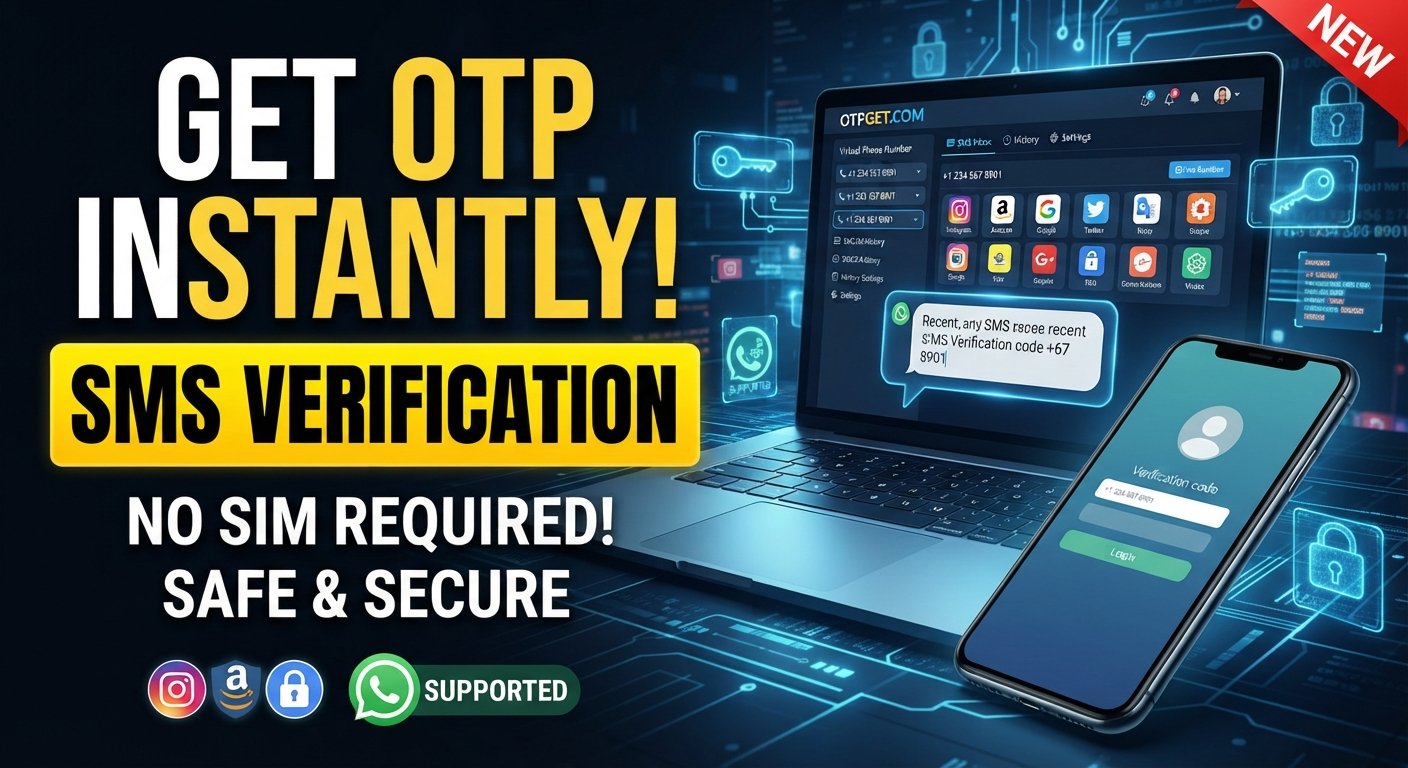
OTPGET provides virtual phone number options for SMS and OTP verification, giving users a way to access a number through an online service rather than relying on their personal mobile number for every supported verification workflow.
The value of a service like OTPGET is primarily convenience. Instead of dealing with another physical SIM or device, users can use a virtual-number service to obtain access to a number and retrieve supported verification messages through the service.
This can be useful for individuals who want to separate their personal number from online registrations, as well as developers and testers working with SMS-based verification flows.
The important qualification is that compatibility can vary. Whether a particular virtual number works depends on the platform sending the message, its verification policies, the number type, and the provider's available inventory.
If you need a virtual number for SMS verification, OTPGET is worth exploring as a practical option. Before using any number, review the applicable terms and confirm that the intended verification activity is permitted.
How to Use a Virtual Number for SMS Verification
The general process for using a virtual number for verification is simple:
-
Choose a virtual phone number service. Select a provider that fits your intended use.
-
Select an available number. Choose a suitable virtual number where available.
-
Enter the number on the relevant platform. Use it only where that platform permits virtual numbers.
-
Request the verification SMS. Start the phone-number verification process.
-
Wait for the message. The SMS may take some time to arrive depending on the platform and telecommunications routing.
-
Retrieve the OTP. Access the incoming SMS through the provider's supported interface.
-
Enter the verification code. Submit the code in the relevant verification field.
-
Complete verification. Follow any additional requirements from the platform.
For users choosing OTPGET, the same general concept applies: obtain an appropriate virtual number through the service, use it for a permitted verification workflow, and access the incoming SMS when it is delivered.
Always follow the terms, verification policies, and account requirements of the website or application you are using.
Common Questions About Virtual Phone Numbers and OTP
Can a virtual phone number receive SMS?
Yes, supported virtual numbers can receive SMS through the provider's telecommunications infrastructure. The incoming message is then made available through the provider's supported interface. However, SMS capabilities vary by number and provider.
Can virtual numbers receive OTP codes?
They can receive OTP codes when the number supports incoming SMS and the platform accepts that type of number. Not every service allows virtual or temporary numbers, so compatibility should be checked before use.
Are virtual phone numbers the same as temporary numbers?
Not necessarily. A virtual phone number describes how a number is provided and managed, while a temporary number generally refers to a number intended for limited or short-term use. Some virtual numbers may be temporary, but the terms are not interchangeable.
Why would someone use a virtual number for verification?
Common reasons include separating a personal number from online services, testing SMS verification flows, managing certain business activities, and receiving supported SMS through an online interface.
How quickly do SMS verification codes arrive?
Delivery time varies. It can depend on the website or application, telecommunications networks, the number type, and the provider. A delayed message does not necessarily mean the number is unavailable.
Are all online services compatible with virtual numbers?
No. Some platforms accept virtual numbers, while others may restrict them or require a conventional mobile number. Compatibility should always be checked against the platform's current verification requirements.
Is a virtual phone number suitable for every type of verification?
No. Virtual numbers can be useful for many supported SMS verification workflows, but they are not universal. Some services may require a specific number type, long-term number ownership, or another authentication method.
Final Thoughts
Virtual phone numbers provide an alternative way to access SMS without necessarily attaching every online verification process to a personal mobile number. They can support legitimate uses ranging from application testing and business workflows to receiving SMS verification codes where virtual numbers are accepted.
The process is straightforward: a service provides a number, a platform sends an SMS, the provider routes the message, and the user retrieves the OTP or verification code through the supported interface.
The key is choosing a provider carefully. Look at SMS support, availability, compatibility, privacy practices, pricing clarity, number validity, and terms of use rather than assuming every virtual number will work everywhere.
For users looking for a practical way to handle supported SMS and OTP verification workflows, OTPGET can be a convenient virtual-number solution to explore. Choose a suitable number, follow the relevant platform's rules, and use the service for verification activities that are permitted.