How to Get VK Login Without Phone Number: OTPGET Guide
How to Get VK Login Without Phone Number
Want VK login without phone number because you would rather not connect your personal mobile number to another online account? You are not alone. Phone verification can be useful for account security, but it can also create privacy concerns, especially when you want to keep your personal communications separate from online services.
The important distinction is that not using your personal number is different from bypassing VK verification. If VK asks for an SMS code, you still need to complete the platform's legitimate verification process.
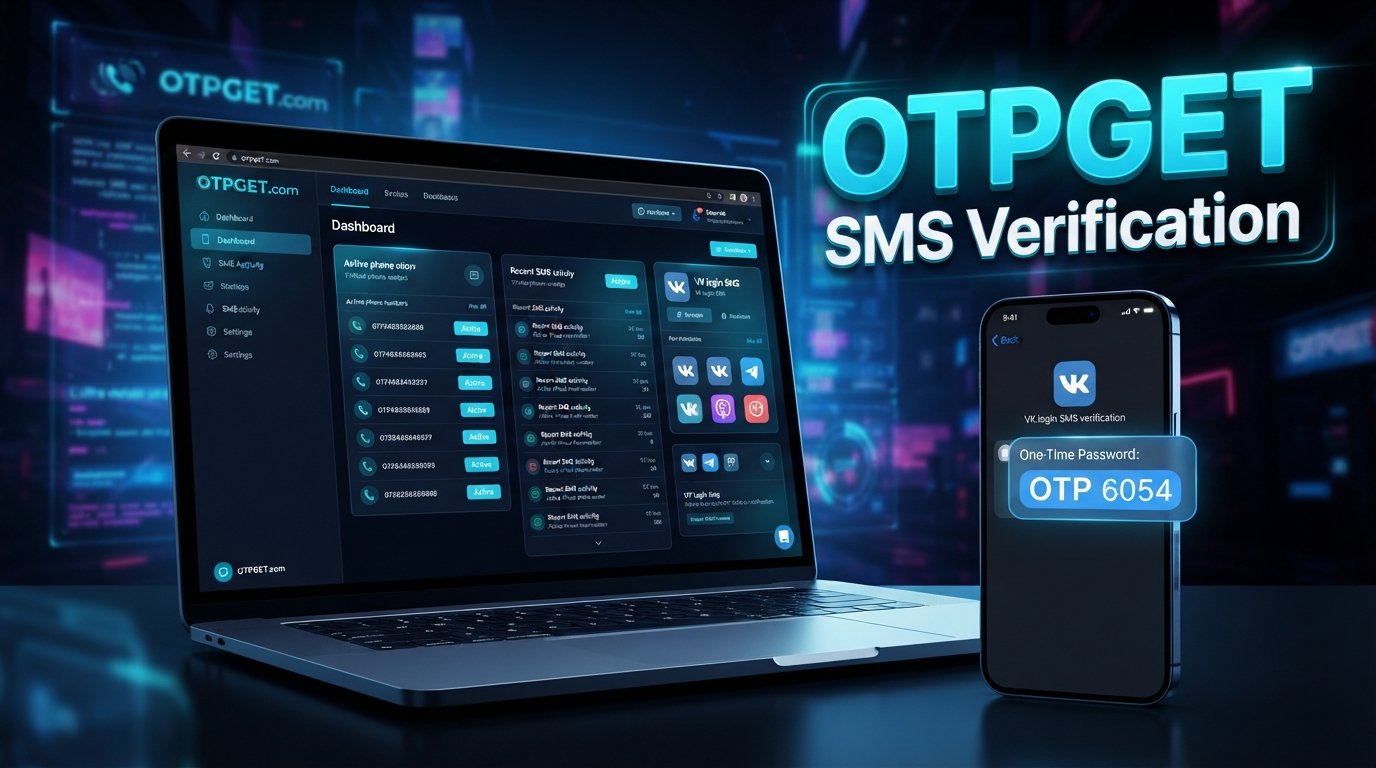
One option worth exploring is an SMS-enabled alternative number. OTPGET provides virtual numbers and SMS OTP functionality, so it can be a practical option when an appropriate number is available and accepted for the required service. Its documentation describes obtaining a number and checking its status for an incoming SMS code.
Let's look at how this works, what to consider before using a temporary or virtual number, and where OTPGET fits into the process.
Can You Use VK Without Your Personal Phone Number?
If you are searching for how to login VK without phone number, it helps to clarify what “without a phone number” actually means.
VK can require phone verification depending on its current account, login, and security requirements. If verification is requested, there is a meaningful difference between these three situations:
- Not using your personal number: You use another eligible SMS-enabled number instead.
- Using an alternative or virtual number: A number supplied by a verification service receives the SMS.
- Completely bypassing verification: You attempt to access or create an account without completing a verification requirement.
The first two can be legitimate privacy-oriented approaches when the platform accepts the number and the account activity complies with its rules. The third is not something an SMS service should be treated as a way to accomplish.
In other words, a VK account without your personal phone number does not necessarily mean an account created without phone verification. It can simply mean that the verification number is separate from your everyday mobile number.
Why Do People Look for VK Login Without Phone Number?
There are several reasonable reasons someone may search for VK without phone number options.
Privacy
Some users prefer not to give their primary phone number to every online service. Keeping a personal number separate can reduce unnecessary exposure.
Separation of personal and online activities
A dedicated verification number can keep account-related SMS messages away from a personal inbox.
Temporary verification needs
Sometimes a user only needs an SMS-enabled number for a specific verification process rather than another permanent communication channel.
International access
A user's normal number may not be convenient for a particular service or region. An alternative number may be worth exploring when an eligible option is available.
SMS delivery problems
A regular number may occasionally have problems receiving verification messages. In that situation, an alternative online number for VK verification may be useful if VK accepts it.
The key is to use an alternative number for legitimate account activity—not for spam, impersonation, fraudulent registrations, or unauthorized access.
What Is OTPGET?
OTPGET is a virtual-number and OTP verification service. Its published documentation describes an SMS OTP API that lets users request numbers and check whether an SMS verification code has been received. Its website also describes virtual numbers, rental numbers, temporary email, and developer API functionality.
For someone researching a temporary phone number for VK, the relevant idea is straightforward: instead of putting your personal number into a verification form, you can explore whether OTPGET has an appropriate SMS-capable number for the required service.
The important qualification is “if supported.” Availability can vary by service, country, number, and platform requirements. OTPGET itself does not control VK's verification rules.
That makes OTPGET a potential practical solution for users who want to receive VK verification code messages without exposing their primary mobile number.
How to Get VK Login Without Your Personal Phone Number Using OTPGET
The basic workflow is similar to other legitimate SMS verification processes.
Step 1: Open OTPGET
Visit OTPGET and review the available virtual-number or SMS verification options. The service's documentation explains that users can request a number based on available country, service, and provider options.
Step 2: Choose an Appropriate Number
Look for an SMS-capable number that is suitable for your intended verification purpose.
Do not assume that every number will work with every platform. Availability and acceptance can vary.
Step 3: Enter the Number on VK
When VK asks for a phone number, enter the alternative number according to the format requested by VK.
This is still normal phone verification for VK. You are simply using a number other than your personal one.
Step 4: Request the Verification Code
Submit the verification request through VK's normal interface.
If VK sends an SMS, the message should be directed to the number you provided.
Step 5: Retrieve the OTP Through OTPGET
Return to OTPGET and check the relevant activation or SMS status.
OTPGET's documentation describes checking an activation for a received SMS code.
Step 6: Enter the Code on VK
If the VK SMS code arrives, enter the legitimate code into VK's verification field.
Do not share verification codes with other people.
Step 7: Complete the Login or Registration Process
Finish the normal VK login or registration process.
The result depends on VK's own security checks, whether the number is accepted, and whether the SMS is successfully delivered. OTPGET does not guarantee successful VK verification or login.
Benefits of Using OTPGET for VK Verification
When the appropriate number is available and supported, an OTP service can offer several practical advantages:
- Keeps your personal number separate: You don't necessarily need to expose your everyday mobile number.
- Convenient OTP access: Verification messages can be checked through an online service rather than a physical SIM.
- Useful for temporary needs: A temporary SMS number can make sense when you don't need another permanent communication number.
- Simplifies SMS verification workflows: The number and incoming verification message can be handled through one service.
- Reduces unnecessary sharing: Your primary number remains separate from the verification process.
- Alternative access: A virtual phone number can be useful when your regular number is unavailable for a legitimate verification task.
OTPGET's published material specifically describes virtual numbers for receiving supported SMS OTPs and provides an activation-status workflow.
Is Using a Temporary or Virtual Number Safe for VK?
A virtual phone number can be convenient, but convenience does not eliminate the risks.
The biggest consideration is account recovery. If you use a temporary number and later lose access to it, you may not be able to receive another SMS sent to that number.
There is also the issue of number recycling. Temporary or shared numbers may eventually be reassigned or become unavailable. For an account you expect to keep for a long time, understand how recovery works before relying on a temporary number.
Consider these points:
- Check VK's current account and security requirements.
- Understand how long you can access the number.
- Avoid using temporary numbers for accounts where losing the number could permanently affect recovery.
- Choose a legitimate verification provider.
- Never use the service to access an account that isn't yours.
- Don't assume that a virtual number provides complete anonymity or guaranteed account security.
If long-term access matters, a longer-term number arrangement may be more appropriate than a disposable number, depending on what's available through the provider.
What If the VK Verification Code Does Not Arrive?
An SMS verification for VK may occasionally fail or take longer than expected. Before trying anything unusual, work through the normal troubleshooting steps.
- Check whether the selected number supports VK. Not every available number necessarily accepts every service.
- Wait briefly for SMS delivery. Repeated requests can create additional verification issues.
- Check OTPGET again. Review the relevant number or activation status.
- Confirm the number was entered correctly. Pay particular attention to country codes and formatting.
- Try another supported number if appropriate. Availability may vary.
- Follow VK's own instructions. If VK displays a specific error or restriction, use the recommended recovery or verification process.
The goal is to solve an ordinary delivery problem—not circumvent a security restriction.
OTPGET vs. Using Your Personal Phone Number
| Factor | Personal Number | OTPGET / Alternative Number |
|---|---|---|
| Privacy | Your primary number is shared with the service | Can keep your primary number separate |
| Convenience | SMS arrives directly on your phone | SMS can be accessed through the verification service |
| Verification | Familiar direct verification route | Depends on number and service support |
| Long-term recovery | Usually easier if you retain the number | May be less suitable if the number is temporary |
| Personal communications | Verification messages mix with personal SMS | Verification activity can remain separate |
Neither approach is universally right for every situation. The appropriate choice depends on VK's requirements, how long you need the account, and how important long-term recovery is to you.
Frequently Asked Questions
1. Can I create a VK account without my personal phone number?
Possibly. If VK requires phone verification, you may be able to use an eligible alternative number rather than your personal number. Whether a particular number is accepted depends on VK's current requirements.
2. Can I log into VK without a phone number?
If VK requires phone-based verification for your login or recovery process, you should complete that requirement through the normal VK process. An alternative number may be useful when you don't want to expose your personal number, but it does not bypass VK's security checks.
3. What is a VK verification code?
A VK verification code is a temporary OTP/SMS code that may be sent to a phone number during an account verification or security process. The code confirms control of the number receiving the message.
4. Can OTPGET receive a VK SMS code?
OTPGET provides SMS OTP functionality for supported services and numbers. Whether it can receive a specific VK SMS code depends on current availability and whether the selected number is accepted by VK.
5. Is a temporary phone number suitable for VK?
It can be suitable for a temporary verification need, but it may be a poor choice for long-term account recovery. Consider how you will recover the account if the temporary number becomes unavailable.
6. What should I do if my VK verification SMS does not arrive?
Check the number, wait briefly, review the OTPGET status, and make sure the selected number supports the required service. Avoid repeatedly requesting codes and follow VK's displayed instructions.
7. Can I use a virtual number for VK verification?
A virtual number for VK verification may be an option if VK accepts that particular number. Acceptance can vary, so availability should be checked rather than assumed.
8. Is OTPGET suitable for keeping my personal number private?
It can be a practical option when you want an alternative number for legitimate SMS verification. OTPGET can provide access to virtual numbers, but users should understand the limitations of temporary numbers and VK's own policies.
Final Thoughts
Finding VK login without phone number does not necessarily mean finding a way around verification. For many privacy-conscious users, the real goal is simpler: complete legitimate verification without exposing their everyday mobile number.
An SMS/OTP service such as OTPGET can be a practical option when VK requires SMS verification and a suitable alternative number is available and accepted. OTPGET provides virtual numbers and tools for receiving supported verification SMS, while VK remains responsible for deciding which numbers and verification attempts it accepts.
If you need an alternative verification number, explore the available options through OTPGET, check whether the relevant service is supported, and consider the recovery implications before choosing a temporary number.
Explore OTPGET virtual numbers
INTERNAL LINK ANCHOR SUGGESTIONS
- What Is OTP Verification?
- How SMS Verification Works
- Virtual Phone Numbers Explained
- Temporary Numbers for Online Verification
- How to Protect Your Phone Number Online
EXTERNAL SOURCE SUGGESTIONS
- VK Help / Support Center — Link to the official VK documentation covering account registration, login verification, phone-number requirements, and account recovery. Use the current official VK support URL rather than an outdated deep link.
- VK Privacy or Security Information — Link to VK's official privacy/security documentation when discussing account information, authentication, and security controls.
- OTPGET Documentation — Support technical statements about virtual numbers, SMS OTP retrieval, number requests, and activation status.
- OTPGET Official Website — Support general information about the service's virtual-number and OTP offerings.