How to Get HubSpot Login Without Phone Number: A Simple Guide
How to Get HubSpot Login Without Phone Number: A Simple Guide
Getting locked out of a HubSpot account can be frustrating, especially when the login process asks for a verification code sent to a phone number you no longer use. Maybe you changed numbers, lost access to your old SIM, are traveling, or simply do not want to use your personal number for a particular verification step.
The good news is that HubSpot login without phone number does not necessarily mean you have to abandon the account or look for a way around its security. HubSpot supports several authentication and recovery methods, depending on how an account is configured.
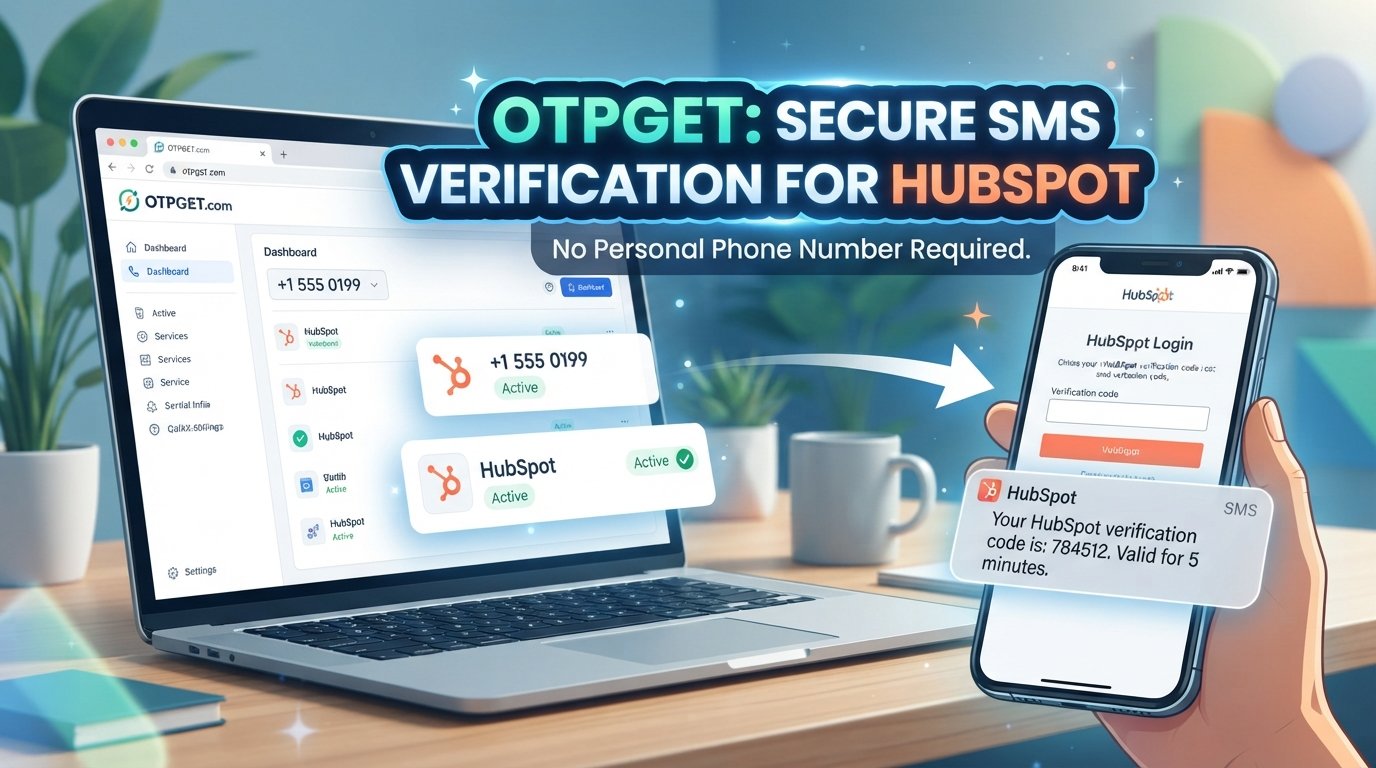
If SMS verification is genuinely required and the account's verification flow accepts another number, a temporary or virtual phone number can also be an option. Services such as OTPGET can provide numbers for receiving SMS verification codes where supported.
The important point is to use these options only for an account you own or are authorized to access.
Can You Log Into HubSpot Without a Phone Number?
Yes, in some situations.
HubSpot supports multiple login methods, including email and password, passkeys, Google, Microsoft, Apple, single sign-on, and other authentication options depending on the account configuration. HubSpot may also ask for an emailed login confirmation code when it does not recognize the browser, device, or login environment.
However, if two-factor authentication is enabled and SMS is one of the configured methods, you may need access to an approved authentication method to complete the login.
If you have lost access to your 2FA device, HubSpot provides an authentication-reset process. Depending on the situation, this can involve a Super Admin, identity verification, or HubSpot Support.
So, there is no legitimate universal trick for bypassing HubSpot verification. The appropriate solution depends on which authentication methods are enabled on your account.
Why You Might Need a Phone Number for HubSpot Verification
Phone verification can become an obstacle for perfectly legitimate reasons.
For example, you might:
- Have lost access to an old phone number.
- Have switched mobile carriers or changed numbers.
- Be traveling without your usual SIM card.
- Use a work account where your personal number is not appropriate.
- Prefer not to use your personal number for a one-time verification.
- Need a temporary number for an SMS-based verification process.
HubSpot's 2FA system can use SMS as an authentication method, alongside options such as authenticator apps, passkeys, and backup codes, depending on the account setup.
That distinction matters. A temporary number can be useful for a particular SMS verification flow, but it should not be treated as a replacement for every form of account recovery.
Ways to Access HubSpot When You Don't Have Your Regular Phone
Check Other Available Verification Methods
Before looking for a temporary number, check the authentication methods already associated with your HubSpot account.
Depending on your setup, you may be able to use:
- Your account password.
- A passkey.
- Google, Microsoft, Apple, or SSO login.
- An authenticator app.
- A secondary 2FA method.
- Previously saved backup codes.
- Email-based login confirmation.
HubSpot specifically recommends maintaining primary and secondary authentication methods and keeping backup codes available for recovery.
This is generally the simplest route because it uses authentication methods already connected to your account.
Recover Access Through HubSpot's Official Account Support
If you cannot complete the available authentication methods, use HubSpot's official recovery and support options.
For example, HubSpot documents a process for resetting 2FA and passkeys when users have lost access to their authentication methods. The exact recovery route can depend on the account and verification situation.
If you are having a normal login problem rather than a missing phone number, HubSpot also recommends checking your email address, browser, cookies, network connection, and service status.
Use a Suitable Temporary or Virtual Number
A temporary or virtual phone number may be useful when the legitimate verification process specifically requires an SMS code and accepts the type of number you are using.
This can be helpful when you do not want to use your personal number for a particular verification event.
The key limitation is that not every service accepts every temporary or virtual number. Carrier, country, number type, and verification-provider restrictions can affect delivery.
How OTPGET Can Help With HubSpot Login Verification
If your HubSpot verification flow requires an SMS code and accepts a suitable temporary number, OTPGET can be one option to explore.
OTPGET provides virtual numbers intended for SMS OTP verification, along with temporary and rental number options. Its documentation describes a process for obtaining a number and checking the status of an incoming SMS.
The basic idea is straightforward: instead of giving a personal phone number to an applicable verification service, you use an available number specifically for the verification process. If HubSpot and the relevant verification system accept that number, the SMS code can be received through the service.
It is important not to confuse this with bypassing HubSpot security. OTPGET does not remove HubSpot's authentication requirements. It simply provides a phone number that may receive an SMS when the verification flow supports it.
Benefits of Using OTPGET for Temporary SMS Verification
A temporary number can make sense in certain situations because it separates a specific verification event from your everyday mobile number.
Potential benefits include:
- Less reliance on your personal number: You may not need to use your primary phone number for a particular verification process.
- Convenience: A virtual number can be useful when your regular number is unavailable.
- Temporary use: A number can be appropriate for a short-term verification requirement.
- Separate verification channel: It can provide another route for receiving an SMS code when supported.
- Flexible access: OTPGET offers virtual and rental number options for different use cases.
However, temporary numbers are not ideal for every account. If a phone number will later be required for password recovery or ongoing 2FA, a number you can reliably access long term may be more appropriate.
Step-by-Step: Using OTPGET for a HubSpot Verification Code
If a temporary number is appropriate for your own HubSpot account and the verification flow accepts it, the general process is:
- Visit OTPGET. Explore the available virtual number or SMS verification options.
- Choose an appropriate number or service. Availability can vary by country, service, and number type.
- Use the number in the legitimate HubSpot verification flow. Enter it only when HubSpot presents a phone-number verification field.
- Request the verification code. Complete the verification request from your HubSpot login screen.
- Check OTPGET for the incoming SMS. OTPGET's SMS workflow provides a way to check whether a verification message has arrived.
- Enter the received code into HubSpot. Use the code only in the appropriate verification field.
- Finish the login or verification process. If the number is not accepted or no message arrives, use another legitimate authentication or recovery option.
Do not repeatedly attempt different numbers as a way to circumvent an account restriction. If HubSpot does not accept the number, follow the platform's available recovery process instead.
What If the HubSpot Verification Code Does Not Arrive?
An SMS verification code may not arrive for several reasons. The number might not be supported, delivery could be delayed, or the verification provider may restrict that particular number type.
Try the following:
- Confirm that you entered the number correctly.
- Check whether the number is currently available for SMS.
- Wait briefly for possible delivery delays.
- Check whether the verification service supports the selected number.
- Avoid requesting repeated codes unnecessarily.
- Try another legitimate authentication method if one is available.
- Use HubSpot's recovery or support options if you cannot complete authentication.
OTPGET's published terms also note that temporary-number availability and SMS delivery can vary, so users should review the applicable conditions before placing an order.
Temporary Number vs. Personal Phone Number for Verification
| Factor | Temporary Number | Personal Phone Number |
|---|---|---|
| Privacy | Can reduce the need to provide your primary number for a specific verification | Requires use of your personal number |
| Convenience | Useful for a short-term SMS verification need | Convenient when your phone is readily available |
| Long-term access | May not remain available after temporary use | Usually remains under your control |
| Temporary use | Designed for short-term or specific verification scenarios | Better suited to ongoing personal use |
| SMS availability | Depends on service, country, number, and platform acceptance | Generally tied to your mobile carrier |
| Account recovery | May be unsuitable for future recovery if access expires | Often more practical for long-term recovery |
The right choice depends on how the phone number will be used. For an important HubSpot account, maintaining reliable long-term recovery methods is generally more important than finding a temporary number for convenience.
Is It Safe to Use a Temporary Number for HubSpot Verification?
A temporary number can be a legitimate verification option, but it should be used carefully.
Keep these principles in mind:
- Only use it for an account you own or are authorized to access.
- Never share your HubSpot OTP with another person.
- Do not give verification codes to someone who contacts you unexpectedly.
- Do not rely on a temporary number as your only long-term recovery method unless the service explicitly supports that arrangement.
- Keep backup authentication methods available when possible.
- Review the temporary-number provider's terms before using its service.
HubSpot itself recommends maintaining multiple authentication and recovery methods, including backup codes where applicable.
A temporary phone number should therefore be viewed as a practical option for an applicable verification event—not as a replacement for secure account recovery.
Frequently Asked Questions
Can I log into HubSpot without a phone number?
Sometimes. HubSpot supports multiple authentication methods, and your account may allow password login, passkeys, third-party login, SSO, authenticator apps, backup codes, or email verification depending on its configuration.
How can I receive a HubSpot verification code?
The available method depends on the verification step. HubSpot may use email confirmation or configured 2FA methods such as SMS, an authenticator app, or another supported authentication method.
Can I use a temporary number for HubSpot OTP verification?
Potentially, if the relevant HubSpot verification flow accepts that number. Temporary numbers are not universally accepted, so there is no guarantee that a particular number will work.
What is OTPGET?
OTPGET is a service offering virtual numbers for SMS OTP verification, as well as rental numbers and related verification services.
Can OTPGET receive HubSpot SMS codes?
It may be possible when the applicable number supports the verification service and HubSpot accepts that number. Availability and acceptance can vary, so users should treat this as a supported-if-accepted option rather than a guaranteed method.
What should I do if my HubSpot verification code does not arrive?
Check the number, allow time for SMS delivery, and confirm that the number type is supported. If the code still does not arrive, use another available authentication method or follow HubSpot's account-recovery process.
Is a temporary phone number suitable for long-term account recovery?
Not necessarily. If you may need the number again for future 2FA or account recovery, losing access to a temporary number could create another login problem. For important accounts, maintain reliable long-term recovery methods.
Final Thoughts
Trying to complete a HubSpot login without phone number access can be inconvenient, but there are legitimate paths to consider. Start by checking the authentication methods already connected to your account, including email, passkeys, authenticator apps, backup codes, SSO, or other available options.
If SMS verification is specifically required and the verification flow accepts a temporary number, a service such as OTPGET can provide another practical option for receiving an SMS code.
Use temporary numbers only for accounts you own or are authorized to access, and keep dependable recovery methods in place for important accounts. That approach lets you solve a phone-verification problem without treating account security as something to bypass.


