Microsoft 365 Login Without Phone Number: OTPGET Guide

How to Get Microsoft 365 Login Without Phone Number
Creating or accessing a Microsoft 365 account can sometimes lead to an unexpected roadblock: a request for a phone number or verification code. For people who prefer not to connect their personal number to an online account, that extra step can feel inconvenient.
There are several legitimate reasons for wanting a separate verification number. You may want to keep your personal and work communications separate, protect your primary number from unnecessary exposure, or simply need a number for a temporary verification process.
One option is an online SMS or OTP service such as OTPGET, which can provide a separate number for receiving verification messages where supported. It is important to understand that OTPGET is separate from Microsoft and does not control Microsoft's verification requirements.
So, can you get a Microsoft 365 login without phone number? The answer depends on what Microsoft asks for during your particular sign-up or sign-in process. Here's what to know before you start.
Can You Get Microsoft 365 Login Without a Phone Number?
Microsoft may request phone verification during certain account-related activities. The exact verification experience can vary depending on Microsoft's security systems, the account, the activity being performed, and other factors.
A Microsoft account and a Microsoft 365 account are closely related but are not necessarily the same thing. A Microsoft account can be used to access various Microsoft services, while Microsoft 365 can involve subscription, productivity, business, or organizational services. During account setup or sign-in, Microsoft may also request additional verification.
A Microsoft 365 account verification request may involve an SMS code. In that situation, the purpose of the phone number is generally to provide a way to receive a verification code and confirm access.
This means there isn't a universal method that guarantees you can create or access every Microsoft account without a phone number. Microsoft determines which verification methods are available and whether a particular number can be accepted.
If Microsoft gives you another available verification method, you can follow that option. If Microsoft specifically presents a phone verification step and you don't want to use your personal number, an online OTP service may be worth considering.
Why Do People Avoid Using Their Personal Phone Number?
Using a personal number for every online account isn't always desirable. Common reasons include:
- Privacy: You may not want your primary number associated with another online registration.
- Separation: Keeping personal communications separate from work, testing, or other online activities can make account management easier.
- Temporary verification: Some registrations only require a number to receive a one-time code.
- Reduced exposure: Using a separate verification number can limit where your personal contact information is shared.
- Account-management convenience: A dedicated number can make certain online verification tasks easier to organize.
These considerations don't mean phone verification itself is unsafe. They simply explain why someone might prefer OTP verification without a personal number.
What Is OTP Verification?
OTP stands for One-Time Password. In an SMS verification process, an OTP is usually a short code sent to a phone number to confirm that the person completing an action can access that number.
The process is straightforward:
- A website or service asks for a phone number.
- The number receives an SMS.
- The SMS contains a verification code.
- You enter that code into the requested verification field.
- The service checks the code and decides whether verification is successful.
An online SMS verification service works on the same basic principle, except the incoming message can be viewed through the service's interface rather than on your personal phone.
For example, if Microsoft presents a phone verification step, a compatible temporary number may receive the Microsoft verification code. You can then retrieve the SMS through the relevant online service and enter the code into Microsoft's verification screen.
The important point is that receiving an OTP does not override the service's security system. Microsoft still controls whether the number and verification attempt are accepted.
How to Get Microsoft 365 Login Without Using Your Personal Phone Number
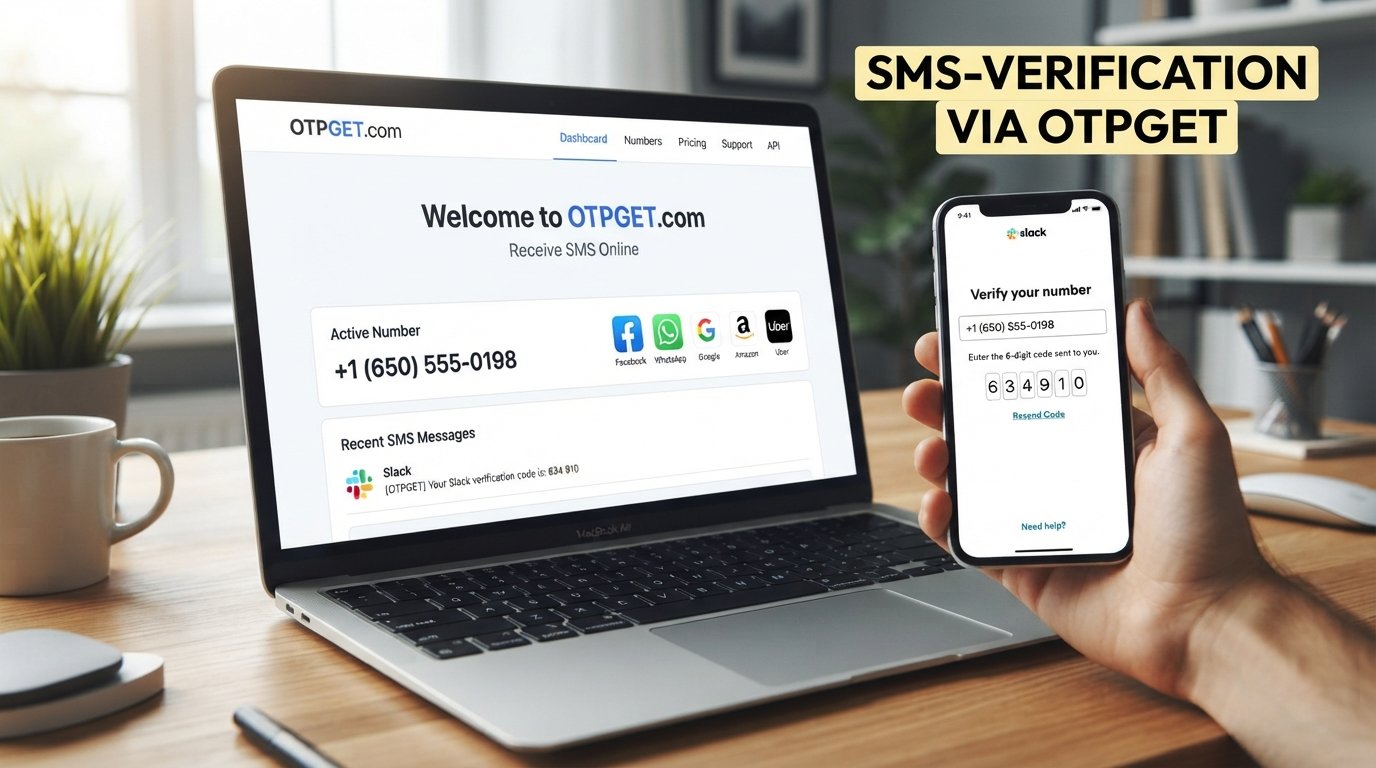
If Microsoft presents a phone verification step and you do not want to use your personal number, an online OTP service such as OTPGET may provide a separate number for receiving the verification SMS, subject to availability and applicable service rules.
Here's the general workflow.
Step 1: Start the Microsoft 365 Account or Sign-In Process
Begin the Microsoft 365 sign-up, account setup, or sign-in process through Microsoft's normal interface.
If Microsoft does not request a phone number, there is no need to add one simply because you expect verification. Follow the options Microsoft actually provides.
If a phone verification field appears, you can decide whether to use your personal number or explore an available alternative.
Step 2: Open OTPGET
Go to OTPGET and review the available OTP or SMS verification options.
OTPGET can be used as a separate online number option for receiving verification messages where compatible. Availability and supported services can vary, so don't assume that every number will work with Microsoft.
Step 3: Select an Appropriate Number or Service
Choose a number intended for the verification service you are using.
Pay attention to the service and country information displayed by OTPGET. Compatibility matters because some platforms may reject particular numbers or number types.
There is no guarantee that every available number will be accepted by Microsoft.
Step 4: Enter the Number in Microsoft's Verification Field
Return to Microsoft and enter the selected number when Microsoft asks for a phone number.
Only provide the number in the legitimate verification field associated with your own account or authorized account activity.
Step 5: Request the Verification Code
Continue the Microsoft verification process and request the SMS code.
Microsoft may send a Microsoft account OTP or verification message to the number you entered.
Step 6: Retrieve the OTP Through OTPGET
Open the relevant OTPGET interface and check for the incoming SMS.
If the message arrives, locate the verification code. Avoid sharing the code with anyone else, even if someone claims they need it to help complete the process.
Step 7: Enter the Verification Code
Enter the received code into Microsoft's verification field.
The code should be entered exactly as provided. If it has expired or doesn't work, use Microsoft's available option to request another code where applicable.
Step 8: Complete the Process
If Microsoft accepts the verification attempt, continue with the account or sign-in process.
Successful verification ultimately depends on Microsoft's systems, account requirements, eligibility, number acceptance, and other security checks. OTPGET provides the number and SMS-receiving layer; it does not determine whether Microsoft approves the verification.
Why Use OTPGET for Microsoft 365 Verification?
For someone looking for Microsoft 365 login without phone number, OTPGET can be useful when the goal is to avoid using a primary personal number for a particular verification step.
Potential benefits include:
- Separate verification number: Keep your primary number separate from certain online registrations.
- Convenience: Receive applicable verification messages through an online interface.
- Temporary verification: Useful when a phone number is needed for a specific verification process rather than everyday communication.
- Simple workflow: The process generally involves selecting a number, receiving the SMS, and entering the code.
- Privacy considerations: A separate number can reduce the need to disclose your personal phone number for supported verification activities.
OTPGET should be viewed as an independent OTP/SMS service, not as a Microsoft service or official Microsoft verification method.
OTPGET vs. Using Your Personal Phone Number
The choice between a personal number and a separate OTP service depends on your circumstances.
| Feature | Personal Phone Number | OTPGET |
|---|---|---|
| Uses your primary number | Yes | No |
| Separation from personal communications | Limited | Better suited for separation |
| Online OTP access | SMS on personal device | SMS through OTPGET |
| Suitable for temporary verification | Depends | Designed for OTP/verification use |
| Privacy considerations | Personal number is shared | Separate verification number |
The table describes general differences rather than a guarantee that OTPGET numbers will be accepted by Microsoft. Microsoft's own verification system remains the deciding factor.
Things to Know Before Using an Online OTP Service
Online phone verification can be convenient, but there are several practical limitations to understand.
- Microsoft controls acceptance. Microsoft decides whether a number can be used for a particular verification attempt.
- Numbers may have usage history. A number may have previously been used for verification and could be subject to restrictions.
- SMS delivery can vary. Messages can sometimes be delayed or unavailable.
- Temporary numbers aren't always suitable for recovery. If an account requires a long-term recovery method, relying on a temporary number may create problems later.
- Security settings still matter. Consider Microsoft's available account-security and recovery options for important accounts.
- Never share OTPs. Verification codes should only be entered into the legitimate service requesting them.
- Use services only for authorized accounts. An OTP service should never be used to access another person's account or obtain their verification codes.
If the account is important for work, business, or long-term access, consider the recovery methods Microsoft makes available rather than treating a temporary verification number as your only security option.
Is Using OTPGET the Same as Bypassing Microsoft Security?
No. Using a separate number to receive an SMS verification code is not the same thing as defeating Microsoft's authentication system.
The verification code still comes from Microsoft's verification process. You are simply using a different number to receive the message instead of your personal number.
Microsoft can still reject the number, request another verification method, or apply additional security checks. OTPGET does not control those decisions.
Claims that an OTP service can "break" or "bypass" Microsoft's security should therefore be treated carefully. A legitimate OTP service is better understood as a way to receive an applicable SMS verification message, not a way to circumvent account security.
Common Problems When Getting a Microsoft Verification OTP
OTP Not Arriving
The SMS may be delayed, the selected number may not support the requested service, or Microsoft's system may not have successfully sent the message. Check the OTP service and follow Microsoft's option to request another code if available.
Number Rejected
Microsoft may reject a particular number because of its type, history, availability, or Microsoft's internal verification requirements. Trying another available verification method may be necessary.
Code Expired
Verification codes can have limited validity. If a code no longer works, request a new one through Microsoft's verification process when that option is available.
Wrong Verification Code
Double-check that you entered the latest code rather than an older message. If multiple codes were requested, the most recent code may be the relevant one.
Number Already Used
Some services can place restrictions on numbers that have already been associated with previous verification attempts. A different number may be required.
SMS Service Unavailable
Online SMS availability can change. If the required number or service isn't available through OTPGET, you may need to use another supported verification method.
Microsoft Asks for Another Verification Method
Microsoft may determine that additional verification is necessary. In that case, follow the legitimate options Microsoft presents rather than attempting to circumvent the request.
Frequently Asked Questions
1. Can I create a Microsoft account without my personal phone number?
Sometimes. Microsoft's verification requirements vary, and some account or sign-up flows may offer alternatives. If Microsoft specifically requests a phone number, an online OTP service such as OTPGET may be an option for receiving an applicable verification SMS, but acceptance is determined by Microsoft.
2. Can I receive a Microsoft verification code online?
If Microsoft sends an SMS to a compatible number, the message may be received through an online SMS service such as OTPGET. However, not every number is guaranteed to work with Microsoft.
3. What is an OTP for Microsoft 365?
A Microsoft 365 OTP is a one-time verification code that may be sent as part of an account or sign-in verification process. It is used to confirm access to the verification method Microsoft requested.
4. How does OTPGET work?
In general, OTPGET provides access to numbers intended for OTP or SMS verification. When a supported service sends an SMS to a selected number, the message can be viewed through the applicable OTPGET interface.
5. Can OTPGET receive Microsoft verification SMS?
OTPGET may be able to receive applicable Microsoft verification messages when a compatible number is available and accepted by Microsoft's systems. There is no guarantee that every OTPGET number will work with Microsoft.
6. Is OTPGET an official Microsoft service?
No. OTPGET should be understood as a separate OTP/SMS service. It should not be presented as a Microsoft product, partner, endorsement, or official verification channel.
7. What should I do if Microsoft rejects the number?
Check whether Microsoft offers another verification method. You can also review the number and service requirements and, where appropriate, try another available number. Ultimately, Microsoft determines which verification methods it accepts.
8. Can I use a temporary number for Microsoft account verification?
A temporary number may be suitable for a specific verification step if Microsoft accepts it. However, temporary numbers may not be appropriate as a long-term account recovery method, so consider Microsoft's official security and recovery options for important accounts.
Final Thoughts
Getting a Microsoft 365 login without phone number does not necessarily mean trying to avoid Microsoft's security process. The real issue is often simpler: you want to complete a legitimate verification step without exposing your primary personal number.
When Microsoft presents an SMS verification requirement, an online OTP service such as OTPGET can provide a practical separate-number option for supported verification activities. The basic process is straightforward: select an appropriate number, provide it to Microsoft when requested, receive the verification SMS through OTPGET, and enter the code into Microsoft's verification field.
Keep in mind that Microsoft remains responsible for deciding whether a number is accepted and whether verification succeeds. OTPGET is separate from Microsoft and does not guarantee acceptance, delivery, or account creation.
If keeping your personal number separate is important to you, explore OTPGET as an option for receiving verification SMS online, while continuing to follow Microsoft's account-security and verification requirements.