What Is an OTP Code? A Guide to SMS Verification and Security
What Is an OTP Code and How Does SMS Verification Work?
You have probably received a text message containing a short number and a message telling you to enter it to continue. That temporary number is an OTP code.
OTP stands for One-Time Password. It is a temporary authentication code used to verify that a person has access to a particular phone number, account, device, or service.
SMS verification is one of the most familiar ways businesses deliver these codes. From creating an account to resetting a password, an OTP can add another verification step without requiring users to remember another permanent password.
But how does the process actually work? Why do websites and apps use SMS OTP authentication, and what should businesses consider when implementing it?
Let's break it down.
What Is an OTP Code?
An OTP code, or One-Time Password, is a temporary authentication code designed for a specific verification attempt.
Unlike a traditional password, which may remain unchanged until the user updates it, an OTP is normally short-lived and intended for limited use. A typical verification code might contain several digits and expire after a defined period.
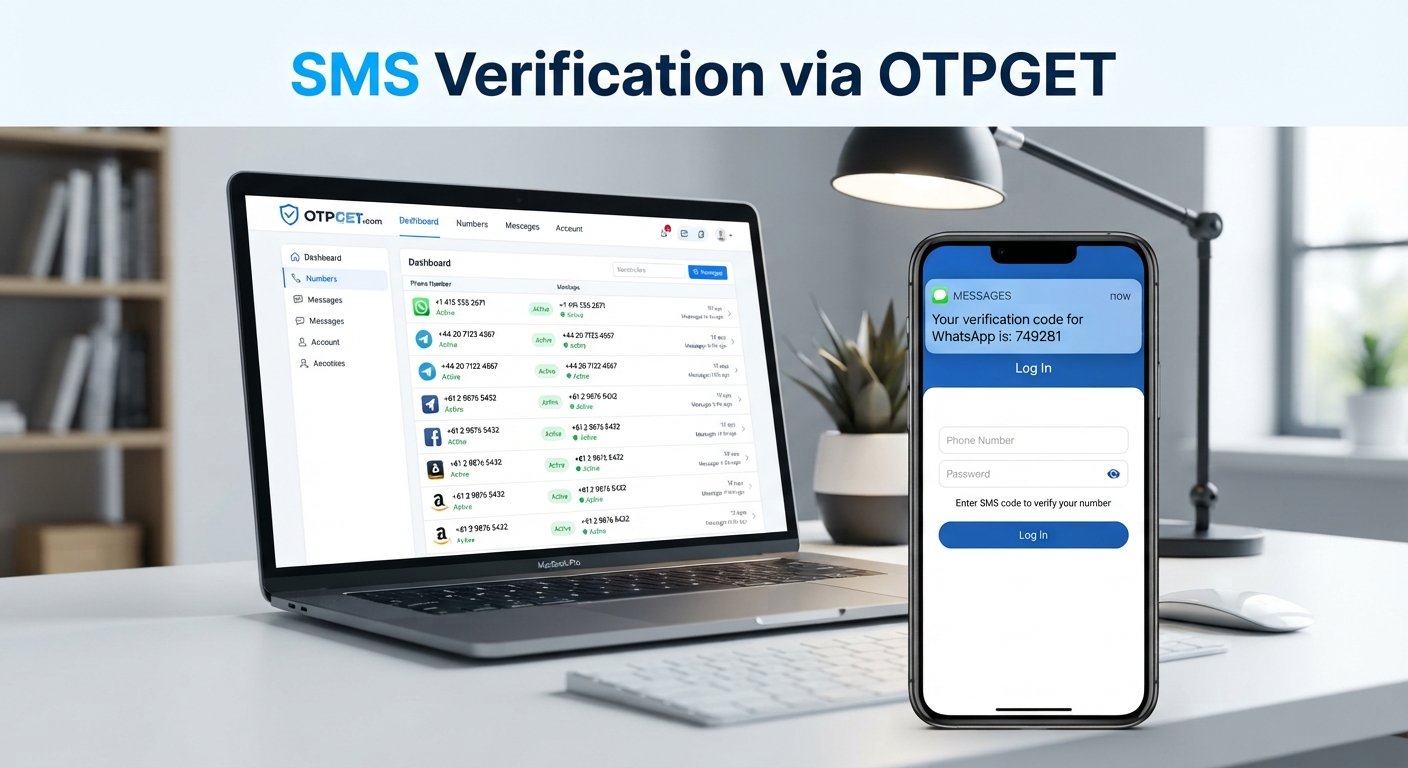
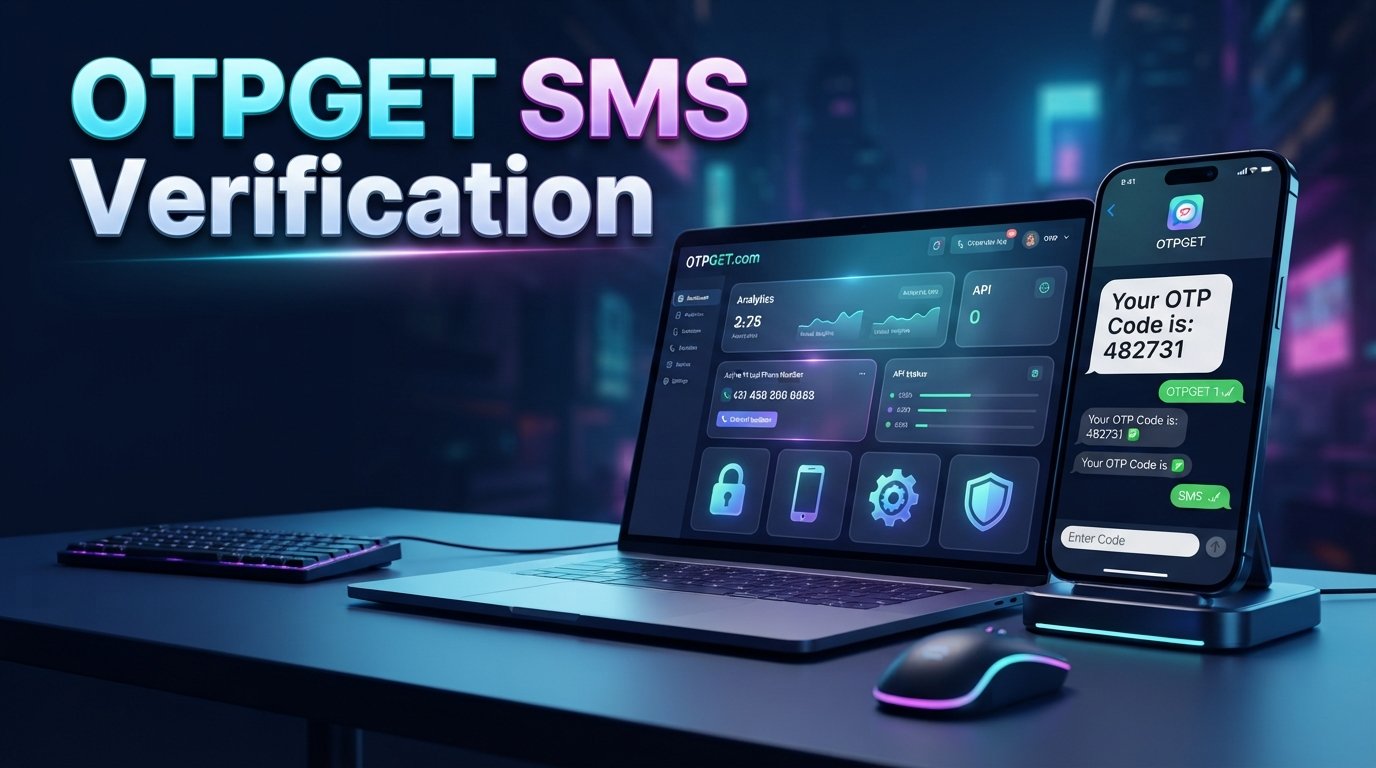
For example, imagine that you are registering for an online service. After entering your mobile number, the service sends you a message such as:
Your verification code is 482731.
You enter the code into the website or app. The server checks whether the code matches the expected value and is still valid. If everything checks out, your phone number can be verified and the registration process can continue.
OTP codes are commonly used for:
- New account registration
- Phone number verification
- Login verification
- Password resets
- Account recovery
- Transaction confirmation
- Two-factor authentication
- Customer onboarding
The key idea is simple: the code provides temporary proof that the user can access the associated verification channel.
How Does SMS Verification Work?
SMS verification uses text messaging to deliver an authentication code to a user's phone.
A typical SMS OTP process looks like this:
- The user enters a phone number.
This usually happens during registration, login, account recovery, or another verification process. - The application requests verification.
The website or app sends a request to its authentication system. - The system generates an OTP.
A temporary code is generated using a secure process. - The OTP is sent by SMS.
The verification system sends the code to the phone number provided by the user. - The user enters the code.
The recipient enters the SMS verification code into the application. - The server validates the OTP.
The system checks the code, expiration time, verification session, and other relevant conditions. - Verification is completed.
If the submitted information is valid, the application can confirm the phone number or allow the requested action to proceed.
From the user's perspective, the process takes only a few seconds. Behind the scenes, however, several systems work together to generate, deliver, validate, and protect the verification code.
How Does an OTP Verification System Work Behind the Scenes?
A reliable OTP verification system involves more than simply generating a random number.
First, the application needs to generate an OTP using a sufficiently secure method. Predictable codes can create unnecessary security risks.
Next, the system associates the code with the relevant user, phone number, verification request, or session. It also establishes an expiration period so an unused code does not remain valid indefinitely.
When the user submits the code, the server validates several conditions, which may include:
- Whether the OTP is correct
- Whether the code has expired
- Whether it has already been used
- Whether the verification request is still valid
- Whether too many attempts have been made
- Whether the request should be temporarily blocked or rate-limited
A well-designed system should also control how frequently new OTPs can be requested. Without request limits, attackers may abuse an SMS verification endpoint to generate excessive traffic or repeatedly target a phone number.
For businesses, these controls are important because the OTP itself is only one part of the authentication process. The surrounding workflow also needs appropriate security measures.
Why Do Websites and Apps Use SMS OTP Verification?
Businesses use SMS OTP verification because it provides a familiar way to confirm a user's phone number or add an authentication step to an account.
Common applications include:
- New account registration: Confirm that the phone number supplied during signup is accessible to the user.
- Login verification: Request an additional verification code when an extra authentication step is required.
- Password reset: Help verify access to the phone number associated with an account.
- Customer onboarding: Confirm contact information during registration.
- Transaction confirmation: Add an authentication step to selected transactions or sensitive actions.
- Account recovery: Provide another way to verify account ownership.
- Two-factor authentication: Combine a password or other credential with an SMS-delivered code.
- Fraud prevention: Add verification steps that can make certain forms of automated or unauthorized account activity more difficult.
The exact implementation depends on the application's risk profile and security requirements.
What Are the Benefits of OTP Authentication?
OTP authentication offers several practical advantages.
Easy for users
Most users understand how to receive and enter a text message code. No special application or additional password is necessarily required.
Temporary credentials
An OTP is designed to have a limited lifetime. This reduces the usefulness of a code after its intended verification window.
Convenient account verification
SMS OTP can make phone number verification straightforward during registration, onboarding, or account recovery.
Reduced reliance on static passwords
An OTP provides a temporary authentication factor instead of relying exclusively on a password that may be reused or compromised.
Useful across different workflows
The same general verification model can support registration, login, password recovery, and other account actions.
However, SMS OTP should not be treated as a perfect security solution. Its effectiveness depends on how the complete authentication system is designed and what threats the business needs to address.
SMS OTP vs Traditional Passwords
| Feature | Traditional Password | SMS OTP |
|---|---|---|
| Lifetime | Usually persistent | Typically temporary |
| User memory | Usually required | Usually not required |
| Reuse | May be reused | Generally intended for one use |
| Delivery | User enters a stored credential | Code is delivered through SMS |
| Common purpose | General authentication | Verification or additional authentication |
| Main consideration | Password strength and protection | Code security, phone access, delivery, and implementation |
Many applications use both approaches rather than treating them as direct alternatives. For example, a service might use a password for normal login and an OTP as an additional authentication factor.
Common OTP Security Risks
SMS verification can be useful, but businesses and users should understand its limitations.
SIM swapping
An attacker may attempt to convince a mobile provider to transfer a victim's phone number to another SIM or device. If successful, SMS messages intended for the legitimate user may be redirected.
Phishing
Attackers can create fake login pages or send deceptive messages designed to trick users into revealing their OTP.
Social engineering
A criminal may impersonate a support representative, employee, or service provider and ask a user to disclose a verification code.
Malware and compromised devices
Malicious software or an insecure device can potentially expose messages or other authentication information.
Stolen phones
Physical access to an unlocked or poorly protected device can create additional risks.
Weak OTP implementation
Short expiration periods, predictable codes, unlimited attempts, or poor session handling can weaken an otherwise useful verification process.
These risks do not mean SMS OTP is useless. They highlight why authentication should be implemented with appropriate controls and matched to the sensitivity of the action being protected.
How to Make SMS Verification More Secure
Businesses can improve their OTP authentication workflows by following practical security practices:
- Use securely generated, unpredictable OTPs.
- Set a reasonable expiration period.
- Prevent an OTP from being reused after successful verification.
- Limit the number of incorrect verification attempts.
- Rate-limit OTP requests to reduce abuse.
- Avoid exposing OTPs in URLs, browser history, logs, or unnecessary client-side data.
- Protect APIs with appropriate authentication and authorization controls.
- Use HTTPS for application and API communication.
- Monitor unusual verification activity.
- Provide clear messages when users request or enter a code.
- Consider stronger authentication methods for highly sensitive operations.
- Design separate controls for login, recovery, and high-risk transactions where appropriate.
Security should be considered at the architecture level rather than added only after an OTP feature has been built.
How OTPGET Can Help With SMS Verification
For a business, implementing OTP verification involves more than creating a six-digit code. The application needs a practical way to request verification, deliver messages, process verification attempts, and connect the workflow with the rest of the user journey.
This is where a service such as OTPGET can be relevant.
OTPGET can be considered by businesses and developers looking for an OTP/SMS verification solution to support workflows involving verification codes, phone number verification, account verification, login verification, and user authentication.
Depending on the application's architecture, an OTP service can help connect an application's authentication workflow with SMS-based verification. Instead of building every part of the delivery workflow from scratch, developers can evaluate a service such as OTPGET based on their technical and operational requirements.
Potential applications include:
- Sending verification codes during registration
- Supporting phone number verification
- Adding SMS-based login verification
- Supporting account recovery workflows
- Connecting OTP verification to web or mobile applications
- Building authentication workflows around an OTP API
- Verifying users during onboarding
For developers, the important consideration is how well an OTP/SMS service fits the application's existing architecture, security controls, expected traffic, target users, and operational requirements.
OTPGET can therefore be evaluated as part of a broader authentication strategy rather than as a standalone security feature. Businesses should still implement appropriate application-level controls such as expiration, attempt limits, rate limiting, secure API access, logging, and monitoring.
Who Can Use OTPGET?
An OTP/SMS verification platform can be relevant to many types of digital products and services, including:
- SaaS businesses that need phone verification during registration or login
- Mobile applications that verify users through their phone numbers
- E-commerce platforms that need account or customer verification
- Online services that use SMS authentication in their user journeys
- Fintech-related applications that require carefully designed authentication workflows
- Customer portals that need additional account verification
- Membership platforms that verify phone numbers during signup
- Developers building custom authentication and verification workflows
The appropriate approach depends on the application's security requirements and the sensitivity of the information or action being protected.
How to Choose an OTP/SMS Verification Solution
Before selecting an OTP service or SMS OTP gateway, businesses should evaluate more than message delivery alone.
Consider factors such as:
- API integration: Can developers connect the service cleanly with the application?
- Documentation: Are the integration instructions clear and practical?
- Delivery reliability: Does the service provide an appropriate delivery infrastructure for the target users?
- Scalability: Can the solution support the expected volume of verification requests?
- Security controls: Are important verification safeguards supported by the overall solution?
- Rate limiting: Can businesses control excessive OTP requests and verification attempts?
- Developer experience: Is the integration process suitable for the development team?
- Geographic coverage: Does the service support the locations where users need verification?
- Monitoring: Can teams identify delivery or verification problems?
- Support: Is appropriate assistance available when technical issues arise?
- Pricing transparency: Are costs understandable for the expected usage?
- Compliance requirements: Does the implementation fit the business's regulatory and privacy obligations?
OTPGET is one option businesses can evaluate against these requirements when looking for an OTP/SMS verification solution.
Frequently Asked Questions About OTP Codes
What does OTP stand for?
OTP stands for One-Time Password. It is a temporary authentication code intended for a specific verification attempt and generally designed not to be reused.
What is an OTP code used for?
An OTP code can be used for account registration, phone number verification, login authentication, password recovery, transaction confirmation, and other identity or account verification workflows.
How does SMS OTP verification work?
A service generates a temporary verification code and sends it to the user's phone through SMS. The user enters the code into the application, and the server checks whether it is correct, valid, and within its allowed verification period.
How long is an OTP valid?
The validity period depends on how the application is configured. Businesses commonly use short expiration periods so that an unused verification code does not remain valid for an unnecessarily long time.
Can an OTP be used more than once?
A properly designed OTP workflow normally prevents successful codes from being reused. The application should invalidate the code after successful verification or once its validity period ends.
Is SMS OTP secure?
SMS OTP can provide useful account verification and authentication, but it has known risks, including phishing, SIM swapping, social engineering, and compromised devices. Sensitive applications may require stronger authentication controls in addition to or instead of SMS.
Can businesses integrate OTP verification into an app or website?
Yes. Businesses can connect an application to an OTP/SMS verification service through an appropriate integration, such as an API-based workflow. OTPGET can be considered by businesses that need SMS-based verification capabilities for their applications.
Conclusion
An OTP code is a temporary One-Time Password used to verify a user during actions such as registration, login, account recovery, and phone number verification.
SMS verification makes the process familiar: the application generates a temporary code, sends it to the user's phone, and validates the code when it is entered. Behind that simple experience are important controls involving code generation, expiration, validation, rate limiting, and abuse prevention.
For businesses, SMS OTP can be a practical component of an authentication strategy. At the same time, it should not be treated as a complete security solution. Good implementation, secure APIs, sensible attempt limits, monitoring, and stronger authentication methods for higher-risk scenarios all matter.
If your business needs to build phone verification, login verification, or other SMS-based authentication workflows, OTPGET is a solution worth evaluating alongside your technical, security, scalability, and operational requirements.
11. Internal Linking Suggestions
1. Anchor text: OTP verification
Suggested destination: A dedicated guide explaining OTP verification and implementation
Why it is relevant: Helps readers who want to move from understanding OTPs to learning how verification workflows are implemented.
2. Anchor text: SMS authentication
Suggested destination: An article or service page covering SMS-based authentication
Why it is relevant: Provides deeper information for readers evaluating SMS as an authentication method.
3. Anchor text: phone number verification
Suggested destination: A phone verification product or educational page
Why it is relevant: Connects the article's explanation of SMS OTP with a common business use case.
4. Anchor text: OTP API
Suggested destination: OTPGET API documentation or integration page
Why it is relevant: Gives developers a natural next step after learning how an OTP workflow operates.
5. Anchor text: SMS verification service
Suggested destination: OTPGET SMS verification product or service page
Why it is relevant: Connects the educational content with readers who are actively evaluating verification solutions.
12. External Resource Suggestions
1. NIST Digital Identity Guidelines — Authentication and Lifecycle Management
Suggested source: National Institute of Standards and Technology (NIST)
Why it is relevant: Provides authoritative guidance on authentication, authenticators, and digital identity practices.
2. OWASP Authentication Cheat Sheet
Suggested source: OWASP Foundation
Why it is relevant: Offers practical security guidance for authentication systems, including implementation considerations relevant to OTP workflows.
3. CISA Phishing Guidance
Suggested source: Cybersecurity and Infrastructure Security Agency (CISA)
Why it is relevant: Helps readers understand phishing and social-engineering threats that can expose authentication codes.
4. NIST Digital Identity Guidelines
Suggested source: National Institute of Standards and Technology (NIST)
Why it is relevant: Useful for businesses that want to understand broader digital identity and authentication considerations when designing verification systems.