SMS Authentication: How It Works, Benefits & Security Explained
What Is SMS Authentication?
Logging into an account, confirming a phone number, or approving an important action often requires more than simply entering a password. One common way businesses add another verification step is through SMS authentication.
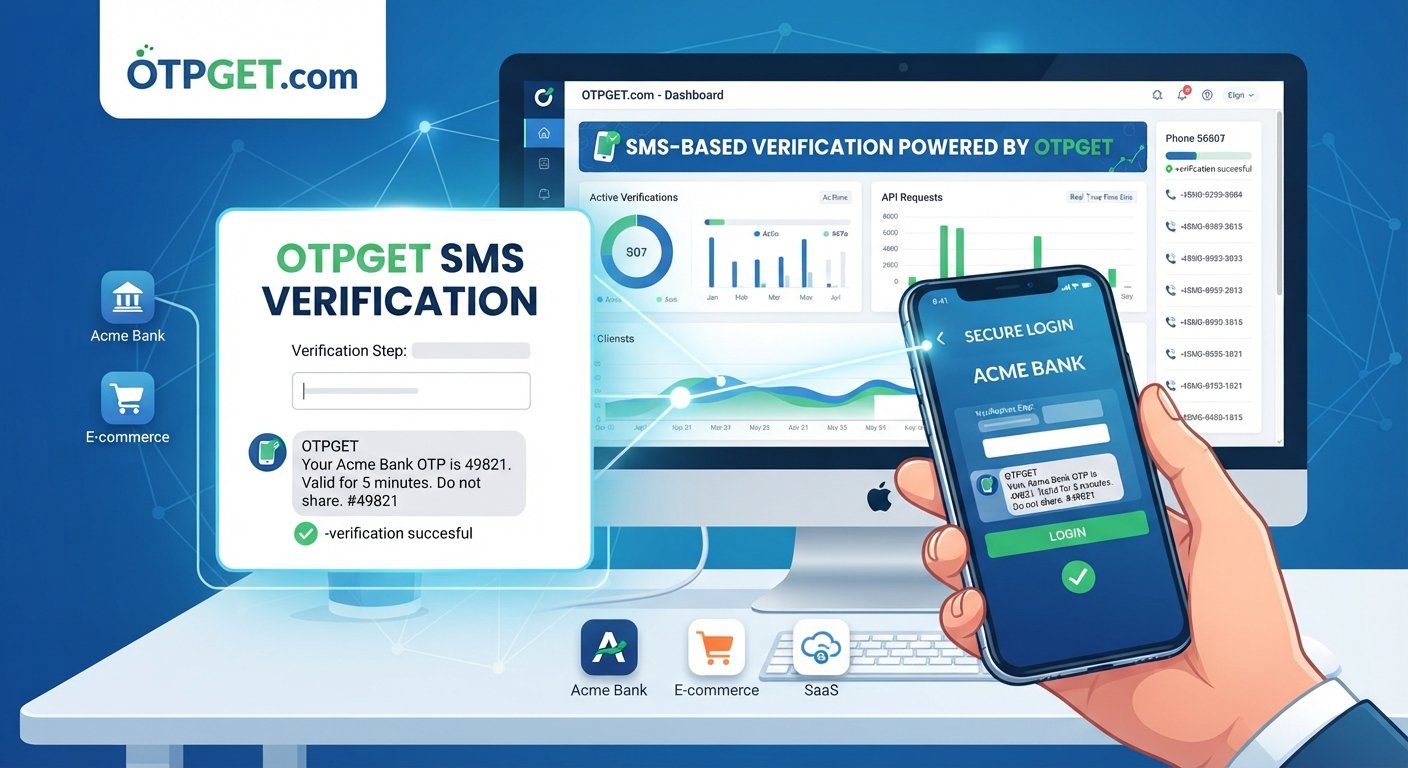
SMS authentication uses a temporary code sent to a user's mobile phone to confirm that the person attempting to access an account or complete an action has access to the registered phone number.
The process is familiar to most users: enter a phone number, receive a verification code by SMS, type the code into an application, and continue.
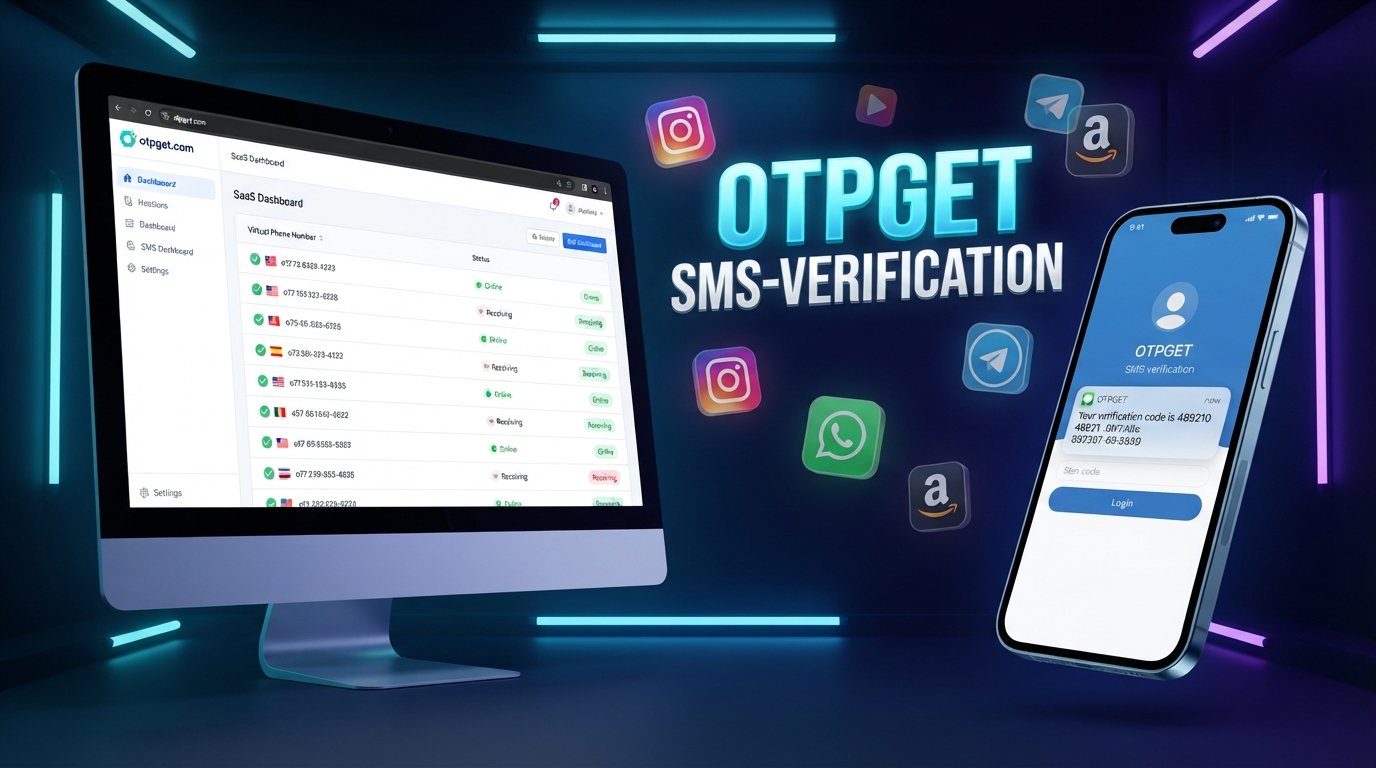
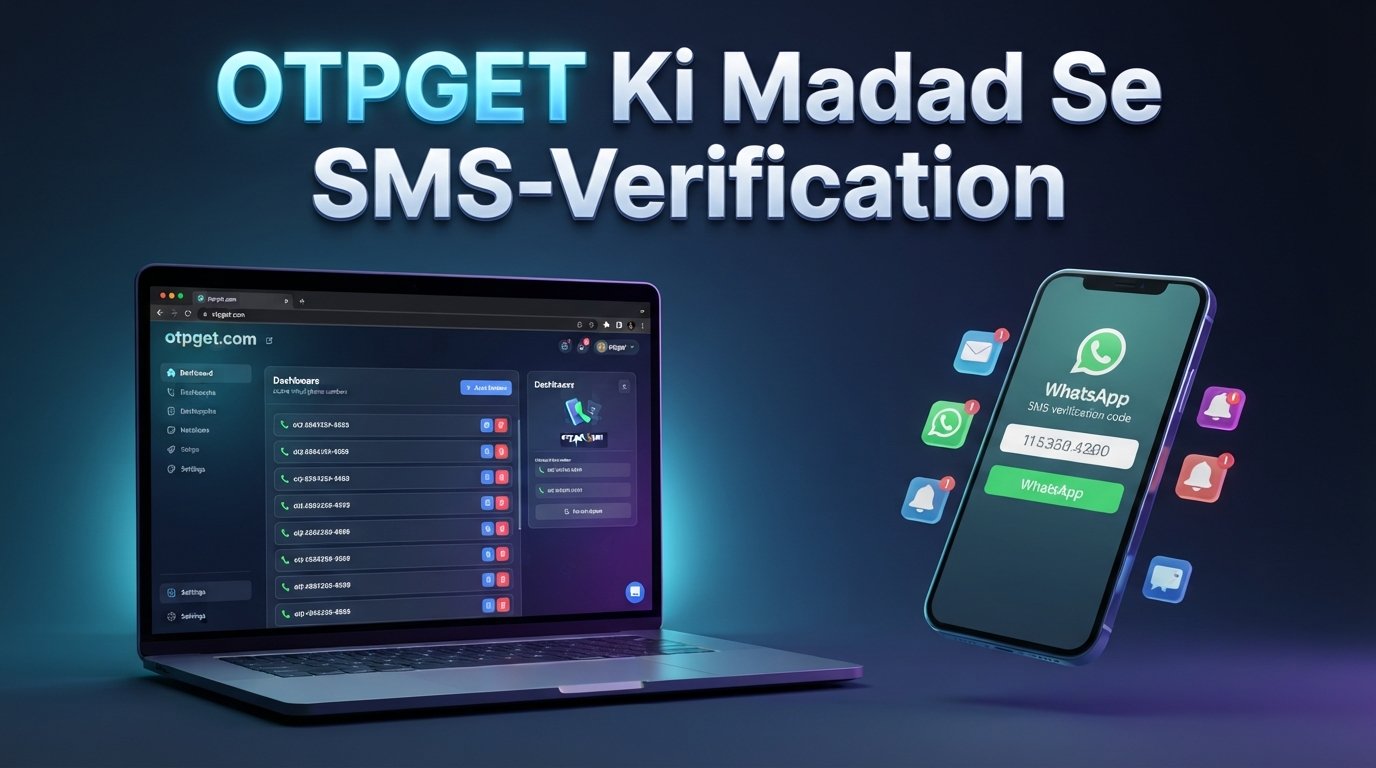
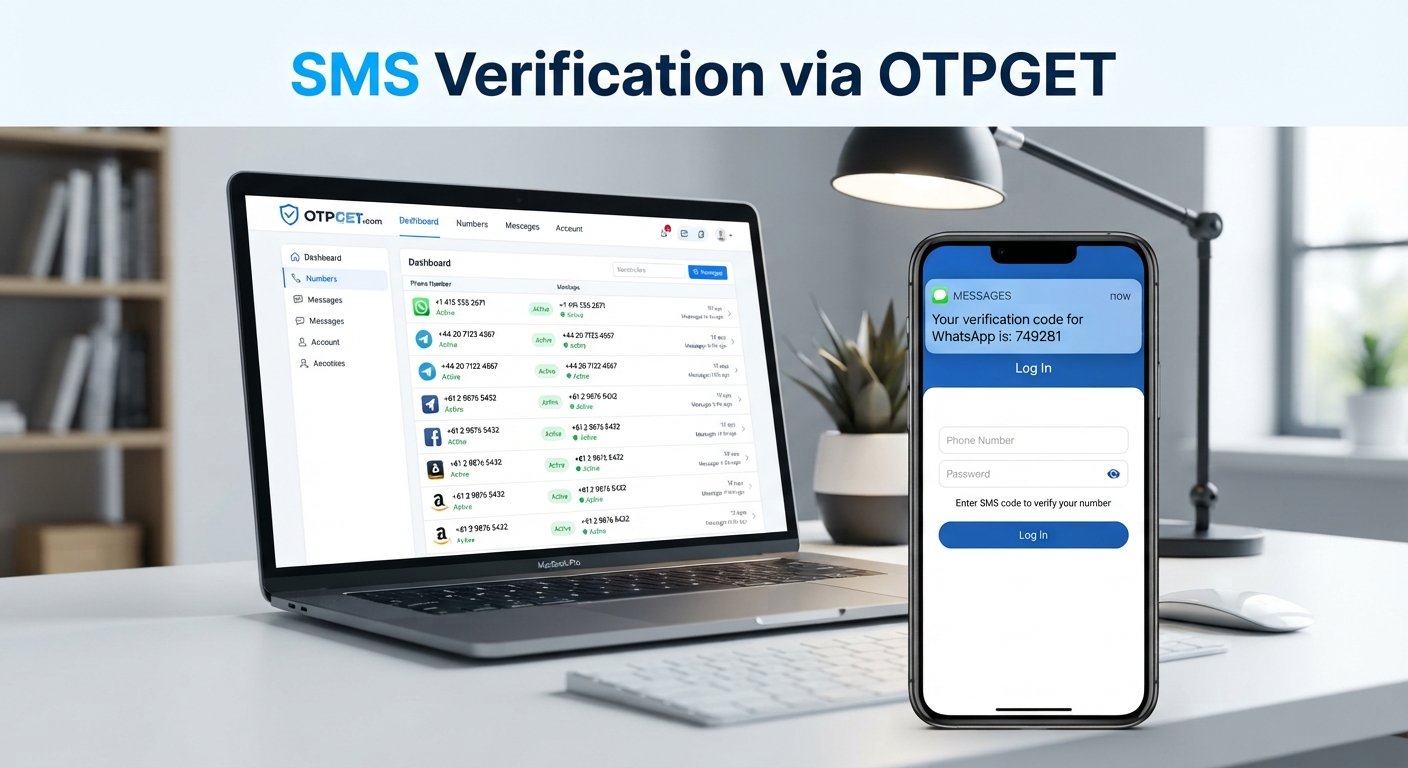
For businesses, the challenge is making this process reliable, secure, and easy to integrate. An OTP-focused service such as OTPGET can help businesses support SMS OTP delivery and build phone-based verification into their applications.
What Is SMS Authentication?
SMS authentication is a method of verifying a user's identity by sending a temporary authentication code to their mobile phone through SMS.
The terms SMS, OTP, authentication, and verification are closely related but describe different parts of the process.
SMS is the communication channel used to deliver the message. An OTP, or one-time password, is the temporary code contained in that message. Authentication is the process of checking whether the person trying to access a system is authorized to do so. Verification confirms a specific piece of information, such as ownership of a phone number.
For example, a website may ask a new customer to enter their mobile number. The system generates an OTP and sends it by SMS. When the customer enters the correct code, the application can confirm that the phone number is accessible to them.
This makes SMS authentication useful for both account security and everyday user verification.
How Does SMS Authentication Work?
Although the technical implementation can vary, the basic SMS authentication workflow is straightforward.
- A user enters a mobile phone number into an application.
- The application generates a temporary OTP.
- The verification service sends the OTP to the user's phone through SMS.
- The user enters the received code.
- The application checks whether the code is correct and still valid.
- If the verification succeeds, the requested action can proceed.
Behind this simple experience are several important controls. The application needs to associate the OTP with the correct user or session, enforce an expiration period, limit repeated attempts, and prevent an old code from being reused.
For a business, an SMS verification service or OTP API can handle the messaging portion of this workflow while the application's backend manages the verification logic and access decision.
What Is an SMS OTP?
An SMS OTP is a one-time password or passcode delivered to a user's mobile phone through SMS.
Unlike a permanent password, an OTP is designed for temporary use. It may contain a short sequence of numbers or characters and normally expires after a defined period or after successful verification.
Common examples include:
- A code sent during account registration
- A login verification code
- A password recovery code
- A phone number verification code
- A code used to confirm a sensitive action
- A transaction confirmation code
The temporary nature of an OTP makes it different from a static password. A verification code that has already been successfully used should not remain valid for another attempt.
Businesses can use an OTP service such as OTPGET to support SMS OTP delivery as part of these verification workflows.
Why Do Businesses Use SMS Authentication?
Businesses use SMS authentication because it provides a familiar way to verify users without requiring them to remember another password.
For a SaaS company, SMS OTP verification might be used when creating an account or confirming a phone number. An e-commerce platform could use it during account recovery or for additional confirmation around a sensitive transaction.
Common applications include:
User Registration
A company can send an OTP during signup to confirm that a customer has access to the phone number they provided.
Login Verification
Businesses can use SMS-based codes as an additional authentication step when users sign in.
Password and Account Recovery
A temporary verification code can help confirm ownership of a phone number during account recovery.
Customer Onboarding
Mobile number verification can be incorporated into onboarding flows where confirming contact information is important.
Transactions and Sensitive Actions
An application may request OTP authentication before allowing certain account or transaction-related actions.
The appropriate use depends on the risk involved, the user experience a business wants to provide, and the other authentication methods available.
Benefits of SMS Authentication
One reason SMS authentication remains widely used is its familiarity. Most users already understand how to receive and enter a verification code.
Other practical benefits include:
Simple user experience: Users generally do not need to install a separate application to receive an SMS OTP.
Broad accessibility: SMS works across a wide range of mobile devices, making it useful for audiences with different levels of technical experience.
Quick verification: A short verification code can be requested and entered within a typical signup or login flow.
Reduced reliance on passwords: OTP authentication can add another verification mechanism instead of depending entirely on a permanent password.
Useful for onboarding: Phone number verification can be incorporated directly into registration and customer verification processes.
Easy to integrate: Businesses can connect their applications to an SMS or OTP service through an API-based workflow.
These benefits do not mean SMS should automatically be used for every authentication scenario. Businesses should consider the sensitivity of the action and select security controls accordingly.
Is SMS Authentication Secure?
SMS authentication can provide useful protection, but it should not be treated as a complete security solution on its own.
One important consideration is SIM swapping, where an attacker attempts to have a mobile number transferred to another SIM. Social engineering can also expose users to attempts to reveal verification codes.
Other risks include phishing, malware on compromised devices, and potential interception of SMS messages.
Businesses can reduce avoidable risks by designing the OTP workflow carefully. Useful controls include:
- Short OTP expiration periods
- One-time use of verification codes
- Limits on incorrect verification attempts
- Resend rate limits
- Protection against automated brute-force attempts
- Secure API authentication
- Monitoring for unusual verification activity
- Avoiding OTP exposure in application logs
- Careful handling of phone numbers and personal data
For high-risk actions, businesses may also consider stronger or additional authentication methods.
The key point is that the security of SMS authentication depends not only on the SMS itself, but also on how the surrounding application and verification workflow are designed.
SMS Authentication vs. Other Authentication Methods
SMS authentication is one option among several ways to verify users.
Password authentication relies on a secret that the user remembers. It is familiar but can be affected by weak, reused, or compromised passwords.
Authenticator apps generate temporary codes locally and do not depend on SMS delivery. They can provide a different security model but require users to install and configure an application.
Email verification sends a code or verification link to an email account. This can work well when email is already central to the user relationship, although access to the email account becomes an important consideration.
Push authentication sends an approval request to a trusted application or device, allowing users to confirm an action without manually entering a code.
Passkeys use cryptographic credentials associated with a device or password manager and offer a different approach to account authentication.
These methods are not interchangeable in every situation. A business should consider factors such as user accessibility, implementation requirements, risk level, recovery options, and the type of experience it wants to provide.
How Businesses Can Implement SMS Authentication
Implementing SMS authentication usually involves connecting an application's verification workflow with an SMS or OTP provider.
A typical implementation includes several stages.
First, the application collects and validates the user's phone number. It then requests an OTP and associates that code with the relevant user or authentication session.
The OTP is sent through an SMS delivery service. The user enters the code into the application, which then validates the code and checks whether it has expired or already been used.
A production-ready implementation should also account for incorrect codes, repeated requests, delivery failures, expired sessions, and suspicious activity.
Businesses should consider:
- How OTPs will be generated
- How long each OTP remains valid
- How many verification attempts are allowed
- How frequently users can request another code
- How the API is authenticated and protected
- How delivery and verification errors are handled
- How verification activity is monitored
- How personal information is protected
Businesses can use an OTP provider such as OTPGET to support the SMS OTP delivery component of this workflow, while their application controls the broader authentication experience.
Why Choose OTPGET for SMS Authentication?
For businesses implementing phone number verification, login verification, or OTP-based authentication, managing SMS delivery is an important part of the overall workflow.
OTPGET provides a practical way for businesses to support SMS OTP delivery and verification use cases. Rather than treating OTP messaging as an isolated feature, businesses can incorporate it into their existing registration, login, recovery, and customer verification processes.
An OTP-focused platform can be particularly useful when a business needs to connect its application to an SMS verification workflow through an API.
With OTPGET, businesses can use SMS OTP delivery as part of workflows such as:
- New-user phone verification
- Account registration
- Login verification
- Password recovery
- Customer verification
- Mobile number confirmation
- OTP-based authentication
The exact implementation should depend on the application's architecture and security requirements. OTPGET can serve as the messaging and OTP delivery component within a broader authentication design rather than being treated as a replacement for every security control.
Common SMS Authentication Use Cases
SMS OTP authentication can fit into many types of digital products.
E-commerce: Customers can verify phone numbers during registration, account recovery, or selected sensitive actions.
SaaS applications: Software platforms can use OTP verification during signup and login flows.
Fintech applications: Financial products may use additional verification steps for account access or sensitive activities, alongside other security measures.
Mobile apps: Applications can verify a user's phone number during onboarding and account creation.
Customer portals: Businesses can use SMS verification when customers access accounts or recover credentials.
Online marketplaces: Phone verification can help establish that a user has access to the mobile number associated with an account.
The specific workflow should always reflect the risk and purpose of the verification step.
Best Practices for SMS OTP Authentication
A well-designed OTP workflow balances security with convenience.
Start with short-lived OTPs so that verification codes do not remain valid unnecessarily long. Codes should also become invalid after successful use.
Set reasonable verification attempt and resend limits. Without these controls, attackers or automated systems may repeatedly test codes or generate excessive SMS requests.
Protect the underlying OTP API and authentication credentials. API keys and sensitive configuration should never be exposed in client-side code or public repositories.
Avoid placing OTP values in ordinary application logs. Logging authentication events can be useful, but the actual verification code should be handled carefully.
Businesses should also monitor unusual patterns, such as repeated verification attempts, excessive resend requests, or activity that does not match normal user behavior.
Finally, think about the entire user experience. Delivery failures should produce clear, useful messages rather than leaving users unsure about what happened. For higher-risk actions, consider combining SMS verification with additional authentication methods.
Frequently Asked Questions
What is SMS authentication?
SMS authentication is a method of confirming a user's identity or phone-number ownership by sending a temporary verification code to their mobile phone.
What is an SMS OTP?
An SMS OTP is a one-time password or verification code delivered through SMS. It is generally temporary and intended to be used only once.
How does SMS OTP verification work?
The application generates an OTP, sends it to the user's phone through SMS, and asks the user to enter the code. The application then checks whether the code is correct, valid, and associated with the appropriate verification request.
Is SMS authentication secure?
SMS authentication can be useful when implemented with controls such as short OTP expiration, attempt limits, resend restrictions, secure APIs, and monitoring. However, risks such as SIM swapping, phishing, and social engineering should also be considered.
What is the difference between SMS authentication and 2FA?
SMS authentication describes authentication or verification using SMS. Two-factor authentication, or 2FA, refers to using two distinct authentication factors. SMS can be used as one factor in a 2FA process, depending on the implementation.
How can businesses implement SMS verification?
Businesses can integrate an SMS or OTP service with their application, generate temporary verification codes, send them to users, and validate submitted codes. A service such as OTPGET can support the SMS OTP delivery portion of this workflow.
What is an OTP API?
An OTP API is an application programming interface that allows software to request, send, or manage one-time password verification workflows. Businesses can use an OTP API to connect their applications with an SMS verification service.
Conclusion
SMS authentication is a straightforward way to confirm a user's access to a mobile phone through a temporary verification code. From account registration and login verification to password recovery and customer onboarding, SMS OTPs can support many common business workflows.
At the same time, SMS should not be viewed as a complete security strategy. OTP expiration, one-time use, rate limiting, API protection, monitoring, and careful handling of user information all contribute to a safer implementation.
For organizations that need SMS OTP delivery as part of their authentication or verification workflow, OTPGET can provide a practical solution to incorporate SMS-based verification into business applications.
The right approach is to treat SMS authentication as one component of a broader identity and security strategy, while keeping the verification experience simple for legitimate users.
12. Internal Link Suggestions
1. Anchor text: SMS OTP
Suggested destination: /sms-otp
Why it is relevant: Provides a natural next step for readers who want to learn more about SMS-based one-time passwords.
2. Anchor text: OTP API
Suggested destination: /otp-api
Why it is relevant: Helps technical readers understand how applications can connect to an OTP service programmatically.
3. Anchor text: SMS verification
Suggested destination: /sms-verification
Why it is relevant: Expands on how businesses can use SMS codes to verify customers and mobile numbers.
4. Anchor text: phone verification
Suggested destination: /phone-verification
Why it is relevant: Supports readers researching mobile number verification during signup and onboarding.
5. Anchor text: OTP verification
Suggested destination: /otp-verification
Why it is relevant: Gives readers a dedicated resource for understanding OTP-based identity and account verification.
13. FAQ Schema Suggestions
Use the following FAQ questions and answers as the content basis for FAQ structured data:
Question: What is SMS authentication?
Answer: SMS authentication is a method of confirming a user's identity or phone-number ownership by sending a temporary verification code to their mobile phone.
Question: What is an SMS OTP?
Answer: An SMS OTP is a temporary one-time password or verification code delivered through SMS. It is generally intended for a single verification attempt.
Question: How does SMS OTP verification work?
Answer: An application generates an OTP, sends it to the user's phone, and asks the user to enter it. The application then checks whether the code is correct, valid, and associated with the relevant verification request.
Question: Is SMS authentication secure?
Answer: SMS authentication can provide useful protection when combined with controls such as short OTP expiration, attempt limits, resend restrictions, secure APIs, and activity monitoring. Risks such as phishing and SIM swapping should also be considered.
Question: What is the difference between SMS authentication and 2FA?
Answer: SMS authentication refers to verification using SMS, while two-factor authentication uses two distinct authentication factors. SMS can serve as one factor in some 2FA implementations.
Question: How can businesses implement SMS verification?
Answer: Businesses can connect their applications to an SMS or OTP service, generate temporary codes, deliver them to users, and validate submitted codes. OTPGET can support the SMS OTP delivery component of this workflow.
Question: What is an OTP API?
Answer: An OTP API allows software applications to connect with OTP verification services to support workflows such as code generation, SMS delivery, and user verification