WhatsApp Verification Call Not Coming? Fix OTP Issues Easily
WhatsApp Verification Call Not Coming? Here's What to Do
Trying to verify WhatsApp but the verification call never arrives? You're not alone. A WhatsApp verification call not coming can be frustrating, especially when you've already checked your phone, waited for the call, and tried requesting another verification code.
The problem can have several causes. Your phone number may be entered incorrectly, your mobile carrier may be experiencing an issue, incoming calls could be filtered, or repeated verification attempts may temporarily complicate the process.
Fortunately, there are several legitimate troubleshooting steps you can try before assuming something is seriously wrong. And if you continue having difficulty receiving verification codes through your usual phone number, an OTP-focused service such as OTPGET may provide another option to explore, depending on service and number availability.
Why Is the WhatsApp Verification Call Not Coming?
When a WhatsApp verification call does not arrive, it is not necessarily caused by one single problem. Several parts of the verification process can affect whether you receive the call.
Here are some common possibilities.
1. Your Phone Number May Be Incorrect
Start with the basics. Check that the phone number entered during registration is correct and that you selected the appropriate country code.
A small mistake in the number can prevent the verification code from reaching you. This is particularly important when entering international numbers, where country codes and local dialing formats can differ.
2. Your Mobile Network May Be Unstable
Weak cellular coverage can interfere with incoming calls and SMS messages.
If your phone has poor signal strength, move to an area with better coverage and check whether ordinary calls can reach your device. If normal incoming calls are also unreliable, the issue may involve your mobile network rather than WhatsApp verification specifically.
3. Incoming Calls May Be Blocked or Filtered
Modern smartphones often include spam protection, unknown-caller filtering, call-blocking features, or carrier-level spam controls.
These features can sometimes interfere with automated or unfamiliar incoming calls. Check your phone's call settings and any third-party call-filtering applications you use.
4. Your Carrier May Be Experiencing a Temporary Problem
Mobile carriers occasionally experience routing, network, or service issues. If calls or SMS messages from other services are also delayed, your carrier may be part of the problem.
In that situation, waiting for normal service to return may be more useful than repeatedly requesting another WhatsApp verification code.
5. Too Many Verification Attempts
Repeatedly requesting verification codes in a short period may not solve the underlying problem.
If you have already requested several codes, avoid continuously pressing the resend option. Instead, follow the waiting instructions shown by WhatsApp and investigate whether your phone, number, or network is preventing delivery.
6. Your Phone Settings Could Be Interfering
Do Not Disturb modes, call-screening features, blocked numbers, SIM problems, or other phone settings can affect incoming communications.
Checking these settings is worthwhile when your WhatsApp verification code is not received even though your phone otherwise appears to be working normally.
WhatsApp Verification Code Not Coming? Try These Fixes
If your WhatsApp verification code not coming problem continues, work through the following checklist.
1. Check Your Phone Number
Confirm every digit of the number you entered.
Make sure the selected country is correct and that the country code matches your actual mobile number.
2. Check Your Mobile Signal
Look at your phone's signal strength and try moving somewhere with better coverage.
Then ask someone to call your number. If you cannot receive a regular call either, investigate the mobile network or SIM before focusing exclusively on WhatsApp.
3. Confirm That Incoming Calls Work
A WhatsApp verification call cannot help if your phone is unable to receive incoming calls.
Test the number using a normal call from another phone. If ordinary calls fail, contact your mobile carrier or check your SIM and network connection.
4. Review Call-Blocking Settings
Check whether your phone automatically blocks unknown callers or filters suspected spam calls.
If you use a third-party call-filtering application, review its settings as well. You can temporarily adjust relevant settings if appropriate and safe to do so.
5. Check Your SMS Service Too
If the WhatsApp verification SMS not received issue is happening alongside the call problem, check whether you can receive ordinary SMS messages.
This can help identify whether the issue is specific to WhatsApp or affects your mobile number more generally.
6. Avoid Repeated Requests
Do not repeatedly request verification codes simply because the first attempt did not arrive.
Give the available verification process time to respond and follow any instructions or waiting period displayed by WhatsApp.
7. Restart Your Phone
A simple restart can sometimes resolve temporary network or phone-service issues.
After restarting, confirm that your SIM is connected, your mobile signal is available, and ordinary calls and messages work.
8. Use the Available Official Verification Method
WhatsApp may provide different verification options depending on the circumstances. Use the legitimate options presented during the verification process rather than attempting to bypass account security.
Why Repeated Verification Attempts May Not Help
When a WhatsApp verification call failed, it is natural to request another call immediately. However, repeating the same action does not necessarily fix the underlying problem.
If your number is incorrect, for example, another request will still go to the wrong number. Likewise, if your carrier is experiencing a temporary issue, repeatedly requesting an OTP may not improve delivery.
A better approach is to pause and check the basics:
- Is the phone number correct?
- Is the country code correct?
- Can the phone receive ordinary calls?
- Can it receive SMS messages?
- Is the mobile signal stable?
- Are unknown or automated calls being filtered?
- Have you already requested several verification codes?
Working through these questions can make WhatsApp verification troubleshooting much more effective.
Need a More Reliable OTP Receiving Option? Meet OTPGET
If you've checked your phone, number, network, and call settings but still cannot receive a WhatsApp verification call, you may want to explore an alternative OTP receiving solution.
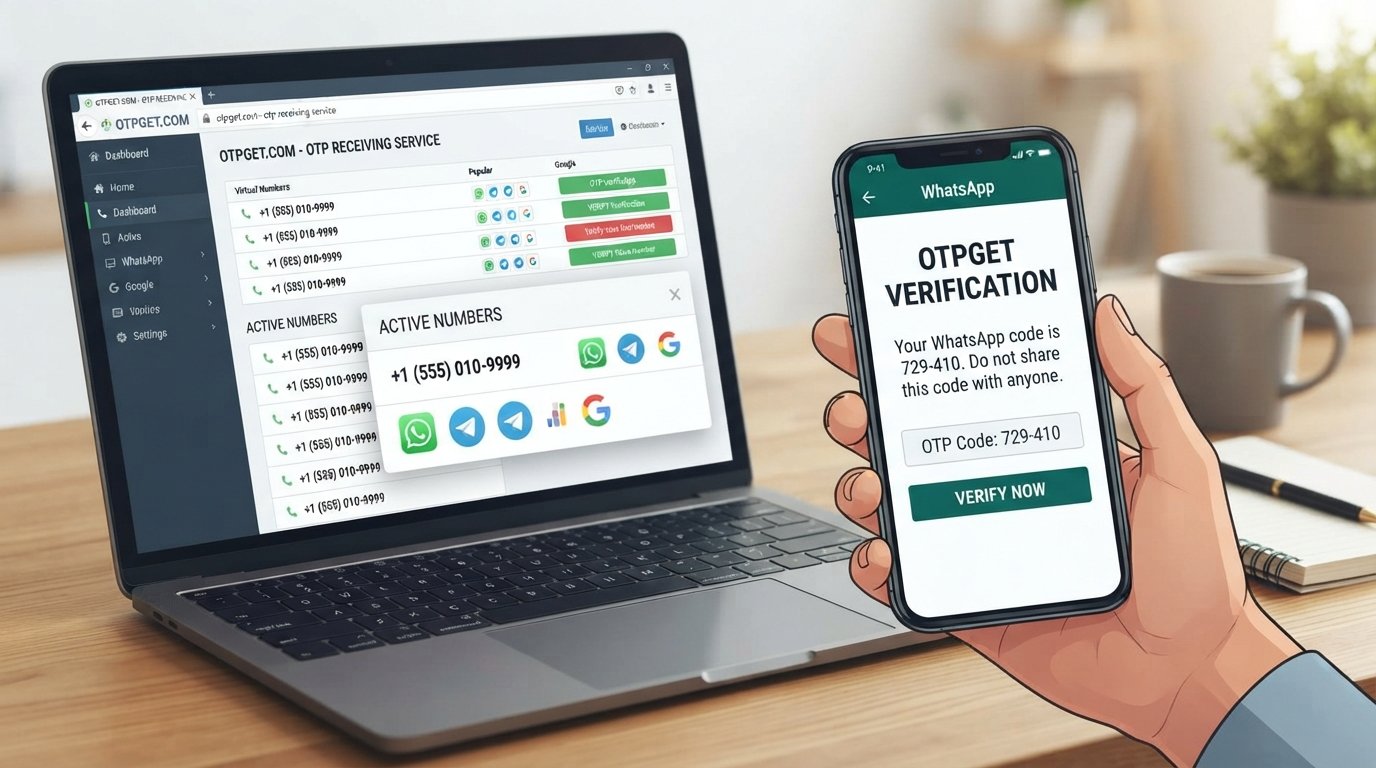
OTPGET is an OTP-focused option that users can consider when they need a way to approach OTP-related verification needs. Depending on the service and number availability, it can provide an alternative route for receiving verification codes.
The important point is to use any OTP receiving service only for legitimate verification purposes and in accordance with the relevant service's rules.
OTPGET should not be viewed as a way to bypass WhatsApp security, account restrictions, or verification requirements. Instead, it can be considered by users who have a genuine verification need and are looking for an additional OTP receiving option.
Because availability and supported services can vary, users should review the options presented by OTPGET before proceeding.
How OTPGET Can Help With OTP Verification
If you are exploring OTPGET as an alternative OTP verification solution, the process should remain straightforward and legitimate.
A general approach is:
- Visit OTPGET. Start by accessing the OTPGET service.
- Review the available verification options. Look for the relevant service or OTP receiving option, if available.
- Follow the platform's instructions. Use the information and instructions provided by OTPGET rather than relying on assumptions about its interface.
- Use the available OTP receiving method appropriately. If a suitable option is available for your legitimate verification requirement, follow the stated process.
- Complete verification through the appropriate service. Enter verification information only where it is legitimately requested.
Exact availability, supported services, and user steps can vary, so it is best to rely on the current information displayed by OTPGET rather than assuming that every service or number will be available.
WhatsApp Verification Call vs. Other OTP Options
There is more than one way users may encounter verification codes, but each option serves a slightly different purpose.
| Verification method | How it works | Common consideration |
|---|---|---|
| WhatsApp verification call | A verification code may be delivered through an automated phone call | Requires the number to receive incoming calls |
| SMS verification | A code is delivered through a text message | Depends on SMS delivery and mobile-network availability |
| Other legitimate OTP options | A supported service may provide another method of receiving a code | Availability depends on the service and verification requirements |
| OTPGET | An OTP-focused service users can explore for applicable verification needs | Availability and supported options may vary |
The best option depends on the verification service, the phone number involved, and the methods that are legitimately available.
If standard WhatsApp phone verification is not working, troubleshooting the original number should remain the first step. If the problem persists, an OTP-focused service such as OTPGET may be worth exploring where appropriate.
Common Questions About WhatsApp Verification
Why is my WhatsApp verification call not coming?
Possible causes include an incorrect number or country code, poor mobile coverage, call filtering, carrier problems, phone settings, or repeated verification attempts. Check your number and test whether normal calls reach your phone.
Why am I not receiving my WhatsApp OTP?
Your WhatsApp OTP not received issue could be related to SMS or call delivery, network conditions, phone settings, or the verification process itself. Check whether ordinary calls and SMS messages are working.
How long should I wait before requesting another verification code?
Follow the waiting period and instructions displayed during WhatsApp's verification process. Avoid repeatedly requesting codes before the available waiting period has passed.
Why is WhatsApp not calling my number?
If WhatsApp is not calling your number, first confirm that the number and country code are correct. Then check mobile coverage, incoming-call functionality, call filtering, and potential carrier issues.
What should I do if WhatsApp verification is not working?
Start with basic troubleshooting: verify the number, check your network, test incoming calls and SMS messages, review call-blocking settings, and avoid repeated verification attempts.
Can OTPGET help with OTP verification?
OTPGET can be considered as an OTP receiving option for applicable verification needs, depending on available services and numbers. It should be used for legitimate verification purposes rather than to bypass security or account restrictions.
What should I check before requesting another verification code?
Check your phone number, country code, mobile signal, SIM connection, incoming-call functionality, SMS delivery, and call-filtering settings. Also consider whether you have already made multiple verification requests.
Conclusion
A WhatsApp verification call not coming does not necessarily mean that your phone or WhatsApp account is permanently affected. The problem may come from something as simple as an incorrect country code, weak network coverage, blocked calls, SMS issues, phone settings, or temporary carrier problems.
Start by checking your number and country code. Then make sure your phone can receive ordinary calls and SMS messages, review call-blocking settings, and avoid repeatedly requesting new verification codes.
If you have a legitimate OTP verification need and standard phone-based delivery continues to cause problems, OTPGET is another OTP receiving option you can explore, subject to its available services and numbers.
The key is to troubleshoot the underlying issue first and use legitimate verification methods throughout the process. If OTPGET fits your situation, explore the available options and follow its current instructions.