WhatsApp Verification With Thailand Number: Quick Guide Copy
WhatsApp Verification With Thailand Number: Quick Guide
WhatsApp verification with a Thailand number can be useful when you are traveling, managing Thailand-related communications, or setting up a legitimate business communication channel. The challenge is finding a suitable phone number and making sure it can receive the verification code required by WhatsApp.
A Thailand phone number for WhatsApp verification may come from a regular mobile connection or an online number service. However, not every virtual number is compatible with WhatsApp, and receiving SMS through a third-party provider does not guarantee successful registration.
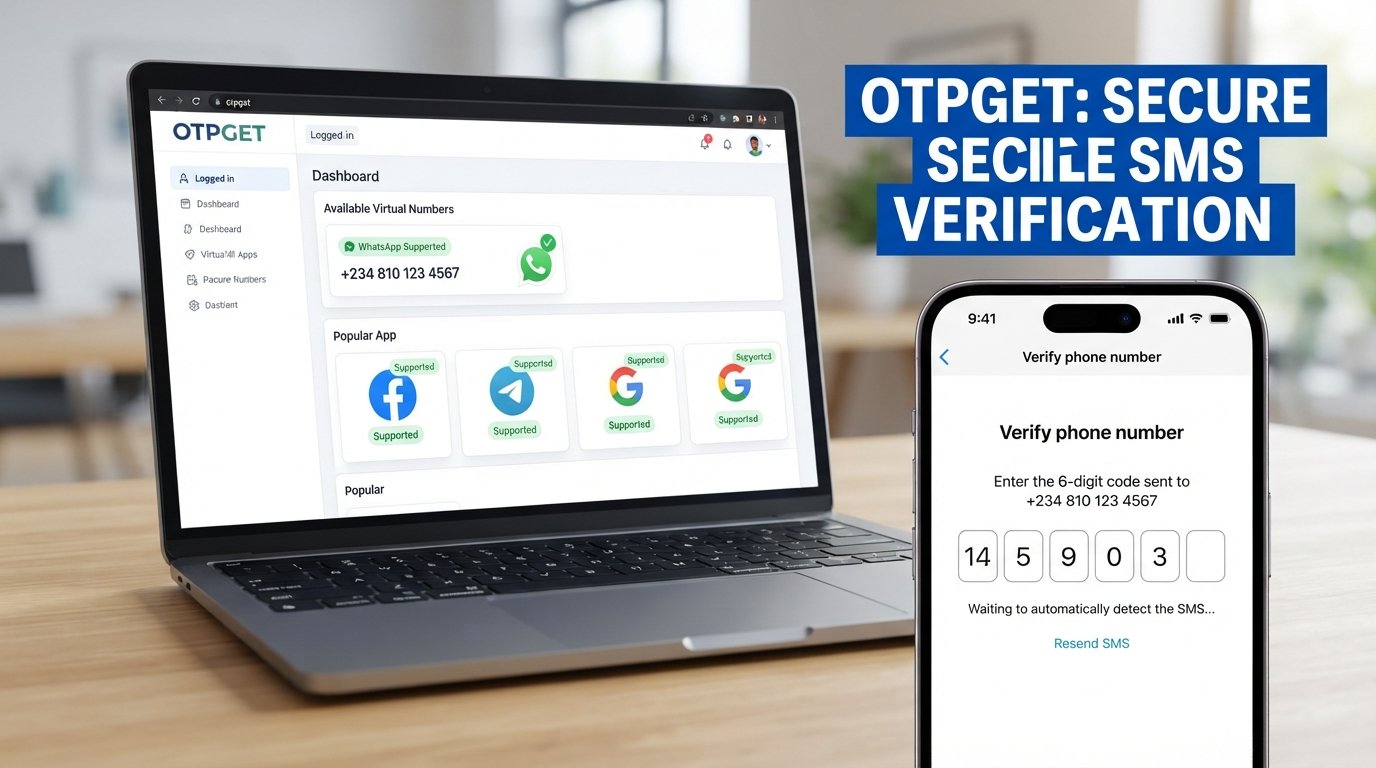
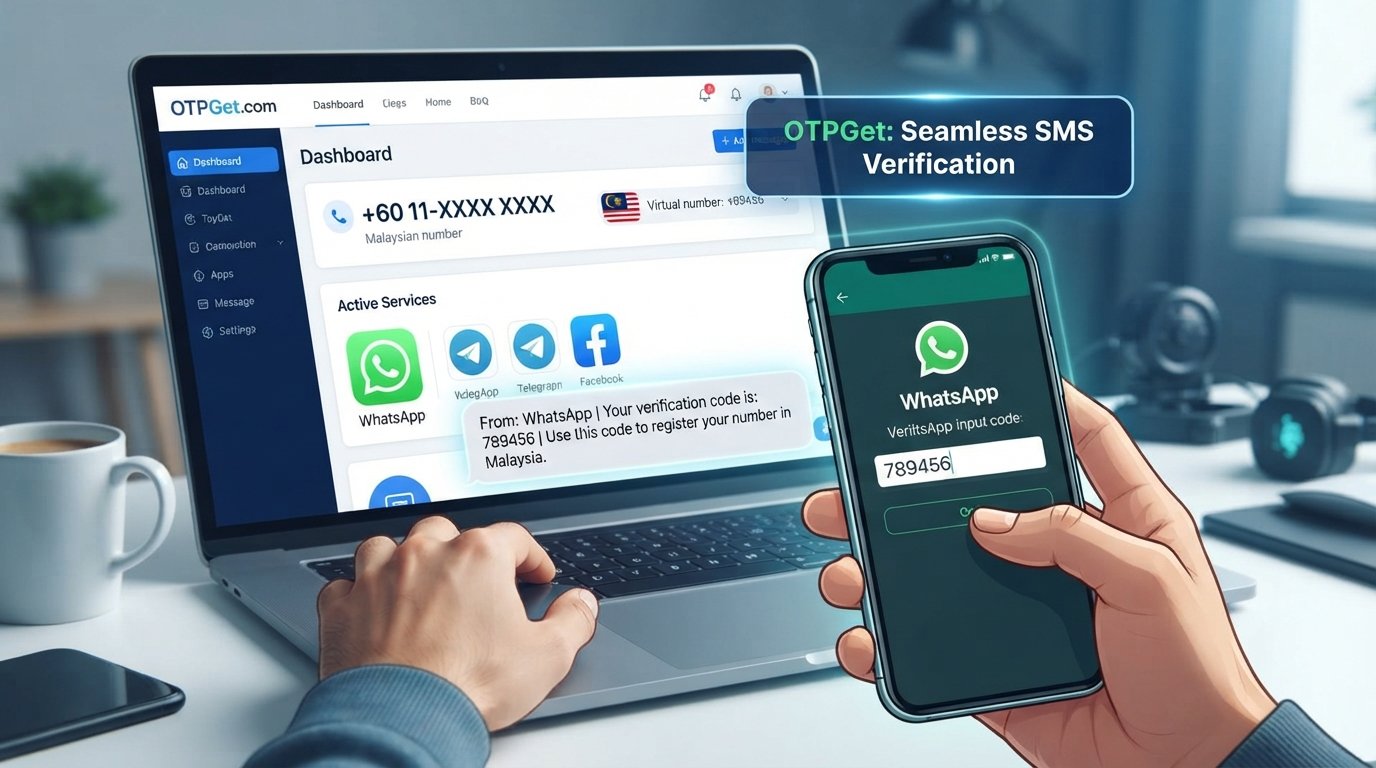
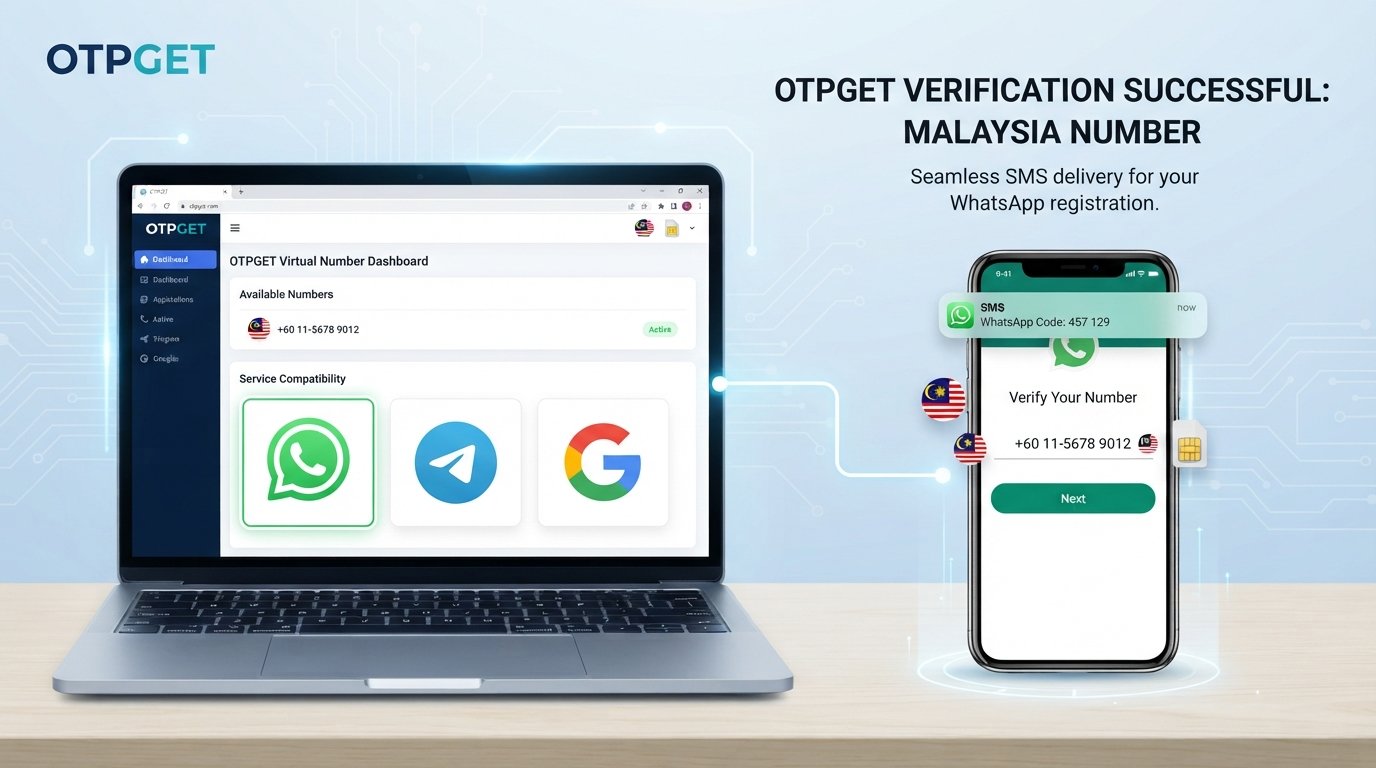
That is where OTPGET may be worth exploring. Its platform provides virtual numbers and SMS verification services, with options that users can check against their intended needs. Before choosing a number, confirm that Thailand and the required service are available, and review the applicable conditions.
This guide explains how the process works, how to troubleshoot common problems, and what to consider before using an online SMS verification service.
Why Use a Thailand Number for WhatsApp Verification?
There are several legitimate reasons to use a Thailand mobile number for WhatsApp.
-
Travel and relocation: Travelers, expatriates, and people spending extended periods in Thailand may prefer a local number for communication.
-
Thailand-related business: Companies working with Thai customers or partners may want a dedicated contact number for business conversations.
-
Separate communications: A separate number can help distinguish personal messages from work-related conversations.
-
Authorized testing: Developers and businesses may need an eligible number to test messaging workflows where their use complies with applicable platform rules.
-
Local communication needs: Some users simply want a phone number associated with their local communication setup.
The important consideration is eligibility. WhatsApp requires users to register a phone number they own and can access for verification. A Thailand country code alone does not make a number eligible, and using a virtual number does not bypass WhatsApp's policies.
Before purchasing a number, consider whether you will retain access to it and whether it supports the verification method WhatsApp requires.
What Is a Thailand Number for SMS Verification?
A Thailand number for SMS verification is a phone number that can receive text messages containing authentication codes. These codes are often called one-time passwords, or OTPs.
Different number types offer different levels of control and reliability.
Regular mobile phone number
A regular mobile number is typically associated with a mobile operator and SIM or eSIM service. It can be a practical option when you need continuing access to calls, messages, and account recovery.
Thailand virtual phone number
A virtual phone number is provided through an online service rather than requiring you to manage a conventional physical SIM in the usual way. Its capabilities depend on the provider, number type, and supported messaging routes.
Some virtual numbers receive ordinary SMS messages but cannot receive verification messages from specific platforms.
Temporary SMS verification number
A temporary number is intended for short-term use. It may be suitable for a limited verification task, but access can expire, and the same number might be assigned to someone else later.
Number that supports one-time passwords
An OTP-enabled number is offered for receiving verification messages from supported services. Compatibility is service-specific: a number that works for one website may not work for WhatsApp.
WhatsApp also lists unsupported phone-number types, including VoIP numbers, toll-free numbers, and paid premium numbers. Review its official phone-number registration requirements before selecting a provider.
How to Verify WhatsApp With a Thailand Number
Follow these steps to understand the normal verification process.
Step 1: Choose an eligible Thailand phone number
Select a number you are authorized to use and can access for the required verification. If you are considering an online number, check its ownership and access conditions before proceeding.
For an account you intend to keep, continuing access to the number is especially important.
Step 2: Check the service's capabilities
Confirm that the provider offers Thailand numbers and supports the intended verification service. Check whether the number can receive the relevant SMS messages and whether its access period meets your needs.
Do not assume that every Thailand virtual number supports WhatsApp.
Step 3: Enter the Thailand number in WhatsApp
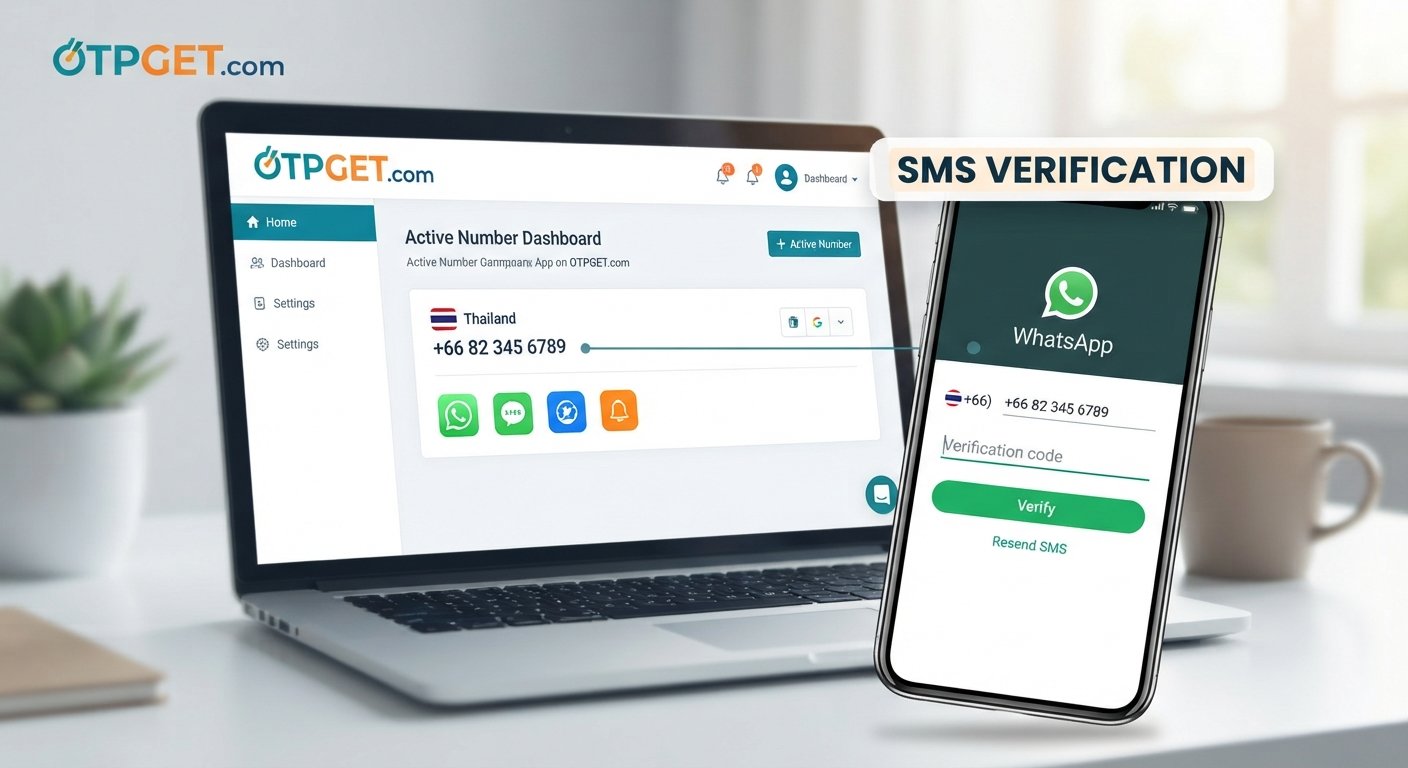
Open the official WhatsApp application and follow the registration instructions. Select Thailand and use the international calling code +66.
Enter the remaining number according to WhatsApp's on-screen instructions. Check the country selection and digits carefully before continuing.
Step 4: Request the verification code
Ask WhatsApp to send the registration code using the available verification option. WhatsApp may offer SMS or a phone call, depending on the circumstances and the options displayed.
The code confirms access to the number; having a number available through a provider does not guarantee that WhatsApp will accept it.
Step 5: Check for the SMS
If you use a regular SIM, check your messages and mobile reception. If you use an online service that supports the selected number, follow the provider's instructions to check for incoming messages.
Allow time for delivery and confirm that you entered the correct number.
Step 6: Complete verification
Enter the valid registration code only in the official WhatsApp application or interface. Follow any additional instructions shown during setup.
Never share your verification code with OTPGET, a third party, or someone claiming to be customer support. A provider may facilitate message delivery, but it should not need your code to complete WhatsApp registration on your behalf.
Step 7: Troubleshoot if verification fails
If the code does not arrive or WhatsApp rejects the number, follow the troubleshooting guidance in the application. Wait for any displayed countdown to finish before requesting another code.
If the number is unsupported, choose an eligible number you are authorized to use rather than repeatedly switching numbers to evade restrictions.
For more details, consult the official WhatsApp registration troubleshooting guide.
How OTPGET Can Help With Thailand SMS Verification
OTPGET is an online platform focused on virtual phone numbers and OTP verification. Its published website describes temporary numbers, rental numbers, service-specific SMS verification, and tools for developers.
For people looking for a Thailand number for SMS, OTPGET is a practical place to investigate available options. The key is to check the actual country and service listings rather than assuming that every combination is available.
To begin:
-
Visit OTPGET.
-
Review the available countries and number options.
-
Check whether Thailand is listed and whether WhatsApp is available for the relevant number type.
-
Review the price, usage conditions, access duration, and message-retrieval instructions before making a purchase.
-
If a suitable option is available, follow OTPGET's instructions and complete verification through WhatsApp's official process.
The service may help simplify the process of finding and accessing a number for supported SMS verification tasks. Its published API documentation also describes ways to select countries and services and retrieve messages for supported numbers.
Availability can change, however. This guide does not establish that a specific Thailand number is currently available or that WhatsApp will accept it.
Explore OTPGET to check available Thailand SMS verification options and choose a number that fits your needs.
Benefits of Exploring OTPGET for Online SMS Verification
An online SMS verification service may be useful when you have a legitimate reason to use a number separate from your primary mobile connection.
Potential benefits of exploring OTPGET include:
-
Online access: Investigate virtual-number options without relying exclusively on a physical SIM.
-
Service selection: Check country and service availability before choosing an option.
-
Different access arrangements: Review temporary and rental number options where offered.
-
A clearer workflow: Follow documented steps for obtaining a number and checking incoming verification messages.
-
Developer resources: Explore API documentation if you are building an authorized application or testing workflow.
These benefits depend on the number and service you select. They should not be interpreted as guarantees of delivery, privacy, account acceptance, or uninterrupted access.
Before choosing a provider, compare your needs with the following checklist:
| Your requirement | What to check |
|---|---|
| Thailand country code | Is a suitable Thailand number actually available? |
| WhatsApp verification | Is the intended service supported for that number type? |
| Reliable access | Can you retrieve messages throughout the required period? |
| Long-term account use | Can you retain or regain access to the number? |
| Privacy | Is the number dedicated or shared, and what data does the provider collect? |
| Cost | Are the price and any renewal conditions clearly explained? |
A regular mobile number may be the better choice if you need dependable, continuing control over your account. An online number may suit a different use case, provided it is eligible and you understand the limitations.
Common Problems With WhatsApp Verification and How to Fix Them
1. The verification SMS does not arrive
Check the number, country code, mobile reception, and provider message interface. If WhatsApp displays a waiting period, let it finish before requesting another code. Try a supported phone-call option if WhatsApp offers one.
2. The selected number is not accepted
The number may be an unsupported type or restricted by WhatsApp. Check its eligibility and the provider's service-specific compatibility information. Use an eligible number you are authorized to access.
3. The number has already been used
Phone numbers can be recycled or previously associated with WhatsApp accounts. If an account requests a previous owner's PIN or other credentials, follow WhatsApp's official recovery instructions rather than attempting to access the previous owner's account.
4. Too many verification attempts have been made
Stop requesting codes and follow the waiting period displayed by WhatsApp. Repeated attempts or guessing codes may result in additional delays. There is no legitimate shortcut around a platform-imposed waiting period.
5. The provider does not support WhatsApp messages
Some providers support only selected services or message routes. Confirm WhatsApp compatibility for the exact number before paying. If the service is unsupported, contact the provider or choose a different eligible option.
6. The verification code has expired
Request a new code when WhatsApp permits it, then enter the latest valid code promptly. If you requested several codes, avoid guessing which one is valid; follow the application's instructions.
7. You cannot access the number again
A temporary number may expire or become unavailable after use. Check the provider's access and renewal conditions before choosing it. If you lose access to a number tied to an important account, contact the relevant provider and follow WhatsApp's official recovery or number-change procedures.
Safety and Privacy Tips for Using a Thailand Verification Number
Convenience should not come at the expense of account control.
-
Use an authorized number. Do not register numbers belonging to someone else without permission.
-
Keep OTPs confidential. Never share registration codes, passwords, or account security credentials.
-
Review privacy terms. Understand what the provider collects, how messages are handled, and how long information may be retained.
-
Check whether the number is shared. Other people may be able to see messages sent to a publicly accessible or shared inbox.
-
Understand expiration. Losing access to a temporary number can make future verification and account recovery difficult.
-
Protect your WhatsApp account. Enable two-step verification or other appropriate security features available in your account settings.
-
Avoid unclear ownership. Prefer number arrangements with understandable access conditions and support information.
-
Follow platform rules. Do not use virtual numbers to impersonate others, access accounts without authorization, or circumvent restrictions.
A virtual number does not automatically make your account anonymous, private, or secure. If you rely on WhatsApp for important personal or business communications, consider whether you can maintain control of the number for as long as you need the account.
Frequently Asked Questions
1. How can I verify WhatsApp with a Thailand number?
Choose an eligible Thailand number you are authorized to use, select Thailand in WhatsApp, enter the number as instructed, and request the verification code. Enter the valid code in the official application. Acceptance depends on number eligibility and WhatsApp's verification systems.
2. Can I receive a WhatsApp verification code online?
Potentially, if you have access to an online number that supports the required WhatsApp verification message. Not all virtual numbers are eligible, and online SMS reception does not guarantee delivery.
3. Does OTPGET offer Thailand numbers for SMS verification?
OTPGET publishes a virtual-number platform with country and service listings. Check its current listings for Thailand and confirm WhatsApp compatibility for the exact number option before purchasing. Availability can change.
4. Why am I not receiving the WhatsApp verification SMS?
Incorrect number entry, poor reception, delivery delays, unsupported number types, and provider limitations can all contribute. Check the number, wait for WhatsApp's countdown, and use another supported verification method if one is offered.
5. Can every Thailand virtual number work with WhatsApp?
No. Some virtual numbers are unsupported, restricted, shared, or previously used. Confirm eligibility and service compatibility before selecting a number.
6. Is a temporary Thailand number suitable for long-term WhatsApp use?
It may not be. If the number expires or is reassigned, you could lose access to future verification messages and face account-recovery problems. A number you can reliably retain is generally more appropriate for an account you plan to keep.
7. Is it safe to use an online SMS verification service?
It depends on the provider, number arrangement, privacy practices, and your intended use. Review the terms, understand who can access incoming messages, and never share verification codes. For an important account, consider the risks of temporary or shared number access.
Final Thoughts: Choose the Right Thailand Verification Option
WhatsApp verification with a Thailand number starts with selecting an eligible number and ensuring that you can receive the required verification code. Checking compatibility, entering the country code correctly, following WhatsApp's instructions, and protecting your account credentials can help you avoid common problems.
An online SMS verification service may be a useful option for certain legitimate needs, but not every virtual number works with WhatsApp. Long-term access, privacy, number ownership, and recovery options should all influence your decision.
OTPGET is worth exploring if you are looking for virtual-number and SMS verification options. Review its current Thailand listings, confirm the intended service is supported, and understand the applicable conditions before proceeding.
Ready to explore your options? Visit OTPGET to check available numbers, review the terms, and find a suitable SMS verification option for your needs. Successful WhatsApp verification is not guaranteed and remains subject to WhatsApp's requirements.