Apple Music Login Without Phone Number: A Practical Access Guide
Apple Music Login Without Phone Number: A Practical Access Guide
Introduction
Losing access to an old phone number can turn a simple Apple Music sign-in into a frustrating problem. You may remember your Apple Account credentials, still have access to your trusted device or recovery options, and simply need a way to complete the verification step.
That is why searches for Apple Music login without phone number are so common. The important distinction is that not having your personal phone available does not necessarily mean you have lost your Apple Music account.
Apple's sign-in process can use trusted devices and trusted phone numbers for verification. If you permanently lose access to your trusted devices and numbers, Apple also provides an account-recovery process.
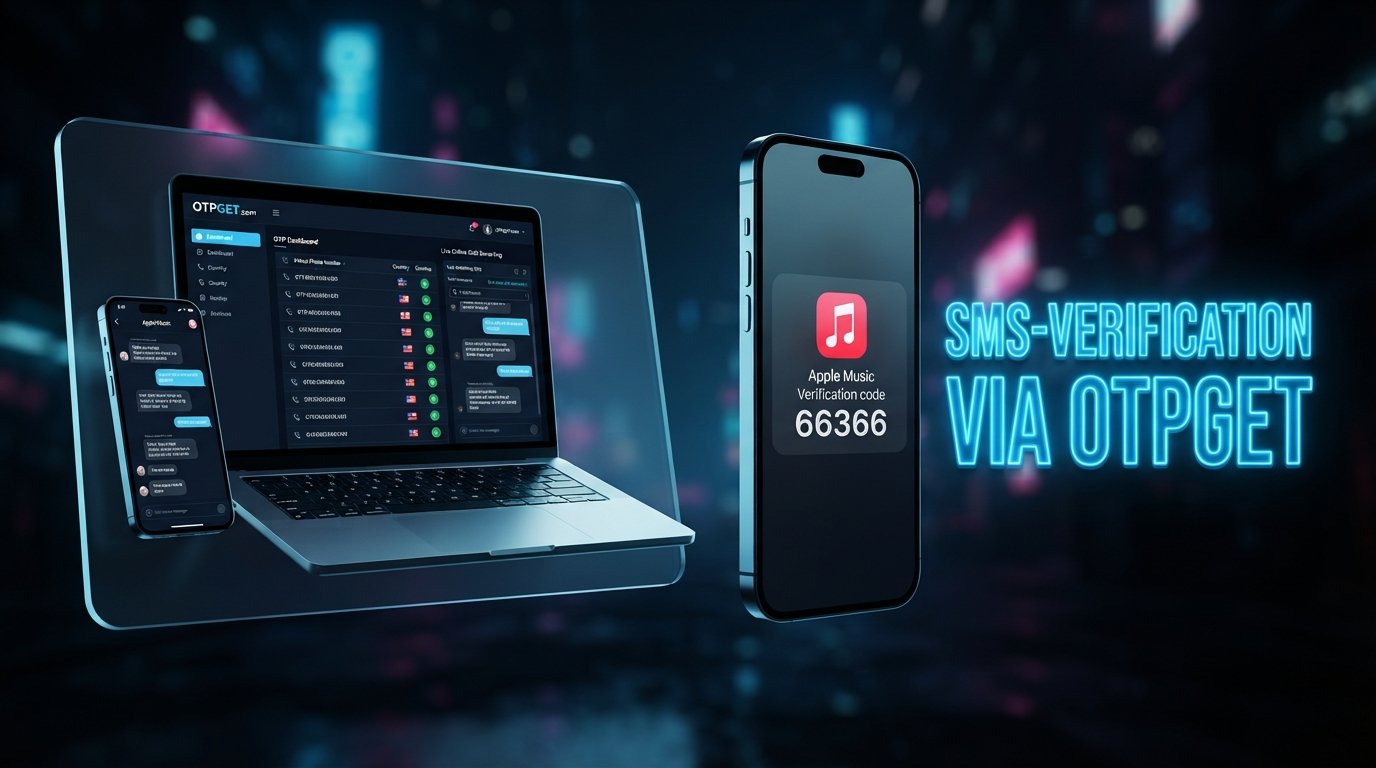
For situations where an SMS verification number is genuinely required, a service such as OTPGET may be another option to investigate, provided the relevant service accepts that type of number. OTPGET describes its platform as providing virtual numbers for receiving SMS OTP codes, along with rental numbers and other verification tools.
The key is to use the appropriate method for an account you own or are authorized to access.
[Internal Link: Apple Music Login Guide]
Why Apple Music May Ask for Phone Verification
Apple Music uses your Apple Account for access, so account authentication can involve Apple's broader Apple Account security process rather than a separate music-only password system. Apple states that two-factor authentication can require a six-digit verification code when signing in on a new device or browser.
Verification helps establish that the person signing in is authorized to use the account. Depending on the account and sign-in situation, a verification code may be displayed on a trusted Apple device or sent to a trusted phone number by text message or phone call.
You might encounter verification when:
- Signing in on a new device or browser
- Accessing an account after changing devices
- Confirming account ownership
- Recovering access after losing a trusted device
- Completing an Apple Account security step
This means an Apple Music verification code is not simply a password replacement. It is part of the account authentication process.
Can You Log Into Apple Music Without a Phone Number?
Yes, potentially—but the exact experience depends on what authentication and recovery options are already available on your Apple Account.
There is an important difference between several situations.
You don't have a phone number at all: Your account may still have another supported authentication method, such as a trusted Apple device.
You have a phone but not the original number: If that number was a trusted number, you may need to use another trusted device, another trusted number, or Apple's account-recovery process.
You temporarily lost access to your phone: Waiting until you regain access may be the simplest legitimate route.
You need an SMS verification code: If the particular authentication workflow allows another appropriate number, an SMS-capable virtual number may be worth considering. Compatibility is not guaranteed.
Apple specifically explains that a trusted device can display verification codes. If you cannot access trusted devices or trusted phone numbers, Apple provides an account-recovery route through the verification screen.
So, Apple Music without phone number access does not automatically mean bypassing authentication. It means identifying which legitimate authentication method is available for your account.
[Internal Link: Apple Account Recovery Guide]
How OTPGET Can Help With Verification
OTPGET is a third-party virtual-number and OTP-verification platform. According to its official site, it provides virtual phone numbers that can receive SMS OTP codes, as well as longer-term rental numbers and temporary email services.
The platform's documentation also describes an SMS OTP API that can request virtual numbers and retrieve received verification codes.
For someone searching for Apple Music verification without exposing a personal phone number, the potential use case is straightforward: if the relevant Apple authentication workflow accepts the type of virtual number provided, the number can serve as the SMS destination for a verification message.
However, this distinction matters:
OTPGET does not replace Apple's account authentication system.
It does not give unauthorized access to an Apple Account, and it should not be treated as a method for defeating Apple's security controls. Whether a specific virtual number works depends on the verification service and number type being used.
OTPGET may be useful when you need:
- An alternative number for verification
- A way to receive an SMS verification code without using your personal number
- A temporary number for a legitimate verification requirement
- Separation between personal contact information and a particular online verification task
- A virtual number rather than a physical SIM for supported SMS workflows
OTPGET currently advertises virtual numbers across many countries and services, but that does not establish guaranteed compatibility with Apple Music.
[Internal Link: OTP Verification Guide]
Step-by-Step: How to Approach Apple Music Login Without Your Personal Phone Number
If you are trying to login to Apple Music without phone access, start with Apple's own authentication options before considering a third-party verification service.
- Open the official Apple Music or Apple Account sign-in page.
Use the official Apple service or Apple Music app associated with your account. - Enter the credentials for the account you are authorized to access.
Apple supports signing in with your Apple Account credentials, with the exact interface depending on the device. - Follow the verification instructions shown on screen.
If two-factor authentication is enabled, Apple may request a six-digit verification code. - Check your trusted Apple devices first.
A trusted device may display the verification code without requiring an SMS message. - If SMS verification is required, identify the legitimate options available.
If you have another trusted number, use the option supported by your account. - If appropriate, investigate OTPGET.
If the relevant verification workflow accepts a virtual number and you are authorized to use the account, OTPGET may provide an SMS-capable number for the verification step. - Enter the received verification code.
Only enter a code received for your own authorized authentication attempt. - Complete the Apple Music sign-in process.
- Review your account recovery settings afterward.
Maintaining appropriate trusted devices and recovery options can make future account access easier.
These steps are not guaranteed to work identically for every Apple Account. Apple's available authentication and recovery options depend on the account and circumstances.
Why Someone Might Choose OTPGET
For users who want verification without personal phone number exposure, a virtual number can offer practical separation between a personal mobile number and a specific online verification task.
Potential advantages include:
- Less personal-number exposure: A separate virtual number can avoid giving your personal number to a particular service when an alternative is accepted.
- Convenience: OTPGET provides virtual numbers through its online platform rather than requiring a physical SIM for the advertised workflow.
- Temporary verification: A virtual number can be useful when the verification requirement is limited to a particular task.
- Multiple options: OTPGET offers one-time virtual numbers and longer-term rental numbers, depending on the use case.
- Online access to SMS: The service is designed around receiving OTP messages through its platform.
The important limitation is compatibility. A virtual number is only useful if the service requesting the verification code accepts it.
OTPGET vs Using Your Personal Phone Number
| Option | Personal Number | OTPGET |
|---|---|---|
| Privacy | Uses your personal number | Can separate the verification task from your personal number |
| Convenience | Usually readily available | Requires obtaining an appropriate virtual number |
| Temporary verification | Uses your existing number | One-time numbers may suit temporary needs |
| Control over personal-number exposure | Personal number is disclosed where required | Personal number may not need to be disclosed |
| Availability | Depends on access to your phone/service | Depends on number availability and service compatibility |
| Account recovery suitability | Appropriate when officially associated with the account | Should not be treated as a replacement for established account-recovery methods |
This is not a question of which option is universally better. The appropriate choice depends on Apple's authentication requirements, your account-recovery situation, and whether the verification workflow accepts the number being used.
Important Things to Know Before Using an OTP Service
Before using any OTP verification service, keep a few practical limitations in mind.
First, not every website or platform accepts every temporary or virtual number. Some verification systems may restrict certain number types.
Second, an OTP service should not be considered a substitute for permanent account recovery. If you are trying to recover an Apple Account you own, Apple's official recovery process remains important when you have lost access to trusted devices and trusted numbers.
Third, protect your credentials. Never give your Apple Account password or verification code to a stranger claiming they can restore access.
Finally, only use verification numbers for accounts you own or are authorized to access. A verification code confirms part of an authentication process; it does not grant legitimate ownership of an account.
[Internal Link: Temporary Phone Number Guide]
Common Problems When Trying to Log Into Apple Music Without a Phone
Verification Code Does Not Arrive
Check whether the code was sent to the correct trusted number or whether it is being displayed on a trusted device. Apple also notes that verification codes can arrive by text message or phone call when that option is available.
If you are using a virtual number, the problem may also be related to number compatibility or availability.
The Number Is Not Accepted
Some services may reject particular virtual, temporary, or previously used numbers. If that happens, try another legitimate authentication option rather than repeatedly submitting numbers that the service does not accept.
Apple Requests Additional Verification
Follow the instructions displayed by Apple. A third-party SMS service cannot replace additional account-security requirements imposed by Apple.
OTPGET Does Not Work for the Requested Verification
Compatibility can vary. OTPGET itself explains that its platform supports different services and number types, but a service's acceptance of a particular number should not be assumed.
If the number is not accepted, use another supported verification method or Apple's account-recovery process.
I Lost Access to My Original Number
If you permanently lost access to a trusted number, Apple provides a recovery path. On the verification screen, Apple instructs users without access to their trusted number to select the option indicating they cannot use that number and follow the recovery steps.
Frequently Asked Questions
Can I log into Apple Music without a phone number?
Possibly. If you have a trusted Apple device that can display a verification code, you may not need an SMS message. If you have lost access to both trusted devices and trusted numbers, Apple provides an account-recovery process.
How can I get an Apple Music verification code?
Depending on your account and sign-in situation, Apple may display the code on a trusted device or send it to a trusted phone number by text message or phone call.
Can OTPGET help with Apple Music verification?
OTPGET provides virtual numbers designed to receive SMS OTP codes. It may be relevant if the particular Apple verification workflow accepts the available number, but compatibility should not be assumed or guaranteed.
Is OTPGET suitable for temporary SMS verification?
OTPGET advertises one-time virtual numbers for SMS OTP verification as well as longer-term rental numbers. The appropriate option depends on the legitimate verification task and whether the receiving service accepts the number.
Can I use OTPGET instead of my personal number?
For a verification workflow that accepts a suitable virtual number, OTPGET may provide an alternative to using a personal number. It should not, however, be considered a replacement for Apple's established trusted-number or account-recovery mechanisms.
What should I do if my Apple Music verification code does not arrive?
Check your trusted devices and confirm that you are looking at the correct trusted phone number. If you no longer have access to your trusted devices or numbers, follow Apple's account-recovery instructions.
Can I access someone else's Apple Music account with OTPGET?
No. OTPGET should only be used for accounts you own or are authorized to access. A verification service is not a legitimate method for obtaining access to another person's account.
Is a temporary number suitable for long-term Apple Account recovery?
It should not automatically be treated as a long-term recovery solution. For ongoing account security, use the trusted devices, trusted phone numbers, and recovery options supported by Apple.
Final Thoughts
Trying to get Apple Music login without phone number access does not necessarily mean you need to abandon your account. Start with Apple's legitimate authentication options, especially any trusted Apple devices and recovery methods already associated with your account.
If your particular verification step requires SMS and an appropriate virtual number is accepted, OTPGET can be a practical verification-oriented option to explore. Its platform provides virtual numbers for SMS OTP verification and longer-term number rentals, but it does not replace Apple's account authentication or recovery process.
The safest approach is simple: use only accounts you own or are authorized to access, never share passwords or verification codes with others, and choose a verification method that the service actually supports.
For readers who need a separate SMS verification option, OTPGET is worth exploring to see which numbers and services are currently available.
8. Internal Linking Opportunities
- [Internal Link: Apple Music Login Guide] — Link from the introduction to a broader guide covering Apple Music sign-in methods and common login issues.
- [Internal Link: Apple Account Recovery Guide] — Link from the section discussing lost trusted numbers and account recovery.
- [Internal Link: OTP Verification Guide] — Link from the OTPGET section to an educational guide explaining OTP verification and SMS codes.
- [Internal Link: Temporary Phone Number Guide] — Link from the comparison and caution sections to a detailed explanation of temporary and virtual numbers.
- [Internal Link: Apple Music Verification Troubleshooting] — Link from the troubleshooting section to a dedicated article covering missing or rejected verification codes.
9. Final SEO Checklist
- SEO title: 64 characters
- Meta title: Includes the primary keyword naturally
- Meta description: Approximately 160 characters
- Primary keyword: Used naturally throughout the article
- Secondary keywords: Distributed across headings, body copy, troubleshooting, and FAQs
- OTPGET: Clearly presented as a third-party verification-oriented option
- Apple relationship: No claim of Apple endorsement, partnership, or official recommendation
- Security: No hacking, cracking, unauthorized-access, or security-bypass claims
- Account ownership: Legitimate-use requirement clearly stated
- OTPGET compatibility: Explicitly described as dependent on the relevant verification workflow
- FAQ: 8 questions included
- URL slug: Included and lowercase with hyphens
- Meta tags: Provided in comma-separated format
- Thumbnail prompt: Included with non-misleading branding instructions
- Internal links: 5 opportunities identified
- Official sources: Apple Support used for authentication and recovery information; OTPGET's official site used for service capabilities
- Calendar years: None included in the article or metadata
- Tone: Informative, practical, conversion-aware, and non-guaranteeing


