Digital Identity and Phone Number Verification Made Simple
Digital Identity and Phone Numbers Explained Simply
Imagine signing up for an online service. You enter your name, email address, password, and then see one more request: “Enter your phone number.” A few seconds later, a verification code arrives by SMS.
It feels simple, but that small phone number can become an important part of your digital identity.
So, what is digital identity? Why do websites use phone number verification? What exactly is an OTP, and what should you know before using a temporary or virtual phone number?
Let's break it down in simple terms.
What Is Digital Identity?
Your digital identity is the collection of information and credentials that represents you online.
Think of it as your online profile—not just one account, but the combination of details that help websites recognize, authenticate, or associate activity with you.
It can include:
- Your name and email address
- Phone numbers
- Usernames
- Passwords and login credentials
- Online accounts
- Device information
- Verification information
- Authentication methods
For example, when you create an account with your email and phone number, those details can become part of the account's digital identity.
Digital identity is therefore broader than simply having an online username. It can involve the information used to identify and authenticate you across different digital services.
Why Are Phone Numbers Part of Digital Identity?
Phone numbers are useful because they can provide a convenient way for services to contact and verify users.
A website or application may request a mobile number during:
- Account registration
- Login verification
- Password recovery
- Suspicious-login checks
- Two-factor authentication
- User verification
- Fraud and automated-abuse prevention
This is where phone number verification becomes important.
Instead of relying only on a password, a service can send a verification code to a phone number. Entering the correct code provides another signal that the person completing the process has access to that number.
That does not make an account automatically secure, but it can add another layer to the authentication process.
What Is OTP Verification?
An OTP, or one-time password, is a temporary verification code used to confirm an action or identity.
You may also hear terms such as verification code, SMS OTP, or phone verification code.
The basic process is straightforward:
- You enter your phone number on a service.
- The service sends a verification code.
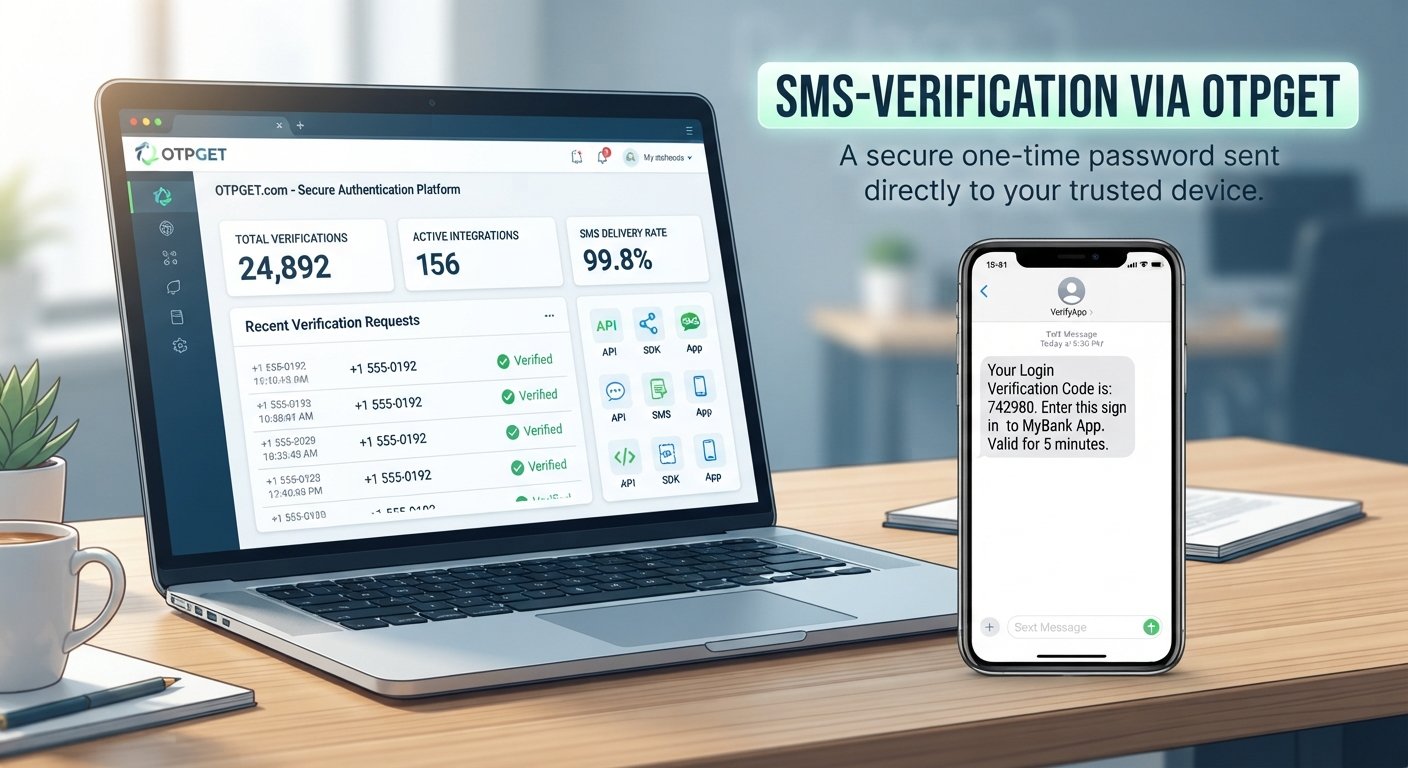
- You receive the OTP by SMS.
- You enter the code.
- The service checks whether the code matches.
- The registration, login, or other action continues if verification succeeds.
It is called a one-time password because the code is generally intended for a specific verification attempt and is not meant to replace your permanent password.
For many users, OTP verification is one of the easiest forms of digital authentication to understand.
Why Do Websites Use Phone Verification?
Online services have several practical reasons for using phone verification.
First, it can help confirm that a person has access to the number they entered. It can also make some types of automated or repeated registrations more difficult.
Phone verification may also be used when:
- Creating a new account
- Recovering access to an existing account
- Confirming a sensitive action
- Enabling two-factor authentication
- Detecting unusual login activity
- Reducing certain types of automated abuse
The exact verification requirements vary by website. Some services may use SMS verification as an optional security layer, while others may require it during registration or account recovery.
Common Problems With Phone Number Verification
Although phone verification is convenient, it does not always work perfectly.
You might encounter problems such as:
- An OTP arriving late
- A verification message not arriving
- International number restrictions
- Repeated verification requests
- Privacy concerns about sharing your personal number
- Difficulty accessing a service from a particular location
- A temporary need for a number rather than a permanent personal number
These situations explain why some users look for alternatives to using their everyday mobile number for every online service.
The right option depends on the service, the purpose of verification, and the provider's policies.
What Is a Temporary or Virtual Phone Number?
A temporary phone number is generally intended for a limited verification or communication purpose. A virtual phone number is a telephone number provided through a digital service rather than necessarily being tied to a physical SIM card in your personal phone.
These concepts can overlap, but they are not always identical.
A personal mobile number is normally connected to your everyday communications. A temporary number may be used for a specific short-term purpose, while a virtual number can sometimes be available for a longer rental period.
When considering a virtual number service, check:
- Which countries and services are supported
- How long the number remains available
- How verification messages are delivered
- What privacy practices apply
- Whether the service supports your intended verification workflow
Availability and reliability can vary, and no virtual-number provider can guarantee acceptance by every website.
How OTPGET Can Help With OTP Verification
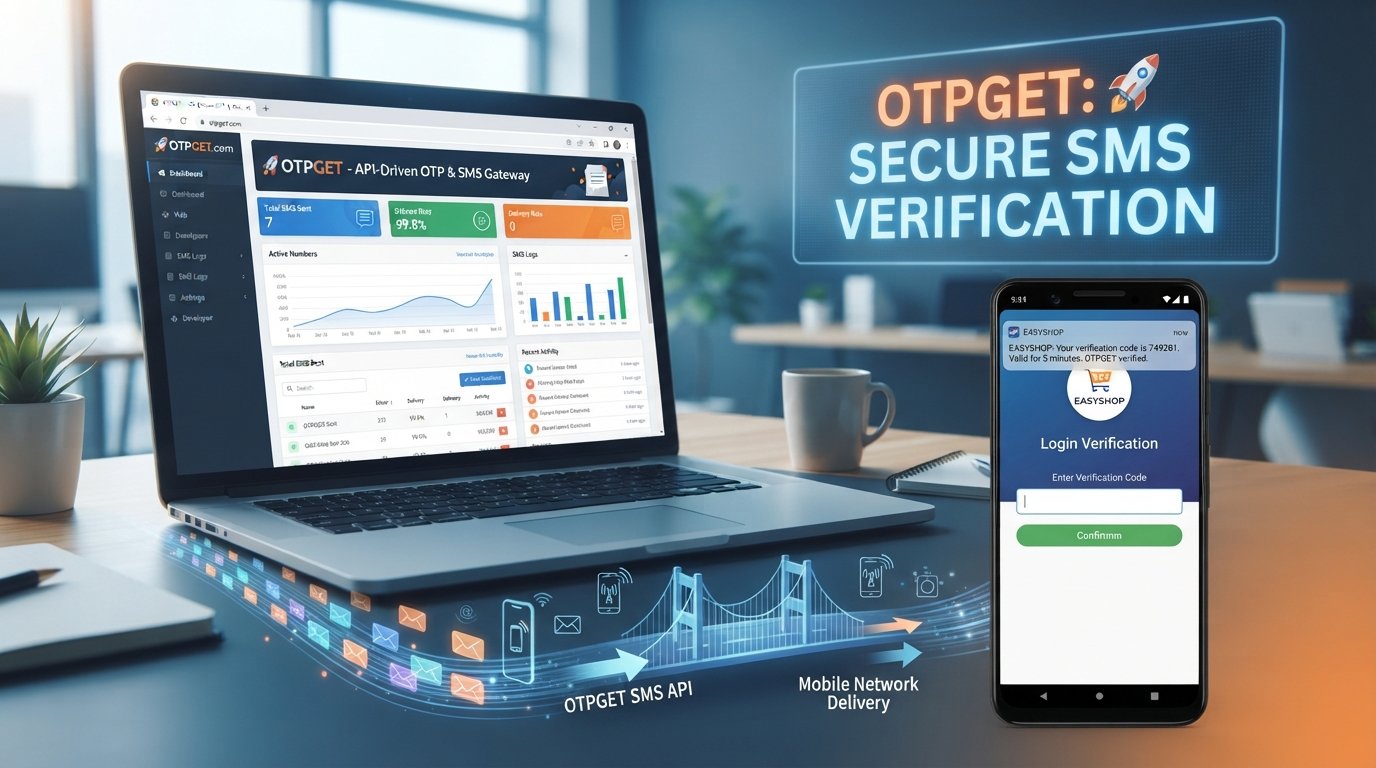
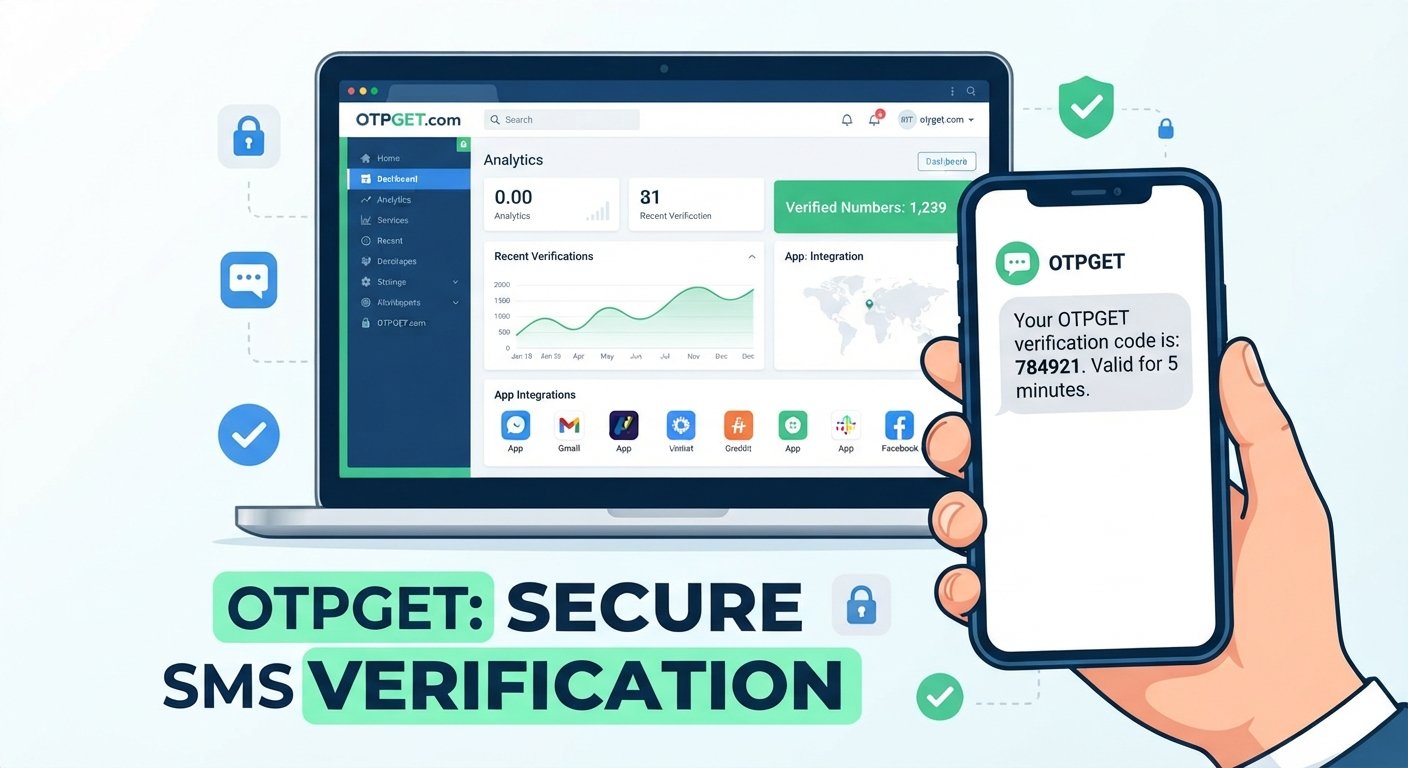
For people who need convenient access to phone-based verification, OTPGET provides virtual and rental phone numbers designed for receiving SMS verification messages.
According to OTPGET's official documentation, its platform provides SMS OTP functionality for requesting numbers, checking activation status, and retrieving received verification codes. It also offers rental-number functionality for users who need a number for a longer period.
This can be useful when you have a legitimate reason to avoid using your personal number for a particular verification workflow.
For example, OTPGET can support situations where you need to:
- Receive an SMS verification code
- Use a virtual phone number for an online verification process
- Separate temporary verification activity from your everyday number
- Access a number through an online dashboard or supported API workflow
- Use a rental number when a longer-lived number is appropriate
The service also documents developer API options for automating number requests and OTP retrieval, which can be relevant to developers and technical teams.
Importantly, OTPGET does not guarantee that every website will accept every number. Its own terms state that users are responsible for how they use the service and that platform restrictions, application issues, or other verification problems can still affect results.
That makes OTPGET best understood as a practical phone-based verification service, rather than a way to bypass legitimate security controls.
OTPGET vs. Using Your Personal Phone Number
The choice between a personal number and a virtual or temporary number depends on the situation.
| Factor | Personal Number | OTPGET |
|---|---|---|
| Privacy considerations | Your everyday number is shared directly with the service | Can provide an alternative number for supported verification needs |
| Temporary verification needs | May be inconvenient for short-term use | Designed to provide numbers for verification workflows |
| Convenience | Familiar and always available on your phone | Verification messages can be accessed through the service |
| Online verification | Works where the service accepts your number | Availability depends on the number, service, and provider |
| Number reuse concerns | Your personal number may become linked to many accounts | Can help separate some verification activity from your everyday number |
Neither option is automatically right for every situation. Consider the service's rules, your privacy preferences, and whether you need the number temporarily or for longer-term access.
How to Use OTPGET for Phone Verification
For a basic verification workflow, the process can be simple:
- Identify the service requiring verification.
- Choose an appropriate number through OTPGET, where available.
- Enter the number on the website or application requesting verification.
- Request the OTP from that service.
- Access the verification message through OTPGET.
- Enter the verification code on the original website or application.
- Complete the verification process according to the service's instructions.
The exact workflow can vary depending on the service and the type of number being used.
Always follow the terms and verification requirements of the website or application you are using. A phone-number service should support legitimate verification needs, not attempts to circumvent account restrictions or security controls.
Digital Identity and Privacy
Your phone number can become closely associated with your online activity, so it is worth thinking carefully before entering it everywhere.
Privacy is not only about hiding information. It is also about understanding where your information goes and why a service needs it.
Keep these points in mind:
- Avoid entering personal information on suspicious websites.
- Check the website address before starting verification.
- Treat verification codes as sensitive information.
- Do not send an OTP to someone who asks for it on your behalf.
- Be cautious of messages asking you to disclose a code.
- Review account security and recovery settings regularly.
Never share sensitive OTPs with strangers or give verification codes to someone who claims they need them on your behalf.
An OTP can be an authentication credential. Someone who obtains it may be able to complete the verification action it was intended to protect.
Tips for Safer Online Verification
Good verification habits can make online account management easier and safer.
- Use trusted services: Check the reputation and policies of services before providing information.
- Verify the website address: Phishing pages can imitate legitimate login screens.
- Never share OTPs unnecessarily: Treat verification codes as private authentication information.
- Avoid suspicious verification requests: Be especially careful with unexpected messages or calls.
- Use strong passwords: Don't rely on one password across important accounts.
- Enable 2FA when appropriate: Two-factor authentication can add another authentication layer.
- Keep recovery information updated: Make sure you can regain access if you lose a device or credential.
- Review security settings: Check which phone numbers, emails, and devices are connected to your accounts.
- Understand data requests: Before providing a phone number, consider why the service is asking for it.
8. Frequently Asked Questions
What is digital identity?
Digital identity is the collection of information and authentication details associated with a person or account online. It can include email addresses, phone numbers, usernames, credentials, and verification information.
Why is a phone number used for verification?
A phone number can provide a convenient way for a service to send a verification code and confirm that the user has access to that number.
What is an OTP?
OTP stands for one-time password. It is a temporary verification code used to authenticate an action such as account registration, login, or recovery.
How does SMS OTP verification work?
A service sends an OTP by SMS to a phone number. The user enters that code on the service, which checks it before allowing the relevant action to continue.
What is a temporary phone number?
A temporary phone number is intended for limited or short-term use. It can be useful when someone needs a separate number for a specific legitimate verification purpose.
Can I receive OTPs online?
Yes. Some virtual-number and verification services allow users to receive SMS verification messages through an online interface. Availability depends on the provider, number, country, and service being verified.
What is OTPGET?
OTPGET is a service offering virtual and rental phone numbers for SMS OTP verification. Its documented services include number requests, SMS status checking, OTP retrieval, rental numbers, and developer API access.
Is phone verification secure?
Phone verification can be a useful authentication mechanism, but it is not a guarantee of complete account security. Users should also use strong passwords, protect OTPs, watch for phishing, and enable appropriate security controls.
Conclusion
Digital identity is becoming an important part of everyday online activity, and phone numbers are often one of its most visible pieces. From account registration to password recovery and two-factor authentication, phone number verification provides a familiar way for services to confirm access to a number.
At the same time, using a personal number for every online service is not always convenient or desirable. Temporary and virtual numbers can provide another option for legitimate verification needs.
OTPGET offers virtual and rental numbers designed around SMS-based OTP verification, giving users a practical way to handle supported phone verification workflows without automatically relying on their everyday number. Its documented tools also make it relevant to developers who need programmatic OTP functionality.
If you need a convenient option for receiving phone-based verification codes, explore OTPGET and choose an approach that fits the service's requirements, your privacy preferences, and your legitimate use case.
9. Suggested Image Alt Text
Digital identity and phone number verification with OTPGET on a smartphone
10. Suggested Internal Link Anchor Texts
- What Is OTP Verification?
- How to Receive OTP Online
- Temporary Phone Numbers Explained
- Virtual Phone Numbers for SMS Verification
- Phone Verification Online Guide
- How SMS OTP Verification Works
- Digital Authentication Explained
- OTPGET Virtual Numbers
- OTPGET Rental Numbers
- Online Account Security Tips
11. Suggested CTA
Need a convenient option for phone-based OTP verification? Explore OTPGET to find a virtual or rental number that fits your legitimate verification needs.