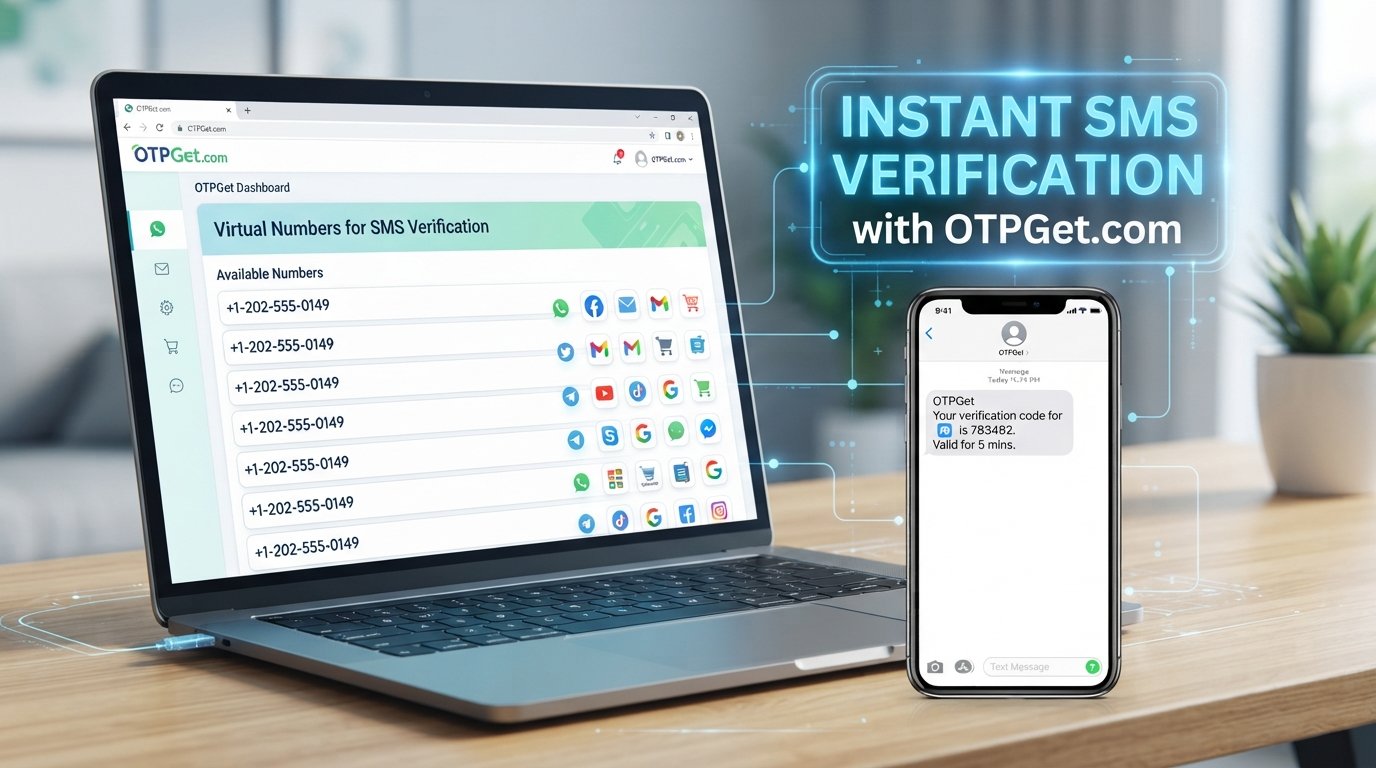
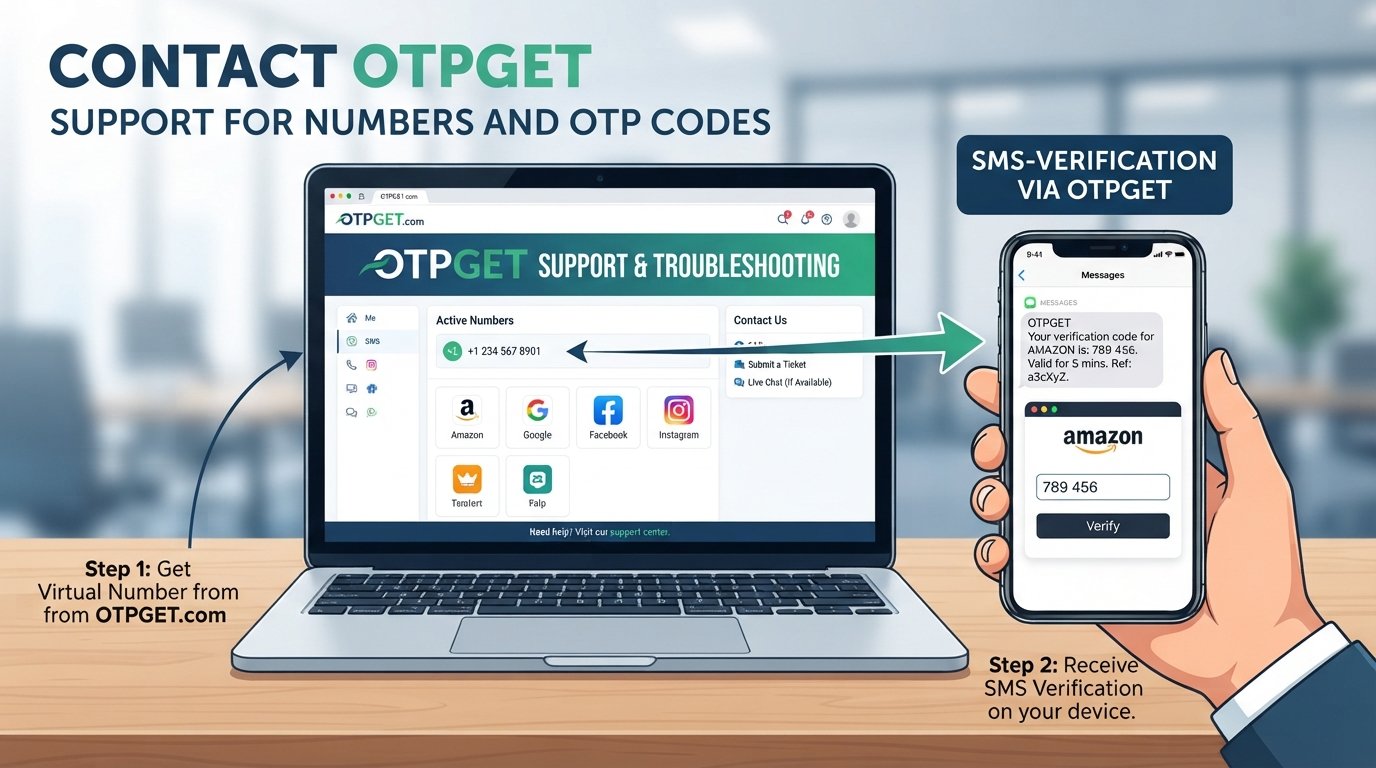
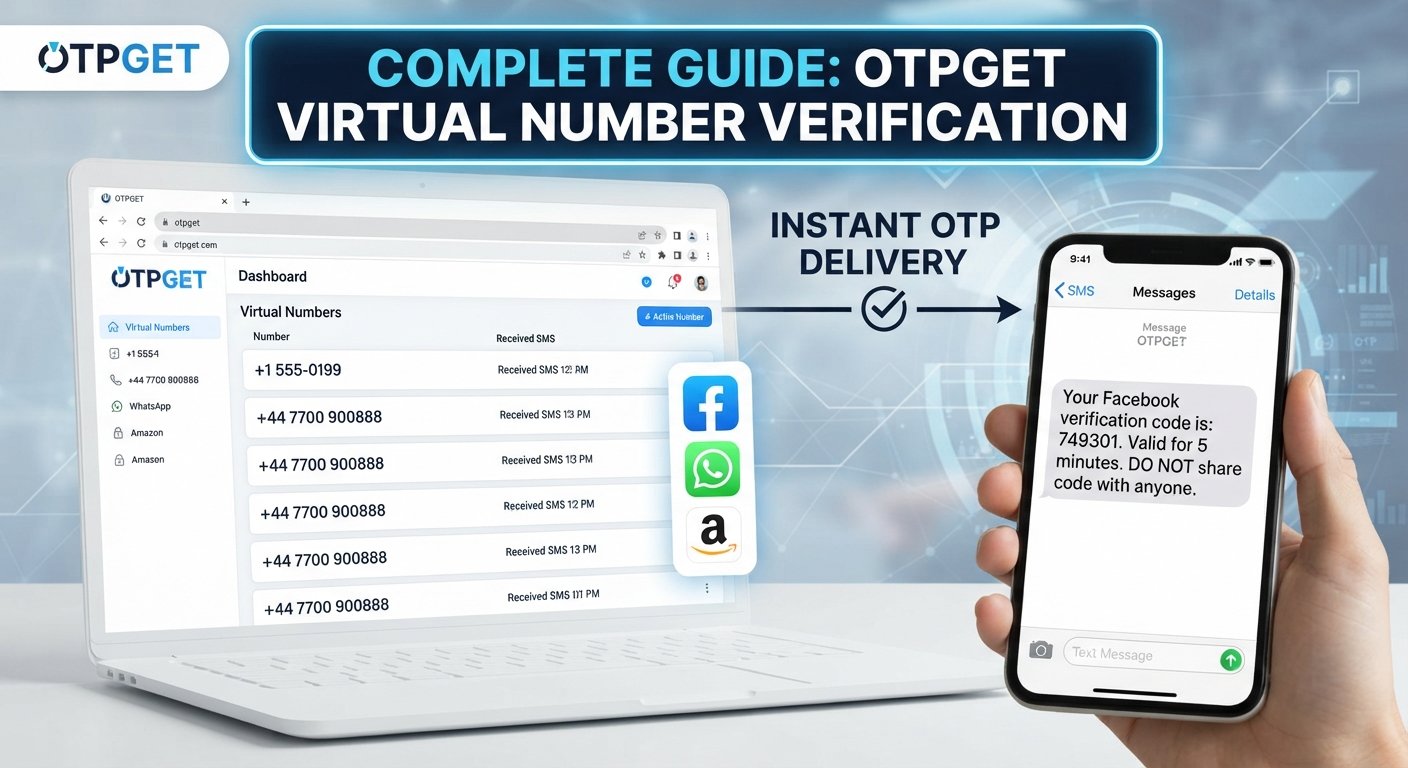
Discord Phone Verification Made Simple With OTPGET Explained
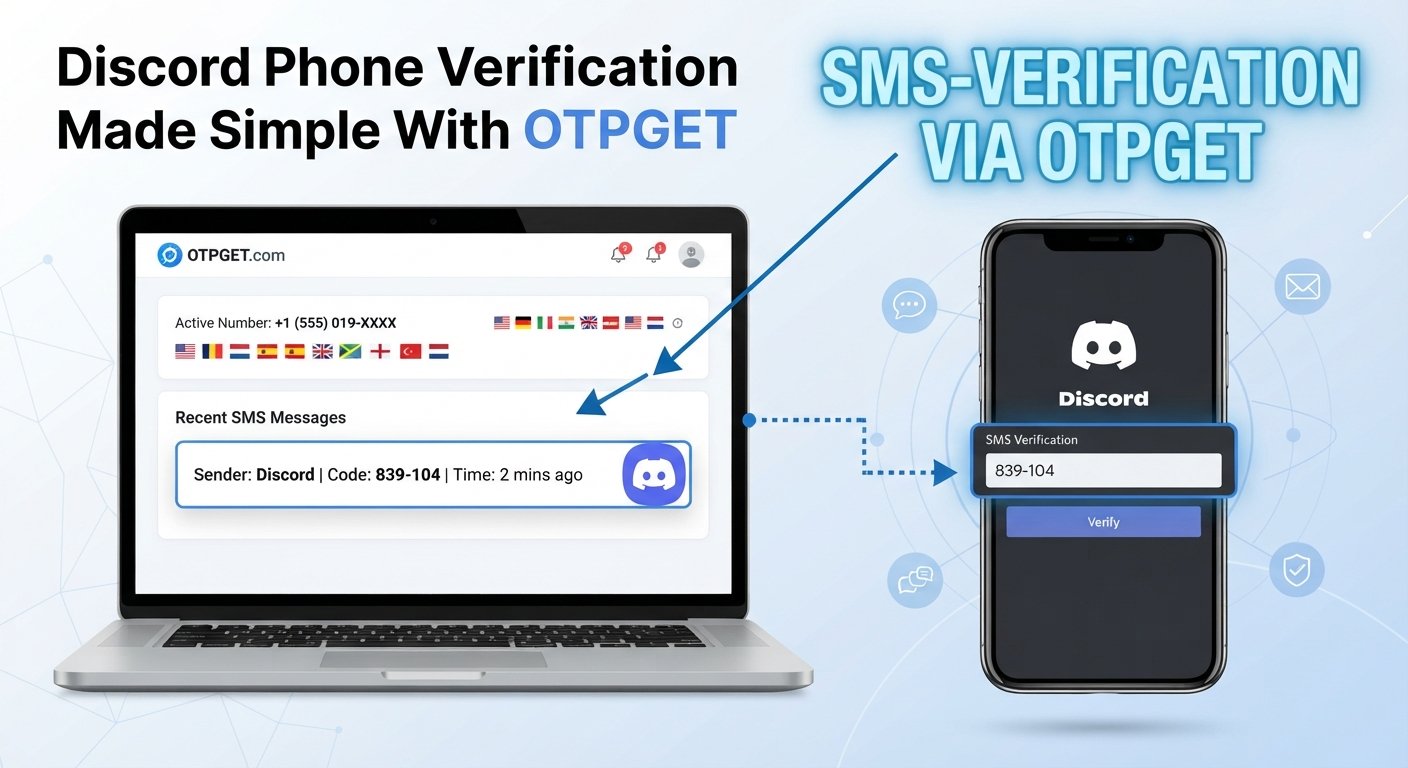
Discord Phone Verification Made Simple
Getting stuck on a phone verification screen can turn a simple Discord task into a frustrating one. You enter a number, wait for a Discord verification SMS, and then discover that the code has not arrived—or the number cannot be accepted.
The good news is that most verification problems become easier to understand once you separate the process into a few basic steps: receiving a phone number, requesting an OTP, receiving the verification code, and entering it correctly.
For users looking for an alternative way to handle the code-receiving part of the process, OTPGET can be a practical option to consider. It is important to understand that OTPGET is separate from Discord and should be used only in ways that comply with Discord's applicable requirements.
This guide explains how Discord phone verification generally works, why SMS verification can be inconvenient, how OTP services fit into the process, and how OTPGET may help simplify the experience.
What Is Discord Phone Verification?
Discord phone verification is a process in which a phone number is used to confirm access during an account or platform verification flow.
The basic concept is straightforward. A phone number is provided, an SMS containing a verification code is requested, and the code is entered where required.
That code may be described as a:
- Discord verification code
- Discord SMS code
- Discord OTP
- Discord phone verification code
- Discord verification SMS
OTP stands for one-time password. In an SMS-based verification process, the OTP is typically a short code intended for a specific verification attempt.
Phone verification can be inconvenient when the user has limited access to a suitable phone number, when SMS delivery is delayed, or when the verification attempt encounters another issue.
Why Is Discord Phone Verification Sometimes Difficult?
A verification process can fail for several practical reasons. Not every problem originates with Discord itself; mobile carriers, network conditions, number formatting, and temporary delivery problems can also affect SMS-based verification.
Common issues include:
The verification SMS does not arrive
A user may request a code but not see the message immediately. Checking the phone's signal, waiting briefly, and avoiding repeated requests can be sensible first steps.
The number is rejected
An incorrect country code, formatting issue, or number that does not meet the service's requirements can prevent verification.
A number is already associated with an account
If a phone number has previously been connected to an account or is otherwise unavailable for the particular verification process, another option may be necessary.
The code expires or no longer works
One-time codes are generally tied to a particular verification attempt. Entering an old code after requesting a new one may not work.
Network or carrier problems
SMS delivery depends partly on telecommunications infrastructure. A temporary carrier or connectivity issue can interfere with receiving a Discord SMS code.
If Discord verification is not working, the best approach is to identify the exact point where the process stops instead of repeatedly requesting codes.
How Discord Phone Verification Works
The general workflow is simple:
- Start the verification process.
Follow the phone verification instructions presented by Discord. - Enter the required phone number.
Make sure the country and number format are correct. - Request the verification code.
The verification system sends an SMS when the request is accepted. - Receive the OTP.
Check the appropriate messaging inbox for the verification SMS. - Enter the code.
Submit the current code in the verification field. - Complete the process.
If the code is accepted, the relevant verification step is completed.
The process sounds easy, but the biggest obstacle is often step four: receiving the verification code reliably and conveniently.
That is where an OTP verification service can become relevant.
How OTPGET Can Simplify Discord Phone Verification
OTPGET can be considered when the main difficulty is obtaining an SMS verification code through a suitable phone number.
Instead of relying exclusively on a personal mobile number for every verification situation, an OTP/SMS verification service can provide a different workflow for receiving a verification message where the service and platform requirements permit it.
The important distinction is that OTPGET is not Discord, and it should not be presented as an official Discord service or endorsement.
The value of an OTP service is primarily practical: it can give users another way to approach the phone-number and verification-code portion of an online verification process.
For someone searching for an online phone verification or OTP verification service, the workflow can be easier to understand when broken into three stages:
Number → SMS → OTP
You obtain an appropriate number through the service, use it where permitted, wait for the verification SMS, and retrieve the code required by the verification process.
That makes OTPGET particularly relevant to users whose main challenge is the SMS-code stage rather than the Discord account itself.
How to Use OTPGET for Discord Phone Verification
The exact options and interface available through OTPGET may vary, so users should rely on the service's current instructions rather than assuming a particular button, plan, price, country, or feature exists.
A general workflow looks like this:
1. Review the verification requirements
Before starting, understand what Discord is asking for and whether the verification method you intend to use is permitted under the applicable requirements.
2. Access OTPGET
Open OTPGET and review the available verification options relevant to your situation.
3. Select an appropriate verification option
If OTPGET provides a suitable phone-number or SMS verification option for the intended use, follow its instructions carefully.
4. Use the provided number where permitted
Enter the number into the relevant Discord verification field only if doing so is consistent with Discord's applicable requirements.
5. Request the verification SMS
Continue the verification process and request the Discord phone verification code.
6. Retrieve the OTP
If the SMS is successfully received through the chosen verification workflow, locate the current code.
7. Enter the code
Enter the active verification code into the appropriate verification field and complete the process.
The key point is to avoid guessing how a third-party service works. OTPGET should be used according to its current instructions, while Discord's own verification requirements should remain the primary reference for completing Discord verification.
Common Discord Verification Problems and What to Do
| Problem | Possible reason | Practical step |
|---|---|---|
| Code not received | SMS delivery delay or network issue | Check connectivity and wait before requesting another code |
| Invalid number | Formatting or number eligibility issue | Confirm the country code and number details |
| Number already used | Number may already be associated with an account or unavailable for the process | Review Discord's instructions and consider another permitted option |
| SMS arrives late | Carrier or delivery delay | Use the newest valid code rather than an older request |
| Verification fails | Incorrect, expired, or mismatched code | Request a fresh code and enter it carefully |
| Network/carrier issue | Mobile service disruption | Check service availability and try again later |
| Repeated attempts fail | Multiple unsuccessful requests can complicate troubleshooting | Stop repeating the same attempt and review the exact error |
When troubleshooting, avoid assuming that every failed verification attempt is caused by the verification service itself. Identify whether the problem is the number, SMS delivery, code entry, or account-level requirement.
OTPGET vs. Traditional SMS Verification
There are two broad ways users may approach SMS-based verification: using a personal phone number directly or using an external OTP/SMS verification workflow where permitted.
| Consideration | Traditional personal-number workflow | OTPGET-assisted workflow |
|---|---|---|
| Phone number | Uses the user's own number | May involve a number supplied through the service |
| Code access | Received through the user's normal SMS inbox | Received through the applicable OTPGET workflow |
| Convenience | Familiar and direct | May offer an alternative process |
| User control | User controls the personal number | Control depends on the service and selected option |
| Availability | Depends on the user's mobile service | Depends on what OTPGET currently offers |
| Privacy considerations | Personal number is involved | Users should review how the service handles numbers and verification data |
Neither approach should be treated as universally appropriate. The right option depends on the verification requirements, the user's circumstances, and the rules of the platform involved.
Is OTPGET Suitable for Discord Verification?
OTPGET may be useful for users who are specifically looking for an OTPGET verification or SMS-based alternative to a personal-number workflow.
However, suitability depends on the particular verification requirement.
Before using any external phone verification service, consider:
- Whether the intended verification method is permitted.
- Whether the number is appropriate for the verification process.
- How the service handles verification information.
- Whether you need continuing access to the number.
- Whether Discord presents additional account requirements.
- Whether using an external service fits your privacy preferences.
Most importantly, do not treat an external OTP service as a way to bypass platform rules. The goal should be to simplify a legitimate verification process, not to circumvent requirements.
Tips for a Smoother Discord Verification Experience
A few simple habits can prevent unnecessary verification problems:
- Double-check the country code before submitting a number.
- Use the newest verification code if multiple codes have been requested.
- Avoid repeatedly requesting codes when an SMS is delayed.
- Check your connection and mobile service if messages are not arriving.
- Read the exact error message rather than assuming the cause.
- Keep verification information private. Do not share OTPs with other people.
- Use external verification services responsibly and review their current terms and instructions.
- Follow Discord's applicable requirements throughout the process.
If a verification attempt fails repeatedly, starting over with a clear understanding of the specific problem is usually more useful than repeating the same steps.
Frequently Asked Questions
What is Discord phone verification?
Discord phone verification is an SMS-based process that uses a phone number and a verification code to complete a required verification step.
Why am I not receiving my Discord verification code?
Possible reasons include SMS delivery delays, mobile-network problems, incorrect number details, or other verification restrictions. Check the number and connection before requesting another code.
How can I verify my Discord account?
Follow the verification instructions displayed by Discord, enter the required phone information, receive the current verification code, and submit it in the requested field.
What is an OTP verification service?
An OTP verification service is a service designed to facilitate access to one-time verification codes through an applicable phone-number and SMS workflow.
Can OTPGET help with Discord verification?
OTPGET can be considered as a practical option for the SMS/OTP portion of a verification workflow where its service and Discord's applicable requirements permit that approach. OTPGET is separate from Discord and should not be treated as an official Discord service.
What should I do if my Discord verification SMS does not arrive?
First, check the number, country code, mobile connection, and message inbox. Avoid repeatedly requesting codes. If the problem continues, review Discord's available verification guidance or consider an appropriate alternative workflow.
Is phone verification secure?
Phone verification can add a layer of account or identity confirmation, but users should still protect their verification codes and personal information. Never share an OTP with someone who asks for it unexpectedly.
Final Thoughts: Make Discord Phone Verification Simpler With OTPGET
Discord phone verification is usually straightforward when the phone number, SMS delivery, and verification code all work as expected. The frustration starts when a code does not arrive, a number cannot be used, or the verification process becomes difficult to complete.
Understanding the workflow makes those problems easier to troubleshoot.
For users who need an alternative way to handle the SMS and OTP portion of an eligible verification process, OTPGET offers a practical option to explore. Its role should be viewed separately from Discord, and users should always follow the applicable requirements of both the platform and the verification service.
If you're dealing with a Discord verification code problem and want to simplify the code-receiving process, review OTPGET's available verification options and choose an approach that fits your situation and the relevant rules.
The goal is simple: make the verification process clearer, more manageable, and less frustrating.