Facebook Second Account: A Beginner Setup Guide & Verification
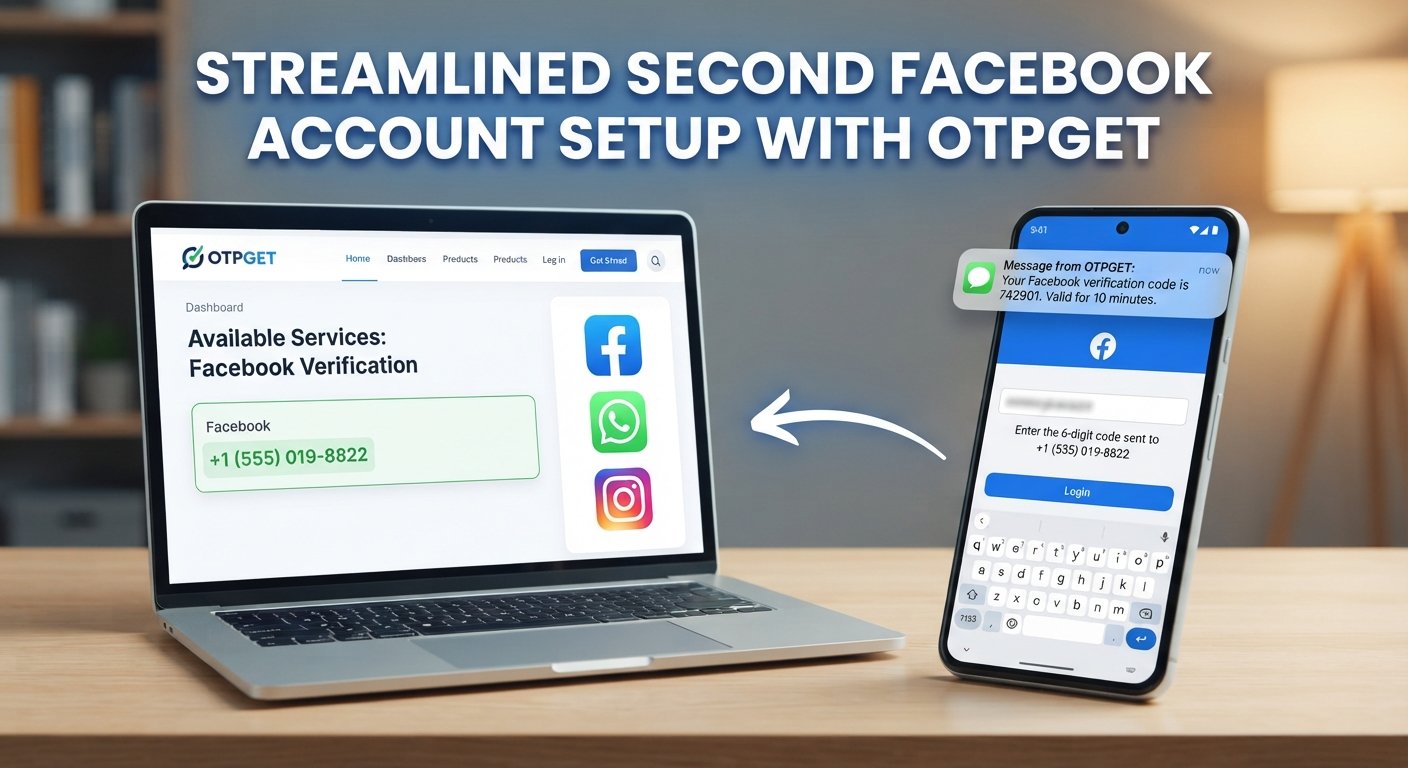
Facebook Second Account: A Beginner Setup Guide
Setting up a Facebook second account can seem straightforward until you reach the verification stage. You may have a legitimate reason for keeping different online activities separate, but creating and managing another account also means thinking about account rules, recovery options, privacy, passwords, and phone verification.
For beginners, the biggest point of confusion is often the verification code. Facebook may ask for a phone number or another confirmation method during account-related processes, and receiving an SMS code is not always convenient.
This guide explains how to approach a second Facebook account responsibly, what to prepare before starting, how phone verification works, and where a service such as OTPGET may fit into the process when its available verification options are appropriate and accepted.
Why Would You Need a Second Facebook Account?
There are several legitimate reasons someone might want a separate Facebook presence.
For example, you may want clearer boundaries between personal and professional activities, manage different audiences, or organize separate social-media workflows. Someone who participates in different communities may also prefer keeping certain interests separate.
However, having a second account should not mean creating fake identities, impersonating another person, sending spam, or using multiple accounts to evade restrictions. Before creating another account, review Facebook's current rules and available account options.
In some situations, an additional profile or Page may be more appropriate than creating a completely separate account. The right choice depends on what you are trying to accomplish.
The important point is to choose an account structure that matches your legitimate purpose and remains consistent with the platform's requirements.
Before Creating a Second Facebook Account
A little preparation can make the Facebook second account setup much easier.
Start by deciding what information you will use for the account and how you will recover it if you lose access. Keep your login credentials organized without storing passwords in insecure notes or messages.
You should also consider:
-
Email access: Use an email address you can reliably access if Facebook asks you to confirm it.
-
Phone verification: Be prepared for a phone-number or SMS verification request if one appears.
-
Password security: Create a strong password that you do not reuse on other services.
-
Recovery options: Make sure you understand how you would regain access if you are logged out.
-
Privacy settings: Review who can find, contact, or interact with the account.
-
Account rules: Check Facebook's current Help Center guidance before proceeding.
Facebook's settings and account requirements can change, so instructions should always be treated as a general guide rather than a guarantee that every user will see exactly the same screens. Facebook's Help Center also provides guidance on managing contact information and confirmation codes.
How to Create a Second Facebook Account
If creating another account is appropriate for your situation, the general setup process is fairly simple.
1. Prepare your information
Have the required registration information ready, including an accessible email address and, if requested, a phone number for verification.
2. Start the account creation process
Open Facebook through its official website or app and choose the relevant option for creating an account. The exact buttons and screen layout may vary by device.
3. Enter the requested details
Follow the registration form and provide accurate information appropriate for the account. Avoid using someone else's identity or information.
4. Choose a strong password
Use a unique password rather than recycling the password from your primary account. A password manager can make it easier to manage multiple secure credentials.
5. Complete verification if requested
Facebook may request confirmation through email, SMS, or another available method. If you receive a verification code, enter it only in the legitimate Facebook interface where it is requested.
6. Confirm the account
Finish any remaining setup steps shown by Facebook. If a particular verification method is unavailable or rejected, follow Facebook's provided instructions rather than repeatedly attempting random alternatives.
7. Review security and privacy settings
Once the account is accessible, review privacy controls, login activity, recovery information, and available security features.
Remember that Facebook's interface and requirements can change, so use the current on-screen instructions as the final authority.
Why Facebook May Ask for Phone Verification
Facebook phone number verification is a way of confirming access to a particular phone number. When a service sends an SMS containing a one-time password, the person completing the process enters that temporary code back into the service.
A one-time password, or OTP, is simply a short code intended for a particular verification event. It is different from your normal account password and should be treated as sensitive information.
SMS verification can be used as part of account registration, login, recovery, or other security-related processes. The exact reason for a verification request can depend on the platform and the activity being performed.
If Facebook asks for a verification code, make sure you are entering it into an authentic Facebook page or app. Never send an OTP to another person simply because they request it.
The Problem With Getting a Verification Code
Phone verification is usually simple when your phone is readily available. But there are legitimate situations where it can be inconvenient.
You may not want to use your primary number for every online registration, for example. You could also experience delayed SMS delivery, have limited access to a particular number, or simply want better separation between personal contact information and an online service.
That is where an online SMS verification service may sometimes be useful.
The important distinction is that a temporary phone number is not a magic solution for every verification request. A platform may reject certain numbers, require additional checks, or impose its own eligibility requirements.
How OTPGET Can Help With Verification
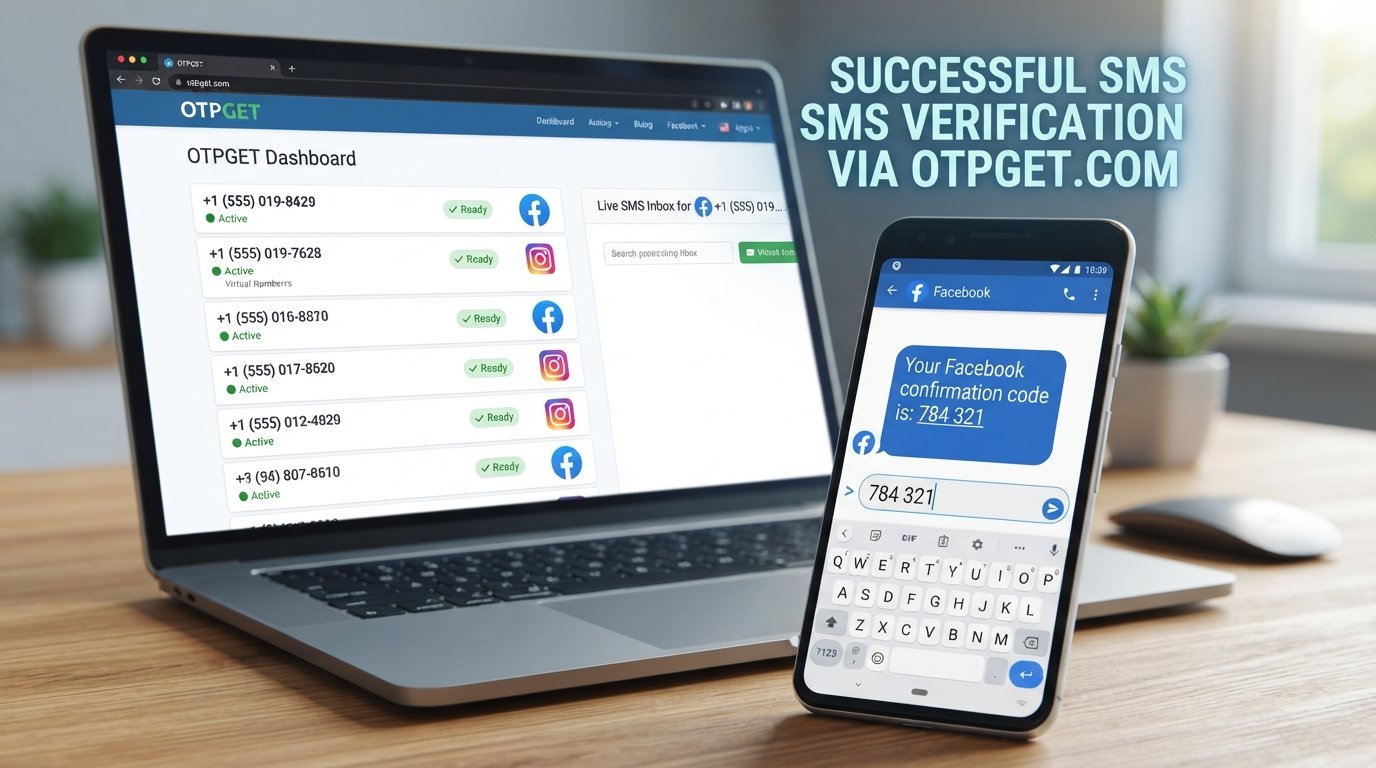
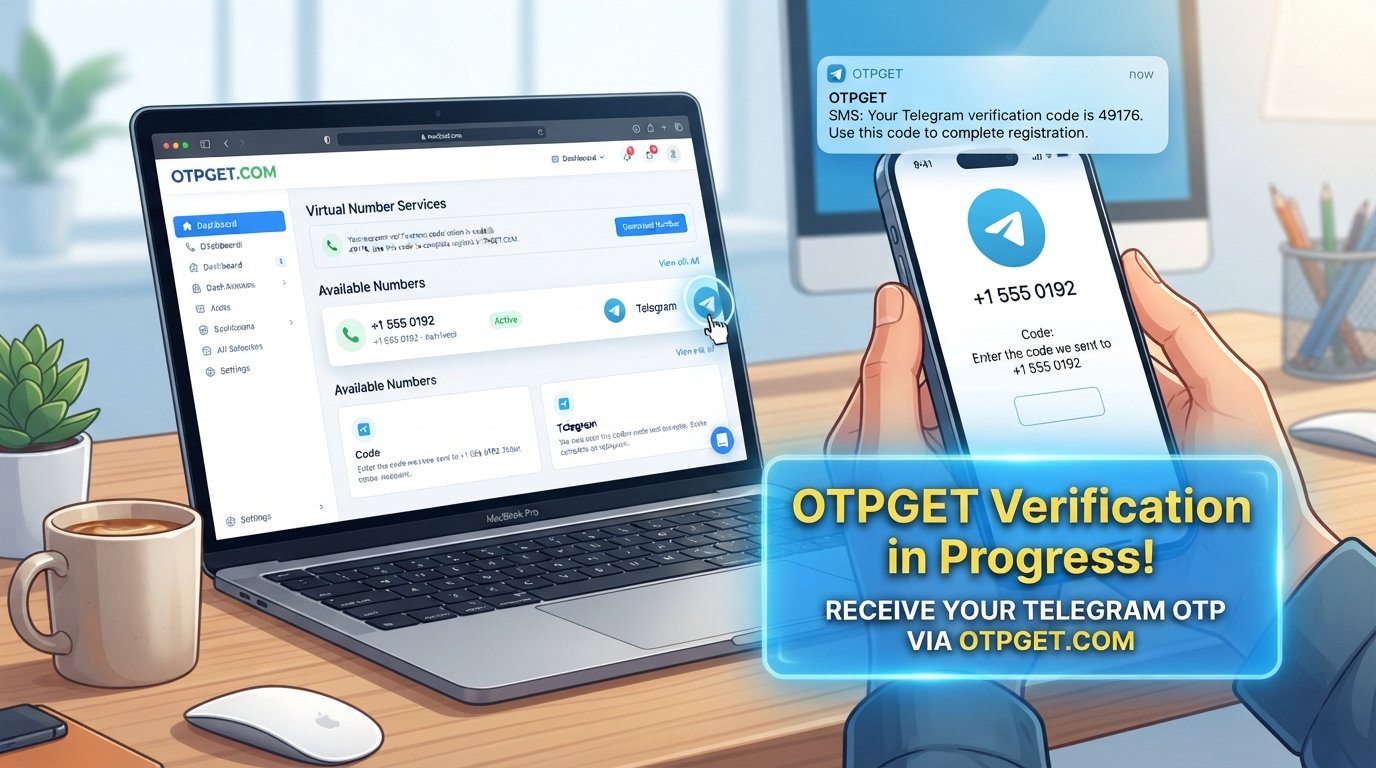
OTPGET provides temporary phone numbers, rental numbers, and OTP-related services for online verification and account registration. Its documentation describes SMS OTP functionality that can provide a number, wait for an incoming SMS, and retrieve the received verification code.
For a supported verification workflow, the general process can look like this:
-
Visit OTPGET and review the available verification options.
-
Select the relevant service and country if those options are available.
-
Obtain an appropriate number through the available service.
-
Enter the number in the supported registration or verification form.
-
Wait for the verification SMS.
-
Retrieve the OTP through the applicable OTPGET process.
-
Enter the code into the platform requesting verification.
-
Continue the account setup if the platform accepts the number and code.
Availability matters. OTPGET's documentation shows that available countries and services can vary, so you should check what is actually offered before starting a verification attempt.
Most importantly, OTPGET does not guarantee that Facebook will accept a particular number or that an account will be approved. It should not be viewed as a way to bypass Facebook's security systems, restrictions, identity checks, or platform rules.
For users who simply need a separate verification option and whose intended use is supported, OTPGET can be a convenient alternative to immediately exposing a primary personal phone number.
OTPGET vs. Using Your Personal Phone Number
Both approaches can be appropriate in different situations. The better choice depends on your privacy preferences, the platform's requirements, and whether the verification method is accepted.
| Factor | Personal Phone Number | OTPGET |
|---|---|---|
| Convenience | Convenient when your phone is available | Can be useful when a separate verification number is appropriate |
| Privacy considerations | Connects verification with your personal number | May provide separation from your primary number |
| Accessibility | Depends on your mobile service | Depends on available numbers and supported services |
| Code handling | Received directly by SMS | Code is retrieved through the applicable OTPGET workflow |
| Long-term recovery | Can be useful for services tied to your number | Temporary numbers may not be suitable for long-term recovery |
| Suitability | Often practical for personal accounts | Best considered when the platform and intended use support it |
A key consideration is future account recovery. If you use a temporary number for an account, do not assume that the same number will always be available later. For an important account, understand how you will recover access before relying on a particular verification method.
Common Mistakes to Avoid
Beginners often focus so much on getting the account created that they overlook basic security.
Avoid these mistakes:
-
Using a weak password: A second account still needs strong protection.
-
Ignoring recovery options: Think about account recovery before you need it.
-
Sharing OTP codes: A verification code can be sensitive. Never share it casually.
-
Requesting codes repeatedly: If a message is delayed, repeated requests may create confusion. Follow the platform's instructions.
-
Entering inaccurate information: Use information appropriate to the account and follow Facebook's requirements.
-
Ignoring privacy settings: Review what other people can see and how they can contact the account.
-
Using accounts for spam or deception: A second account should not become a tool for abusive or misleading activity.
-
Assuming every number will work: A temporary phone number may not be accepted by every platform or verification flow.
OTPGET's own terms also prohibit illegal, fraudulent, abusive, or harmful use of its services.
Tips for Keeping a Second Facebook Account Secure
Creating the account is only the beginning. Good security habits matter just as much afterward.
Use a strong, unique password and avoid sharing it with anyone. If Facebook offers additional security features for your account, review and enable the options that make sense for you.
Keep recovery information protected and current. Periodically review login activity so you can spot unfamiliar access. Be cautious with links sent through messages, particularly if they ask you to enter your password or verification code.
It is also worth separating account credentials carefully. If you manage more than one account, label your password-manager entries clearly so you do not accidentally use the wrong login.
Most importantly, treat OTPs as private credentials. A legitimate service should not require you to publicly post or casually disclose a code sent to you.
Frequently Asked Questions
Can I create a second Facebook account?
Whether a separate account is appropriate depends on Facebook's current account rules and your intended use. Review Facebook's latest Help Center guidance and consider whether an additional profile or Page may better suit your needs.
How do I create a second Facebook account?
Start through Facebook's official account-creation process, provide the requested information, complete any verification steps, and then review your security and privacy settings. The exact process can vary by device and account situation.
Does Facebook require phone verification?
Not every account setup will necessarily follow the same verification process. Facebook may request phone or other confirmation depending on the circumstances, so follow the verification method presented to you.
What is a Facebook verification code?
A Facebook verification code is a temporary code used during a confirmation process. If you receive one, enter it only in the legitimate Facebook interface where the code was requested.
Can OTPGET help with Facebook OTP verification?
OTPGET provides SMS OTP and phone-number services, but acceptance depends on the platform and available verification options. If a suitable service and number are available, OTPGET may be useful for a supported verification workflow, but it does not guarantee Facebook acceptance or account approval.
Is it safe to share a Facebook OTP?
No. Treat an OTP as sensitive information. Do not share a verification code with another person, even if they claim to be helping with your account.
What should I do if I don't receive my verification code?
First, check that the number or email address was entered correctly and follow Facebook's on-screen troubleshooting options. Avoid repeatedly requesting codes without checking whether an earlier message is delayed.
Final Thoughts
Setting up a Facebook second account is more than completing a registration form. A responsible setup means choosing an appropriate account structure, protecting your login information, understanding verification requirements, and planning for future account recovery.
Phone verification can be one of the more inconvenient parts of the process, particularly when you prefer not to use your primary phone number. Where supported, an online verification service such as OTPGET can provide another option for receiving an SMS verification code.
The key is to use that option responsibly. Check whether the service and number are appropriate for the platform, never treat OTP services as a way to bypass security controls, and keep your account credentials and verification codes private.
If OTPGET fits your intended use, explore its available verification options before starting the setup process so you know what numbers and services are currently available.