Facebook Verification Problems: Causes, Fixes & OTP Solutions
Facebook Verification Problems: Causes and Quick Fixes
Few things are more frustrating than trying to log in to Facebook and getting stuck at the verification screen. You request a code, wait for the SMS, request another one—and still nothing arrives.
Facebook verification problems can happen for several reasons. The issue may be as simple as an incorrect phone number or weak mobile signal, but it can also involve delayed SMS delivery, account security checks, app problems, or two-factor authentication settings.
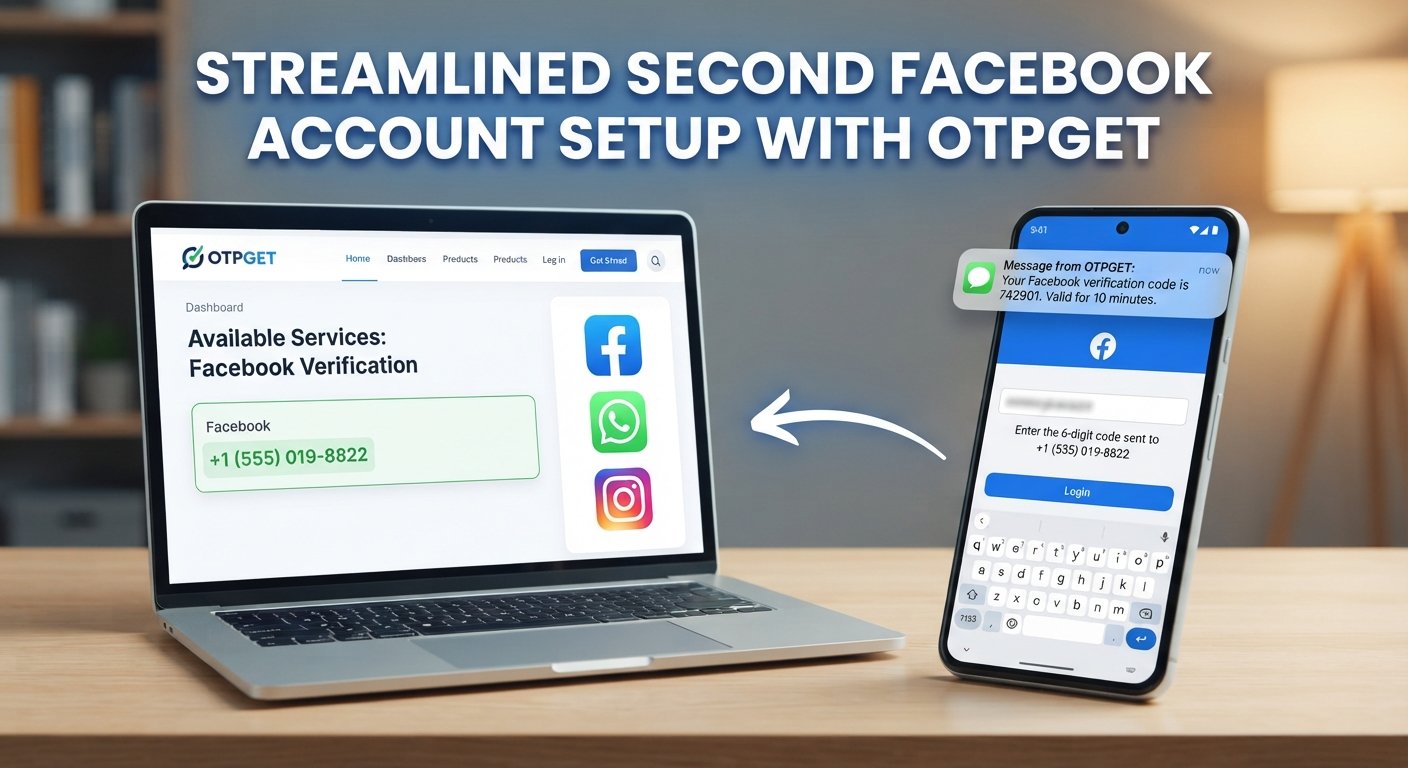
The good news is that many Facebook verification issues can be resolved with a few practical checks. And if your specific problem is that you cannot receive the required OTP, a third-party service such as OTPGET may be worth exploring where its available number and service options are compatible with your legitimate verification needs.
Let's look at the most common causes and the quickest ways to troubleshoot them.
Why Facebook Verification Problems Happen
A Facebook verification code is designed to confirm that you have access to the phone number or other verification method associated with an account or security process. If the code does not arrive or is rejected, the cause is not necessarily Facebook itself.
Common reasons include:
- Incorrect phone number: A single wrong digit can send the code somewhere else.
- Weak mobile signal: Poor connectivity can delay or prevent SMS delivery.
- SMS carrier delays: Mobile networks sometimes take longer to deliver automated messages.
- Too many code requests: Repeatedly requesting codes can create confusion and may trigger temporary restrictions.
- Blocked or filtered SMS: Your phone or carrier may filter certain automated messages.
- Outdated account information: The number or recovery method connected to the account may no longer be accessible.
- App or browser problems: An outdated Facebook app, corrupted cache, or browser issue can interfere with the login process.
- Two-factor authentication settings: A Facebook two-factor authentication code may use a configured method that differs from ordinary SMS verification.
- Temporary security checks: Facebook may require additional account verification depending on the circumstances of a login attempt.
Facebook's own login system can also temporarily restrict a feature when it detects that a user is moving through a process too quickly, so repeatedly clicking for another code is not always the best response.
Facebook Verification Code Not Received? Try These Fixes
If your Facebook verification code is not received, work through these steps in order rather than repeatedly requesting new codes.
1. Check the Phone Number
Start with the simplest possibility. Confirm that the displayed phone number is yours and that the country code and digits are correct.
If Facebook is showing an old number you no longer control, requesting additional codes will not solve the underlying problem. Use another recovery or verification method if Facebook provides one.
2. Check Your Mobile Signal
Make sure your phone has a stable mobile connection. If you're in an area with weak coverage, move somewhere with better reception and try again.
You should also check whether ordinary SMS messages are arriving normally.
3. Wait Before Requesting Another Code
If you have requested several codes, stop for a while.
Multiple requests can leave you with several messages arriving at different times. That makes it easy to enter an older code after a newer one has already been issued.
Use the most recent valid code available and avoid repeatedly pressing the resend button.
4. Check SMS Blocking and Filters
Look through your phone's blocked numbers, spam folders, filtered messages, and messaging-app settings.
Some devices and carriers automatically filter certain automated messages. If other SMS messages are arriving but Facebook messages are not, checking these settings is worthwhile.
5. Restart Your Phone
It sounds basic, but restarting your device can refresh the mobile connection and resolve temporary messaging or network glitches.
After restarting, wait briefly and request another verification code only if Facebook still gives you that option.
6. Try Another Supported Verification Method
Depending on the account and verification flow, Facebook may offer another method.
For example, you may be able to use an alternative recovery method or an authentication method already configured on the account.
Do not attempt to bypass a security check. Instead, use the legitimate options Facebook presents during the account recovery or login process.
7. Update the Facebook App
If you're using the Facebook mobile app, check whether an update is available.
An outdated application can sometimes cause unexpected login or verification behavior. If updating does not help, you can also try the supported web version through a browser.
8. Clear Relevant Cache
If Facebook behaves strangely in a browser or app, clearing relevant cached data can help eliminate a local software problem.
On a browser, you can try clearing cached site data or using a private browsing window. On mobile, follow your device's normal app-management settings.
9. Try Another Browser or Device
A different browser or trusted device can help determine whether the problem is local to your current setup.
For example, if the Facebook login code works correctly through a supported browser but not through the app, the problem may be related to the app or device rather than the verification system itself.
10. Review Account Security and Recovery Options
If you can access your account through another method, review your security settings and recovery information.
Make sure your available phone number, email address, authentication method, and other recovery options are current.
11. Use Facebook's Official Recovery Process
If none of the basic fixes work, stop repeatedly requesting codes and use Facebook's official account recovery or verification process.
This is particularly important when the problem involves an inaccessible phone number, a suspected account compromise, an identity check, or a persistent security restriction.
Common Facebook OTP and SMS Verification Errors
Not every Facebook OTP problem looks the same. Here are some of the most common scenarios.
The OTP Never Arrives
This can be caused by network issues, carrier delays, an incorrect number, filtering, or compatibility problems with the selected number.
Next step: Confirm the number, check SMS reception, wait briefly, and request a new code only when appropriate.
The Code Arrives Too Late
A delayed code may no longer be valid by the time it reaches your phone.
Next step: Request a fresh code and use the newest one rather than entering an older message.
Multiple Codes Arrive
If you press resend several times, you may receive several confirmation messages.
Next step: Avoid entering codes randomly. Use the latest valid code associated with your current verification attempt.
The Authentication Code Is Rejected
A Facebook authentication code may be rejected because it has expired, was entered incorrectly, or belongs to an earlier request.
Next step: Start a fresh verification attempt and carefully enter the current code.
Facebook Keeps Asking for a Code
Repeated login verification may occur when Facebook requires additional account security confirmation.
Next step: Check your two-factor authentication and recovery settings, then follow the security instructions Facebook provides rather than trying to circumvent them.
Your Phone Cannot Receive the SMS
If the number is inactive, unavailable, restricted, or otherwise unable to receive the required message, the verification process cannot depend on that number.
Next step: If Facebook offers another legitimate verification method, use it. Otherwise, consider whether a compatible OTP-receiving option is appropriate for your situation.
How OTPGET Can Help With Facebook Verification Problems
When the main problem is receiving the verification SMS, the issue may be less about the Facebook login screen and more about access to a suitable phone number.
This is where an OTP-focused service such as OTPGET can be useful for supported verification workflows.
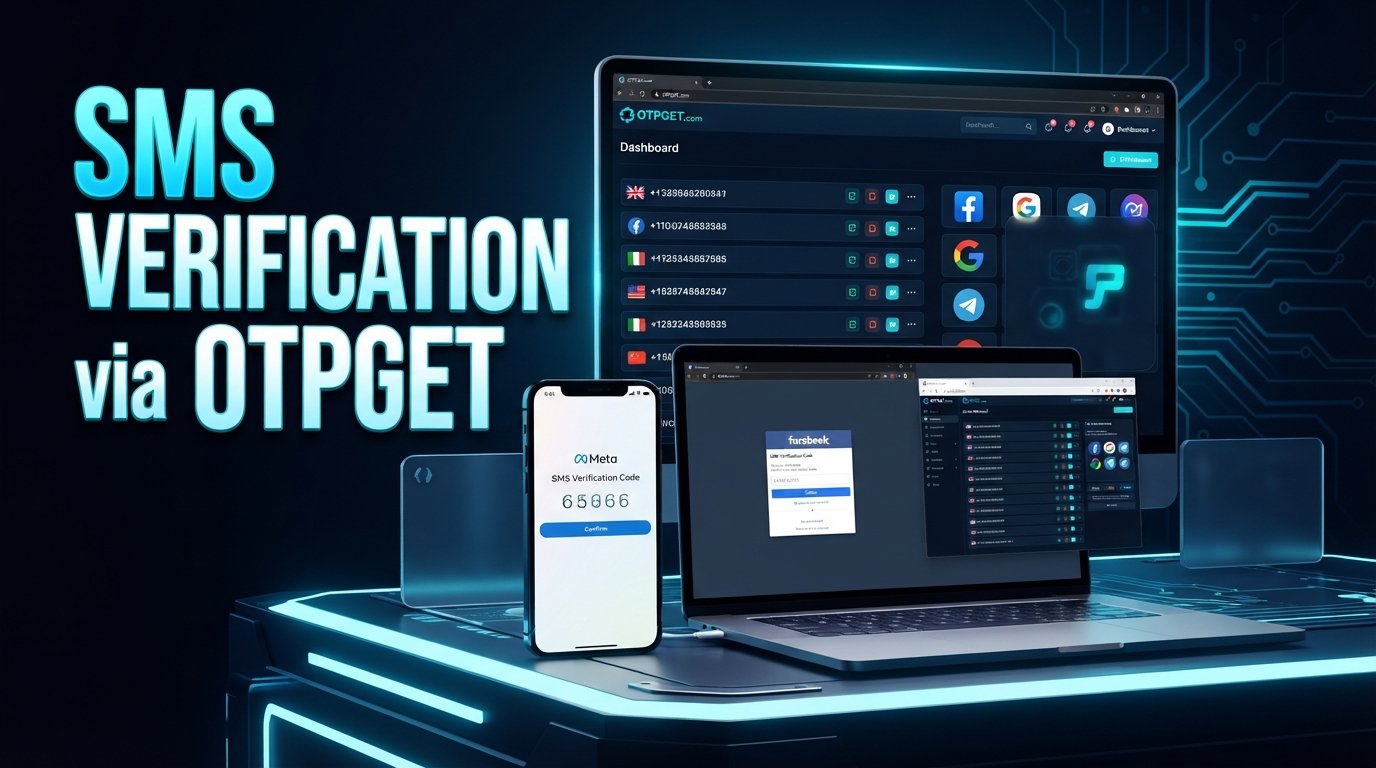
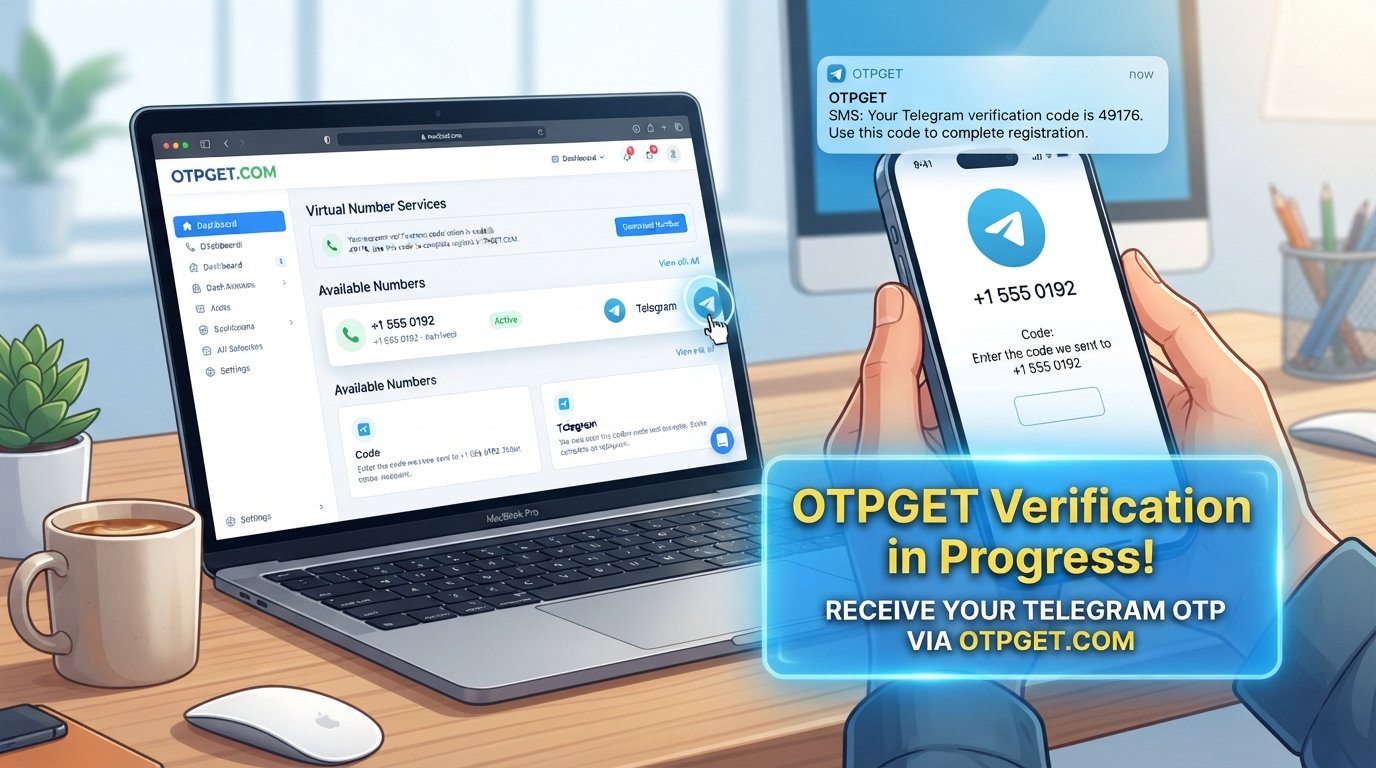
OTPGET provides temporary and rental virtual numbers intended for receiving SMS and OTP messages. Its published information also indicates that availability depends on the selected country and service.
For a legitimate verification workflow where a compatible virtual number is permitted, the general process is straightforward:
- Check OTPGET for an available country and service option.
- Select a suitable number when one is available.
- Enter the number in the applicable Facebook verification field.
- Request the verification SMS through Facebook's normal process.
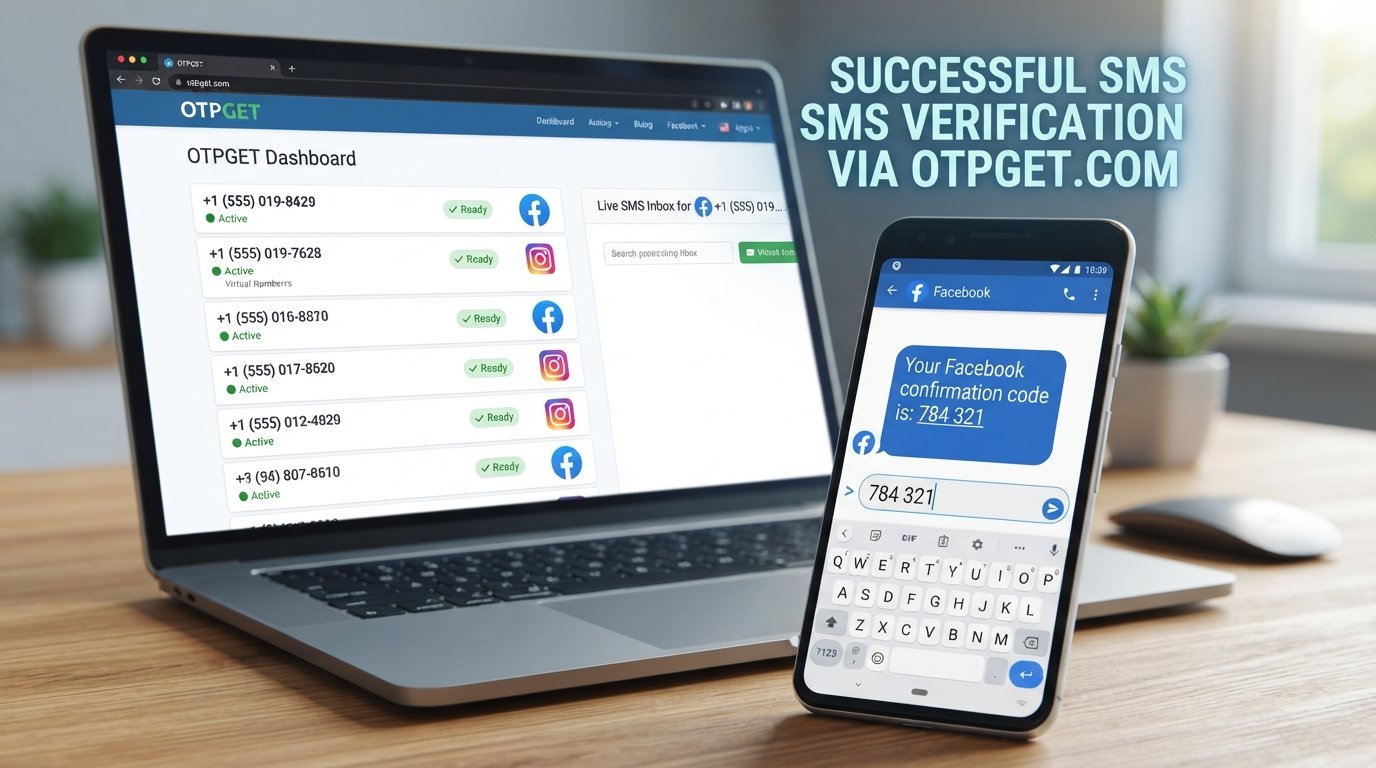
- Monitor the OTPGET interface for the incoming message.
- Enter the received code into Facebook and complete any additional security steps Facebook requests.
The main benefit is convenience. Instead of relying exclusively on a personal mobile number, users can check whether a suitable virtual number is available for the particular verification workflow.
However, compatibility matters. A virtual number is not a guarantee that Facebook will accept it, and OTPGET itself states that it provides number and message-receiving services rather than controlling the verification decisions of third-party platforms.
That distinction is important: OTPGET is a separate third-party service, not an official Facebook or Meta product, partner, or verification system.
If your problem is specifically that the Facebook OTP is not arriving, and you've already checked your phone, network, SMS settings, and account details, OTPGET may be worth exploring if an appropriate option is available and permitted for your verification situation.
Having trouble receiving the code? Explore OTPGET and see whether it fits your OTP-receiving needs.
When Facebook Verification Still Isn't Working
Sometimes the issue cannot be fixed by changing your phone, browser, or SMS settings.
You should consider using Facebook's official recovery or support options when:
- You no longer have access to the registered phone number.
- Your account appears compromised.
- Facebook is requesting identity verification.
- Your verification method is unavailable.
- Codes repeatedly fail despite arriving correctly.
- Facebook displays a security restriction or account recovery message.
- You have exhausted the available legitimate verification methods.
At this point, repeatedly requesting another OTP is unlikely to solve the underlying issue.
Follow the recovery instructions Facebook provides and supply accurate information when an identity or account-ownership check is required.
How to Prevent Future Facebook Verification Problems
A little preparation can make future Facebook login verification much easier.
Keep Recovery Information Current
Make sure your account's available recovery methods are still accessible. An old phone number is of little help when you urgently need a security code.
Avoid Repeated Code Requests
If an SMS is delayed, give it some time before requesting another code. Multiple requests can create confusion between old and new messages.
Maintain Reliable Connectivity
When possible, use a stable mobile connection and make sure your phone can receive ordinary SMS messages.
Keep Your App and Browser Updated
Regular updates reduce the likelihood of local compatibility problems during login and verification.
Review Two-Factor Authentication
Understand which authentication method your account uses. Knowing whether your account relies on SMS, an authenticator, or another supported method can save time when a login problem occurs.
Keep Recovery Options Accessible
Where Facebook supports them, maintain appropriate backup or recovery methods so that losing access to one verification channel does not automatically leave you locked out.
Frequently Asked Questions
Why am I not receiving my Facebook verification code?
The problem may be caused by an incorrect phone number, weak signal, carrier delay, SMS filtering, too many requests, or an account-specific security check. Verify your number and connectivity first, then follow Facebook's available recovery options.
Why is my Facebook OTP not arriving?
A Facebook OTP may fail to arrive because of SMS delivery problems, number compatibility, network issues, filtering, or temporary restrictions. Check your phone and SMS settings before requesting another code.
How can I fix Facebook SMS verification problems?
Confirm the number, check mobile reception, inspect blocked or filtered messages, restart your phone, update the Facebook app, and try another supported browser or verification method. If the problem continues, use Facebook's official recovery process.
Why does Facebook keep asking for a verification code?
Facebook may require repeated login verification as part of account security or two-factor authentication. Check the security method associated with your account and follow the instructions Facebook provides.
What should I do if my Facebook authentication code is not working?
Make sure you're using the newest code and entering it correctly. Older codes can become invalid after another code is requested. If fresh codes continue to fail, use Facebook's official account recovery or security process.
Can OTPGET help with OTP receiving problems?
OTPGET provides virtual numbers and SMS/OTP receiving services for supported countries and services. It may be useful when your particular verification workflow supports a compatible virtual number. However, it does not control whether Facebook accepts a number or completes an account verification request.
What should I do if Facebook still cannot verify my account?
Stop repeatedly requesting codes and use Facebook's official account recovery, support, or identity-verification process when available. If the problem is specifically SMS reception, first determine whether your phone or number is the source of the problem.
Need a More Reliable Way to Receive the OTP?
Most Facebook verification problems are worth troubleshooting from the basics first: confirm the number, check your network, inspect SMS filters, avoid repeated requests, and make sure you're using the correct authentication method.
If those checks point to a genuine OTP-reception problem, a third-party service such as OTPGET can be another option to consider for supported verification workflows. Check the available country and service options before using a virtual number, and remember that compatibility with Facebook's particular verification flow is not guaranteed.
The safest approach is simple: use legitimate account information, follow Facebook's security and recovery procedures, and choose an OTP-receiving option only when it is appropriate for your verification needs.