How to Verify Facebook Without Your Own Phone Number: Easy Guide
How to Verify Facebook Without Your Own Phone Number
You want to create, access, or verify a Facebook account, but there is one problem: Facebook asks for a phone number, and you would rather not use your personal number.
Maybe you do not want your primary number associated with another online account. Perhaps your phone is unavailable, SMS delivery is unreliable, or you simply prefer to keep your personal contact details private.
The good news is that not using your personal number does not necessarily mean skipping verification. Depending on Facebook's requirements and the verification method available to your account, you may be able to use an eligible secondary, temporary, or virtual number instead.
Services such as OTPGET can be useful when you need an alternative number capable of receiving an SMS verification code, where the service and Facebook permit that type of number.
The important distinction is that this is alternative verification, not a way to bypass Facebook security. You still need to follow Facebook's rules and complete whatever verification Facebook requires.
Why Does Facebook Ask for a Phone Number?
Facebook and Meta may request phone verification for several security-related reasons. The exact requirement can vary depending on the account, login attempt, device, activity, and other signals.
Common reasons include:
- Account security: A phone number can provide another way to confirm access to an account.
- Identity or account verification: Facebook may ask for additional confirmation when it needs to establish that an account is being used legitimately.
- Suspicious login detection: An unusual login, device, or location may trigger an additional security check.
- Abuse prevention: Phone verification can make certain types of automated or abusive activity more difficult.
- Security codes: Facebook may use SMS to deliver a one-time verification or login code.
- Account recovery: A verified phone number can sometimes be useful when recovering access to an account.
Because Facebook's systems can vary by situation, there is no single verification method that works for every account.
Can You Verify Facebook Without Your Own Phone Number?
Yes, potentially. You may be able to verify Facebook without your personal phone number by using an eligible alternative number, if Facebook accepts that number for the verification step you are completing.
There is an important difference between three things:
- Not using your personal number — using another legitimate number instead.
- Not verifying an account — declining or being unable to complete a required verification step.
- Bypassing security — attempting to defeat Facebook's verification or account-protection systems.
The first option is what this guide focuses on.
An alternative or temporary phone number can be useful when you want to keep your personal number separate from an online service. However, Facebook may reject certain numbers, and a number that works for one verification situation may not necessarily work for another.
For that reason, an alternative number should be treated as a practical option—not a guaranteed solution.
How Facebook OTP Verification Works
A Facebook OTP is a one-time password or verification code used to confirm a phone number or authorize a particular security action.
The basic Facebook SMS verification process is straightforward:
- Facebook asks you to verify a phone number.
- You enter an eligible phone number.
- Facebook sends an SMS containing a verification code.
- You receive the message through the associated phone or SMS service.
- You enter the code into Facebook.
- Facebook processes the code and completes the verification step if everything is accepted.
The verification code is generally time-sensitive. That means you should use the most recent code and avoid repeatedly requesting new codes unless necessary.
If you are wondering how to get a Facebook verification code without using your personal number, the key is finding an appropriate alternative number that can receive Facebook's SMS and is accepted for the verification process.
Common Problems With Facebook Verification Codes
Sometimes the problem is not the phone number itself. SMS verification can fail or become delayed for several reasons.
The verification code does not arrive
Wait a little before requesting another code. Repeated requests can sometimes make the process more confusing because multiple codes may be generated.
The OTP arrives late
An SMS can occasionally be delayed because of carrier, network, or service issues. If an older code arrives after you have requested a newer one, use the most recent valid code.
The number was entered incorrectly
Check the country code and the complete number before requesting another SMS.
The OTP has expired
One-time codes are designed for short-term use. If the code is no longer accepted, request a new one rather than repeatedly entering an expired code.
Too many verification attempts
Repeated attempts can lead to temporary restrictions or additional security checks. If Facebook tells you to wait, follow that instruction rather than continuously trying again.
The number is already associated with another account
Facebook may have restrictions concerning how phone numbers are used across accounts. If a number is rejected for this reason, trying to force the process is not advisable.
SMS delivery is unavailable
Not every number or service supports every type of verification SMS. If Facebook does not deliver a message, an eligible alternative number may be worth considering.
Using OTPGET for Facebook OTP Verification
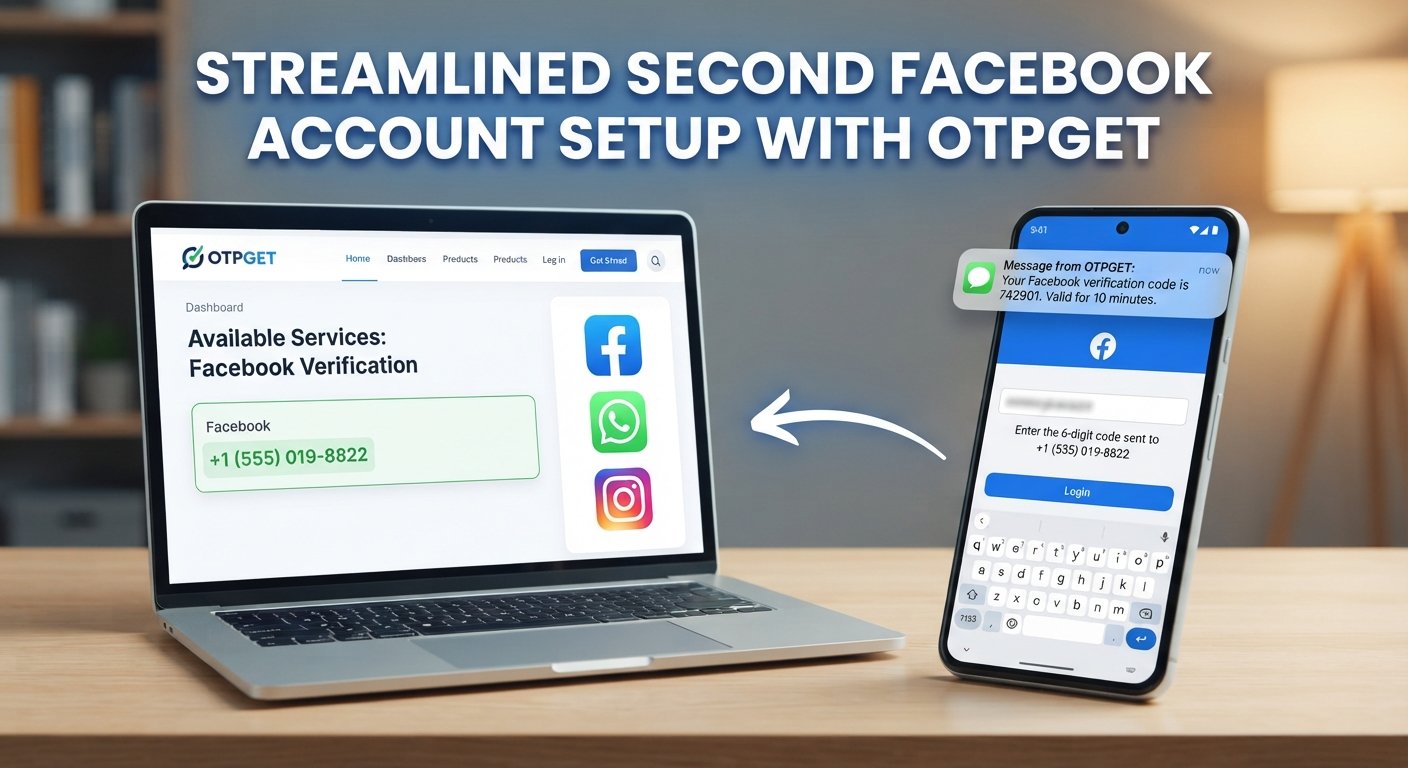
If you want Facebook verification without your personal number, OTPGET can be a convenient option to consider when you need an alternative number for receiving an SMS verification code.
The basic idea is simple: instead of entering your personal mobile number, you use an appropriate number available through the service and check the associated SMS inbox for the verification message.
A typical workflow can look like this:
- Visit OTPGET and review the available numbers or services.
- Select an appropriate number if one is available for your intended verification.
- Enter that number on Facebook when Facebook requests phone verification.
- Request the Facebook verification SMS.
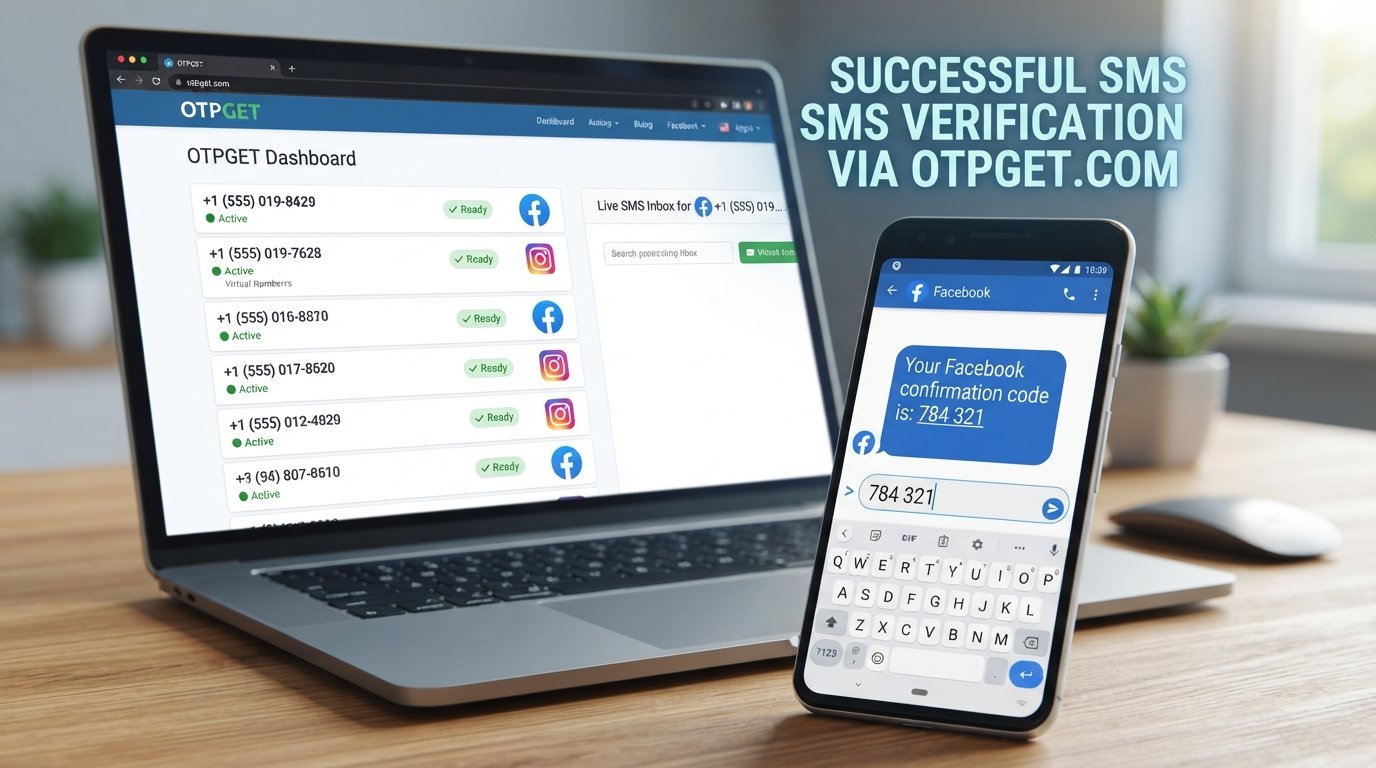
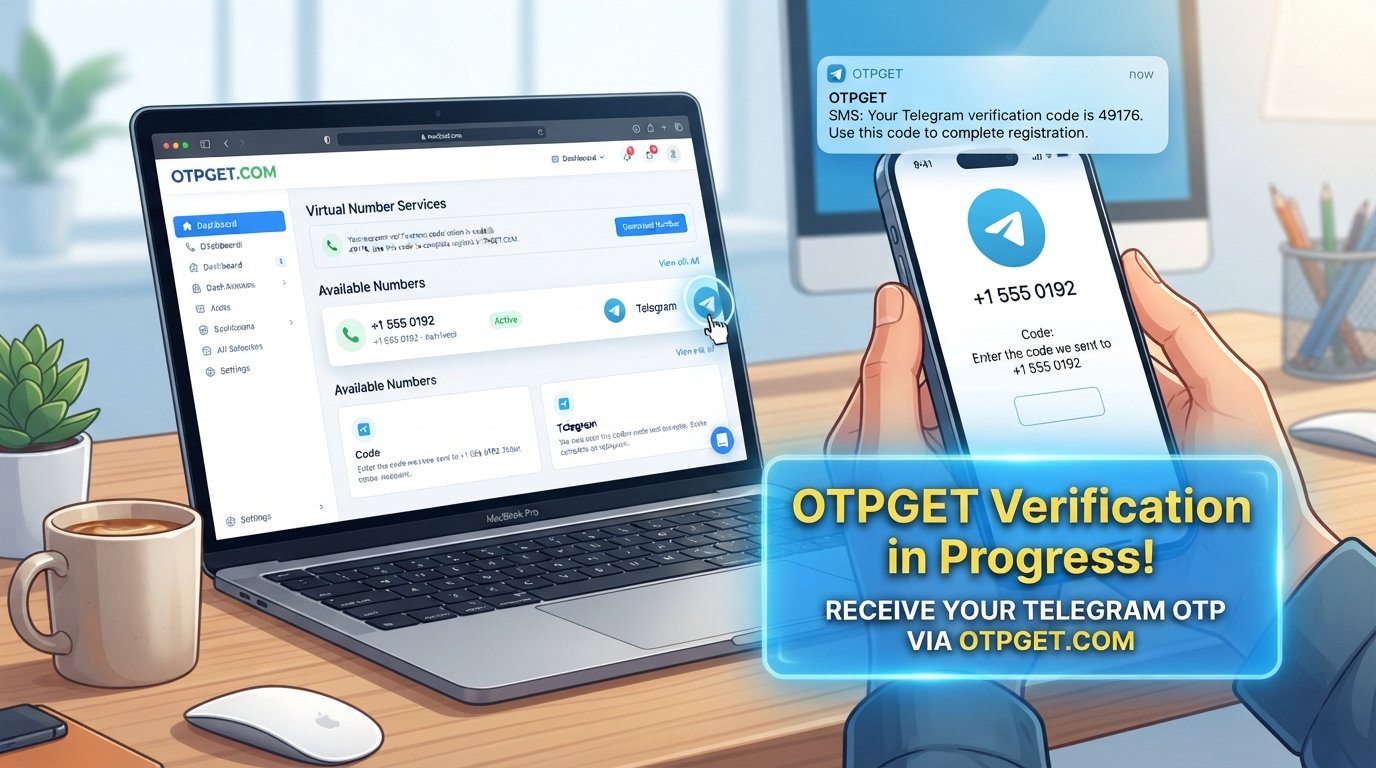
- Check OTPGET for the incoming OTP.
- Enter the received Facebook verification code into Facebook.
- Complete the verification process if Facebook accepts the number and code.
This approach can be useful when your personal number is unavailable, you prefer not to disclose it, or you need an alternative number for a temporary verification task.
However, not every OTPGET number will necessarily work with Facebook. Number availability, carrier characteristics, previous usage, Facebook's controls, and the specific verification request can all affect whether an SMS is delivered or accepted.
OTPGET should therefore be viewed as a practical alternative for receiving verification SMS—not as a tool for bypassing Facebook security.
OTPGET vs. Using Your Personal Phone Number
Choosing between your personal number and an alternative number depends largely on your privacy preferences and how important long-term account recovery is to you.
| Factor | Personal Number | OTPGET Alternative |
|---|---|---|
| Uses personal number | Yes | Potentially no |
| Privacy considerations | Less separation from online account | Provides an alternative number |
| Setup convenience | Depends on phone access | Online option |
| Receiving OTP | SMS to personal device | OTPGET inbox/service |
| Useful for temporary verification | Not always convenient | Can be useful where supported |
| Long-term recovery | Potentially convenient | Depends on continued access to the number |
For an account you expect to use for a long time, think carefully before relying on a temporary number. Losing access to a verification number later can make account recovery more complicated.
Is It Safe to Use a Temporary Number for Facebook Verification?
A temporary phone number is not automatically safe or unsafe. The right choice depends on how you intend to use it and whether Facebook permits the number for your specific verification step.
There are several factors worth considering.
Privacy: An alternative number can help keep your personal number separate from an online account.
Account ownership: You should always use the verification method responsibly and only for accounts you are legitimately authorized to access.
Number recycling: Temporary numbers may eventually become unavailable or be reassigned. This matters if Facebook later requires the same number for login verification or recovery.
Long-term access: If you are creating an account you expect to keep for a long time, consider whether you will need access to the verification number again.
Platform requirements: Facebook can change or enforce verification requirements at its discretion. A number that appears suitable does not guarantee acceptance.
The safest approach is to think beyond the immediate OTP. Ask yourself whether you will still be able to access the account if Facebook requests another security check later.
What If Facebook Does Not Accept the Number?
If Facebook rejects your alternative number, do not repeatedly submit the same information.
Instead, try these troubleshooting steps:
- Check that the country code and number format are correct.
- Confirm that the selected number can receive SMS messages.
- Wait before requesting another verification code.
- Avoid making a large number of verification attempts in a short period.
- Try another eligible number if Facebook permits it.
- Check whether Facebook provides another verification method.
- Follow Facebook's official account verification or recovery process when required.
- Do not attempt to circumvent security restrictions or verification limits.
If the issue is specifically that the Facebook verification code is not received, the problem may be related to SMS delivery rather than the Facebook account itself.
Best Practices for Facebook Account Verification
Whether you use your personal number or an alternative number, a few habits can make the verification process smoother.
Use accurate account information
Make sure the information you provide is truthful and consistent with Facebook's requirements.
Keep recovery options in mind
If you use a temporary number for an initial verification step, consider whether you will need that number again later.
Avoid excessive attempts
Repeatedly requesting OTPs can make troubleshooting harder and may trigger additional security checks.
Never share OTP codes
A Facebook security code should not be given to strangers, sellers, or anyone claiming they need it to "activate" your account.
Use verification numbers responsibly
Only use numbers and services for legitimate verification purposes and in accordance with applicable platform rules.
Follow Facebook's requirements
If Facebook requests additional confirmation, the appropriate response is to complete the legitimate verification process—not to look for ways around it.
FAQ
Can I verify Facebook without my personal phone number?
Potentially, yes. If Facebook offers SMS verification and accepts an alternative number, you may be able to complete verification without using your personal number. A secondary, temporary, or virtual number can sometimes serve this purpose, but acceptance depends on Facebook's requirements and the specific verification request.
Can I receive a Facebook OTP online?
You may be able to receive a Facebook OTP through an online SMS service when Facebook accepts the number and the service supports incoming verification messages. OTPGET is one option to consider for receiving an SMS code through an alternative number where supported.
What is a Facebook verification code?
A Facebook verification code is a temporary security code sent during certain verification or login processes. Facebook uses the code to confirm that the person completing the action can access the phone number associated with the verification request.
Can I use a temporary number for Facebook verification?
A temporary number may work for some Facebook verification requests if Facebook accepts the number and SMS delivery is supported. However, there is no guarantee that every temporary number will be accepted. Consider future account recovery needs before relying on one.
Why am I not receiving my Facebook verification SMS?
Possible causes include an incorrect number, SMS delays, network or carrier problems, an unsupported number, expired codes, or temporary verification restrictions. Check the number carefully, wait before requesting another code, and follow Facebook's instructions if it asks you to wait.
How can OTPGET help with Facebook OTP verification?
OTPGET can provide an alternative number for receiving SMS verification codes where its service and Facebook's requirements permit it. You can select an available number, use it for the relevant verification request, and check for the incoming OTP. Acceptance is determined by Facebook.
Is OTPGET suitable for temporary Facebook verification?
It can be worth considering when you need an alternative number for a temporary verification task. However, suitability depends on number availability, SMS delivery, Facebook's acceptance criteria, and your future account-recovery needs.
Can Facebook reject a temporary phone number?
Yes. Facebook may reject a temporary or virtual number for various reasons, including its own verification policies and security controls. If a number is rejected, use another eligible verification method rather than attempting to bypass Facebook's restrictions.
Conclusion
If you are looking for how to verify Facebook without your own phone number, the goal should not be to bypass Facebook's security system. Instead, the practical approach is to use an appropriate alternative number when Facebook permits it.
A temporary or virtual number can provide a useful separation between your personal phone number and an online verification process. At the same time, you should consider whether you will need the number again for future login verification or account recovery.
For users who need an alternative way to receive SMS codes, OTPGET is a convenient option worth exploring. It can provide access to an alternative number for receiving an OTP where the service is available and Facebook accepts the number.
Use it responsibly, follow Facebook's verification requirements, and remember that no third-party service can guarantee that Facebook will accept every number.
Suggested Internal-Link Anchor Texts
- temporary phone number
- receive OTP online
- SMS verification
- temporary number for verification
- online OTP service
Final SEO Checklist
- Primary keyword: Included naturally in the title, introduction, and supporting content.
- Search intent: Directly addresses Facebook verification without a personal phone number.
- Secondary keywords: Incorporated contextually throughout the article.
- OTPGET positioning: Clearly presented as the recommended alternative for receiving verification SMS where supported.
- Trust and accuracy: No claims of Facebook/Meta affiliation, endorsement, guaranteed approval, or guaranteed verification.
- Security framing: Emphasizes legitimate verification rather than bypassing security.
- Readability: Short paragraphs, descriptive headings, bullets, FAQ answers, and a comparison table.
- On-page structure: Clear H1, logical H2/H3 headings, FAQ section, conclusion, and CTA.
- Internal linking: Five relevant anchor-text opportunities provided without inventing URLs.
- Image SEO: Thumbnail prompt, alt text, and filename included.
- Keyword usage: Written for natural language rather than keyword stuffing.
- Unsupported claims: No fabricated statistics, rankings, search volumes, or success rates.
- Content length: Written as a substantive long-form article without padding.