Telegram Second Account: Beginner-Friendly Complete Setup Guide
Telegram Second Account: A Beginner Setup Guide
Need a separate Telegram profile for work, business, community management, or personal conversations? You are not alone. Many people want to keep different parts of their digital communication separate instead of mixing everything into one inbox.
The good news is that Telegram supports multiple accounts. The important detail is that each Telegram account is associated with a separate phone number. Telegram itself explains that users with multiple numbers can create another account and switch between accounts within the app.
That creates a practical question: What should you do if you need another number for Telegram verification but do not want to use your primary number?
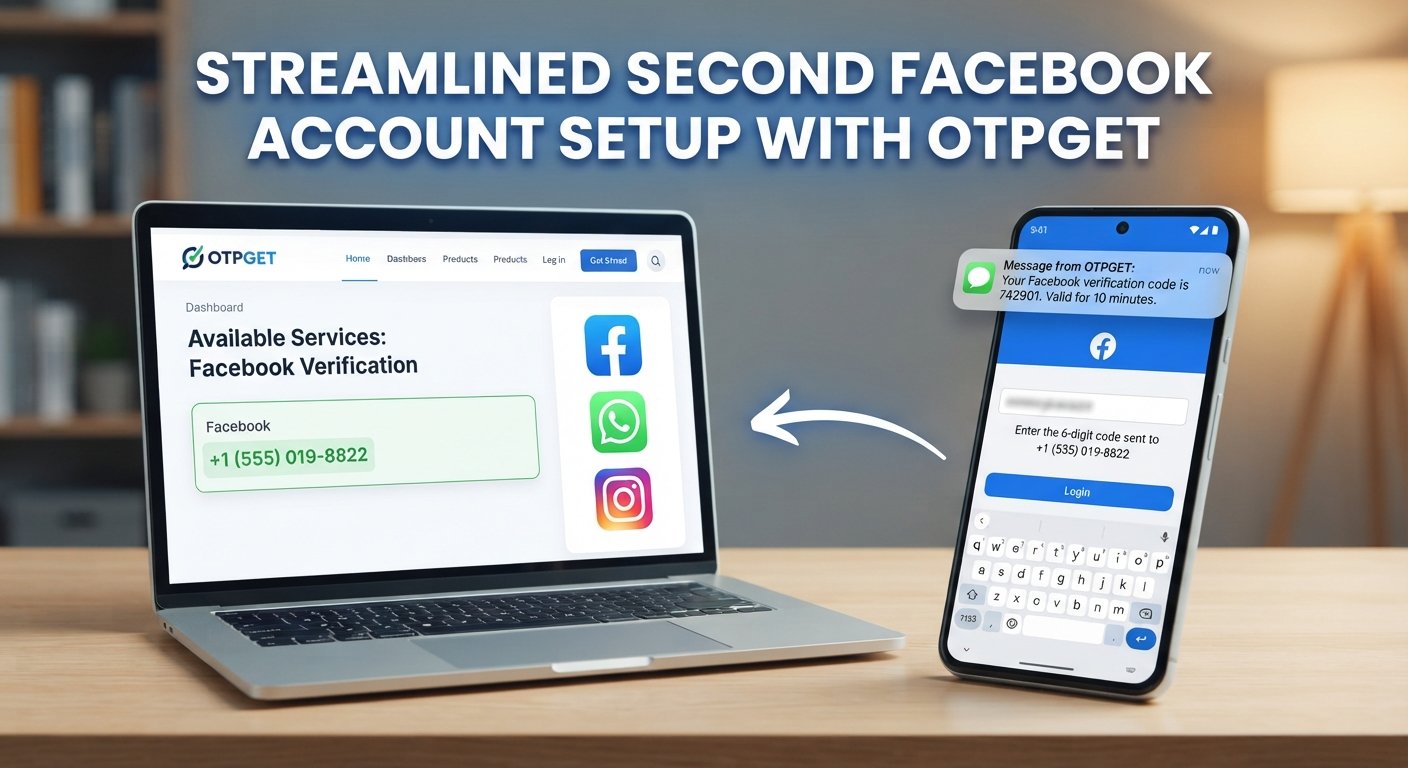
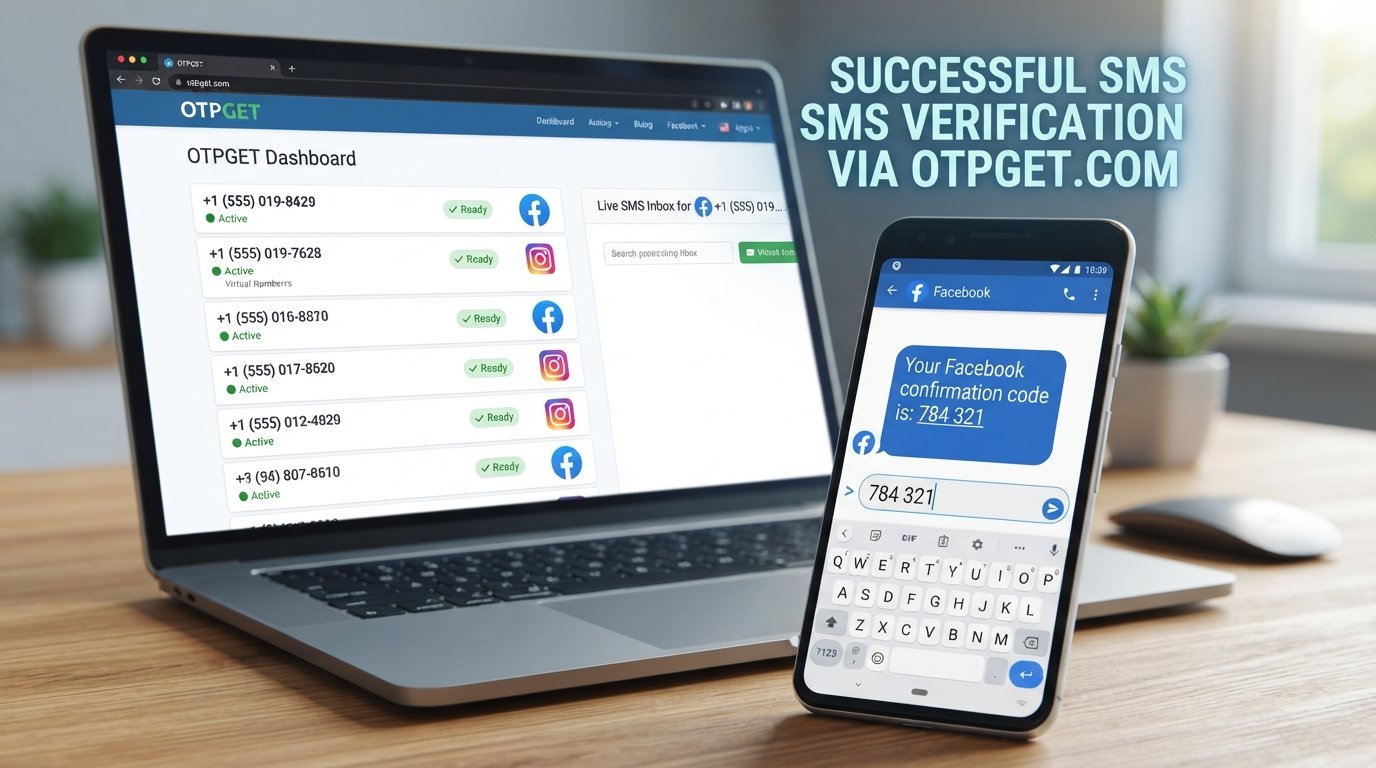
One option is to use a number from a service such as OTPGET, where an appropriate number and Telegram OTP service may be available depending on current inventory and acceptance. The key is understanding how the process works before choosing an approach.
Why Would You Need a Second Telegram Account?
A second Telegram account can be useful for much more than simply having another profile.
Personal and professional separation
Keeping work conversations away from personal chats can make Telegram easier to manage. A separate account can give business contacts a dedicated identity without requiring you to mix them with family and friends.
Business communication
Small-business owners, freelancers, and independent professionals may prefer a separate Telegram account for customers, suppliers, or work groups.
Community management
If you manage groups, channels, or online communities, a dedicated account can help keep administrative conversations separate from your everyday messaging.
Privacy and organization
Some users simply want a separate account for different social circles. Telegram's privacy settings also allow users to control who can see their phone number, although privacy settings should not be confused with anonymity.
Testing and account organization
A separate account can also be useful when you want to keep a particular project, community, or communication workflow isolated from your primary account.
Can You Have Two Telegram Accounts?
Yes. Telegram supports multiple accounts, and each phone number represents a separate Telegram account. Telegram specifically notes that people using multiple phone numbers can create another account on a second number and switch between accounts without logging out.
This distinction is important.
You are not simply creating a second profile under the same account. You are creating another Telegram account connected to another phone number.
So, if your goal is to create a Telegram second account, the basic requirement is another eligible phone number that can complete Telegram's verification process.
What You Need Before Creating a Second Telegram Account
Before starting the setup, have these basics ready:
- The Telegram app installed on your phone
- A stable internet connection
- A separate phone number
- Access to the verification code sent to that number
- A device where you can complete the Telegram setup
- A secure way to maintain access to the number associated with the account
The phone-number requirement is particularly important. Telegram says its accounts are connected to mobile numbers and warns that losing access to the connected number can put account access at risk.
In other words, don't treat the verification number as an insignificant part of the process. Think about how you will maintain access to your account after registration.
How to Create a Second Telegram Account
The exact menu wording can vary slightly by device or app version, but the general process is straightforward.
- Open Telegram.
Sign in to your existing account if you are not already using the app. - Open the account or settings menu.
Look for the option to add another account. - Choose the option to add an account.
Telegram supports having multiple accounts in the same app, allowing you to switch between them rather than repeatedly signing out. - Enter your second phone number.
Use a number that is eligible for Telegram registration and that you can access for verification. - Wait for the Telegram verification code.
Depending on Telegram's verification flow, the code may be delivered through an available verification method. Telegram notes that login codes can sometimes be sent through Telegram itself when an existing connected device is available. - Enter the verification code.
If the code is valid and Telegram accepts the number, continue with account setup. - Complete your profile.
Add your name, profile picture, username, and other details as appropriate. - Switch between accounts when needed.
Once the second account is added, you can manage the accounts from the same Telegram app.
The main thing to remember is simple: a second Telegram account needs a second number.
What If You Don't Want to Use Your Main Phone Number?
There are several legitimate reasons someone may prefer not to attach another Telegram account to their primary phone number.
You might want to:
- Keep your main number private from a particular group of contacts.
- Separate personal and professional communication.
- Avoid purchasing another physical SIM solely for a secondary account.
- Keep a dedicated number for a specific project or community.
- Use an alternative number when one is available and appropriate for the service.
This is where online number and OTP services can become relevant.
However, an alternative or virtual number should not be treated as a guarantee of anonymity, security, or permanent account access. Telegram's own guidance emphasizes maintaining access to the phone number connected to an account.
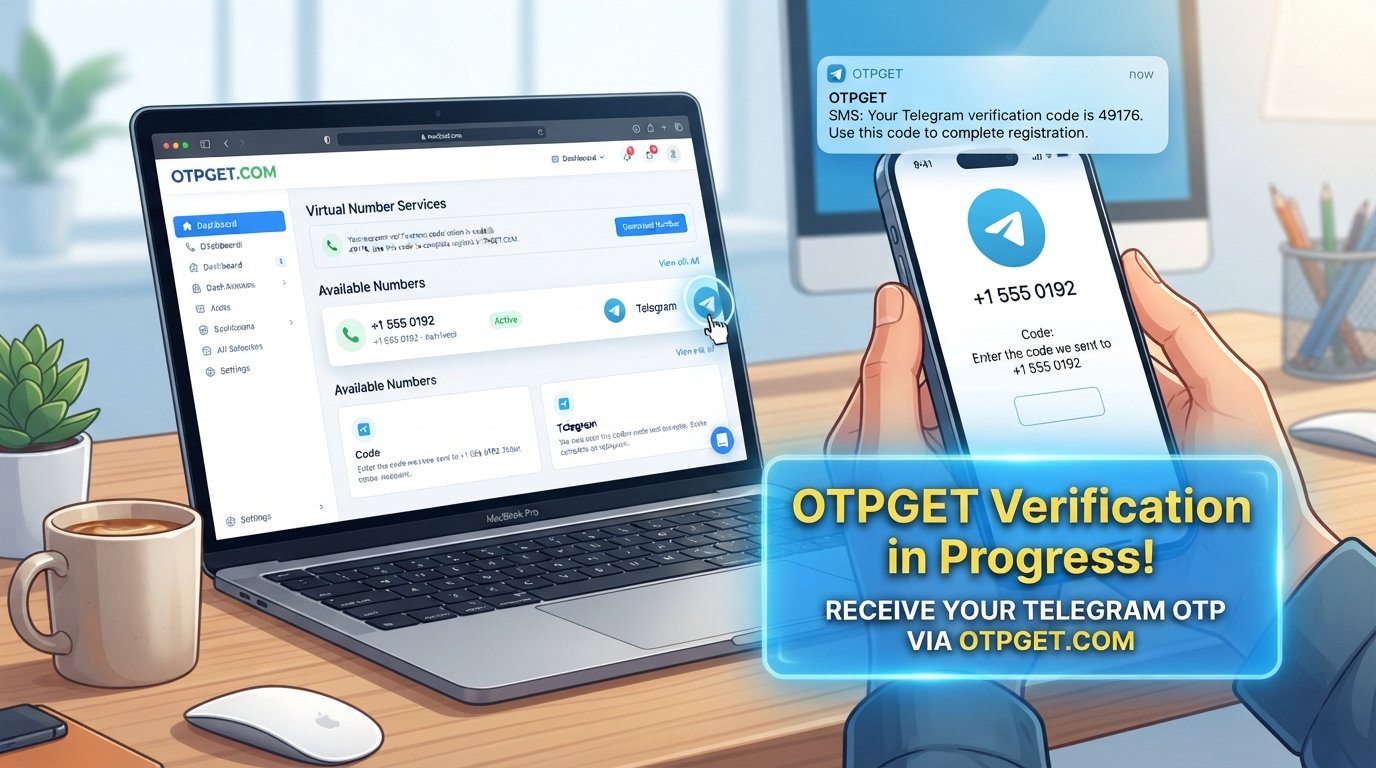
Using OTPGET for Telegram OTP Verification
If you need another number specifically for verification, OTPGET can be a practical option to consider when an appropriate Telegram-supported number is available.
OTPGET's documentation describes services for obtaining numbers and receiving SMS verification codes, and its service listings can include Telegram depending on available numbers and service inventory.
The important qualification is that not every number is guaranteed to work with Telegram. Telegram decides whether a number can be used for registration, and availability can change.
How the OTPGET workflow works
The basic process is:
- Visit OTPGET.
Review the available number and verification options. - Choose an appropriate number or Telegram service if available.
Availability depends on the numbers and services currently offered. - Enter the provided number in Telegram.
Use it during the second-account registration process. - Request the Telegram verification code.
Telegram sends the verification message if the number and registration flow are accepted. - Receive the OTP through the supported OTPGET service.
OTPGET's SMS API documentation describes checking the status of an activation and retrieving a received code. - Enter the valid code into Telegram.
Complete the verification step inside the Telegram app. - Finish your account setup.
Configure the new account and its privacy settings.
OTPGET is therefore best understood as a number and OTP-verification option, not a way to bypass Telegram's security systems. If Telegram rejects a number, limits an attempt, or otherwise does not accept the registration, an OTP service cannot guarantee that the account will be approved.
OTPGET vs Using Your Personal Number
Both approaches have advantages and trade-offs.
| Factor | Personal Number | OTPGET / Alternative Number |
|---|---|---|
| Convenience | Familiar and directly controlled | Convenient when a suitable number is available |
| Privacy | Uses your existing number | Can help keep your primary number separate |
| Account separation | Requires another eligible number | Designed for obtaining an alternative number where supported |
| Availability | Depends on your SIM/mobile service | Depends on current number inventory |
| Verification | Direct SMS or another Telegram-supported method | Depends on Telegram accepting the selected number and OTP delivery |
| Long-term access | Usually straightforward if you keep the SIM | Requires careful consideration of continued access to the number |
For an account you expect to rely on long term, think beyond the initial OTP. Losing access to the number associated with a Telegram account can create account-recovery problems.
Tips for Managing a Second Telegram Account
Creating the account is only the beginning. A few simple habits can make multiple accounts much easier to manage.
- Protect verification codes. Never share a Telegram OTP with another person.
- Use Telegram's security features. Review privacy and security settings after creating the account.
- Review active sessions. Remove devices you no longer recognize or use.
- Keep accounts organized. Give each account a clear purpose.
- Maintain number access where necessary. A number that cannot be accessed later can become a liability.
- Separate work and personal notifications. This can make a multi-account setup much less distracting.
- Consider two-step verification. An additional password can provide another layer of account protection where appropriate.
Common Problems When Setting Up a Second Telegram Account
OTP not arriving
Check that the number was entered correctly and that the selected number can receive the required type of message. If using an online OTP service, check its activation or message status as well.
Also remember that Telegram may use different verification methods depending on the circumstances.
The number is unavailable
An OTP provider may temporarily have no suitable numbers for a particular service or region. OTPGET's documentation, for example, includes a NO_NUMBERS response for unavailable inventory.
The verification code expires
OTP codes are time-sensitive. If a code is no longer valid, follow Telegram's available verification flow rather than repeatedly entering an expired code.
Telegram does not accept the number
Not every virtual or alternative number will necessarily be accepted. Telegram controls its own registration and verification systems, so changing to another eligible number may be necessary.
Too many attempts
Repeated registration attempts can trigger restrictions or delays. Avoid repeatedly requesting codes when the previous attempt has not completed.
You lose access to the number
This is one of the most important issues to consider. If the Telegram account depends on a number that you can no longer access, future login or account-recovery steps may become difficult. Telegram explicitly warns users to maintain access to the phone number connected to their account.
Is a Second Telegram Account Right for You?
A second account makes sense when you have a genuine reason to separate communication.
It can be particularly useful if you:
- Keep personal and professional messages separate.
- Manage a business or online community.
- Want a dedicated account for a project.
- Need to organize different communication circles.
- Have access to another suitable phone number.
If your only goal is to hide your identity, however, a second account should not be treated as a guarantee of anonymity. Your account still operates under Telegram's rules and verification systems.
For users who simply need another number, an OTP service such as OTPGET can make the number-and-verification part of the setup more convenient when the relevant number and Telegram service are available and accepted.
Final Thoughts
Setting up a Telegram second account is relatively simple once you understand the key requirement: each Telegram account needs its own phone number.
For many people, using a second personal or business number is the most straightforward approach. For others, obtaining an alternative number through an online OTP service may be more convenient.
OTPGET can be considered when you need an additional number for receiving a Telegram verification OTP and an appropriate supported option is available. Just remember that number availability and Telegram acceptance can vary, and no third-party OTP service should be viewed as a way around Telegram's security controls.
The best setup is the one that balances access, privacy, security, and long-term account control.
11. FAQ Section
Can I have two Telegram accounts?
Yes. Telegram supports multiple accounts, and each account is associated with a separate phone number. You can switch between accounts in the Telegram app.
How do I create a second Telegram account?
Open Telegram, use the account-management area to add another account, enter a separate eligible phone number, complete the verification process, and finish your profile setup.
Do I need another phone number for Telegram?
Yes. A separate Telegram account requires a separate phone number. Telegram states that each phone number is a separate account.
Can I use a second number for Telegram?
Yes, provided the number is eligible for Telegram registration and can complete Telegram's verification process. You can use another personal number or consider an alternative number service where appropriate.
How can I receive a Telegram verification OTP?
Enter your eligible phone number during Telegram's registration or login process and follow the verification method Telegram provides. Depending on the circumstances, Telegram may deliver a login code through SMS or another supported method.
Can OTPGET be used for Telegram verification?
OTPGET provides number and OTP services that can include Telegram options when supported and available. However, compatibility is not guaranteed for every number because Telegram controls its own verification and acceptance process.
Why is my Telegram OTP not arriving?
Check the number, connection, and verification status first. If you are using an OTP service, check whether the activation is still waiting for a message. Avoid repeatedly requesting codes if the previous attempt has not finished.
Can I use the same number for two Telegram accounts?
No. Telegram treats each phone number as a separate account. To create another independent account, you need another eligible phone number.