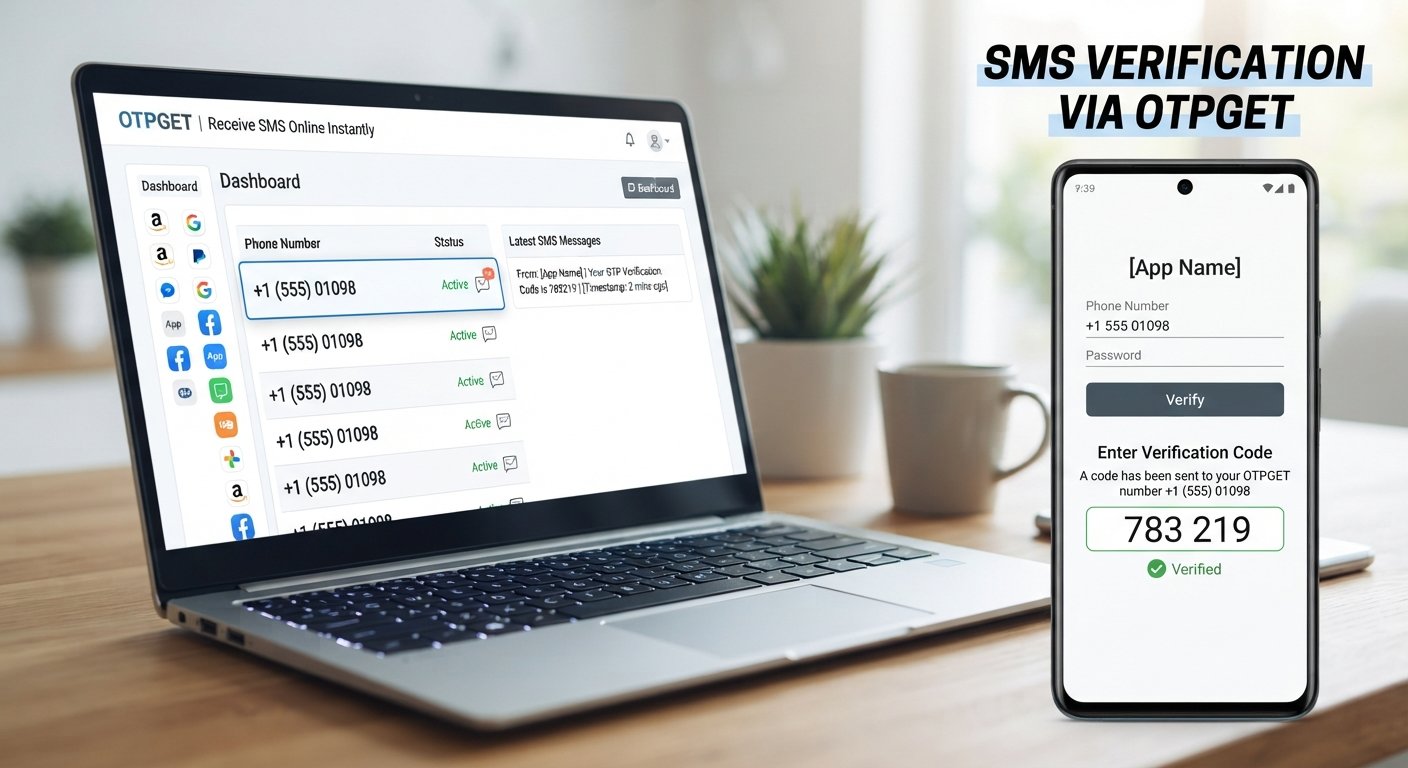
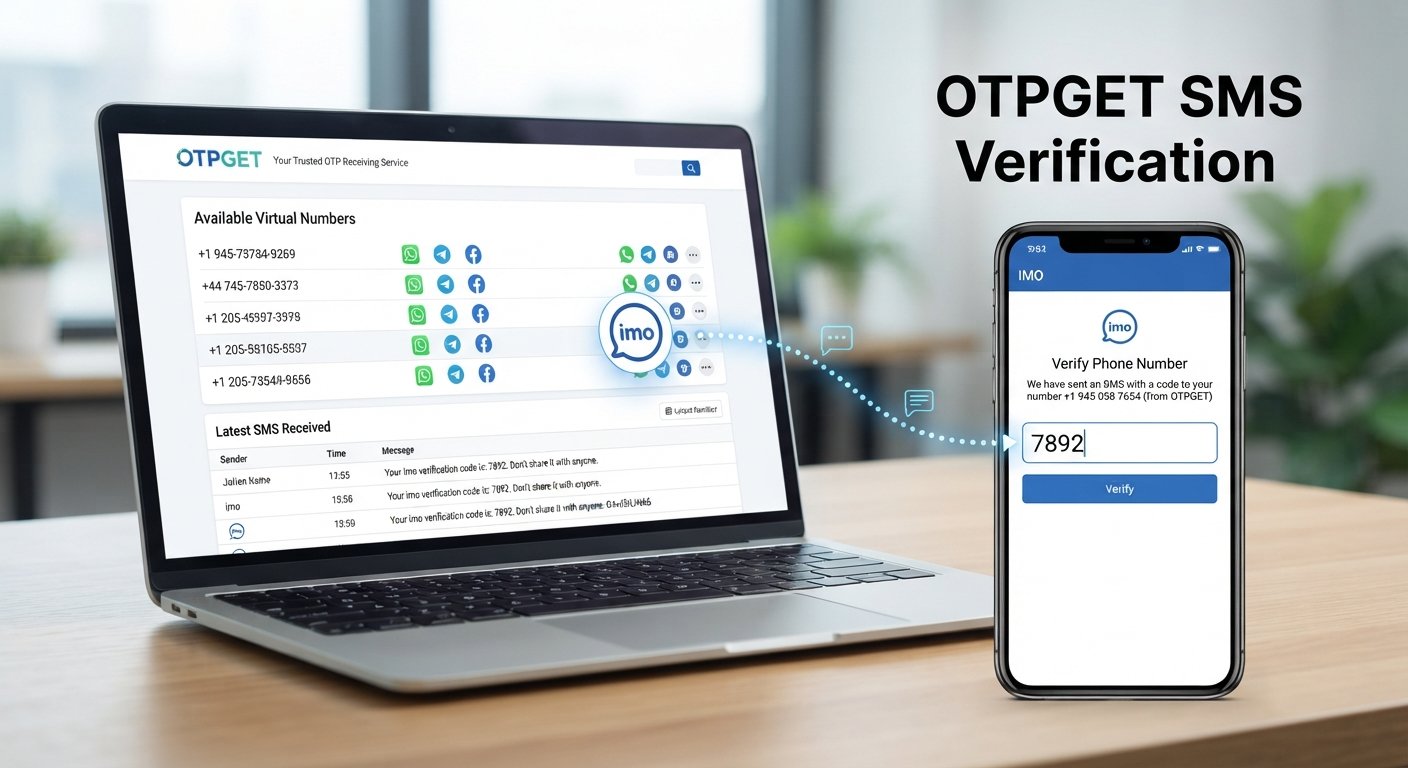
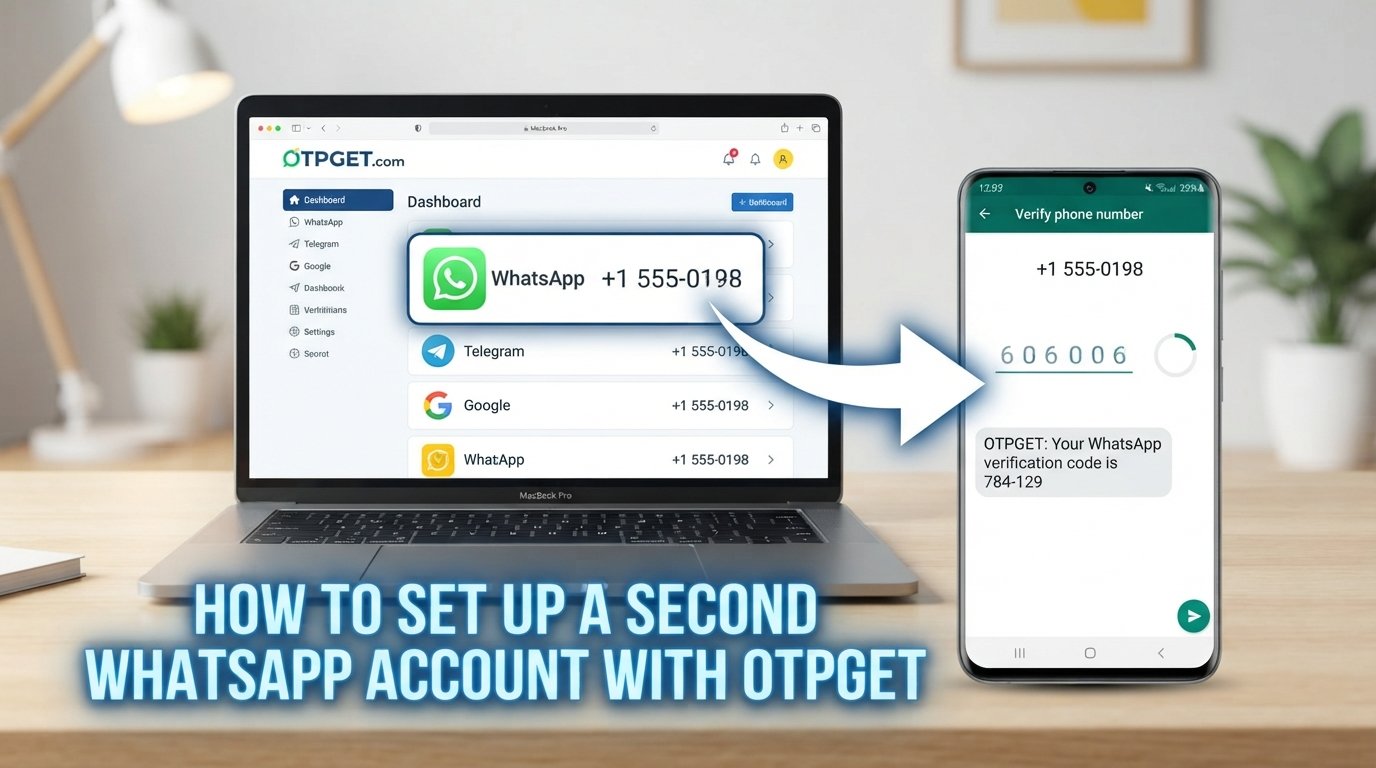
Get OTP Online with Instant Virtual Numbers | OTPGET
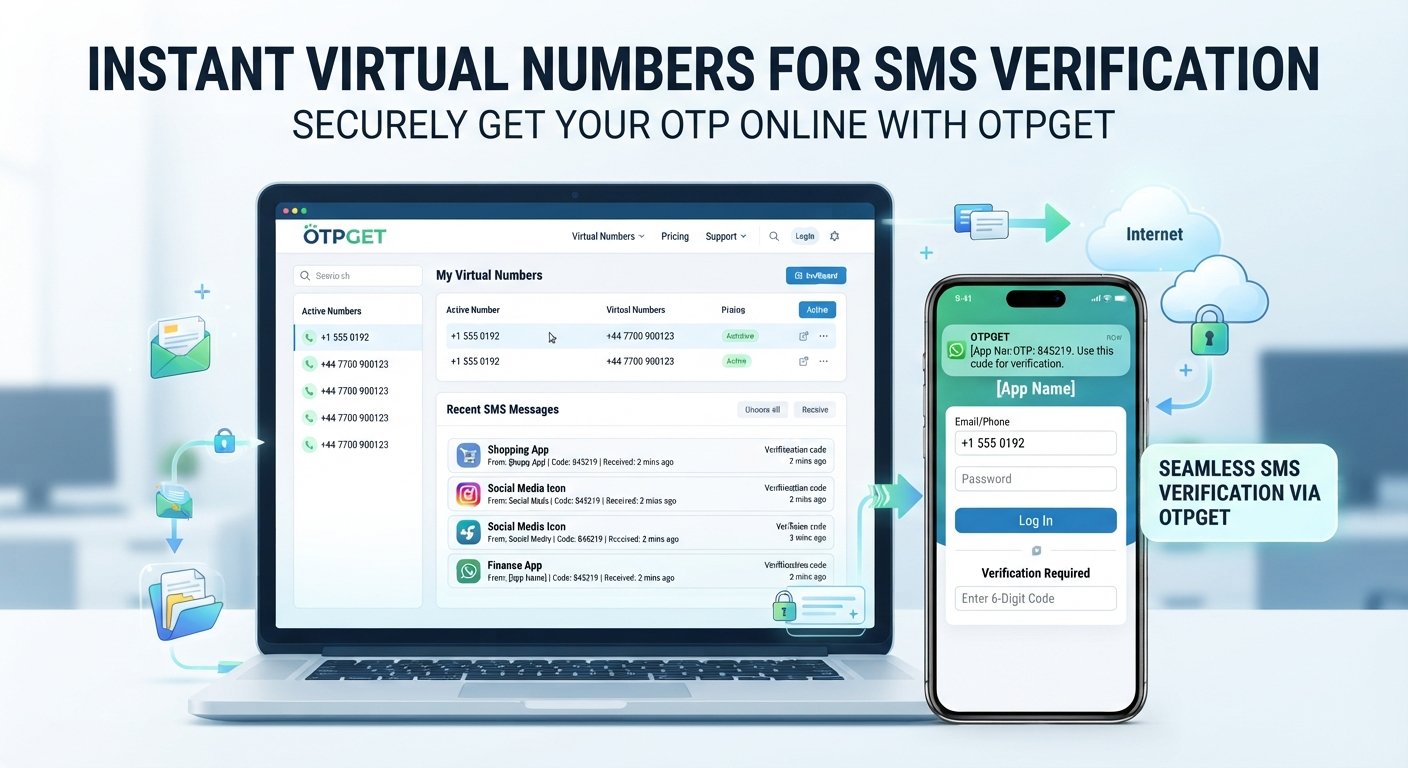
Get OTP Online – Instant Virtual Numbers
Have you ever needed to verify an online service but preferred not to use your personal phone number? Whether you are testing an application, working on a temporary project, or simply want to keep online activity separate from your everyday communications, a virtual phone number can be useful.
That is where online OTP services come in. Instead of relying exclusively on a personal SIM, users can use a supported virtual number to receive SMS verification codes through an online service.
If you are looking to get OTP online, OTPGET is designed to help users access virtual numbers for online verification needs. Before choosing any service, however, it is worth understanding how online OTP verification works, where virtual numbers are useful, and what limitations you should keep in mind.
What Does It Mean to Get an OTP Online?
An OTP, or one-time password, is a temporary verification code sent by a service to confirm that someone has access to a particular communication channel.
For example, a website may ask you to enter a phone number before sending a six-digit verification code by SMS. Once the code arrives, you enter it into the relevant verification field.
When you get OTP online, the SMS is received through a virtual phone number rather than necessarily being delivered to your personal mobile number.
The basic idea is straightforward:
- You obtain a suitable virtual number.
- You provide that number to a service requesting phone verification.
- The service sends an OTP by SMS.
- The supported online number service receives the message.
- You enter the verification code where appropriate.
The exact experience can vary depending on the virtual number provider and the service sending the SMS.
Why Do People Use Online OTP Verification?
There are several legitimate reasons someone may want to receive OTP online instead of using a personal number.
Keeping personal and online activity separate
Using a separate number can help distinguish personal communications from certain online activities. This can be particularly useful when signing up for services that you do not expect to use regularly.
Testing services and applications
Developers, testers, and QA teams may need phone numbers when checking registration or SMS verification workflows. A virtual number can provide a practical option for appropriate testing scenarios.
Temporary projects
Some projects only require phone verification for a limited period. A temporary number for OTP can be useful when a long-term personal number is unnecessary.
Reducing unnecessary exposure of a personal number
Not every online service needs to have your everyday phone number. Where a service permits virtual numbers, using a separate number can provide an additional layer of separation between your personal communications and online registrations.
That said, a virtual number should not be treated as a way to bypass security requirements, identity checks, or the rules of a platform.
How Does an Online OTP Number Work?
The process is generally simple, although available features and supported services differ between providers.
1. Choose a suitable virtual number
Start by selecting a number offered for your intended verification purpose. Availability can vary, so check whether the number is appropriate for the service you are using.
2. Enter the number
When a legitimate website or application requests phone verification, enter the virtual phone number in the relevant field.
3. Request the OTP
The service sends an SMS containing a verification code to the number you provided.
4. Receive the SMS
If the number and service are compatible, the incoming message appears through the supported online SMS service.
5. Enter the verification code
Use the OTP within the requesting service's verification process. OTPs are normally intended for one-time or short-lived use, so follow the instructions provided by the service.
For a deeper explanation of the underlying process, an internal guide could link from the phrase [How OTP Verification Works].
Why Choose a Virtual Phone Number for OTPs?
A virtual phone number can be useful when you need flexibility without making your personal mobile number the default option for every online interaction.
Some practical advantages include:
- Convenience: Receive supported verification messages through an online service.
- Separation: Keep personal communications separate from temporary online activity.
- Flexibility: A virtual number can be useful for projects that do not require a permanent personal number.
- Accessibility: Depending on the provider, the number and incoming messages may be managed through an online interface.
- Simpler workflows: Virtual numbers can make certain testing and SMS verification processes easier to organize.
However, these benefits depend on the specific service, number type, and website being verified. A virtual number is not automatically suitable for every situation.
OTPGET: A Practical Way to Get OTP Online
OTPGET is designed to help users access virtual numbers for online verification needs. For someone searching for a straightforward way to get OTP online, the basic appeal is having a separate number available for supported SMS verification workflows.
Rather than making the discussion solely about technical terminology, the practical question is simple: can a virtual number make an appropriate verification task easier to manage?
For supported use cases, OTPGET can fit into that workflow by providing access to virtual numbers and facilitating OTP/SMS reception.
Potentially useful benefits include:
- Access to virtual numbers for online verification.
- A convenient approach to receiving supported OTP messages.
- Separation between personal phone use and selected online activities.
- A streamlined workflow for appropriate SMS verification needs.
- A practical option for temporary projects and testing scenarios.
The important point is to match the number to the intended use. Not every website accepts every type of virtual number, and compatibility can depend on the service requesting verification.
How to Use OTPGET to Receive an OTP Online
If you are new to online phone verification, the process can be approached in a few straightforward steps:
- Identify your verification requirement. Know which legitimate service requires the SMS code and whether it permits virtual numbers.
- Access a suitable number through OTPGET. Select an available virtual number appropriate for your intended use.
- Enter the number on the requesting service. Use the number exactly as required by the service's phone verification form.
- Request the verification code. The service will send an SMS if the number is accepted.
- Check for the incoming message. If the SMS is supported and delivered, locate the OTP through the applicable OTPGET workflow.
- Complete verification. Enter the received code in the original service when appropriate.
For more detailed educational content, a future [OTPGET Guide] could explain the workflow and common terminology in greater depth.
Always follow the terms and verification requirements of the website or application you are using.
What to Look for in an Online OTP Service
Choosing an online OTP service should involve more than simply finding a number quickly. Consider the following factors before using one.
Number availability
A useful service needs numbers that are available for the type of verification you intend to perform. Availability can change, so check the options presented by the provider.
Supported services
Some websites accept virtual numbers while others may restrict them. Compatibility is one of the most important practical considerations.
Reliability
Consider how consistently the service handles incoming SMS messages and whether the overall workflow is easy to understand.
Transparency
Look for clear information about how numbers are provided, how they are used, and what limitations may apply.
Privacy considerations
Understand what information the service may require and how the virtual number is handled. Avoid assuming that a virtual number automatically provides complete anonymity or security.
Number reuse policies
Find out whether numbers are temporary or may later be reassigned. This matters particularly when dealing with accounts or services that may send future messages.
Support and pricing
Clear pricing information and accessible support can make an online verification service easier to evaluate and use responsibly.
If you are researching related options, an internal page titled [Virtual Phone Numbers] could explain different number types and their practical applications.
Online OTP vs. Using Your Personal Phone Number
Both approaches have legitimate uses.
| Personal phone number | Virtual phone number |
|---|---|
| Familiar and usually permanent | Often suited to temporary or separate use |
| Directly connected to your mobile service | Managed through an online number service |
| Useful for important personal accounts | Useful for selected online verification workflows |
| Usually under your direct control | Availability and access depend on the provider |
| Less dependent on third-party availability | May have compatibility or reuse limitations |
For important personal, financial, or identity-sensitive accounts, the service's own verification requirements should take priority. A virtual number should not be assumed to be interchangeable with a permanent personal number.
Common Use Cases for Virtual OTP Numbers
Virtual numbers can have several practical applications when used within the rules of the relevant service.
Application testing
Developers and QA teams may need numbers for testing registration, login, password recovery, or SMS notification workflows.
Temporary projects
A project that requires SMS verification for a limited period may not justify using a personal number.
Online service verification
Some services allow users to verify an account or feature with a supported virtual number.
Separating testing from personal activity
Keeping testing or project-related communications separate can make workflows easier to organize.
Development and QA workflows
A virtual SMS number can be useful when checking whether an application correctly generates and processes verification codes.
For related content, [Online SMS Verification] could serve as an internal link to an educational page covering SMS-based verification.
Important Things to Know Before Using an Online OTP Number
Online OTP services are useful, but they are not universal replacements for mobile numbers.
First, some platforms may not accept virtual numbers. A website may specifically require a mobile number from a particular type of carrier or may apply its own verification rules.
Second, SMS delivery can vary. Delays, carrier behavior, service restrictions, and compatibility can affect whether a verification message arrives.
Third, some numbers may be temporary. If a number can later be reassigned, it may not be appropriate for an account that you need to access repeatedly over a long period.
Fourth, sensitive services may require stronger verification. Financial services, government-related services, and other high-trust platforms may require identity checks or authentication methods beyond an SMS OTP.
Finally, always use virtual numbers responsibly. Follow the terms of the website or application you are verifying, and do not use an online OTP service to facilitate fraud, spam, unauthorized access, or attempts to circumvent security controls.
Frequently Asked Questions About Getting OTP Online
Can I get an OTP online?
Yes, an OTP can be received online when a compatible virtual phone number service supports the SMS sent by the requesting website or application. The availability and compatibility of the number depend on the relevant services.
What is a virtual phone number?
A virtual phone number is a phone number that can be provided and managed through an online service rather than being tied directly to a traditional physical SIM in your personal phone. It can be used for supported calling or SMS purposes depending on the provider.
How do I receive an OTP online?
Generally, you select a suitable virtual number, enter it into the service requesting verification, request an OTP, and check the supported online SMS interface for the incoming verification code.
Can I use a virtual number for SMS verification?
In some cases, yes. However, not every website accepts virtual numbers. Always check the requirements and terms of the service you are attempting to verify.
Is every website compatible with virtual numbers?
No. Compatibility varies. Some services may accept virtual numbers, while others may restrict them or require a particular type of phone number.
How long does an online OTP remain valid?
The validity period is determined by the service that sends the OTP. Many verification codes are designed to expire after a limited period, so use the code according to the instructions provided.
Is an online OTP number suitable for every type of account?
No. Temporary or virtual numbers may not be appropriate for accounts that require a permanent number, stronger identity verification, or long-term account recovery access.
What is OTPGET?
OTPGET is a solution designed to help users access virtual numbers for online verification needs, including supported OTP and SMS verification workflows.
Final Thoughts
The ability to get OTP online can be useful when you need a virtual phone number for an appropriate verification task, temporary project, application test, or separate online workflow.
The key is understanding both the convenience and the limitations. Virtual numbers can help separate personal and online activity, but compatibility, SMS delivery, number availability, reuse policies, and the verification requirements of individual services all matter.
OTPGET provides a practical option for users looking for access to virtual numbers for online OTP and SMS verification. If that matches your use case, explore OTPGET and choose a number that fits the service and verification process you need.
11. Suggested Internal Links
- [Virtual Phone Numbers] — Link to an educational page explaining virtual numbers, their types, and common legitimate use cases.
- [Online SMS Verification] — Link to a guide explaining how SMS-based verification works.
- [How OTP Verification Works] — Link to a beginner-friendly explanation of OTP generation, delivery, and expiration.
- [Temporary Phone Numbers] — Link to content explaining temporary numbers, their benefits, and their limitations.
- [OTPGET Guide] — Link to a dedicated guide explaining how users can navigate OTPGET for supported virtual-number and OTP workflows.