Gmail Account Setup: Get Your OTP Fast With OTPGET Guide & Tips
Gmail Account Setup: Get Your OTP Fast
Setting up a Gmail account is usually a straightforward process. You choose your account details, create a password, follow the verification steps, and you are ready to go. The frustrating part begins when the verification code does not arrive when you expect it.
A delayed Gmail OTP can bring the entire signup process to a stop. You may check your phone repeatedly, request another code, or wonder whether the problem is your device, mobile network, or the verification system itself.
The good news is that many OTP delivery problems have simple explanations and practical fixes. And when you need a convenient way to receive a verification message, a legitimate OTP receiving service such as OTPGET can be another option to consider, provided the number and verification method are permitted for your intended use.
Why Gmail Account Verification Requires an OTP
An OTP, or One-Time Password, is a temporary verification code used to confirm that the person completing a verification step can access a particular phone number, email address, or authentication method.
During Google account setup, phone verification may sometimes be required. Google explains that phone verification can be used to confirm that a user is a real person and to help protect its services from abuse.
The basic idea is simple: a verification code is sent to a number associated with the verification process, and you enter that code when prompted.
What is a Gmail OTP?
A Gmail OTP is a temporary verification code used during an eligible Google or Gmail-related verification step. It helps confirm access to the phone number or verification method being used. Depending on the account and security situation, Google may use different verification methods rather than an SMS code.
OTP verification is useful because it adds another checkpoint beyond basic account information. However, SMS delivery depends on factors outside the account setup screen, which means delays can occasionally happen.
Common Reasons You May Not Receive a Gmail OTP
If your Gmail verification code is not arriving, do not immediately assume something is wrong with your account. Several ordinary delivery issues can interfere with SMS verification.
Here are some common possibilities:
-
Incorrect phone number: One incorrect digit can prevent the message from reaching you.
-
Wrong country code: International numbers need to be entered in the format requested by the verification screen.
-
Weak mobile signal: Poor reception can delay incoming SMS messages.
-
Carrier or network delays: Mobile providers can experience temporary congestion or delivery problems.
-
Too many requests: Repeatedly asking for new codes can make the process more confusing, especially when several messages arrive out of sequence.
-
Temporary verification restrictions: Google may limit how often a phone number can be used for account verification.
-
Message filtering: Your phone or messaging application may filter, block, or categorize automated messages.
-
Device or browser issues: A temporary browser or connection problem can interfere with the signup flow even when SMS delivery itself is working.
Google specifically notes that carrier issues and network conditions can delay verification messages. It also explains that only the newest verification code may work when multiple codes have been requested.
How to Get Your Gmail Verification Code Faster
Before looking for another solution, work through the basics. These steps can resolve many cases of an OTP not received problem.
1. Check the phone number
Review every digit before requesting another code. If the number is incorrect, additional requests will not solve the problem.
2. Confirm the country code
For international numbers, make sure the country selection and number format match what the verification page requests.
3. Check your mobile signal
Move to an area with stronger reception if your signal is weak. SMS delivery depends partly on the mobile network.
4. Give the message a little time
Avoid immediately requesting multiple codes. If the first message is delayed, several requests can leave you with multiple codes, and Google notes that the newest code may be the one that works.
5. Check your SMS inbox and filters
Look through your normal messages and any spam, blocked, or filtered sections supported by your messaging application.
6. Try a reliable connection and device
If the verification page itself is behaving strangely, refresh the process or try a supported browser or device.
7. Follow Google's displayed instructions
Verification requirements can vary. If Google offers another verification method, follow the option presented rather than attempting to circumvent the process.
8. Consider an appropriate OTP receiving service
If you legitimately need a temporary verification number and the relevant service permits it, an OTP receiving platform such as OTPGET may provide a convenient alternative.
[Learn More About OTP Verification]
OTPGET: A Convenient Solution for OTP Verification
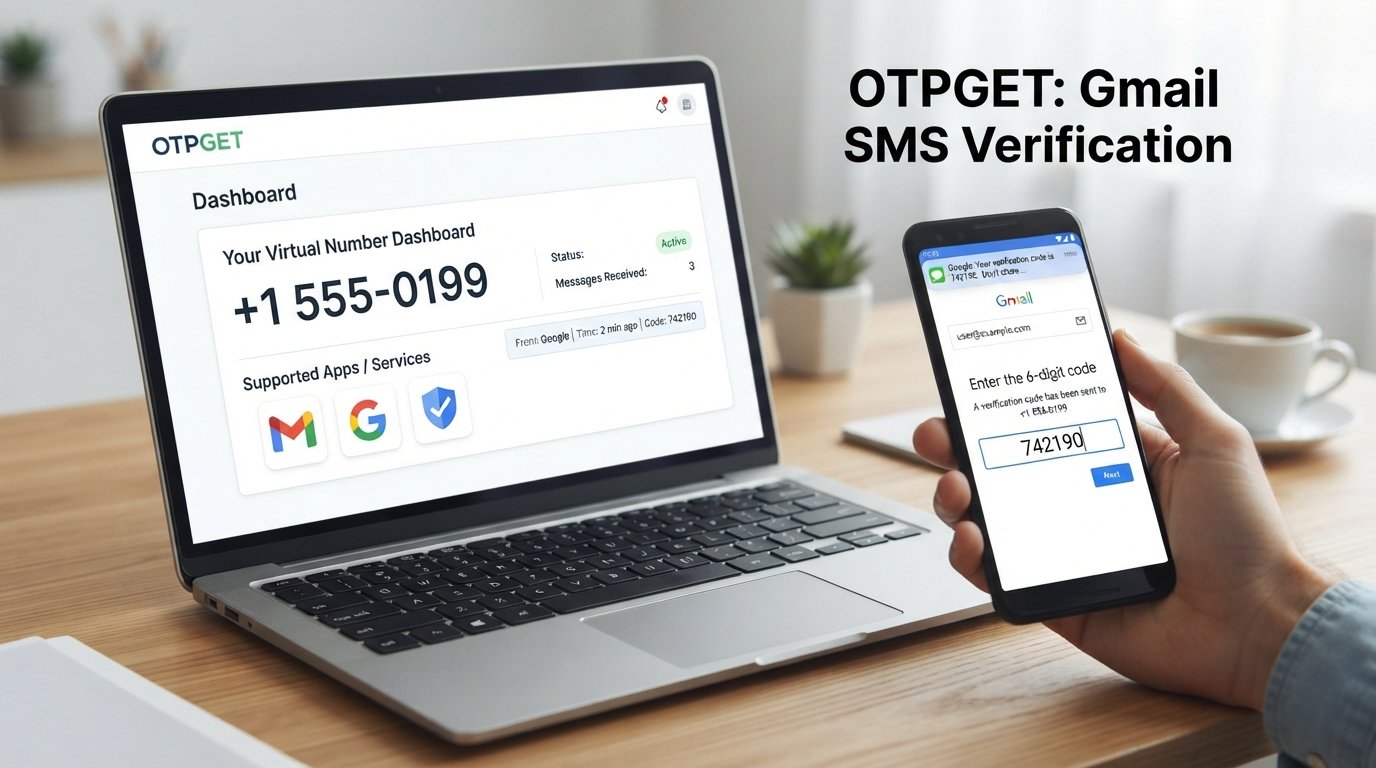
When the main challenge is having access to a suitable phone number for receiving a verification message, OTPGET provides virtual phone numbers designed for SMS and OTP verification.
According to its official website, OTPGET offers virtual numbers that can receive verification messages online, with messages displayed through its dashboard or available through its API. The service also provides one-time virtual numbers and longer-term rental options.
The concept is straightforward. Instead of relying on a physical SIM card for every verification scenario, a user can select an available virtual number that supports the relevant service.
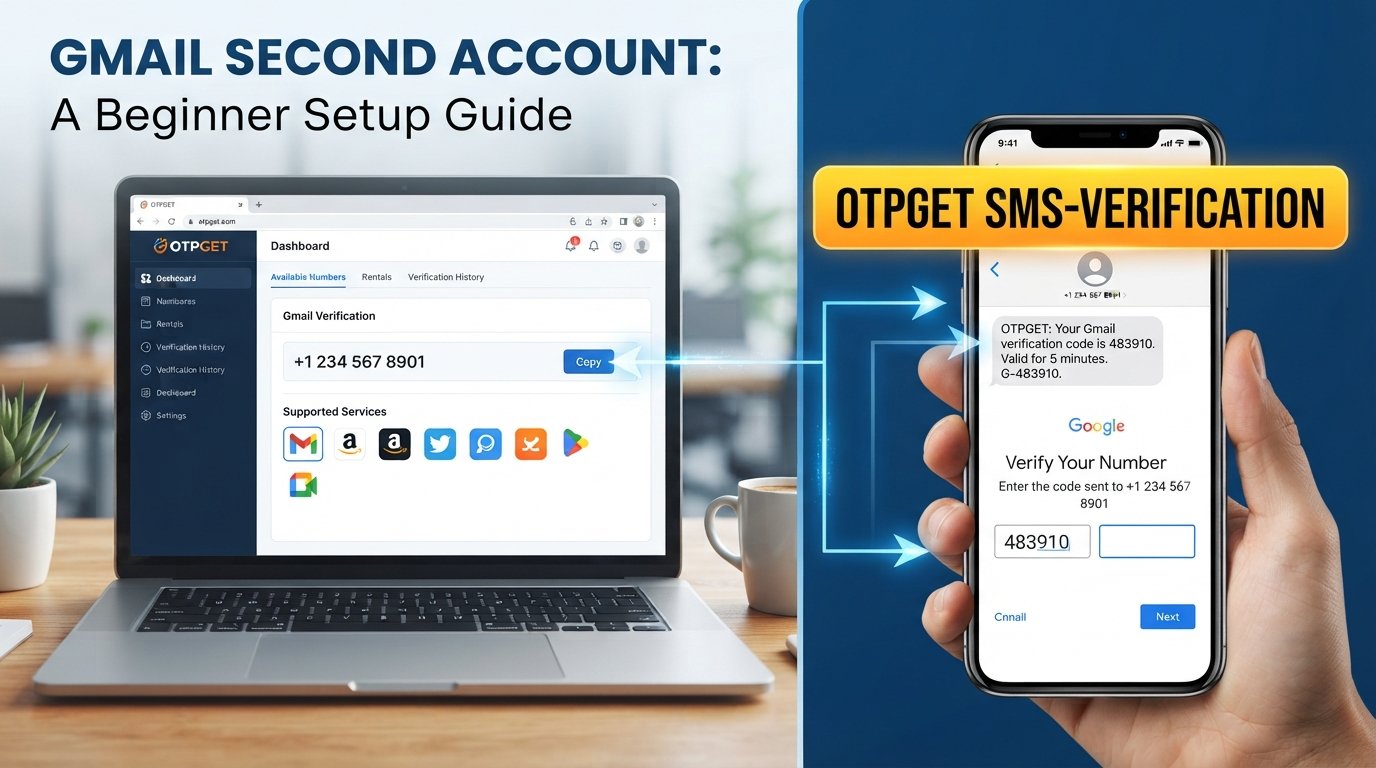
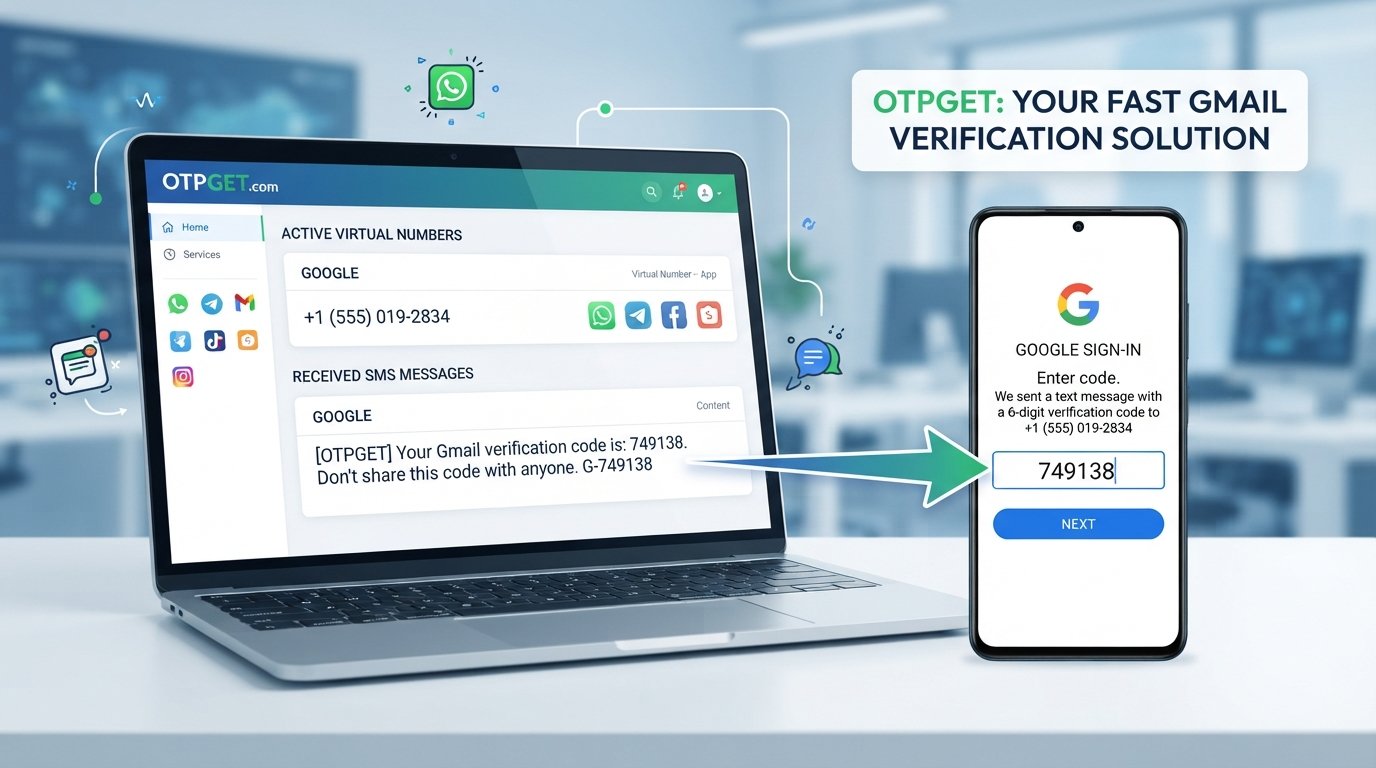
A typical workflow looks like this:
-
Create or access your OTPGET account.
-
Select an appropriate country and supported service.
-
Obtain an available virtual number.
-
Enter that number into the relevant verification screen when its use is permitted.
-
Request the verification code.
-
Monitor the OTPGET dashboard for the incoming SMS.
-
Enter the received verification code into the original verification screen.
-
Complete the account setup according to the platform's instructions.
OTPGET's official documentation also describes status checking for received SMS codes, making the basic process understandable for both regular users and developers.
Importantly, using an OTP service does not mean bypassing Google's security systems. Google can decide whether a number is acceptable for verification, and users should always follow the requirements shown during account creation.
[Explore OTPGET]
Why Choose OTPGET for Receiving Verification Codes?
The main appeal of an OTP receiving service is convenience. If you have a legitimate reason to avoid using your personal number for a particular temporary verification workflow, a virtual number can provide an alternative.
OTPGET can be useful in scenarios where users need:
-
A virtual phone number for an eligible verification workflow
-
A way to receive SMS verification messages online
-
A temporary number instead of using a personal mobile number
-
A simple dashboard-based method for monitoring incoming OTP messages
-
A number for a short-term verification task
-
Rental-number options when a longer access period is appropriate
The platform's official information describes both temporary virtual numbers and rental numbers, allowing users to choose an option based on their intended workflow.
The important distinction is that convenience does not equal guaranteed acceptance. A particular number may not be accepted by every platform, and Google may apply its own verification restrictions.
That makes OTPGET a practical option to explore, rather than a promise that every Gmail signup will automatically succeed.
Gmail OTP Not Received? Try These Steps First
If you are searching for “Gmail verification code not received” or “verification code not arriving,” use this quick checklist:
-
Recheck the phone number.
-
Confirm the country code.
-
Make sure your phone has adequate signal.
-
Check your SMS inbox and filtering settings.
-
Wait briefly before requesting another code.
-
Avoid making repeated requests in rapid succession.
-
Refresh or restart the relevant signup process when appropriate.
-
Follow the verification method Google provides.
-
If suitable for your legitimate use case, consider an OTP receiving service such as OTPGET.
Google also notes that a phone number may be restricted if it has already been used for verification too many times. In that situation, repeatedly requesting another code may not fix the underlying issue.
Gmail Account Setup: A Simple Step-by-Step Overview
For someone creating an account for the first time, the overall Gmail signup process is easier when you treat verification as one part of the complete setup.
-
Open the Google Account signup page.
-
Select the appropriate account type.
-
Enter the requested personal information.
-
Choose an available Gmail username.
-
Create and confirm a strong password.
-
Add a phone number if Google requests or offers phone verification.
-
Complete the requested verification step.
-
Enter the verification code if one is sent.
-
Finish the remaining account setup.
-
Add appropriate recovery information to help protect future access.
Google's official account creation guidance confirms that users can create a Google Account, select a Gmail address, provide account information, create a password, and follow the verification instructions presented during setup.
Remember that Gmail is part of the broader Google Account system. Your Google Account can also provide access to services such as Drive, YouTube, Calendar, and Google Play.
Is Using an OTP Service Safe?
An OTP service should be treated as a verification tool, not as a replacement for responsible account security.
Before using a temporary phone number, consider the purpose of the account. A temporary number may be convenient for a short-term verification workflow, but it may be a poor choice for an important account that you expect to recover through the same phone number later.
For safer use:
-
Choose a service with clear terms and privacy information.
-
Never share your Gmail password with an OTP provider.
-
Never give verification codes to another person.
-
Use numbers only for legitimate purposes.
-
Check whether the platform permits the verification method you intend to use.
-
Keep permanent recovery information for accounts that matter to you.
-
Do not assume that a temporary number guarantees account approval.
-
Follow Google's verification and account-security requirements.
Google specifically warns users not to share verification codes because they can be used by scammers attempting to take over accounts.
The same principle applies when using OTPGET: the verification code should remain private and should only be entered into the legitimate service requesting it.
Final Thoughts: Get Your Gmail OTP Without the Hassle
A Gmail account setup can be quick, but verification is sometimes where the process slows down. A missing or delayed SMS can be caused by something as simple as an incorrect number, weak signal, carrier delay, or repeated verification requests.
Start with the basic troubleshooting steps and follow Google's instructions carefully. If you need a convenient virtual number for a legitimate verification workflow and the relevant platform permits its use, OTPGET can be a practical OTP receiving option.
The goal is not to bypass account security. It is to make the verification process more convenient while respecting the requirements of the service involved.
[Visit OTPGET] to explore its available virtual-number options and choose the solution that fits your legitimate verification needs.