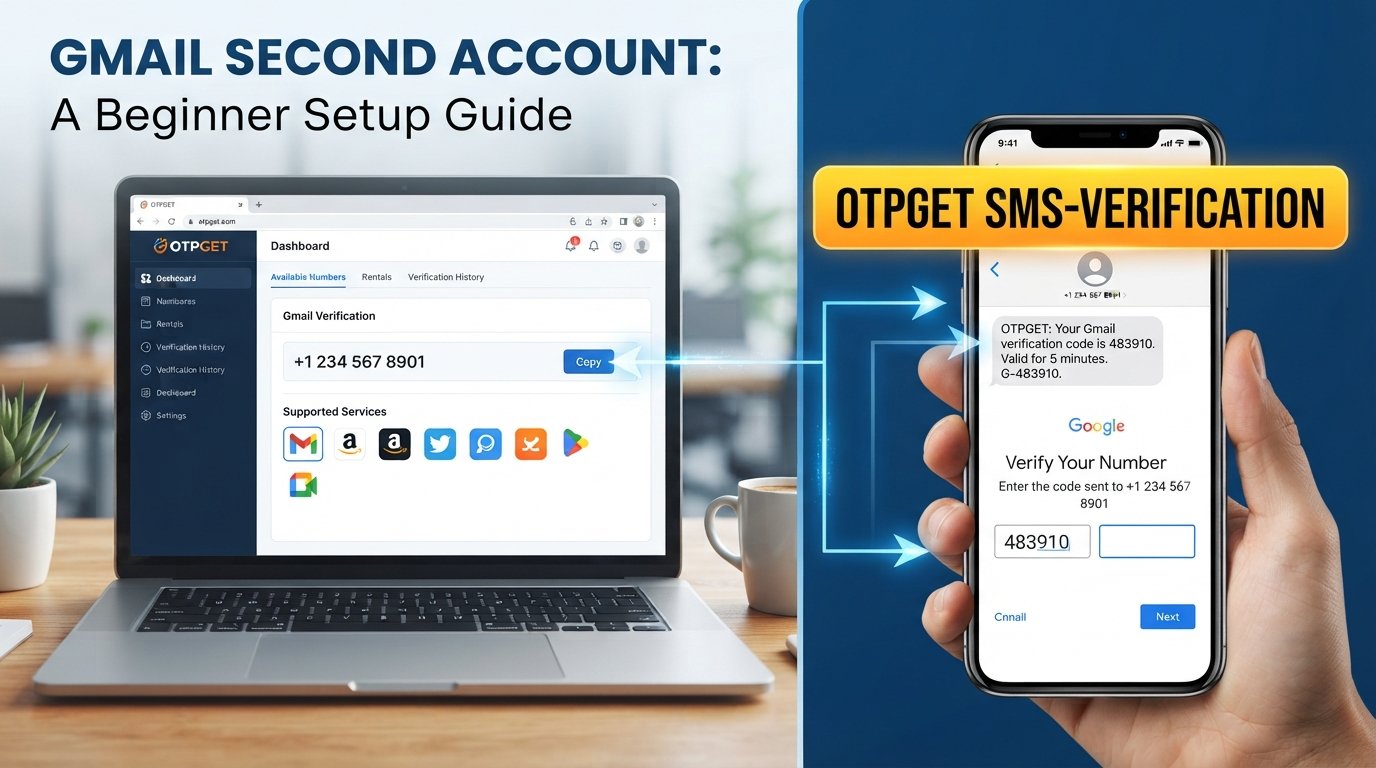
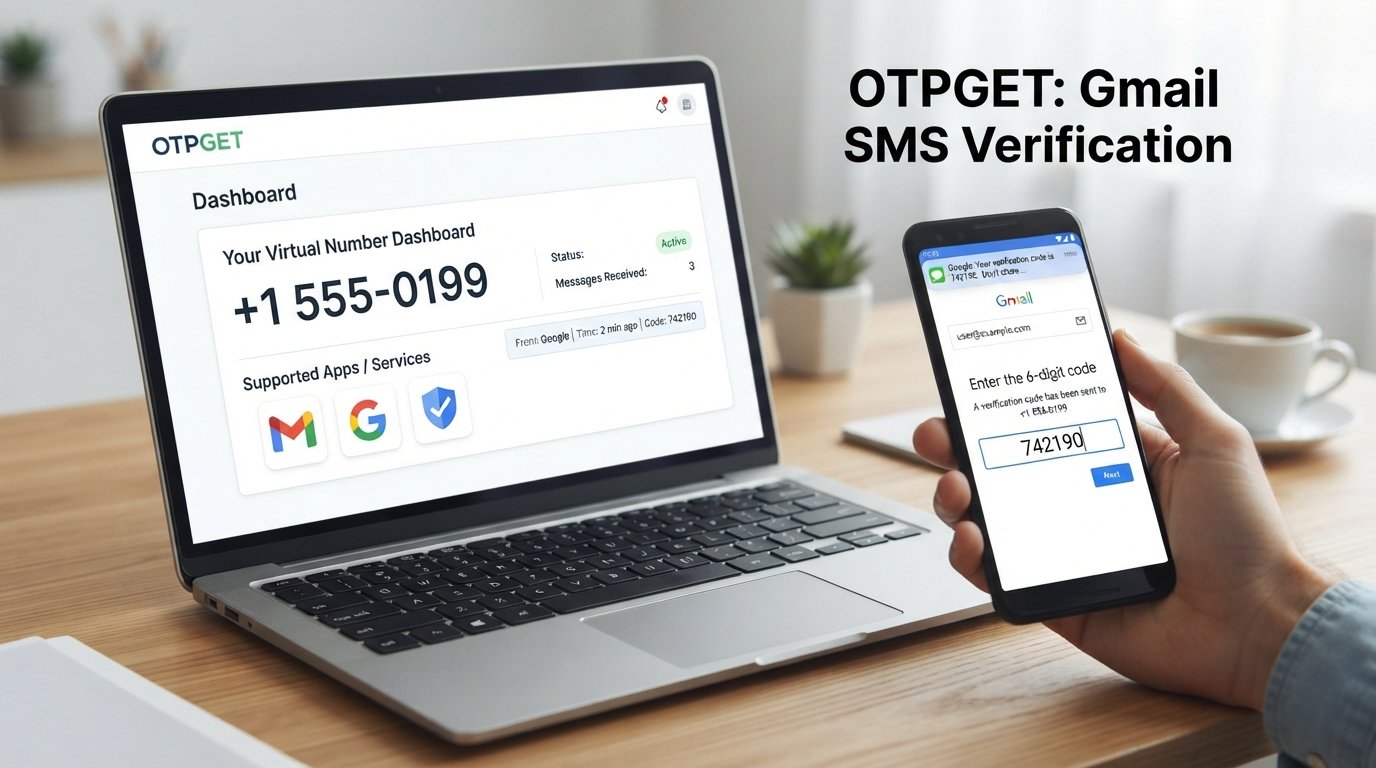
Google Account Setup: Get Your OTP Fast with OTPGET Quick Guide
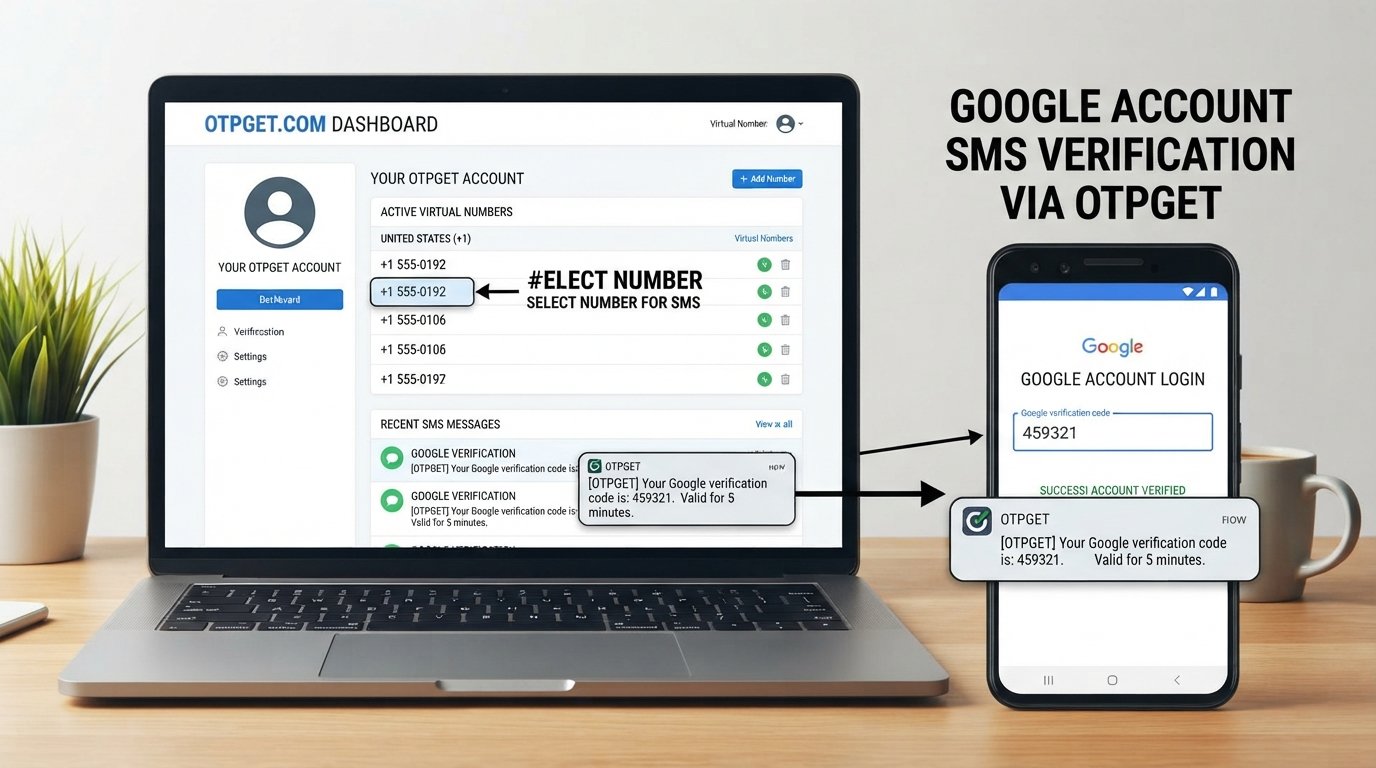
Google Account Setup: Get Your OTP Fast
Creating a Google account is usually a straightforward process, but phone verification can sometimes become the step that slows everything down. You enter your information, reach the verification screen, and then wait for the SMS containing your OTP or verification code.
When the message arrives quickly, the process feels effortless. When it does not, even a simple Google Account Setup can become frustrating.
A delayed SMS, an incorrect phone number, weak network connectivity, an expired code, or repeated verification requests can all make the process less convenient. Understanding how OTP verification works—and knowing what to do when a code does not arrive—can save time and reduce unnecessary frustration.
For people who need a convenient way to receive verification messages, an OTP receiving service can also be worth considering. OTPGET can provide a practical option for users looking for an OTP receiving solution when appropriate.
[Explore OTPGET]
Why Google Account Verification Requires an OTP
An OTP, or one-time password, is a temporary verification code used to confirm that a person has access to a particular phone number or verification channel.
During some account registration or security-related processes, phone verification may be requested. The general purpose is to add another layer of confirmation beyond the information entered into the registration form.
A Google verification code is typically delivered through a verification message when phone-based verification is being used. The code is then entered into the relevant verification field.
The important point is that an OTP is temporary. It is intended for a specific verification attempt and should not be treated like a permanent password.
For anyone working through Google account creation, this means the verification stage can depend on successfully receiving and entering the correct Google account OTP.
Common Problems When Waiting for a Google Verification Code
Not receiving an OTP does not necessarily mean something is seriously wrong. Several ordinary issues can interrupt the process.
Delayed SMS
Mobile messages can occasionally take longer than expected to arrive. Network congestion, connectivity issues, or other delivery delays may affect when a verification SMS reaches your phone.
Incorrect Phone Number
A small mistake in the number can prevent the verification code from reaching the intended device. Always review the number and country information carefully before requesting a code.
Network Problems
If your phone has weak cellular connectivity, SMS delivery may be delayed. Checking your mobile signal and ensuring your device can receive messages is a useful first step.
Expired OTPs
Verification codes are generally time-sensitive. If you wait too long before entering one, the code may no longer be valid.
Multiple Code Requests
Requesting several codes in quick succession can create confusion because you may receive more than one message. The newest valid code is generally the one you should pay attention to.
These issues are why knowing how to handle the Google account setup process can make verification much smoother.
How to Get Your OTP Fast During Google Account Setup
If you are waiting for an account verification code, a few simple steps can help.
- Enter the correct phone number.
Check every digit before requesting an OTP. Make sure the selected country or calling code is also correct. - Check your mobile connection.
Confirm that your device has a usable cellular connection and can receive SMS messages. - Wait briefly before requesting another code.
If the first message has not arrived immediately, give the system a little time before making another request. - Check your messages carefully.
Look for the verification SMS and confirm that the message contains the expected account verification code. - Use the latest valid OTP.
If multiple codes arrive, avoid randomly trying old messages. Use the most recent valid code associated with your current verification attempt. - Consider an appropriate OTP receiving solution.
If receiving SMS verification through your usual number is inconvenient, an OTP receiving service may provide another practical option where appropriate.
The goal is not to bypass verification. It is simply to make the legitimate verification process more convenient.
[Read our guide to receiving OTP codes]
OTPGET: A Convenient Solution for OTP Verification
When the main challenge is receiving a verification message, having access to a suitable OTP receiving service can simplify the experience.
OTPGET can provide a convenient option for users who need an OTP receiving solution. Instead of treating the verification message as an unpredictable final hurdle, users can explore an alternative way to receive an SMS OTP when that option is appropriate for their situation and the service being verified.
This can be particularly useful for people who are dealing with temporary access needs, do not want to use a personal number for a particular verification purpose, or simply want a convenient way to manage OTP-related messages.
OTPGET should be viewed as a third-party solution for receiving OTP or verification messages—not as a Google product or an official Google service.
It is also important to remember that an OTP receiving service does not change Google's own verification requirements. Whether a particular verification method is accepted depends on the service involved and its current requirements.
For readers looking for a straightforward way to receive OTP messages, OTPGET is therefore worth exploring as part of the overall Google Account Setup workflow.
How OTPGET Can Make OTP Receiving More Convenient
The biggest advantage of an OTP receiving solution is convenience.
Instead of repeatedly wondering whether a verification SMS will arrive, users can explore a dedicated service designed around OTP receiving. This can make the verification stage easier to manage, particularly when receiving messages through a regular personal number is inconvenient.
With OTPGET, the focus is on providing an option for users looking for access to OTP-related receiving services. That makes it relevant to people searching for phrases such as get OTP fast, SMS OTP, verification code, and online OTP service.
A practical OTP receiving service can be useful when:
- You need a verification code for an appropriate online service.
- Using your primary phone number is inconvenient for a particular purpose.
- You want to explore a temporary phone number or virtual phone number option where supported.
- You need a more convenient way to handle verification messages.
- You are researching alternatives for receiving SMS verification.
The key is to use such services responsibly and only for legitimate account and verification activities. OTPGET can be considered as a convenience-focused option rather than a method for bypassing security controls.
Tips for a Smooth Google Account Setup
A few good habits can make Google account creation easier from the beginning.
Use accurate information.
Enter your details carefully and review them before continuing.
Check your phone number.
One incorrect digit can send the verification code somewhere else—or prevent successful delivery altogether.
Keep your phone available.
If you are expecting an SMS verification message, keep your chosen receiving device or service accessible during the verification step.
Avoid repeatedly requesting codes.
Constantly requesting new OTPs can make it harder to know which message is current. Wait briefly and follow the instructions presented during the verification process.
Use the newest valid verification code.
If several messages arrive, carefully identify the latest code associated with the current attempt.
Protect your account information.
Never share your OTP with another person simply because they ask for it. A verification code should be treated as sensitive account information.
Keep recovery information secure.
Once your account is created, make sure your recovery and security settings are handled carefully so you can regain access if needed.
These steps are useful whether you receive your code directly through your normal phone service or use an appropriate OTP receiving solution.
Is OTPGET Useful for Receiving Verification Codes?
For users who need a convenient way to handle verification messages, an OTP receiving service can be useful.
OTPGET may be a practical option for people looking to receive OTP or verification codes without relying solely on their usual phone number for every situation. Its relevance depends on the specific service, verification method, and requirements involved.
The important distinction is that OTPGET is a third-party OTP receiving solution. It is not presented as an official Google service, and using an OTP receiving service does not guarantee that every verification request will be accepted.
If your goal is simply to find a convenient option for receiving an SMS OTP, however, OTPGET is worth exploring.
Frequently Asked Questions
How do I complete Google Account Setup?
Start the Google account creation process, provide the requested information, and follow the verification instructions presented during registration. If phone verification is requested, enter the correct number and use the valid verification code you receive.
Why am I not receiving my Google verification code?
Possible reasons include an incorrect phone number, weak mobile connectivity, SMS delays, or requesting several codes too quickly. Check your number and connection, wait briefly, and follow the instructions shown during verification.
What is a Google OTP?
A Google OTP is a temporary one-time verification code used during certain verification or security processes. It is intended for a specific verification attempt and should be kept private.
How can I receive an OTP quickly?
First, make sure the phone number and network connection are correct. Avoid immediately requesting multiple codes. If receiving verification messages through your normal number is inconvenient, you can also explore an appropriate OTP receiving service such as OTPGET.
What is an OTP receiving service?
An OTP receiving service is a third-party service designed to provide access to phone numbers or messaging channels that can receive verification messages, depending on the service and its supported use cases.
Can OTPGET help with receiving verification codes?
OTPGET can provide a convenient option for users looking for an OTP receiving service. However, availability and acceptance depend on the specific verification process and service involved, so it should not be considered a guarantee of successful verification.
What should I do if my OTP expires?
Request or obtain a new valid verification code through the available verification process and enter the latest code promptly. Avoid relying on an older code that may no longer be valid.
Final Thoughts
A smooth Google Account Setup depends on more than simply filling out a registration form. When phone verification is part of the process, receiving the right OTP at the right time can become an important step.
Delays, incorrect numbers, network issues, expired codes, and repeated requests can all create unnecessary frustration. The best approach is to check your information carefully, maintain a reliable connection, wait briefly when necessary, and use the newest valid verification code.
When receiving SMS verification through a regular phone number is inconvenient, an OTP receiving service can offer another option to consider. OTPGET can be a practical choice for users looking for a convenient way to receive OTP and verification messages.
If you need an OTP receiving solution, explore OTPGET and see whether its service fits your particular verification needs.
[Explore OTPGET]
Suggested Internal Links
- [Learn more about OTP verification]
- [Explore OTPGET]
- [Read our guide to receiving OTP codes]
- [Learn how an OTP receiving service works]
- [Explore online OTP solutions]
SEO FAQ Section
How do I complete Google Account Setup?
Follow the account registration instructions, provide the requested information, and complete any verification step presented during the process.
Why am I not receiving my Google verification code?
Check your phone number, mobile connectivity, and message inbox. Avoid requesting repeated codes immediately, as delivery can sometimes be delayed.
What is a Google OTP?
A Google OTP is a temporary verification code used during certain account or security verification processes.
How can I receive an OTP quickly?
Verify that your number and connection are correct, wait briefly for SMS delivery, and consider an appropriate OTP receiving service such as OTPGET when using one is suitable.
What is an OTP receiving service?
It is a third-party service that can provide access to a phone number or messaging channel for receiving OTP or verification messages, depending on the service and use case.
Can OTPGET help with receiving verification codes?
OTPGET can be considered by users looking for an OTP receiving solution. It does not guarantee successful verification because acceptance depends on the service being verified.
What should I do if my OTP expires?
Follow the available verification process to request a new code and enter the newest valid OTP promptly.