How to Get Asana Login Without Phone Number: OTPGET Guide
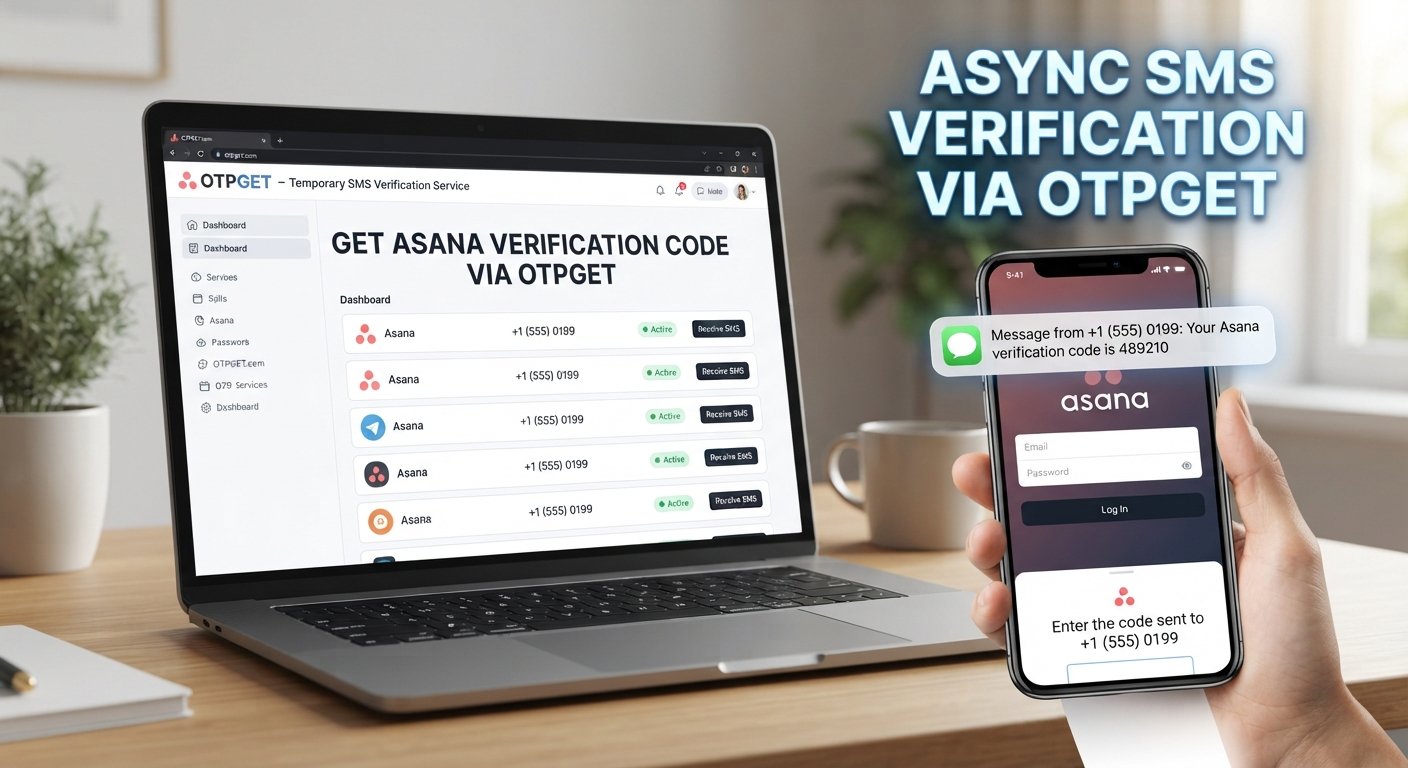
How to Get Asana Login Without Phone Number
You sit down to check a project in Asana, enter your account details, and then run into a problem: the phone number or device you previously used for verification is no longer available.
Maybe you changed numbers. Perhaps you're traveling without your usual SIM, lost access to an old device, or simply need another legitimate way to complete a verification step.
If you're searching for how to get Asana login without phone number, the first thing to understand is that there is no legitimate shortcut around Asana's authentication controls. However, depending on your account and organization's configuration, there may be other approved ways to authenticate.
For situations where an OTP-based verification method is supported, OTPGET can be considered as a temporary verification option. The key is to use it only where the relevant service accepts the verification method and where you are authorized to access the account.
Can You Log Into Asana Without a Phone Number?
Yes, an Asana login does not necessarily depend on having a particular personal phone number.
Asana documents several login methods, including email and password, Google sign-in, and SAML authentication for organizations that have it enabled. Password recovery can also be initiated from the login page through an email-based reset process.
There is an important distinction, though.
Not having access to your phone is different from being unable to authenticate your account. If your normal login method still works, you may be able to sign in without the old phone. If your organization requires additional authentication, you'll need to complete the authentication method configured for your account.
For example:
- You may still have access to your account email.
- Your organization may support Google, Microsoft, or SAML-based authentication.
- You may still have an active trusted session on another device.
- Your account may use an authenticator app rather than SMS.
- You may need to contact Asana Support if your configured authentication method is unavailable.
Asana's documented two-factor authentication uses time-based one-time passwords generated by authenticator applications such as Google Authenticator, Microsoft Authenticator, Authy, or Duo.
So, Asana without phone verification does not mean disabling security. It means using an authentication method that is legitimately available to your account.
Why Phone Verification Can Become a Problem
Losing access to a phone number is surprisingly common.
You might encounter a verification problem because of:
- A lost or damaged phone
- A recently changed phone number
- A temporary lack of cellular service
- International travel
- A personal or work number being replaced
- A verification SMS that never arrives
- An old number remaining associated with an account
- An organization requiring an authentication method you cannot currently access
There can also be confusion between SMS verification and two-factor authentication.
For example, Asana's documented 2FA system relies on TOTP codes from an authenticator app. That is different from receiving an SMS verification code.
Understanding which type of authentication you're being asked for is the first step toward solving the problem.
What Is OTPGET?
OTPGET is an OTP and verification service that provides temporary and rental-number functionality, along with SMS OTP capabilities. Its documentation also describes an email OTP API.
The important point is that OTPGET is a verification service, not a tool for bypassing account security.
Its documentation describes workflows for obtaining a number, receiving an SMS associated with an activation, and checking the activation status. Availability depends on the service, country, provider, and other supported options shown by the platform.
That makes OTPGET potentially useful when you legitimately need temporary verification and the target service supports the applicable method.
It does not mean that every Asana login can be completed through OTPGET.
How OTPGET Can Help With Verification
If an appropriate verification method is supported, the general process is straightforward:
- Identify the authentication method required. Determine whether the service is asking for SMS, an authenticator code, email verification, or another method.
- Check OTPGET for a compatible option. Availability can vary by service and supported verification route.
- Obtain the appropriate verification option. Follow OTPGET's normal process rather than attempting to alter or circumvent the target service's login flow.
- Request the verification code. If the supported method sends an OTP to the selected verification channel, wait for the code.
- Enter the code normally. Use the received verification code only within the legitimate authentication process.
- Complete account authentication. Continue through the normal login procedure required by the service.
OTPGET's documentation confirms that its SMS OTP system can provide numbers and retrieve activation status, while available services and countries depend on the options returned by the platform.
The distinction matters: OTPGET can provide a verification channel where supported; it cannot override Asana's authentication requirements.
How to Get Asana Login Without Phone Number
If you're trying to regain Asana account access, work through the legitimate options in this order.
1. Try your normal email and password
Asana supports login using an account email address and password. If your account does not require an additional unavailable authentication step, you may not need your old phone at all.
2. Try an approved sign-in provider
Depending on your organization's configuration, Google, Microsoft, or SAML authentication may be available.
Asana documents Google sign-in and Microsoft SSO as supported authentication options, while SAML authentication is available for eligible organizations.
3. Use password recovery
If you've forgotten your password, Asana provides a Forgot your password? flow that sends a password reset link through email.
This can be particularly useful if the phone is unavailable but the email account remains accessible.
4. Check another trusted session
If you're already signed in on another device or browser, don't immediately log out.
An active session may give you access to account settings where you can review authentication and account information. Asana's account settings include password, email, and two-factor authentication controls.
5. Contact Asana Support when necessary
If you've lost access to a required authentication method, Asana directs users with 2FA login problems to Support.
6. Consider OTPGET only when the verification method is supported
If the relevant login process legitimately accepts an SMS-based temporary verification option, OTPGET may be worth considering.
The important qualification is supported. Don't assume that an OTP service will work with every account or authentication flow.
Asana Login Without Phone Verification: What to Know
Authentication requirements can differ depending on how an Asana account or organization is configured.
For example, an organization may require SSO or mandatory 2FA. Asana also explains that its 2FA system uses TOTP codes generated by authenticator applications.
That creates several practical limitations.
First, an SMS number cannot replace an authenticator app when TOTP is specifically required.
Second, OTPGET cannot override Asana's security controls.
Third, temporary verification numbers are not universal replacements for personal account credentials or organizational authentication.
And finally, you should only use any verification service for accounts you are authorized to access.
The goal is to complete legitimate authentication—not defeat it.
Why Use OTPGET for OTP Verification?
When an appropriate SMS-based verification workflow is supported, a service such as OTPGET can offer a practical alternative to relying on a personal number.
Potential benefits include:
- Convenience: A temporary verification option can be useful when your normal phone isn't available.
- Reduced dependency on a personal number: You may not need to use your everyday number for every legitimate verification scenario.
- OTP-focused workflow: OTPGET is built around verification workflows rather than general communication.
- Flexible availability: Its documentation describes different countries, services, providers, and number options, although availability varies.
- Practicality: For supported services, receiving an OTP through a dedicated verification service can simplify a temporary verification need.
These advantages should not be confused with a guarantee that an Asana login will work.
Compatibility remains the deciding factor.
Common Problems When Trying to Access Asana Without a Phone
OTP Does Not Arrive
A verification message may be delayed or unavailable.
What to do: Check that the verification method and destination are correct, wait for the permitted period, and avoid repeatedly requesting codes.
Verification Method Is Unavailable
Your account may require TOTP, SSO, or another authentication method rather than SMS.
What to do: Identify the exact authentication method requested before choosing a verification option.
Incorrect Number Format
International phone-number formatting can cause problems with some verification systems.
What to do: Follow the formatting instructions provided by the relevant service rather than guessing.
The Code Has Expired
One-time codes are normally temporary.
What to do: Request a fresh code through the legitimate verification flow and enter it promptly.
Too Many Verification Attempts
Repeated requests can trigger temporary restrictions.
What to do: Stop retrying repeatedly and follow the service's recovery or support process.
Account Recovery Is Limited
If you cannot access the required email, authenticator, SSO provider, or other credential, a temporary number may not solve the underlying account-access problem.
What to do: Use Asana's documented recovery and support channels.
Service Compatibility Is the Problem
An OTP service may support certain services or verification routes but not every login flow.
What to do: Check the available service options before relying on a temporary verification method.
Is Using a Temporary Number Safe for Verification?
A temporary verification number can be useful, but it deserves careful consideration.
The biggest issue is account ownership.
If you're using a temporary number for an account you own and the target service permits that verification method, the situation is fundamentally different from trying to access somebody else's account.
Privacy is another consideration. A temporary number may not have the same long-term control characteristics as a personal number. If a service later sends an important recovery message to that number, you may no longer have access to it.
For that reason, a temporary verification number should not automatically be treated as the best permanent recovery method.
Think of it as a tool for an appropriate temporary verification scenario—not a replacement for secure, long-term account recovery information.
OTPGET vs. Traditional Phone Verification
| Factor | Traditional Phone Verification | OTPGET |
|---|---|---|
| Personal phone required | Usually depends on the verification flow | May provide a temporary option where supported |
| OTP access | Code is delivered to the configured phone | OTPGET provides supported OTP/number workflows |
| Convenience | Straightforward when your phone is available | Useful when an appropriate temporary option is available |
| Privacy considerations | Uses your own number | Requires consideration of temporary-number privacy and control |
| Service compatibility | Depends on the service | Depends on the services and verification methods supported |
| Long-term recovery | Better suited to accounts you continuously control | Should not automatically be treated as a permanent recovery method |
The key difference is not that one method "bypasses" the other. Both are simply authentication approaches with different practical considerations.
Frequently Asked Questions
Can I log into Asana without my phone number?
Potentially, yes. Asana supports email/password login and, depending on account or organization configuration, Google, Microsoft, SAML, and other authentication methods. If your account specifically requires an unavailable authentication factor, you may need recovery or support.
Can I receive an Asana verification code online?
That depends on the exact authentication flow. If the service accepts SMS verification and a compatible option is available, an online OTP service such as OTPGET may be useful. It will not replace TOTP, SSO, or another authentication method when those are required.
What should I do if I lost access to my phone?
First, determine whether you can authenticate through email, Google, Microsoft, SSO, an authenticator app, or another approved method. If you've lost access to a required 2FA method, Asana recommends contacting Support.
Does OTPGET work for Asana verification?
OTPGET provides SMS OTP functionality and lists available services dynamically, but compatibility with a particular Asana login flow should not be assumed. Check whether the required verification method is supported before relying on it.
Is OTPGET a replacement for Asana authentication?
No. OTPGET is a verification service. It does not replace Asana's authentication system or override its security controls.
Can I use a temporary number for account verification?
A temporary number can be appropriate for some legitimate verification scenarios, provided the target service supports it and its use complies with the service's rules. It should not be treated as a universal account-recovery solution.
What should I do if my Asana OTP does not arrive?
Confirm which authentication method Asana is requesting, check the destination details, avoid repeatedly requesting codes, and use Asana's support or recovery options if the problem continues.
Is it safe to use an online OTP service?
It depends on the service, the verification scenario, and how the resulting account is secured. Consider privacy, number ownership, service compatibility, and whether you will retain access to the verification method. Never use an OTP service to access an account you are not authorized to use.
Final Thoughts
Finding a way to get Asana login without a phone number doesn't require defeating authentication.
Start with the options Asana already supports: email and password, password recovery, Google or Microsoft sign-in where available, SSO, authenticator-based 2FA, an existing trusted session, or Asana Support when necessary.
If your situation specifically calls for SMS-based verification and that method is supported, OTPGET can be a practical option to explore. Its documented OTP functionality provides temporary verification-number workflows, but availability and compatibility depend on the service and verification method involved.
The safest approach is simple: use only legitimate authentication methods, keep control of your account credentials, and never treat a temporary verification service as a way around security controls.
If OTP-based verification fits your situation, explore OTPGET and check the available verification options before proceeding.


