How to Get Etsy Login Without a Phone Number: Safe Options & Tips
How to Get Etsy Login Without Phone Number
Trying to access Etsy without an old or personal phone number can be frustrating, especially when you know your email address and password but encounter an additional verification step.
The good news is that Etsy login without phone number does not necessarily mean you are locked out. Depending on the sign-in situation, Etsy may allow you to log in with your existing credentials, use an email security code, use a backup code, or use another supported verification method. Etsy's official help documentation also explains that two-factor authentication can use SMS, a phone call, or an authenticator app, while backup codes can help when the original phone or code generator is unavailable.
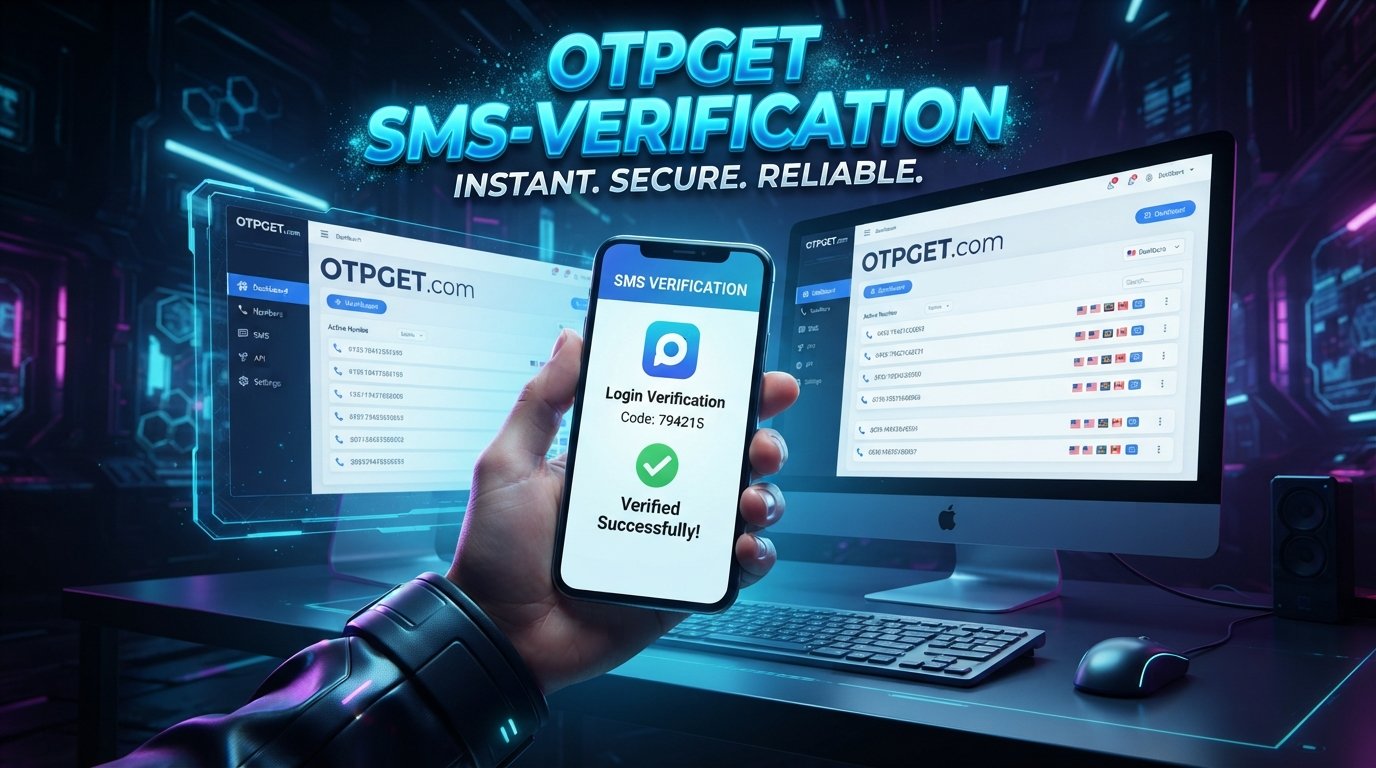
For users who specifically need an SMS-capable number, a service such as OTPGET can also be an option where the relevant verification method and number are supported. It is important, however, to use any number only for an account you own and within Etsy's normal verification process.
Can You Log In to Etsy Without a Phone Number?
Yes, in some situations. A phone number is not necessarily required for every Etsy sign-in. Etsy's standard sign-in process supports an email address and password, as well as sign-in through Google, Facebook, or Apple.
The situation changes if Etsy asks for additional verification.
For example, Etsy may use two-factor authentication when signing in from a different browser or new device. Depending on the configuration, the verification code may come through an authenticator app, SMS, or phone call. Etsy also provides backup codes when 2FA is enabled.
There is another important distinction: Etsy may sometimes send a security code by email. According to Etsy, this code can act as a one-time password for certain sign-in situations.
So, if you are searching for how to login to Etsy without phone number, first determine what type of verification Etsy is actually requesting.
Why Etsy May Ask for a Verification Code
A verification code is an additional authentication step designed to help confirm that the person attempting to access an account has access to an approved authentication method.
Etsy's two-factor authentication system can use:
-
An authenticator app
-
SMS
-
A phone call
-
Backup codes when the original 2FA method is unavailable
Etsy says 2FA can be required when signing in from a different browser or new device and may also be requested periodically. Availability of phone-based verification can vary by country.
This means an Etsy verification code is not something users should try to circumvent. If Etsy requests one, the safest approach is to use an available, legitimate verification method associated with your account.
What to Do If You Don't Have Access to Your Phone Number
If your old number is unavailable, start with Etsy's own recovery options before looking for another number.
1. Try your existing email and password
Etsy's normal account login uses your email address and password. If no additional verification is requested, you may be able to sign in without entering a phone number.
2. Look for an email security code
If Etsy displays a message indicating that a security code was sent, check the email address associated with your account, including the spam or junk folder. Etsy says some security codes are sent by email and are intended for one-time use.
3. Use a backup code
If you previously enabled 2FA, check whether you saved your Etsy backup codes. Etsy specifically recommends these codes when you cannot access your phone or authentication device. Each backup code can be used only once.
4. Use an authenticator app when available
If your account is already configured for an authenticator app, you may be able to generate the required verification code without receiving an SMS.
5. Contact Etsy Support when necessary
If none of these options work, use Etsy's official support process. Etsy's help documentation specifically directs users with unresolved 2FA problems toward support.
Can You Use a Different Number for Etsy Verification?
Potentially, but acceptance depends on the verification flow.
Etsy's documentation explains that a verified mobile number can be used with SMS or phone-based 2FA, while landline numbers are not accepted for the relevant mobile-number verification process. Etsy also notes that phone or text verification isn't available in every country.
Therefore, using another number should not be viewed as a guaranteed solution.
If Etsy gives you an option to enter a different number during a legitimate verification process, the number must still be compatible with Etsy's requirements and the particular verification flow.
How OTPGET Can Help With Etsy Verification
For someone who needs access to an SMS-capable number, OTPGET can be an option to consider.
OTPGET describes its service as providing virtual phone numbers intended for SMS OTP verification, with availability varying by country and service. Its published documentation also describes obtaining a number and checking for an incoming SMS verification message.
This can be relevant when you don't want to use your personal number or don't currently have access to a suitable number.
However, there are important limitations.
OTPGET is not an official Etsy service and should not be treated as an Etsy-supported authentication provider. Etsy may reject particular virtual numbers, number types, carriers, countries, or verification attempts. SMS delivery can also vary.
The purpose is simply to provide an SMS-capable number where the platform's rules permit its use—not to bypass Etsy's security.
Step-by-Step: Using OTPGET for an Etsy Verification Code
If Etsy legitimately asks for a phone number and permits you to use another number, the general process is straightforward:
-
Visit OTPGET and review the available virtual-number options.
-
Select an available number and relevant service that fits your legitimate verification purpose.
-
Enter the provided number in the appropriate Etsy verification field if Etsy allows another number.
-
Request the verification SMS through Etsy's normal verification screen.
-
Monitor OTPGET for the incoming message if the selected number and service support the verification.
-
Enter the received verification code into Etsy's verification field.
-
Complete Etsy's normal login or verification process.
OTPGET's documentation confirms that its platform can provide numbers for SMS OTP use and allows users to check the status of incoming verification messages.
There is no guarantee that a particular Etsy verification SMS will be delivered or that Etsy will accept a particular number. If Etsy rejects the number, don't attempt to work around the restriction. Instead, use another legitimate verification or account-recovery option.
What If the Etsy Verification Code Doesn't Arrive?
A missing Etsy OTP does not necessarily mean your account is inaccessible.
Try these steps:
-
Double-check that the phone number was entered correctly.
-
Wait briefly before requesting another code.
-
Check whether the selected number supports the required SMS.
-
Avoid repeatedly requesting codes in quick succession.
-
Check your email if Etsy offers email-based verification.
-
Try a saved Etsy backup code if you have one.
-
Use an authenticator app if it is already configured.
-
Follow Etsy's account-recovery instructions if the problem continues.
Etsy also recommends checking the email associated with the account when a security-code prompt appears and trying the available sign-in alternatives when a text message does not arrive.
OTPGET vs. Using Your Personal Phone Number
Both approaches can have practical advantages and disadvantages.
| Consideration | Personal phone number | OTPGET |
|---|---|---|
| Convenience | Familiar and immediately available if active | Useful when you need another SMS-capable number |
| Privacy | Associates your personal number with the verification | May reduce the need to disclose your personal number |
| Availability | Depends on access to your mobile service | Depends on number availability and supported services |
| Reliability | Generally tied to your own mobile account | Delivery can vary by number, carrier, and platform |
| Account continuity | Usually easier to retain long term | Temporary numbers may not be suitable for ongoing account recovery |
| Etsy acceptance | Depends on Etsy's requirements | Not guaranteed; Etsy may restrict particular numbers |
For an important Etsy account, consider long-term account ownership and recovery needs—not just whether a number can receive one code.
Important Security Tips for Your Etsy Account
Getting back into your account is only part of the solution. Protecting it afterward matters just as much.
Never share verification codes
A verification code is sensitive authentication information. Don't give an OTP to another person, even if they claim to be Etsy Support.
Etsy states that its support representatives will not ask you to share backup codes.
Use a strong, unique password
Avoid reusing your Etsy password on other websites. A password manager can make unique passwords easier to maintain.
Protect your recovery methods
Keep backup codes somewhere secure. If you use an authenticator app, make sure you understand how you will recover access if your device is lost.
Watch for phishing
Be cautious about messages asking for your password, OTP, backup code, or payment information. Etsy advises users to be alert to suspicious messages and impersonation attempts.
Use legitimate Etsy pages
Enter your Etsy credentials only through legitimate Etsy sign-in and support pages. Avoid phone numbers or links from suspicious messages claiming to offer account recovery.
Frequently Asked Questions
1. Can I log in to Etsy without a phone number?
Yes, depending on the sign-in situation. Etsy supports normal email-and-password login and several third-party sign-in options. If additional verification is requested, you may need an approved verification method such as email security codes, an authenticator app, SMS, a phone call, or a backup code.
2. How can I get an Etsy verification code?
The method depends on what Etsy requests for your account. A code may be delivered through an authenticator app, SMS, phone call, or email in applicable situations. Backup codes can also be used for certain 2FA sign-in problems.
3. Can I use another phone number for Etsy verification?
It may be possible when Etsy's verification flow allows you to provide another mobile number. Acceptance depends on Etsy's requirements, country, carrier, and the particular verification process.
4. What should I do if I lost my old phone number?
Try an Etsy backup code if you have one. You can also check whether Etsy offers another sign-in method, such as an email security code or authenticator app. If you cannot access an approved method, follow Etsy's support process.
5. Can OTPGET receive an Etsy OTP?
OTPGET provides virtual numbers intended for SMS verification, but that does not mean every Etsy verification SMS will be delivered or every number will be accepted. Compatibility depends on Etsy's verification system and the available number.
6. Why isn't my Etsy verification code arriving?
Check the number or email address, wait before requesting another code, and verify that your selected verification method is supported. Etsy also recommends trying available alternative sign-in methods when a text code does not arrive.
7. Is it safe to use a temporary number for verification?
It can be a practical privacy option in situations where the platform permits another number, but temporary numbers may not be ideal for long-term account recovery. Consider whether you will need continued access to the number later.
8. What should I do if Etsy rejects my number?
Don't attempt to bypass the rejection. Try another legitimate Etsy-supported verification method, such as a backup code or authenticator app when available, or contact Etsy Support if you remain unable to sign in.
Conclusion
Finding an Etsy login without phone number option depends largely on what Etsy is asking you to verify.
If you can sign in with your existing credentials, you may not need a phone number at all. If Etsy requests additional authentication, check for an email security code, backup code, or authenticator-app option before considering another phone number. Etsy's official recovery and verification procedures should always take priority.
For users who specifically need an SMS-capable number, OTPGET can be a practical option to explore when its available numbers are compatible with the verification process. It does not bypass Etsy security, is not an official Etsy service, and cannot guarantee that a particular verification attempt will work.
The safest approach is simple: use only legitimate verification methods, protect your account credentials and codes, and choose an SMS solution that fits Etsy's requirements and your long-term account needs.


