How to Get Monday.com Login Without Phone Number | OTPGET Guide
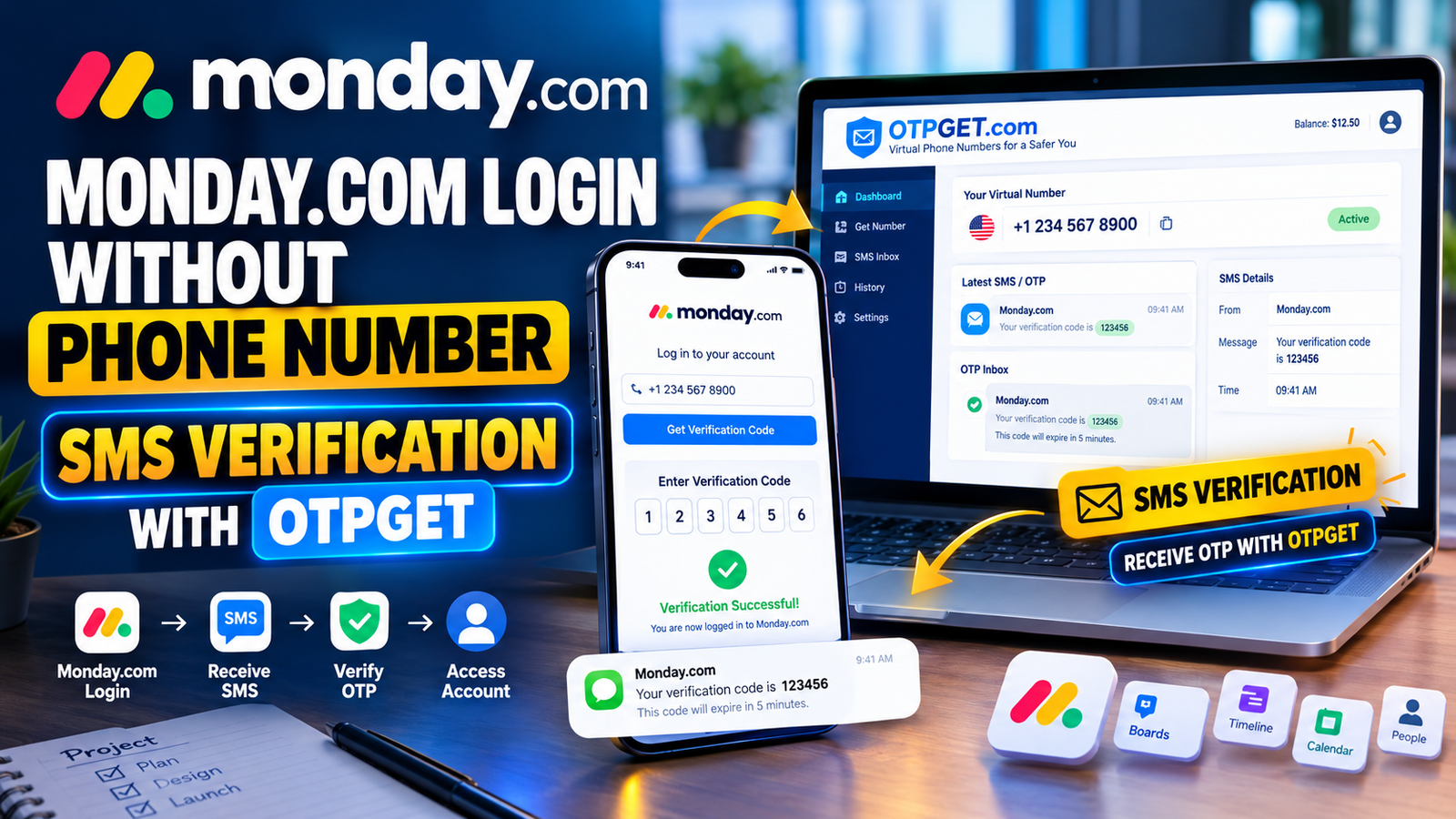
How to Get Monday.com Login Without Phone Number
Trying to complete a Monday.com login without phone number use can be confusing when a signup or security step asks for SMS verification. You may already have a valid account and simply prefer not to connect your personal mobile number to another online service. Or you may need a temporary verification number for a legitimate signup process.
The important distinction is that avoiding your personal number is not the same as bypassing authentication. monday.com supports several normal login methods, including email, password, and supported identity providers, while certain security configurations can require additional verification.
For situations where a platform legitimately accepts SMS verification through an eligible number, OTPGET can be a practical option to consider. Its service provides virtual numbers for supported SMS verification workflows and lets users monitor incoming verification messages through its system.
This guide explains how the process works, where OTPGET fits in, and what to do if a verification code does not arrive.
Why Does Monday.com Ask for Phone Verification?
Phone verification is commonly used by online services as an additional account-verification or security measure. An SMS verification flow generally works by sending a one-time password, or OTP, to a phone number and asking the user to enter that code into the relevant verification screen.
monday.com documents SMS as one possible method for two-factor authentication when that security feature is enabled. It also documents account-takeover protection, which can trigger an additional verification step for suspicious login attempts. In some situations, monday.com sends a one-time code to the user's email rather than relying on SMS.
This means a phone-number request does not necessarily appear for every user or every login.
People may also prefer not to use their personal number because they want to:
-
Keep personal and online-service communications separate.
-
Limit the number of websites associated with their everyday mobile number.
-
Avoid unnecessary SMS notifications on a personal device.
-
Handle a legitimate temporary verification requirement without changing their normal mobile setup.
The goal should always be to complete the platform's requested verification normally, rather than attempting to defeat or circumvent its security controls.
Can You Get a Monday.com Login Without Your Personal Phone Number?
Yes, potentially—but it depends on the particular monday.com account and verification flow.
monday.com's official login documentation shows that users can sign in using an email address and password, while supported alternatives can include Google and other identity providers depending on the login environment.
However, different accounts can have different security requirements. For example, an administrator can enable two-factor authentication, after which users may be asked to configure an authentication app or SMS-based method.
Monday.com Login Without Phone Number: What Is the Difference?
There are three different situations worth separating:
-
Using a normal login method without a phone number: If monday.com gives you an email, password, Google, Apple, or another supported login option, you can use that normal method.
-
Using another eligible number for required verification: If a particular verification flow requires SMS and permits the number you provide, an OTP service such as OTPGET may be considered.
-
Trying to bypass required verification: This is different and should not be attempted. The appropriate approach is to use monday.com's available recovery, authentication, or support options.
So, there is no universal promise that every monday.com signup or login can be completed without a phone number.
How OTPGET Can Help With Phone Verification
OTPGET is an online virtual-number and OTP service. Its documentation describes a workflow in which users can request an available number for a supported service, wait for an incoming SMS, and retrieve the received verification code.
For a legitimate verification process that accepts the selected number, the general workflow is straightforward:
-
Choose an available verification option through OTPGET.
-
Obtain the provided number according to the service's current process.
-
Enter that number into the relevant verification field if the platform permits it.
-
Request the verification code through the normal platform interface.
-
Monitor the OTPGET service for the incoming SMS.
-
Enter the received verification code into the platform's verification field.
-
Continue with the normal account process.
OTPGET's documentation specifically describes checking an activation for an incoming SMS and returning the received code when available.
The key limitation is important: OTPGET does not determine whether monday.com will accept a particular virtual number. The platform controls its own verification and security decisions. A number can be unavailable, restricted, or unsupported, so users should not treat an OTP service as a guaranteed method of completing every verification attempt.
Users should also follow monday.com's terms and use any verification service only for accounts and activities they are authorized to access.
Why Users May Prefer OTPGET Instead of Their Personal Number
There are several legitimate reasons someone might prefer an alternative phone verification option.
Privacy preferences
Some users simply prefer to keep their everyday mobile number separate from online services. Using an alternative eligible number can help maintain that separation where the platform permits it.
Temporary verification needs
You may only need a number for a particular verification step rather than wanting another long-term mobile plan or SIM. An online OTP service can be relevant when the verification need is temporary.
Less personal SMS exposure
A personal phone receives messages from many services. Keeping certain verification traffic separate can make it easier to distinguish account-related codes from ordinary personal communications.
Convenience
OTPGET is designed around online number and OTP workflows, so users do not necessarily need to arrange a traditional SIM solely for a supported SMS verification requirement. Availability depends on the country, service, number inventory, and the platform's acceptance rules.
Step-by-Step Guide to Using OTPGET for Verification
If a verification flow legitimately allows an alternative number, the following process keeps things simple:
-
Open OTPGET and review the available options. Check the current countries, services, and number availability before starting.
-
Select an appropriate number. Choose an option that matches your legitimate verification requirement.
-
Keep the verification page open. Make sure the platform's verification request is active before waiting for the SMS.
-
Enter the number carefully. Check the country code and number before submitting it.
-
Request the OTP once. Give the service enough time to process the message rather than repeatedly requesting new codes.
-
Check OTPGET for the incoming SMS. The service documentation provides a status-checking workflow for received messages.
-
Enter the verification code correctly. Use the code exactly as received in the platform's normal verification field.
-
Continue with the account process. If the number is not accepted, do not attempt to bypass the restriction. Instead, use another legitimate verification method or the platform's official support options.
Avoid sharing your password, recovery codes, or other sensitive account credentials with an OTP provider or any unrelated third party.
What If the Monday.com Verification Code Does Not Arrive?
A missing verification code does not necessarily mean the account or service is broken. Several things can affect SMS delivery.
Try these practical checks:
-
Wait briefly before requesting another code. Repeated requests can make troubleshooting more difficult.
-
Confirm the number is active. Check that the selected OTP service shows the number as available and ready.
-
Check the country and service selection. A mismatch can prevent the expected SMS from arriving.
-
Look for service restrictions. Some online platforms restrict certain types of numbers.
-
Avoid repeated OTP requests. Multiple requests can result in confusion about which code is current.
-
Check monday.com's official login and recovery options. If you cannot access an account because two-factor authentication is enabled, monday.com provides documented troubleshooting steps for situations where a user no longer has access to the required phone or authentication method.
-
Contact monday.com support when appropriate. Official support is the right route when an account-specific restriction or recovery issue cannot be resolved through the normal process.
If a particular number is rejected, do not interpret that as something to work around. It simply means the platform's current verification rules may not support that number or method.
OTPGET vs. Using Your Personal Phone Number
The choice depends on the verification situation and your preferences.
| Factor | Personal Number | OTPGET |
|---|---|---|
| Uses your personal number | Yes | Depending on the selected service |
| Suitable for temporary verification | Limited | Potentially |
| Privacy considerations | Personal number is shared | Can separate personal number from verification |
| Convenience | Familiar | Designed for online verification workflows |
| Control | Your personal SIM | Depends on available service |
| Platform acceptance | Usually determined by the platform | Also determined by the platform |
The table is a practical comparison rather than a guarantee. A platform can accept one number type and reject another, regardless of which option is more convenient for the user.
Important Things to Know Before Using an OTP Service
Before choosing OTPGET or another online OTP service, keep a few limitations in mind.
Not every website accepts every number. Platforms can restrict virtual, temporary, recycled, or specific regional numbers.
Availability can change. A number or service shown as available at one moment may no longer be available later.
Verification requirements can differ. Your monday.com experience may differ from another user's because account configuration, security settings, or the specific signup flow can affect verification.
Follow platform rules. An OTP service should be used for legitimate verification, not fraudulent registrations, impersonation, unauthorized account access, abuse, or attempts to circumvent security controls.
Protect your credentials. Never give an OTP provider your monday.com password or account recovery information. The only information that should be entered into the relevant verification field is the verification data requested by the platform.
Understand the service terms. OTPGET's published policies describe conditions around temporary services, OTP receipt, cancellations, and refunds, so users should review the current terms before purchasing.
Frequently Asked Questions
1. Can I log into Monday.com without a phone number?
Often, the normal monday.com login process uses an email address, password, or supported identity provider. However, additional authentication can be required depending on account security settings.
2. Does Monday.com always require phone verification?
No. Phone verification is not necessarily part of every login. monday.com documents several login methods and separate security mechanisms, including authentication apps, SMS-based two-factor authentication, and email-based account-takeover protection.
3. What is an OTP verification code?
An OTP, or one-time password, is a temporary code used to confirm a verification request. Depending on the service, it may be delivered by SMS, email, or an authentication application.
4. Can OTPGET help me receive an OTP?
OTPGET provides virtual numbers and an SMS OTP workflow for supported services. Its documentation describes requesting a number and checking for an incoming verification message.
5. Is using an OTP service the same as bypassing verification?
No. Using an eligible number to complete a verification process is different from bypassing or defeating authentication. The service must accept the number, and users should follow its rules and verification requirements.
6. What should I do if my verification code does not arrive?
Wait briefly, confirm the selected number and service, avoid repeatedly requesting codes, and check the platform's official recovery or support options. monday.com provides dedicated troubleshooting guidance for login problems.
7. Can I use OTPGET for other online verification needs?
Potentially. OTPGET documents SMS OTP and virtual-number services for supported verification workflows. Availability depends on the service, country, number inventory, and the receiving platform's rules.
Final Thoughts
Finding a Monday.com login without phone number option is not necessarily about avoiding verification. In many cases, the better approach is to understand which login method or security check monday.com is requesting and complete that process legitimately.
If you need SMS verification but prefer not to use your everyday personal number, OTPGET can be a convenient option to explore where the relevant platform accepts the selected number. Its virtual-number and OTP workflow is designed to help users receive supported verification messages online.
Just keep expectations realistic: no third-party OTP service can guarantee that a particular number will be accepted by monday.com. Always follow the platform's requirements, protect your account credentials, and use verification services only for legitimate activity.
For users who need an online OTP verification option, exploring OTPGET can be a practical next step.


