How to Get a WhatsApp Verification Code With a Virtual Number
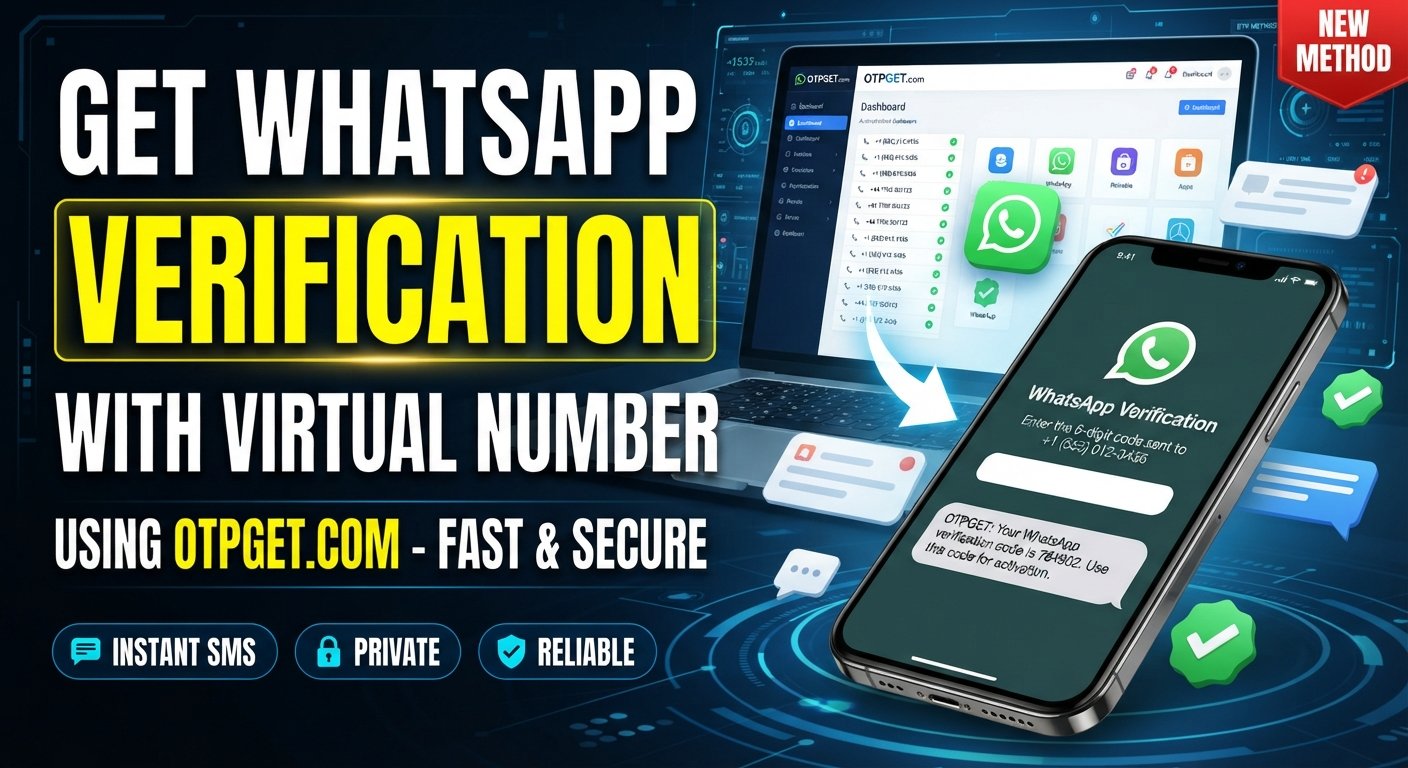
How to Get a WhatsApp Verification Code With a Virtual Number
Needing a phone number for WhatsApp verification can be inconvenient when you would rather not use your personal number. Maybe you want to separate personal and business communication, limit how widely your number is shared, or simply need an SMS-capable number for a specific online verification process.
That is where a virtual phone number can be useful.
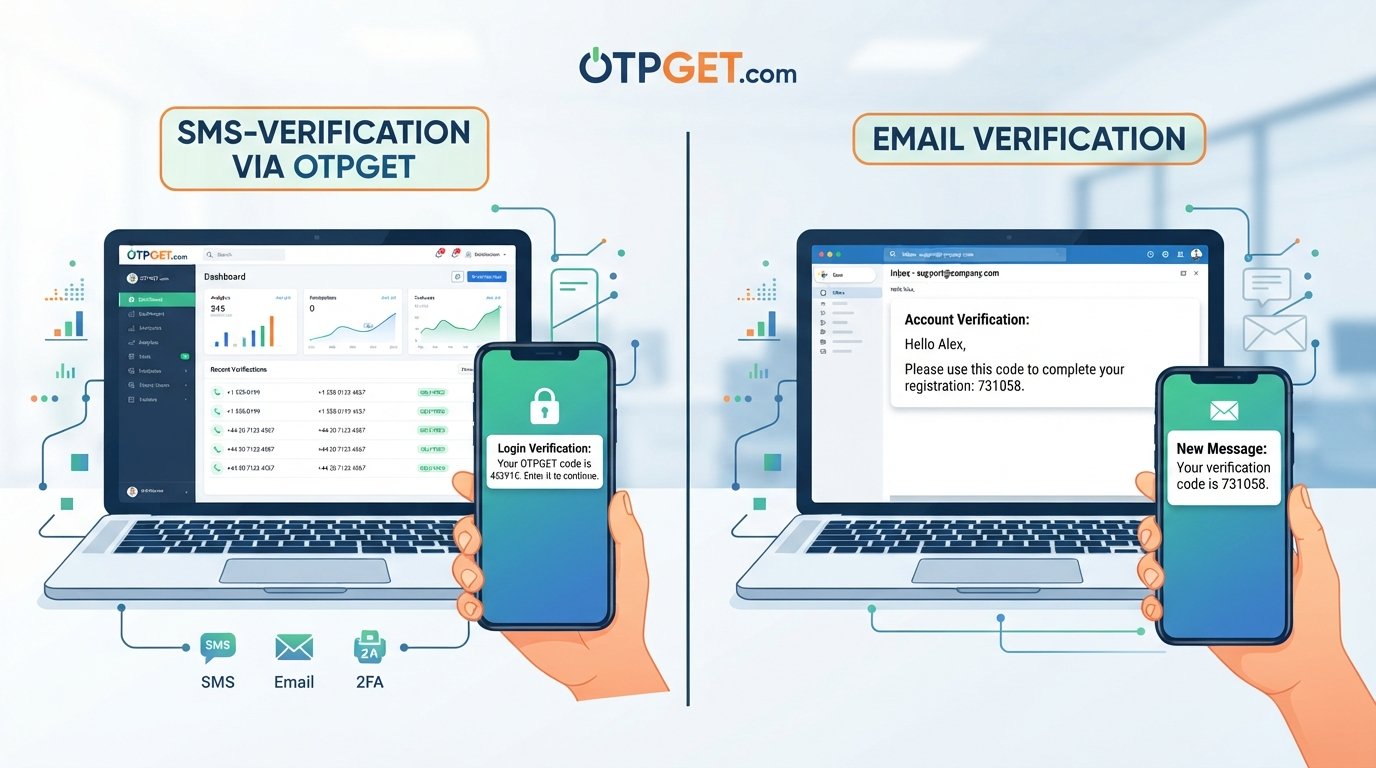
A virtual number can provide access to SMS without requiring you to expose your primary phone number in every situation. Services such as OTPGET can be considered when you need access to a virtual number for SMS verification, subject to number availability and compatibility with the service you're trying to verify.
However, virtual numbers are not universally accepted by every platform. Before using one for WhatsApp account verification, it is important to understand how the process works, what limitations can occur, and how to choose a number responsibly.
What Is a WhatsApp Verification Code?
A WhatsApp verification code is a temporary code used to confirm that you have access to the phone number associated with an account.
During the WhatsApp verification process, you enter a phone number and request verification. Depending on the available verification options, WhatsApp can send a verification message or provide another supported verification method. If an SMS verification option is used, the code is delivered to the number you entered.
The basic process is straightforward:
-
Enter a phone number into the verification screen.
-
Request a verification code.
-
Receive the WhatsApp SMS code through the available verification method.
-
Enter the code into WhatsApp.
-
Complete the account verification process if the number is accepted.
A virtual number follows the same basic concept, but whether a particular number works depends on factors such as the provider, number type, region, and WhatsApp's verification systems.
Why Use a Virtual Number for WhatsApp Verification?
There are several legitimate reasons someone might prefer a virtual number over their everyday phone number.
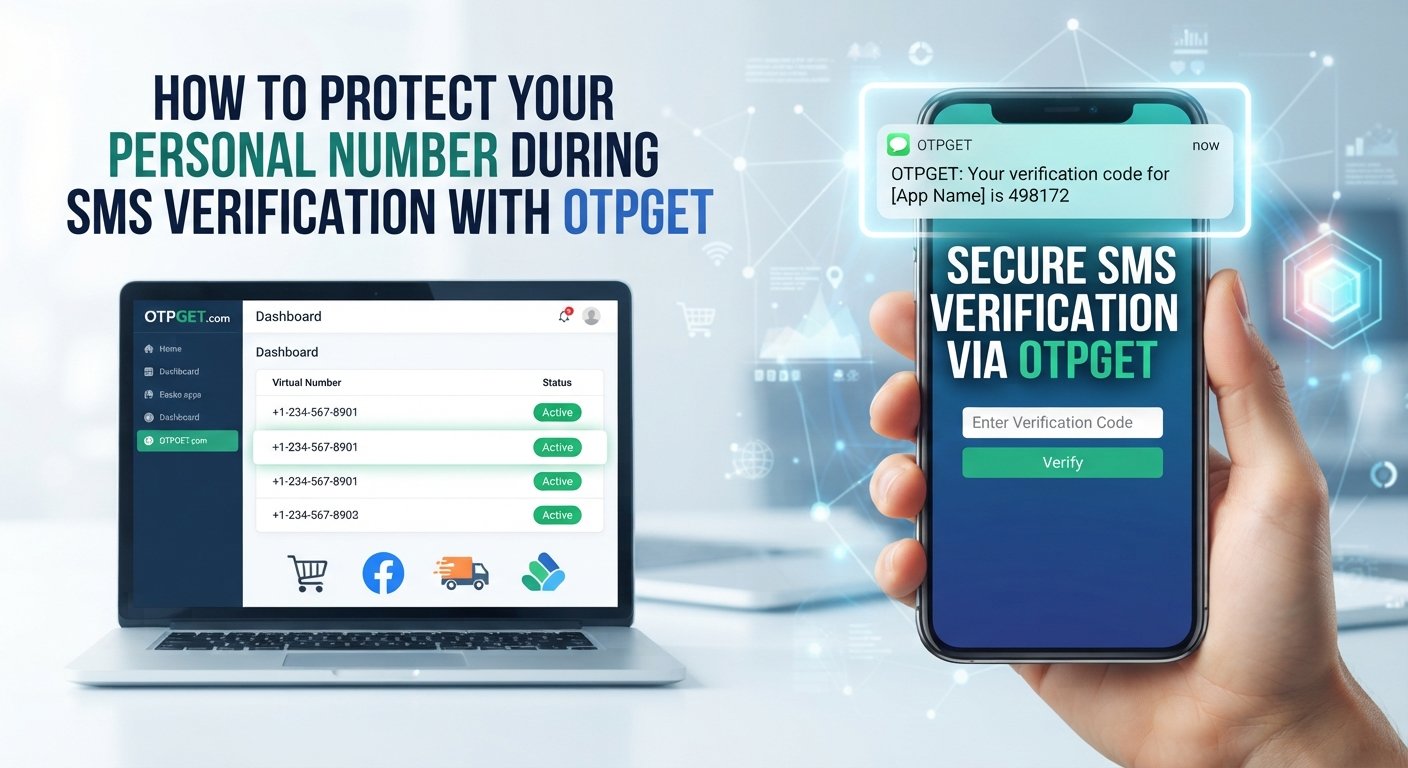
Privacy: A virtual number can help reduce the need to disclose your personal phone number for certain online activities.
Separation: Businesses, freelancers, and people managing different communication needs may prefer to keep personal and professional contact information separate.
Convenience: An online virtual number can be useful when you specifically need a number capable of receiving SMS.
Reduced exposure: Using a separate number can limit where your primary number is entered or stored.
That said, convenience should not come at the expense of account security. A virtual number should be used in accordance with WhatsApp's applicable rules and verification requirements. It should not be used to bypass restrictions, impersonate someone, send spam, or circumvent platform safeguards.
How to Get a WhatsApp Verification Code With a Virtual Number
If you want to understand how to get a WhatsApp verification code with a virtual number, the process can be broken down into a few practical steps.
1. Choose a reputable virtual-number provider
Start with a provider that offers virtual numbers with SMS functionality where supported. Check the provider's available options and understand how its numbers are intended to be used.
OTPGET is one option readers can explore when looking for virtual numbers for SMS verification.
2. Select an appropriate number
Choose a number that supports receiving SMS and is suitable for the verification service you intend to use.
Not every virtual number supports every platform. Some numbers may be unavailable for certain verification services, while others may have previously been used or may be restricted.
3. Obtain the virtual number
After selecting an appropriate option, obtain the number through the provider's supported process. Keep the number accessible while completing verification because the verification message may arrive shortly after the request.
4. Enter the number into WhatsApp
Open WhatsApp's normal verification process and enter the virtual phone number in the appropriate format.
Make sure the country or regional code is correct and that the number has been entered accurately.
5. Request the verification code
Proceed with the available verification method. If SMS verification is offered and the selected number is compatible, WhatsApp may send a verification message to that number.
6. Check for the incoming SMS
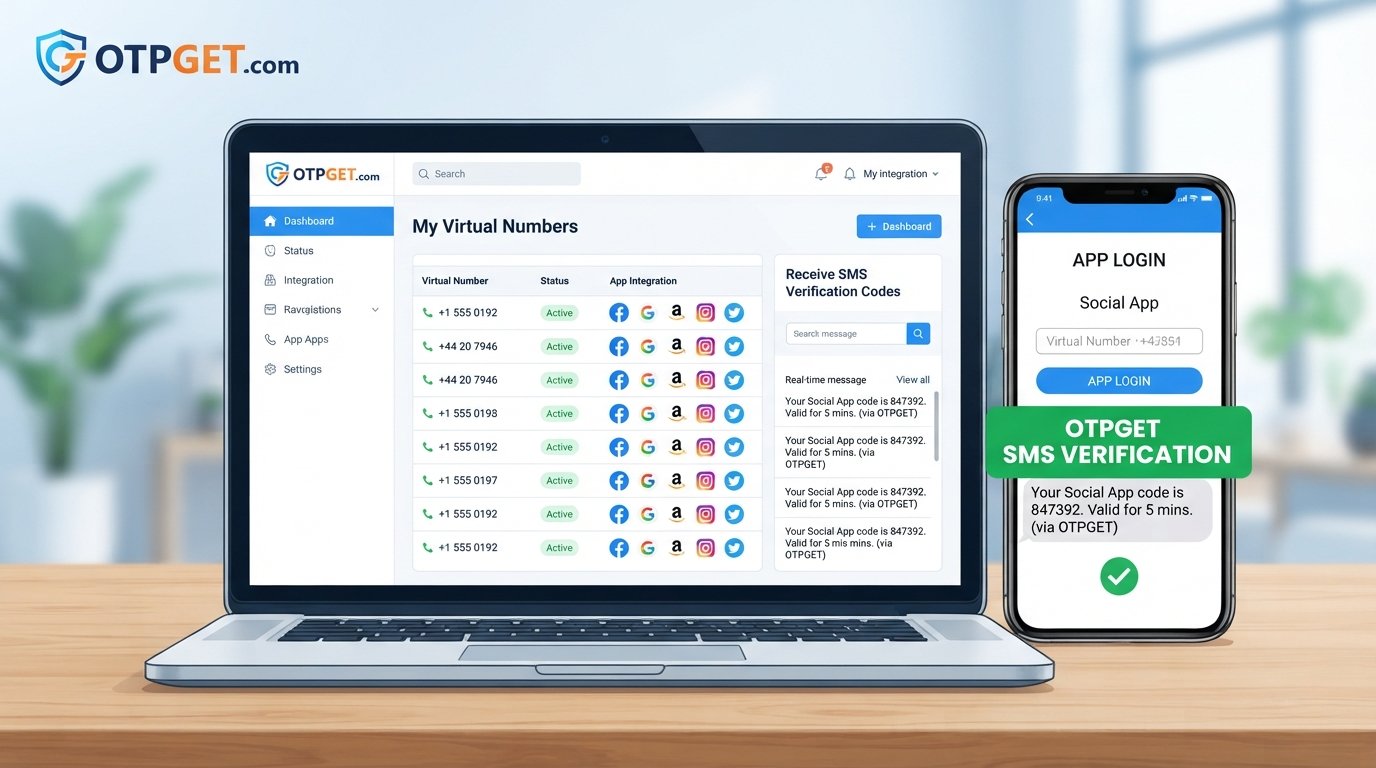
Return to the virtual-number provider and check whether the verification message has arrived.
If the SMS is successfully delivered, the verification code can be used in WhatsApp's verification field.
7. Complete verification
Enter the received code where WhatsApp requests it and follow the remaining on-screen instructions.
Remember that this process is dependent on compatibility. A virtual number is not automatically guaranteed to receive a WhatsApp verification OTP.
How OTPGET Can Help With WhatsApp Verification
OTPGET can be a practical option to explore when you need a separate virtual number for SMS verification.
Depending on availability and supported services, OTPGET can provide access to virtual numbers that may be used for SMS verification. This can be useful for people who want to keep a personal number separate from certain online verification activities.
The general advantage is simplicity: instead of using your everyday number for every verification requirement, you can explore an SMS-enabled virtual number that fits your particular use case.
For WhatsApp, however, compatibility should always be treated as a variable. WhatsApp can restrict or reject certain virtual, VoIP, recycled, or otherwise unsupported numbers. Availability can also change.
If you are considering an OTPGET virtual number, review the available options and select a number that supports the SMS functionality you need.
Explore OTPGET and check the currently available virtual-number options before starting your verification process.
Step-by-Step: Using OTPGET for a Verification Code
Step 1: Visit OTPGET
Start by accessing OTPGET and reviewing the virtual-number options available to you. Look for an option appropriate for SMS verification.
Step 2: Choose a suitable number
Select a number that supports the type of SMS or verification functionality you require. Avoid assuming that every listed number will work with every platform.
Step 3: Use the number for verification
Enter the selected number into the relevant WhatsApp verification flow. Check the number and country code carefully before requesting the code.
Step 4: Check for the SMS
If WhatsApp sends a verification message and the number is compatible, check the supported OTPGET interface for the incoming SMS.
The exact delivery experience can depend on the number and service involved.
Step 5: Complete verification
If the verification message arrives, enter the received code into the appropriate WhatsApp field and continue with the normal account setup process.
If the number is rejected or the SMS does not arrive, avoid repeatedly requesting codes. Instead, troubleshoot the issue or consider another supported verification option.
What to Do If the WhatsApp Verification Code Does Not Arrive
A missing WhatsApp verification code does not necessarily mean something is wrong with your account. Several factors can affect SMS delivery.
Try these steps:
-
Check the number: Confirm that the virtual number and country code were entered correctly.
-
Confirm SMS support: Make sure the selected number is capable of receiving the required SMS.
-
Wait before requesting another code: Repeated requests can complicate the verification process.
-
Check the provider interface: Look for incoming messages through the provider's supported system.
-
Consider number history: A number that has previously been used, restricted, or recycled may not be suitable.
-
Check service availability: SMS delivery can depend on regional and provider-specific factors.
-
Use another available method: If WhatsApp offers another supported verification method, consider following that option.
-
Contact the provider: If an expected message does not appear, the number provider may be able to clarify whether the number supports the requested service.
Avoid attempting to bypass verification controls. If a number is not accepted, using another legitimate and supported verification option is the safer approach.
Virtual Number vs. Personal Phone Number for WhatsApp
The right choice depends on what you need from the number.
| Factor | Virtual Number | Personal Number |
|---|---|---|
| Privacy | Can provide additional separation | Directly exposes your personal number |
| Convenience | Useful for certain online verification needs | Already available to most users |
| Control | Depends on provider and number access | Usually under your direct control |
| Verification reliability | Can vary by provider and platform | Often more predictable |
| Long-term access | Depends on continued number availability | Usually easier to maintain |
| Account recovery | Requires continued access to the number | Generally easier if you retain the SIM |
A virtual number can be convenient, but long-term account access deserves particular attention. If you lose access to a number associated with an important account, recovery may become more complicated.
Things to Know Before Using a Virtual Number
Virtual numbers are useful, but they are not a universal replacement for traditional mobile numbers.
Keep these limitations in mind:
-
Not every virtual number supports every verification service.
-
Some platforms may reject virtual or VoIP numbers.
-
Number availability can change.
-
Temporary numbers may not be appropriate for important long-term accounts.
-
A number can potentially be recycled or reassigned depending on the provider.
-
Losing access to a number can create account-recovery problems.
-
Verification policies can change independently of the number provider.
-
Users should follow WhatsApp's applicable terms and verification requirements.
For an account that you expect to keep for a long time, consider whether you can reliably maintain access to the number used for verification.
Is a Virtual Number Safe for WhatsApp Verification?
A virtual number can be useful from a privacy perspective, but safety depends on how the number and account are managed.
Use a reputable provider and understand its policies around number access and retention. Most importantly, never share a WhatsApp verification code with another person.
You should also:
-
Keep your WhatsApp account protected.
-
Avoid using a number you cannot reliably access.
-
Understand whether the number is temporary or intended for continued use.
-
Review the provider's policies before relying on a number for an important account.
-
Avoid entering verification codes into unofficial or suspicious websites.
-
Follow WhatsApp's normal account-security and verification procedures.
OTPGET should be considered as a virtual-number option rather than as a guarantee of WhatsApp verification. The final acceptance of a number depends on WhatsApp and the characteristics of the number being used.
Frequently Asked Questions
Can I use a virtual number to receive a WhatsApp verification code?
It may be possible when the virtual number supports the required SMS functionality and is accepted by WhatsApp. However, not every virtual number works with every verification system.
How do I receive a WhatsApp OTP online?
You need an SMS-capable number supported by the verification service. If you use a virtual number, the incoming verification message may be accessible through the provider's supported interface.
Does every virtual number work with WhatsApp?
No. WhatsApp may reject certain virtual, VoIP, recycled, or unsupported numbers. Compatibility can vary by number, provider, region, and WhatsApp's verification systems.
What should I do if my WhatsApp verification code does not arrive?
First, check that the number and country code are correct and confirm that the number supports SMS. Avoid repeatedly requesting codes, then check the provider's message interface or consider another supported verification method.
Can I use the same virtual number again?
That depends on the provider, the number's availability, its history, and the service's verification policies. Do not assume that a number will remain available or suitable for future verification.
Is a temporary number suitable for a long-term WhatsApp account?
A temporary number may be less suitable when long-term account recovery is important. If you use a number for an important account, consider whether you can maintain reliable access to it.
How can OTPGET help me get a virtual number?
Depending on availability and supported services, OTPGET can provide access to virtual numbers that may support SMS verification. You can review the available options and choose one that fits your intended use.
Final Thoughts
Using a virtual number can be a practical way to separate your personal phone number from certain online verification needs. It can offer additional privacy and convenience, particularly when you need an SMS-capable number for a specific purpose.
The key is to understand that virtual-number compatibility is not universal. WhatsApp may accept some numbers and reject others, and SMS delivery can depend on the provider, number type, region, and verification system.
If you are exploring how to receive a WhatsApp verification code without using your primary number, OTPGET is worth considering as an option for accessing virtual numbers for SMS verification where supported.
Review the available OTPGET options, choose a number appropriate for your needs, and make sure you can maintain access to it if the WhatsApp account will be important to you.