How to Protect Your Own Personal Number During SMS Verification
How to Protect Your Own Personal Number During SMS Verification
A website or app asks for your phone number. A few seconds later, an SMS arrives with a verification code. You enter the OTP, confirm your account, and move on.
It is a familiar process—but many people rarely stop to consider what happens to their phone number after verification.
Your number may be perfectly appropriate for some services, especially important accounts that depend on reliable account recovery. But giving your primary personal number to every website or app can create unnecessary exposure. Over time, that can mean more promotional messages, spam, unwanted contact, or simply a larger digital footprint tied to your personal identity.
The good news is that SMS verification privacy does not have to mean avoiding verification altogether. In situations where a personal number is not necessary, an alternative verification number can help separate verification activity from your everyday phone number.
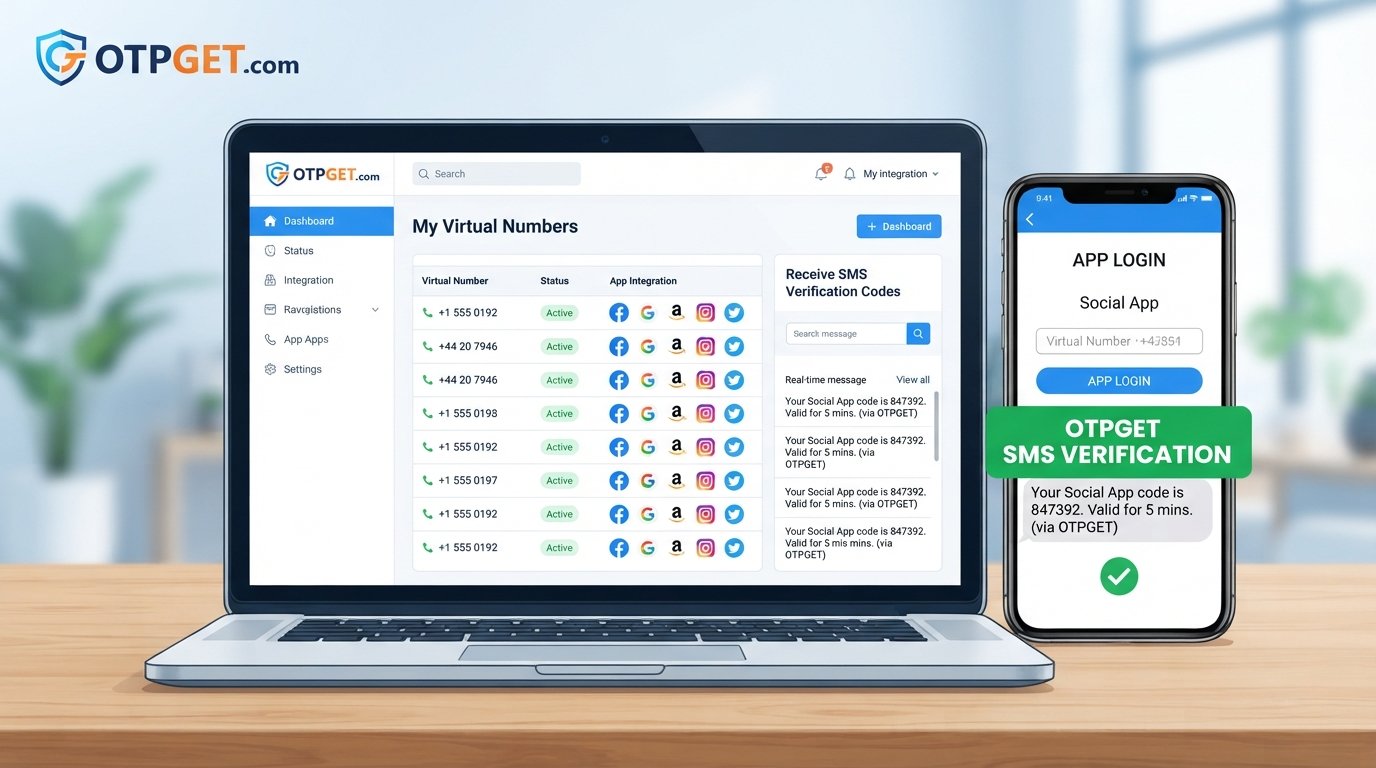
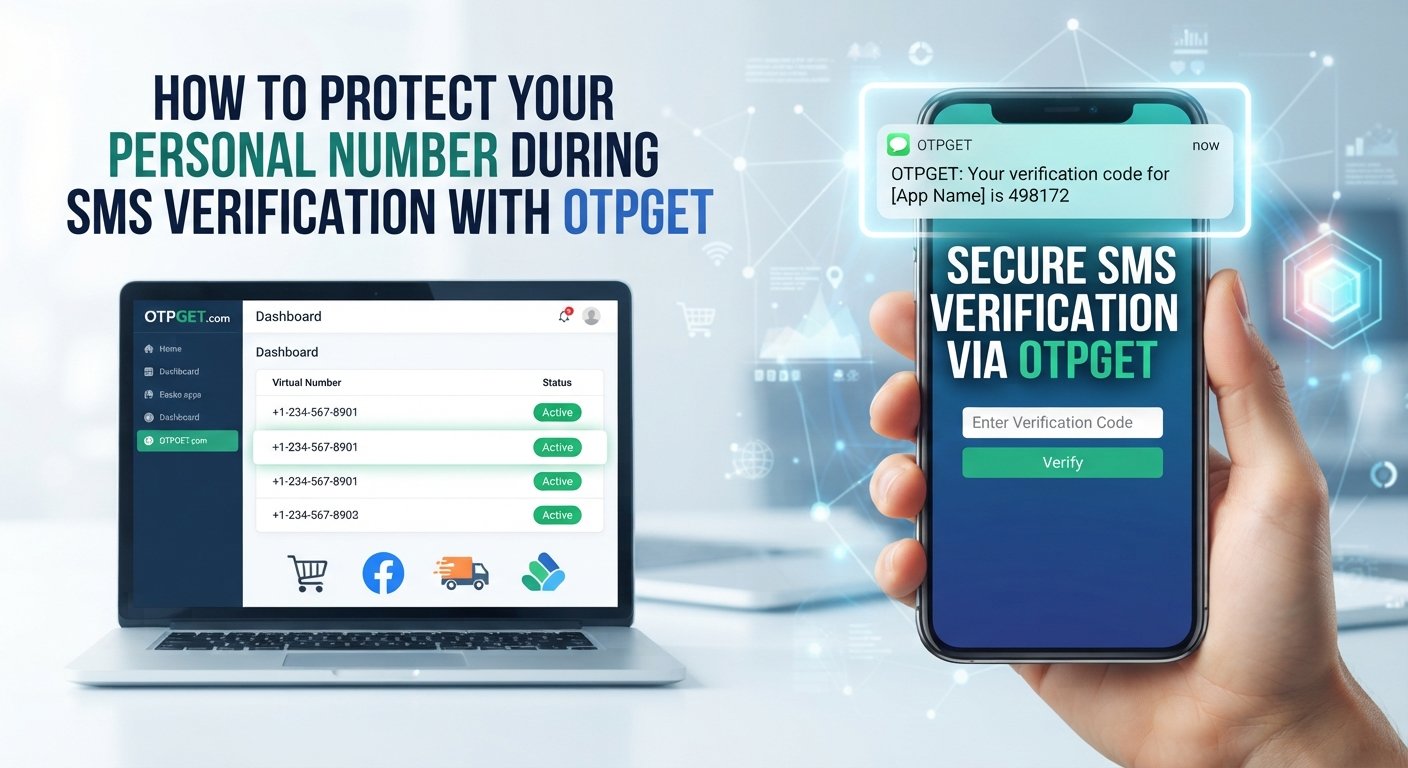
That is where OTPGET can be useful. It provides an OTP/SMS verification solution for users who need to receive verification messages without unnecessarily relying on their primary personal number.
Why Websites Ask for Your Phone Number for SMS Verification
SMS verification is a common way for websites and apps to confirm that a user can receive messages at a particular phone number.
The basic process is straightforward:
- You enter a phone number during registration or sign-in.
- The service sends a one-time password, or OTP, by SMS.
- You enter the verification code.
- The service confirms the number for that verification step.
Businesses use phone verification for several legitimate reasons. It can help with account registration, reduce automated or abusive sign-ups, support account recovery, or provide an additional identity or access check.
An OTP is generally designed for a specific verification event rather than permanent use as a password. That makes SMS verification convenient for both businesses and users.
However, convenience and privacy are not the same thing.
Before entering your personal number, it is worth asking why the service needs it, how it describes its use of personal information, and whether providing your primary number is actually necessary.
What Can Happen When You Use Your Personal Number Everywhere?
Using your personal number with legitimate services is not automatically a privacy problem. The concern is unnecessary exposure.
The more places your number is submitted, the more services have a record connecting that number to an account or online activity. Different services also have different privacy practices, retention policies, and communication preferences.
Possible concerns include:
- More exposure: Your personal number becomes associated with more online accounts.
- Promotional messages: Some services may use contact information for marketing where permitted by their policies and applicable rules.
- Spam calls or texts: A widely shared number can become more difficult to keep separate from unwanted communications.
- Less separation: Your personal communication channel becomes connected to more online activities.
- Long-term digital footprint: Old accounts can continue to represent historical connections between your phone number and online services.
- Unfamiliar websites: Giving your primary number to a service you know little about may create privacy concerns that could have been avoided.
None of this means that every website will misuse your number. Many services have legitimate reasons for requesting it.
The practical goal is simpler: use your primary personal number when it makes sense, rather than treating it as the default verification method for everything.
Practical Ways to Protect Your Personal Number During SMS Verification
Protecting your phone number does not require complicated technology. A few deliberate habits can reduce unnecessary exposure.
1. Check why the website needs your number
Look at the registration process and determine whether phone verification is essential. If the service explains its reason for collecting the number, consider whether that purpose makes sense for your situation.
2. Review the privacy policy
A privacy policy can tell you how a service says it collects, uses, stores, and shares personal information. You do not need to read every word every time, but checking the relevant sections can help you make a more informed decision.
3. Avoid sharing your primary number unnecessarily
Your everyday number is often connected to family, friends, work, banking, and account recovery. Keeping it limited to services where it is genuinely useful can make your overall digital footprint easier to manage.
4. Use a separate number when appropriate
A separate number can create a useful boundary between personal communication and online verification activity. This can be particularly practical for services that only need an SMS code for a limited verification purpose.
5. Consider a temporary or virtual number where permitted
Temporary and virtual phone numbers can provide alternatives to using a primary personal number. However, compatibility varies. Some websites may reject these numbers, while others may require a number that remains available for future verification.
6. Be careful with free public SMS numbers
A publicly accessible SMS inbox may be inappropriate for anything sensitive. If multiple people can potentially view incoming messages, using such a number could expose verification codes or account information.
7. Never share your OTP
An OTP is intended for the verification process. Do not give verification codes to strangers, supposed support agents, or anyone who contacts you unexpectedly.
8. Remove your number when possible
If a service allows you to remove or change a phone number after it is no longer required, consider doing so when appropriate. Keep account-recovery requirements in mind before making the change.
Can a Temporary or Alternative Number Help?
A temporary phone number is generally a number intended for limited or short-term use. A virtual phone number is a number provided through a service rather than necessarily being tied to your everyday physical SIM.
Both can be useful when you need to receive an SMS verification code but do not want to expose your primary number unnecessarily.
For example, imagine you are signing up for a service you expect to use only briefly. If the service permits an alternative number and does not require your personal number for ongoing recovery, using a separate verification option may create better separation.
There are important limitations, though.
Some platforms may restrict temporary or virtual numbers. Others may require the same number later for login, recovery, or security checks. An alternative number can therefore be a privacy tool, but it should not automatically replace the recovery information for an important account.
For sensitive services, always consider both privacy and security before choosing an alternative number.
How OTPGET Helps With SMS Verification Privacy
If you need to complete SMS verification but do not want to expose your primary personal number unnecessarily, an OTP-focused service can provide a practical alternative.
OTPGET is designed for this type of verification need.
The basic idea is straightforward:
- You need to verify a service through SMS.
- You prefer not to use your primary personal number for that verification.
- You use an appropriate alternative verification number or service through OTPGET.
- The verification SMS or OTP is received through the selected service.
- You use the received verification code where the relevant service permits it.
This approach can help create a clearer separation between your everyday phone number and certain online verification activities.
The important word is appropriate. OTPGET should not be viewed as a universal replacement for a personal number. Some accounts require a number that you control for long-term recovery, and some platforms may not accept alternative verification numbers.
For one-time or limited verification situations where an alternative number is permitted, however, OTPGET offers a practical way to approach SMS verification with privacy in mind.
OTPGET vs. Using Your Personal Number for Every Verification
The right choice depends on the type of account, the platform's requirements, and how important long-term account recovery is.
| Consideration | Personal Number | OTPGET / Alternative Verification Approach |
|---|---|---|
| Exposure of personal number | Your primary number is provided to the service | Can reduce the need to provide your primary number where an alternative is permitted |
| Separation of activity | Less separation between personal and verification activity | Creates more separation between verification activity and your everyday number |
| Convenience | Familiar and straightforward | Provides an alternative when you do not want to use your personal number |
| Privacy considerations | More services may have your personal number | Can help limit unnecessary exposure of your primary number |
| One-time verification | May be more than you need for a limited verification task | Can be useful for appropriate verification scenarios |
| Account recovery | Often suitable when a permanent number is required | May not be appropriate when ongoing access or recovery depends on the number |
The table is not a universal recommendation. The best option depends on what the account requires and how you plan to use it.
When You Should Still Use Your Personal Number
Privacy-conscious users should not assume that their personal number must always be avoided.
For important accounts, a permanent personal number may be the appropriate choice.
Examples can include:
- Banking and other financial accounts
- Government services
- Critical account recovery
- Services that explicitly require a permanent verified number
- Accounts where you need reliable long-term access to the same number
In these situations, account recovery and security may matter more than avoiding every instance of number exposure.
Think of privacy tools as a way to reduce unnecessary exposure, not as a reason to ignore legitimate security requirements.
Common Mistakes to Avoid During SMS Verification
Even a privacy-conscious approach can fail if basic security habits are overlooked.
Avoid these common mistakes:
- Using your personal number everywhere without considering whether it is necessary.
- Sharing OTP codes with another person, even if they claim to represent customer support.
- Using random public SMS inboxes for sensitive accounts.
- Ignoring privacy policies when deciding whether to provide personal information.
- Assuming every temporary number is secure or suitable for every platform.
- Forgetting about account recovery before using an alternative number.
- Reusing passwords across multiple accounts.
- Clicking suspicious verification links received unexpectedly by SMS or email.
A private verification method cannot compensate for weak account security. Protect your passwords, OTPs, recovery information, and devices as carefully as you protect your phone number.
A Simple Privacy-First SMS Verification Checklist
Before entering your number, run through this quick checklist:
- ☐ Does this service really need my phone number?
- ☐ Is my primary number necessary?
- ☐ Have I checked the relevant privacy policy?
- ☐ Could an alternative number be appropriate?
- ☐ Does the service permit temporary or virtual numbers?
- ☐ Am I protecting the OTP from other people?
- ☐ Is this an important account that requires permanent recovery information?
- ☐ Am I using a reputable verification solution?
- ☐ Could OTPGET be appropriate for this particular verification need?
A few seconds of consideration can prevent unnecessary sharing of personal information.
Protect Your Personal Number Without Making Verification Complicated
SMS verification is useful. It gives websites and apps a practical way to confirm access to a phone number, and it can play a legitimate role in account security.
But that does not mean you need to give your primary personal number to every service that asks for it.
The smarter approach is to consider why the number is needed, how important the account is, whether long-term recovery matters, and whether an alternative verification method is permitted.
For situations where you want to complete SMS or OTP verification without unnecessarily exposing your everyday number, OTPGET can provide a practical alternative.
If you regularly encounter verification requests and want more separation between your personal communications and online verification activity, explore OTPGET and consider whether its OTP/SMS verification approach fits the specific service you are using.
Frequently Asked Questions
How can I protect my personal number during SMS verification?
First, determine whether the service genuinely needs your number. Review its privacy policy and consider an alternative verification number where permitted. For appropriate SMS verification needs, OTPGET can help you avoid unnecessarily using your primary personal number.
Is it safe to use a temporary number for SMS verification?
It can be appropriate for some limited verification situations, but it is not suitable for every account. Consider whether the platform accepts temporary numbers and whether you will need the same number later for account recovery.
What is an SMS verification number?
An SMS verification number is a phone number that can receive a verification message containing an OTP or other code. The code is then entered into a website or app to complete the verification process.
Can I receive OTP codes without using my personal number?
In situations where the service permits an alternative number, yes. An OTP/SMS verification service such as OTPGET can provide an option for receiving verification messages without unnecessarily exposing your primary personal number.
What is a virtual phone number?
A virtual phone number is a phone number provided through a telecommunications or online service rather than necessarily being tied to your everyday physical SIM. Its availability and compatibility can vary by service.
Should I use my personal number for every online account?
Not necessarily. Your personal number can be appropriate for important accounts, especially when permanent account recovery is required. For less critical verification situations, an alternative number may help reduce unnecessary exposure.
Is OTP verification secure?
OTP verification can add a useful verification step, but it is not a complete security solution. Users should also protect their passwords, devices, recovery information, and verification codes from unauthorized access.
How does OTPGET help with SMS verification?
OTPGET is an OTP/SMS verification solution that can help users receive verification messages through an alternative verification approach. This can be useful when someone wants to complete permitted SMS verification without unnecessarily exposing their primary personal number.