How to Receive OTP Codes Online: A Practical Guide with OTPGET
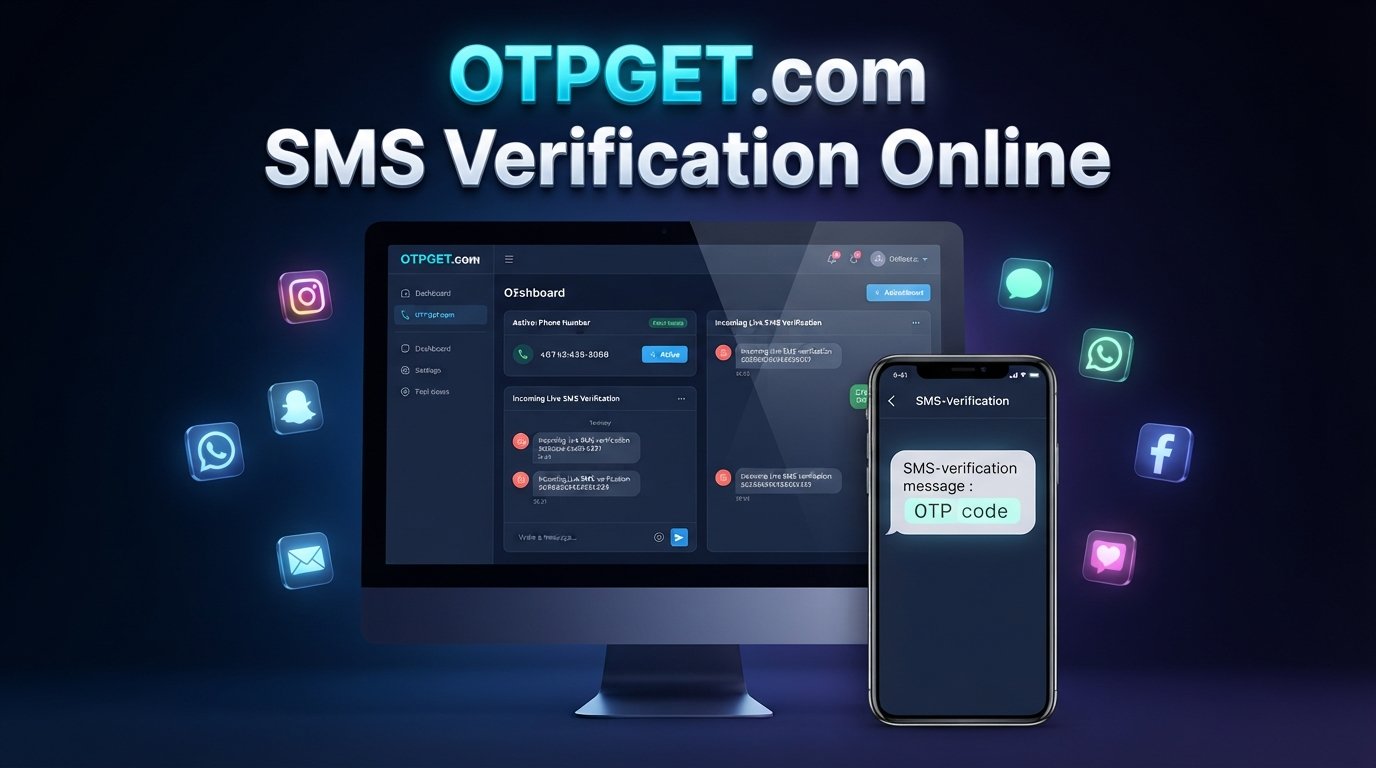
How to Receive OTP Codes Online
One-time passwords, or OTPs, are now a familiar part of signing up for services, confirming account ownership, and completing verification. Usually delivered by SMS, an OTP provides a temporary code that a website or app can use as part of its verification process.
But what happens when you do not want to use your personal mobile number for a particular legitimate verification task, or when you need an online number for a temporary workflow?
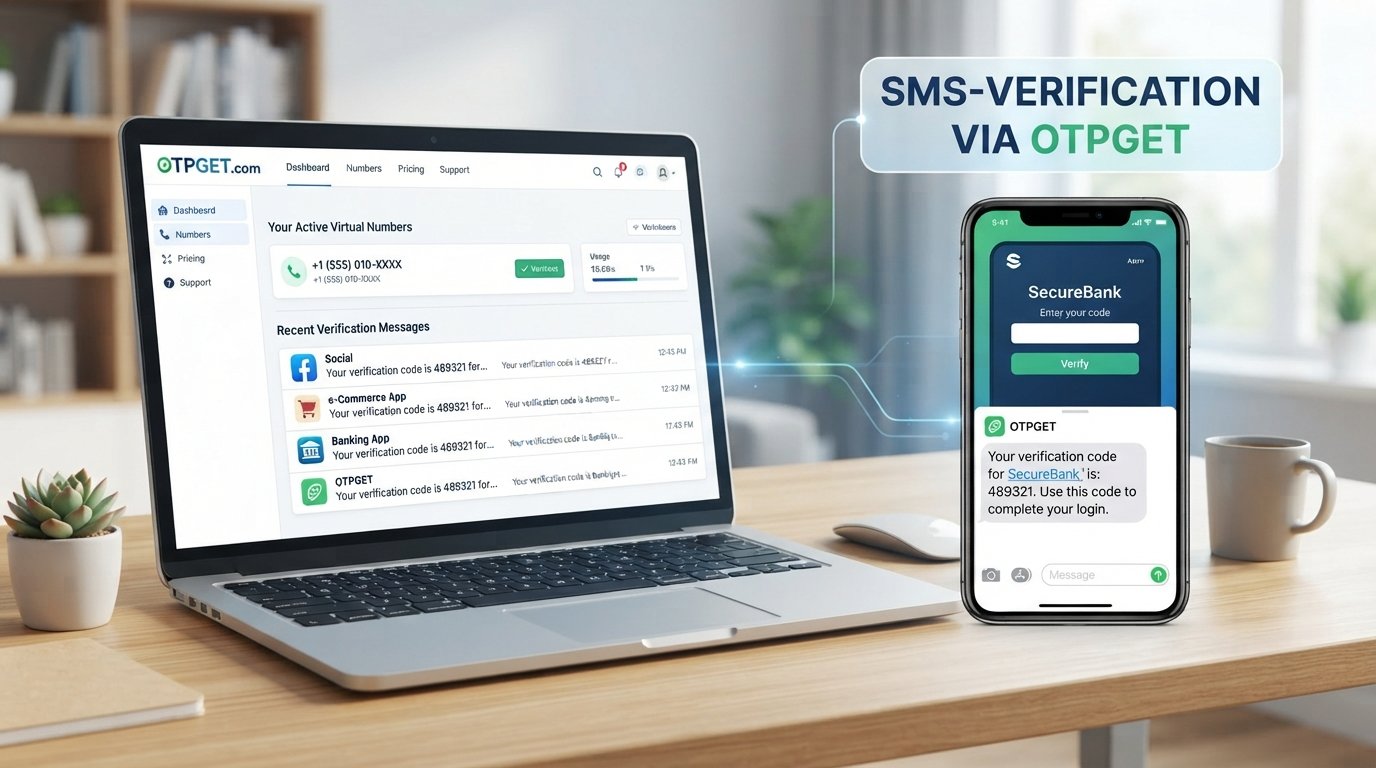
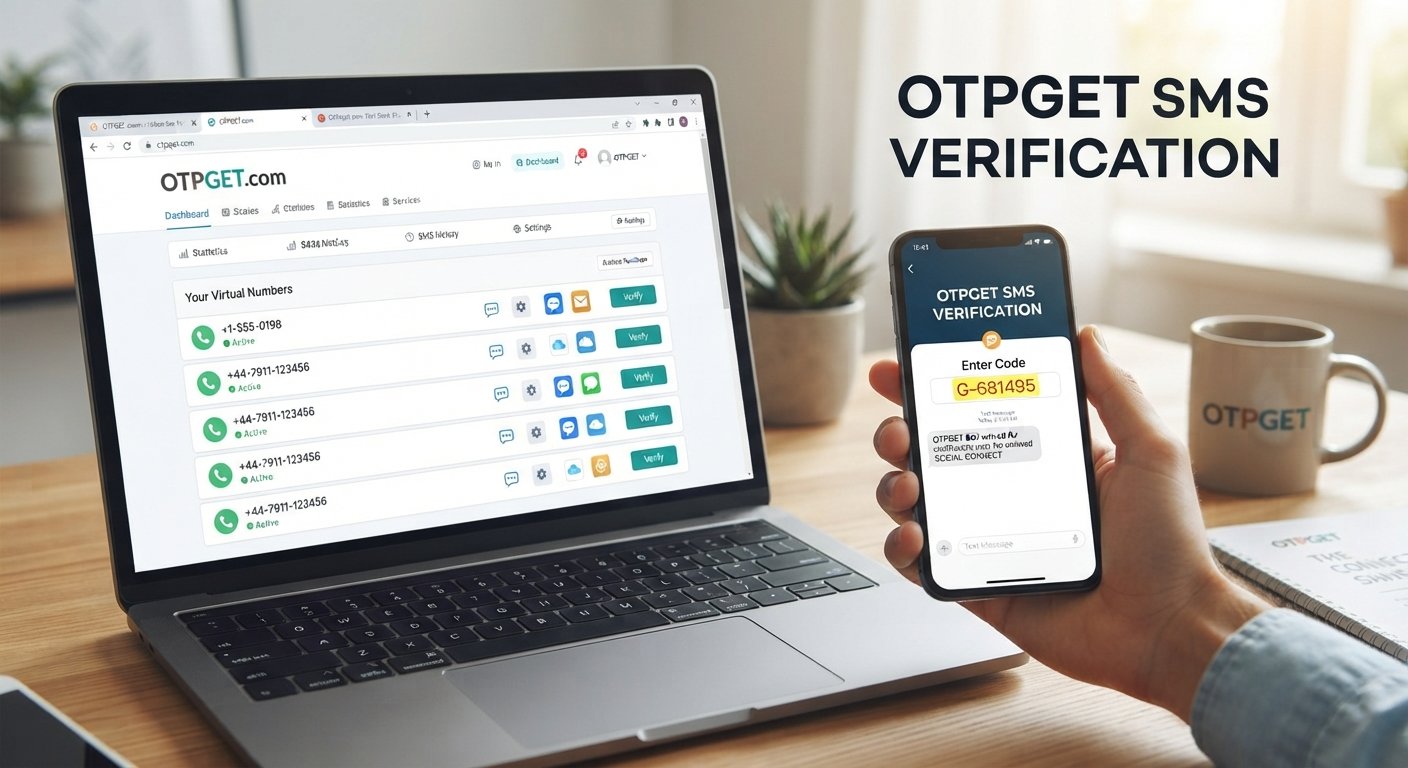
That is where online OTP and SMS receiving services can be useful. A service such as OTPGET can be considered when you need a practical way to receive verification messages through an online number rather than relying on a physical SIM in your personal phone. OTPGET's published documentation describes functionality for obtaining virtual numbers and checking whether an SMS verification code has been received.
The key is to use an online OTP service responsibly and only for accounts, applications, and verification processes you are authorized to complete.
What Is an OTP Code?
OTP stands for One-Time Password. It is a temporary code generated or sent for a specific verification event.
Unlike a regular password, an OTP is generally intended for one-time use or for a limited period. A website might send a six-digit code to a phone number after you enter that number during registration. You then enter the code on the website to confirm that the verification message reached the intended destination.
A typical OTP verification process looks like this:
- A website or app asks for a phone number.
- You provide an authorized number.
- The service sends an SMS containing a verification code.
- The code is delivered to the associated phone or online receiving service.
- You enter the OTP into the original website or application.
- The service checks the code and completes the verification step if it is valid.
OTP verification is therefore different from simply logging in with a password. The OTP provides an additional piece of information associated with the verification event.
Why Do People Need to Receive OTP Codes Online?
There are several legitimate situations where receiving verification SMS online can be convenient.
For example, online OTP receiving may be useful for:
- Account verification: Some services require a phone number before allowing registration.
- Temporary verification: A separate number may be appropriate for a short-term, authorized task.
- Application testing: Developers and QA teams may need phone numbers to test SMS-based verification workflows.
- Privacy considerations: In appropriate circumstances, users may prefer not to provide their personal mobile number to every service they use.
- Online workflows: Businesses or individuals working with multiple legitimate verification processes may find online number management more convenient.
The important distinction is authorization. An OTP receiving service should not be used to bypass account protections, defeat identity checks, evade platform restrictions, or access an account that does not belong to you.
How to Receive OTP Codes Online
The basic process is straightforward, although the exact steps can vary depending on the service and the website requesting verification.
1. Choose a suitable online OTP service
Start by selecting an OTP receiving service that matches your legitimate use case. Consider its available number options, supported services, privacy practices, and terms.
OTPGET is one option to consider for receiving SMS verification codes through virtual numbers. Its documentation describes an SMS OTP workflow in which users can request a number and then check its activation status for an incoming code.
2. Select an appropriate receiving number
Choose an available number that is suitable for the verification process. Depending on the service, you may need to select options such as a country, service, or number type.
Only use a number in a manner permitted by both the receiving service and the website you are verifying.
3. Enter the number on the legitimate service
When the website or application asks for a phone number, enter the number you have obtained through the online OTP service.
Check the number carefully before submitting it. An incorrect number can prevent the verification SMS from reaching the intended destination.
4. Request the OTP
Submit the phone number on the original website or app and request its verification code.
The service should then send an SMS containing the OTP if the number and verification method are supported.
5. Wait for the verification message
Return to the OTP receiving interface and check for the incoming SMS.
OTPGET's published API documentation includes a status-checking process for determining whether an SMS has been received.
6. Enter the received code
Once the verification SMS arrives, enter the OTP into the website or application that requested it.
Make sure you use the current code and follow the instructions shown by the original service.
7. Complete the authorized verification process
If the code is accepted, the verification step should be completed according to the original service's process.
If it fails, avoid repeatedly requesting codes without checking the cause. Multiple requests can sometimes create additional delays or invalidate earlier codes.
How OTPGET Can Help With Online OTP Receiving
OTPGET is relevant to this workflow because its published platform documentation describes virtual numbers for OTP verification and an SMS OTP API for obtaining numbers and retrieving received codes.
For users, the important concept is simple: instead of depending entirely on a physical SIM and personal mobile number, an online number can serve as the receiving destination for an appropriate verification SMS.
OTPGET's documentation describes a process involving number selection, SMS receipt, and status checking. Its developer documentation also provides API-based access for users who need to integrate virtual-number and OTP functionality into technical workflows.
The exact availability of a number or compatibility with a particular service can vary. Therefore, it is sensible to check the available options before beginning a verification process.
Benefits of Receiving OTP Codes Online
Using an online OTP or SMS receiving service can provide several practical advantages when the use case is appropriate.
Convenience
You can manage a verification number through an online service rather than relying exclusively on a physical SIM.
Flexibility
Online numbers can be useful for temporary workflows where using a personal number is unnecessary or inconvenient.
Easier access to verification messages
Instead of waiting for a message on your everyday phone, an online receiving interface can provide a separate destination for supported verification SMS.
Useful for testing
Developers and testing teams can use appropriate virtual numbers when working on applications that include SMS verification.
Separation from a personal number
For suitable low-risk situations, a separate number can help keep a personal phone number out of a particular registration or verification workflow.
These benefits do not mean every website will accept every online number. Compatibility depends on the receiving service, the originating platform, and the verification method being used.
What to Consider Before Using an Online OTP Service
Not all verification situations are the same. Before using an online number, consider the following factors:
- Privacy: Understand how the service handles numbers and received messages.
- Security: Avoid sharing sensitive OTPs with other people or entering them into untrusted websites.
- Number availability: A suitable number may not always be available.
- Message delivery: SMS can sometimes be delayed, filtered, or rejected.
- Supported services: A website may restrict or reject certain types of numbers.
- Number duration: Check whether the number is temporary or intended for longer-term use.
- Terms of service: Make sure the intended use is permitted by the relevant platform.
- Account sensitivity: Consider whether an online number is appropriate for the account you are verifying.
For highly sensitive accounts, particularly accounts containing valuable personal, financial, or business information, carefully review the service's accepted verification methods before choosing a temporary or shared receiving number.
OTPGET vs. Traditional SMS Verification
Online OTP receiving and traditional SMS verification are not necessarily competing security methods. They describe different ways of handling the phone number that receives the verification message.
| Consideration | Traditional personal number | Online OTP receiving |
|---|---|---|
| Receiving method | Personal SIM/mobile network | Online or virtual receiving service |
| Convenience | Familiar and direct | Useful when a separate online number is appropriate |
| Personal-number exposure | Uses your regular number | Can separate some verification tasks from your personal number |
| Accessibility | Dependent on your mobile service and device | Managed through the relevant online service |
| Temporary use | Usually less suited to temporary workflows | Can be suitable for temporary verification tasks |
| Testing | May be inconvenient for repeated testing | Can be useful for authorized testing workflows |
| Compatibility | Often broadly familiar to services | Depends on the originating service and number type |
The right approach depends on what you are verifying, what number types the service accepts, and how important long-term access to the number is.
Common Problems When Receiving OTP Codes Online
Even when the process is configured correctly, an OTP may not arrive immediately.
OTP not arriving
First, confirm that the number was entered correctly. Then check whether the original service shows a delivery or verification status.
Delayed SMS
SMS delivery can take time. Avoid repeatedly requesting new codes until you have checked whether an earlier message is still pending.
Number unavailable
Online services can have limited availability for particular number types. If a suitable number is unavailable, you may need to choose another available option that fits your authorized use case.
Unsupported service
Some websites may not accept particular virtual or temporary numbers. If that happens, use a verification method explicitly supported by the website.
Expired OTP
OTP codes can become invalid. If the code has expired, request a new one through the original service rather than attempting to reuse an old code.
Incorrect number format
Some services require specific country or number formatting. Check the instructions displayed by the website before submitting the number.
Verification restrictions
A platform may restrict certain numbers or verification methods. This is a limitation imposed by the originating service and is not necessarily an indication that the receiving service is malfunctioning.
Is Receiving OTP Codes Online Safe?
There is no universal answer. The safety of online OTP receiving depends on the provider, the website being verified, the type of account, and how the number and verification message are handled.
Before using an online OTP service, consider:
- Whether the provider clearly explains its service and handling practices.
- Whether the verification process involves sensitive information.
- Whether the originating website permits the type of number being used.
- Whether the number may be shared or reused.
- Whether you need continued access to the same number.
- Whether the account is too sensitive for a temporary or online number.
For important accounts, users should carefully consider whether a personal, dedicated, or officially supported verification method is more appropriate.
Most importantly, only enter OTP codes into the legitimate website or application that requested them. Never give a verification code to someone who contacts you unexpectedly and asks for it.
Why Consider OTPGET for Receiving OTP Codes Online?
If your goal is to receive OTP codes online without relying solely on a personal mobile number, OTPGET is a service worth evaluating against your specific requirements.
Its published documentation describes virtual numbers for SMS OTP verification, a process for requesting numbers, and status checking for received verification codes. It also documents API options for developers who need programmatic access to virtual-number and OTP functionality.
That makes OTPGET relevant for users who want an online approach to legitimate verification workflows rather than managing every verification message through a personal SIM.
Before starting, review the available options and confirm that the number and verification method are suitable for the service you intend to use.
Frequently Asked Questions About Receiving OTP Codes Online
What is an OTP code?
An OTP, or One-Time Password, is a temporary verification code used to confirm an action such as account registration, login, or phone-number verification.
Can I receive OTP codes online?
Yes. Online OTP services can provide virtual or online numbers that receive SMS verification codes for supported and authorized use cases.
How do I receive OTP codes online?
Choose an appropriate online OTP service, obtain a suitable number, enter it on the legitimate service requesting verification, wait for the SMS, and enter the received code where authorized.
What is an online OTP service?
An online OTP service provides a way to obtain a phone number or other receiving method through an online interface and use it for supported verification workflows. The exact functionality varies by provider.
Can OTPGET help with receiving verification codes?
OTPGET's published documentation describes virtual numbers for SMS OTP verification, including functionality for obtaining numbers and checking whether verification SMS messages have been received.
Why might an OTP not arrive?
Common reasons include incorrect number entry, delayed SMS delivery, unavailable numbers, unsupported services, service restrictions, or problems on the originating platform.
Is an online OTP service suitable for sensitive accounts?
It depends on the account and the verification method permitted by the service. For highly sensitive accounts, carefully consider whether a temporary or online number provides the continuity, privacy, and account recovery options you need.
Final Thoughts
Knowing how to receive OTP codes online can make legitimate verification workflows more flexible. Online OTP services can be useful when you need a separate receiving number, are working with an authorized temporary verification task, or need an appropriate setup for application testing.
The important considerations are compatibility, privacy, number availability, message delivery, duration, and the rules of the service you are verifying.
OTPGET can be considered as one option for online OTP receiving. Its published documentation outlines virtual-number and SMS OTP functionality, including ways to request numbers and check received verification codes.
If an online receiving number fits your legitimate use case, explore OTPGET and review its available options before starting your verification workflow.
10. Internal Link Suggestions
- Suggested anchor text: Virtual Phone Numbers for Verification
Suggested topic/page: Guide to virtual phone numbers and how they work
Where to insert: In the section explaining online OTP receiving and virtual numbers. - Suggested anchor text: How to Receive SMS Online
Suggested topic/page: Step-by-step guide to receiving SMS through online services
Where to insert: In the “How to Receive OTP Codes Online” section after explaining the receiving process. - Suggested anchor text: OTP Verification Guide
Suggested topic/page: Educational guide covering OTP verification, codes, and common verification flows
Where to insert: In the “What Is an OTP Code?” section. - Suggested anchor text: Temporary Phone Numbers
Suggested topic/page: Guide explaining temporary numbers, appropriate use cases, limitations, and duration
Where to insert: In the “Why Do People Need to Receive OTP Codes Online?” section. - Suggested anchor text: OTPGET API Documentation
Suggested topic/page: Developer documentation explaining OTPGET's API functionality and integration workflow
Where to insert: In the “How OTPGET Can Help With Online OTP Receiving” section.