How to Receive SMS Online Without a SIM Card Easily
How to Receive SMS Online Without a SIM Card Easily
Need a verification code but don't want to use your personal phone number? Perhaps you're testing a service, keeping online registrations separate from your personal communications, or simply don't have access to a physical SIM card.
In these situations, an online phone number for SMS can provide a practical alternative. Instead of receiving a text on a traditional mobile SIM, an online SMS receiver can display eligible incoming messages through a web-based service.
The important part is understanding how these numbers work, when they are appropriate, and what limitations they have. For legitimate verification needs, services such as OTPGET can help make the process more convenient without requiring you to rely on a physical SIM card.
Can You Receive SMS Online Without a SIM Card?
Yes. You can receive SMS online without having a physical SIM card by using a virtual phone number or an online SMS receiving service.
A traditional mobile number is associated with a physical SIM or an embedded SIM. An online number, by contrast, is provided through a communications service and can be used to receive supported text messages through an online interface.
The basic difference looks like this:
- Physical SIM number: A conventional mobile number connected to a SIM in a phone.
- Virtual phone number: A number provided through an online communications service rather than requiring a physical SIM in your device.
- Temporary phone number: A number intended for limited or short-term use, depending on the provider.
- Online SMS receiving service: A service that lets users access incoming SMS messages associated with available online numbers.
This makes it possible to receive text messages online when a website or service permits delivery to the type of number you have selected.
However, not every platform accepts virtual or temporary numbers. Some services may restrict them, and availability can vary.
Why Would Someone Need to Receive SMS Without a SIM?
There are several legitimate reasons to use an online number instead of a personal mobile number.
Privacy-conscious registrations
Some people prefer not to give their personal phone number to every website or online service they use. Where permitted, a separate virtual number can help keep personal communications separate from online registrations.
Separating personal and online communications
Using a dedicated number for certain online activities can make it easier to keep personal messages and service-related verification messages apart.
Testing applications and services
Developers and QA teams may need to test SMS-based workflows, including registration and OTP verification. An online SMS receiver can be useful when testing is supported by the relevant service and within its rules.
Temporary verification needs
Some legitimate activities require a one-time verification message without creating a long-term need for another personal mobile line. A temporary number may be suitable for certain low-risk situations.
International users
People who are traveling or working across different regions may sometimes need access to an online number for SMS. Availability and compatibility depend on the service and the destination platform.
The key principle is simple: online SMS services should be used for legitimate purposes and in accordance with the terms of the website or application involved.
How to Receive SMS Online Without a SIM Card
The process is generally straightforward when the destination service supports online or virtual numbers.
- Choose a reputable online SMS receiving service.
Look for clear information about number availability, supported services, privacy practices, and how messages are handled. - Select an available virtual or online number.
Choose a number appropriate for the service you are trying to use, where supported. - Enter the number into the relevant service.
If the website or application permits virtual numbers, enter the selected number during its registration or verification process. - Request the verification SMS.
The service will send a verification message if the number is accepted. - Return to the SMS receiving service.
Open the relevant number or inbox to check for an incoming message. - View the SMS or OTP.
If the message arrives, locate the verification code or other relevant information. - Complete the legitimate verification process.
Enter the code into the original service as instructed.
This is where OTPGET can be useful. Instead of depending on a physical SIM card, users can explore its online SMS receiving option for supported verification workflows. The exact availability and compatibility of a number can depend on the destination service.
How OTPGET Helps You Receive SMS Online
For users specifically looking for a practical way to receive SMS online without a SIM card, OTPGET provides an online approach to SMS and verification-code receiving.
The concept is simple: rather than placing a physical SIM card in a phone, you use an available online or virtual number through the service and check for supported incoming messages online.
This can be useful when you want to:
- Receive verification codes online.
- Keep certain registrations separate from your personal number.
- Use a virtual number for supported SMS workflows.
- Access SMS through an online process rather than a physical SIM.
- Handle temporary verification needs where appropriate.
- Avoid adding another physical mobile line for a limited use case.
OTPGET can therefore serve as an online SMS receiver for users whose needs match the service's supported use cases.
There are still important limitations. OTPGET should not be assumed to work with every website, application, or verification system. Some platforms restrict virtual numbers, while others may have their own eligibility requirements.
For that reason, treat OTPGET as a practical option to explore rather than a universal solution for every SMS verification situation.
How to Choose an Online SMS Receiver
Not all online SMS receiving services work in exactly the same way. Before choosing one, consider the following factors.
Number availability
Check whether suitable numbers are available for the type of verification you need. Availability can change, particularly for temporary numbers.
Supported services
Some websites and applications may reject virtual or temporary numbers. Check compatibility rather than assuming an online number will work everywhere.
Privacy practices
Understand how the service handles incoming messages and whether numbers or messages may be shared, reused, or publicly visible.
Reliability
An SMS receiver needs to provide a practical way to access incoming messages. Consider whether the service clearly explains how messages are displayed and what happens if delivery is delayed.
Ease of use
A straightforward workflow can make online SMS verification much easier. The process should be clear from selecting a number through checking an incoming message.
Transparency
Look for understandable information about number availability, limitations, reuse, expiration, and acceptable use.
Number reuse policies
Temporary numbers may eventually be reassigned. This matters when deciding whether a number is appropriate for an account you expect to use for a long time.
Message visibility
Determine whether incoming messages are private to you or potentially visible to others. This is especially important when dealing with sensitive information.
OTPGET can be considered alongside these criteria when looking for an online number for verification. As with any provider, users should review the service's current information and make sure the intended use is permitted.
Online SMS Receiver vs. Using Your Personal SIM
Different options serve different purposes.
| Option | Convenience | Privacy considerations | Typical suitability |
|---|---|---|---|
| Physical SIM | Requires a physical mobile connection | Uses a personal or dedicated mobile number | Long-term mobile use |
| Personal phone number | Widely recognized by services | Connects activity to your personal number | Personal accounts and trusted services |
| Virtual number | Accessible through an online service | Can separate some online activity from your personal number | Supported online registrations and verification |
| Online SMS receiver | Designed for receiving messages through an online interface | Depends heavily on number visibility and provider policies | Temporary or specific SMS receiving needs |
A physical SIM remains useful when you need long-term control of a mobile number. A virtual number may be more convenient for certain online workflows, while an online SMS receiver can be appropriate for supported temporary verification needs.
The right choice depends on the purpose, sensitivity of the account, and requirements of the service sending the SMS.
Is Receiving SMS Online Safe?
Receiving SMS online can be reasonable for legitimate, low-risk uses, but users should understand the privacy and security implications.
The biggest concern is number visibility and ownership. Some temporary or public numbers may be accessible to multiple users or may eventually be reassigned. That creates a risk if sensitive information is sent to the number.
For this reason, avoid using public or temporary numbers for:
- Banking and financial accounts
- Password recovery
- Primary email accounts
- Important business accounts
- Accounts where permanent control of the phone number is essential
- Other services involving highly sensitive personal information
OTP messages should also be treated as sensitive information. Never share verification codes with another person unless the service explicitly requires a secure, authorized process.
Most importantly, use online SMS receiving services only for legitimate purposes and follow the terms and policies of the website sending the verification message.
Common Problems When Receiving SMS Online
Even when the process appears simple, an SMS may not arrive. Common issues include:
- The verification message is delayed.
- The number has already been used by the destination service.
- The website does not support virtual numbers.
- The selected number has expired.
- The number is no longer available.
- The destination platform blocks certain number types.
- The SMS provider or destination service is experiencing a temporary delivery issue.
Practical troubleshooting steps
First, confirm that the number was entered correctly. Then check whether the destination service accepts virtual or temporary numbers.
If the message still does not appear, wait briefly and refresh the receiving service if appropriate. If the number is no longer usable, selecting another available number may resolve the issue where permitted.
For persistent problems, check the policies of both the destination platform and the SMS receiving provider. Switching between numbers repeatedly should not be used to circumvent restrictions or verification controls.
Frequently Asked Questions
Can I receive SMS online without a SIM card?
Yes. A virtual phone number or online SMS receiver can allow you to receive supported text messages without having a physical SIM card in your phone.
How can I receive an OTP without my SIM card?
Where supported, you can select an online or virtual number through an SMS receiving service, enter it into the relevant service, and check the online inbox for the incoming OTP.
What is an online SMS receiver?
An online SMS receiver is a service that provides access to incoming SMS messages through an online interface rather than requiring the user to read the message directly from a physical SIM-connected phone.
Can I use a virtual number for SMS verification?
Sometimes. Whether a virtual number works depends on the website or application sending the verification SMS. Some services accept virtual numbers, while others restrict them.
Is it safe to receive verification codes online?
It can be appropriate for lower-risk, legitimate uses, but public or temporary numbers are not ideal for sensitive accounts. Consider privacy, number reuse, message visibility, and the security requirements of the account.
Can every website send OTPs to virtual numbers?
No. Some platforms restrict virtual, temporary, or VoIP-associated numbers. Always check the relevant service's requirements rather than assuming compatibility.
How does OTPGET help with online SMS receiving?
OTPGET can help users access supported SMS and verification messages through an online number instead of relying on a physical SIM. Availability and compatibility depend on the intended service and its policies.
Receive SMS Online Without the Hassle of a Physical SIM
You don't always need a physical SIM card to receive a verification message. With an appropriate online SMS receiver or virtual phone number, supported SMS messages can be accessed through an online workflow.
The important distinction is choosing the right option for the right purpose. Virtual and temporary numbers can be useful for privacy-conscious registrations, testing, and limited verification needs, but they are not a substitute for a permanently controlled number in every situation.
For users looking to receive SMS online for verification, OTPGET offers a practical option to explore. It can help simplify online SMS and OTP receiving where the destination service supports the selected number.
Before using any online number, check compatibility, privacy practices, reuse policies, and the terms of the service you are registering with.
If you need a convenient way to explore online SMS receiving without depending on a physical SIM, take a look at OTPGET and see whether its available numbers fit your legitimate verification needs.
8. INTERNAL LINK SUGGESTIONS
- What Is a Virtual Phone Number?
- How OTP Verification Works
- Online SMS Verification Explained
- How to Protect Your Phone Number Online
- OTPGET Features
9. IMAGE PLACEMENT & ALT-TEXT SUGGESTIONS
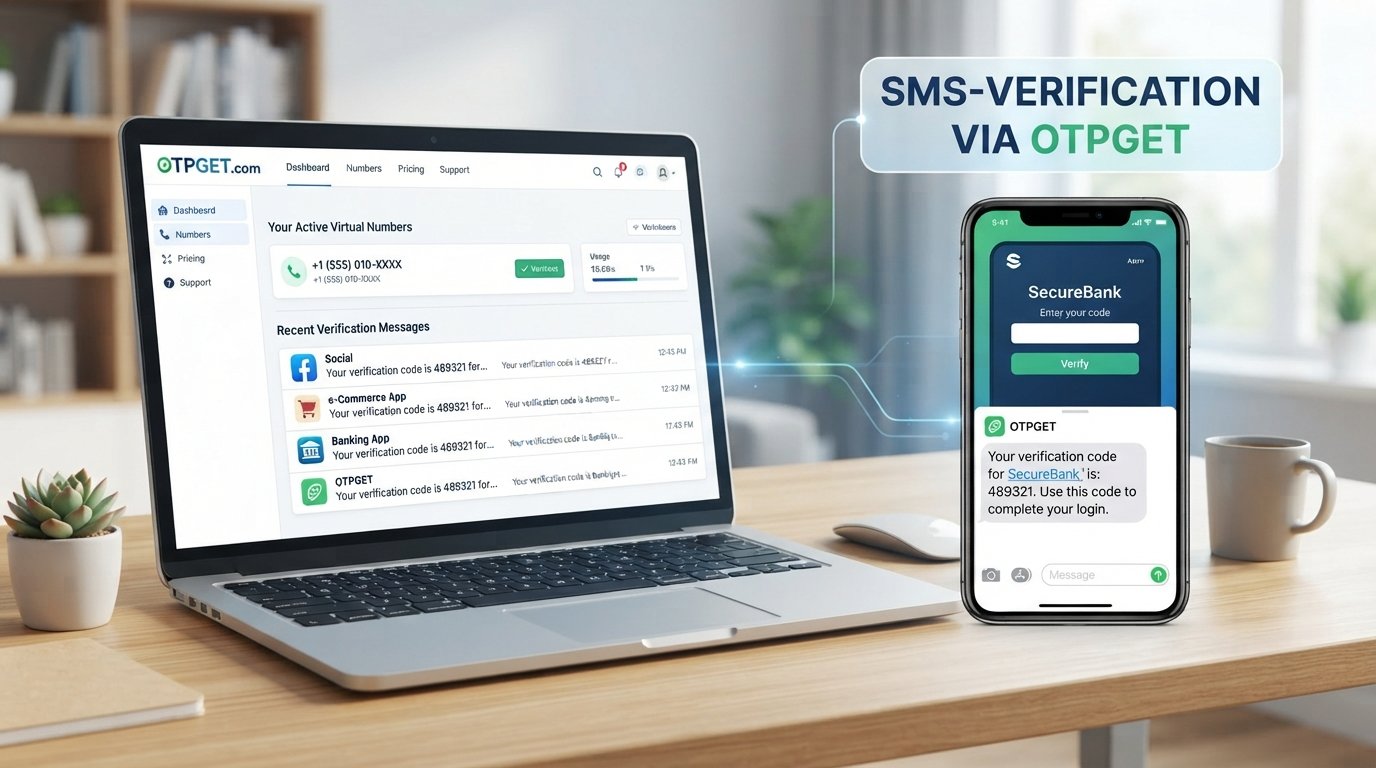
Image 1 — After the Introduction
- Suggested placement: Immediately after the introductory section.
- Visual concept: Smartphone and laptop showing an incoming SMS verification code through a cloud-based virtual number, with a subtle physical SIM card icon separated from the workflow.
- Suggested alt text:
Receive SMS online without a physical SIM card using a virtual phone number
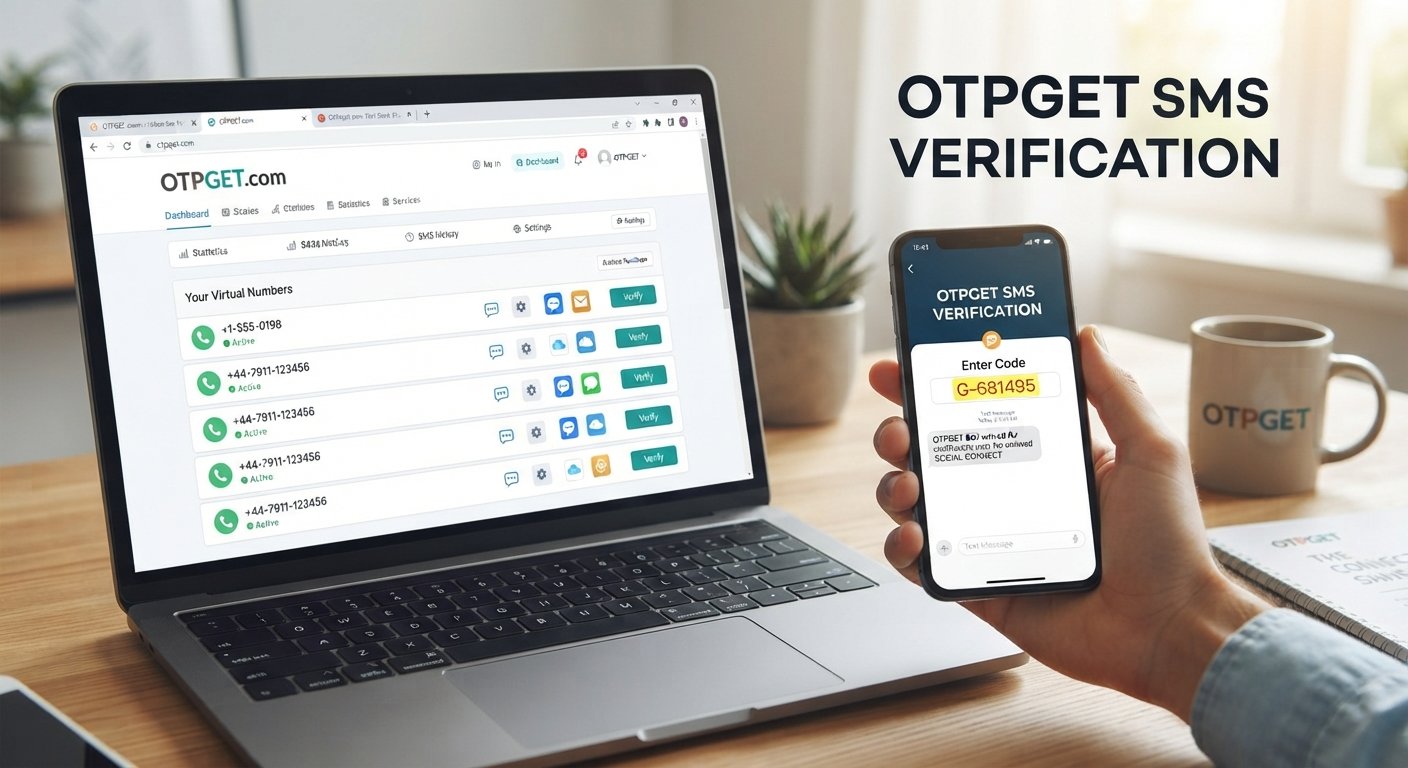
Image 2 — Inside “How to Receive SMS Online Without a SIM Card”
- Suggested placement: Immediately before or after the numbered step-by-step process.
- Visual concept: Clean process diagram showing virtual number selection, entering the number on a supported service, receiving an SMS, viewing the OTP, and completing verification.
- Suggested alt text:
Steps to receive an OTP online using a virtual phone number
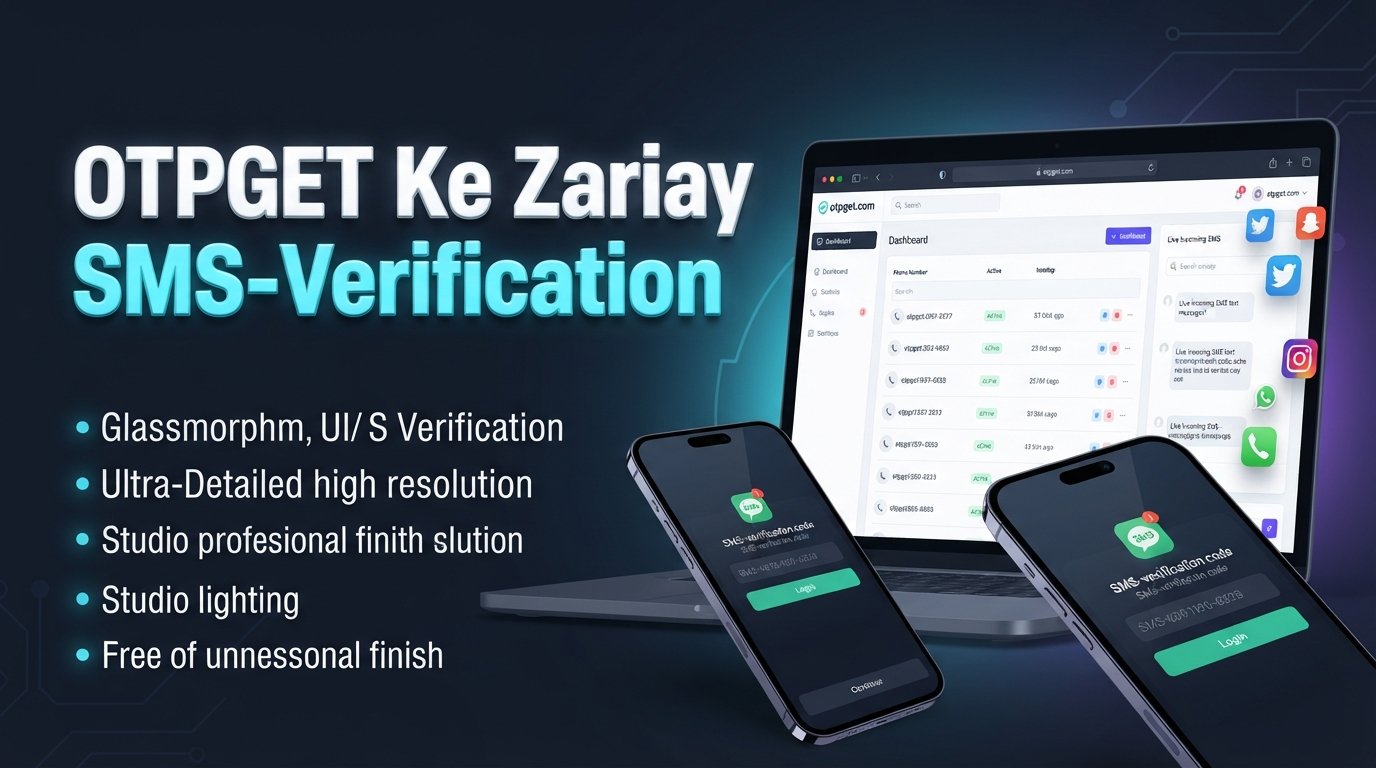
Image 3 — Inside “How OTPGET Helps You Receive SMS Online”
- Suggested placement: After the first two paragraphs of the OTPGET section.
- Visual concept: Modern SaaS-style interface representing OTPGET as an online SMS receiver, with a virtual number, incoming verification message, OTP code, cloud connectivity, and minimal OTPGET branding.
- Suggested alt text:
OTPGET online SMS receiver for virtual number and verification messages