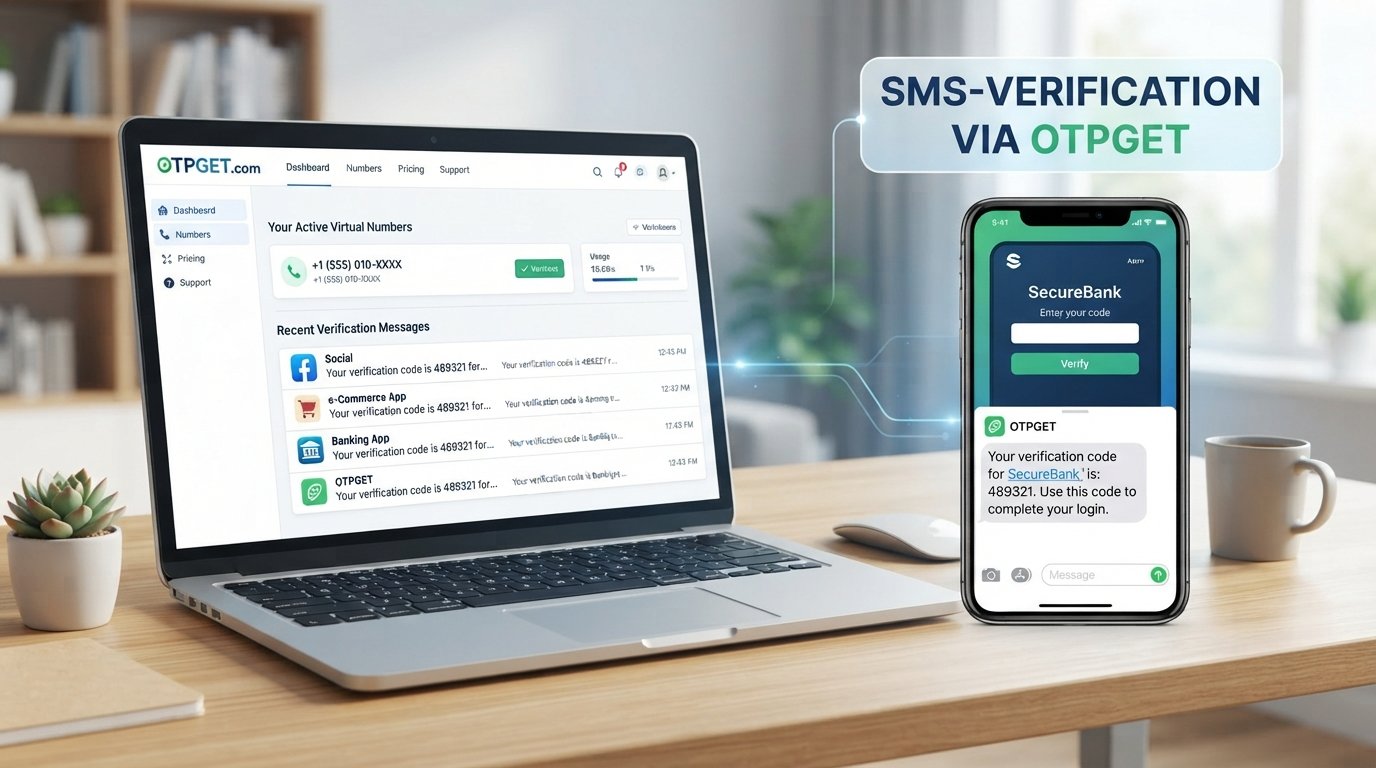
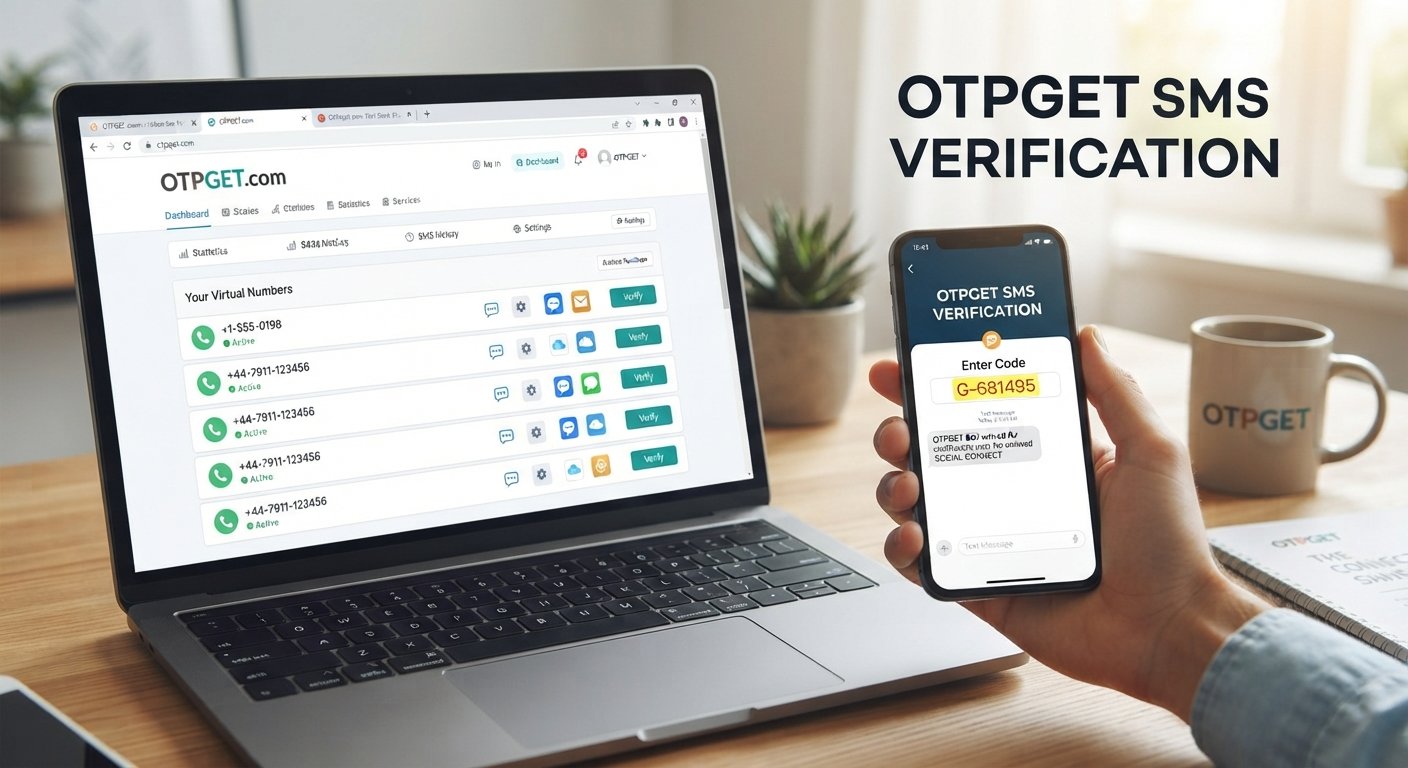
How to Receive a Verification Code Without a Phone Easily
How to Receive a Verification Code Without a Phone
Verification codes are a routine part of signing up for online services, confirming an account, or completing a login. Usually, the code is sent by SMS to a mobile number. But what if you do not want to use your personal number, do not have access to your regular SIM, or simply need a separate number for a legitimate online activity?
Fortunately, there are alternatives.
Depending on the website or app, you may be able to use an online SMS number, temporary phone number, or virtual number for verification. Services such as OTPGET can provide a practical way to receive verification messages through an alternative number when the relevant service supports that type of number.
The important point is to use an alternative number only for legitimate verification and to understand that not every platform accepts every type of phone number.
Can You Receive a Verification Code Without Your Personal Phone?
Yes, in some situations you can receive a verification code without using your personal phone number.
The usual approach is to use a separate number capable of receiving SMS messages. Depending on the service, this may be described as a temporary SMS number, online phone number, virtual number, or verification number.
Instead of entering your personal number on the website requesting verification, you use the alternative number. If the website accepts that number type and sends the verification SMS successfully, the message can then be viewed through the service providing the number.
However, compatibility varies. Some websites accept alternative numbers, while others may restrict virtual, temporary, or certain categories of numbers. Always follow the rules of the platform you are using.
Why People Look for Alternatives to Personal Phone Verification
Using a personal number for every online service is not always convenient or desirable.
There are several legitimate reasons someone may want a phone verification alternative:
- Privacy: You may prefer not to disclose your primary number to every website or service.
- Separation: A separate number can help keep personal communication apart from online registrations and verification activity.
- Travel: Your normal SIM may not be available, active, or convenient while traveling.
- Temporary access: You may need a number for a specific verification task rather than another permanent communication channel.
- SIM access issues: Your regular phone or SIM may be unavailable when a verification message is needed.
- Online testing: Developers and users may sometimes need alternative numbers for permitted testing or account setup scenarios.
- Convenience: An online number can make it easier to access verification messages through a supported web-based service.
The goal should not be to bypass security controls. An alternative number is simply another way of receiving a verification message when the service permits it.
How to Receive a Verification Code Without a Phone
If you need to receive a verification code without your personal phone, the general process is straightforward.
Step 1: Check the verification requirements
First, look at the website or app asking for your phone number. Make sure its terms and verification process allow the type of alternative number you intend to use.
Step 2: Choose an appropriate verification number
Use a reputable verification code service that provides a number suitable for your intended purpose. OTPGET can be considered when you need an alternative number for receiving verification messages where supported.
Step 3: Enter the alternative number
On the original verification page, enter the number provided through the appropriate service instead of your personal number.
Step 4: Request the verification code
Submit the number and request the SMS verification code from the website or app.
Step 5: Check for the incoming message
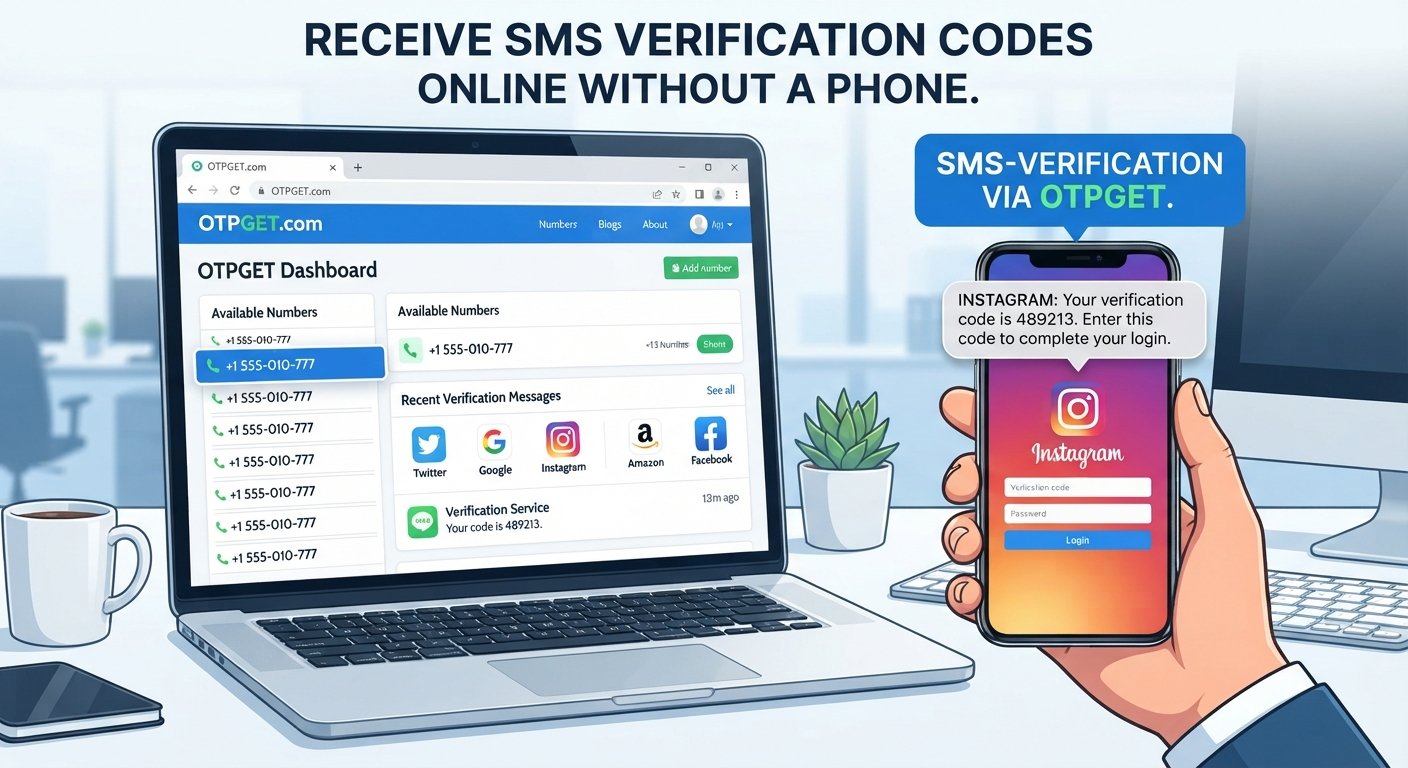
If the service accepts the number and sends the message, check the supported OTPGET interface or number-management area for the incoming verification SMS.
Step 6: Enter the code
Copy the received OTP into the original verification page.
Step 7: Complete the legitimate verification process
Once the code is accepted, continue with the account or service setup according to the platform's normal process.
This workflow is useful when you need to receive OTP online without putting your primary phone number into another online service.
What Is OTPGET?
OTPGET is a practical option for receiving verification messages through an alternative phone number when the relevant service supports it.
Instead of relying on your personal number for every online verification request, an alternative number can provide a separate channel for receiving an OTP or verification SMS.
That can be useful for people who want more separation between their personal phone number and certain online activities.
OTPGET should be viewed as a verification-code receiving solution for appropriate use cases, not as a way to bypass authentication, defeat security controls, or gain unauthorized access to an account.
How OTPGET Can Help With Verification Codes
The main reason to consider OTPGET is simple: sometimes you need a verification number without wanting to use your primary phone number.
For supported situations, an alternative number can provide several practical advantages:
- An alternative to your personal number: You can avoid unnecessarily exposing your primary number when another number is appropriate.
- Convenience: Verification messages can be accessed through the supported online service instead of relying entirely on your regular phone.
- Separation: A separate verification number helps distinguish personal communications from specific online verification activities.
- Flexible use: An alternative number may be useful for temporary or specific verification needs where permitted.
- Simple workflow: The basic process is to obtain an appropriate number, enter it on the requesting service, receive the SMS, and enter the OTP.
The exact experience depends on the number and the website or app being verified. A service may accept one type of number while rejecting another, so compatibility should always be considered.
Benefits of Using an Alternative Number for Verification
A separate online SMS number can be useful when you want to reduce unnecessary exposure of your primary number.
Privacy
Your phone number is often connected to personal accounts, contacts, messaging apps, and other services. Using an alternative number for appropriate verification tasks can reduce how widely your main number is shared.
Convenience
If you need to receive SMS online, an online verification number can provide an additional way to access the message without depending on your normal SIM.
Flexibility
A temporary number for OTP verification can be useful for a specific, legitimate purpose when maintaining another permanent phone line would not make sense.
Separation
Keeping verification activity separate from personal communication can make online activity easier to organize.
Reduced exposure of your primary number
Not every website needs your main phone number. Where alternative numbers are accepted, using one can help limit unnecessary disclosure.
Things to Know Before Using an Online Verification Number
An online number is not a universal replacement for a personal mobile number.
Before using one, keep these considerations in mind:
- Some platforms may reject virtual or temporary numbers.
- Number availability can change.
- Certain services may restrict specific number types.
- A verification code may not arrive if the platform does not support the number.
- You should follow the terms and policies of the website or app you are verifying with.
- Sensitive accounts may require stronger identity checks or a phone number with specific characteristics.
- Temporary numbers may not be appropriate for accounts that depend on long-term phone-based recovery.
For important accounts, consider whether you will need the same number again for password recovery, security alerts, or future authentication.
Is Receiving an OTP Online Safe?
Receiving an OTP online can be appropriate for legitimate purposes, but the safety of the process depends on how the number and service are used.
Choose a reputable verification code service and understand how access to the number works. Most importantly, treat an OTP as sensitive authentication information.
Never share a verification code unnecessarily, and never use an alternative number to access an account you do not own or have permission to use.
It is also important to understand the privacy model of the number. If a number is shared or accessible to multiple users, messages sent to that number may potentially be visible to others. For this reason, an online SMS number may be suitable for some temporary verification needs but inappropriate for highly sensitive accounts.
For important accounts, a personally controlled, long-term number may remain the more appropriate choice.
OTPGET vs. Using Your Personal Phone Number
Both approaches can have legitimate uses. The right option depends on the purpose of the verification and the requirements of the service.
| Option | Personal Phone Number | OTPGET / Alternative Number |
|---|---|---|
| Privacy | Requires sharing your primary number | Can reduce exposure of your primary number where supported |
| Convenience | Convenient when your phone is available | Useful when an alternative online number is appropriate |
| Separation from personal number | No separation | Provides a separate verification channel |
| Accessibility | Depends on access to your SIM/device | Depends on number availability and service support |
| Long-term account recovery | Often suitable for accounts you control long term | May require additional consideration for future recovery |
The key distinction is not that one option is universally better. Instead, an alternative number gives you another option when the website permits it and your use case does not require a permanent personal number.
Common Questions About Verification Codes Without a Phone
Can I receive a verification code without my personal phone?
Yes, some services allow verification through an alternative phone number, such as an online SMS number or temporary number. Acceptance depends on the website or app.
Can I receive an OTP online?
Yes, where the relevant verification service accepts an online number, you may be able to receive the OTP through an online interface rather than your personal phone.
What is a temporary number for verification?
A temporary number is a phone number intended for a limited or specific purpose, such as receiving a verification SMS. Its availability and future use can vary.
Can every website accept an online verification number?
No. Websites and apps set their own verification requirements, and some may restrict virtual, temporary, or other alternative numbers.
Is it safe to use an alternative number for OTP verification?
It can be appropriate for legitimate, low-risk use cases, but you should consider who can access the number, protect OTPs, and avoid using temporary numbers for accounts that require reliable long-term recovery unless appropriate.
Can OTPGET receive verification codes?
OTPGET is intended to help users receive verification messages through an alternative number where the relevant service and number are supported. Availability depends on the specific verification situation.
Can I use an online number for account verification?
You may be able to if the website or app accepts that type of number. Check the platform's verification rules before relying on an online phone number for verification.
What should I do if a verification code does not arrive?
Check that the number was entered correctly, confirm that the platform supports the number type, wait briefly for delivery, and use the service's resend option if available. If the issue continues, check the platform's support guidance.
Final Thoughts
If you are searching for how to receive a verification code without a phone, you do not necessarily need to expose your personal number every time a website requests SMS verification.
Where supported, an online phone number or temporary SMS number can provide a practical alternative. OTPGET can help users who need a separate channel for receiving verification messages without relying on their primary number for every online verification task.
The most important consideration is compatibility. Not every website accepts every type of verification number, and temporary or alternative numbers are not suitable for every account.
For legitimate verification needs, however, an alternative number can offer a useful balance of privacy, convenience, and separation. If that matches your situation, explore OTPGET and choose an appropriate verification option for the service you are using.