How to Sign Up on Facebook with a Virtual Number: Complete Guide
How to Sign Up on Facebook with a Virtual Number
Signing up for Facebook may involve phone-number verification as part of the account creation process. For users who prefer not to use their personal mobile number for every online service, a virtual number for Facebook can be an option when the platform accepts that type of number.
A virtual number can receive SMS messages without being tied to a traditional physical SIM in the same way as a standard mobile number. This makes it useful for certain legitimate online verification situations.
In this guide, you'll learn how to sign up on Facebook with a virtual number, how SMS verification works, what to consider before using one, and how a service such as OTPGET may help when you need an SMS-capable virtual number.
What Is a Virtual Number?
A virtual number is a phone number that is provided through an online communications service rather than being permanently associated with a physical SIM card in your personal phone.
Depending on the service, a virtual number may support SMS, voice calls, or other communications features. For verification purposes, the important distinction is whether the number can receive the type of SMS message required by the service you're using.
A virtual phone number can have several legitimate uses, including:
- Separating personal and online communications
- Keeping a personal number private when appropriate
- Managing verification for online services
- Maintaining a dedicated number for certain digital activities
- Receiving SMS messages through an online interface
Not every virtual number works with every website or app. Some services may restrict virtual, temporary, shared, or previously used numbers. That's why it's important to check the number's suitability and follow the platform's signup instructions.
Why Use a Virtual Number for Facebook Signup?
There are several reasons someone might consider a virtual number when creating an online account.
The most common is privacy. Some users simply prefer not to share their personal mobile number with every online service they use. A separate number can create a degree of separation between personal communications and account-related messages.
A virtual number can also be useful when you want a dedicated number for online verification rather than using the number you normally give to friends, family, or colleagues.
However, convenience should not come at the expense of account security. Before choosing a virtual number, consider whether you'll be able to access it again if Facebook requests another verification code or you need to recover your account.
Always follow Facebook's applicable signup requirements and policies. A virtual number should be treated as an alternative contact method where it is accepted—not as a method for avoiding verification or platform safeguards.
How to Sign Up on Facebook with a Virtual Number
The signup process is straightforward when Facebook offers phone verification and the selected virtual number is accepted.
1. Open Facebook's official signup page or app
Start the account creation process through Facebook's official website or mobile application.
2. Begin creating your account
Enter the basic information requested during signup. The exact fields and available options may vary depending on Facebook's current signup flow.
3. Select the phone-number option when applicable
If Facebook asks for a phone number, review the available signup options and choose the phone-number method if appropriate.
4. Obtain an SMS-capable virtual number
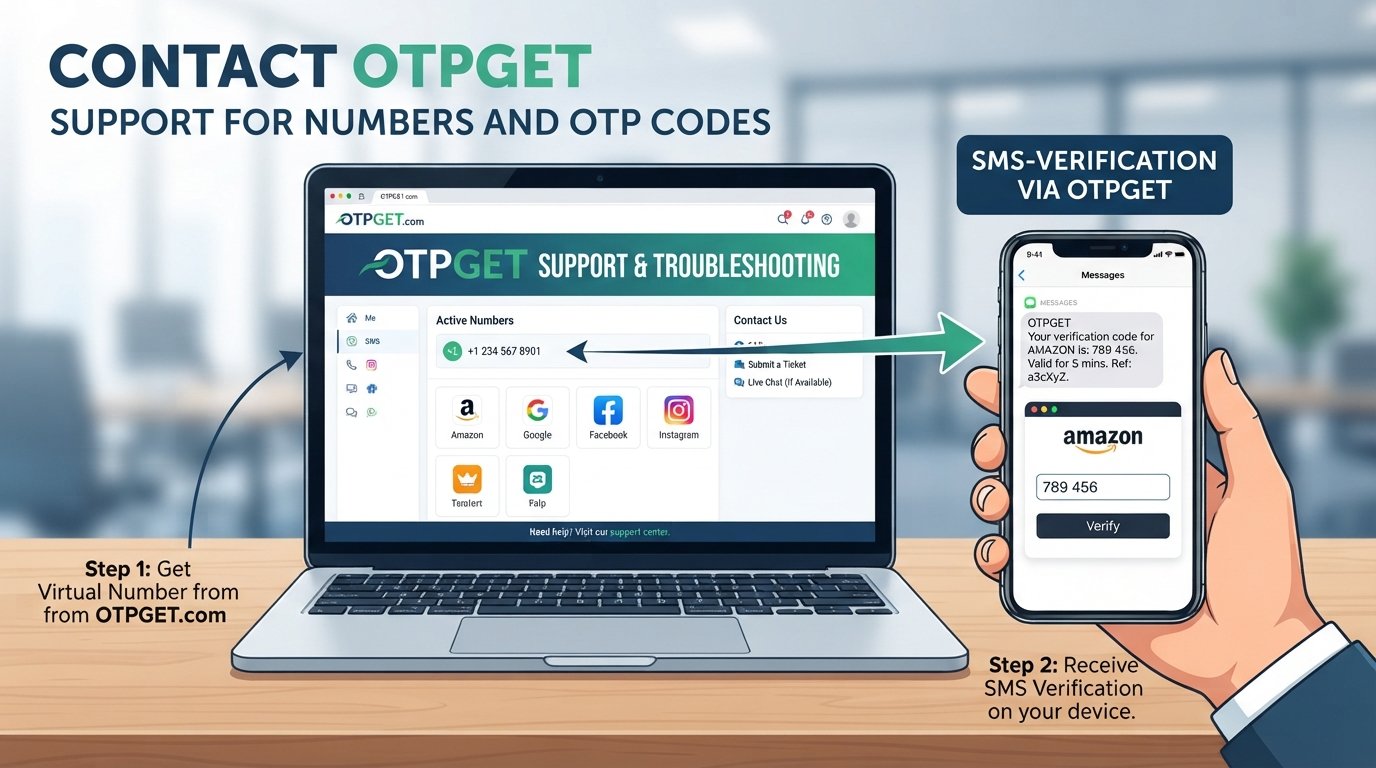
Use a legitimate provider such as OTPGET to explore an available virtual number that supports SMS reception for your intended verification purpose.
Before using it, make sure the number is accessible to you and suitable for receiving verification messages.
5. Enter the virtual number into Facebook
Enter the number carefully, including the appropriate country or regional format requested by Facebook.
A formatting mistake can prevent the verification message from reaching the intended number.
6. Wait for the verification code
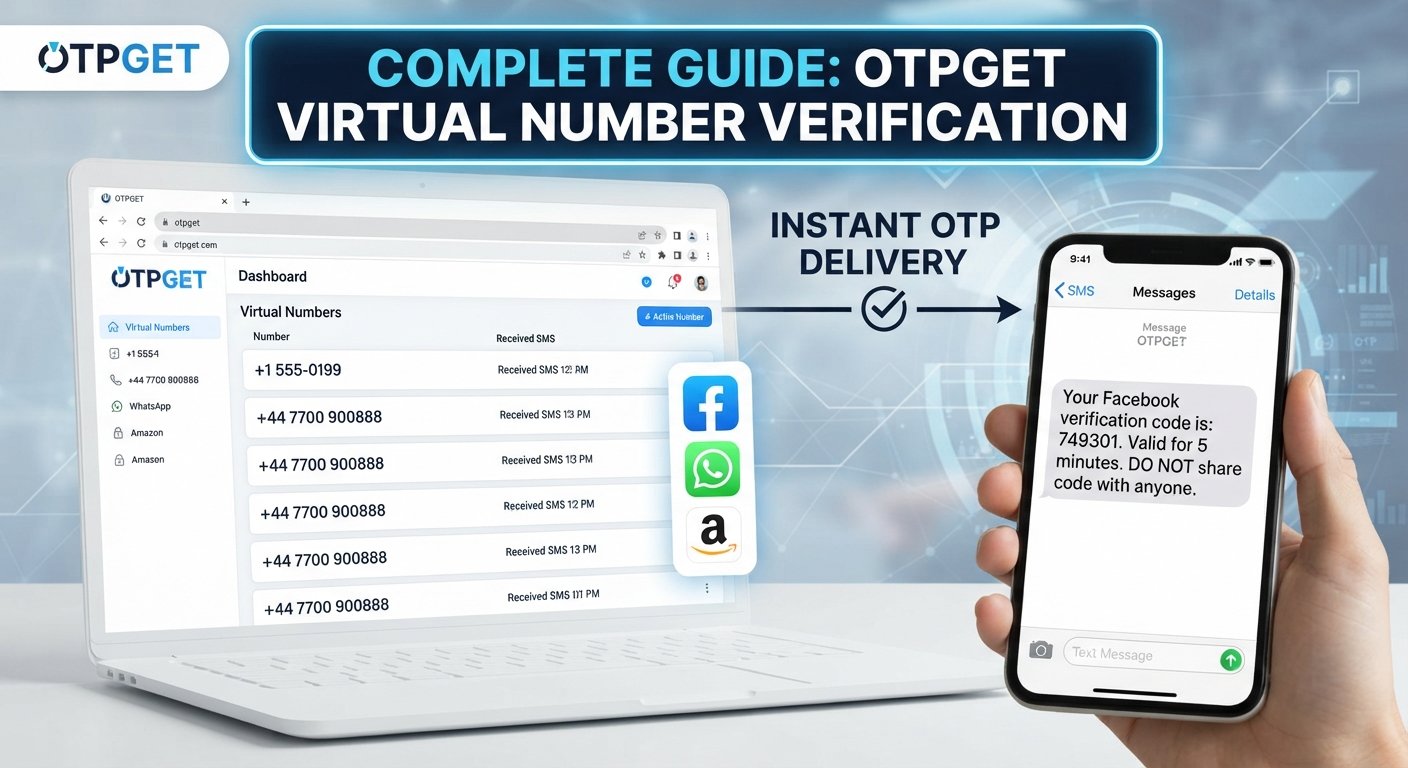
Facebook may send an SMS containing a verification code. Delivery can depend on the platform, the number, and other technical factors.
7. Retrieve the OTP
If the number is supported, check the applicable OTPGET interface for the incoming verification message.
8. Enter the code into Facebook
Copy the received OTP carefully into the verification field provided by Facebook.
9. Complete the remaining account setup
Once verification is accepted, continue with the remaining signup steps shown by Facebook.
Keep in mind that Facebook may not accept every virtual number, and signup or verification requirements can vary. There is no reliable way to guarantee that a particular virtual number will be accepted.
How OTPGET Can Help with Facebook OTP Verification
The biggest practical challenge with a virtual number is finding one that can actually receive the SMS you need.
OTPGET can be considered when you need an SMS-capable virtual number for a legitimate verification process. Instead of exposing your personal mobile number, you can explore whether an appropriate number is available for the service you're trying to verify.
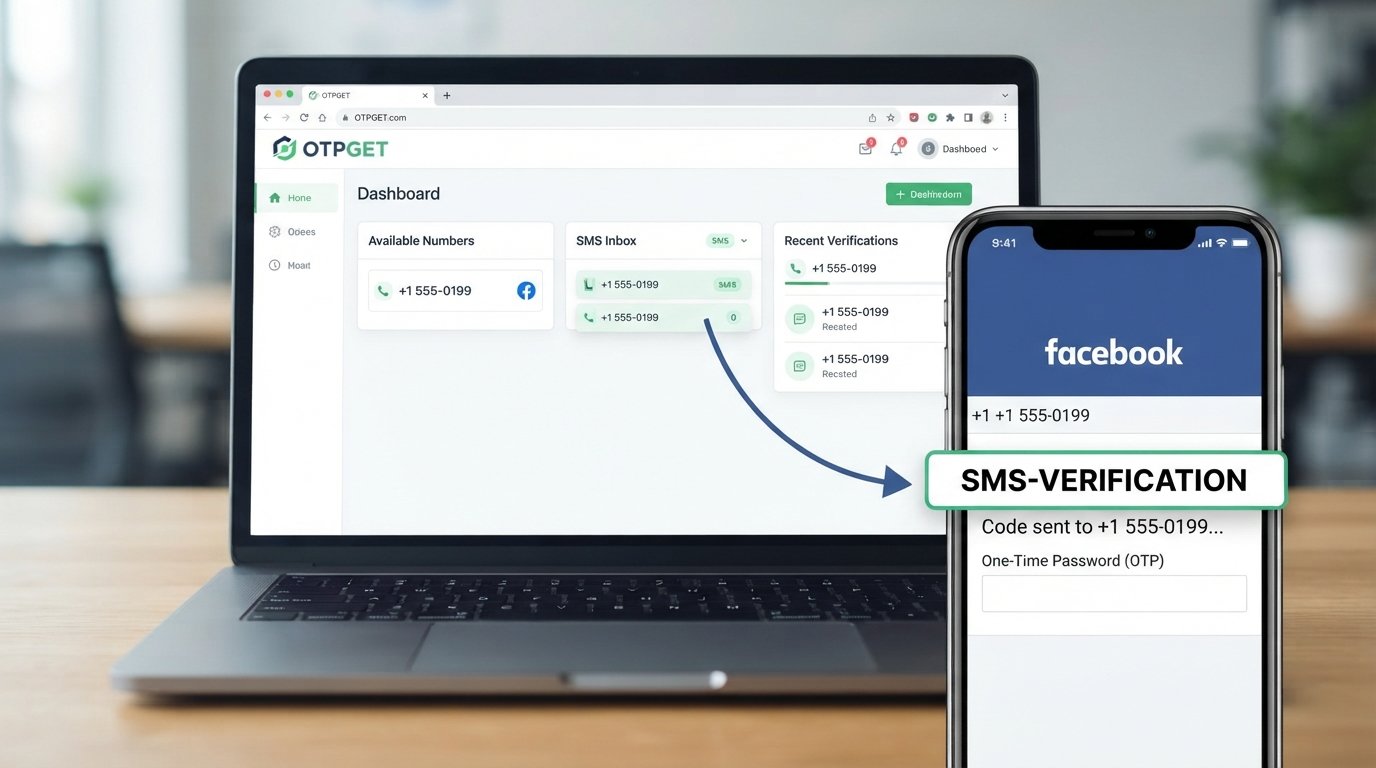
For Facebook signup, the general process is simple: obtain a suitable number, enter it during signup, and check the applicable OTPGET interface for the verification message if Facebook sends one.
The important point is that OTPGET is an option to explore—not a guarantee that Facebook will accept a particular number or deliver a verification code.
If you're looking for a virtual number for your next verification, explore OTPGET and see whether an available SMS-enabled number fits your needs.
Tips for Receiving Your Facebook Verification Code
A missing OTP doesn't necessarily mean something is wrong with your account. Several practical issues can affect SMS verification.
Try these steps:
- Double-check the number: Make sure every digit is correct before requesting the code.
- Confirm SMS support: Not every virtual number supports incoming verification messages.
- Check the country format: Enter the number in the format requested by Facebook.
- Wait briefly: SMS delivery can sometimes take a little time.
- Avoid repeated requests: Requesting multiple codes in quick succession can make it harder to identify the newest message.
- Check OTPGET: If you're using OTPGET, look at the relevant interface for an incoming message.
- Use the latest code: If multiple codes arrive, the most recent one may be the relevant code.
- Follow Facebook's instructions: If Facebook displays a specific error or alternative verification method, follow the options it provides.
Patience is often useful. Repeatedly changing numbers or requesting codes without checking the existing status can make the process more confusing.
Common Problems When Using a Virtual Number for Facebook
Virtual-number verification can occasionally present challenges. Here are some common situations and reasonable next steps.
The OTP isn't arriving:
Check that the number was entered correctly and supports SMS. Wait briefly before trying again, and check the number's message interface.
The number is unavailable:
Virtual numbers can have limited availability. If a particular number cannot be used, you may need to select another appropriate number.
The number is already associated with an account:
A previously used number may not be suitable for your intended signup. Follow Facebook's instructions rather than attempting to circumvent its account restrictions.
Facebook doesn't accept the number:
Some virtual numbers may not be accepted. This is a platform-side limitation that a number provider cannot necessarily resolve.
The verification request is delayed:
Give the process some time and avoid repeatedly requesting new codes. If Facebook provides another verification option, consider following that route.
The virtual number expires or becomes unavailable:
This is particularly important with temporary numbers. If you expect to need the number later, consider whether the service provides continued access before relying on it for an important account.
Virtual Number vs. Personal Phone Number for Facebook
| Consideration | Virtual Number | Personal Phone Number |
|---|---|---|
| Privacy | Can help separate personal contact details | Requires sharing your personal number |
| Convenience | Convenient when SMS access is available | Usually convenient because you control the SIM |
| Control | Depends on the provider and number arrangement | Typically direct personal control |
| SMS availability | Depends on the specific virtual number | Generally available through your mobile carrier |
| Long-term access | May vary depending on the service | Usually remains available while your mobile service is active |
| Account recovery | May require continued access to the number | Often easier if you consistently control your number |
| Limitations | Some platforms may restrict certain numbers | Less likely to have virtual-number-specific restrictions |
Neither option is automatically right for every user. The better choice depends on privacy preferences, long-term access requirements, and what Facebook accepts during signup.
Is It Safe to Use a Virtual Number for Facebook?
A virtual number can be a reasonable privacy-conscious option when used legitimately, but it is important to understand the trade-offs.
The first consideration is continued access. If Facebook later asks you to verify your account, you may need access to the same number. Losing access can make account management or recovery more difficult.
Security also matters. Choose a legitimate service and avoid sharing verification codes with other people. An OTP is sensitive account information and should be treated accordingly.
Temporary numbers deserve additional caution. A number that is only available briefly may be unsuitable for an account you expect to keep for a long time.
Most importantly, using a virtual number does not remove Facebook's normal account-security requirements. Use the number for legitimate signup and verification purposes, and follow Facebook's applicable policies.
Why OTPGET Is Worth Considering
The appeal of an OTPGET virtual number is primarily practical: it gives users an option to explore when they need an SMS-capable number for an online verification process.
For someone who doesn't want to provide a personal mobile number for every online service, a virtual phone number can provide useful separation between personal communications and verification messages.
With OTPGET, the relevant consideration is whether an available number meets the requirements of the service you're using. For Facebook, that means the number must be suitable for the signup and verification flow Facebook presents to you.
If you need to receive SMS online, exploring an appropriate OTP service can be a convenient starting point. Just remember that number availability and acceptance can vary, and no third-party service should be presented as a guaranteed way to complete Facebook verification.
Frequently Asked Questions
Can I use a virtual number to sign up for Facebook?
You may be able to use a virtual number if Facebook accepts the number during its signup and verification process. Acceptance can vary, so a virtual number should not be considered a guaranteed substitute for a personal mobile number.
How do I receive a Facebook verification code on a virtual number?
Enter the SMS-capable virtual number during Facebook signup when that option is available. If Facebook sends a verification code, check the service providing the number, such as OTPGET, for the incoming SMS and enter the code into Facebook.
What is OTPGET?
OTPGET is an online service that can be explored for virtual numbers and SMS-based verification needs. The specific availability and suitability of numbers can vary, so users should check the options available through the service.
Can OTPGET receive Facebook OTP codes?
An SMS-capable number may receive a Facebook OTP when Facebook sends the code to that number and accepts it for verification. However, delivery and acceptance are not guaranteed for every number or signup attempt.
Why isn't my Facebook OTP arriving?
Check the number, country format, and SMS capability first. You can also wait briefly, check the relevant OTPGET interface if you're using one, and avoid repeatedly requesting codes within a short period.
Can I use the same virtual number for multiple accounts?
You should not assume that the same number can be used for multiple Facebook accounts. Account and verification requirements may limit how numbers can be used. Follow Facebook's displayed instructions and applicable policies.
Should I keep access to my virtual number after creating a Facebook account?
If you may need the number for future verification or account recovery, maintaining legitimate access can be important. Before relying on a temporary number, consider whether you'll be able to access it again later.
Final Thoughts
A virtual number can be a useful option for people who want to separate their personal phone number from certain online verification processes. When Facebook requests phone verification, an SMS-capable virtual number may work if Facebook accepts it for the particular signup flow.
The process is generally simple: obtain an appropriate number, enter it during signup, wait for the Facebook verification code, retrieve the OTP through the relevant service, and complete the verification step.
OTPGET can be worth exploring if you need a virtual number for legitimate SMS-based verification. Just consider number availability, continued access, privacy, and account recovery before making your choice.
If you need an appropriate virtual number for your next verification, explore OTPGET and check whether an available SMS-enabled option fits your needs.