How to Use OTPGet: Beginner's Guide to Easy OTP Verification
How to Use OTPGet: Beginner's Guide to Easy OTP Verification
Signing up for an online service can sometimes stop at a surprisingly simple step: “Enter the verification code sent to your phone.” If you are unfamiliar with OTP verification, knowing where the code goes, how long it remains valid, and what to do when it does not arrive can be confusing.
An OTP, or one-time password, is a temporary code used to confirm a user's access to a phone number or another verification channel. Many websites and apps use this process during registration, login, or account confirmation.
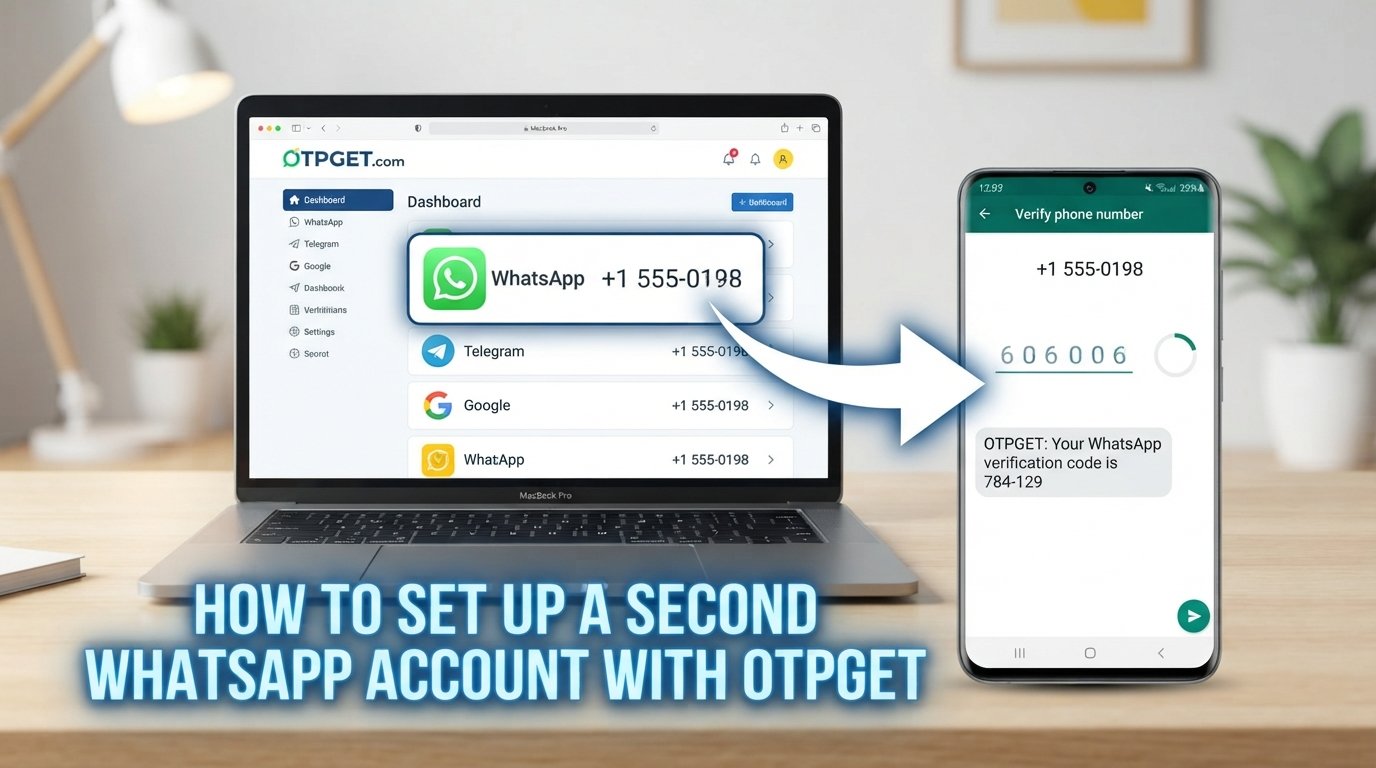
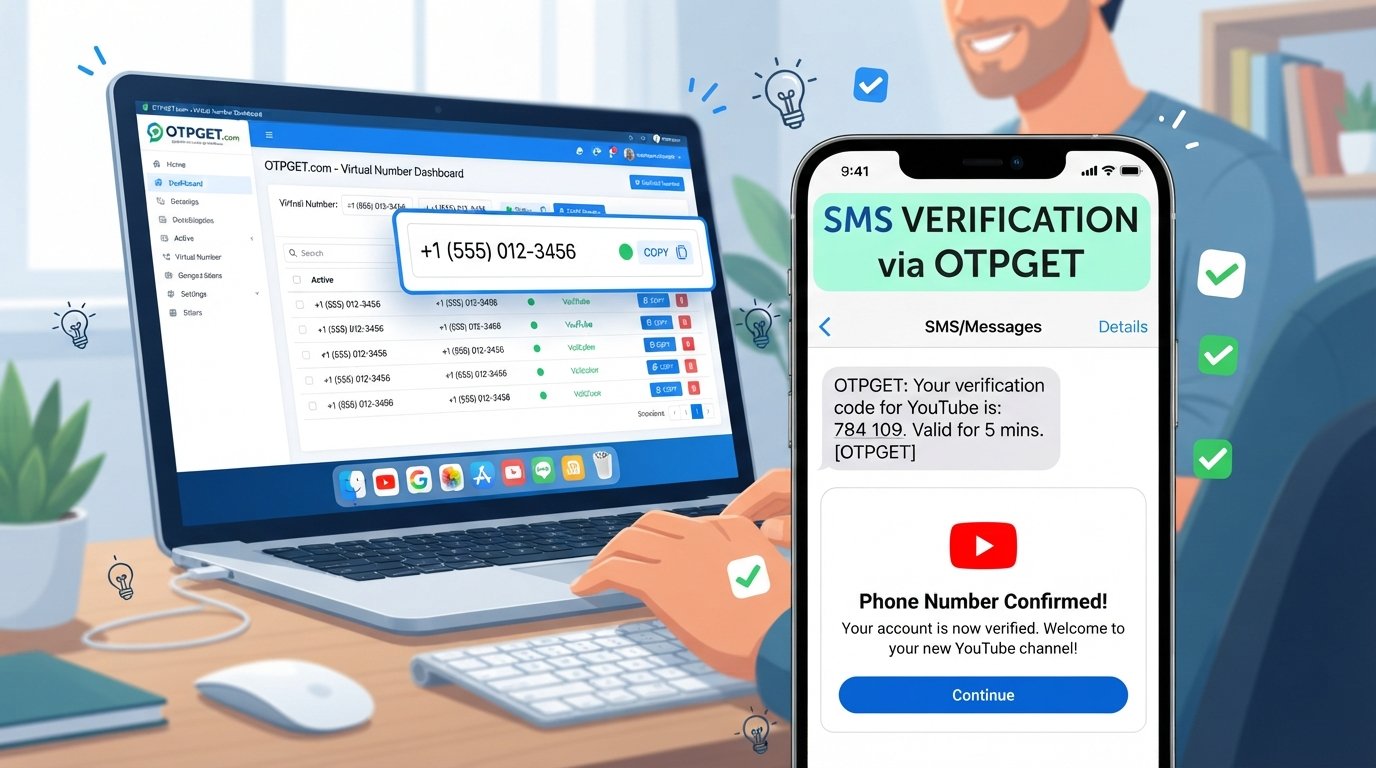
For people who need a straightforward way to handle supported verification tasks, OTPGet can provide a practical workflow for receiving verification codes. This beginner's guide explains what OTPGet is, how OTP verification works, how to use OTPGet, and what to do when something goes wrong.
What Is OTPGet?
OTPGet is a service intended to help users handle OTP verification and receive verification codes for supported verification processes.
The basic idea is simple: when a website or application asks you to verify a phone number, a compatible phone number or verification method can be used for the process, and the resulting verification code can then be accessed through the OTPGet workflow.
For a beginner, it helps to think of OTPGet as a bridge between the service requesting verification and the verification code needed to complete the process.
The exact options available can depend on the verification task and the service being verified, so users should always follow the instructions presented by both OTPGet and the original website or application.
Why Do Websites and Apps Use OTP Verification?
Phone number verification is common because a service may want an additional way to confirm that a person has access to a particular phone number.
A typical SMS verification process works like this:
- You provide a phone number during registration or login.
- The service generates a temporary code.
- The code is sent through its verification channel.
- You enter the code to confirm the verification request.
This can help services confirm account ownership and reduce some forms of automated or fraudulent registration.
OTP verification is also convenient because the code is generally temporary. Instead of relying only on a permanent password, the service can ask for a short-lived verification code associated with a particular action.
How Does OTP Verification Work?
The process is easier to understand when broken into a few basic steps.
- A service requests a phone number.
You enter a number as part of registration, login, or another supported verification process. - The service generates an OTP.
A temporary verification code is created for that particular request. - The code is delivered.
Depending on the service, the OTP may be sent through SMS or another supported channel. - You retrieve the code.
If the verification workflow uses OTPGet, you check the relevant OTPGet interface for the incoming verification message. - You enter the code.
The verification code is entered into the original website or application. - The service checks the code.
If the code is valid and has not expired, the verification process can be completed.
The important point is that the OTP connects a specific verification request with a temporary code. If the code expires, a new verification request may be required.
How to Use OTPGet: Step-by-Step Beginner's Guide
If you have never used an OTP receiving service before, the process can seem more complicated than it actually is. The following workflow provides a simple starting point.
1. Open OTPGet
Start by accessing OTPGet and reviewing the available verification options.
Take a moment to understand what the service is asking you to select before beginning the verification process.
2. Select the Relevant Verification Option
Choose the available option that matches the verification task you need to complete.
Because available services and interface options can change, follow the choices currently displayed by OTPGet rather than relying on an assumed button or menu name.
3. Choose an Available Number or Verification Method
Where applicable, select an available number or verification method for the supported verification process.
Make sure you understand which number you are expected to use before entering it into the website or application requesting verification.
4. Use the Provided Number for the Supported Service
Return to the website or app you are trying to verify and enter the relevant number according to its instructions.
Only use the number for a service and purpose that are supported and permitted by the respective terms.
5. Request the OTP
Submit the phone verification request on the original website or application.
The service should then generate a verification code and attempt to deliver it through its verification channel.
6. Check OTPGet for the Incoming Code
Return to OTPGet and check the relevant verification area for the incoming message.
If the code has arrived, identify the current verification SMS and read the OTP carefully.
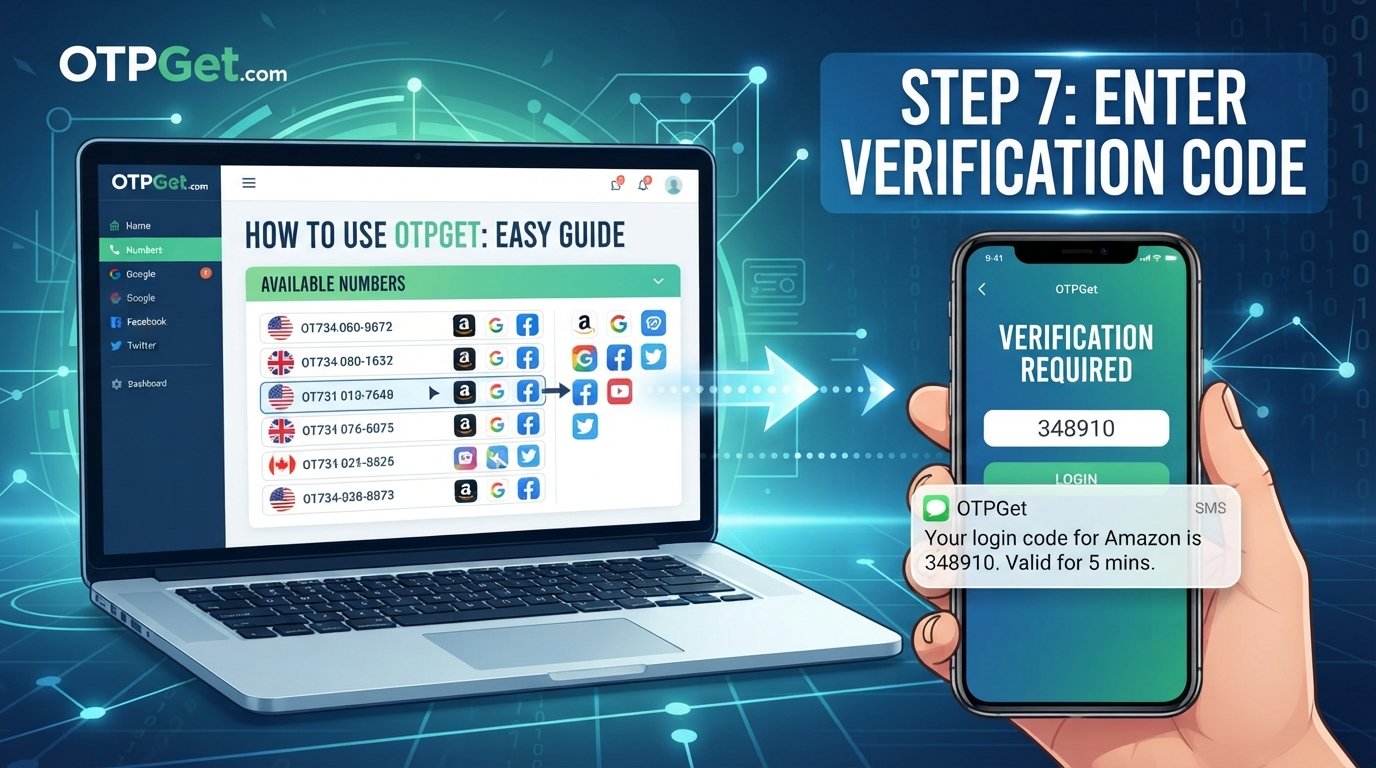
7. Enter the Verification Code
Enter the received code into the original website or application.
Pay attention to each digit. A single incorrect character can cause the verification attempt to fail.
8. Complete the Verification Process
Submit the OTP and wait for the original service to confirm the result.
If the code is valid and has not expired, the verification process may proceed normally.
This basic workflow is the core of how to use OTPGet. Once you understand the relationship between the original website, the verification number, OTPGet, and the incoming code, the process becomes much easier to follow.
How to Receive an OTP Using OTPGet
The easiest way to understand the workflow is to separate the two sides of the process.
The original website or app is responsible for requesting verification and generating the OTP.
OTPGet is used within the supported verification workflow to help you access the incoming verification code.
For example, suppose a website asks for phone verification. You select an appropriate available option through OTPGet, use the relevant number where permitted, and request verification on the website. The website then sends its verification SMS. You check OTPGet for the incoming message, retrieve the code, and enter it back into the website.
The OTP itself is not something you create manually. It is generated by the service requesting verification.
What If the OTP Does Not Arrive?
A missing verification SMS does not necessarily mean something has gone wrong permanently. Several issues can cause delays or failed delivery.
Try these troubleshooting steps:
- Wait briefly for a delayed message. SMS delivery can sometimes take time.
- Check that the correct number was used. A mismatch can prevent the expected code from reaching the intended destination.
- Check whether the OTP expired. Verification codes are normally temporary.
- Avoid repeatedly requesting new codes. Multiple requests can make it difficult to determine which code is currently valid.
- Consider service-side delays. The website generating the OTP may be experiencing temporary delivery or processing issues.
- Check whether the service is supported. Not every website or application will necessarily work with every online verification service.
- Try the verification process again when appropriate. If the original request has expired, a fresh request may be necessary.
If several codes arrive, use the code associated with the most recent valid verification request rather than assuming that every received code can be used interchangeably.
Common Beginner Mistakes to Avoid
A few simple mistakes can cause unnecessary verification failures.
Using the Wrong Number
Double-check the number before submitting the verification request. Entering an incorrect number means the OTP may not appear where you expect it.
Waiting Too Long
OTP codes are designed for temporary use. If a code has expired, requesting or using a newer valid code may be necessary.
Requesting Too Many Codes
Repeatedly pressing a verification or resend option can create multiple active requests. This can make it unclear which code should be entered.
Sharing an OTP
Never send your verification code to strangers or unauthorized people. An OTP is intended for the specific verification action for which it was generated.
Ignoring the Original Service's Instructions
OTPGet is only one part of the workflow. Always pay attention to the instructions displayed by the website or application requesting verification.
Assuming Every Service Is Supported
An online OTP service should not automatically be assumed to work with every website. Check the available options and use only supported verification scenarios.
Is OTP Verification Safe?
OTP verification can provide a useful additional check, but it should not be treated as an absolute guarantee of security.
The most important rule for users is simple: protect your verification codes.
Do not share an OTP with someone who contacts you unexpectedly and asks for the code. Legitimate verification instructions should make it clear where the code belongs.
It is also sensible to review the website or application before entering a verification code. Make sure you are completing the intended verification process rather than responding to an unfamiliar request.
For sensitive accounts, follow the account provider's recommended security practices in addition to phone verification.
Why Use OTPGet for Verification?
The main appeal of a service such as OTPGet is convenience. Instead of being unsure about how to handle an online verification code, users can follow a defined workflow for supported OTP-related tasks.
For beginners, this can make the process easier to understand:
- A straightforward workflow: The basic process follows a logical sequence from number selection to receiving the code.
- Less verification friction: Having a dedicated place to check for an incoming code can simplify supported verification tasks.
- Beginner-friendly approach: Users can focus on the basic steps instead of trying to understand how OTP delivery works behind the scenes.
- Practical OTP management: The workflow keeps the verification request, incoming message, and final code entry connected.
OTPGet should still be viewed in context. Availability, compatibility, and the options presented to you can vary depending on the verification task and the service involved.
The value comes from making supported OTP verification tasks easier to navigate—not from assuming that every website, app, or verification scenario will work identically.
Frequently Asked Questions About OTPGet
What is OTPGet?
OTPGet is a service designed to help users handle supported OTP verification tasks and access incoming verification codes as part of an online verification workflow.
How do I use OTPGet?
The general process is to open OTPGet, select an available option for your supported verification task, use the relevant number or method on the original service, request an OTP, check OTPGet for the incoming code, and enter that code into the original service.
How does OTP verification work?
A website or application generates a temporary verification code and sends it through a supported verification channel. You retrieve the code and enter it into the original service, which checks whether it is valid.
Can I receive verification codes online?
Yes, online OTP receiving services can provide a way to handle verification codes through supported workflows. The exact availability depends on the service and verification scenario.
What should I do if my OTP does not arrive?
Check the number, wait for possible delivery delays, avoid repeatedly requesting codes, and confirm that the service is supported. If the original OTP expires, you may need to start a new verification request.
Can I use OTPGet for every website?
You should not assume that every website or application is supported. Check the options available through OTPGet and follow the original service's verification requirements.
Should I share my OTP with anyone?
No. A verification code should be treated as private information and entered only into the intended verification process. Do not give an OTP to strangers or unauthorized parties.
Final Thoughts
OTP verification can seem confusing when you encounter it for the first time, but the underlying process is straightforward: a service requests verification, generates a temporary code, delivers it through a verification channel, and asks you to enter that code.
Once you understand that workflow, learning how to use OTPGet becomes much easier. OTPGet can serve as a practical option for users handling supported OTP verification tasks and looking for a straightforward way to receive verification codes.
Before starting, check the available OTPGet options, follow the instructions provided by the original website or application, and protect your verification codes throughout the process. For supported use cases, that simple approach can make online phone verification much less confusing.