How to Verify TikTok in Pakistan Without a SIM: Easy OTP Guide
How to Verify TikTok in Pakistan Without a SIM
Trying to create or access a TikTok account in Pakistan can sometimes become frustrating when TikTok asks for a phone number and sends a verification code by SMS. If you do not want to use your personal SIM—or simply do not have a suitable physical SIM available—an online OTP service can be an alternative for supported verification flows.
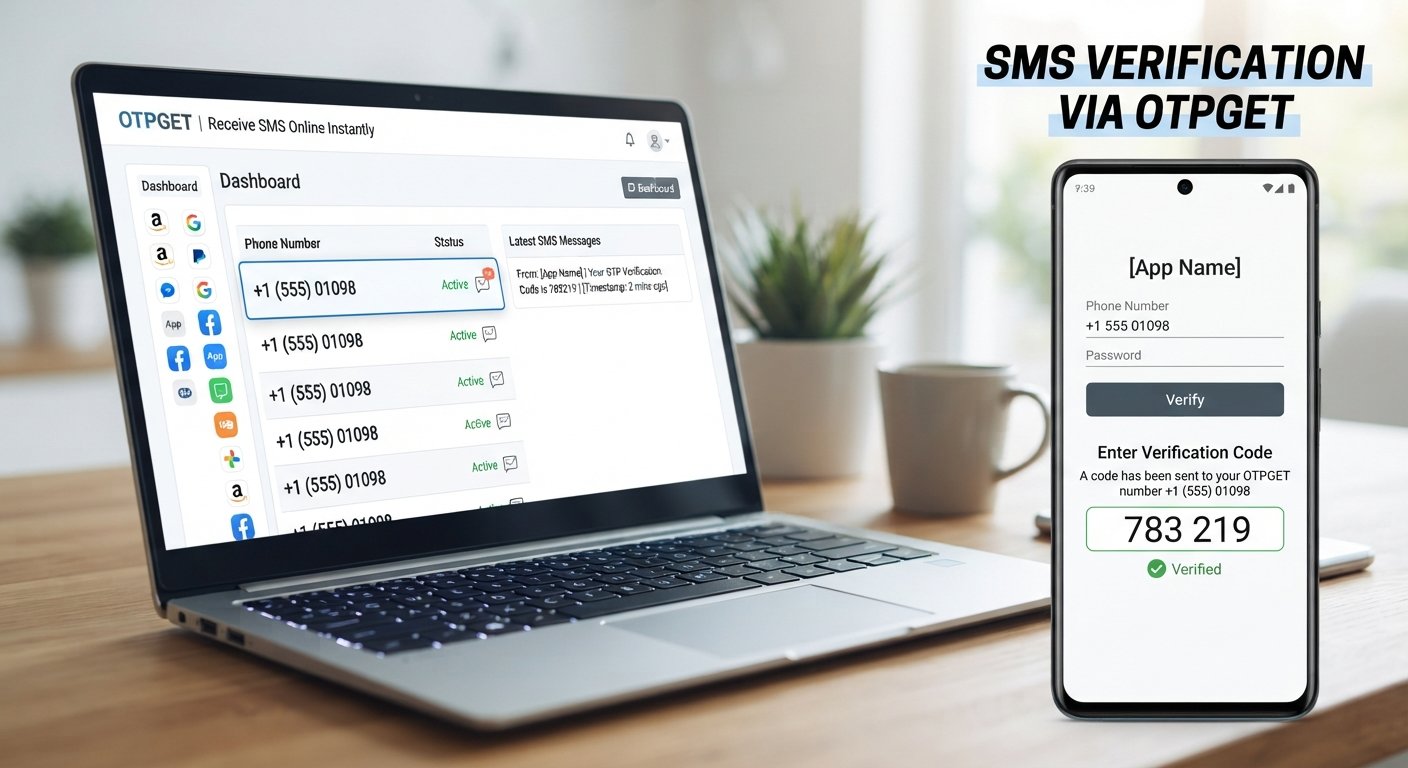
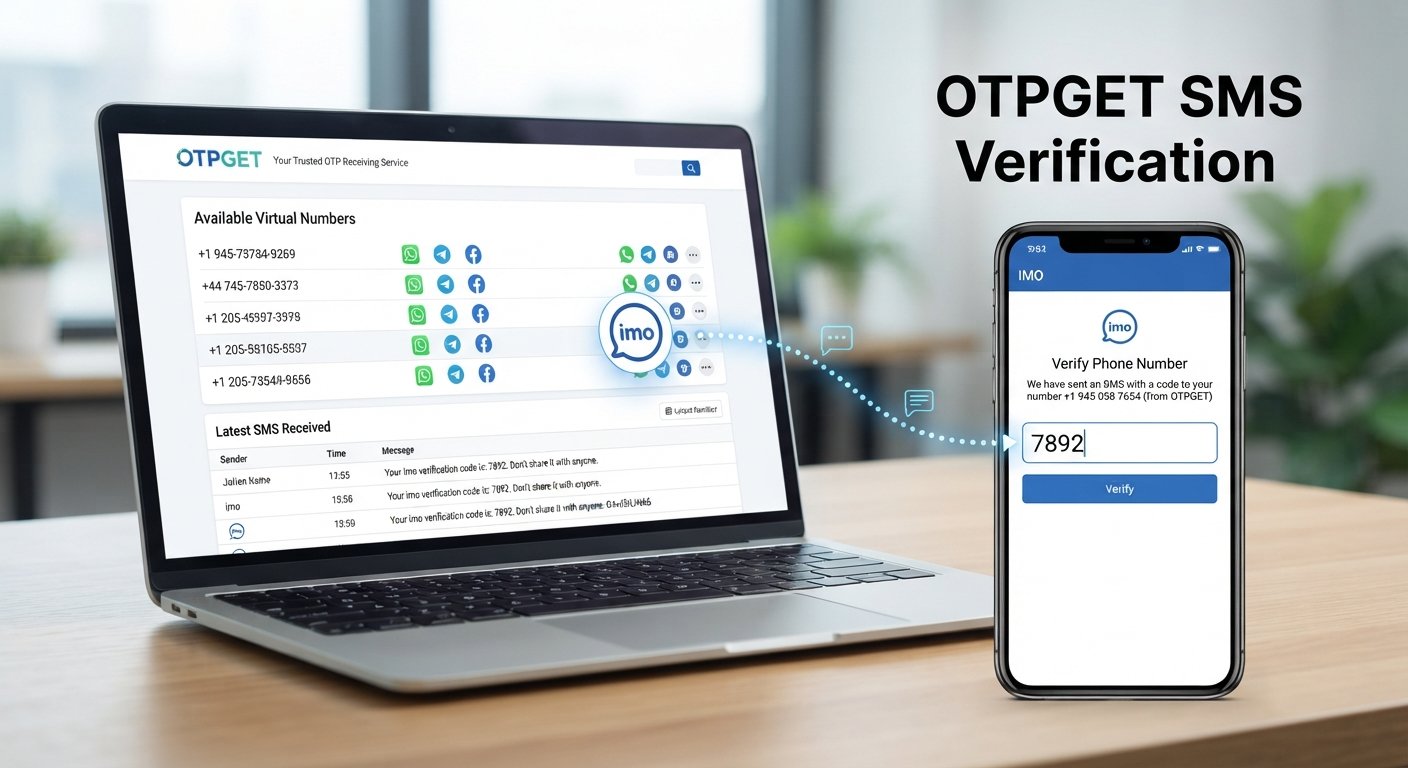
One option worth considering is OTPGET, a platform that provides virtual phone numbers for receiving SMS verification codes. Its documentation specifically lists TikTok among the supported services and provides a process for requesting a number and checking for an incoming SMS.
This guide explains how TikTok OTP verification works, what you should know about using a virtual number, how to verify TikTok in Pakistan without a SIM, and where OTPGET fits into the process.
Why TikTok Verification Requires an OTP
An OTP, or one-time password, is a temporary verification code used to confirm access to a phone number, email address, or another authentication method.
When TikTok asks for phone verification, the basic process is straightforward:
-
You enter a phone number.
-
TikTok sends a verification SMS.
-
The SMS contains a temporary code.
-
You enter that code into TikTok.
-
TikTok checks the code and, if accepted, continues the relevant account or security process.
TikTok's support documentation explains that phone numbers can be verified through SMS codes and that phone verification can be used as part of account security. TikTok also supports other verification methods in some situations, including email and authenticator-based methods.
The important point is that the phone number must be able to receive the verification message. A physical SIM is one way to accomplish that, but it is not the only type of number that can technically receive an SMS.
Can You Verify TikTok Without a Physical SIM?
Yes, potentially—if TikTok accepts the number you are using and the relevant verification flow allows it.
It helps to understand the difference between several terms:
-
Physical SIM: A traditional SIM card issued by a mobile network operator and inserted into a phone.
-
Phone number: The actual telephone number used to receive calls or SMS. A number does not necessarily have to be tied to a SIM physically inserted in your phone.
-
Virtual phone number: A number provided through an online service that can receive messages without requiring your personal physical SIM.
-
SMS verification: A verification method in which a platform sends a temporary code to the provided number.
An online number can therefore provide a way to receive an SMS without using your own SIM. However, that does not mean every virtual number will work with TikTok.
TikTok controls which numbers and verification attempts it accepts. Number availability, previous usage, regional restrictions, and TikTok's own systems can affect the result. For that reason, an online OTP service should be viewed as a practical option for supported cases—not a guaranteed workaround.
How to Verify TikTok in Pakistan Without a SIM
If TikTok presents phone verification and you want to use an online number instead of your personal SIM, the general process is as follows.
1. Open the TikTok verification screen
Start the TikTok signup, login, or account-security process that requires phone verification.
Look for the option asking you to enter a phone number and receive an SMS verification code.
2. Choose phone verification when available
If TikTok offers multiple verification methods, select the phone/SMS option if that is the method you intend to use.
The exact interface can vary depending on the account, device, region, and TikTok's current verification flow.
3. Get an appropriate number through OTPGET
Use OTPGET to obtain an available virtual number for the relevant SMS verification service.
OTPGET's documentation describes a system for selecting a country and service, requesting a virtual number, and then checking the status of the SMS associated with that number. Its service list specifically includes TikTok.
4. Enter the number into TikTok
Copy the number provided by OTPGET and enter it into TikTok's phone-number field.
Make sure the country code and number are entered correctly.
5. Request the TikTok verification code
Tap the option to send the verification code.
TikTok will attempt to send an SMS to the number you entered.
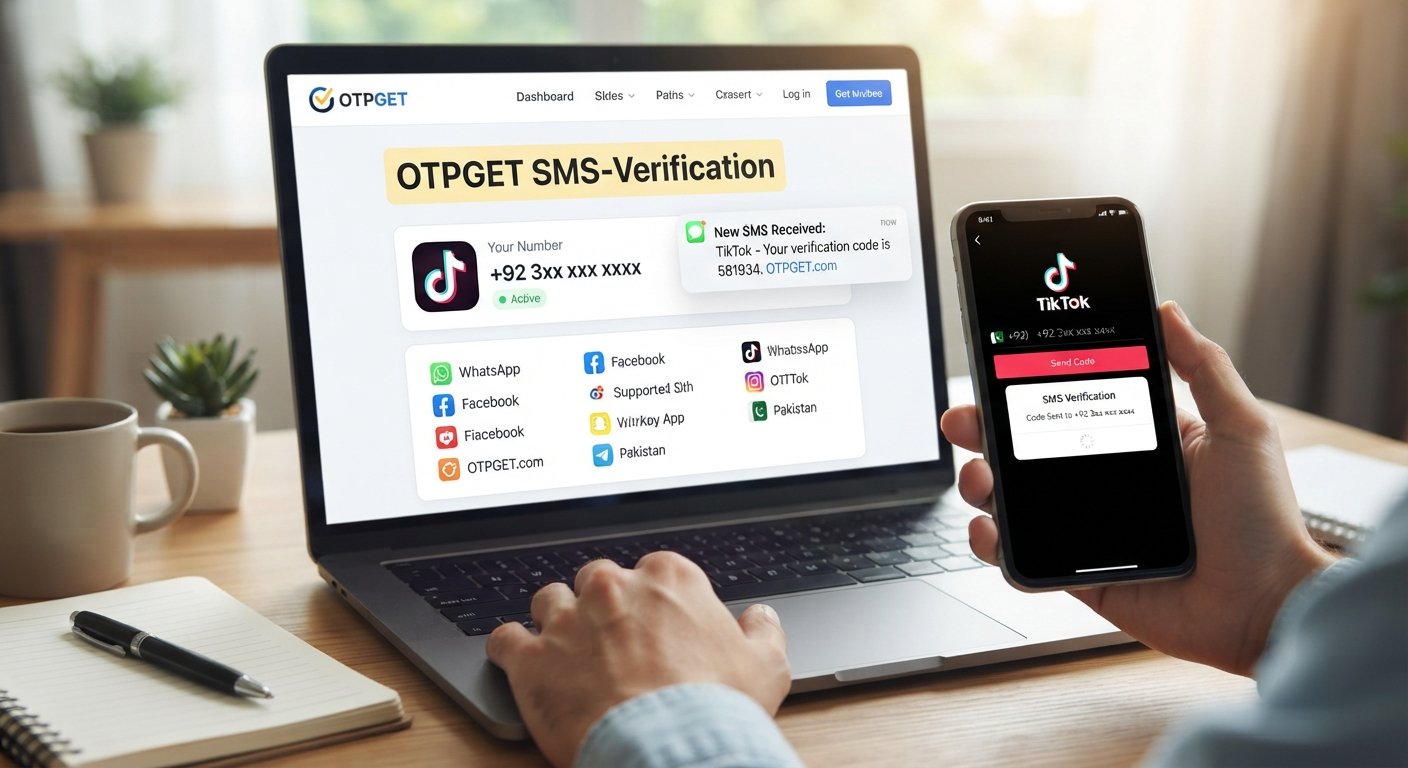
6. Check OTPGET for the incoming SMS
Return to OTPGET and check the relevant activation or SMS status.
OTPGET's documented SMS workflow allows an order's status to be checked for an incoming verification message.
7. Enter the valid OTP into TikTok
Once the TikTok verification SMS arrives, enter the latest code into TikTok.
If TikTok accepts the code, the relevant verification step should be completed.
Keep in mind that success depends on TikTok accepting the particular number and verification request. OTPGET can provide access to a number and incoming SMS, but it does not control TikTok's verification decisions.
Why Use OTPGET for TikTok Verification?
For someone who does not want to use a personal SIM, the main attraction of OTPGET is convenience.
OTPGET provides virtual phone numbers designed for SMS-based verification, and its published service documentation includes TikTok as a supported service. The platform's workflow lets users request a number and check for the verification SMS associated with it.
That can be useful when you:
-
Do not want to use your personal phone number for a particular registration.
-
Do not currently have access to a suitable physical SIM.
-
Need an online number capable of receiving an SMS.
-
Want a straightforward way to manage a one-time verification message.
-
Need an alternative to relying on your everyday mobile number for a supported verification flow.
OTPGET also offers virtual numbers, rental numbers, and other verification-related services. However, the specific number and service availability can vary, so it is sensible to check what is actually available before starting the verification process.
How OTPGET Works for TikTok OTP Verification
The basic workflow is simple:
-
Select an appropriate number or service through OTPGET.
-
Enter the number into TikTok when phone verification is requested.
-
Request the TikTok OTP from the TikTok verification screen.
-
Wait for the SMS to reach the selected number.
-
Check OTPGET for the incoming verification code.
-
Enter the code into TikTok.
-
Complete the verification process if TikTok accepts the number and OTP.
The key distinction is that OTPGET handles the number and incoming SMS, while TikTok decides whether that number and verification attempt are accepted.
Use the service only for legitimate activities that comply with TikTok's applicable rules and the OTP service's terms. OTPGET's terms prohibit illegal, fraudulent, abusive, or harmful use of its services.
Benefits of Using an Online OTP Service
An online OTP service can be useful for several practical reasons.
Convenience: You can access a verification number online rather than obtaining and inserting another physical SIM.
Less reliance on your personal SIM: For supported registrations, an alternative number can keep a particular verification process separate from your everyday mobile number.
Accessibility: Virtual numbers can be useful when you need a number from a particular country or when obtaining another physical SIM is inconvenient.
Centralized OTP access: Instead of waiting for a message on your personal phone, you can check the service handling the virtual number.
Flexible use cases: Online SMS verification services can be useful for legitimate testing, registrations, and account verification where the relevant platform permits the use of such numbers.
There are also privacy considerations. An online number should not automatically be assumed to be anonymous or completely private. Read the provider's terms and understand how the number is supplied before using it for an important account.
Things to Know Before Using a Number for TikTok Verification
Using a virtual number is not exactly the same as using your personal mobile number. A few limitations are worth keeping in mind.
-
Some numbers may already have been used. Previous usage can affect whether a platform accepts a number.
-
Not every number is guaranteed to work. TikTok controls its own verification and acceptance systems.
-
OTP delivery can fail. SMS messages can occasionally be delayed, unavailable, or rejected.
-
Requirements can change. TikTok may modify its signup, login, security, or verification processes.
-
Account recovery matters. A temporary number may not be suitable for an account you expect to manage for a long time.
-
Protect your OTP. Never post verification codes publicly or give them to someone who is asking for unauthorized access.
-
Follow platform rules. Do not use an OTP service for fraud, impersonation, spam, unauthorized access, or other prohibited activity.
TikTok's terms require users to provide accurate account information and prohibit unauthorized use of another person's account or identity.
Common Problems With TikTok OTP Verification
OTP not arriving
First, confirm that the number was entered correctly and that the SMS request was actually submitted. Then check the OTP service for the incoming message.
If nothing arrives, the number may not be supported, the service may not have received the message, or TikTok may not have sent the SMS successfully. Avoid repeatedly requesting codes in rapid succession.
Verification code expired
OTP codes are generally time-sensitive. If the code is no longer accepted, request a new code and use the latest valid message rather than an older one.
Number not accepted
TikTok may reject a particular virtual number. Try another supported number if the service makes one available, or use another verification method offered directly by TikTok.
Too many verification attempts
Repeatedly requesting codes can create additional verification problems. If you have already tried several times, stop making repeated requests and follow the instructions shown by TikTok.
Wrong OTP entered
Double-check the digits before submitting the code. If multiple codes have been requested, use the most recent valid code rather than an earlier message.
OTPGET vs. Using Your Personal SIM
| Factor | Personal SIM | Online OTP Service |
|---|---|---|
| Physical SIM required | Yes | No physical SIM for the online number |
| Receiving verification SMS | Directly on your phone | Through the online OTP service |
| Convenience | Familiar and straightforward | Convenient when an alternative number is needed |
| Privacy considerations | Uses your personal number | Separates the verification from your personal number in supported cases |
| Long-term account recovery | Generally more suitable if you retain the number | May be less suitable for important long-term recovery |
| Number availability | Depends on your mobile operator | Depends on available virtual numbers |
| TikTok acceptance | Depends on the number and verification flow | Depends on TikTok accepting the virtual number |
| Suitable use cases | Personal accounts and long-term access | Supported registrations and verification situations where an alternative number is appropriate |
The right choice depends on what you need. If the TikTok account is important and you expect to rely on the number for future recovery, maintaining control of a long-term personal number may be preferable.
Is Using OTPGET for TikTok Verification Safe?
There is no single answer that makes every online verification service completely risk-free. The safest approach is to understand what you are using and protect your account credentials.
When using OTPGET or another online OTP service:
-
Never share your TikTok password or OTP with another person.
-
Use legitimate services and read their terms.
-
Do not use verification numbers for fraud, impersonation, spam, or unauthorized account access.
-
Remember that a temporary number can have limitations.
-
Consider a personal number for an account where long-term recovery and ownership are particularly important.
-
Enable additional security methods when TikTok makes them available.
TikTok itself recommends using multiple security methods, including phone, email, authenticator, or other available options depending on the account.
OTPGET also states that its services must not be used for illegal, fraudulent, abusive, or harmful activities.
Frequently Asked Questions
Can I verify TikTok in Pakistan without a SIM?
Potentially, yes. If TikTok presents SMS verification and accepts the virtual number you use, an online OTP service such as OTPGET can provide a number capable of receiving the verification SMS. Acceptance is controlled by TikTok and is not guaranteed.
Can I receive a TikTok OTP online?
Yes, where the relevant number and verification flow support it. OTPGET provides virtual numbers for SMS OTP verification and lists TikTok among its supported services.
How do I get a TikTok verification code without my personal number?
If TikTok offers phone verification, you can use an appropriate virtual number through an online OTP service instead of your personal number. Enter the number into TikTok, request the code, and check the service for the incoming SMS.
Does TikTok accept virtual phone numbers?
TikTok controls which phone numbers and verification attempts it accepts. Some virtual numbers may work while others may be rejected, so you should not assume that every online number will be accepted.
How does OTPGET work for TikTok verification?
OTPGET's documented SMS workflow allows you to select an available service and country, request a virtual number, and check the order for an incoming SMS code. TikTok's verification screen remains responsible for accepting the number and OTP.
What should I do if my TikTok OTP does not arrive?
Check that the number is correct, make sure the SMS request was submitted, and check the OTP service for the message. If the code still does not arrive, consider waiting before trying again or using another supported verification method.
Can I use an online number for TikTok signup?
You may be able to use one when TikTok offers phone-based signup verification and accepts the selected number. Availability and acceptance can vary.
Is an OTP required for every TikTok account?
No single verification process applies to every account or situation. TikTok can use different verification and security methods depending on the account and feature. Its security documentation describes phone, email, authenticator, and other available methods.
Can I use the same verification number multiple times?
You should not assume that a number can be reused for every TikTok verification attempt. Numbers can have previous usage or service-specific limitations, and TikTok may restrict how numbers are used.
What should I do if TikTok rejects the number?
Check that the number and country are correct. If the virtual number is rejected, another available number or a verification method offered directly by TikTok may be more appropriate.
Final Thoughts
For users searching for a way to verify TikTok in Pakistan without a SIM, the main issue is not the physical SIM itself—it is having access to a number capable of receiving the required verification message.
An online OTP service can provide an alternative in supported cases. OTPGET is one practical option because its platform provides virtual numbers for SMS verification and specifically lists TikTok among its supported services.
The important thing is to keep expectations realistic. Not every virtual number will necessarily be accepted, SMS delivery can occasionally fail, and TikTok ultimately controls its own verification process.
If you need an alternative to your personal SIM for a legitimate TikTok verification flow, you can explore OTPGET and check the available numbers and services before starting the verification process. Use the service responsibly, protect your verification codes, and choose a long-term contact method when reliable account recovery is important.