Instagram Verification Problems: Causes, Fixes & OTPGET Help
Instagram Verification Problems: Causes and Quick Fixes
Few things are more frustrating than trying to log in to Instagram and waiting for a verification code that never arrives. You request an SMS, check your phone again, request another code, and still nothing happens.
Sometimes the code arrives several minutes late. Sometimes Instagram says the code is invalid. In other cases, you may receive an older code after requesting a new one, making it difficult to know which code to enter.
These Instagram verification problems can have several causes, ranging from weak mobile reception and delayed SMS delivery to incorrect phone numbers, blocked messages, or temporary verification issues.
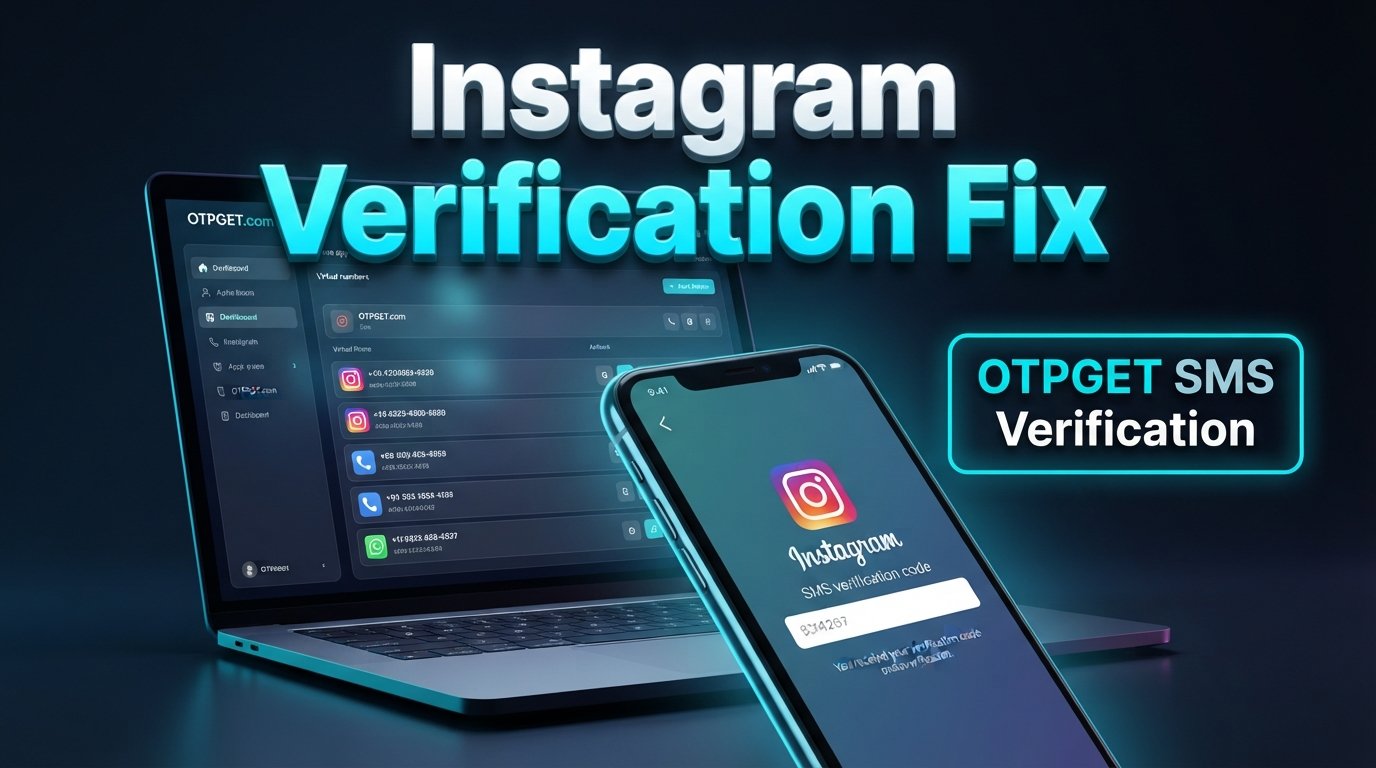
The good news is that many problems can be resolved with a few straightforward checks. And when the issue is specifically related to receiving an SMS OTP, a service such as OTPGET may be relevant when an appropriate virtual number is permitted for your particular verification situation.
Let's look at the most common causes and the quickest ways to troubleshoot them.
Why Instagram Verification Codes Sometimes Don't Arrive
A missing verification code does not necessarily mean something is wrong with your Instagram account. SMS delivery involves multiple systems, including Instagram's verification process, mobile networks, carriers, and your phone's messaging settings.
Here are some common causes.
Poor mobile network coverage
If your phone has weak cellular reception, SMS messages may be delayed or fail to arrive promptly. Move to an area with stronger signal and try again.
Delayed SMS delivery
Sometimes the verification request is processed correctly but the SMS takes longer than expected to reach your phone. This can happen because of network congestion or carrier-related delays.
Incorrect phone number
A simple digit error can send the verification message somewhere else. Double-check the country code and phone number before requesting another code.
Carrier restrictions
Some carriers may restrict certain types of automated or short-code messages. If ordinary texts work but verification SMS messages consistently do not, your carrier may be worth contacting.
Too many verification requests
Repeatedly requesting new codes can make the situation more confusing. You may receive several messages out of order, and an earlier code may no longer be useful.
Phone and SMS settings
Blocked senders, spam filters, full message storage, or notification settings can interfere with your ability to see incoming verification messages.
Expired codes
Verification codes are generally intended to be used promptly. If you wait too long, the code may no longer be valid.
Two-factor authentication problems
If two-factor authentication is enabled, Instagram may require an additional security code during login. Problems with the selected authentication method can create an Instagram login verification problem even when your password is correct.
Common Instagram Verification Problems
Different symptoms can point to different causes.
| Problem | Possible cause |
|---|---|
| Instagram verification code not received | Network, carrier, incorrect number, filtering, or temporary delivery delay |
| Instagram OTP not received | SMS delivery issue or unsupported/restricted number |
| Code arrives too late | Carrier or network delay |
| Instagram verification code not working | Expired, incorrect, or superseded code |
| Code expires before use | Too much time passed or a newer code was requested |
| SMS verification unavailable | Temporary account, service, network, or verification-method issue |
| Instagram login code not received | Delivery problem or two-factor authentication issue |
| Security code not received | Incorrect delivery method, blocked message, or temporary issue |
If you are searching for an Instagram confirmation code not received solution, start with the basic delivery checks before assuming that you need a different verification method.
Quick Fixes for Instagram Verification Issues
Try these steps in order. Starting with the simplest solutions can save you from unnecessary account-recovery steps.
1. Check the phone number
Make sure the number associated with the verification request is correct, including the country code.
2. Confirm your mobile signal
Check your cellular reception. If the signal is weak, move somewhere with better coverage and wait for the message.
3. Check your SMS inbox
Look through your regular messages and spam or blocked-message folders. Some phones automatically filter unfamiliar senders.
4. Wait before requesting another code
If you have already requested several codes, stop for a moment. Constantly generating new codes can make it harder to identify the currently valid message.
5. Restart your phone
A simple restart can sometimes resolve temporary cellular or messaging problems.
6. Try another available verification method
If Instagram offers another legitimate verification method for your account, consider using it instead of repeatedly requesting SMS.
7. Review two-factor authentication settings
If two-factor authentication is involved, check whether the expected code is supposed to arrive by SMS or through another authentication method.
8. Avoid repeated requests
If the code is delayed, repeatedly tapping the request button may not solve the underlying delivery problem. Give the system and carrier time to process the message.
9. Check the app and device
Make sure the Instagram app is functioning normally and that your phone can receive ordinary SMS messages.
10. Contact Instagram support when appropriate
If normal troubleshooting fails, use Instagram's official account-recovery or support options. This is particularly important if you believe your account has been compromised or you no longer control the original verification method.
What to Do When Instagram OTP Is Not Received
An Instagram OTP not received situation can be either a delay or a complete delivery failure.
First, determine whether your phone is receiving other SMS messages. If regular messages arrive normally but the verification SMS does not, the problem may involve the particular verification route, carrier filtering, the number being used, or temporary service conditions.
Before considering an alternative number, check the basics:
- Verify the phone number.
- Confirm cellular reception.
- Check blocked and filtered messages.
- Wait before requesting another OTP.
- Use the newest valid code when multiple messages arrive.
- Try another verification method if Instagram provides one.
- Follow Instagram's account-security and recovery procedures.
If you have a legitimate need for an alternative number for SMS verification, OTPGET can be one option to consider. OTPGET describes its service as providing virtual phone numbers for receiving SMS verification codes, with numbers available across multiple countries and for different supported services.
The important distinction is that a virtual number is a different way to receive a verification message; it is not a way to bypass Instagram's security controls. Whether a particular number is accepted depends on the platform and the specific verification situation.
How OTPGET Can Help With OTP Verification
OTPGET is a virtual-number and OTP-receiving service designed for online verification use cases. Its published service information explains that users can obtain virtual phone numbers and receive SMS verification messages through its platform.
For someone experiencing SMS OTP problems, the potential benefit is straightforward: instead of relying exclusively on a personal SIM number, an appropriate virtual number can provide another legitimate SMS-receiving option where the service being verified permits it.
A typical workflow looks like this:
Choose an appropriate number → Use it where permitted → Request the OTP → Receive the verification message → Enter the valid code
OTPGET says its virtual numbers can be used for supported services and that availability varies by country and service. Its platform also offers both one-time verification numbers and longer-term rental numbers.
This can be useful for people who need online OTP reception without relying on a physical SIM for a particular verification task.
However, there are important limitations. OTPGET does not control Instagram's verification system, and using a virtual number does not guarantee that Instagram will accept it or deliver a code to it. Users should always follow Instagram's rules and use only verification methods permitted for their account and circumstances.
Step-by-Step Instagram Verification Troubleshooting
If you're looking for how to fix Instagram verification code problems, work through this checklist from top to bottom:
- Confirm your number — Check every digit and the country code.
- Check cellular reception — Make sure your phone has a usable mobile signal.
- Test SMS delivery — Have someone send you a normal text message.
- Inspect message filters — Check blocked, spam, or filtered messages.
- Wait briefly — A delayed code may still arrive.
- Use the newest code — If several codes arrive, avoid relying on an older one.
- Restart your phone — This can refresh temporary network issues.
- Review two-factor authentication — Confirm you're checking the correct authentication method.
- Try an available alternative — Use another legitimate verification option if Instagram provides one.
- Consider an appropriate virtual number — If SMS reception through your normal number remains unsuitable, OTPGET may be worth exploring where permitted.
- Contact Instagram support — Escalate the problem if you cannot regain access through the available official methods.
This approach helps separate an ordinary Instagram verification code problem from a broader account-access issue.
When You Should Stop Requesting New Verification Codes
More requests do not always mean faster results.
If you repeatedly request a new code, you may end up with several messages arriving at different times. That makes it easy to enter an outdated code and assume that Instagram verification has failed.
A better approach is to pause after a request, monitor your messages, and use the most recent valid code available.
If nothing arrives after reasonable troubleshooting, investigate the delivery method rather than endlessly requesting another SMS.
OTPGET vs. Common OTP Troubleshooting Options
| Problem | Traditional Troubleshooting | OTPGET |
|---|---|---|
| Weak mobile signal | Move to an area with stronger reception | Provides an alternative online number where appropriate |
| Delayed personal SMS | Wait, restart phone, check carrier | May provide another SMS-receiving route |
| Incorrect number | Correct the number and retry | Select an appropriate virtual number |
| Blocked SMS | Check filters and blocked messages | Receive supported SMS through the OTPGET platform |
| Need a temporary number | Use an available personal or permitted number | Offers temporary virtual numbers for supported verification use |
| Ongoing SMS needs | Continue using a suitable number | Offers longer-term rental numbers |
OTPGET's published information states that its platform provides temporary and rental virtual numbers, with SMS messages displayed through its system when supported.
Frequently Asked Questions
Why am I not receiving my Instagram verification code?
Common reasons include weak cellular reception, delayed SMS delivery, an incorrect phone number, carrier filtering, blocked messages, or too many recent requests. Check these factors before requesting another code.
Why is my Instagram OTP not working?
The code may have expired, been entered incorrectly, or been superseded by a newer verification code. If multiple codes arrive, use the newest valid one.
What should I do if Instagram SMS verification is not working?
Confirm your number, check your signal and SMS filters, restart your phone, wait before requesting another code, and use another verification method if Instagram makes one available.
How can I fix Instagram verification problems?
Start with basic SMS troubleshooting, then check two-factor authentication and other available login methods. If the problem continues, use Instagram's official support and account-recovery options.
Can OTPGET help me receive an OTP?
OTPGET provides virtual numbers designed to receive SMS verification messages for supported services. Whether it can receive a particular Instagram code depends on number availability and whether Instagram accepts that number for the relevant verification process.
What should I do if my Instagram verification code expires?
Request a fresh code and use the newest valid message promptly. Avoid repeatedly requesting codes because multiple messages can make it difficult to identify the current one.
Why am I receiving Instagram verification codes late?
SMS delivery can be affected by mobile networks, carriers, congestion, or other delivery conditions. Check your signal and wait before generating another request.
What should I do if Instagram keeps asking for a verification code?
Confirm that you are completing the required authentication step correctly and that your selected verification method is accessible. If the cycle continues, use Instagram's official recovery or support process rather than repeatedly attempting random codes.
Final Thoughts
Instagram verification problems can be frustrating, but they are often caused by relatively simple issues such as delayed SMS delivery, weak mobile reception, incorrect numbers, filtered messages, expired codes, or repeated verification requests.
Start with the basics: check the number, confirm your signal, inspect your SMS filters, wait for delayed messages, and use the newest valid code. If two-factor authentication is involved, make sure you're checking the correct authentication method.
When the difficulty specifically involves receiving an SMS and an appropriate alternative number is permitted, OTPGET can provide a practical virtual-number option for supported verification use cases. Its service is focused on receiving verification SMS through virtual numbers rather than bypassing the security systems of platforms such as Instagram.
If your normal SMS delivery is unreliable, exploring OTPGET may be worthwhile—but always use a verification method that is permitted for your account and situation.
### 8. SEO Quality Checklist

- Primary keyword used naturally
- Secondary keywords used naturally
- OTPGET clearly positioned as a relevant solution
- Article length is within 1,200–1,800 words
- SEO title is 60–65 characters
- Meta description is exactly 160 characters
- URL slug is SEO-friendly
- Meta tags are comma-separated
- FAQ section included
- No year mentioned anywhere
- No keyword stuffing
- No unsupported guarantees
- No claims of official Instagram affiliation
- Article is written for humans first

Post-publication, the article can also be strengthened with an internal link to OTPGET’s relevant verif