How to Get Leonardo AI Login Without Phone Number Easily
How to Get Leonardo AI Login Without Phone Number
Trying to access an AI image generator while keeping your personal phone number private can be frustrating. You may be comfortable using your email address or an existing sign-in provider, but less comfortable handing over a personal mobile number whenever a verification screen appears.
That is why searches for Leonardo AI login without phone number are common. The important distinction, however, is between logging in, creating an account, and completing a separate phone-verification step. Leonardo AI's current login page offers options including Canva, Apple, Google, Microsoft, and email, so the exact authentication experience can depend on the route you use and what Leonardo AI requests during the process.
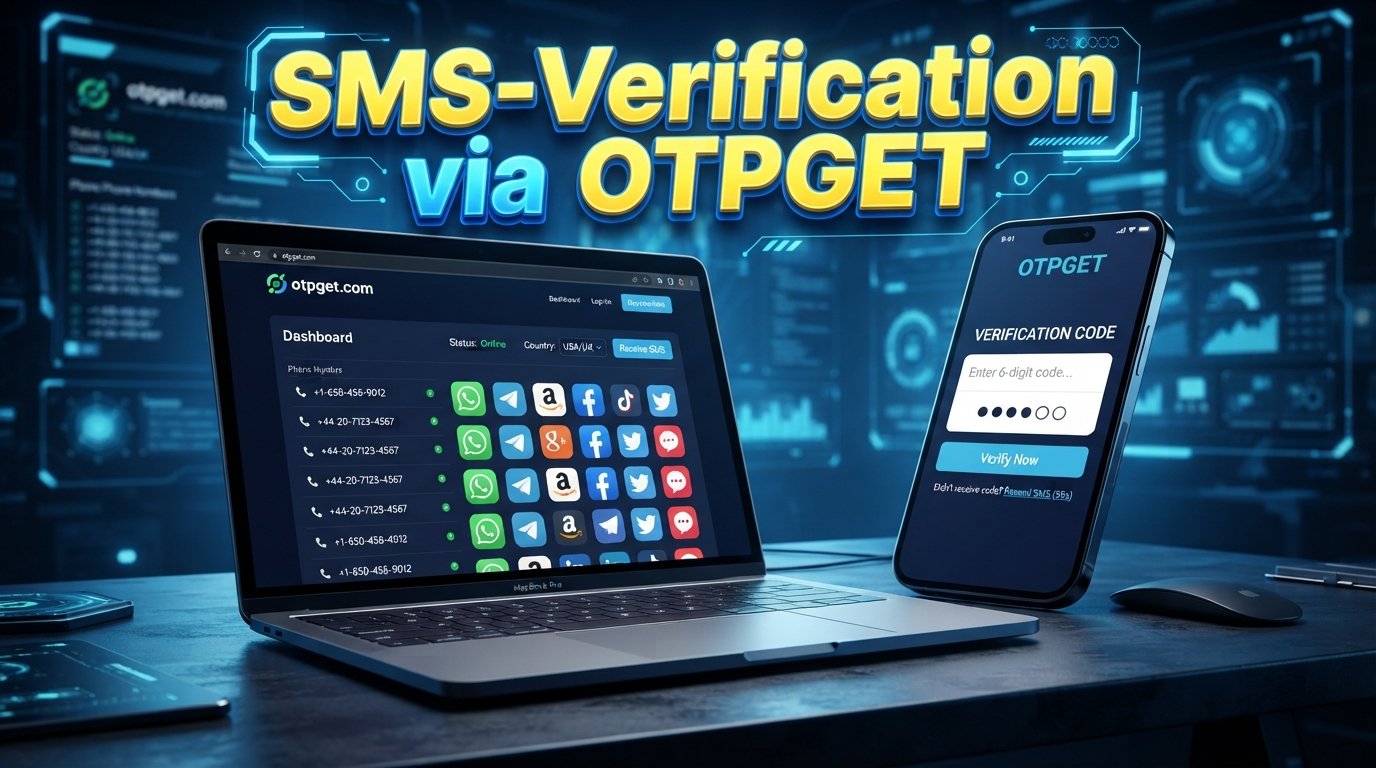
If a phone-verification step appears and you would rather not use your personal number, an SMS verification service such as OTPGET may be an option where the relevant service and number are supported. OTPGET describes its service as providing virtual numbers for receiving SMS OTP codes, along with rental numbers and other verification tools.
The key is to treat this as an alternative way to receive a legitimate verification code—not as a method for bypassing Leonardo AI's security.
Why Does Leonardo AI Ask for Phone Verification?
Phone verification is commonly used by online services as an additional way to confirm that an account is associated with a reachable phone number.
Depending on the service and account flow, SMS verification can help with purposes such as:
- Confirming that a phone number can receive messages
- Reducing automated or abusive account activity
- Adding another layer of account verification
- Supporting certain account or security workflows
That does not necessarily mean every Leonardo AI user will encounter the same requirement. Login and signup interfaces can vary depending on the authentication method, account state, region, or other factors.
For that reason, it is better to think of Leonardo AI phone verification as a possible step rather than assuming it is mandatory for every account.
Can You Get Leonardo AI Without a Phone Number?
Possibly, depending on the signup or login route available to you.
Leonardo AI's current authentication page presents multiple ways to sign up or log in, including third-party providers and email. This means a user searching for Leonardo AI without phone number should first check whether the available authentication options meet their needs before looking for an SMS verification service.
However, creating an account and completing verification are not always the same thing.
For example, you might be able to begin a Leonardo AI signup with email but later encounter an additional verification request. Alternatively, your particular login route may not request a phone number at all.
So there is no reliable universal rule that says Leonardo AI can always be accessed without phone verification. The practical approach is to use the authentication options presented to you and, if a phone number is specifically requested, consider a legitimate verification-capable number if permitted.
Why Users Look for an Alternative to Personal Phone Verification
There are several reasonable reasons someone may prefer not to use their everyday mobile number for online verification.
Privacy: Your personal number is sensitive contact information, and some users prefer to minimize where it is shared.
Account separation: You may want to keep personal communications separate from accounts used for work, experimentation, or online services.
SMS problems: International roaming, carrier issues, weak cellular service, or delayed messages can make ordinary SMS verification inconvenient.
International access: Users may encounter situations where their usual number is not suitable for a particular service or country-specific verification flow.
Temporary verification needs: If you only need a number to receive a one-time verification message, using a dedicated verification service can be more practical than adding another personal number.
These are privacy and convenience considerations—not reasons to circumvent a platform's security requirements.
How OTPGET Can Help With Leonardo AI Verification
OTPGET is an online OTP and SMS verification service that provides virtual phone numbers for receiving verification messages. Its published documentation describes an SMS OTP system in which users can request a number for a supported service and then check the status of the activation to retrieve an incoming code.
Its website also describes temporary virtual numbers, rental numbers, and SMS OTP functionality across supported countries and services.
For someone searching for Leonardo AI login without phone number, the relevant use case is straightforward: instead of giving a personal mobile number to a verification form, you can check whether OTPGET has an appropriate verification option available for the service and country you need.
The general process works like this:
- Obtain a supported verification-capable number.
- Enter that number into the applicable phone-verification field.
- Request the SMS code.
- Monitor the OTP service for the incoming message.
- Enter the received verification code into the original verification form.
OTPGET's documentation specifically describes requesting numbers, checking activation status, and retrieving received SMS codes.
There is an important limitation: availability depends on the target platform, supported services, countries, number inventory, and the verification method being used. A number being available through an OTP service does not mean Leonardo AI will necessarily accept it.
In other words, OTPGET can provide a phone-based verification option where supported; it does not disable or bypass Leonardo AI verification.
Step-by-Step: Using OTPGET for Verification
If Leonardo AI presents a phone-verification requirement, the following workflow can help you understand where an OTP service fits.
1. Visit OTPGET
Open the OTPGET service and review the available SMS or OTP verification options.
2. Choose a Relevant Verification Option
Look for a service, country, and number type that match your verification requirement. Availability can change, so check the options currently displayed.
3. Select an Available Number
If a suitable number is available, obtain it through the applicable OTPGET workflow.
4. Copy the Number
Use the provided phone number in the Leonardo AI verification form, if the platform accepts that type of number.
5. Request the Verification Code
Submit the phone number through the applicable Leonardo AI verification screen and request the SMS code.
6. Check OTPGET for the Incoming SMS
Return to OTPGET and check the relevant activation or SMS status. OTPGET's documentation provides an activation-status workflow for checking whether a code has arrived.
7. Enter the Verification Code
If an SMS arrives, enter the received Leonardo AI verification code into the appropriate verification field.
8. Complete the Login or Signup Process
If Leonardo AI accepts the number and code, continue with the remaining account or login steps.
The exact interface may change, and not every number or service will necessarily work with every verification attempt. If the platform rejects the number, choose another legitimate authentication method or follow the platform's support and verification guidance.
OTPGET vs Using Your Personal Phone Number
| Feature | Personal Number | OTPGET |
|---|---|---|
| Privacy considerations | Your personal number is directly associated with the verification | Can provide an alternative number where supported |
| Convenience | Usually straightforward if your phone receives SMS reliably | Requires checking availability and obtaining a suitable number |
| SMS access | Depends on your carrier and phone connectivity | SMS can be received through the supported OTP service |
| Account separation | Uses your everyday number | Can separate verification from your personal number |
| Availability | Generally available to you if your phone is active | Depends on country, service, and number inventory |
| Reliability | Depends on your carrier and the platform | Depends on OTPGET availability and platform acceptance |
| Long-term account recovery | May be useful if the service supports recovery through it | A temporary number may not be appropriate for long-term recovery |
Neither option is automatically right for every account. A personal number may be more appropriate when long-term recovery matters, while an OTP service may be useful when the immediate goal is receiving a supported verification SMS without exposing a personal number.
Things to Keep in Mind Before Using an OTP Service
Before using an online SMS verification service, consider the following:
- Some platforms may restrict virtual, temporary, or previously used numbers.
- A number suitable for one-time verification may not be suitable for future account recovery.
- OTP services can have changing availability for individual countries and services.
- You should understand and follow Leonardo AI's applicable terms and verification requirements.
- Never give your password, recovery credentials, or other sensitive account information to an OTP provider.
- Use verification services only for legitimate accounts and lawful purposes.
- Do not use temporary numbers for fraud, impersonation, spam, or unauthorized account access.
The distinction matters. Using a service to receive a legitimate OTP is different from trying to defeat an account-security mechanism.
Common Problems and How to Troubleshoot Them
OTP Not Arriving
First, check that the number was entered correctly and that the selected service is the one you actually need. Then check whether the OTP service is still waiting for the message. OTPGET's documentation distinguishes between a waiting state and a successfully received code.
Number Not Accepted
The platform may not accept that particular number type. Try an available alternative if permitted, or use another Leonardo AI authentication method.
Verification Code Expired
OTP codes are generally time-sensitive. If a code is no longer accepted, request another code through the normal verification process rather than repeatedly entering an expired code.
Wrong Country or Number Type
Check that the selected country and number type match the verification form. Availability can differ by service and country.
Service Temporarily Unavailable
An OTP service may have no suitable numbers available at a particular moment. Check the available inventory again or use another supported authentication route.
Too Many Verification Attempts
Repeated requests can trigger temporary restrictions. Stop submitting new requests and follow the platform's instructions before trying again.
Leonardo AI Requests Additional Verification
An SMS code may not be the only verification step. If Leonardo AI requests additional confirmation, complete the process using the options it provides.
9. FAQ Section
Can I use Leonardo AI without a phone number?
It may be possible depending on the authentication route available to you. Leonardo AI's current login page lists email and several third-party sign-in options, but the exact flow can vary.
Does Leonardo AI require phone verification?
Not necessarily for every login or signup flow. If Leonardo AI specifically presents a phone-verification requirement during your account process, you should follow the verification options it provides.
How can I receive a Leonardo AI verification code?
If phone verification is requested, you can use an accepted phone number and receive the SMS code through the normal verification process. Where supported, an OTP service such as OTPGET may provide a verification-capable number.
What is OTPGET?
OTPGET is an online virtual-number and OTP verification service. Its published documentation describes SMS number requests and processes for checking received verification codes.
Can OTPGET receive Leonardo AI OTP codes?
It may be possible if OTPGET has a suitable supported number and Leonardo AI accepts that number for the relevant verification process. This should not be treated as guaranteed.
Is using an online SMS verification service safe?
Safety depends on the provider, the number type, and how you use the service. Never share passwords or sensitive account credentials with third parties, and check the target platform's rules regarding virtual or temporary numbers.
Why isn't my Leonardo AI OTP arriving?
Possible causes include an unavailable number, an unsupported number type, an incorrect number, SMS delivery problems, or platform-side restrictions. Check the number and service selection, wait for the normal delivery window, and avoid excessive verification attempts.
Can a temporary number be used for long-term account recovery?
You should not assume so. If you lose access to a temporary number, you may also lose access to recovery messages sent to it. A long-term account should use a recovery method you can reliably access and that the platform supports.
Final Thoughts
Searching for Leonardo AI login without phone number usually comes down to one of two concerns: finding an authentication route that does not request a personal number, or finding a practical way to complete phone verification without exposing an everyday mobile number.
The first step is to check Leonardo AI's available login and signup methods. Its current login interface includes email and several third-party options, so phone verification is not necessarily part of every authentication path.
If a phone-verification step does appear, OTPGET can be a practical option to investigate where its relevant SMS/OTP service and number are supported. The service provides virtual numbers and mechanisms for receiving SMS verification codes, but acceptance ultimately depends on the target platform and the specific number.
If privacy and account separation are important to you, explore OTPGET's available OTP and SMS verification options and select an option that fits your legitimate verification needs.
10. Internal Link Suggestions
- How OTP verification works
- Best ways to protect your online privacy
- What is SMS verification?
- How online OTP services work
- Guide to temporary phone verification


