Lost SIM? Ways to Still Receive Verification Codes Securely
Lost SIM? Ways to Still Receive Verification Codes Securely
Losing a SIM card can become a much bigger problem than simply replacing a small piece of plastic. The moment an account asks you to enter an SMS verification code, you may realize that the phone number you normally rely on is temporarily out of reach.
If you're searching for lost SIM receive verification codes, there are several legitimate options to consider. Depending on the account and its security settings, you may be able to recover access through your mobile carrier, use an authenticator app or backup codes, rely on a trusted device, or use an online number solution such as OTPGET where the relevant service supports it.
The right approach depends on how the verification system works and whether you still control the underlying account or phone number.
Why Losing Your SIM Can Stop Verification Codes
SMS verification is relatively simple. When a website or app wants to confirm that you control a phone number, it sends a temporary one-time password (OTP) to that number. You enter the code into the service, and the service checks whether it matches.
The important point is that the code is generally sent to the phone number, not specifically to your handset. Your SIM is what normally gives your device access to that mobile number and its incoming SMS messages.
If the SIM is lost, damaged, blocked, or unavailable, you may therefore be unable to receive an SMS verification code, even if your account credentials are correct.
This can affect:
- New account registrations
- Login verification
- Password resets
- Phone number verification
- Two-factor authentication
- Sensitive account changes
- Account recovery
Some services offer additional authentication methods, while others may depend heavily on SMS. That is why losing a SIM can make account recovery unexpectedly difficult.
What to Do First After Losing Your SIM
Before looking for an alternative, check whether you can restore access to the original number.
Contact Your Mobile Carrier
For a personal number that you want to keep, contacting your carrier is usually the most direct option. Many carriers offer SIM replacement or number-recovery procedures.
A replacement SIM may restore access to the same phone number, allowing normal SMS verification to resume. The exact process depends on the carrier and may require identity verification.
If the lost SIM could be used by someone else, contact your carrier promptly and ask about blocking or securing the missing SIM.
Check Account Recovery Options
The account itself may provide alternatives to SMS. Look for options such as:
- Backup email
- Authenticator apps
- Backup codes
- A recovery phone number
- Trusted devices
- Previously authenticated sessions
These options can be particularly useful if you need access immediately and cannot replace the SIM right away.
Contact the Service Provider
If automated recovery does not work, use the service's official support or account-recovery process.
Some providers may ask you to confirm ownership using information other than an SMS code. Requirements vary considerably, so follow the instructions provided by the specific service rather than attempting to bypass its verification process.
Can You Receive a Verification Code Without Your SIM?
Sometimes, yes—but it depends on the verification method and the service.
If a service supports authentication through an authenticator app, backup code, email, or another approved method, you may not need an SMS at all.
Another possibility is using a virtual phone number or online SMS receiving service when the website or app accepts that type of number. This is different from recovering the original phone number. Instead, you use another eligible number to receive a new verification message.
For someone who has lost access to a physical SIM, this can be useful for appropriate online verification scenarios. However, not every website accepts virtual numbers, and some services may restrict particular number types.
The key question is not simply, “Can I receive OTP without SIM?” It is, “What verification methods does this particular service accept?”
Using OTPGET to Receive Verification Codes
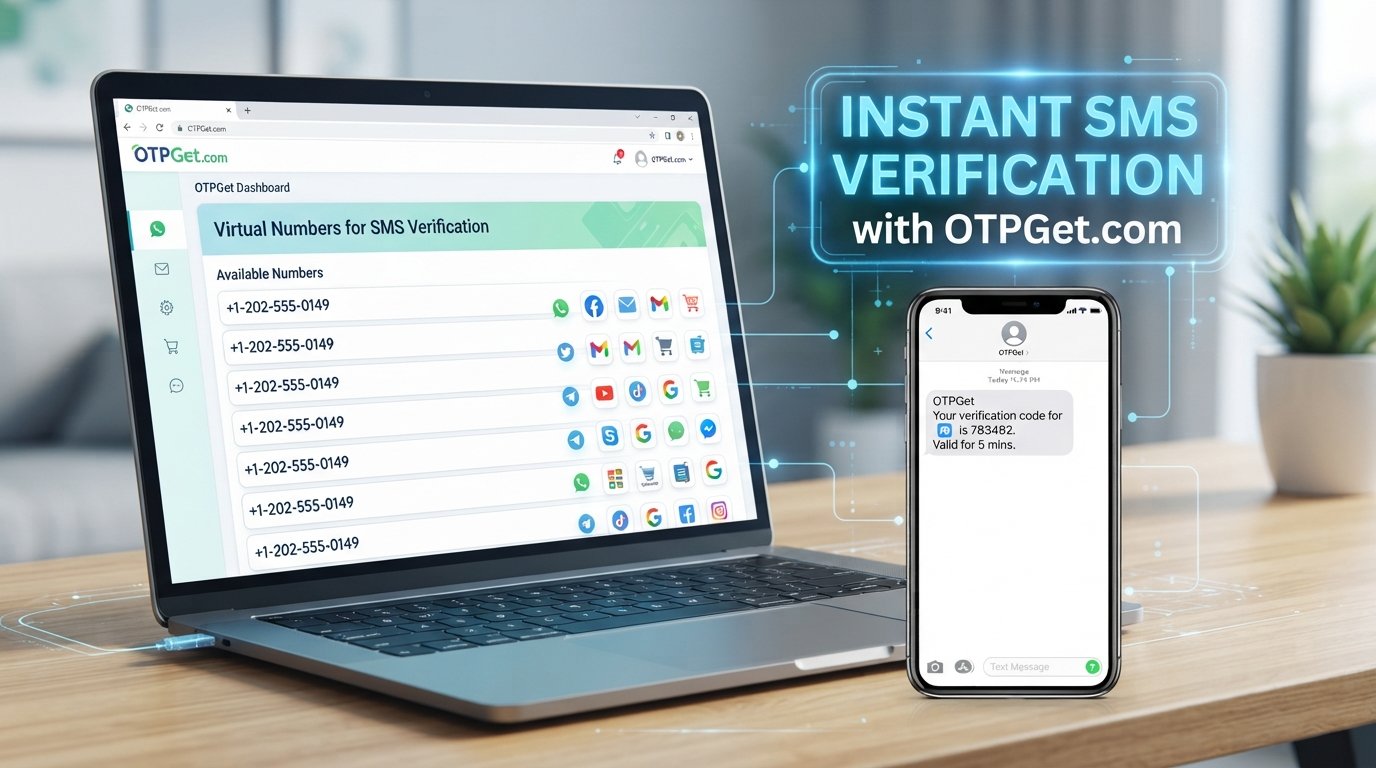
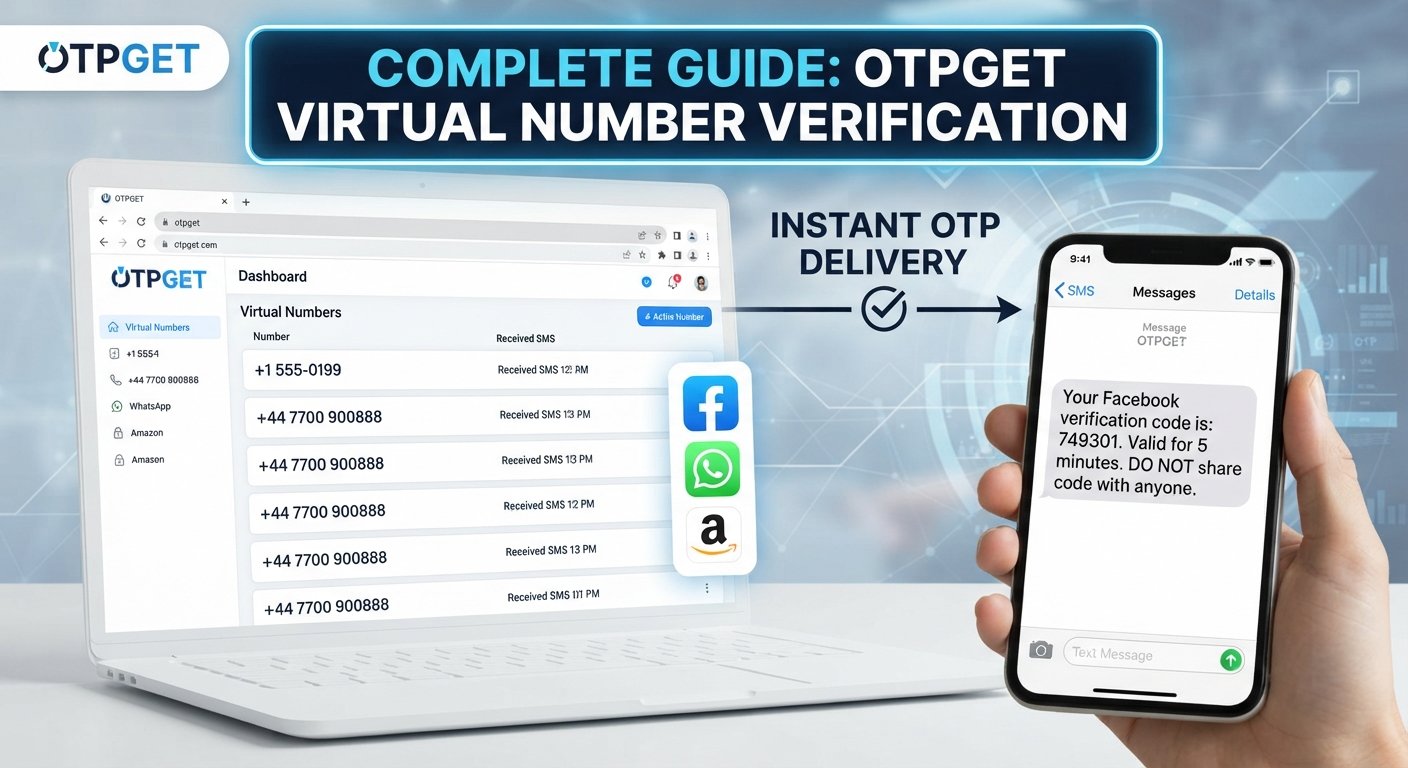
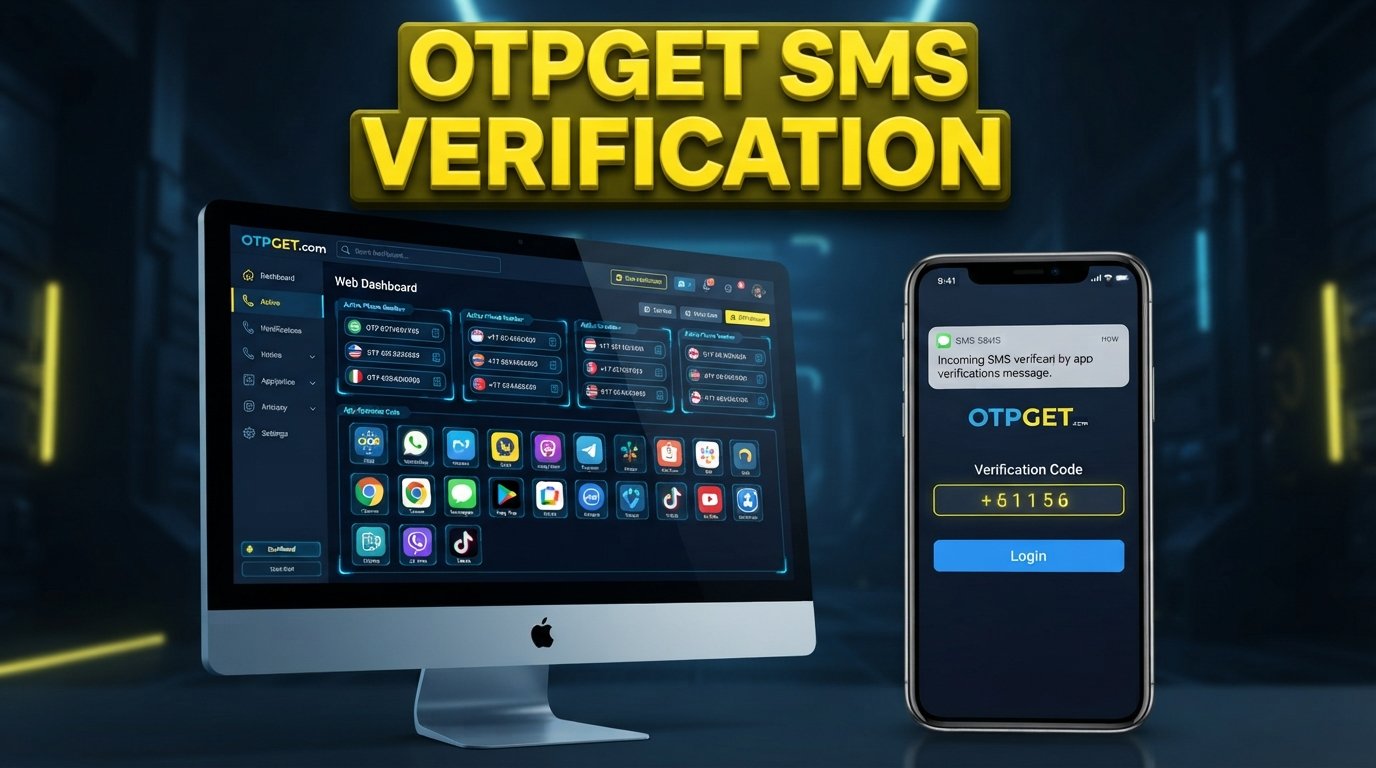
OTPGET can be a practical option for users who need access to verification codes without depending on an unavailable physical SIM. Its documentation describes virtual numbers that can be obtained for supported SMS verification services, with received codes checked through the platform's activation flow.
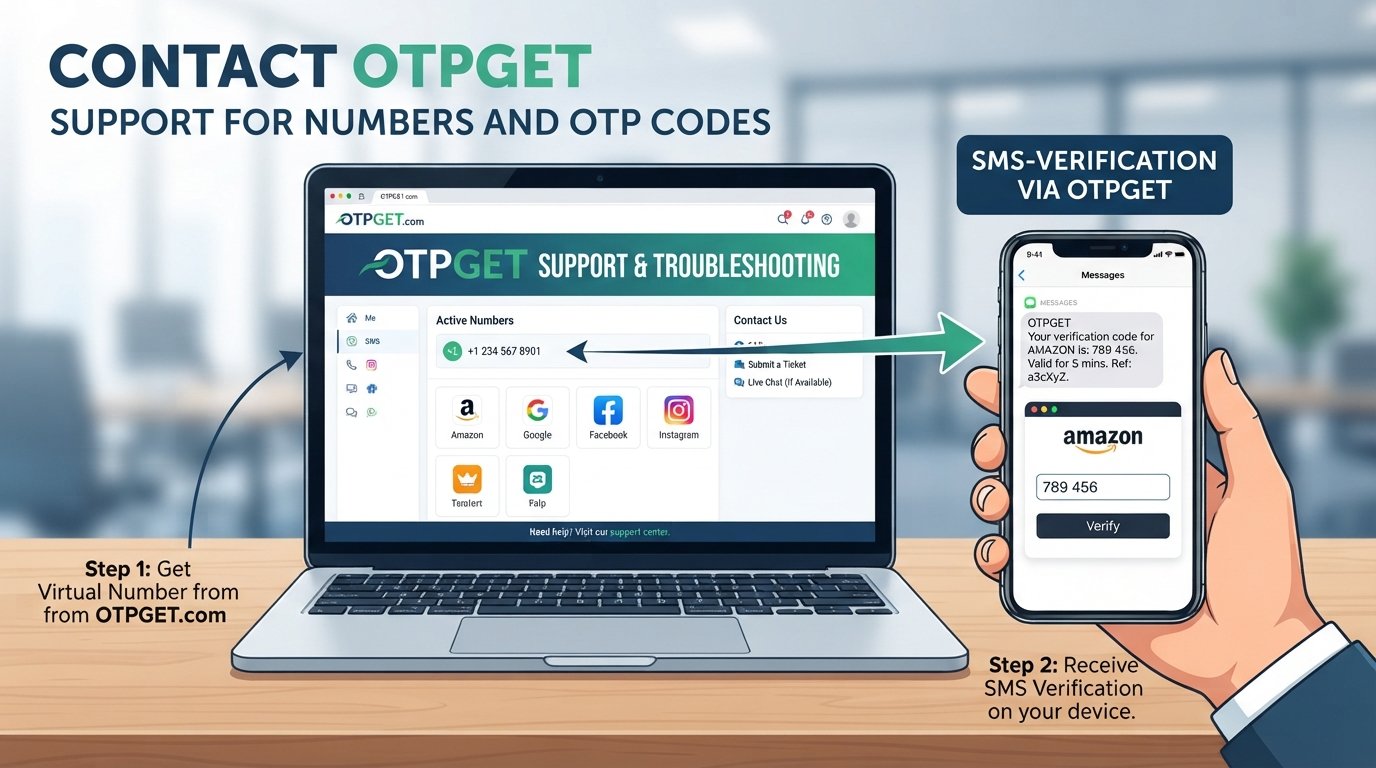
In a typical supported situation, the concept is straightforward:
- Select an appropriate available number and service.
- Use the number on the relevant service's normal verification screen.
- Request the verification SMS.
- Check OTPGET for the incoming message and code.
- Enter the legitimate code into the service's verification field.
OTPGET's documentation indicates that number availability depends on factors such as country, service, and available inventory. Its platform also documents SMS OTP and rental-number options, so the appropriate choice can vary by situation.
This makes OTPGET worth considering when you need an alternative to a lost SIM and the service you're using accepts the available virtual number.
There are several potential reasons someone might consider this approach:
- Convenience: You don't have to wait for a physical SIM to arrive when an appropriate online option is available.
- Reduced dependence on the lost SIM: The verification process can use another eligible number rather than the unavailable physical card.
- Online access: Verification messages can be accessed through the applicable OTPGET workflow.
- Useful for temporary verification: A virtual number may make sense for a verification task where a permanent personal number is not required.
- Flexible options: Availability can vary by service and location, so users can check what is currently offered.
However, OTPGET should not be treated as a universal replacement for your original phone number. If an account is specifically tied to your existing number, or if its policies do not accept virtual numbers, recovering that number through your carrier may still be the appropriate route.
OTPGET itself advises users to use its service for legitimate verification purposes and not to use an OTP service to access accounts they do not own or circumvent a platform's security controls.
OTPGET vs. Traditional SIM Replacement
The two approaches solve different problems. A SIM replacement restores access to an existing mobile number, while an OTP service can provide another number for supported verification workflows.
| Factor | Traditional SIM Replacement | OTPGET |
|---|---|---|
| Requires physical SIM replacement | Yes, when restoring the original number | No physical SIM is required for the virtual-number workflow |
| Convenience | Requires carrier procedures and availability | Can be convenient for supported online verification |
| Useful for online verification | Yes, if the original number is restored | Yes, where the service accepts the available number |
| Setup process | Contact carrier and complete its replacement process | Select an available number/service and follow the applicable OTPGET process |
| Availability | Depends on carrier, identity checks, and replacement options | Depends on available numbers, countries, services, and platform availability |
| Best suited for | Recovering and keeping your existing number | Appropriate verification tasks where another eligible number is acceptable |
Neither option is automatically right for every situation. If the account is permanently associated with your existing number, recovering that number is often important. If you simply need a separate eligible number for a supported verification workflow, OTPGET may be another option to consider.
Other Ways to Receive Verification Codes
OTPGET is only one possible solution. Depending on how your accounts are configured, other methods may be available.
Authenticator Apps
Authenticator applications generate time-based authentication codes directly on a device. Because the code is generated inside the app rather than delivered by SMS, losing your SIM does not necessarily prevent access.
This works only if the account was previously configured for an authenticator app or provides a way to set one up during recovery.
Backup Codes
Many services provide one-time backup codes when you enable stronger account security. These codes are specifically designed for situations where your usual authentication method is unavailable.
If you have saved backup codes somewhere secure, check whether the service allows you to use one during login or recovery.
Trusted Devices
A device that is already signed in may sometimes be recognized as trusted. Some platforms can use that existing session to approve a login or help you change authentication settings.
Do not sign out of a trusted device unnecessarily while trying to recover your account.
Recovery Email
Some accounts allow verification through a recovery email address. If your email is still accessible, look for an account-recovery option that does not require SMS.
Email recovery is not available on every service, so check the options shown on the official recovery page.
Replacement SIM
If you need to continue using your existing phone number, a replacement SIM is often the most straightforward long-term solution. Once your carrier restores the number, SMS verification can generally work through the replacement SIM, subject to the carrier and service.
How to Choose the Right Verification Method
Start by identifying exactly what you need to verify.
Ask yourself:
- Does the account specifically require SMS?
If not, an authenticator app, backup code, or recovery email may be easier. - Do you still control the original phone number?
If yes, recovering it through your carrier may solve the underlying problem. - Do you have a replacement SIM option?
If you need the number for long-term account access, this can be important. - Did you previously configure 2FA alternatives?
Check for backup codes, authenticator apps, trusted devices, and recovery methods. - Would an online number be appropriate?
If the service permits virtual numbers, an OTP receiving service such as OTPGET may be worth considering. - Are you using the service legitimately?
Always use verification methods for accounts and activities you are authorized to access.
The safest choice is usually the method officially supported by the service you're trying to access.
Security Tips When Receiving OTP Codes
Verification codes are security credentials, even though they are temporary. Treat them accordingly.
- Never share an OTP with another person.
- Check the website or app before entering an authentication code.
- Do not publish verification codes in screenshots, posts, or messages.
- Be cautious of unexpected SMS messages and suspicious links.
- Use official account-recovery pages whenever possible.
- Store backup codes somewhere secure and private.
- Consider an authenticator app or stronger 2FA method when available.
- Do not enter an OTP into a page you reached through an unexpected message.
- Never use verification services to bypass another person's account security.
Remember that having access to a verification code does not automatically establish ownership of an account. The service may apply additional security checks.
Frequently Asked Questions
1. Can I receive an OTP if I lost my SIM?
Possibly. You may be able to use an authenticator app, backup code, recovery email, replacement SIM, or another verification method supported by the account. A virtual number may also work for services that accept it.
2. How can I receive a verification code without my SIM?
First check the account's recovery options. If SMS is mandatory, restoring your original number with a replacement SIM may be necessary. For supported services, an appropriate virtual phone number can be another option.
3. Can OTPGET help with verification codes?
OTPGET provides virtual numbers intended for supported SMS OTP verification workflows. Depending on the service and availability, it may help you receive a verification SMS without relying on your unavailable physical SIM.
4. What should I do if I lost the phone number linked to my account?
Contact your mobile carrier first if you want to recover the number. Then check the account's official recovery options, including email, backup codes, authenticator apps, and trusted devices.
5. Is a replacement SIM necessary for SMS verification?
Not always. A replacement SIM is generally necessary when you need to restore the original phone number. If the service supports another verification method, such as an authenticator app, you may not need SMS at all.
6. Can I use an authenticator app instead of SMS OTP?
Many services support authenticator-based two-factor authentication, but not all do. It usually needs to be configured before you lose access to SMS or established through an approved recovery process.
7. What is the safest way to recover an account after losing a SIM?
Start with the service's official recovery process and your mobile carrier. Use backup authentication methods if you have them, and avoid unofficial methods that ask you to bypass security checks.
Final Thoughts
Losing a SIM does not necessarily mean you're permanently locked out of every account. Depending on the service, you may have several ways to regain access, including a SIM card replacement, authenticator app, backup codes, recovery email, trusted device, or another approved verification method.
For people specifically searching for lost SIM receive verification codes solutions, a virtual-number service can also be worth considering when the relevant platform supports it. OTPGET can be a practical option for receiving SMS verification codes through an available virtual number, depending on the service, country, number availability, and verification requirements.
The important thing is to choose a method that matches the account's rules and your actual needs. If you need to preserve your existing phone number, start with your carrier. If you need an alternative for an appropriate online verification workflow, explore the available options through OTPGET and confirm that the service you're using accepts them.
10. Internal Linking Suggestions
- What Is an OTP?
- How SMS Verification Works
- Temporary Phone Numbers Explained
- Online SMS Verification Guide
- How to Protect Your Verification Codes