How to Get Mailchimp Login Without a Phone Number: Easy Guide
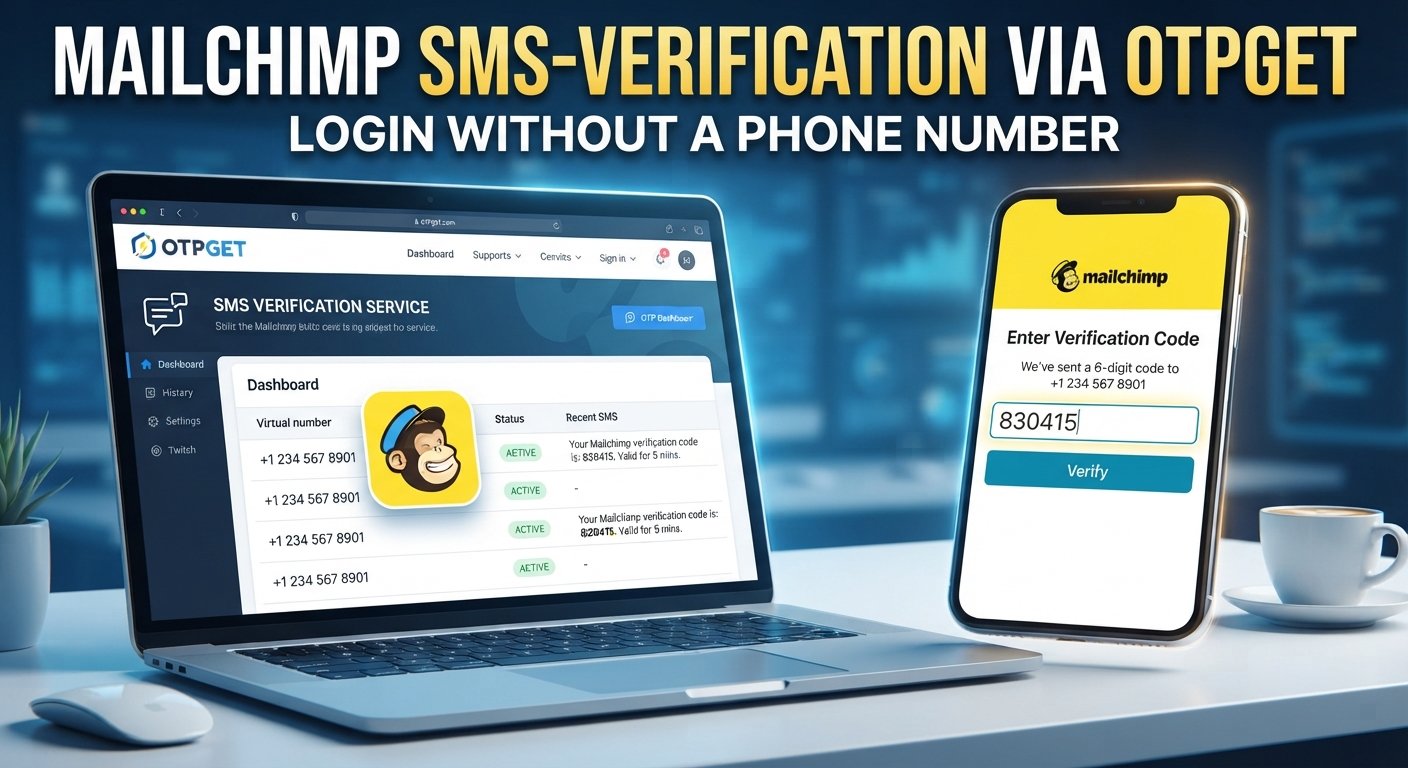
How to Get Mailchimp Login Without a Phone Number: Easy Guide
Introduction
Losing access to the phone number associated with an online account can turn a routine login into a frustrating problem. You may have changed numbers, lost your phone, be traveling, or simply be unable to receive the verification code being requested.
If you're searching for mailchimp login without phone number, the important distinction is between recovering legitimate access to your own account and trying to bypass an authentication control. The first is a normal account-recovery situation; the second is not something a verification service should be used for.
Mailchimp uses several security mechanisms, and the verification step you see can depend on your account configuration and login circumstances. Mailchimp's own guidance notes that an unfamiliar-device login can trigger additional identity verification, including 2-factor authentication, SMS, or email verification.
For users who legitimately need an SMS verification option but cannot use their usual number, OTPGET is one service worth considering. It provides virtual numbers intended for receiving SMS and OTP messages. However, whether a particular virtual number works with Mailchimp depends on Mailchimp's acceptance of that number and the verification method presented to you. OTPGET should not be viewed as a way to bypass Mailchimp's security.
Can You Log In to Mailchimp Without a Phone Number?
Sometimes, yes—but it depends on what Mailchimp is asking for during your particular login or recovery process.
A basic Mailchimp account login can use your username and password. Mailchimp also supports login through connected authentication methods in certain circumstances, such as Google or Intuit, depending on how the account was established.
The situation changes when additional authentication is required. Mailchimp's 2-factor authentication can use SMS or an authenticator app. Authenticator-app codes provide an alternative to receiving an SMS, although Mailchimp says the authenticator process requires a mobile device.
Other legitimate options may include:
- Resetting your password through the registered email address
- Using a saved backup code
- Using another configured authentication method
- Asking an account administrator to help restore access
- Following Mailchimp's account-recovery process
- Contacting Mailchimp support when self-service recovery isn't enough
So, login to Mailchimp without phone does not necessarily mean eliminating authentication. It means using an available, authorized authentication or recovery method that does not depend on your unavailable phone number.
Why You Might Need Mailchimp Login Without Your Phone
There are several everyday reasons someone may need alternative Mailchimp account access:
- You lost your phone: Your account may still be accessible, but the verification code is going to a device you no longer have.
- You changed phone numbers: The number attached to your account may no longer be active.
- You're traveling: SMS delivery can be inconvenient or unreliable when you're abroad.
- You can't receive the code: Network problems, carrier issues, or delayed messages can interfere with verification.
- You're using a business account: A work account may need a separate verification arrangement rather than relying on one employee's personal number.
- Your authentication method changed: You may have moved from SMS to an authenticator app or another supported method.
The right solution depends on which part of the authentication process is preventing access.
What Is OTPGET?
OTPGET is an online service that provides virtual phone numbers for receiving SMS verification and OTP messages. Its published service information describes temporary virtual numbers, rental numbers, and SMS OTP functionality, with availability varying by country and service.
That makes OTPGET relevant when a legitimate verification workflow requires an SMS-capable number and you do not want to rely on your usual personal phone number.
The key limitation is important: OTPGET does not override Mailchimp's authentication rules. A virtual number only helps if Mailchimp permits that number for the specific verification step. A number can be available through an OTP service and still be rejected by the platform you're trying to verify.
OTPGET also states in its terms that its services must not be used for illegal, fraudulent, abusive, or harmful activity.
How OTPGET Can Help With Mailchimp Verification
If Mailchimp presents an SMS verification step and you are authorized to access the account, an online OTP service may be relevant when Mailchimp accepts the type of number being provided.
A typical workflow looks like this:
- Identify the verification requirement.
First determine whether Mailchimp is asking for SMS verification, 2FA, account recovery, or another authentication step. - Check your existing options.
Look for an authenticator app, backup code, registered email, or another recovery method before choosing a new phone number. - Consider OTPGET where appropriate.
If an SMS-capable number is permitted for the particular verification process, check OTPGET for an available number suitable for your needs. - Enter the number on the legitimate Mailchimp screen.
Do not attempt to alter or circumvent the authentication flow. Use the number only in the verification process presented by Mailchimp. - Request the verification code.
If Mailchimp accepts the number, it may send an SMS verification message. - Check OTPGET for the incoming code.
OTPGET documents functionality for receiving SMS and checking the status of an OTP request. - Enter the code into Mailchimp.
Complete the normal verification process. Success depends on Mailchimp accepting the number and the verification method.
This is online OTP verification, not a security bypass. If Mailchimp rejects the number, the appropriate response is to use another supported recovery method rather than repeatedly trying to defeat the restriction.
How to Get Mailchimp Login Without Phone Number
If you're trying to regain Mailchimp account access, start with the options that are directly supported by your account.
1. Try your registered email
If you still control the email address associated with the account, password recovery may be enough. Mailchimp's login guidance recommends using its username or password recovery options when credentials are forgotten.
2. Check for another authentication method
If you've previously configured an authenticator app, you may be able to generate a code without receiving an SMS. Mailchimp also provides backup codes for 2FA setups.
3. Check whether an administrator can help
For some account setups, an administrator can invite a locked-out user to create a new profile and regain access to the account. Mailchimp documents this as an option when an authenticator device and backup code are unavailable.
4. Follow Mailchimp account recovery
If you have lost access to the necessary authentication method, use Mailchimp's official recovery process. Mailchimp documents SMS-based recovery for situations where the verified phone number is still available; if that number is unavailable, another recovery route may be necessary.
5. Consider OTPGET only when compatible
If the required verification process permits an alternative SMS number, OTPGET can be considered as an online OTP service. Its virtual-number system is designed to receive SMS verification messages, but compatibility with a particular website or account is not guaranteed.
Mailchimp Login Without Phone — Common Problems
Even when you have the correct credentials, verification can fail for several reasons.
OTP not arriving: Wait briefly, confirm that the number was entered correctly, and avoid repeatedly requesting new codes.
Incorrect verification code: Make sure you're entering the newest code associated with the current request.
Expired OTP: One-time codes are time-sensitive. Requesting a fresh code may be necessary.
Temporary number rejected: Some platforms may reject particular virtual or temporary numbers. If this happens, use a supported authentication or recovery method instead of repeatedly testing numbers.
Too many attempts: Repeated login attempts can trigger account protections. Mailchimp states that it can lock an account for 24 hours after 10 unsuccessful login attempts.
Browser problems: Try a supported, updated browser or a private browsing window. Mailchimp specifically recommends checking browser settings, cookies, extensions, and JavaScript when login problems occur.
Lost authenticator device: If you previously enabled authenticator-based 2FA, look for your backup code. Mailchimp recommends keeping backup codes somewhere secure and separate from the primary device.
Why OTPGET May Be Useful
OTPGET can be useful when the obstacle is specifically access to an SMS-capable number rather than the Mailchimp credentials themselves.
Potential advantages include:
- Convenience: Receive verification messages through an online service instead of depending on a physical SIM.
- Reduced dependence on a personal number: A virtual number can separate certain verification tasks from your everyday phone.
- Online OTP access: OTPGET provides a dashboard-based approach for receiving SMS verification codes.
- Flexible number options: The service publishes virtual numbers and rental-number options across multiple countries.
- Different use cases: OTPGET provides both one-time virtual-number services and longer-term rentals, although the appropriate option depends on the verification requirement.
The important qualification is compatibility. OTPGET can provide a number capable of receiving SMS, but it cannot guarantee that Mailchimp will accept that number. That decision belongs to Mailchimp's authentication system.
Tips for a Smooth Mailchimp Login
A few habits can make future Mailchimp account login problems easier to handle:
- Keep your registered email address current and accessible.
- Store backup authentication codes somewhere secure.
- Never share your Mailchimp password or verification code.
- Use a fresh OTP if the previous code has expired.
- Avoid requesting multiple codes in rapid succession.
- Keep your browser updated and clear problematic cookies when necessary.
- If you use 2FA, maintain access to your authenticator or backup method.
- Keep important account-recovery information available before you need it.
- Use virtual-number services responsibly and only for accounts you own or are authorized to access.
- If self-service recovery fails, use Mailchimp's official support and recovery channels.
Mailchimp explicitly warns users not to share login credentials or multi-factor authentication codes, and says its employees will not ask for those codes.
Frequently Asked Questions
Can I log in to Mailchimp without a phone number?
Possibly. A phone number may not be required for every login, but Mailchimp can request additional verification depending on your account and login circumstances. Available alternatives can include email recovery, an authenticator app, backup codes, or administrator assistance.
How can I receive a Mailchimp verification code without my phone?
First check whether your account has another authentication method, such as an authenticator app or backup code. If Mailchimp specifically permits an SMS number and accepts a virtual number, a service such as OTPGET may be worth considering.
What should I do if my Mailchimp OTP is not arriving?
Confirm that the number is correct, wait for delivery, and request a fresh code if necessary. Also check whether the problem is related to your mobile network, browser, or account security settings. Avoid excessive repeated attempts.
Can OTPGET help with OTP verification?
OTPGET provides virtual numbers designed to receive SMS OTP messages. Whether it can help with a Mailchimp verification step depends on whether Mailchimp accepts the specific number and verification method.
Is it possible to recover a Mailchimp account without a phone?
It can be possible depending on the account and available recovery methods. Mailchimp documents options involving email, backup codes, authenticator apps, administrator access, and account recovery procedures.
Why is Mailchimp asking for phone verification?
Mailchimp may request additional identity verification when it detects circumstances such as unusual or unfamiliar login activity. Its security documentation describes SMS verification and 2FA as measures designed to protect accounts.
What should I do if a verification number is not accepted?
Do not try to bypass the restriction. Use another supported authentication method, recover the account through Mailchimp's official process, or contact support if necessary. A different virtual number may also be rejected if the platform does not permit that type of number.
Final Thoughts
Getting mailchimp login without phone number is primarily an account-recovery and authentication question—not a matter of bypassing security.
Start with the simplest legitimate options: your registered email, password recovery, an authenticator app, backup codes, administrator assistance, or Mailchimp's official recovery process. If the particular verification workflow permits an SMS number and you need an alternative to your personal phone, OTPGET can be considered as a virtual-number and online OTP service.
Explore OTPGET to see whether its available virtual-number options fit your legitimate verification needs. Remember that compatibility with Mailchimp is not guaranteed, and the safest approach is always to follow the authentication methods Mailchimp actually provides for your account.


