How to Get Notion Login Without Phone Number Using OTPGET Online
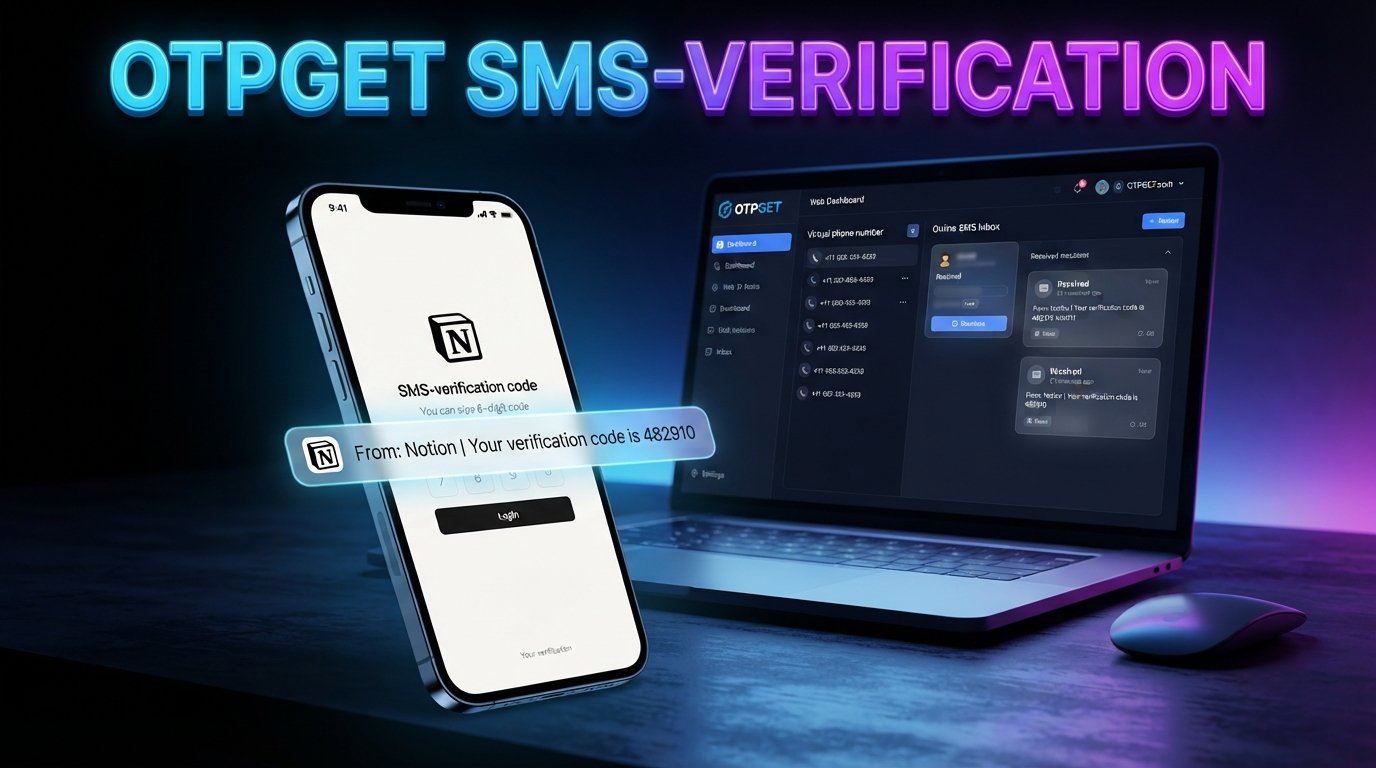
How to Get Notion Login Without Phone Number
If you want to use Notion but would rather not share your personal phone number, you may be wondering whether there is a practical alternative.
The first thing to know is that a phone number is not necessarily required for every Notion login. Notion currently documents several sign-in methods, including email verification codes, passwords, Google, Apple, Microsoft, SAML SSO for eligible workspaces, and passkeys.
However, a separate phone-based verification step can sometimes be relevant to account security or a particular verification flow. If Notion asks you for SMS verification and you do not want to use your personal number, a temporary or virtual number may be an option where the service supports it.
That is where OTPGET can be useful. OTPGET provides virtual and temporary numbers designed to receive SMS verification codes. The important point is that compatibility depends on the target service and its current verification requirements.
Can You Use Notion Without a Phone Number?
Yes, in many situations, you can access Notion without using a phone number.
Notion's official login documentation lists email-based verification, email and password, Google, Apple, Microsoft, SAML SSO for certain workspaces, and passkeys as available login methods.
That means searching for a Notion login without phone number does not necessarily mean you need a workaround. If your normal sign-in method works, you can simply use it.
The situation is different if a particular account, security setting, or verification flow asks for a phone number. Notion's two-step verification documentation, for example, includes text-message verification as one possible method, although an authenticator app may also be available depending on the region.
This distinction matters: Notion does not universally require a phone number just to log in. Always check the verification options shown on your own account before choosing another method.
Why Avoid Using Your Personal Phone Number?
There are several legitimate reasons someone may prefer not to connect a personal number to an online account.
Privacy preferences
Some users simply prefer to minimize the amount of personal information they provide to online services.
Separating personal and online activities
A separate number can help keep personal communications separate from accounts used for projects, testing, research, or other online activities.
Temporary projects
If you are working on a short-term project and only need a number for a specific verification step, maintaining another permanent mobile line may not be practical.
Verification purposes
Some users may need to receive an OTP without exposing their everyday phone number to an online service.
That does not mean every phone verification request should be avoided. A personal number can be useful for account recovery and long-term security. The right choice depends on how you intend to use the account and which recovery options you have available.
What Is a Temporary or Virtual Phone Number?
A temporary phone number is a number made available for a limited verification purpose or period. A virtual phone number is a number provided through an online service rather than being tied to a traditional physical SIM in the way your everyday mobile number is.
For SMS verification, the basic process is straightforward:
- A website asks for a phone number.
- You provide an eligible number.
- The service sends a verification code by SMS.
- The number provider receives the message.
- You retrieve the code and enter it into the verification field.
OTPGET describes its service as providing temporary and rental virtual numbers for online verification and SMS OTP use. Its documentation also describes a process for obtaining a number and checking its activation status for an incoming SMS.
The major limitation is compatibility. A temporary number is not automatically accepted by every website or verification system. Some services restrict certain number types, carriers, countries, or previously used numbers.
For that reason, treat a temporary number as an option rather than a guaranteed solution.
How to Get Notion Login Without Phone Number Using OTPGET
If Notion presents a phone verification requirement and you want to avoid using your personal number, OTPGET can provide a practical way to try a temporary or virtual number where supported.
The general workflow is:
1. Visit OTPGET
Open the OTPGET service and review the available virtual or temporary number options.
2. Choose an appropriate number
Select a number that matches the verification requirement you encounter. Availability can depend on the service, country, number type, and current inventory.
Do not assume that every available number will be accepted by Notion.
3. Select the relevant verification option
If OTPGET offers a service-specific selection that corresponds to your verification request, choose the appropriate option.
The goal is to obtain a number capable of receiving the type of SMS required by the target service.
4. Enter the number when Notion requests phone verification
If the Notion verification screen specifically asks for a phone number, enter the temporary or virtual number provided by OTPGET.
If Notion does not ask for a phone number, there is generally no reason to introduce one merely to log in.
5. Wait for the verification SMS
Submit the verification request and allow time for the SMS to arrive.
Delivery can vary. The target service may also reject a number before an SMS is delivered.
6. Retrieve the OTP
If the message is successfully received, retrieve the Notion verification code through the OTPGET interface.
7. Enter the code
Return to the Notion verification screen and enter the OTP in the appropriate field.
8. Complete the account or login process
If the number is accepted and the verification code is valid, continue with the normal Notion account or login process.
OTPGET's own documentation makes clear that numbers and services can return different availability or error conditions, so a failed attempt does not necessarily indicate a problem with your Notion account.
Most importantly, this process should not be viewed as bypassing Notion security. It is simply an alternative way of receiving an SMS when a phone-based verification method is presented and the number is accepted.
Why Use OTPGET for SMS Verification?
OTPGET can be useful when your main concern is avoiding unnecessary exposure of your personal number.
Its service focuses on virtual numbers, temporary numbers, SMS OTP receiving, rental numbers, and related verification tools.
Potential advantages include:
- Less exposure of your personal number: You can use a separate number where appropriate instead of your everyday mobile number.
- Convenient SMS access: Verification messages can be received through an online interface.
- Useful for temporary needs: A temporary number can make sense when the verification requirement is limited to a specific task.
- Simple workflow: Obtain a compatible number, submit it for verification, and retrieve the incoming OTP if the target service accepts it.
- Multiple number options: Availability may provide different country or number choices depending on what is currently offered.
However, these benefits should not be confused with a guarantee of successful verification. OTPGET itself notes that temporary numbers operate through automated systems and third-party providers, while availability can change.
What If the Notion Verification Code Does Not Arrive?
A missing OTP does not always mean something is wrong with your account.
Several factors can affect SMS verification:
- The selected number may not be compatible with the target service.
- SMS delivery may be delayed.
- The verification request may not have completed correctly.
- The number may have expired or become unavailable.
- The target service may restrict that particular number type.
- Temporary numbers may have limited availability for certain services.
Start by checking that the number you entered is correct. Then confirm that the verification request is still active.
If the number is incompatible, choosing another supported number may be necessary. OTPGET's terms also explain that temporary-number orders have specific cancellation conditions when an OTP is not received, so review the service's current terms before purchasing.
If Notion itself reports a login problem, use Notion's official login troubleshooting guidance rather than repeatedly submitting verification requests.
Is Using a Temporary Number Safe?
A temporary number can reduce the amount of personal information you share, but it comes with trade-offs.
The biggest issue is future account recovery.
If a number is temporary and you later lose access to it, you may not be able to receive another SMS sent to that number. That matters for accounts where the phone number is used as a recovery or two-step verification method.
For long-term accounts containing important information, consider whether you will have another reliable recovery method before depending on a temporary number.
It is also worth using reputable services and understanding their policies. OTPGET states that its temporary numbers operate through automated systems and third-party providers, and its terms place responsibility on users for how they use the service.
In short, a temporary number can be convenient, but it should be used with an understanding of its limitations.
Alternatives to Using a Temporary Number
Before choosing a temporary number, check whether you actually need one.
Notion documents several alternatives to phone-based authentication, including email verification codes, passwords, Google, Apple, Microsoft, SAML SSO for eligible organizational accounts, and passkeys.
Depending on your account, you may be able to:
- Use an email-based sign-in method.
- Sign in with Google or Apple.
- Use Microsoft authentication where applicable.
- Use a passkey.
- Use an authenticator app for supported two-step verification setups.
- Use another legitimate phone number that you control.
For example, Notion's two-step verification documentation lists authenticator-based verification alongside SMS verification, although available options can vary by region.
So, if you simply want Notion sign up without phone number, check the available account creation and sign-in options first. Use OTPGET when a phone-based verification requirement is actually presented and a temporary or virtual number fits your situation.
Frequently Asked Questions
Can I create a Notion account without a phone number?
Often, yes. Notion documents email and several other sign-in methods, so a phone number is not universally required for account access. If a particular verification flow asks for one, your available options may differ.
Does Notion always require phone verification?
No. Notion's documented login methods include email-based authentication, passwords, Google, Apple, Microsoft, SSO, and passkeys. Phone-based verification can be relevant to certain security configurations rather than every login.
How can I receive a Notion verification code?
If Notion sends a code by SMS, you need an eligible phone number capable of receiving that message. Where supported, a temporary number service such as OTPGET can be used instead of a personal number.
Can I use a temporary number for Notion?
You can try a temporary number if Notion presents a phone verification step and accepts that type of number. Compatibility is not guaranteed, so check the verification result and current requirements.
What should I do if the Notion OTP does not arrive?
Check the number, verification request, and service availability first. If the number is incompatible, another supported number may be necessary. You can also review Notion's official login troubleshooting guidance.
Is OTPGET useful for Notion verification?
OTPGET can be useful when you need a temporary or virtual number to receive an SMS verification code and the target service accepts the number. It is not officially affiliated with Notion, and successful verification depends on Notion's current requirements.
Can a temporary number affect account recovery?
Yes. If the temporary number later becomes unavailable, you may not be able to receive future messages sent to it. For an important long-term account, make sure you understand and configure the available recovery options.
Final Thoughts
Finding a Notion login without phone number does not always require a temporary number. Notion supports multiple authentication methods, and many users can sign in through email or another available option without using SMS.
The situation changes if your particular verification flow requires a phone number. In that case, a temporary or virtual number can be a practical alternative to exposing your personal number, provided the number is compatible with the verification system.
OTPGET offers temporary and virtual numbers for SMS verification, making it an option to consider when you need to receive an OTP without using your everyday phone number.
Before proceeding, check the verification screen, choose a compatible service option, and follow Notion's account and security requirements. If OTPGET fits your needs and is supported by the verification flow you encounter, you can explore its available numbers and SMS receiving options as a convenient alternative.


