Online Account Verification in Pakistan: Student Guide | OTPGET
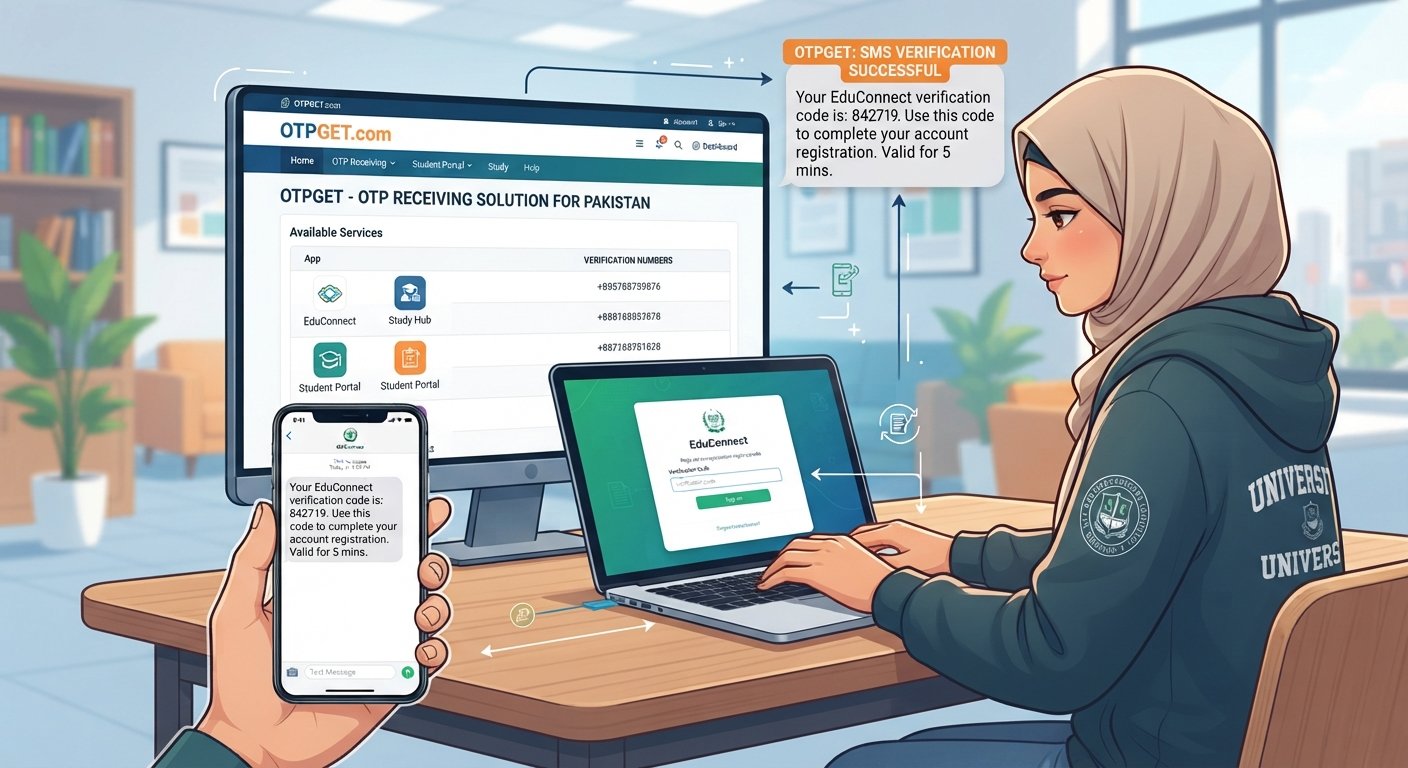
Student Guide: Verifying Online Accounts from Pakistan
Signing up for an online service often looks simple: enter your details, create a password, and start using the account. Then comes the verification screen asking for a phone number and a one-time password (OTP).
For students in Pakistan, this step can sometimes be frustrating. An OTP may arrive late, an SMS may fail to appear, or an international service may not work smoothly with the number being used. These issues can make online account verification in Pakistan more complicated than expected.
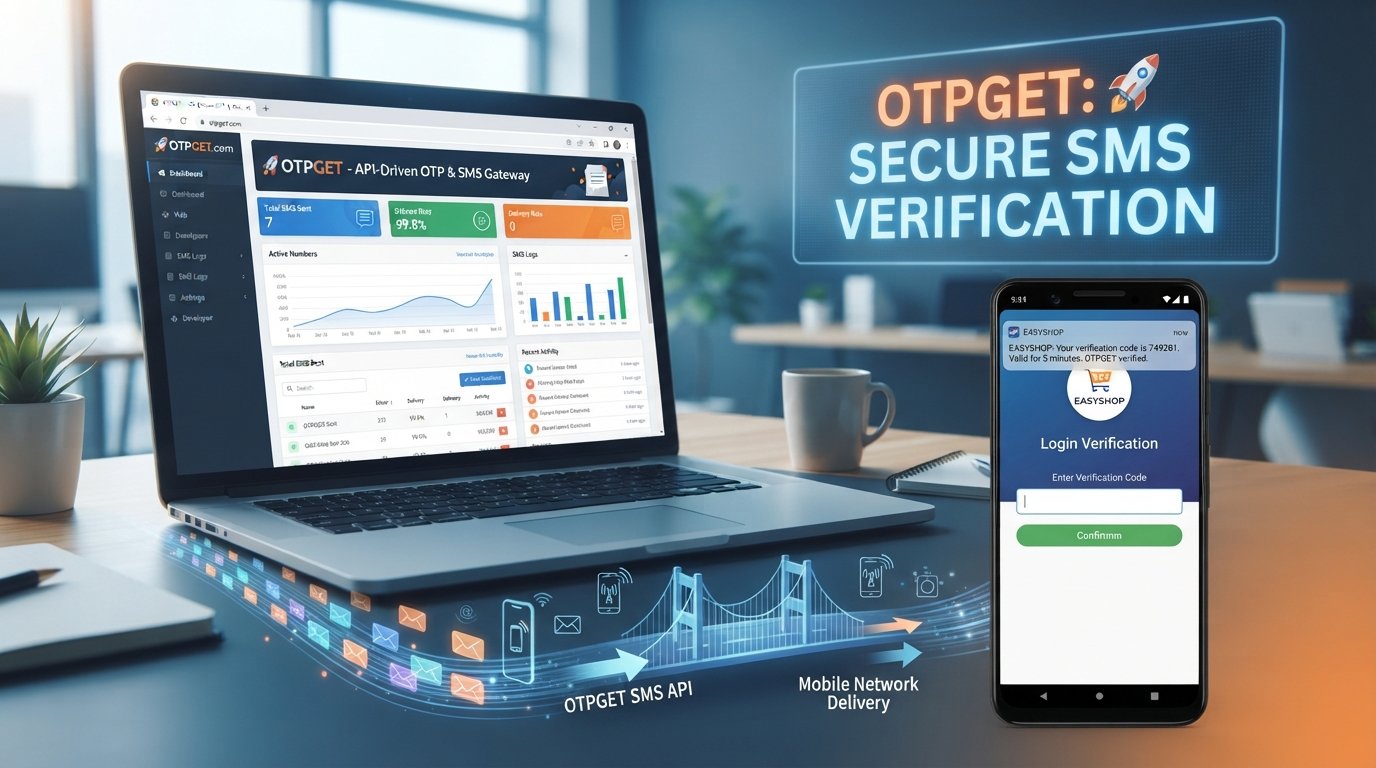
Understanding how OTP verification works can make the process much easier. When a suitable alternative number is permitted by the service, an OTP receiving solution such as OTPGET can also provide a practical option for receiving verification messages.
The key is to use verification services responsibly, follow the original platform's rules, and treat every OTP as sensitive security information.
Why Online Accounts Require Verification
Online platforms use verification to confirm that a person has access to the contact information associated with an account.
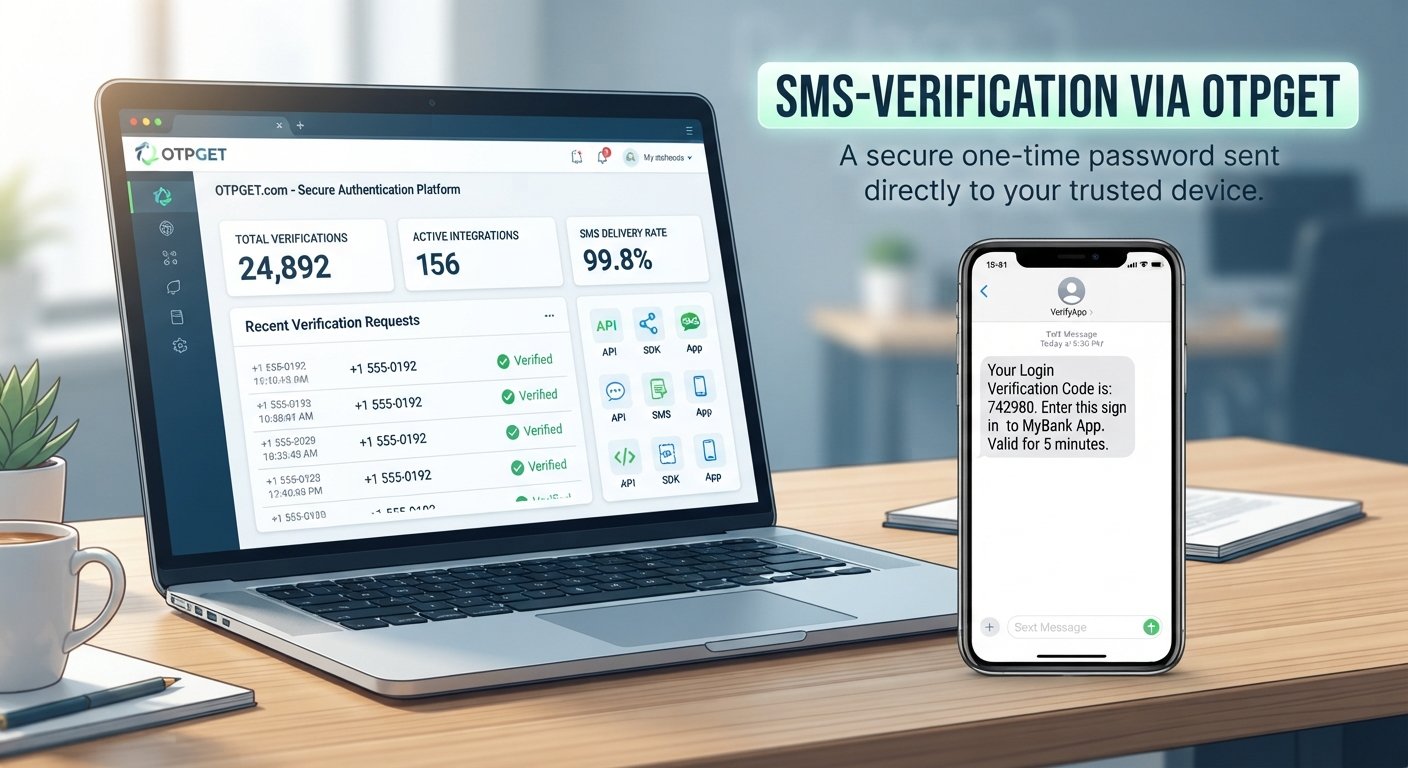
One common method is phone verification. During registration or login, a service sends a short code to a mobile number. The user enters that code on the website or app, completing the verification step.
This process is commonly used for:
- New account registration
- Login verification
- Password recovery
- Two-factor authentication
- Confirming a phone number
- Protecting certain account settings
For students, verification can appear when creating accounts for educational tools, communication services, productivity platforms, online communities, and other digital services.
An OTP does not necessarily prove someone's identity by itself. Instead, it generally confirms access to the phone number or verification channel provided during the process.
Common Online Verification Challenges for Students in Pakistan
Students may encounter several practical problems while completing account verification in Pakistan. Some are related to mobile connectivity, while others depend on the service being used.
OTP delays
Sometimes a verification SMS takes longer than expected. Requesting multiple codes immediately can make the situation more confusing because older codes may expire or become invalid.
SMS delivery problems
A phone can have sufficient signal and still fail to receive a particular verification message. The issue may be related to the sending service, mobile network, number type, or other delivery conditions.
International number compatibility
Some international services handle phone numbers differently. A service may support certain countries or number formats while not supporting others.
Repeated verification attempts
Repeatedly requesting OTPs can trigger additional verification steps or temporary restrictions on code requests. It is usually better to wait briefly before requesting another code.
Managing multiple legitimate accounts
Students often use several online services for study, communication, projects, applications, and personal productivity. Keeping verification information organized can become inconvenient, particularly when a service allows an alternative number for registration.
These challenges do not necessarily mean that an account cannot be verified. They simply mean that students may need to troubleshoot the verification process or consider an appropriate OTP receiving service.
What Is an OTP and How Does OTP Verification Work?
OTP stands for One-Time Password. It is a temporary verification code designed to be used during a particular authentication or verification event.
A typical SMS verification process works like this:
- You enter a supported phone number on a website or app.
- The service generates a temporary verification code.
- The code is sent through SMS.
- You receive the verification message.
- You enter the code into the original service.
- The service checks the code and completes the verification step if it is valid.
An OTP may contain numbers, letters, or a combination of both, depending on the service.
Most importantly, an OTP should be treated as private authentication information. Never share a verification code with another person simply because they ask for it. Someone who obtains a valid code may be able to complete an authentication step on your behalf.
How Students Can Handle Online Account Verification
If you are trying to verify online accounts and a code is not arriving, work through the following steps.
1. Check the phone number
Make sure the country code, number, and formatting are correct. A small mistake can send the verification SMS somewhere else.
2. Confirm that SMS reception is working
Check whether your phone can receive ordinary messages. If other SMS messages are also failing, the issue may be related to your device or mobile network.
3. Check your network connection
Move to an area with better network coverage if necessary. You can also check whether your phone has any connectivity or SIM-related issues.
4. Wait before requesting another code
Avoid repeatedly pressing the resend button. Give the service some time to deliver the first message.
5. Check number support
Some services have specific requirements for phone numbers. Confirm that the service accepts the type and country of number you are using.
6. Follow the platform's official instructions
If the service provides another verification method, recovery option, or troubleshooting page, use the official process rather than trying to work around its security controls.
7. Consider an appropriate OTP receiving solution
When a service permits the use of an alternative number, an OTP receiving service can be useful. OTPGET can be considered for legitimate verification needs where the relevant service and available number support the process.
Where OTPGET Fits In
OTPGET is relevant when a user needs to receive an OTP or verification message for a supported online service and an alternative verification number is permitted.
Instead of treating OTP verification as a complicated technical process, students can think of an OTP receiving service as a way to access the verification SMS through an available number or verification option.
The important point is compatibility. Not every website, app, or account type necessarily supports every available number or verification method. Availability and exact functionality can also vary.
For students exploring OTPGET for online verification, the sensible approach is to check the service options available through OTPGET and compare them with the verification requirements of the original platform.
This makes OTPGET a practical part of a legitimate verification workflow rather than a method for bypassing account restrictions or security requirements.
How to Use OTPGET for Online Verification
The exact interface and available options can change, but the general process for an OTPGET OTP service can be understood in a few straightforward steps:
- Choose the supported service. Identify the website or app where you need to complete verification.
- Select an appropriate option through OTPGET. Availability can depend on the service and current offerings.
- Enter the provided number on the original service. Follow that platform's normal registration or verification process.
- Request the verification code. The original service generates and sends the OTP.
- Wait for the verification SMS. Delivery time can vary.
- Retrieve the code through OTPGET. Use the relevant OTP receiving interface or option available to you.
- Enter the OTP on the original service. Do not send the code to another person.
- Complete verification. Continue using the account according to the platform's terms and security requirements.
If a service does not support the selected number or verification method, use the platform's official alternatives rather than repeatedly requesting codes.
Benefits of Using an OTP Receiving Service
An OTP receiving service can be useful in situations where a service permits an alternative number and a student does not want to rely on a personal number for that particular verification workflow.
Potential benefits include:
- Convenience: Verification messages can be easier to manage in one place.
- Simpler workflows: Students can follow a clear process for receiving a verification SMS.
- Useful for online services: An alternative number may be appropriate for certain legitimate registrations.
- Better organization: Verification-related messages can be easier to distinguish from everyday personal SMS.
- Reduced reliance on a personal number: Where permitted, students may prefer an alternative number for a specific online signup.
These benefits depend on the original service's policies and the number options available through the OTP provider. An OTP receiving service should not be used to evade identity checks, account restrictions, fraud controls, or other platform safeguards.
Important Security Tips for OTP Verification
Whether you receive an OTP on your personal phone or through an appropriate verification solution, security should remain a priority.
Keep these practices in mind:
- Never share an OTP with strangers.
- Do not give a verification code to someone claiming to be customer support unless you are following a legitimate, secure process explicitly provided by the platform.
- Avoid clicking suspicious links sent through unexpected SMS messages.
- Use strong, unique passwords for important accounts.
- Enable two-factor authentication where appropriate.
- Keep your phone and apps updated.
- Review the platform's account-security guidance.
- Treat OTPs as sensitive authentication information.
Remember that legitimate verification should happen through the original website or application. An OTP receiving service is simply part of the delivery process when its use is allowed.
Is OTPGET Right for Students in Pakistan?
For students who regularly create and manage legitimate online accounts, verification can become a routine part of using digital services.
OTPGET may be useful when:
- A supported service requires SMS verification.
- The service permits the use of an alternative number.
- You need a convenient way to receive a verification message.
- You want to keep a particular verification workflow separate from your personal mobile number.
It may not be suitable for every website or account. Service compatibility, number availability, and verification requirements can differ.
The best approach is to check the requirements of the original platform first, then use OTPGET when its available options are appropriate for that legitimate verification purpose.
Frequently Asked Questions
How can students verify online accounts in Pakistan?
Students can verify accounts by following the platform's official verification process, entering a supported phone number, receiving the OTP, and entering the code on the original website or app. If an alternative number is permitted, an OTP service such as OTPGET may be an option.
What is an OTP verification code?
An OTP verification code is a temporary password or code generated for a specific verification or authentication event. It is normally delivered through a channel such as SMS and should be kept confidential.
Why am I not receiving an OTP?
Possible reasons include incorrect number formatting, weak network connectivity, SMS delivery issues, unsupported numbers, or too many repeated requests. Check the number, wait before requesting another code, and follow the service's troubleshooting instructions.
Can I receive verification SMS online?
Yes, an OTP receiving service can provide a way to receive verification SMS online when the relevant service permits the number or method being used. Availability depends on the service and the receiving provider.
What is an OTP receiving service?
An OTP receiving service provides access to a phone number or verification option that can receive certain one-time verification messages. It can be useful for legitimate online account registration and verification when permitted by the original platform.
Is OTP verification safe?
OTP verification can add an additional layer of account protection, but the code itself is sensitive. Never share an OTP with another person, and only enter it into the legitimate website or app you are trying to verify.
How does OTPGET help with online account verification?
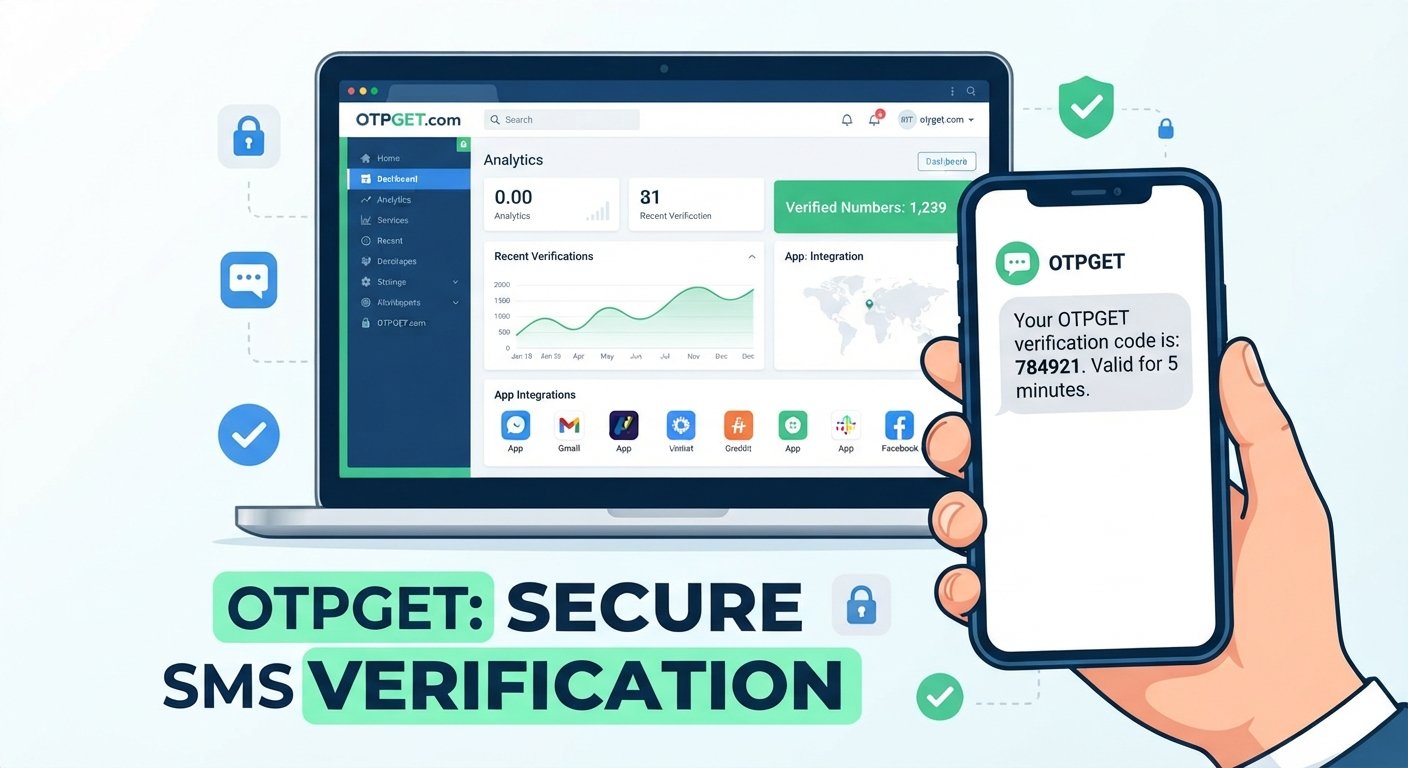
OTPGET can serve as an OTP receiving solution for supported services where SMS verification and the available number are permitted. Users can select an appropriate option, request the code through the original service, retrieve the verification message through OTPGET, and enter it back into the original service.
Conclusion
Online account verification is now a normal part of using digital services, but students in Pakistan can sometimes encounter delays, SMS delivery issues, number compatibility problems, or other verification obstacles.
Understanding how OTPs work makes these situations easier to handle. Start with the basics: enter the correct number, check SMS connectivity, avoid repeated requests, and follow the platform's official instructions.
When an alternative number is permitted and appropriate for the service, OTPGET can provide a practical OTP receiving solution for legitimate verification needs. The exact availability and compatibility should always be checked before starting the process.
For students looking for a straightforward way to manage supported verification messages, exploring OTPGET can be a useful next step—while keeping account security and platform rules at the center of every verification process.
Primary Keyword
online account verification in Pakistan
Secondary Keywords Used
online account verification, account verification in Pakistan, OTP verification, OTP verification in Pakistan, receive OTP online, receive verification code, verification code online, SMS verification, SMS verification in Pakistan, online verification code, account verification for students, verify online accounts, Pakistani students online, phone verification, mobile number verification, temporary phone number, OTP receiving service, receive SMS online, verification SMS, online account signup, secure account verification, account registration in Pakistan, student online accounts, digital services for students, OTP service, OTPGET for online verification, OTPGET OTP service, online account registration
Suggested FAQ Keywords
how can students verify online accounts in Pakistan, what is an OTP verification code, why am I not receiving an OTP, can I receive verification SMS online, what is an OTP receiving service, is OTP verification safe, how does OTPGET help with online account verification