OTP Code Not Arriving? Causes, Fixes & OTPGET Solutions
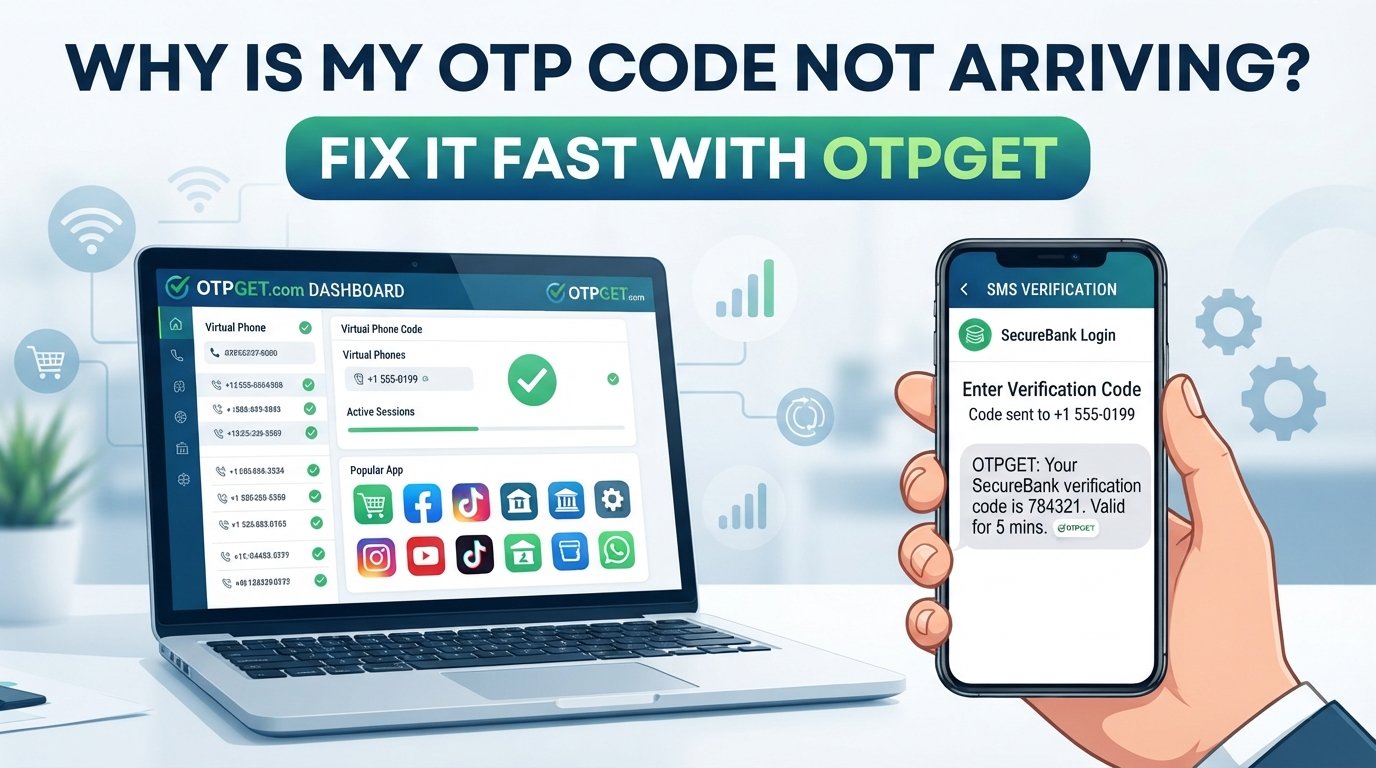
Why Is My OTP Code Not Arriving?
Why is my OTP code not arriving when you need it most? You enter your phone number, tap Send code, and then… nothing. No verification SMS, no one-time password, and no way to finish what you started.
An OTP code not arriving can happen for several reasons. The issue may be your mobile network, an SMS delivery delay, an incorrect phone number, blocked messages, carrier restrictions, too many code requests, or a problem with the service sending the verification code.
The good news is that most OTP problems can be narrowed down with a few simple checks. And if normal SMS verification continues to be unreliable for your situation, an alternative OTP/SMS verification approach such as OTPGET may be worth exploring.
Why Is My OTP Code Not Arriving?
When an OTP doesn't arrive, it's tempting to assume something is wrong with your phone. But the delivery process involves several systems working together.
A typical verification request can involve:
- The website or app generating an OTP.
- The verification service sending the code.
- An SMS provider routing the message.
- A mobile carrier delivering the SMS.
- Your phone receiving and displaying it.
A problem at any point can result in an OTP not received situation.
The code might also have been sent but delayed, filtered, expired, or replaced by a newer OTP request. That's why repeatedly pressing “Resend” isn't always the best first step.
Common Reasons You Are Not Receiving an OTP
1. Weak or unstable mobile network
Poor cellular reception can interfere with SMS delivery. Even if calls or mobile data appear to work, text messages can sometimes arrive late.
If you're in an area with weak coverage, move somewhere with a stronger signal and wait briefly for the message.
2. SMS delivery is delayed
Sometimes the OTP has been generated successfully but hasn't reached your phone yet.
Network congestion, carrier routing, or temporary delivery delays can result in an OTP SMS not received immediately.
Give the message a little time before requesting another code.
3. The phone number is incorrect
A simple typo can prevent an OTP from reaching you.
Check:
- The country code
- The phone number
- Any leading or missing digits
- Whether you entered the intended number
If the number is incorrect, requesting another OTP won't solve the problem.
4. Your SMS inbox is full
Some devices or messaging configurations can experience problems when there are too many stored messages.
Delete unnecessary messages if your phone is running low on storage or your messaging app is behaving unusually.
5. Messages are blocked or filtered
Your phone may automatically filter certain messages, particularly those sent from automated systems or unfamiliar senders.
Check your:
- Blocked numbers
- Spam or filtered messages
- SMS filtering settings
- Messaging app permissions
This is especially useful when other text messages are arriving normally but a particular verification SMS is not received.
6. Carrier-related delivery issues
Your mobile carrier is another possible part of the delivery chain.
Some automated or international messages may experience delivery restrictions or delays depending on the carrier, destination, routing, or account configuration.
If OTP messages consistently fail while ordinary SMS works, the carrier may be worth contacting.
7. Too many OTP requests
Requesting several codes in quick succession can make the situation more confusing.
For example, you might request Code A, then Code B, and finally Code C. If Code A eventually arrives, it may already be invalid because a newer code has been generated.
When possible, request one OTP and wait before trying again.
8. The OTP has expired
An OTP is generally intended to be used for a limited period.
If a delayed code finally arrives after the verification window has passed, it may not work. This can make it appear that the OTP code not working is a separate problem when the real issue was delivery delay.
9. The website or app has a problem
Sometimes the problem isn't your phone at all.
The service requesting verification may be experiencing:
- Temporary technical problems
- High request volume
- SMS provider issues
- Verification-system errors
- Temporary outages
If everything on your phone appears normal, check whether the service has reported an issue or try again later.
10. International SMS restrictions
International verification messages can sometimes face additional routing or delivery limitations.
This can be particularly relevant when a service sends verification messages across countries or regions.
How to Fix an OTP That Is Not Arriving
If you're dealing with an OTP not coming through, work through these steps in order.
1. Confirm your phone number
Double-check the number and country code before requesting another verification code.
2. Check your mobile signal
Move to an area with better reception if your signal is weak. Then wait briefly for the SMS.
3. Don't repeatedly request new codes
Use the official resend option only when appropriate. Multiple requests can create several active or expired codes and make troubleshooting harder.
4. Check blocked and spam messages
Look through your messaging app's blocked, filtered, or spam sections. The verification message may have been redirected there.
5. Restart your phone
A simple restart can sometimes resolve temporary network or messaging glitches.
6. Check whether normal SMS works
Ask someone you trust to send you a text, or use another legitimate SMS test. If ordinary messages aren't arriving either, the issue may be related to your phone, SIM, or carrier rather than the verification service.
7. Use the official resend option
If the first code doesn't arrive after a reasonable wait, request another one through the service's official verification screen.
Once you receive a new code, use the newest valid code rather than an older message.
8. Check the service status
If your phone is receiving other SMS messages but one particular service never delivers its OTP, the sender or verification system may be the source of the problem.
9. Contact the service provider
If the problem continues, contact the website or app's official support team. Tell them that the OTP verification code is not received and provide the relevant account or transaction details they request.
What If the OTP SMS Still Does Not Arrive?
If you've checked your phone, network, number, messages, and carrier but the problem continues, repeatedly waiting for the same SMS may not be productive.
This is where it's useful to consider whether you actually need to keep using your normal phone number for the particular verification process.
Depending on the service and its supported verification methods, you may be able to use an alternative approach for SMS verification or phone verification.
The important point is to use only legitimate verification methods that comply with the service's rules. Avoid trying to bypass security controls or using verification methods for accounts or services you're not authorized to access.
How OTPGET Can Help With OTP Verification
If repeated SMS delays are preventing you from completing a legitimate verification process, OTPGET can provide an alternative approach for handling OTP/SMS verification.
Rather than continuing to request the same code and hoping it eventually appears on your personal phone, users who need a temporary phone number for OTP or another supported OTP/SMS verification option can explore whether OTPGET fits their particular use case.
OTPGET can be useful when you're dealing with an OTP delivery problem and need an alternative approach to SMS-based verification.
The value is straightforward: instead of treating every missing verification code as a phone troubleshooting problem, you can explore an OTP-focused service designed around verification needs.
When considering any OTP service, always check whether it supports the specific service you're trying to verify and follow that service's terms and verification requirements.
OTPGET vs. Repeatedly Waiting for an OTP
When an OTP isn't arriving, the traditional troubleshooting cycle can become repetitive.
| Traditional OTP troubleshooting | OTPGET |
|---|---|
| Wait for SMS delivery | Alternative approach to OTP verification |
| Check mobile signal | Designed for users with OTP/SMS verification needs |
| Request another code | Can help simplify the verification process where supported |
| Check carrier or messaging issues | Explore an option beyond repeatedly waiting for the same SMS |
| Repeat troubleshooting if delivery fails | Consider an OTP-focused solution for supported use cases |
OTPGET isn't a reason to skip basic troubleshooting. If your regular number should receive the code, checking the obvious causes first can quickly identify a simple problem.
But when OTP delivery issues keep happening, having another option can make the process less frustrating.
Tips for Avoiding OTP Verification Problems
A few habits can reduce common OTP problems:
- Keep your phone number accurate on the service you're using.
- Make sure your phone can receive ordinary SMS messages.
- Keep your messaging app organized and check filtered messages.
- Avoid requesting multiple OTPs at once.
- Use the newest OTP when several codes have been requested.
- Don't wait until an OTP is about to expire before entering it.
- Check your mobile signal when you're expecting an important verification message.
- If a service repeatedly fails to deliver codes, check its official support information.
- For legitimate verification needs, consider an alternative OTP service such as OTPGET when appropriate.
Good OTP troubleshooting is usually about identifying where the delivery chain has failed rather than simply requesting the code again and again.
Frequently Asked Questions About OTP Codes
Why is my OTP code not arriving?
An OTP may not arrive because of weak network coverage, SMS delays, an incorrect number, blocked messages, carrier restrictions, too many requests, an expired code, or a problem with the service sending it.
Why am I not receiving OTP on my phone?
First, check your phone number, mobile signal, SMS inbox, blocked messages, and whether ordinary text messages are working. If those are fine, the problem may be with the sender's verification system or SMS delivery route.
How long should I wait for an OTP?
It depends on the service and its delivery system. Wait briefly before requesting another code. Repeated requests can create multiple codes and make it difficult to know which one is currently valid.
Why is my OTP SMS not received?
The message may be delayed by your carrier or SMS routing system, filtered by your phone, blocked, sent to an incorrect number, or affected by an issue on the service's side.
What should I do if my OTP expires?
Request a new code using the service's official resend option. Use the newest valid OTP rather than trying an older expired code.
Can I receive OTP online?
Some services provide online or alternative SMS verification options. Whether you can use one depends on the service you're verifying and its accepted verification methods. If appropriate for your use case, you can explore OTPGET as an OTP/SMS verification option.
How can OTPGET help with OTP verification?
OTPGET is relevant to users looking for an alternative approach to OTP or SMS verification when receiving codes through their normal phone number is proving difficult. Check the available option and make sure it supports your intended verification use case.
Final Thoughts
When an OTP code not arriving becomes a recurring problem, don't assume that your phone is automatically at fault. The issue could involve your network, SMS settings, carrier, phone number, the verification service, or the delivery system between them.
Start with the basics: confirm your number, check your signal and messages, avoid repeated OTP requests, and give delayed SMS messages a little time. If the normal verification route continues to fail, an alternative approach may be worth considering.
OTPGET can be a practical option to explore for users who need an alternative way to handle OTP/SMS verification. Before using any verification service, make sure the method is appropriate for the service you're accessing and complies with its requirements.
If you're tired of waiting for a missing verification code, explore OTPGET and see whether its OTP/SMS verification options fit your needs.