OTP Not Received by SMS? Common Reasons, Fixes & OTPGET Guide
OTP Not Received by SMS? Common Reasons and Fixes
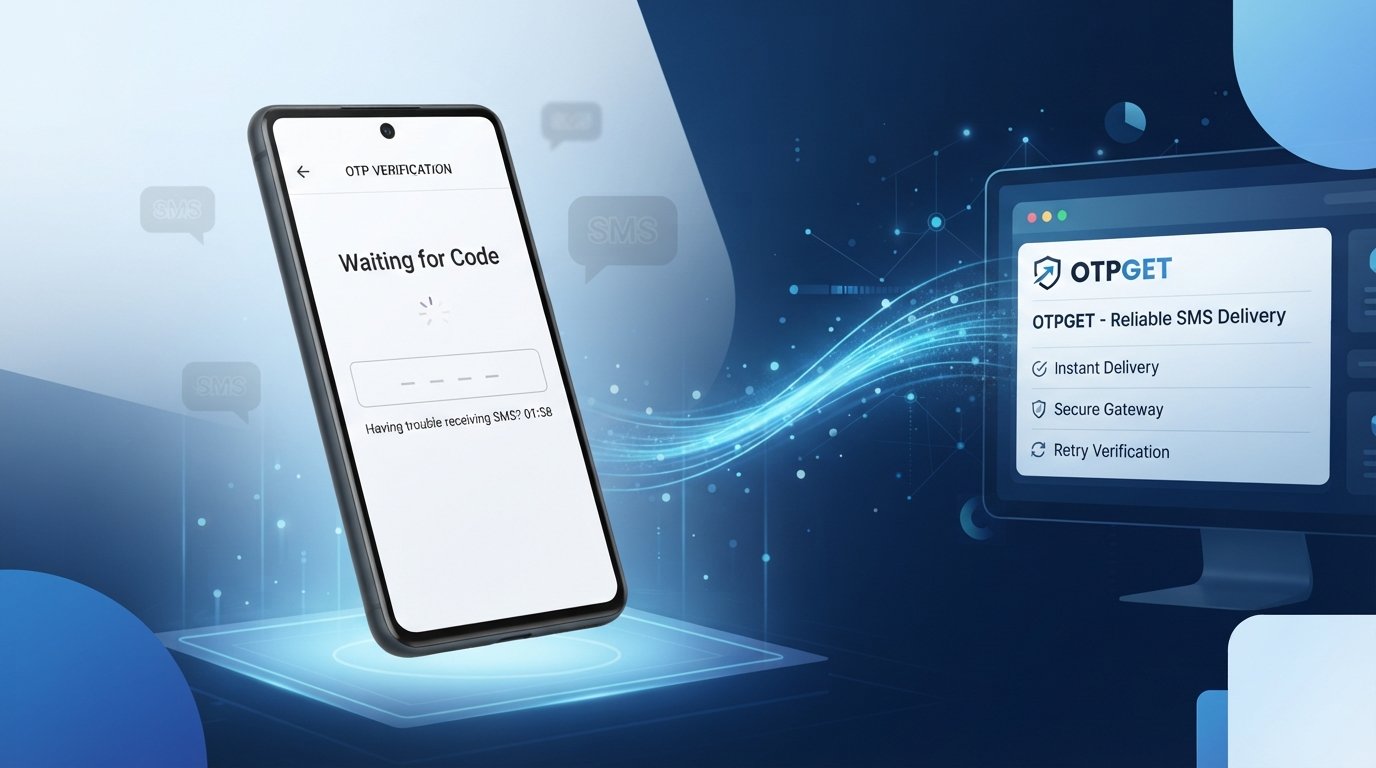
Waiting for a verification code that never arrives can be surprisingly frustrating. You request an OTP, the website says the message was sent, and then… nothing. You check your phone again, request another code, and still cannot complete the verification process.
If you are dealing with an OTP not received by SMS problem, the cause may be something simple, such as a weak mobile signal or an incorrect phone number. It can also be related to carrier delays, SMS filtering, international routing, or an issue with the website generating the code.
The good news is that many OTP delivery problems can be fixed with a few straightforward troubleshooting steps. And when regular SMS delivery is inconvenient or unreliable, services such as OTPGET can provide an alternative for supported online verification needs.
[Internal Link: OTPGET Homepage]
Let's look at the most common reasons an OTP does not arrive and what you can do about them.
OTP Not Received by SMS? Common Reasons
An OTP can fail to reach your phone at several points between generation and delivery. Here are the most common causes.
1. Poor Mobile Network
A weak signal or temporary network congestion can delay incoming SMS messages. This is especially common when you are in an area with limited coverage or when a carrier is experiencing unusually heavy traffic.
If other SMS messages are also arriving late, your mobile network may be part of the problem.
2. Incorrect Phone Number
A simple number-entry mistake can prevent delivery completely. Check the phone number carefully, including the country code.
If the website requires an international format, entering a local number incorrectly may result in the verification SMS being routed somewhere else or rejected.
3. SMS Inbox or Phone Problems
Your phone may have blocked or filtered the message. Other possibilities include a full SMS storage area, messaging-app problems, device glitches, or accidentally blocked senders.
Check your blocked and spam messages before requesting another OTP.
4. Carrier Delays
Mobile carriers do not always deliver automated messages instantly. Verification SMS traffic can pass through several systems before reaching your phone.
A temporary carrier delay can therefore make an OTP appear to be missing when it is simply taking longer than expected.
5. Too Many OTP Requests
Repeatedly clicking "Send OTP" can create another problem. Many websites limit how frequently users can request verification codes.
Some platforms also invalidate an earlier code when a new one is generated. If several messages eventually arrive, the newest valid code may be the only one that works.
6. Website or App Server Problems
The problem may not be your phone at all. The website or app responsible for generating the OTP could be experiencing technical difficulties.
In this situation, repeatedly troubleshooting your phone will not necessarily help.
7. SMS Filtering or Blocking
Automated verification messages may sometimes be filtered by a carrier, device, messaging application, or security system.
This can result in an SMS verification code being sent but not appearing in your normal inbox.
8. International SMS Restrictions
Internationally routed SMS messages can encounter additional delivery steps. Carrier policies, sender restrictions, routing issues, or regional limitations may affect whether and how quickly a verification message arrives.
This is one reason an OTP may work normally with one number or region but experience problems with another.
What to Do When OTP Is Not Coming
If your OTP is not coming, work through these steps before assuming the verification system is broken:
- Check that the phone number is correct.
- Confirm the country code.
- Make sure your phone has a usable mobile signal.
- Wait a few minutes before requesting another code.
- Avoid repeatedly pressing the OTP request button.
- Restart your phone if SMS messages appear to be malfunctioning.
- Check blocked, filtered, and spam messages.
- Make sure your SMS storage is not full.
- Try moving to an area with better network coverage.
- Check whether the website or app has reported an outage.
- Request a fresh OTP after the platform's waiting period.
- Use another supported verification method if one is available.
These basic steps resolve many everyday SMS OTP issues. They also help identify whether the problem is with your device, carrier, or the service itself.
[Internal Link: OTP Verification Guide]
Why OTP Messages Get Delayed
Understanding the OTP delivery process makes these problems easier to diagnose.
When you request an OTP, the process generally involves several stages:
Generated → Sent → Routed → Delivered → Received
A website displaying "OTP sent" usually means the platform has generated or submitted the message. It does not necessarily mean the SMS has already reached your phone.
For example, the platform may send the message through an SMS gateway. From there, it can travel through telecom infrastructure before reaching the recipient's carrier and, ultimately, the phone.
Delays can occur because of:
- SMS gateway congestion
- Telecom network traffic
- International SMS routing
- Carrier filtering
- Sender restrictions
- Platform-side technical issues
- Temporary network problems
This explains why an OTP delayed message can eventually arrive several minutes after it was requested.
How to Receive OTP When SMS Is Not Working
If you have already checked your number, network, inbox, and other basic causes, you may need an alternative approach.
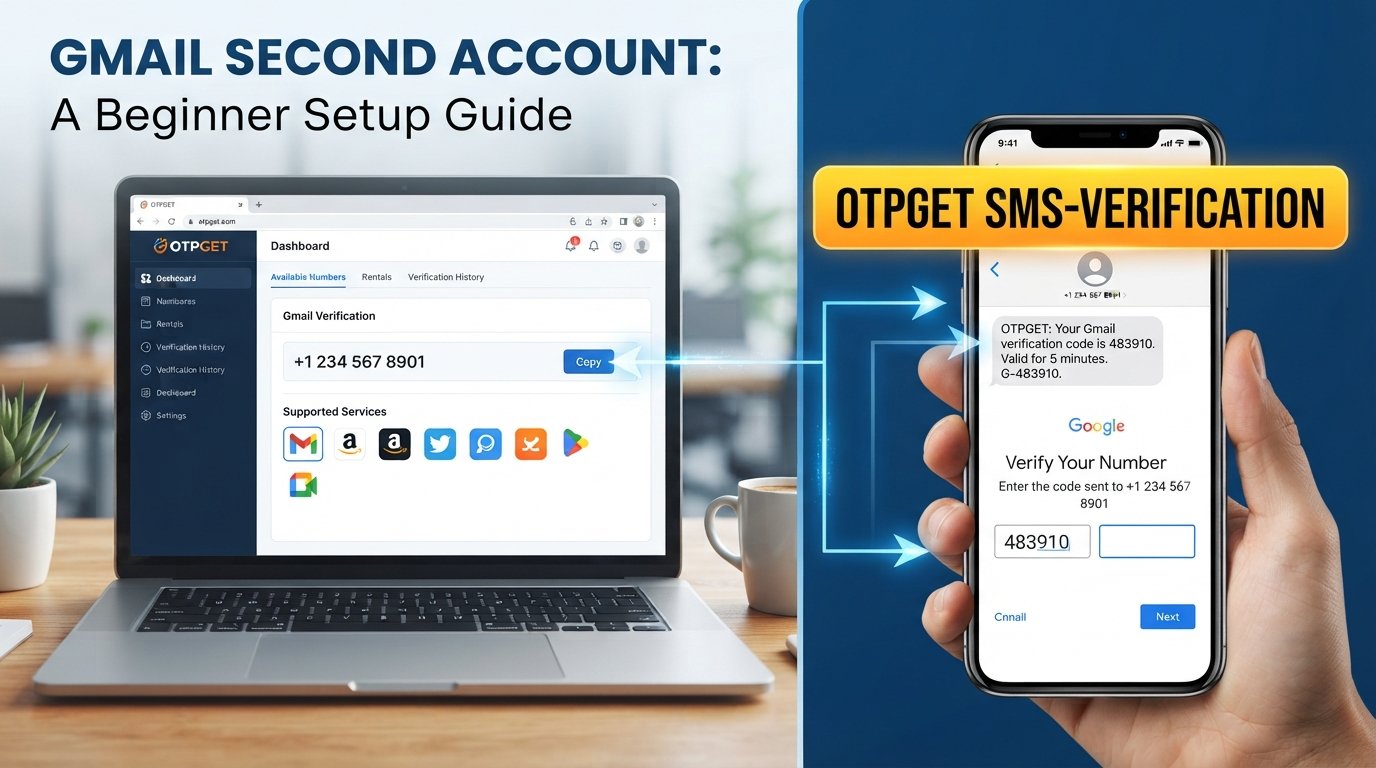
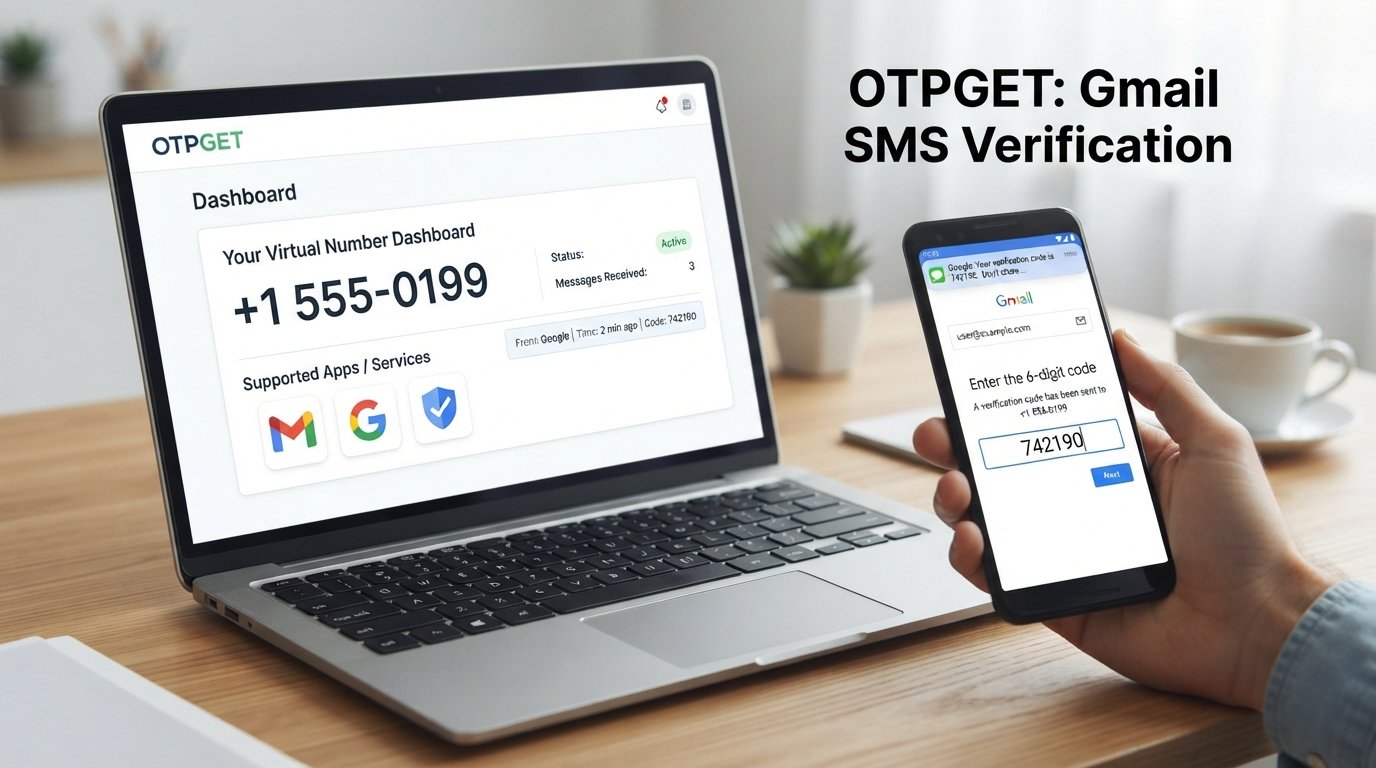
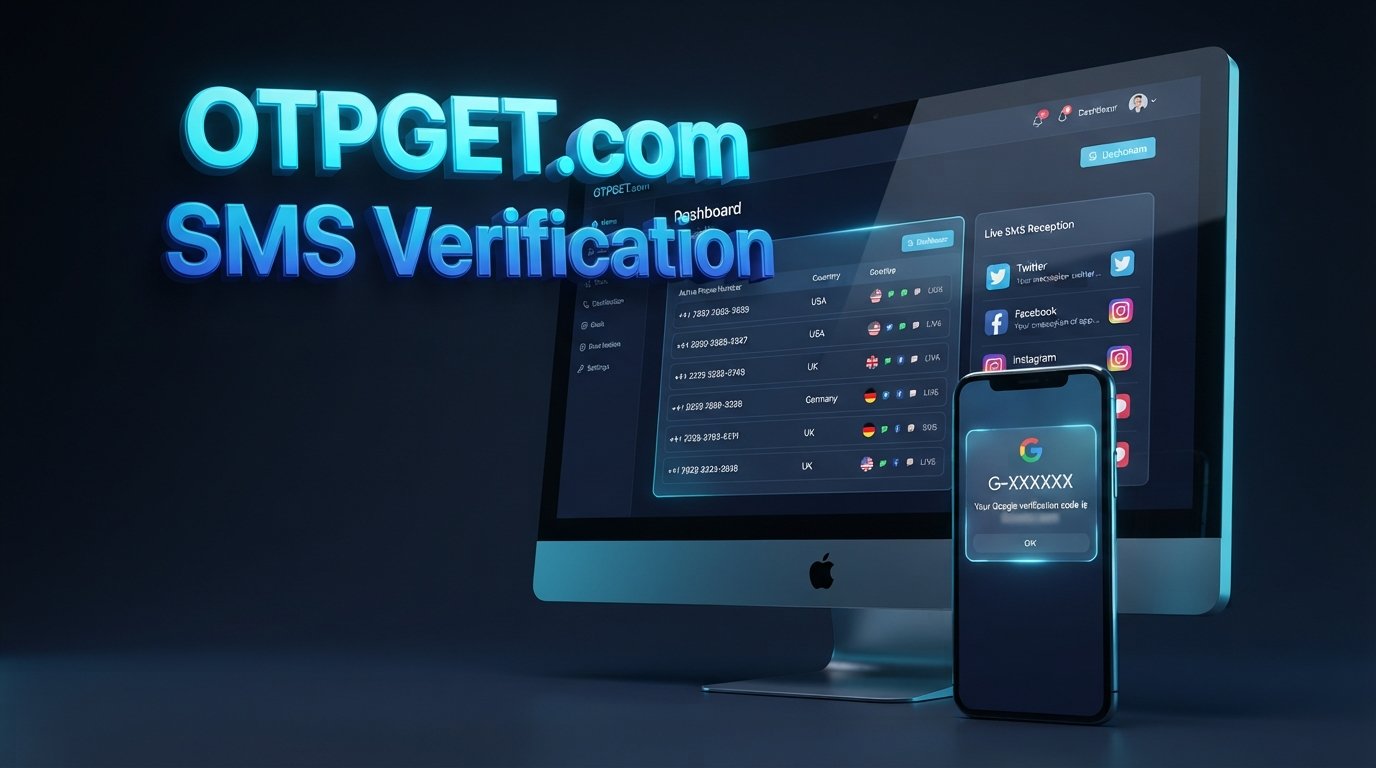
For supported services, an online SMS receiving service can provide another way to receive verification messages. OTPGET can provide a convenient way to receive supported verification SMS messages without relying entirely on your regular mobile number.
The important word is supported. OTPGET should not be treated as a universal solution for every website, app, country, or verification system. Availability can depend on the service being verified, the country, the number type, and the platform's own verification policies.
For legitimate online verification where an alternate number is permitted, OTPGET can make the process more convenient.
[Internal Link: Receive SMS Online Guide]
How OTPGET Helps With OTP Verification
OTPGET is designed around the practical problem of receiving SMS verification messages when using a regular mobile number is inconvenient.
Depending on the supported service and available number, potential benefits include:
- Convenient OTP receiving
- Online SMS access
- Reduced dependence on a personal number for supported services
- Easier verification workflows
- Faster access to supported incoming SMS messages
- A convenient option when ordinary SMS delivery is unreliable
- A straightforward user experience
- Support for legitimate online verification needs
The key benefit is convenience. Instead of continuing to wait indefinitely for a delayed SMS to a personal number, users can consider OTPGET for OTP verification when the relevant platform permits an alternate or online number.
[Internal Link: OTPGET FAQ]
How to Use OTPGET for Receiving an OTP
The exact options available can vary, but the general process is straightforward.
Step 1: Open OTPGET
Start by accessing OTPGET and reviewing the available options for your intended verification purpose.
Step 2: Choose a Suitable Number or Service
Select an appropriate available option for the supported website or service you want to verify.
Step 3: Enter the Number on the Supported Website
Enter the provided number in the phone-number field on the website or app requesting SMS verification.
Always check that the platform permits the use of an alternate or online number.
Step 4: Request the OTP
Submit the verification request on the original website. The service will attempt to send its one-time password to the number you provided.
Step 5: Check OTPGET
If the service and number are supported, check OTPGET for the incoming verification SMS.
Step 6: Enter the Verification Code
Enter the received verification code into the original website or app and complete the verification process.
Only use OTP services for legitimate purposes and follow the terms and verification rules of the website or platform you are using.
OTPGET vs Waiting for a Delayed SMS
When an OTP does not arrive, you generally have three practical options.
Continue waiting: If the message is simply delayed, it may arrive after a short period.
Troubleshoot your regular number: Checking your signal, number format, inbox, spam filters, and carrier connection can solve many ordinary SMS problems.
Use OTPGET where appropriate: If traditional SMS remains inconvenient and the platform supports an alternate number, OTPGET can provide an online SMS receiving option.
The best choice depends on the situation. OTPGET is an alternative, not a guarantee that every verification service will accept every available number.
Common OTP Troubleshooting Mistakes to Avoid
Some actions can actually make an OTP problem worse.
Requesting OTPs repeatedly: Multiple requests can trigger rate limits or invalidate earlier codes.
Using an old OTP: If a newer code has been issued, an earlier verification code may no longer work.
Entering the wrong country code: International formatting mistakes are a common cause of failed delivery.
Ignoring spam or blocked messages: The verification SMS may have arrived but been filtered.
Refreshing too many times: Excessive activity can sometimes trigger temporary restrictions on the website.
Sharing OTPs with other people: A one-time password is intended for the verification process it was generated for. Do not share it with strangers.
Using untrusted websites: Avoid entering sensitive information or verification codes into unfamiliar services.
Assuming every service supports every number: A temporary phone number or virtual phone number may not be accepted by every platform.
Good OTP troubleshooting is not only about getting a code quickly. It is also about using the correct and legitimate verification method.
Is It Safe to Use an Online OTP Receiving Service?
There is no single answer for every situation.
Before using an online SMS receiving service, consider the sensitivity of the account, the platform's rules, and whether it explicitly permits alternate numbers.
For highly sensitive accounts, such as banking, financial services, government accounts, or other services that specifically require your personal number, use the verification method recommended by the account provider instead.
You should also consider whether the receiving service is trustworthy and whether the verification code could be visible to someone other than you.
Never use an online OTP service to bypass legitimate security controls, evade identity verification, gain unauthorized access, or violate a platform's rules.
For ordinary services that permit alternate numbers, an OTP receiving service can be a convenient option. For sensitive accounts, follow the provider's official verification requirements.
Frequently Asked Questions
Why am I not receiving OTP by SMS?
An OTP may not arrive because of a weak network, an incorrect phone number, carrier delays, SMS filtering, rate limits, international routing problems, or an issue with the service sending the code. Check your number and signal first, then wait before requesting another OTP.
Why is my OTP not coming to my phone?
If your OTP is not coming, check the country code, mobile signal, blocked messages, spam filters, and SMS storage. If everything looks correct, the website or carrier may be experiencing a temporary delivery problem.
What should I do if my OTP is delayed?
Wait a few minutes before requesting another code. Repeated requests can trigger rate limits or invalidate previous codes. If the OTP still does not arrive, check your phone settings and whether the service offers another supported verification method.
How can I receive OTP online?
Some services provide online SMS receiving capabilities for supported verification purposes. If a website permits alternate numbers, you may be able to use an online SMS verification service such as OTPGET to receive a supported verification message.
Can OTPGET help when SMS OTP is not received?
OTPGET may help when ordinary SMS delivery is inconvenient, provided the relevant service, country, and number are supported and the platform permits an alternate number. It should not be assumed to work with every website or verification system.
Why does my verification code not arrive?
A verification code not received situation can happen because the message was delayed, filtered, rejected, or never successfully sent by the platform. Check your phone number and network, then investigate whether the website is experiencing a delivery problem.
Can I request an OTP multiple times?
You can often request another OTP, but doing so repeatedly is not recommended. Many services impose request limits, and generating a new code can make an earlier code invalid. Follow the waiting instructions shown by the website.
Is it safe to use an online SMS receiving service?
It depends on the service, account, and platform rules. Avoid using third-party numbers for highly sensitive accounts unless the provider explicitly permits them. Never share verification codes and never use an online receiving service to bypass legitimate security requirements.
Final Thoughts
An OTP not received by SMS problem does not always mean something is seriously wrong. The cause may be as simple as poor network coverage, an incorrect number, a filtered message, or a temporary carrier delay. In other cases, the platform generating the OTP may be experiencing its own delivery problems.
Start with the basics: verify your phone number and country code, check your signal and SMS inbox, look for blocked messages, and avoid requesting too many codes in quick succession.
If regular SMS remains inconvenient or unreliable, OTPGET offers a practical alternative for supported OTP and online verification needs where the relevant platform permits the use of an alternate number.
If you are tired of waiting for verification messages that never arrive, check OTPGET and see whether it can make your next supported verification process simpler.
SEO Keyword Checklist
Primary Keywords
- OTP not received by SMS
- OTP not received
- OTP not coming
- SMS OTP not received
- OTP verification
- OTP problem
- OTP delivery problem
- receive OTP
- OTP code not received
- verification code not received
- OTPGET
Secondary Keywords
- why OTP is not received
- why am I not receiving OTP
- OTP SMS not coming
- SMS verification code not received
- verification SMS not received
- OTP delayed
- OTP not arriving
- OTP delivery failed
- SMS OTP issues
- mobile verification code
- one-time password
- one time password not received
- OTP troubleshooting
- OTP verification issues
- SMS verification problems
- delayed SMS
- mobile number verification
- online verification
- temporary phone number
- receive SMS online
- receive OTP online
- SMS receiving service
- online SMS verification
- virtual phone number
- OTP receiving service